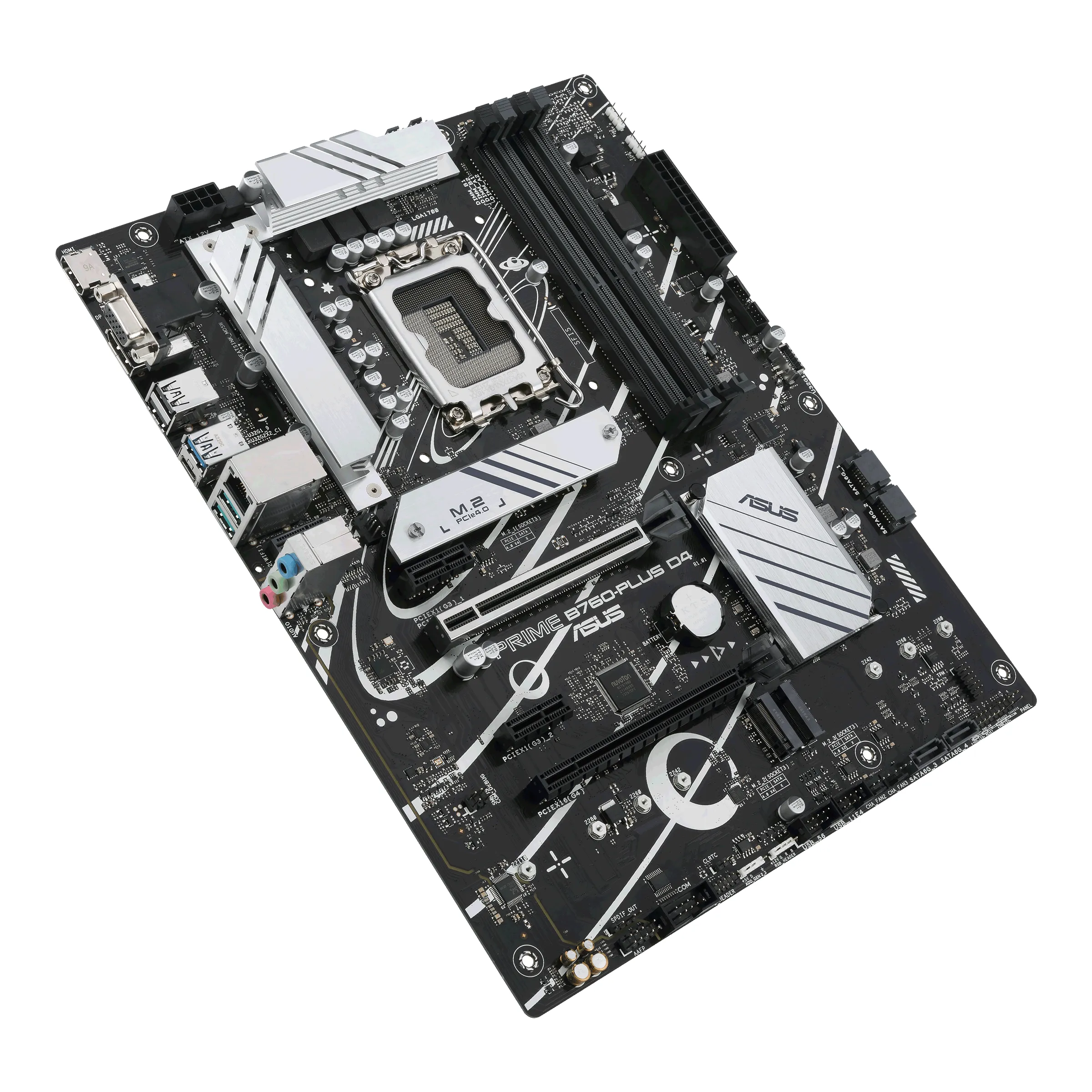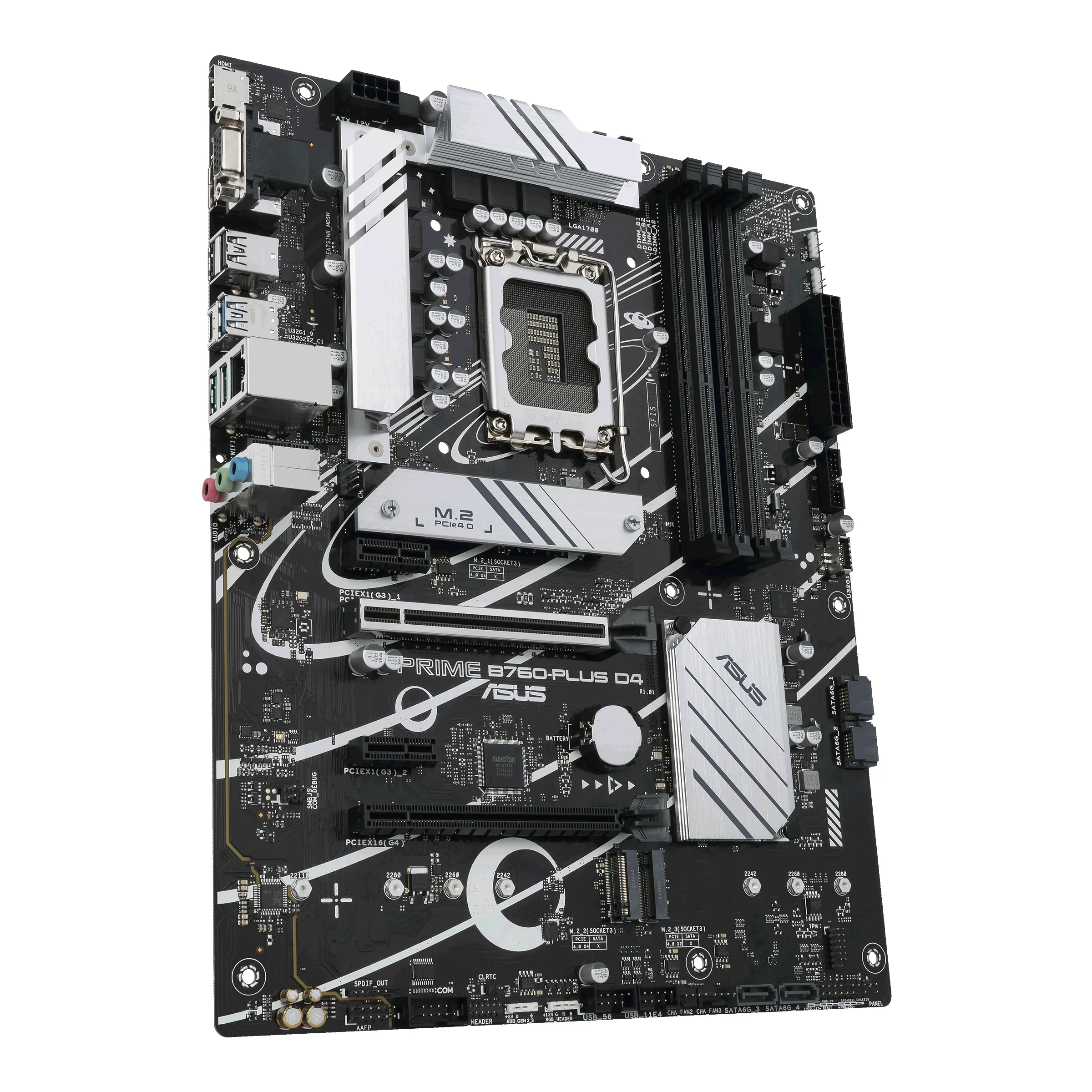

Most sold
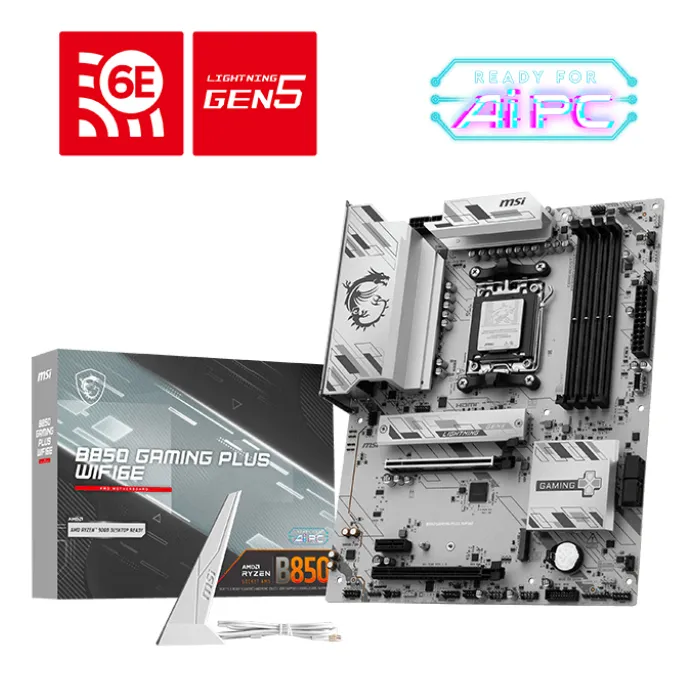
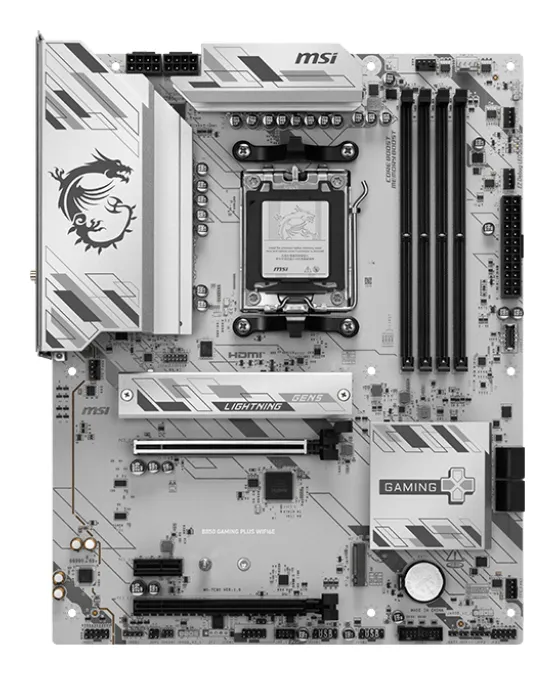
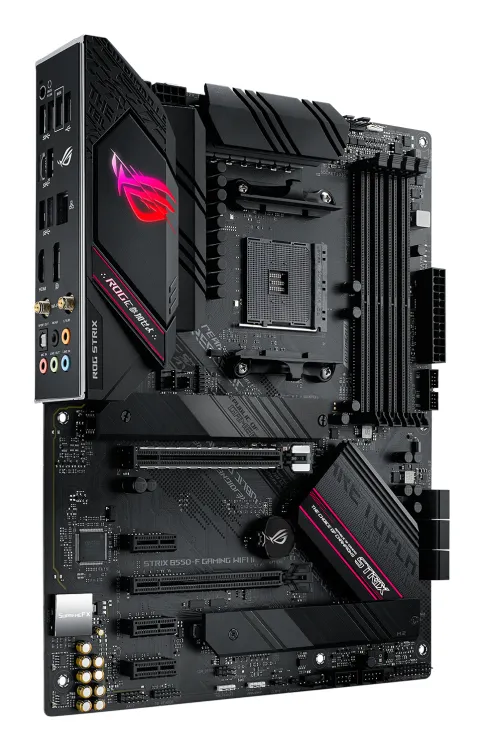
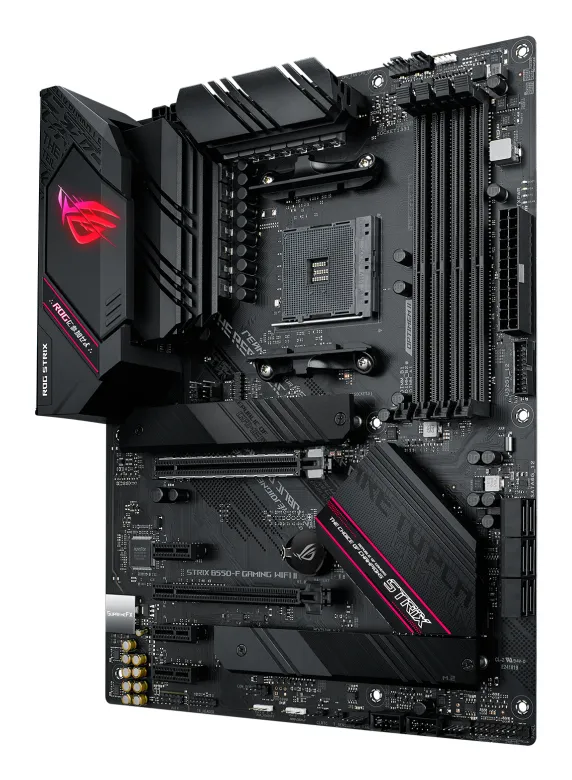
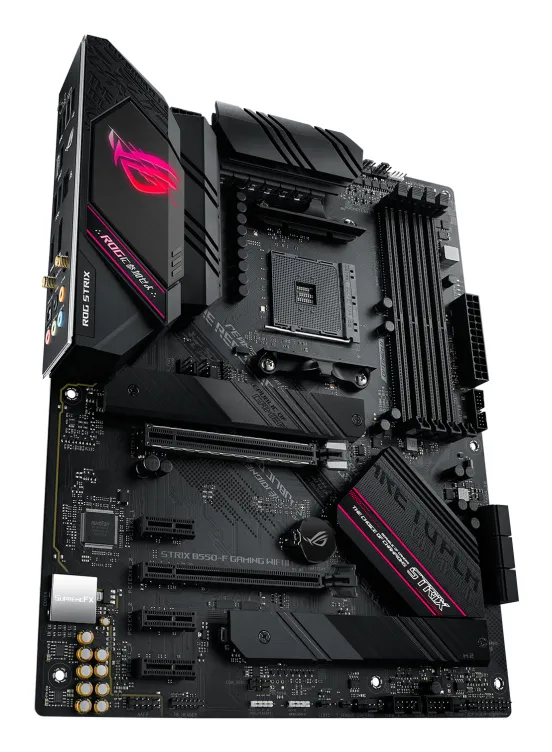
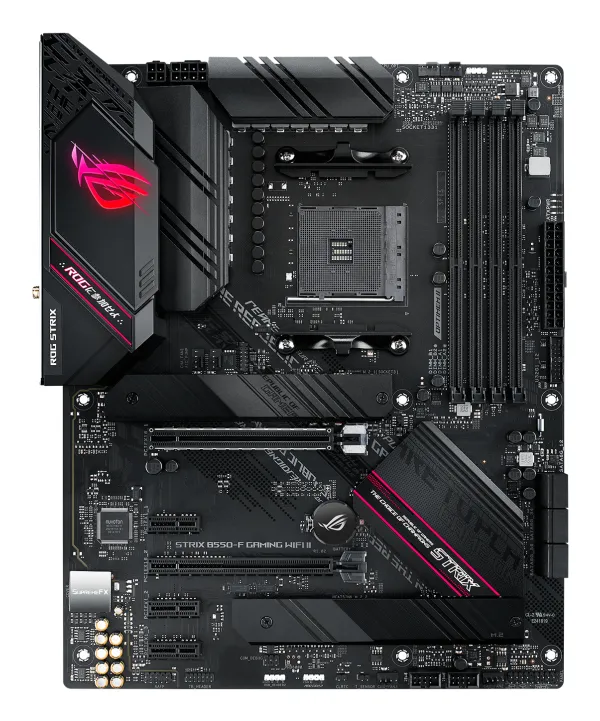
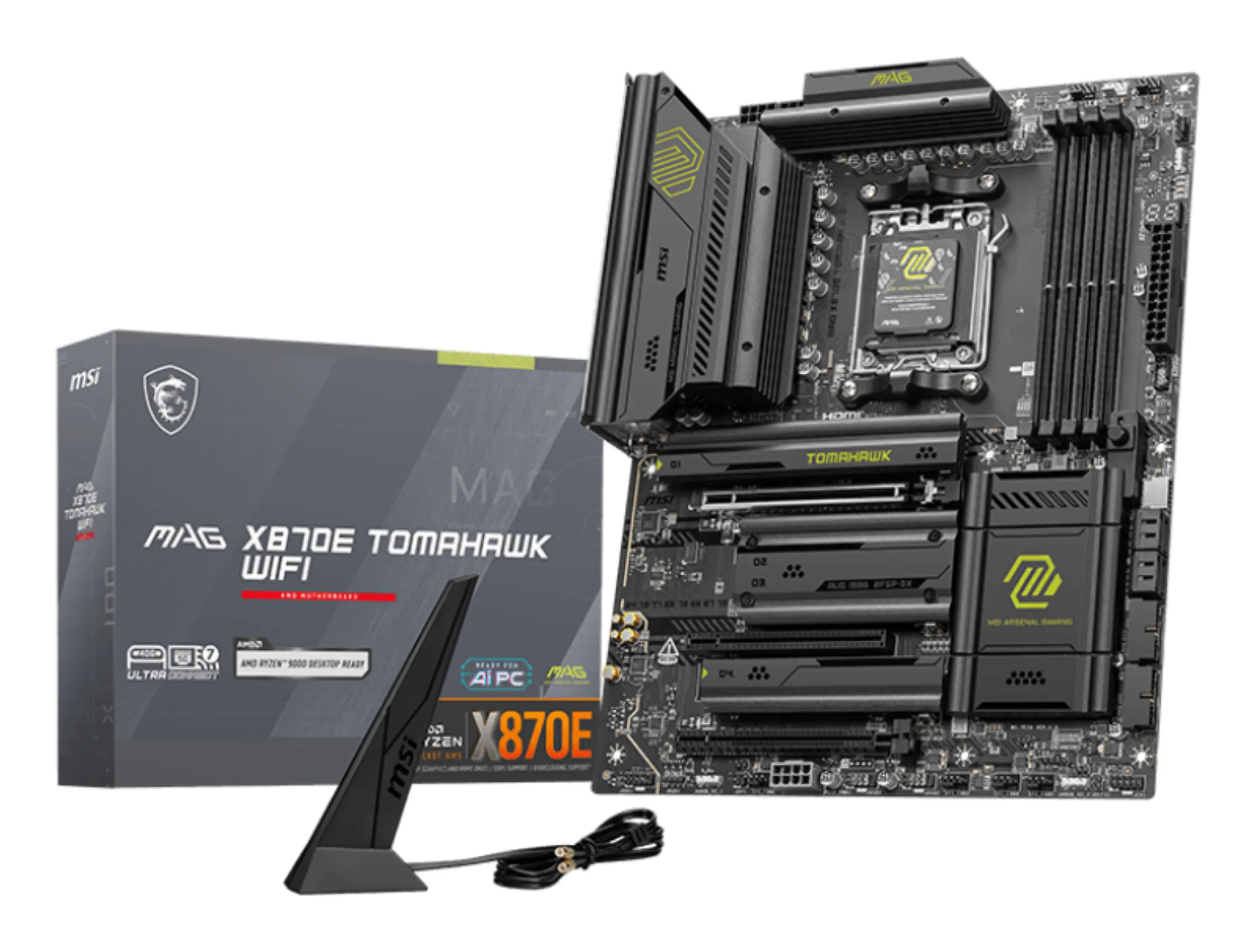
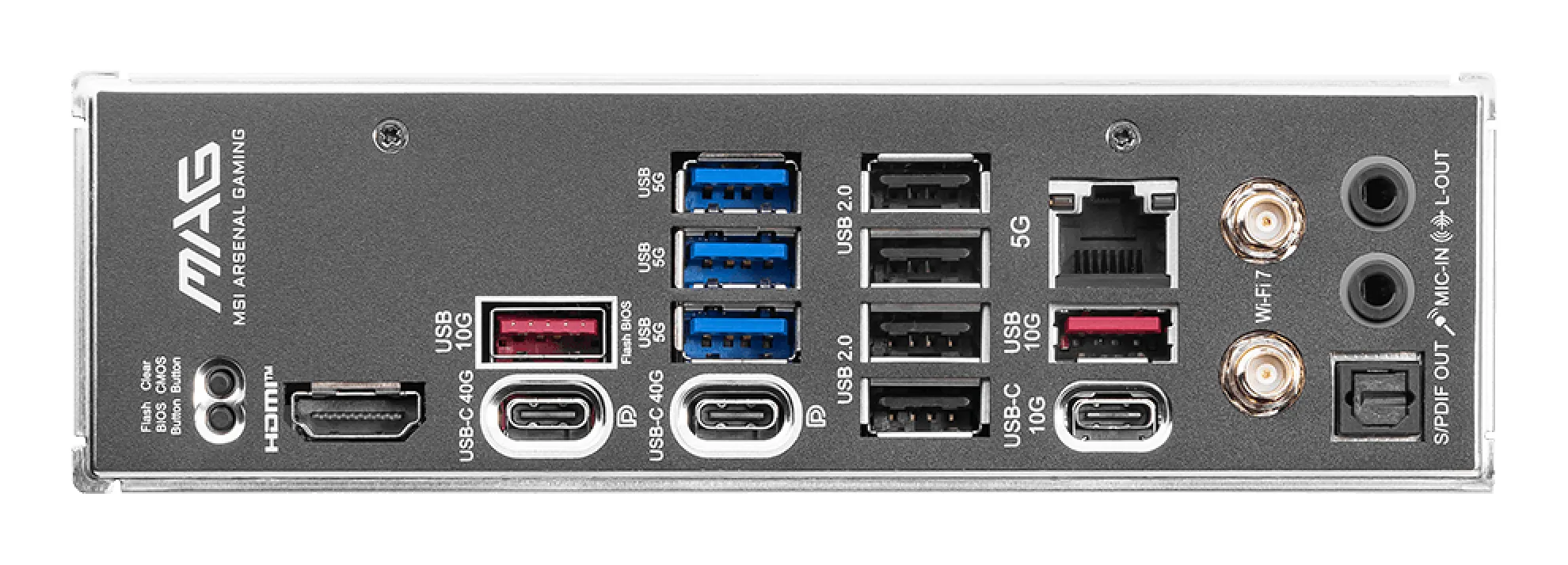
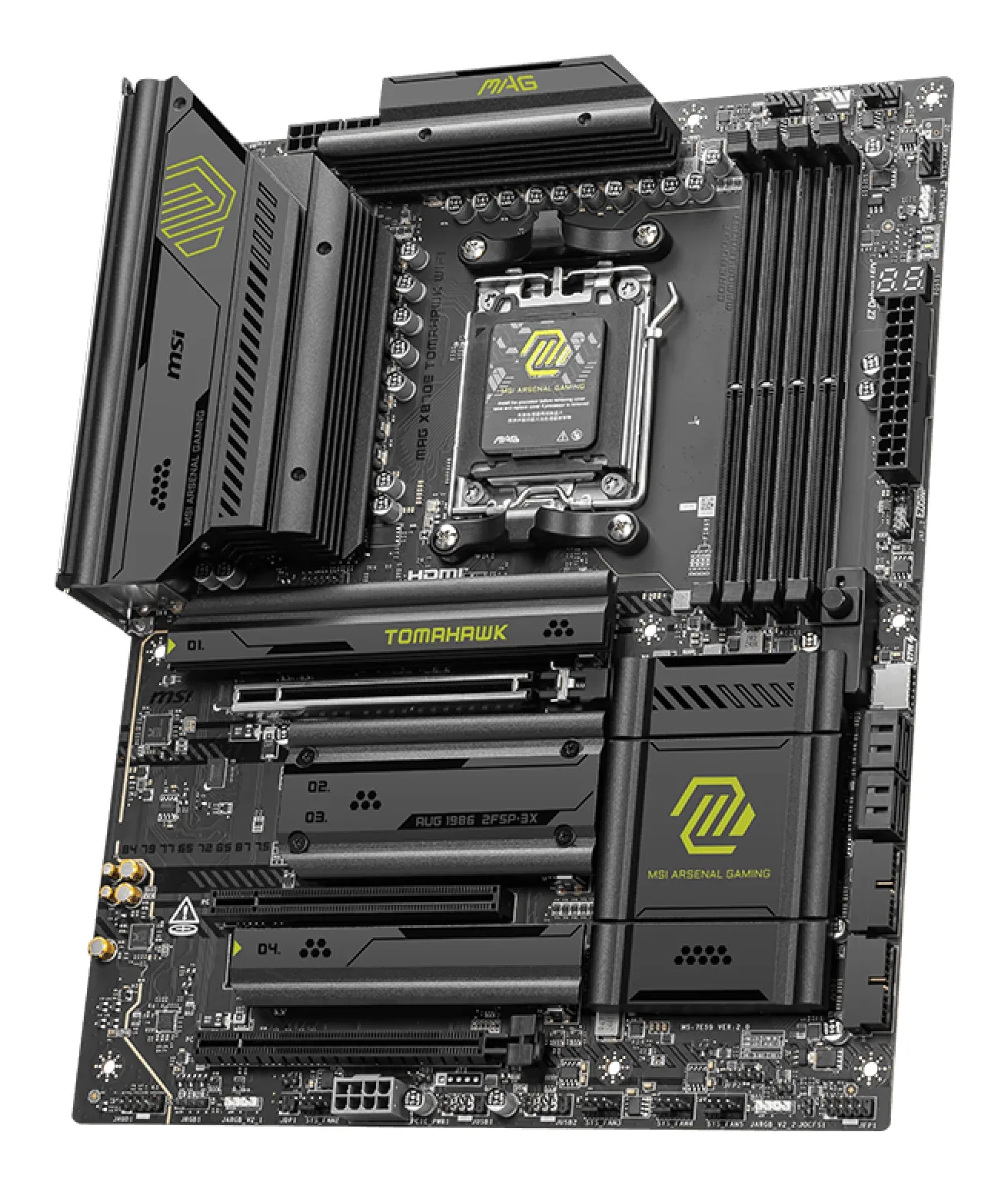
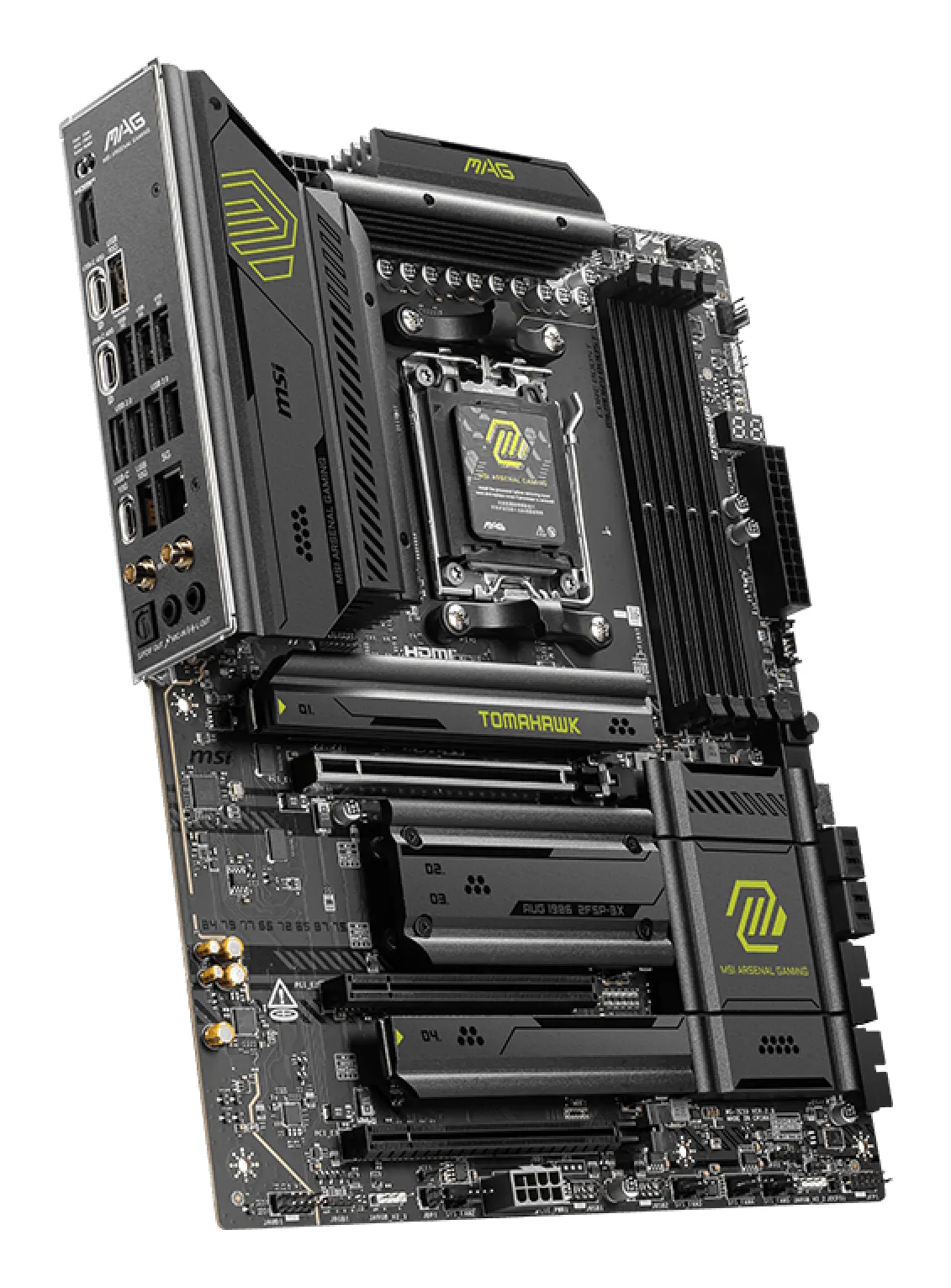
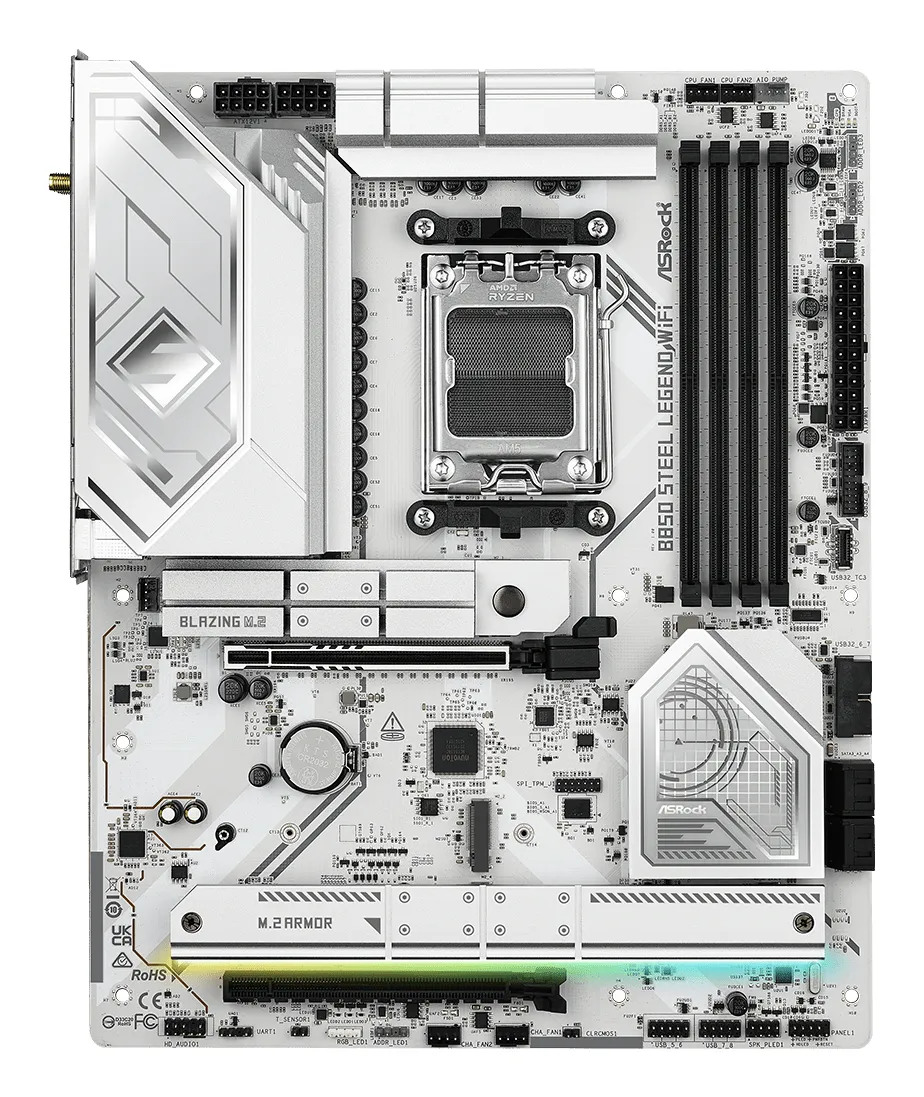
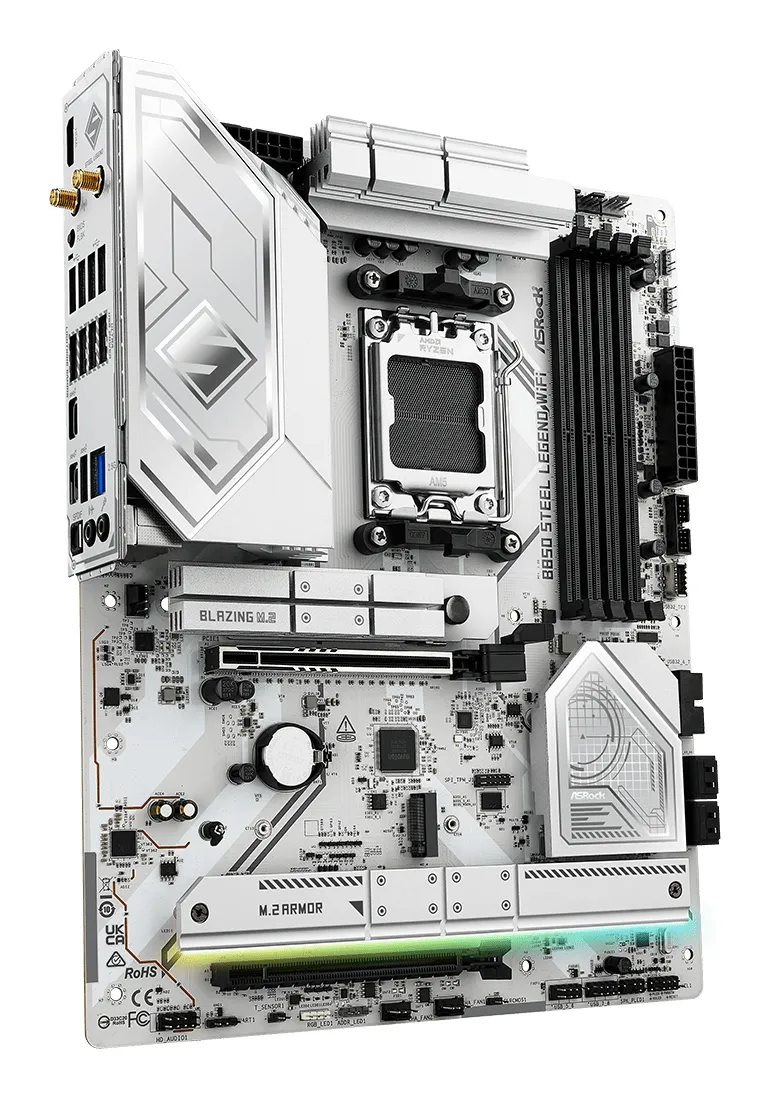
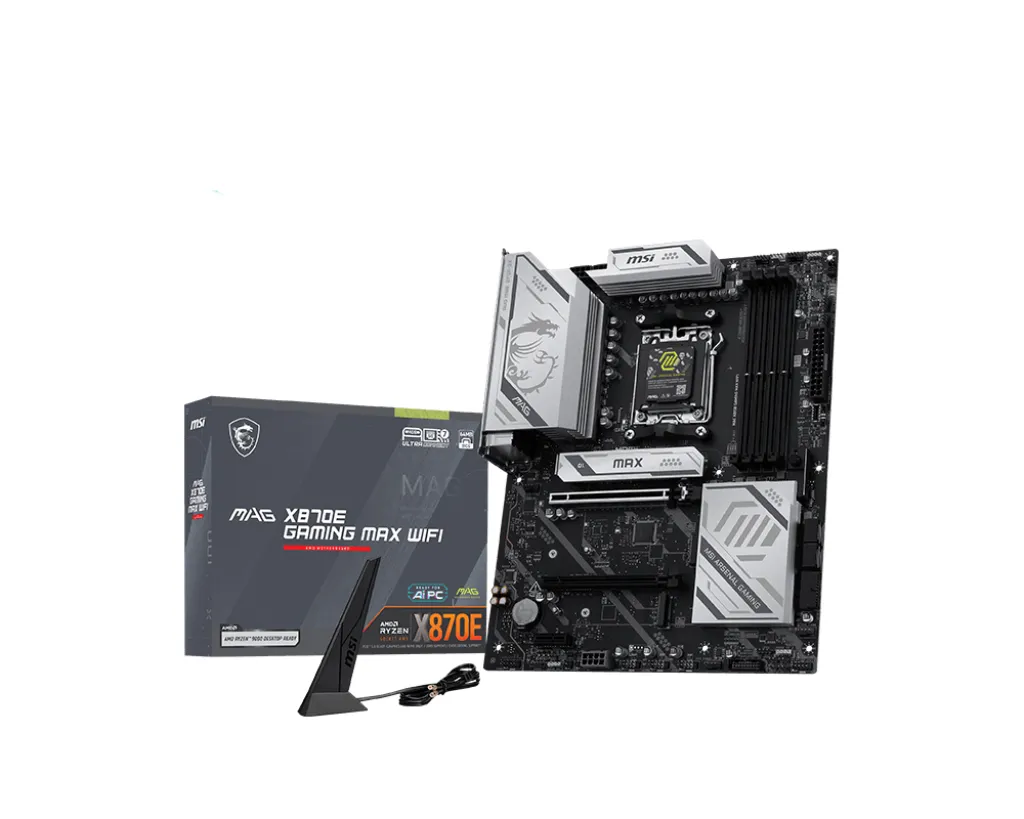
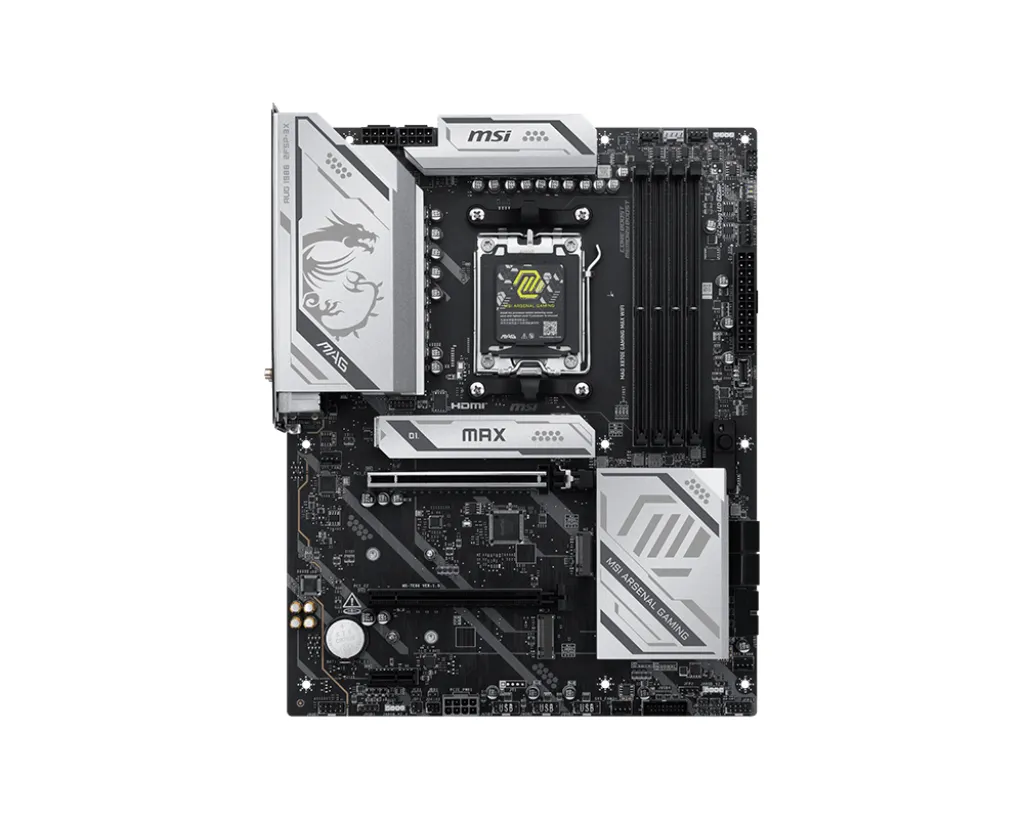



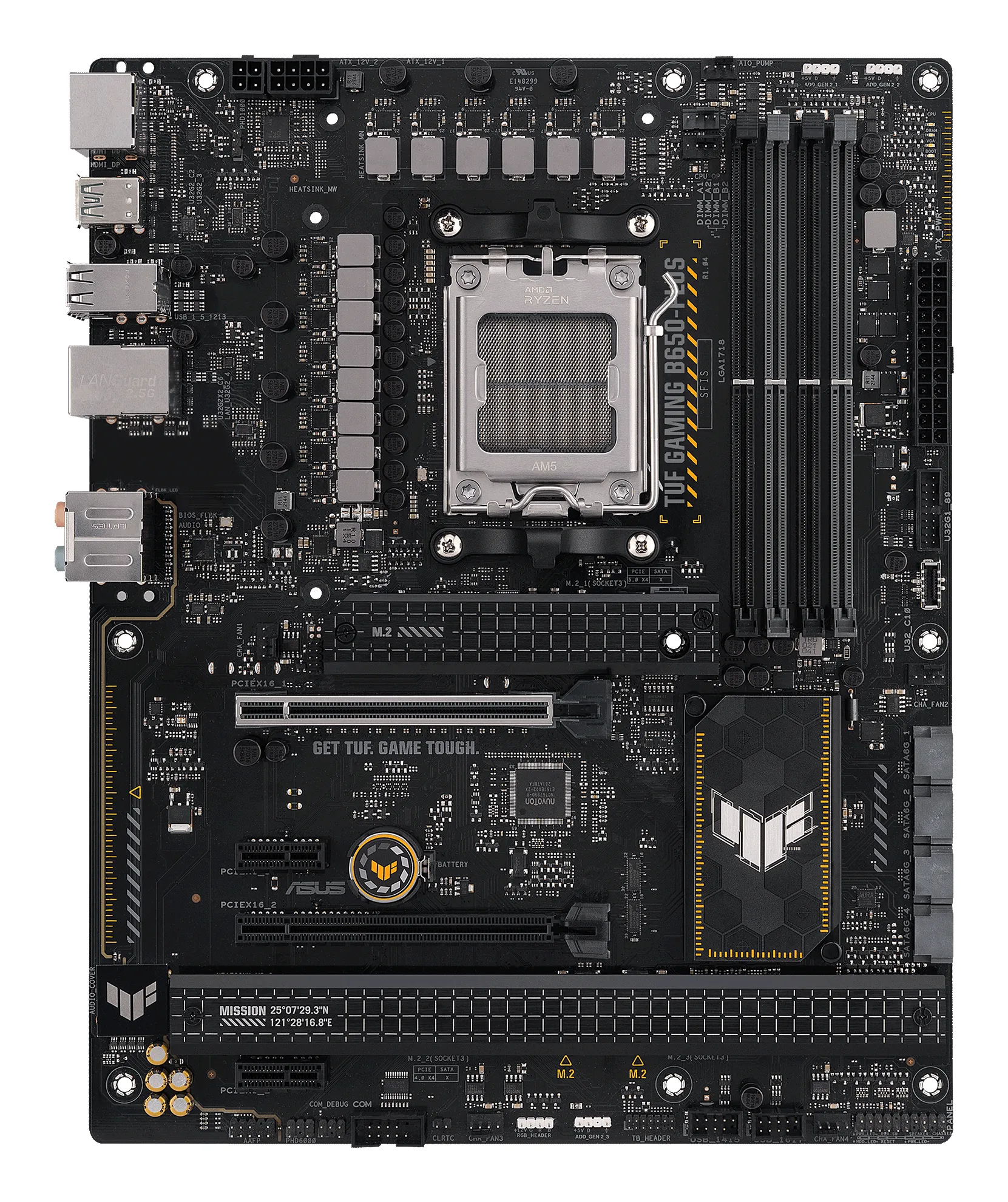
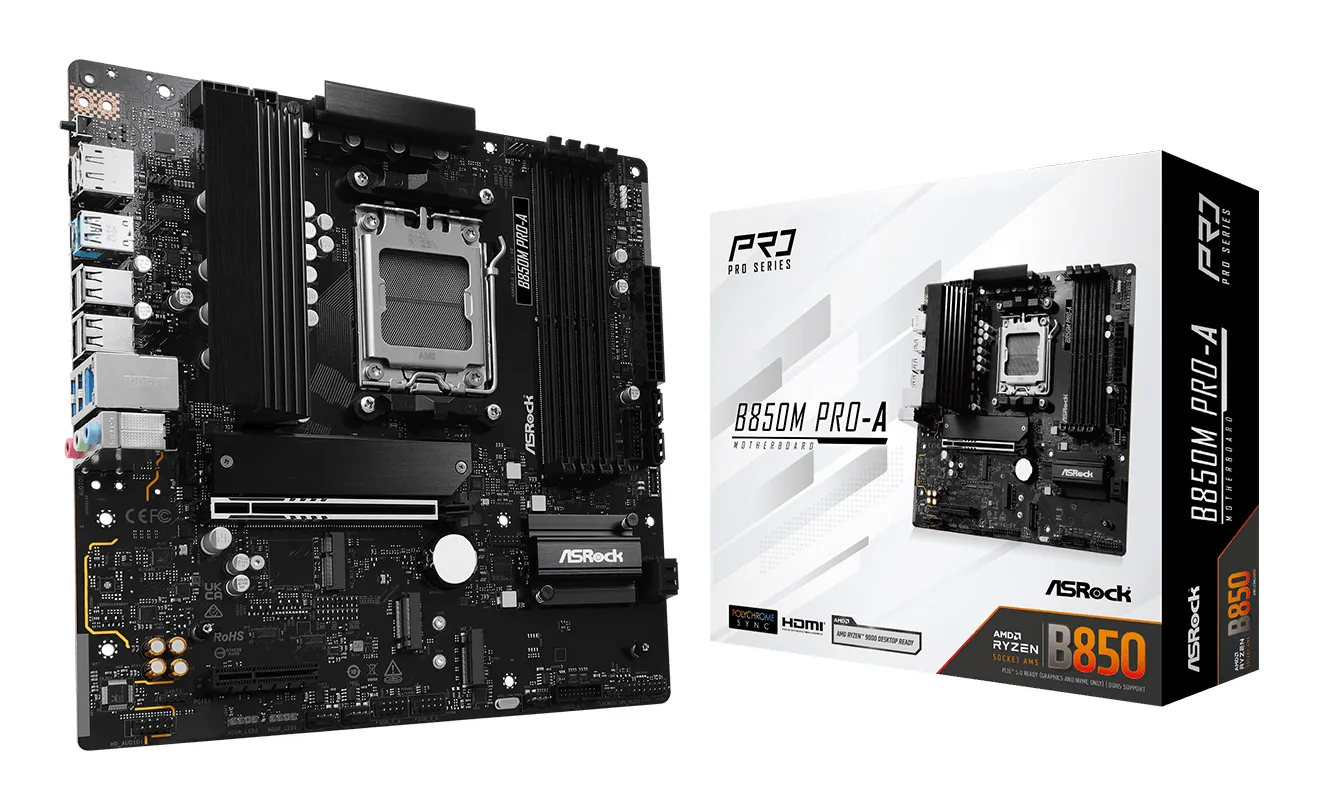
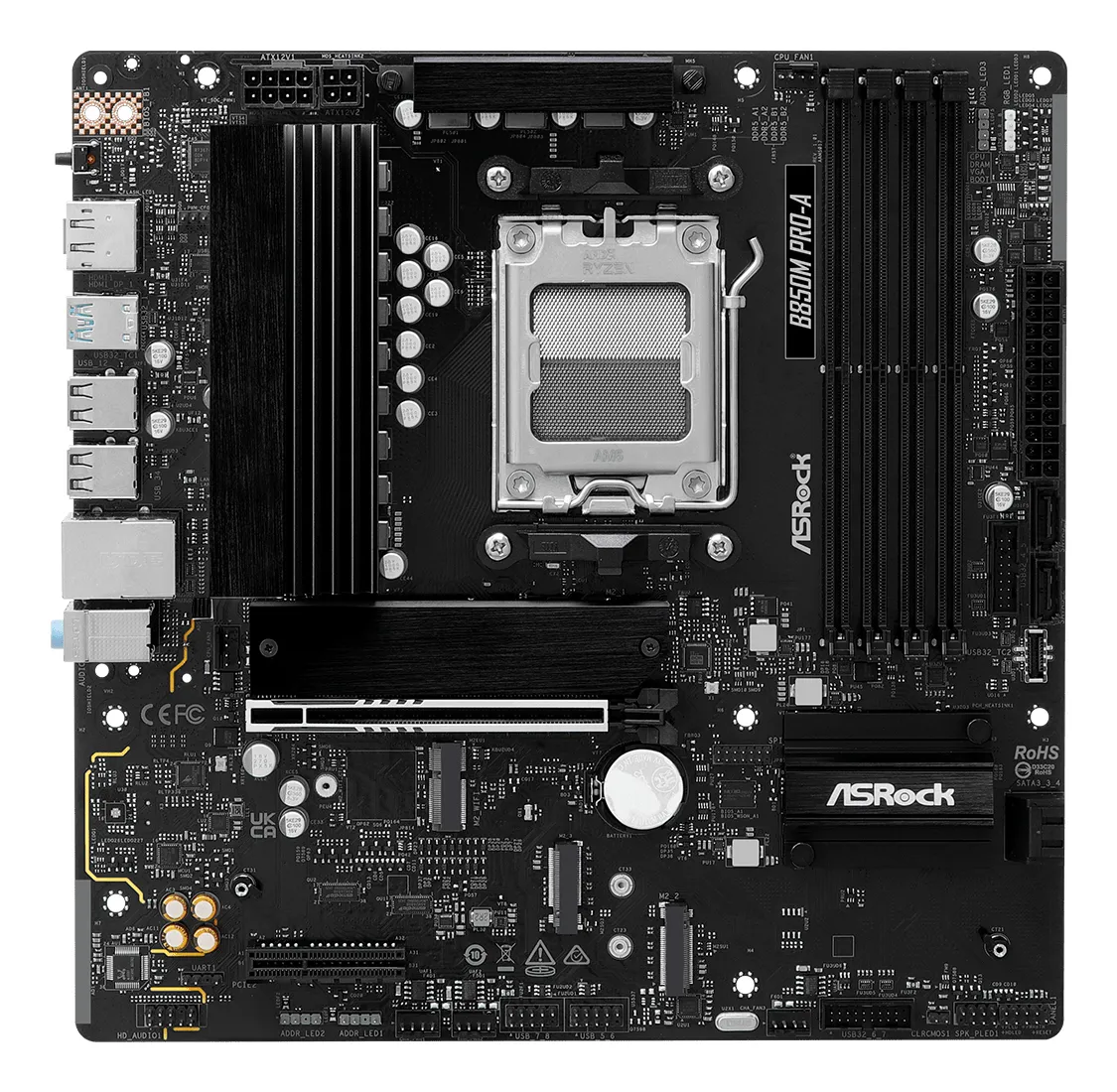
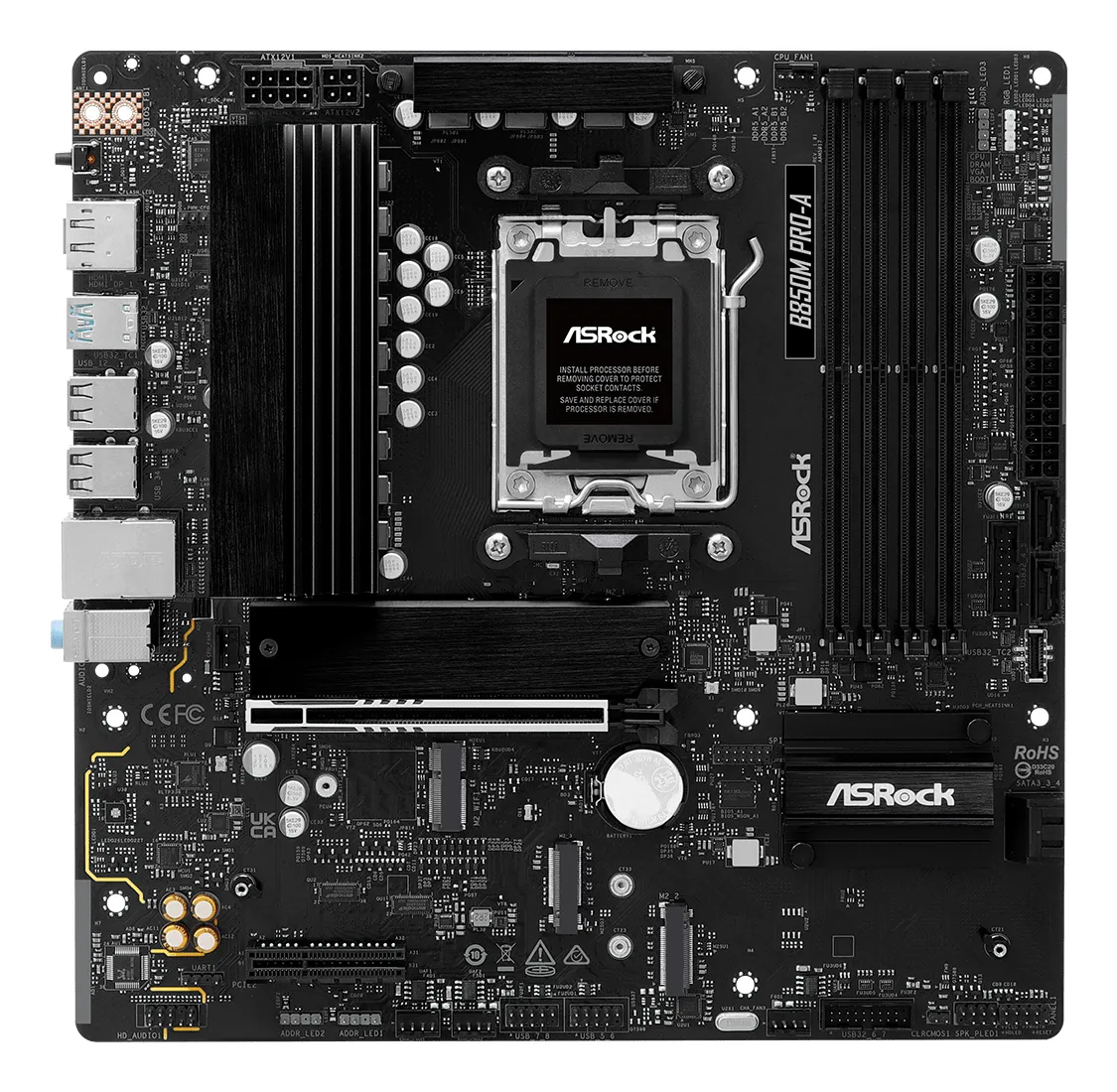


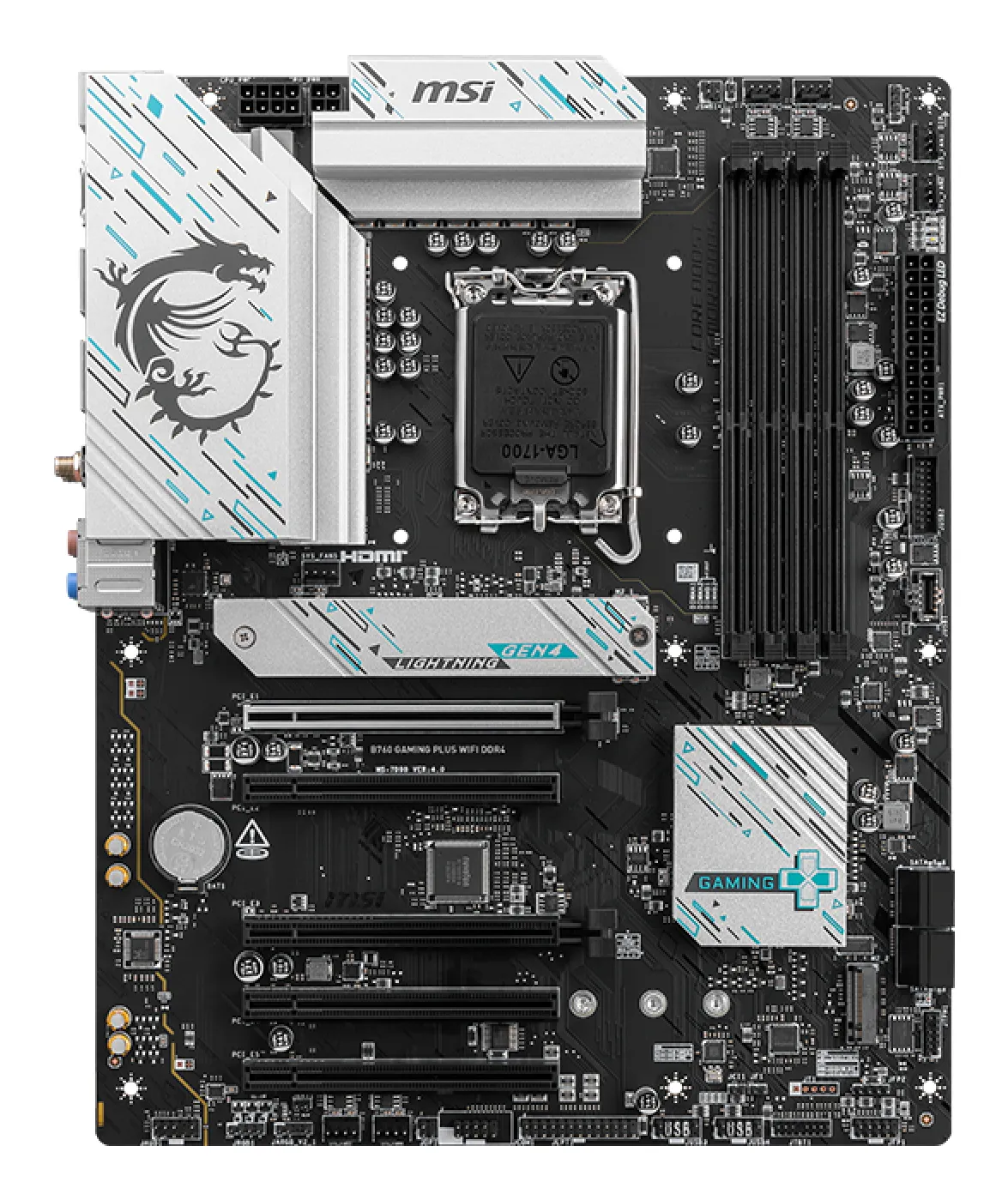
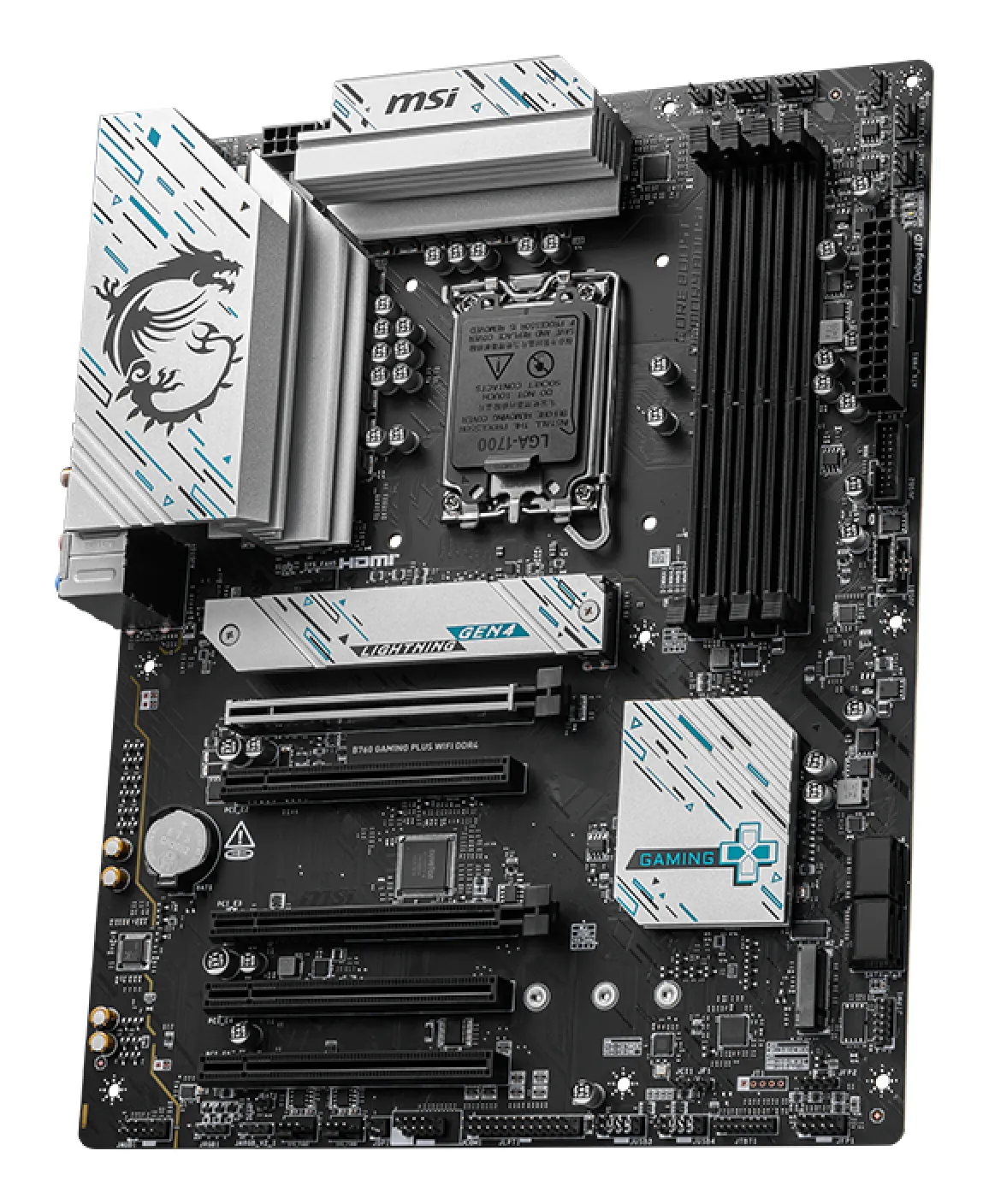
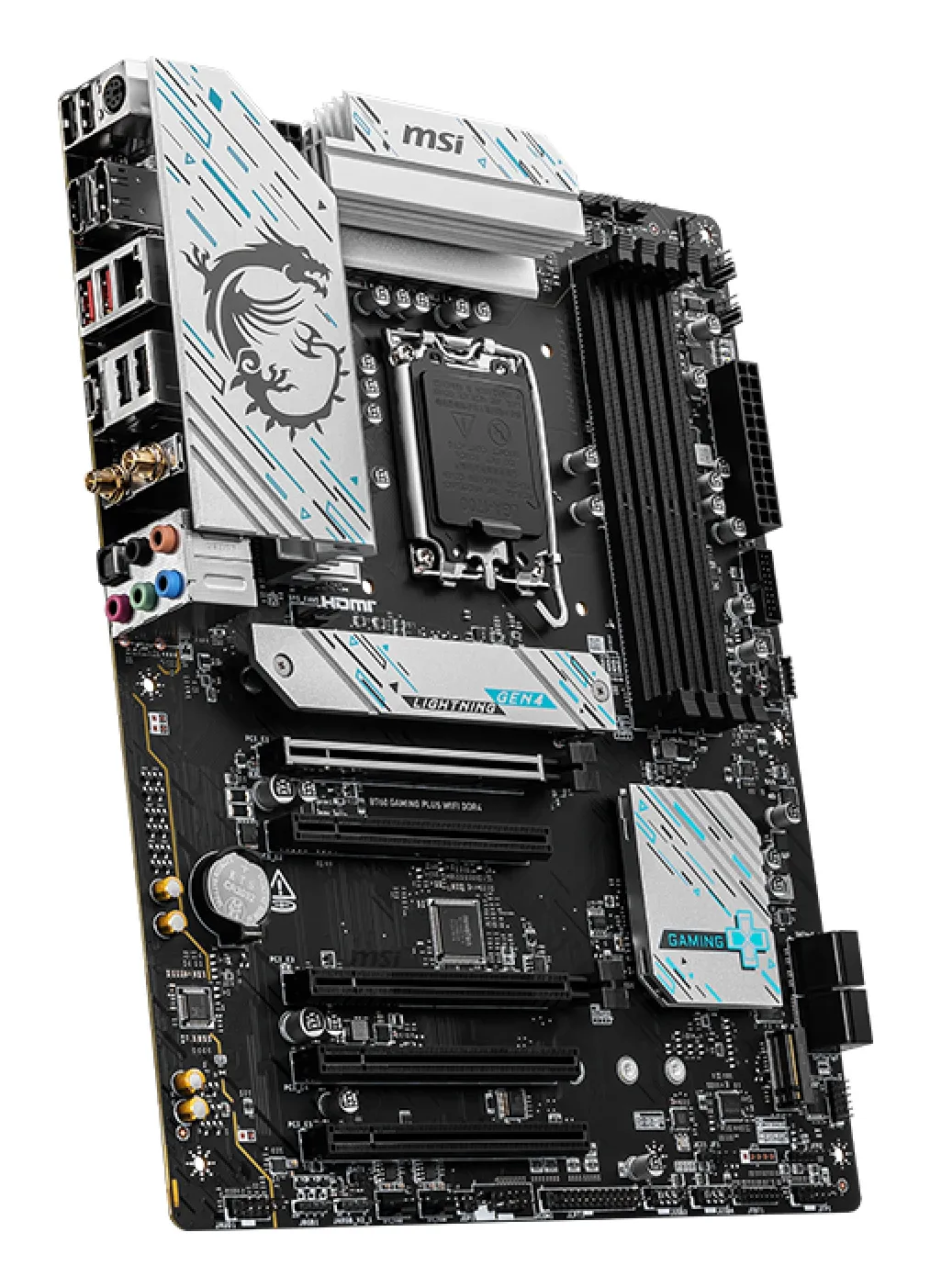


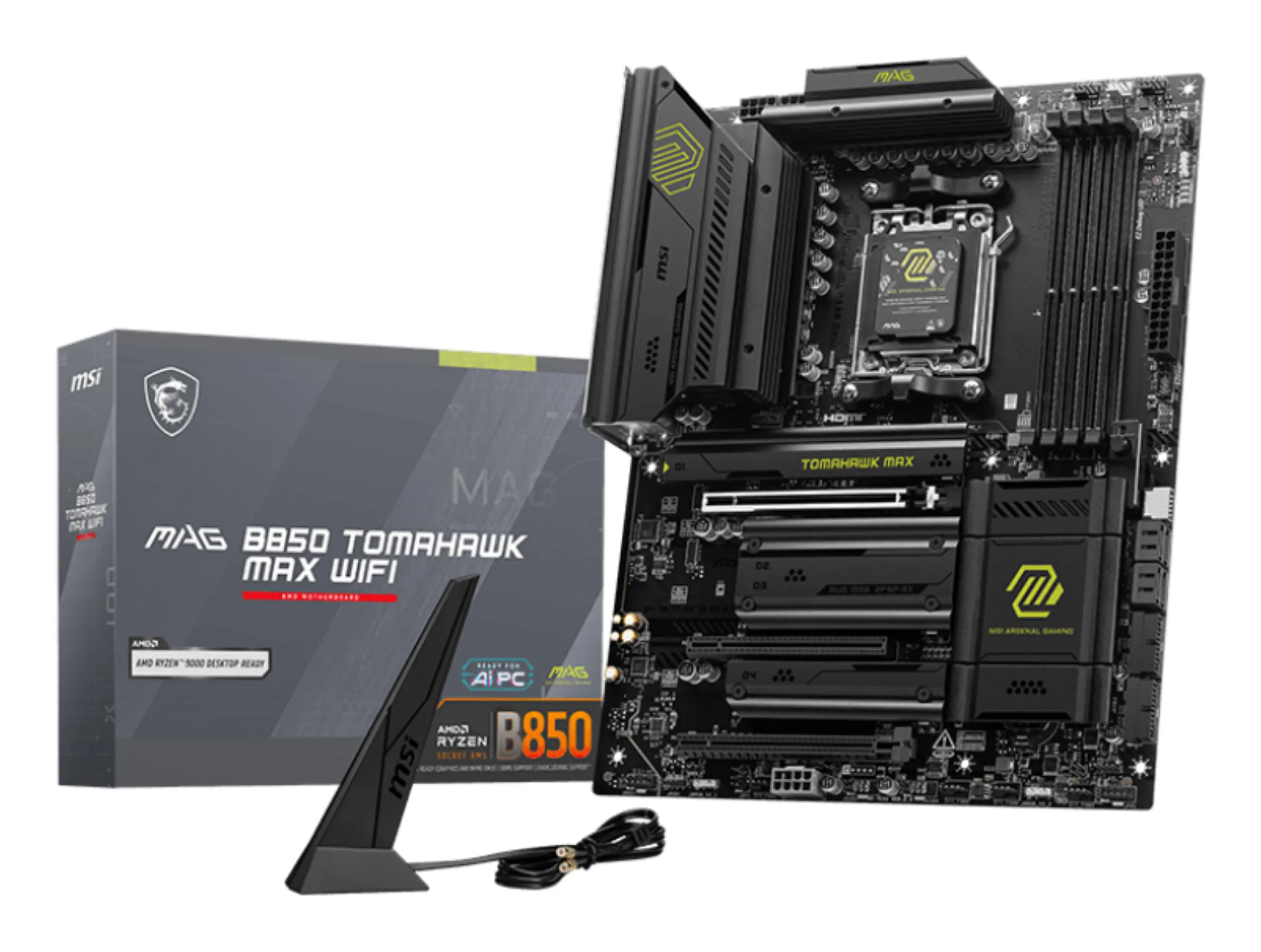
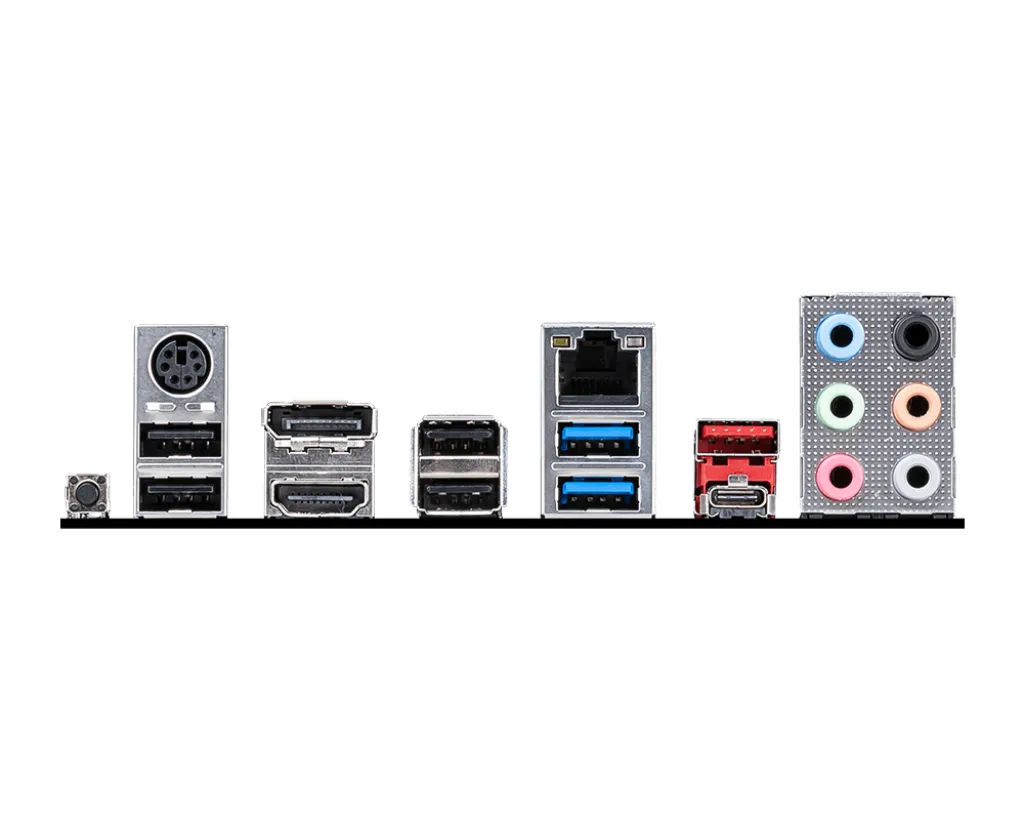
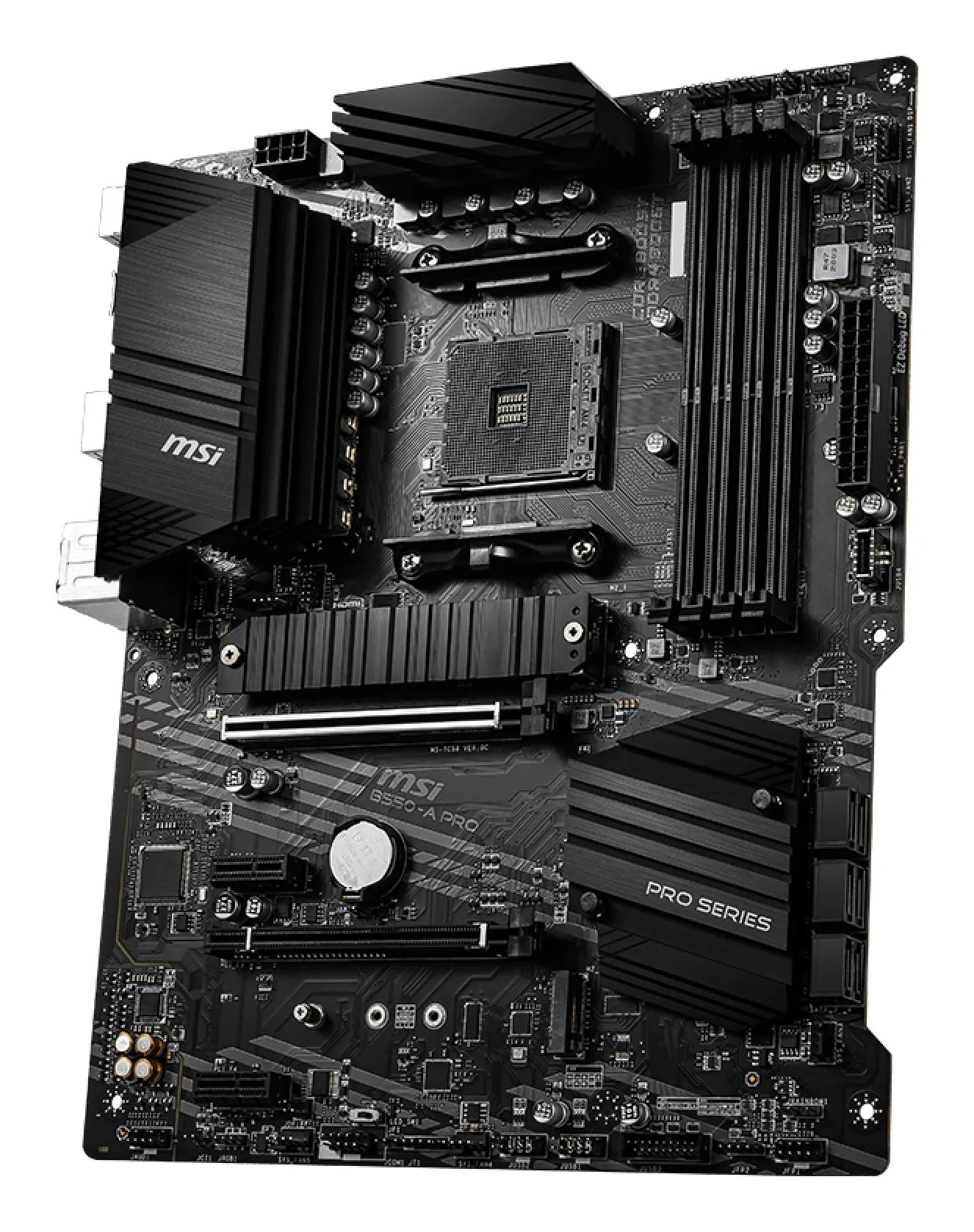
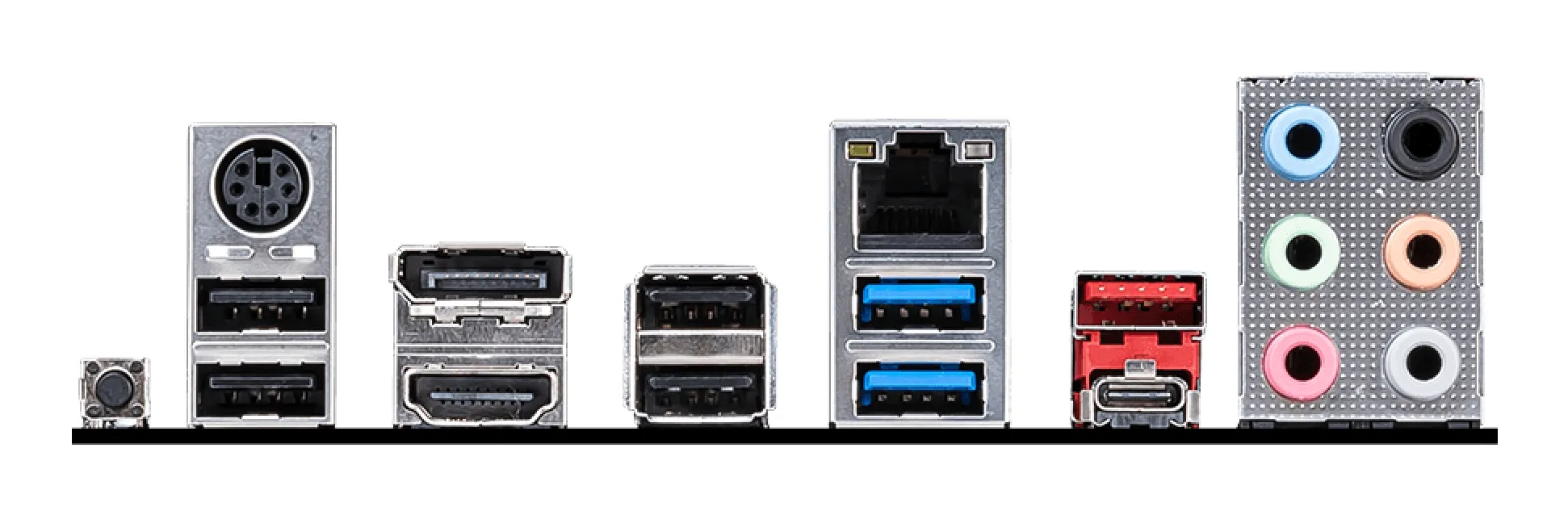
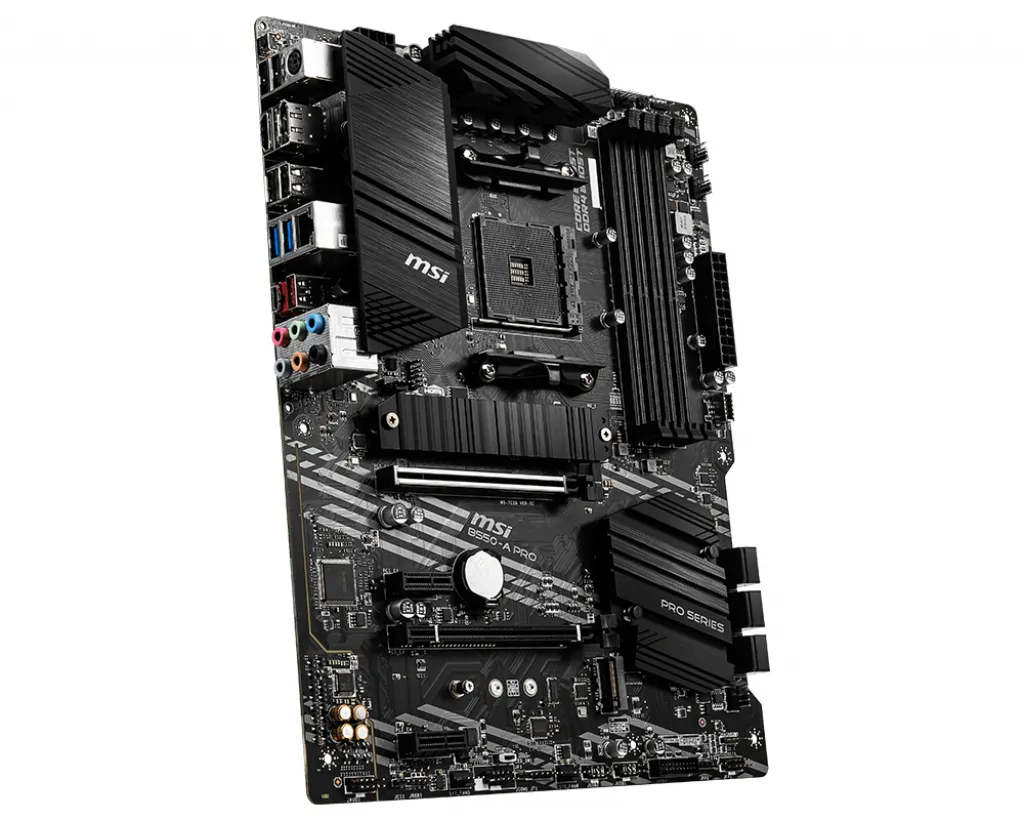
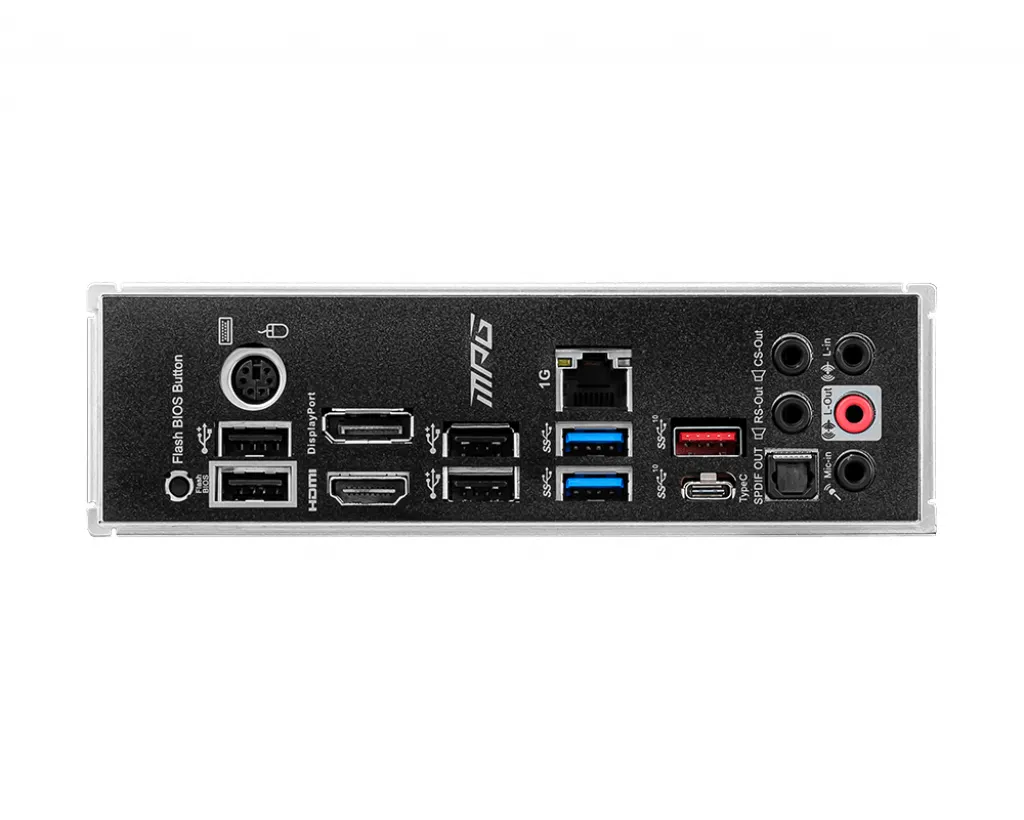


Motherboards
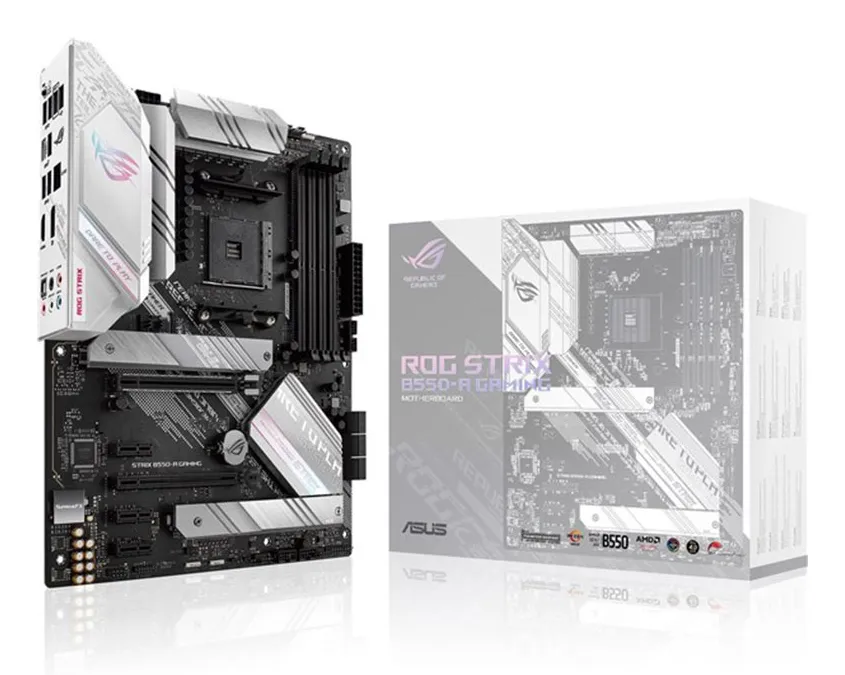
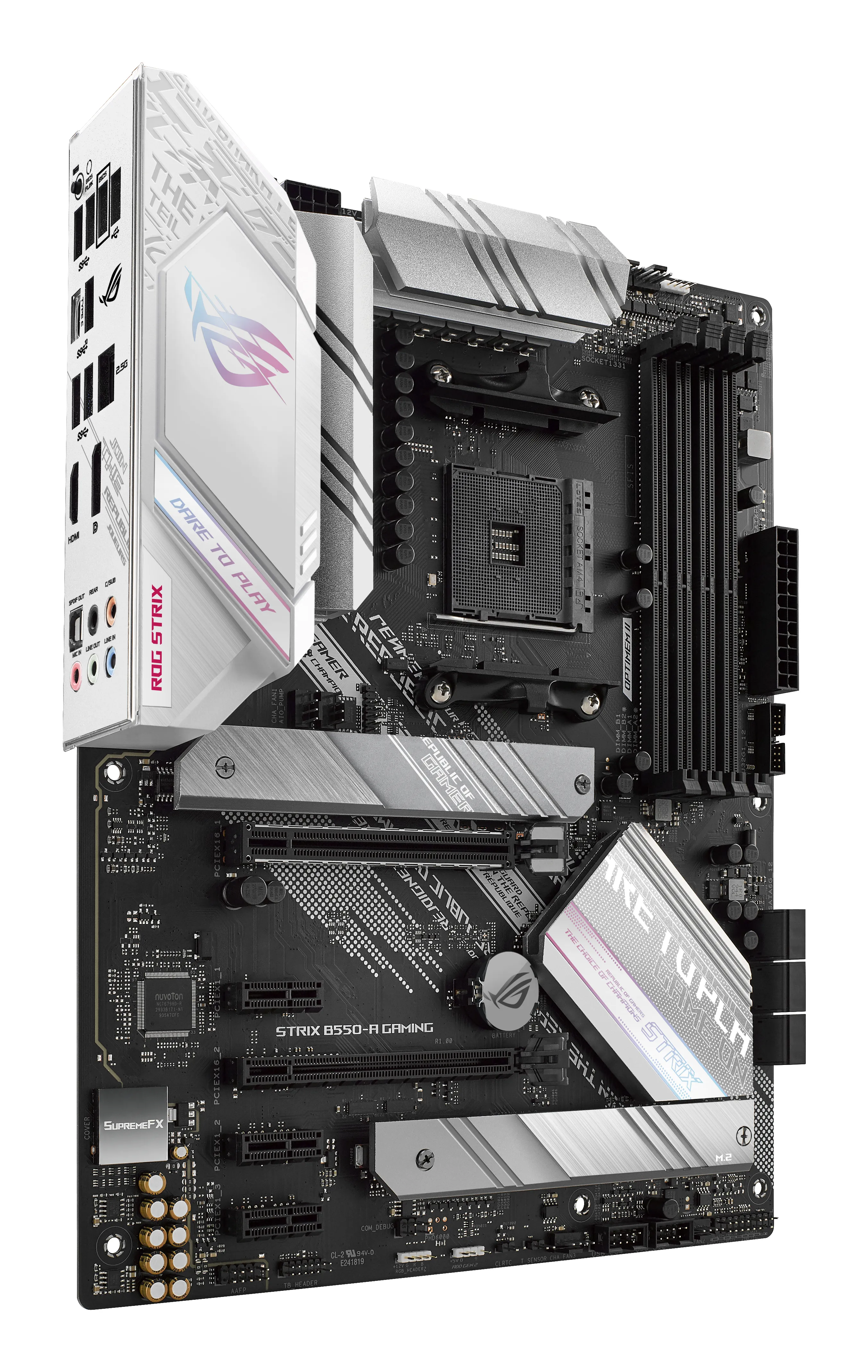
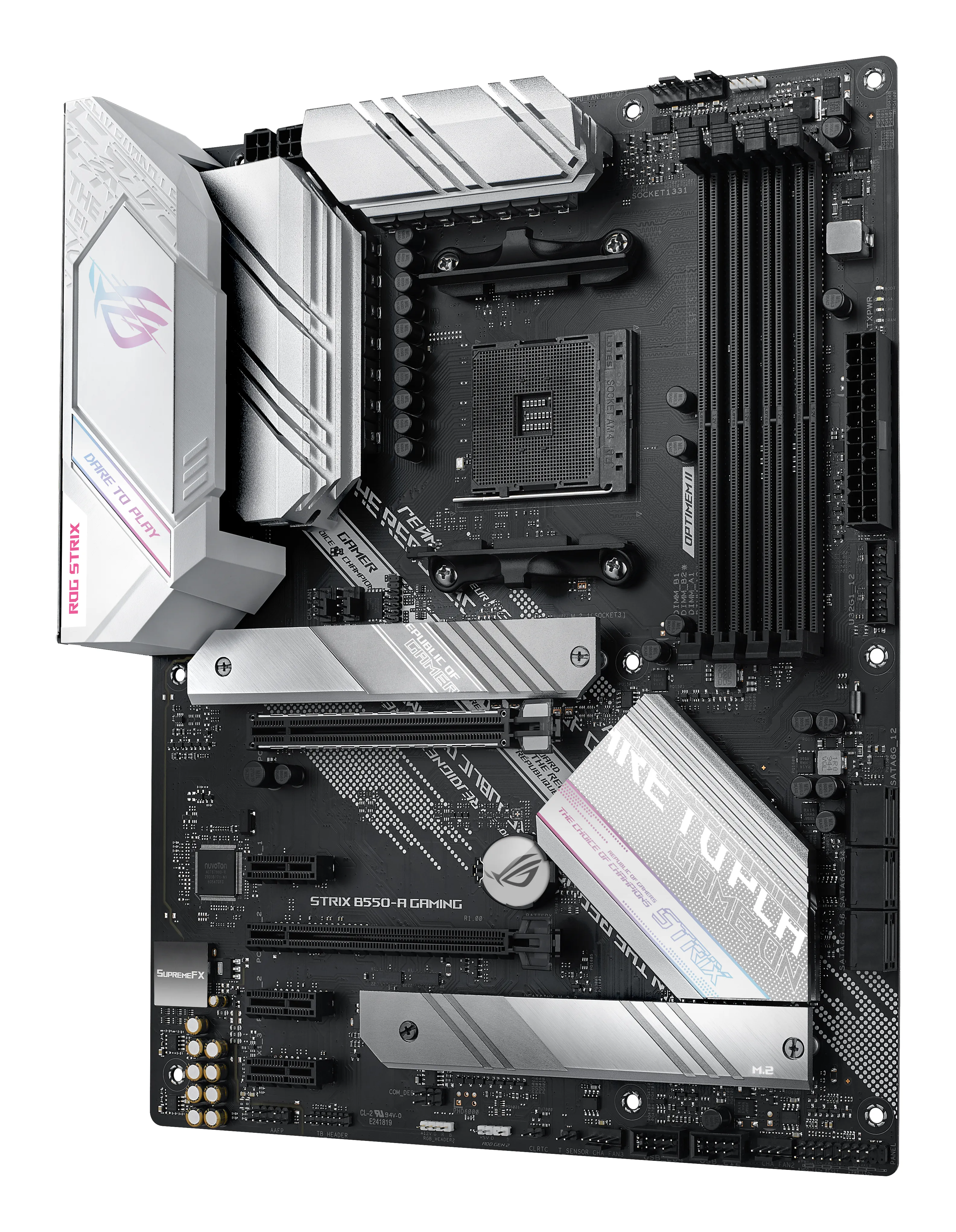
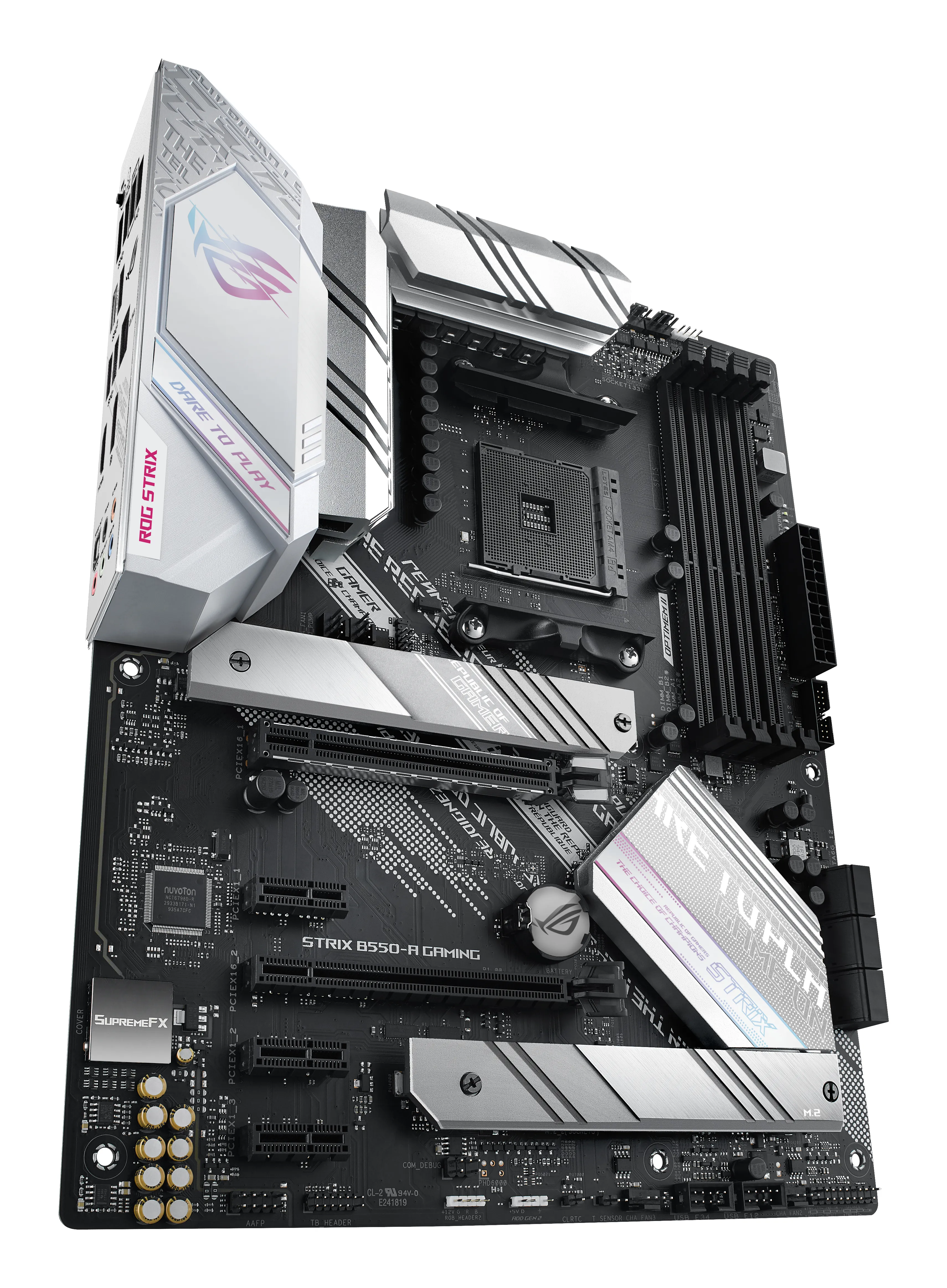
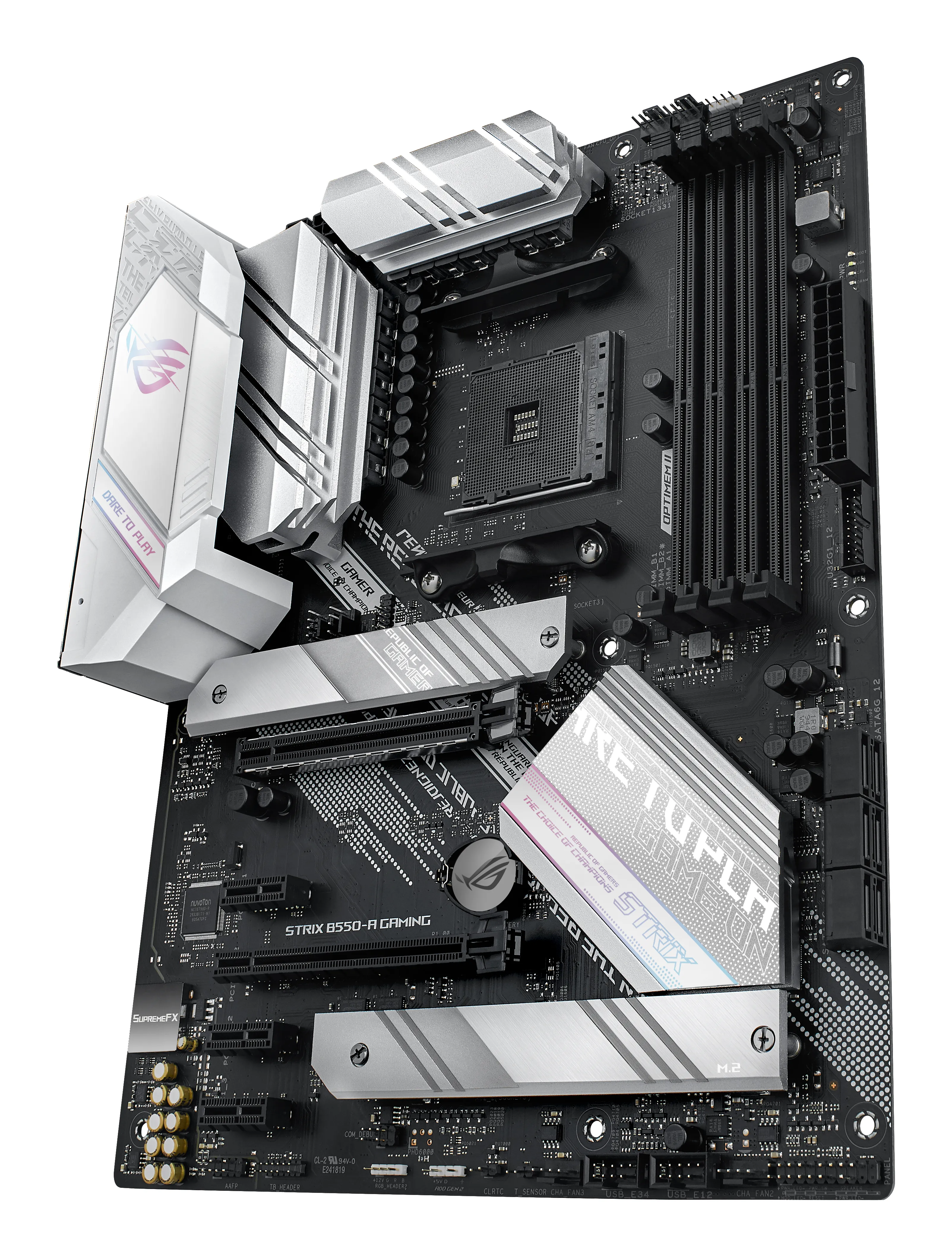
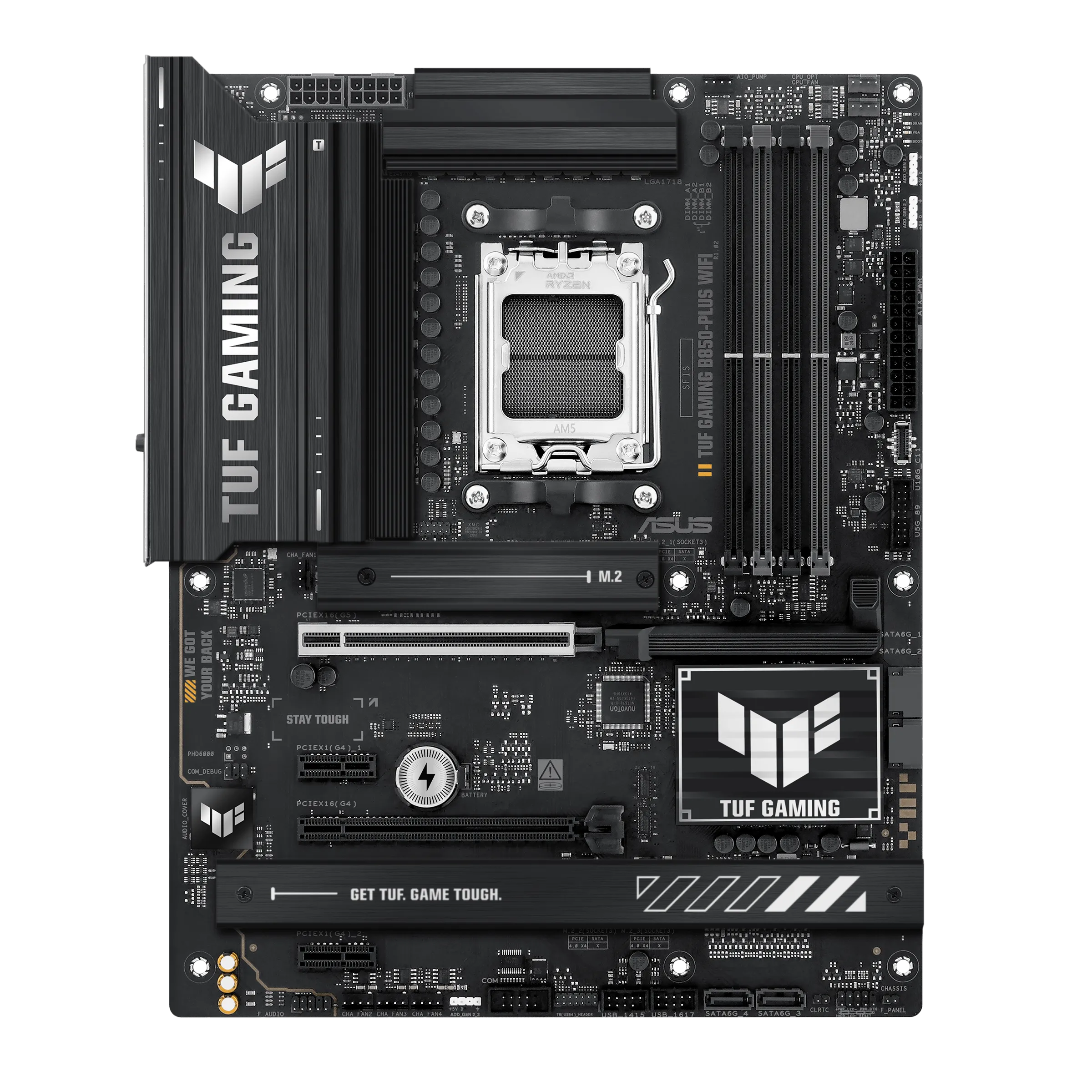
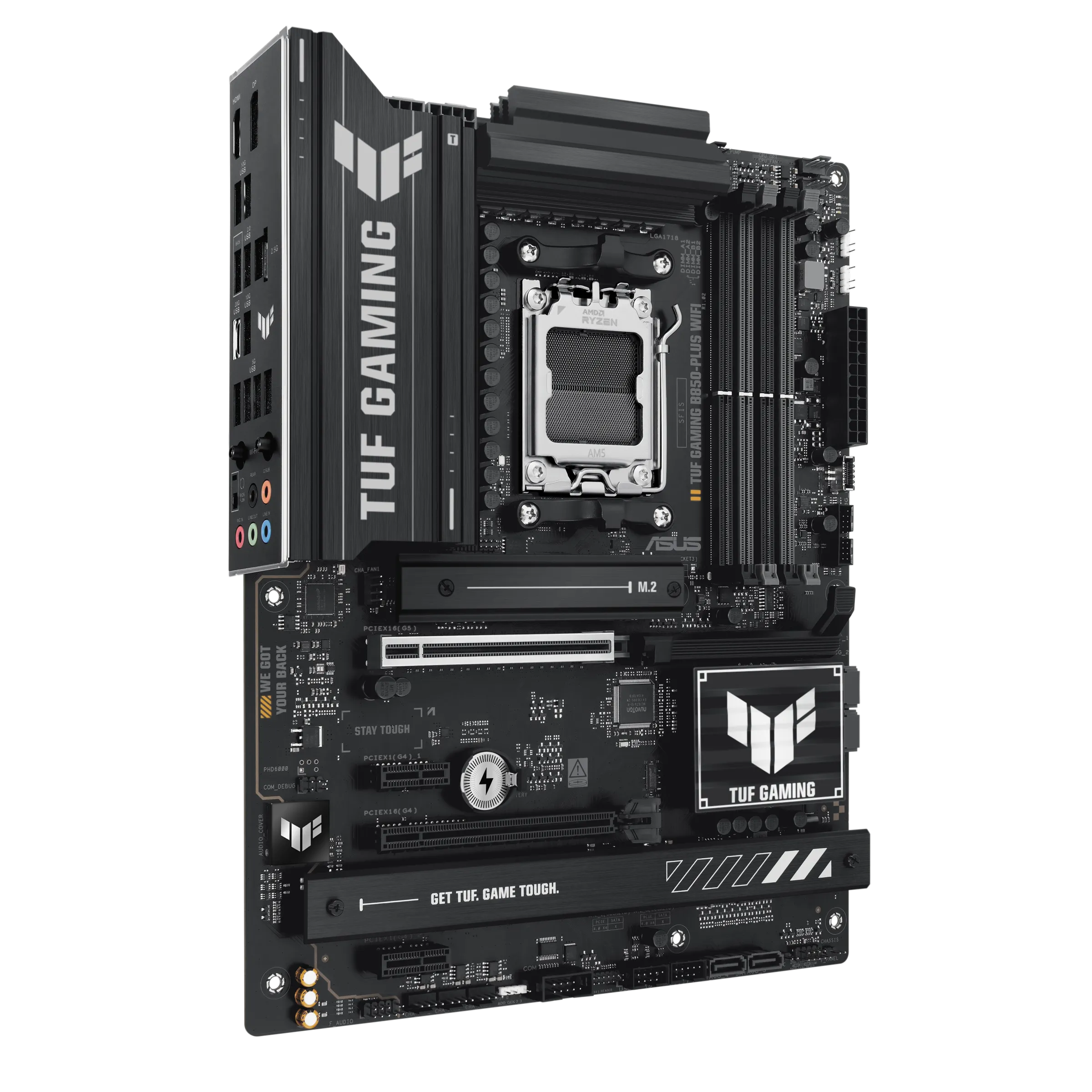
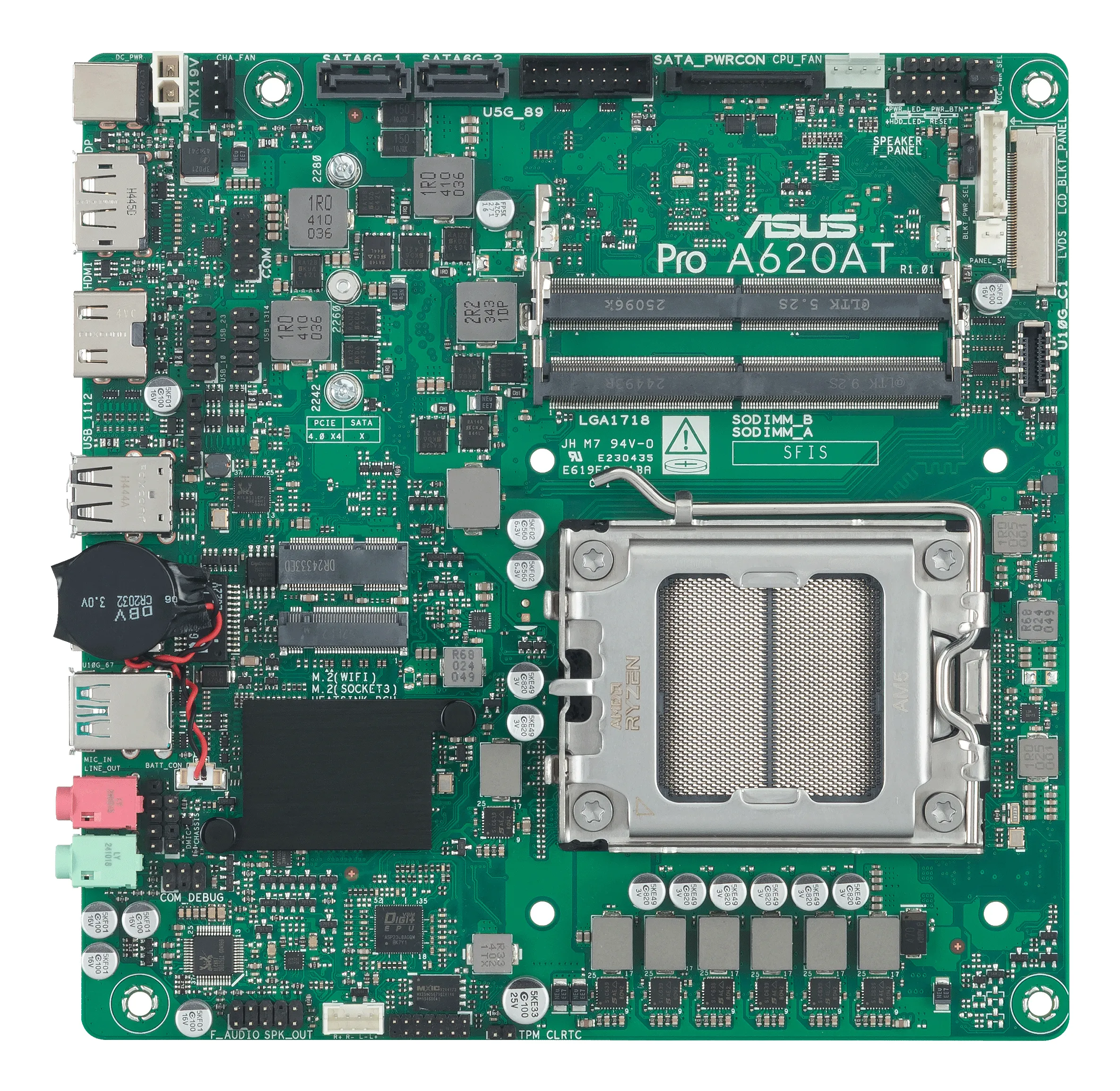
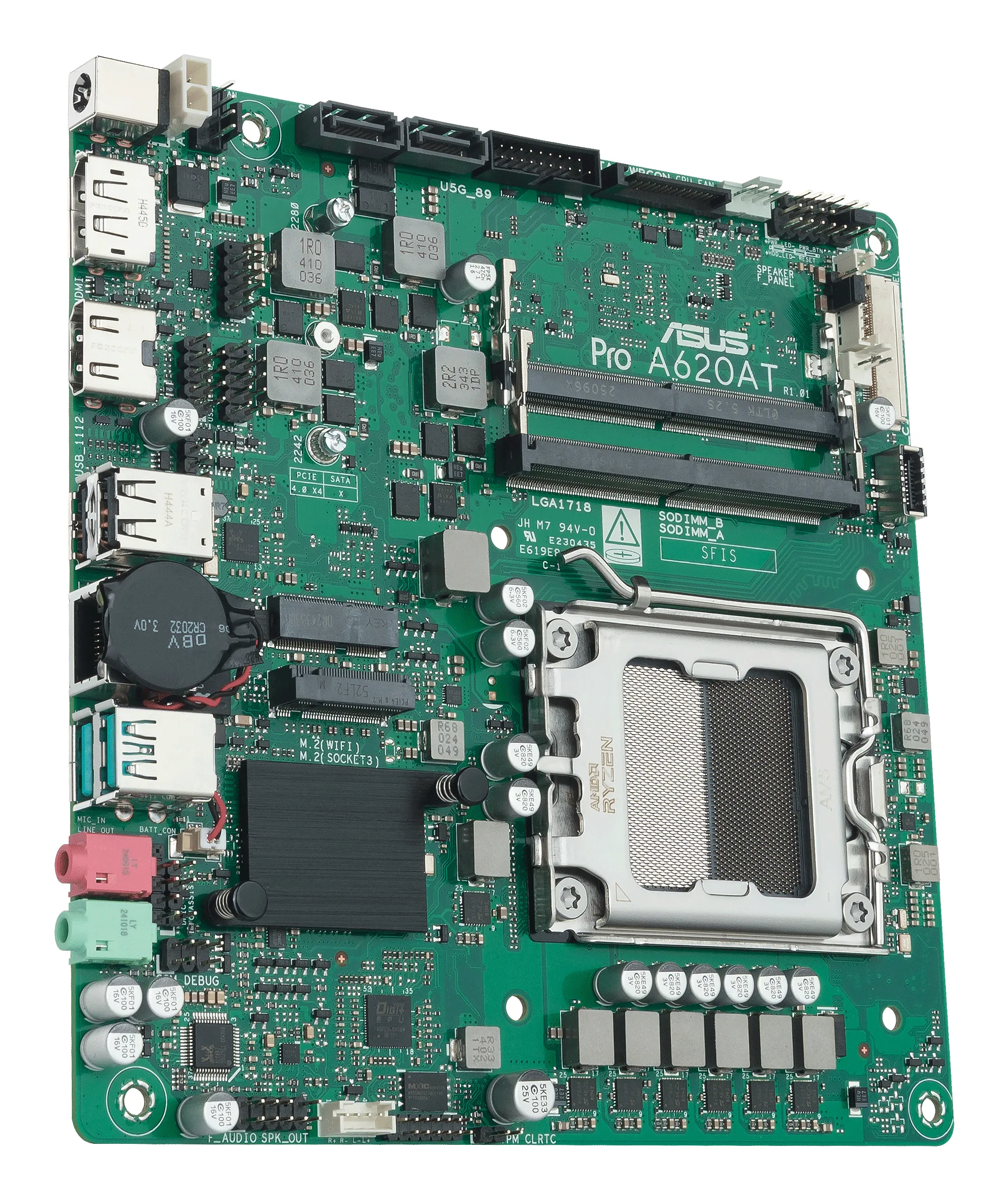
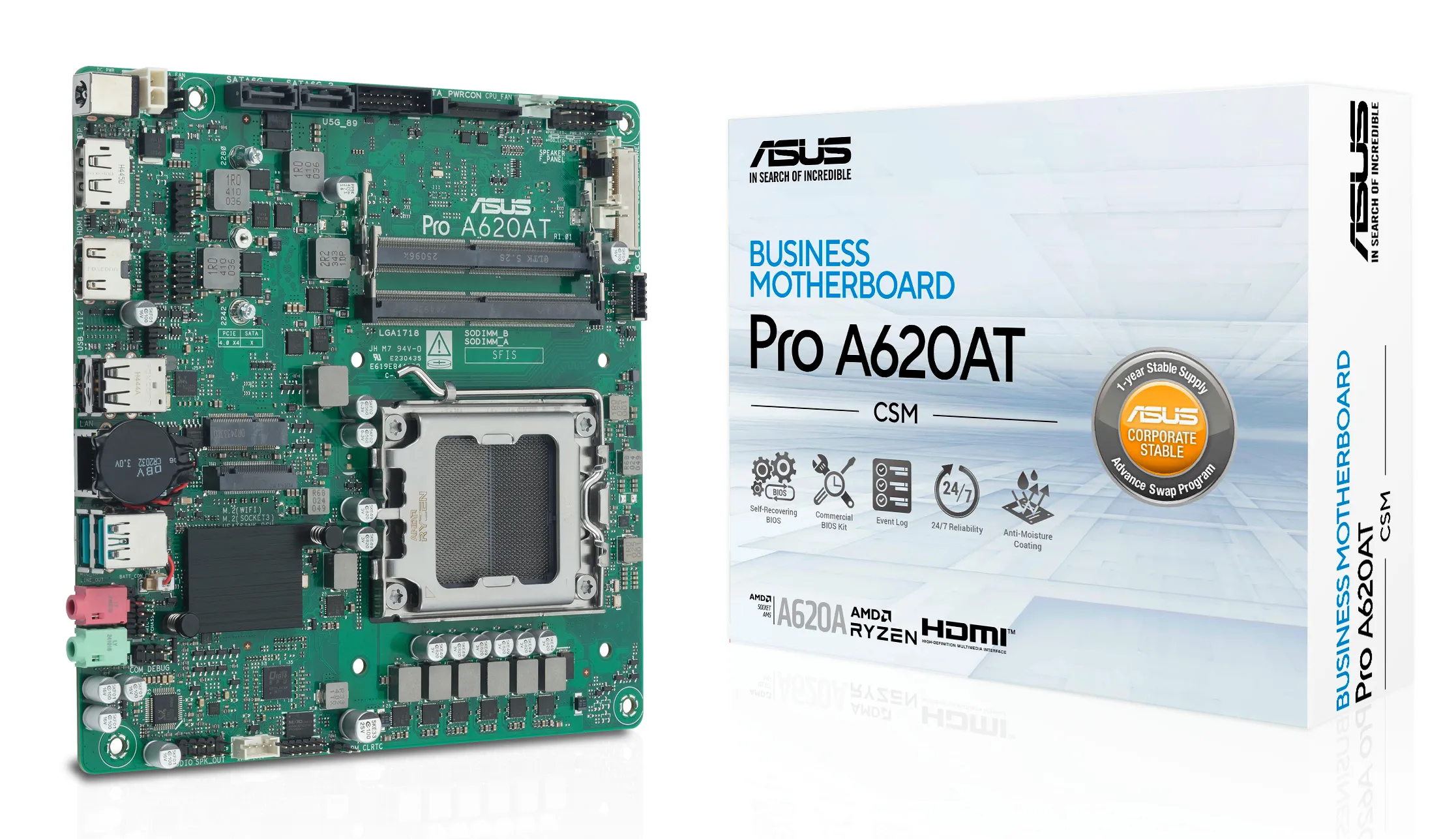
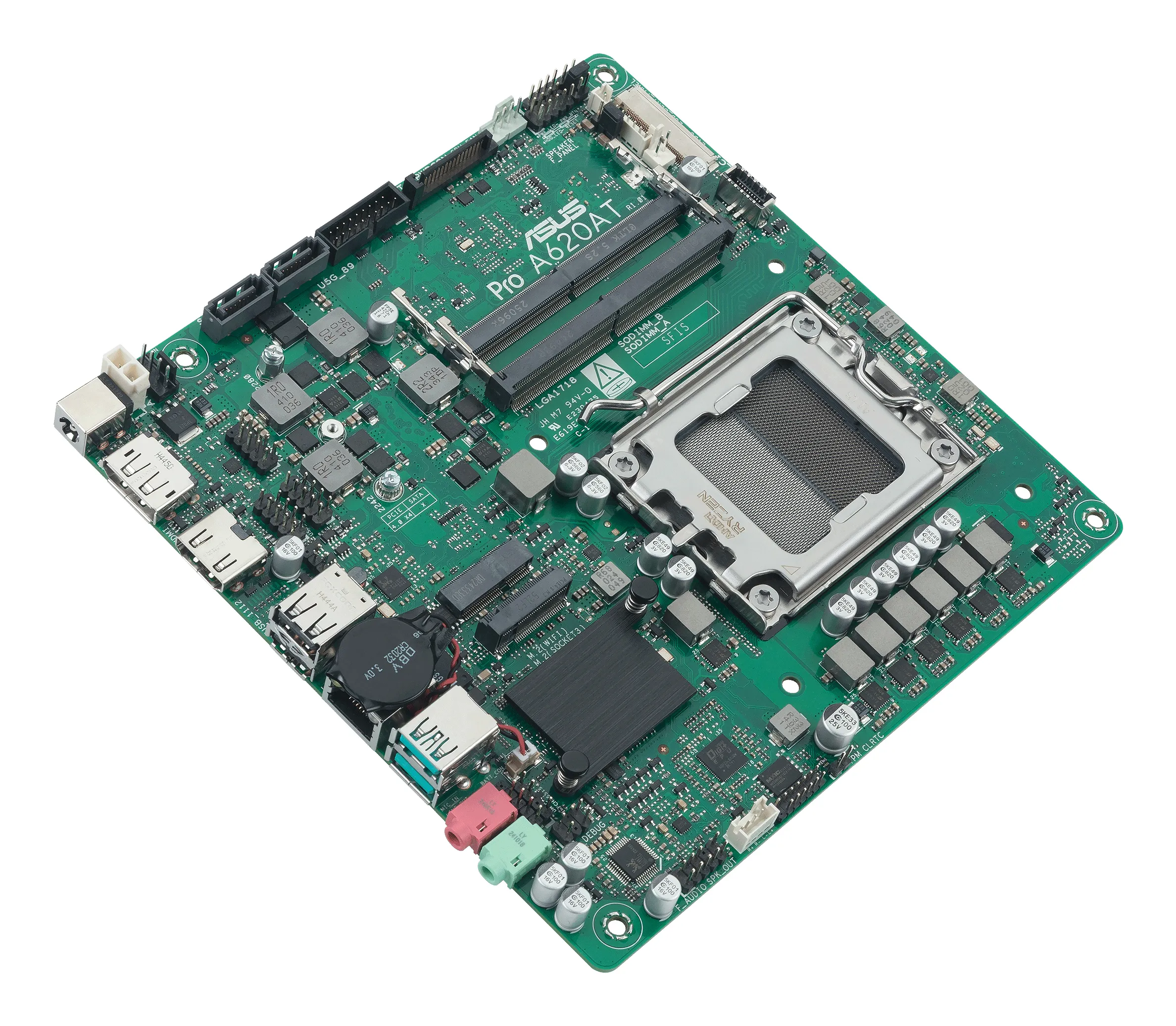
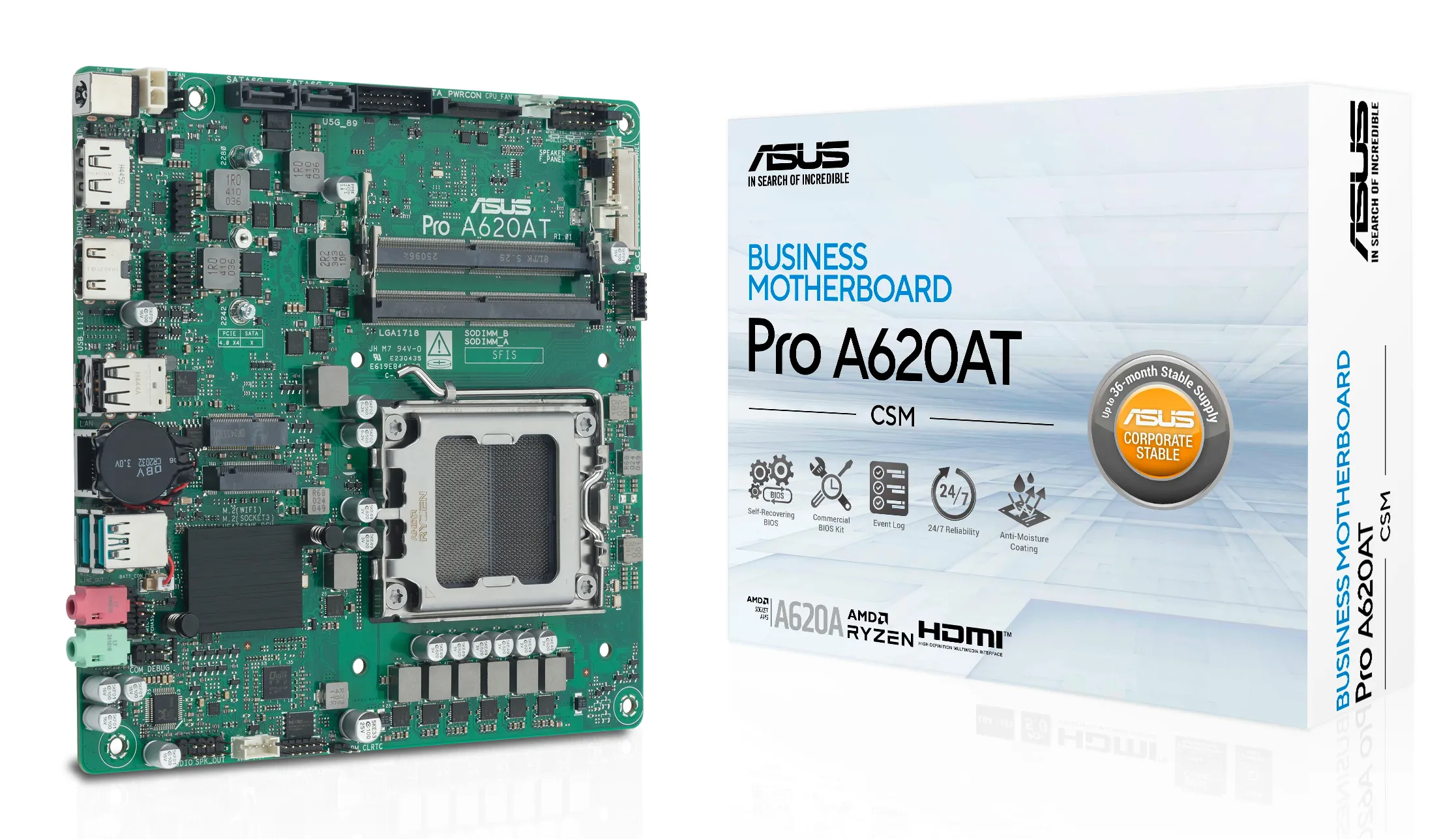
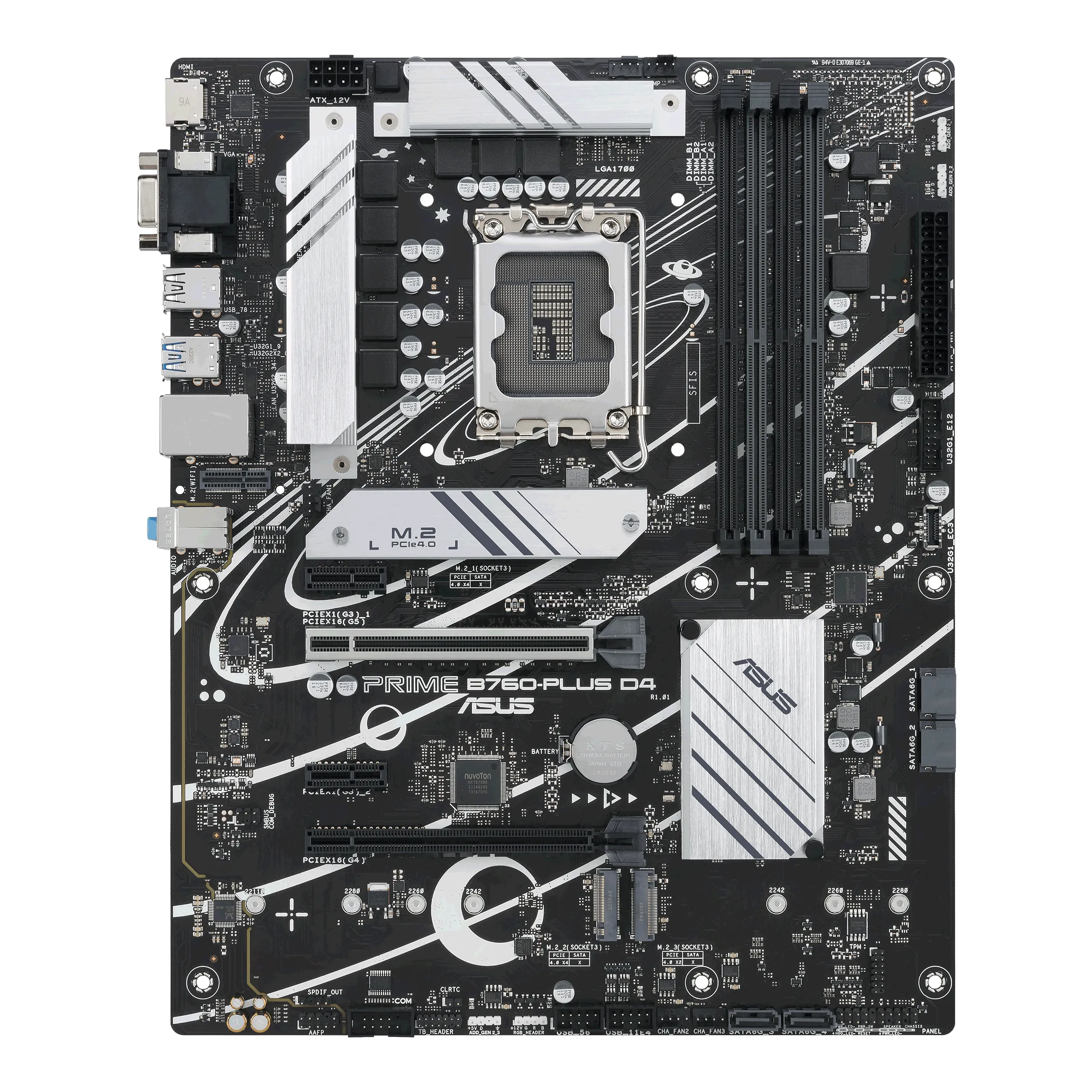
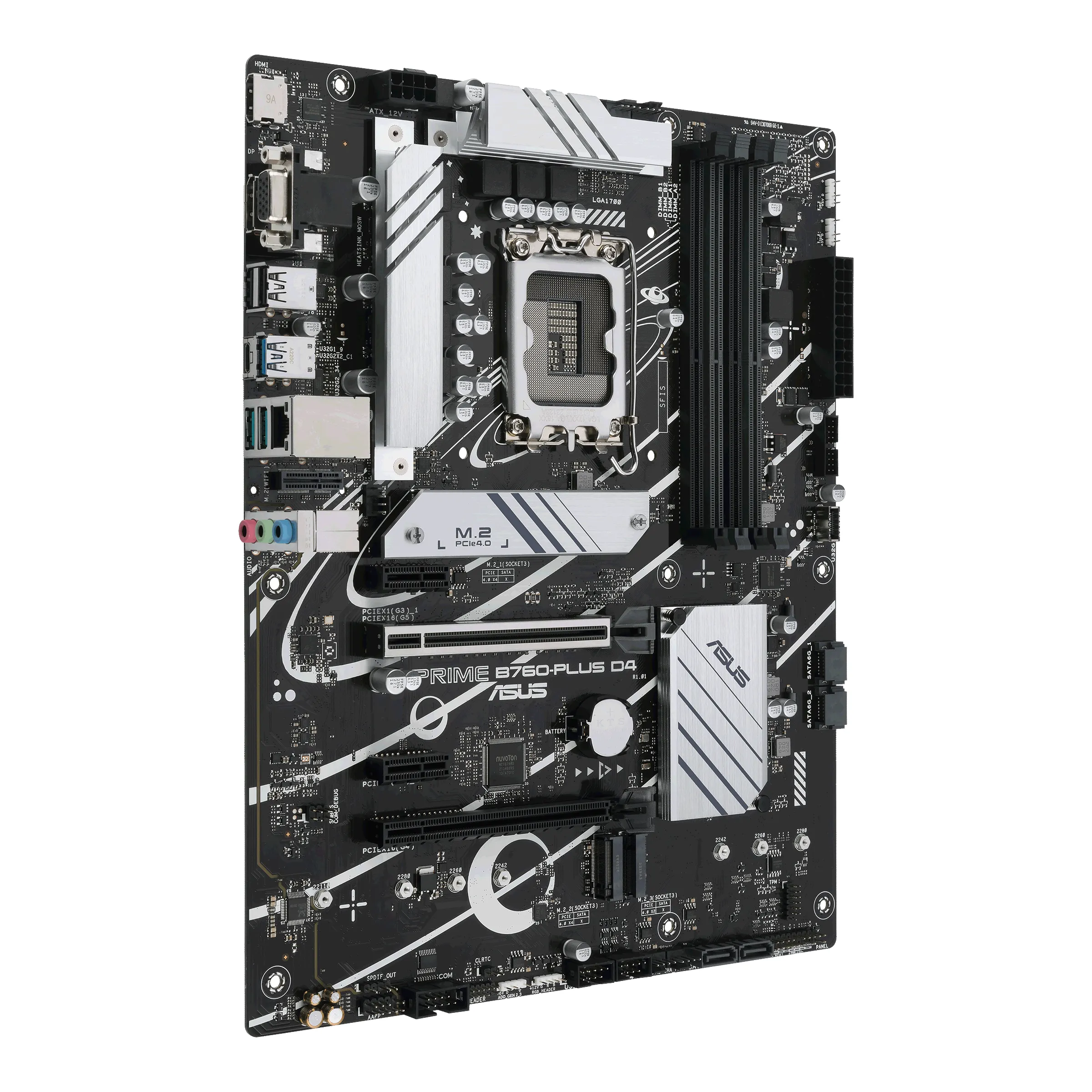
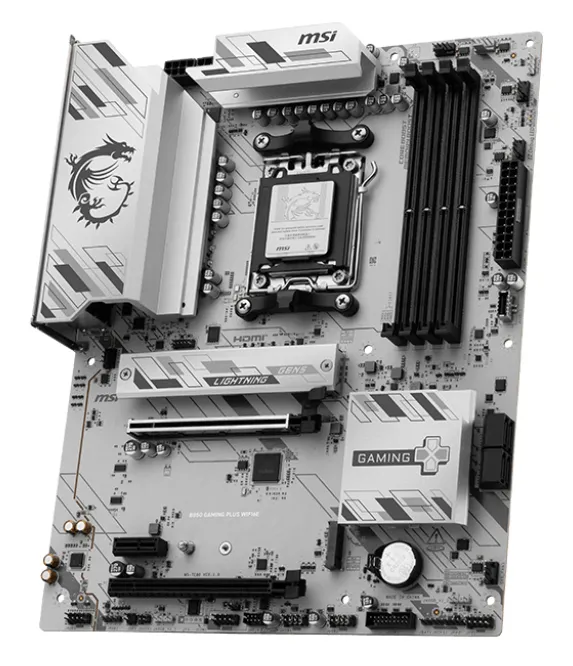
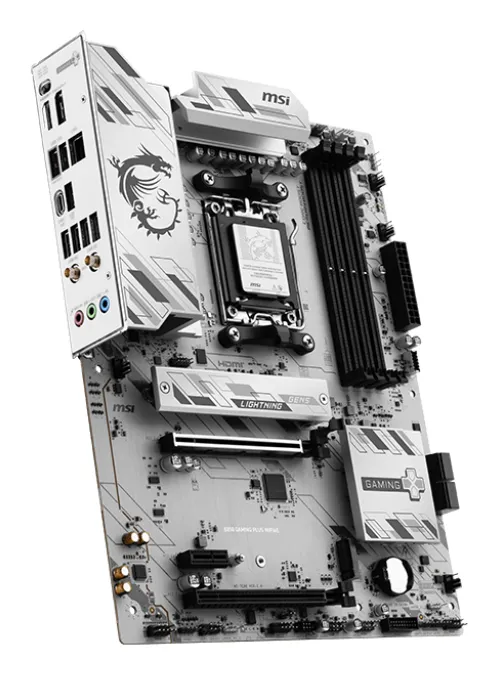
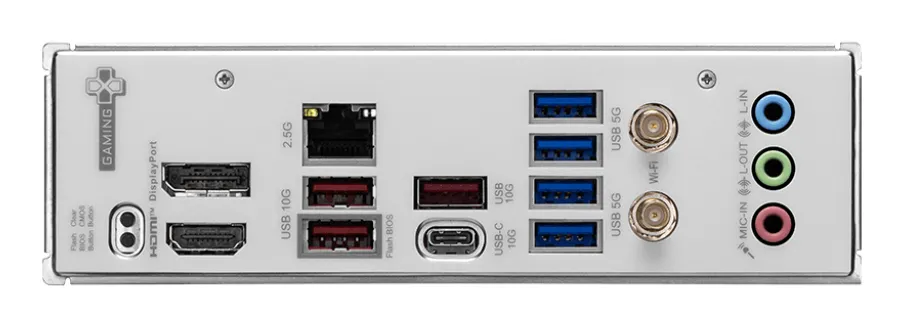
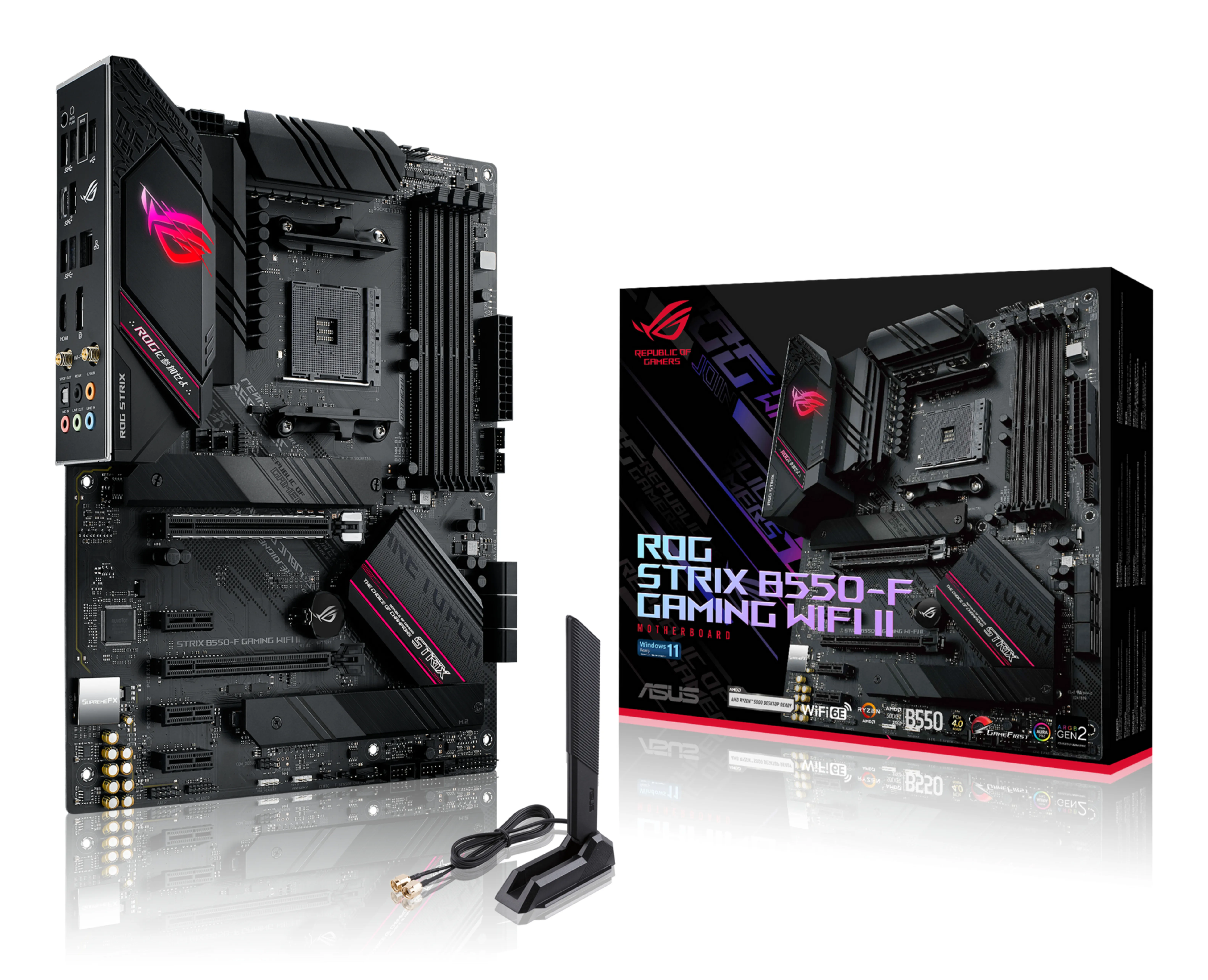
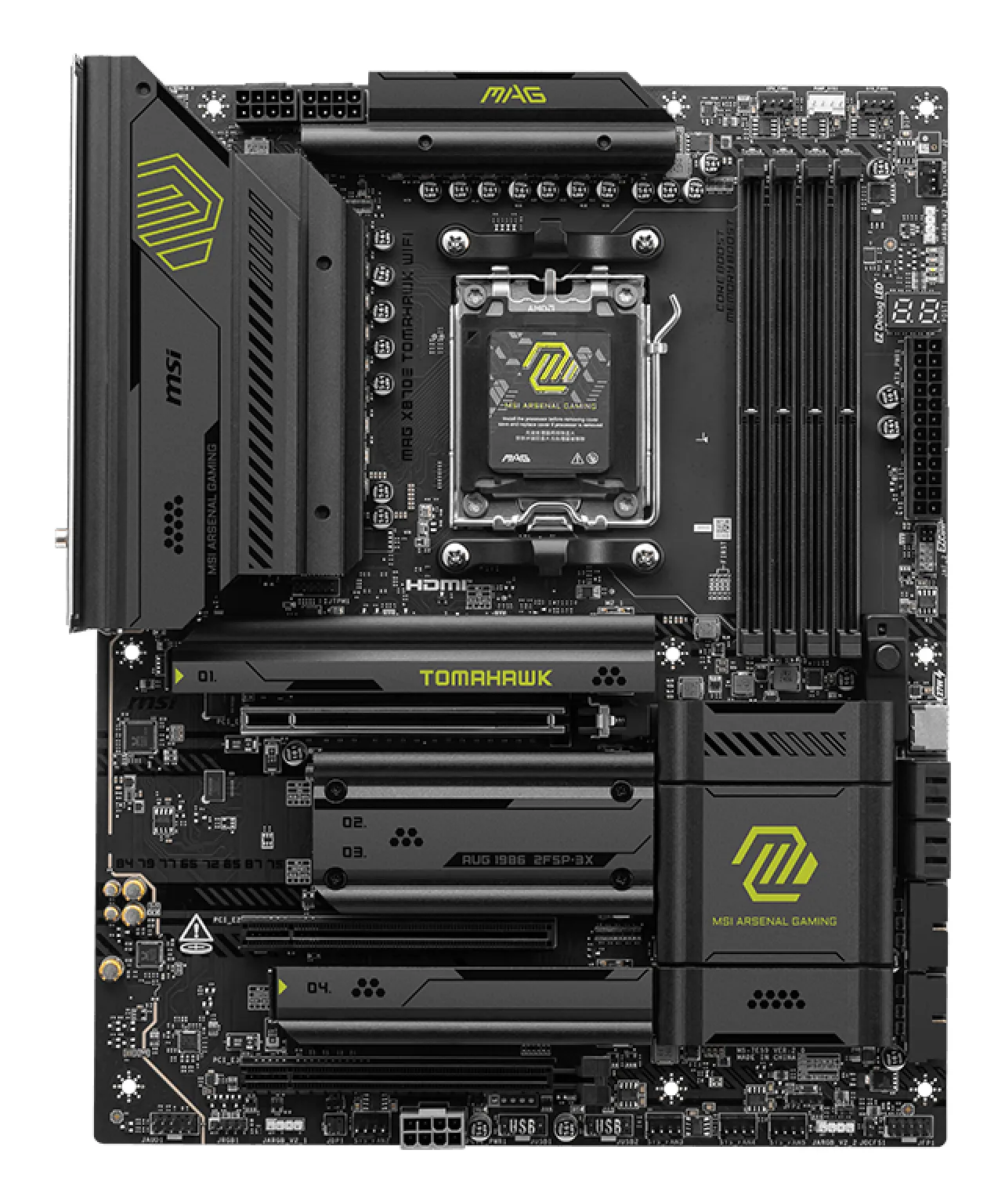
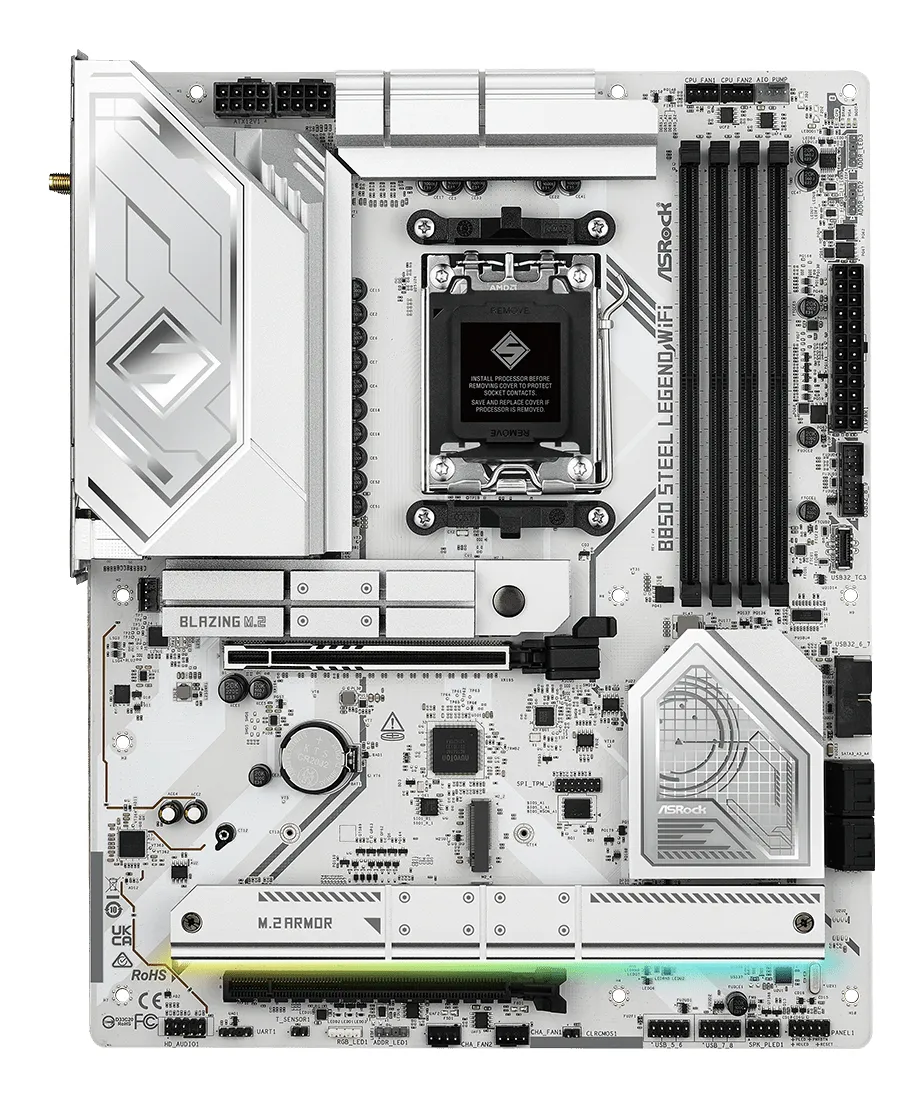
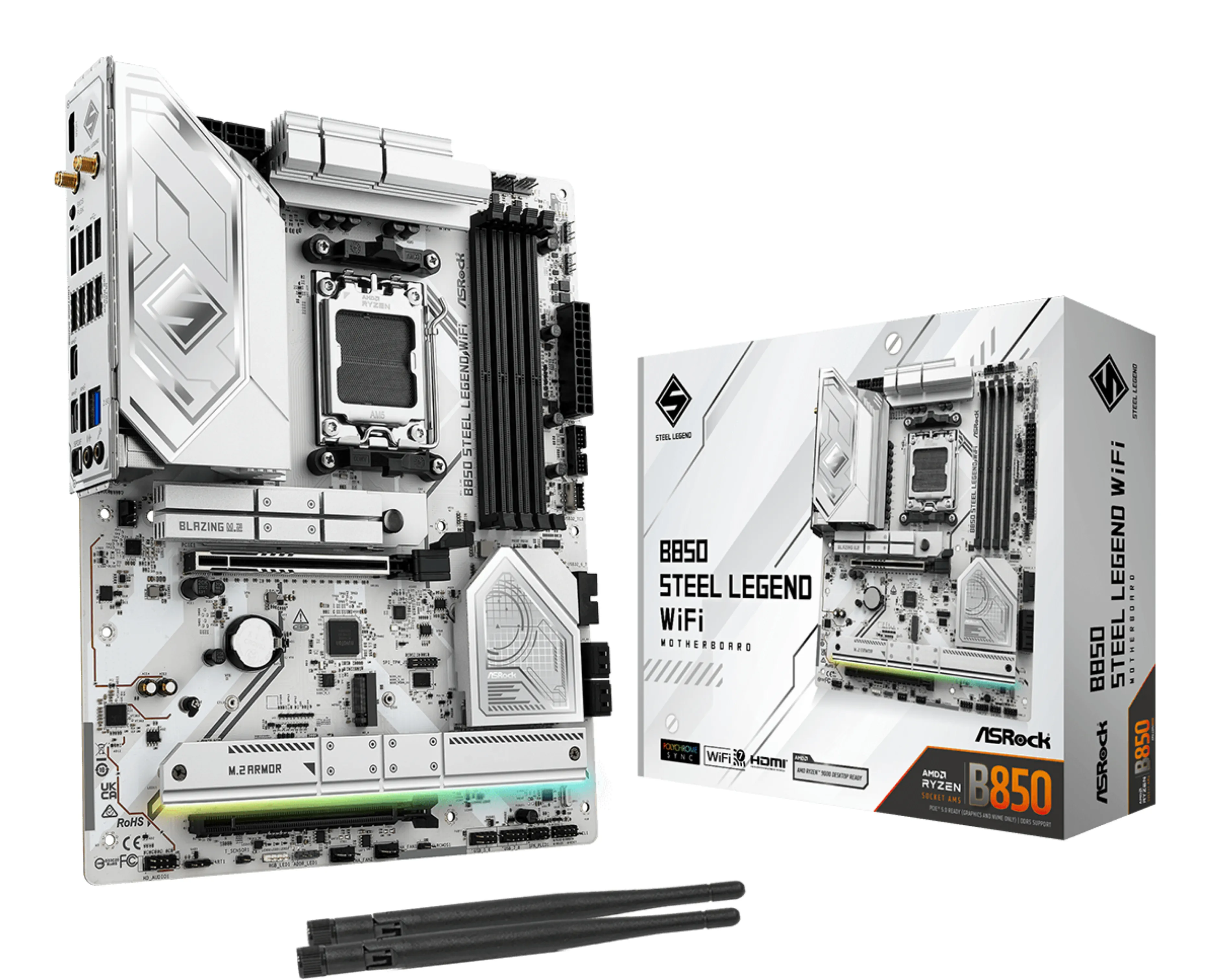
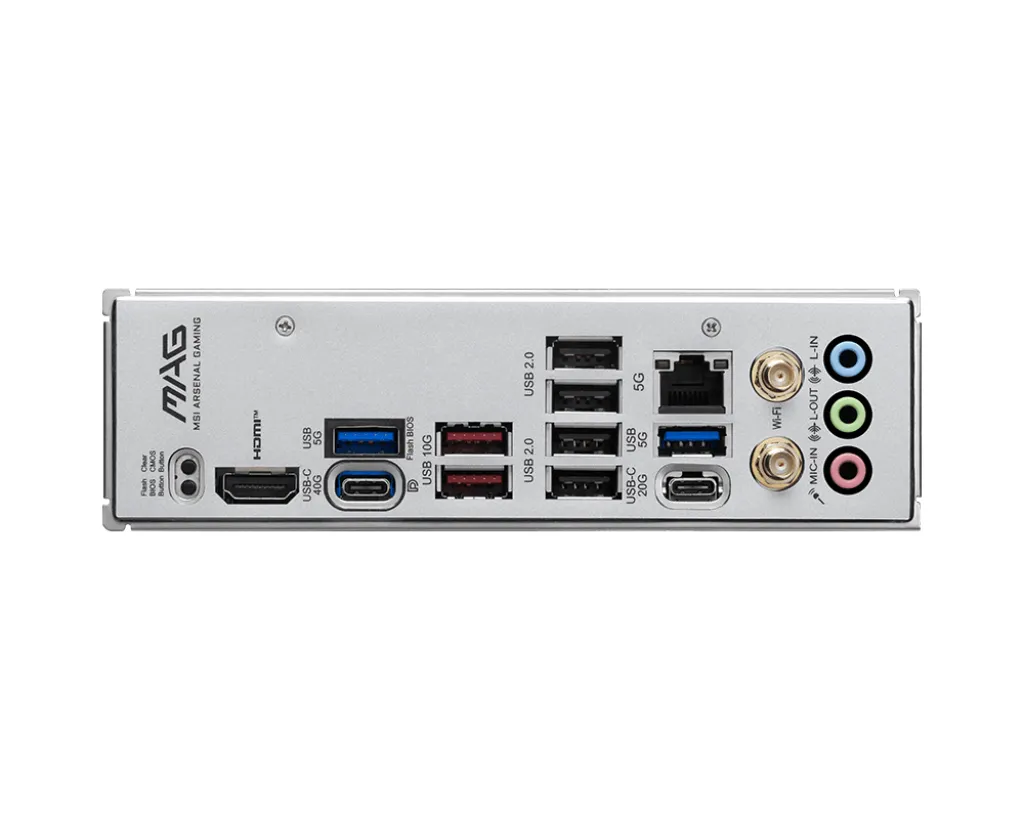
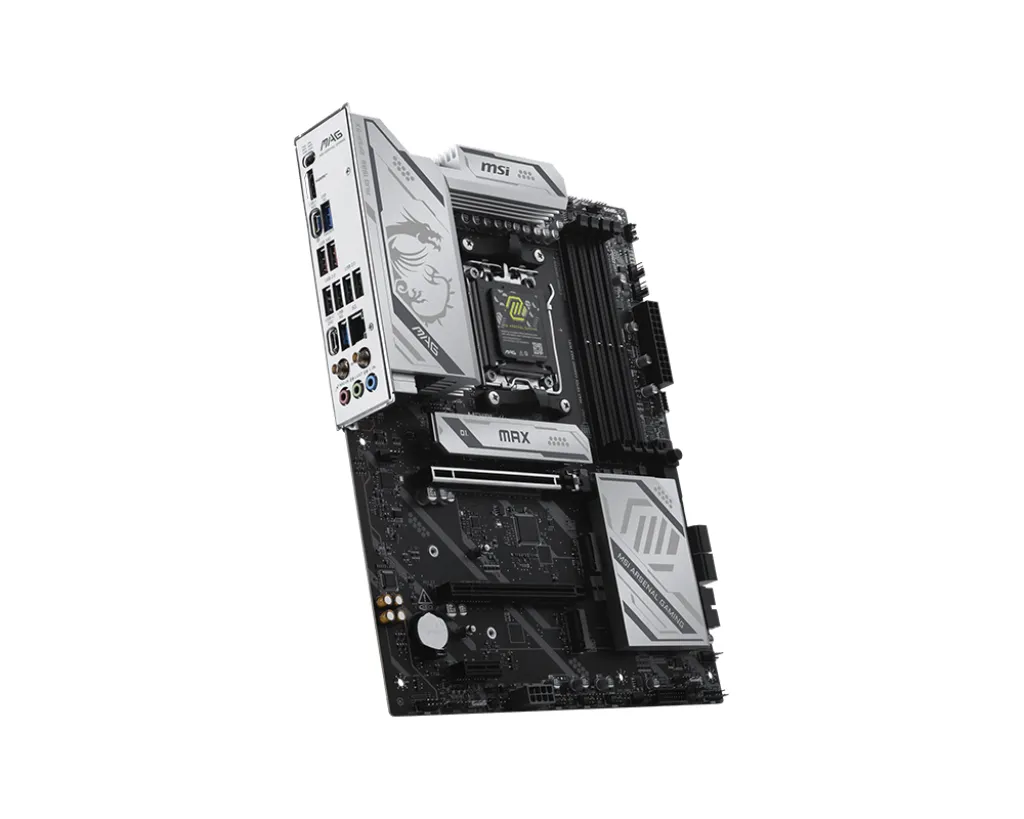
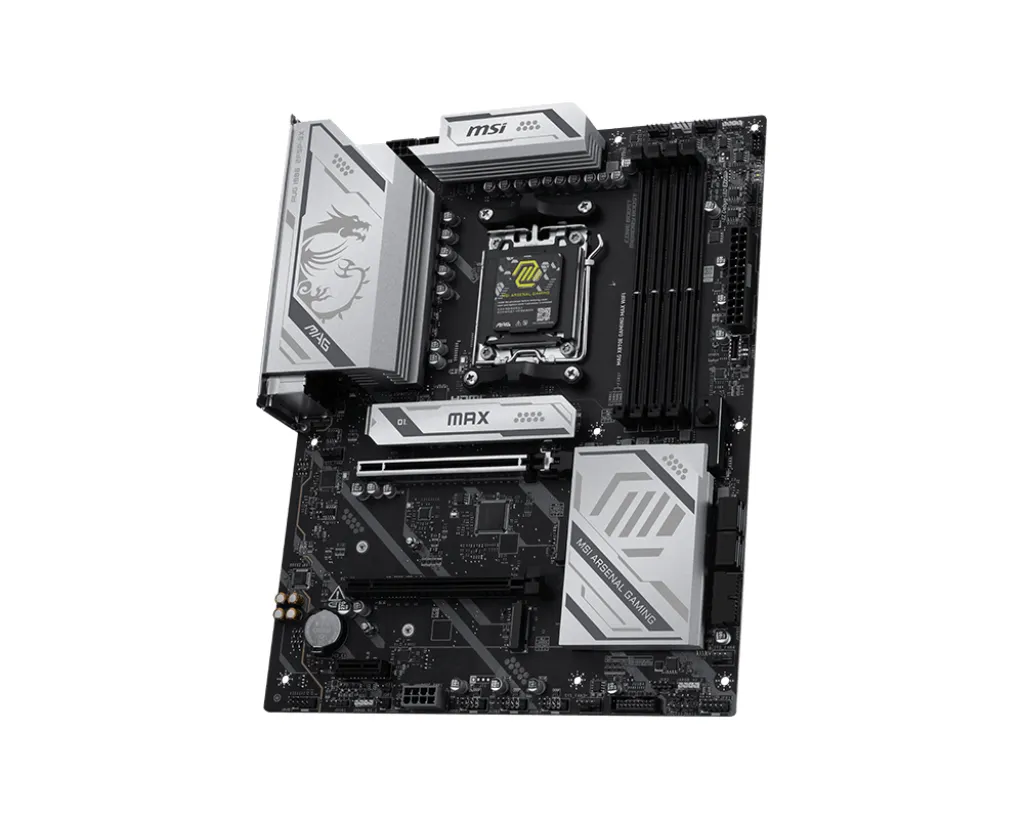
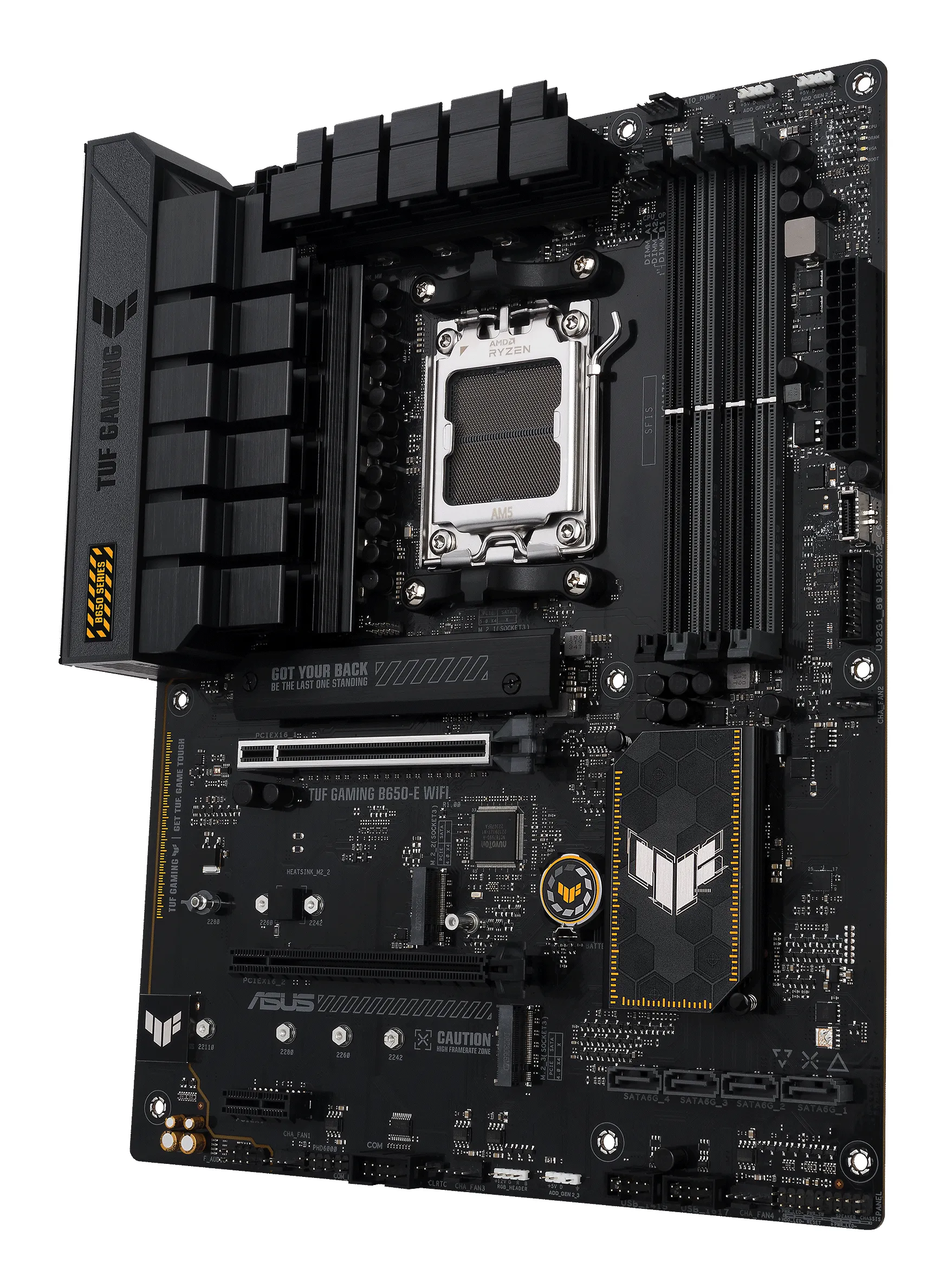
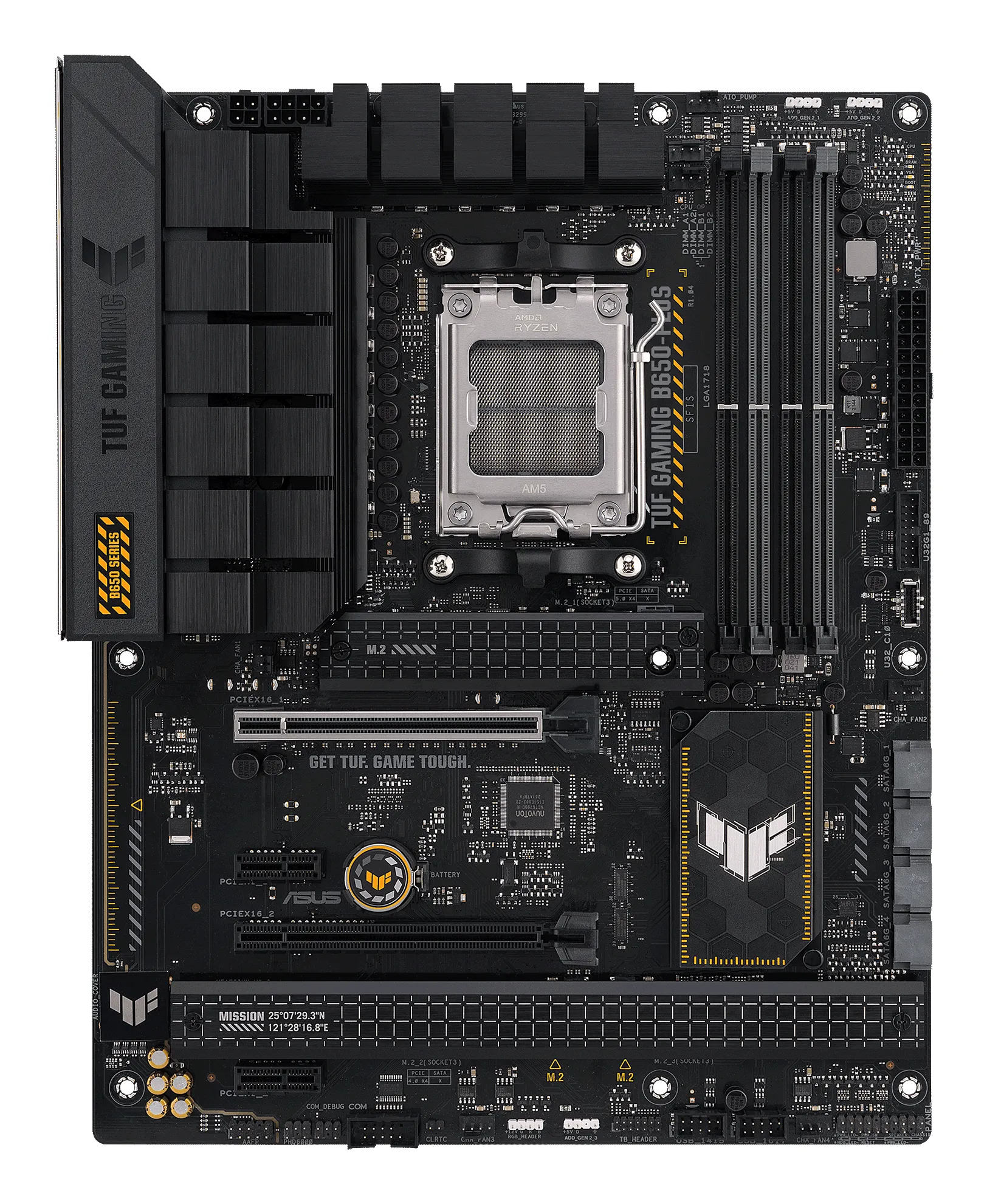
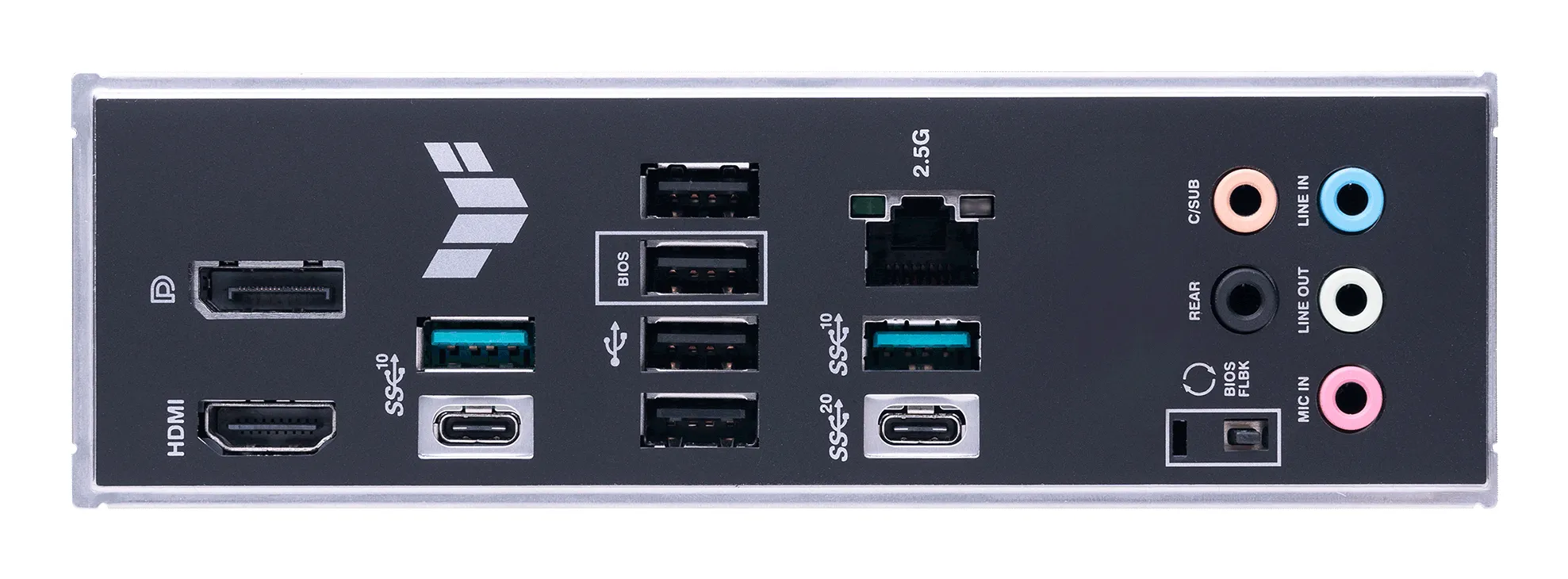
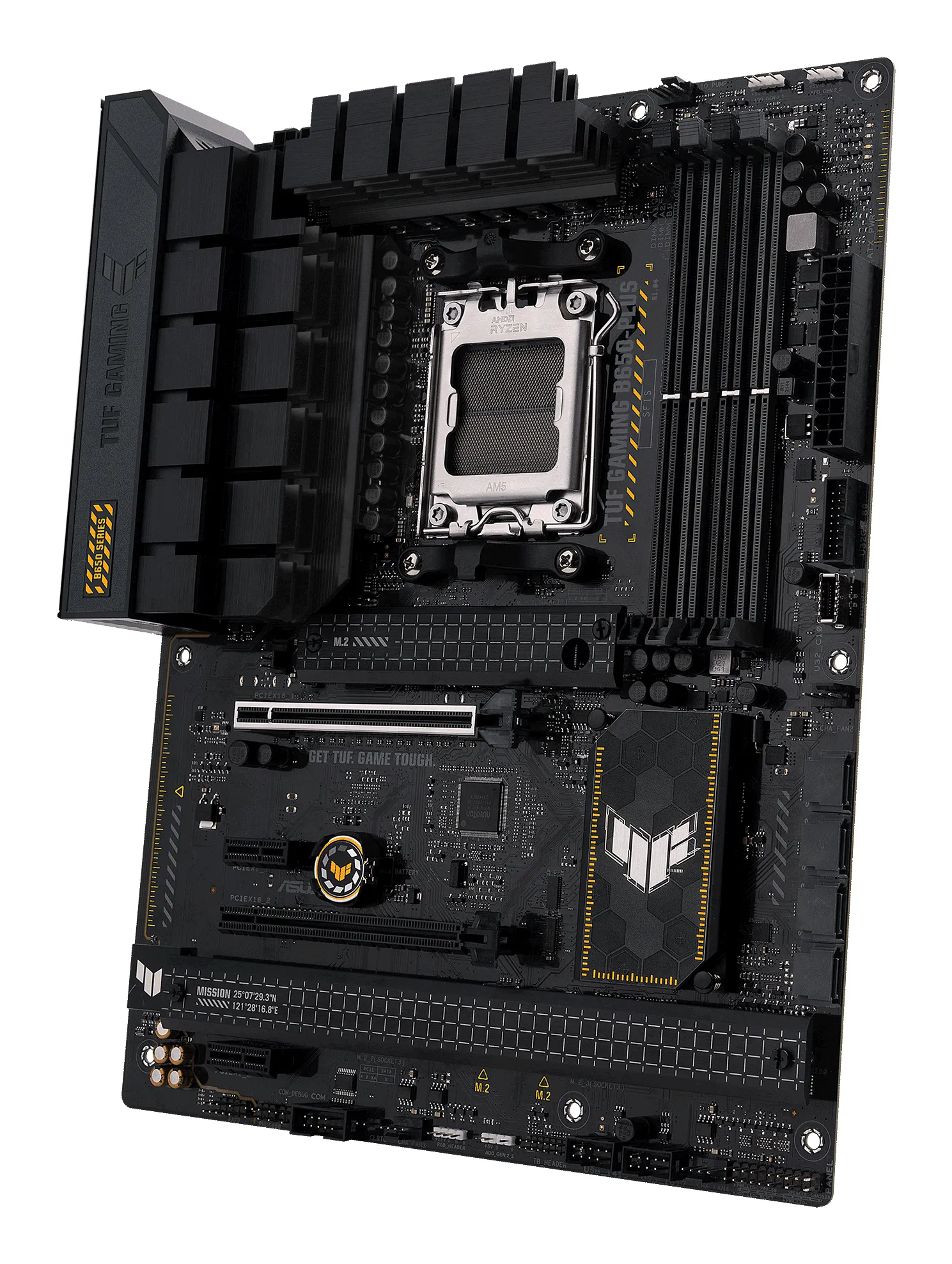
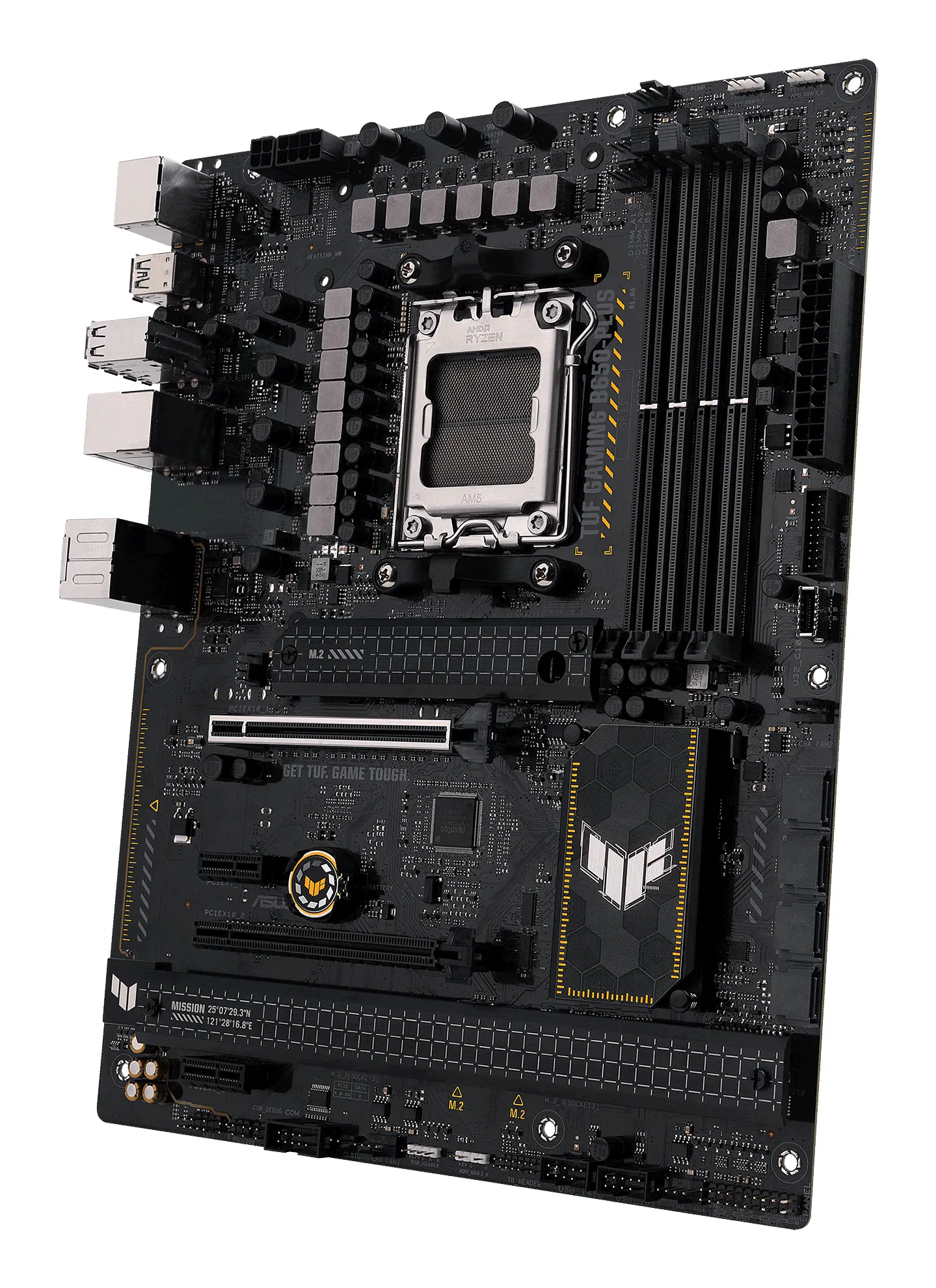
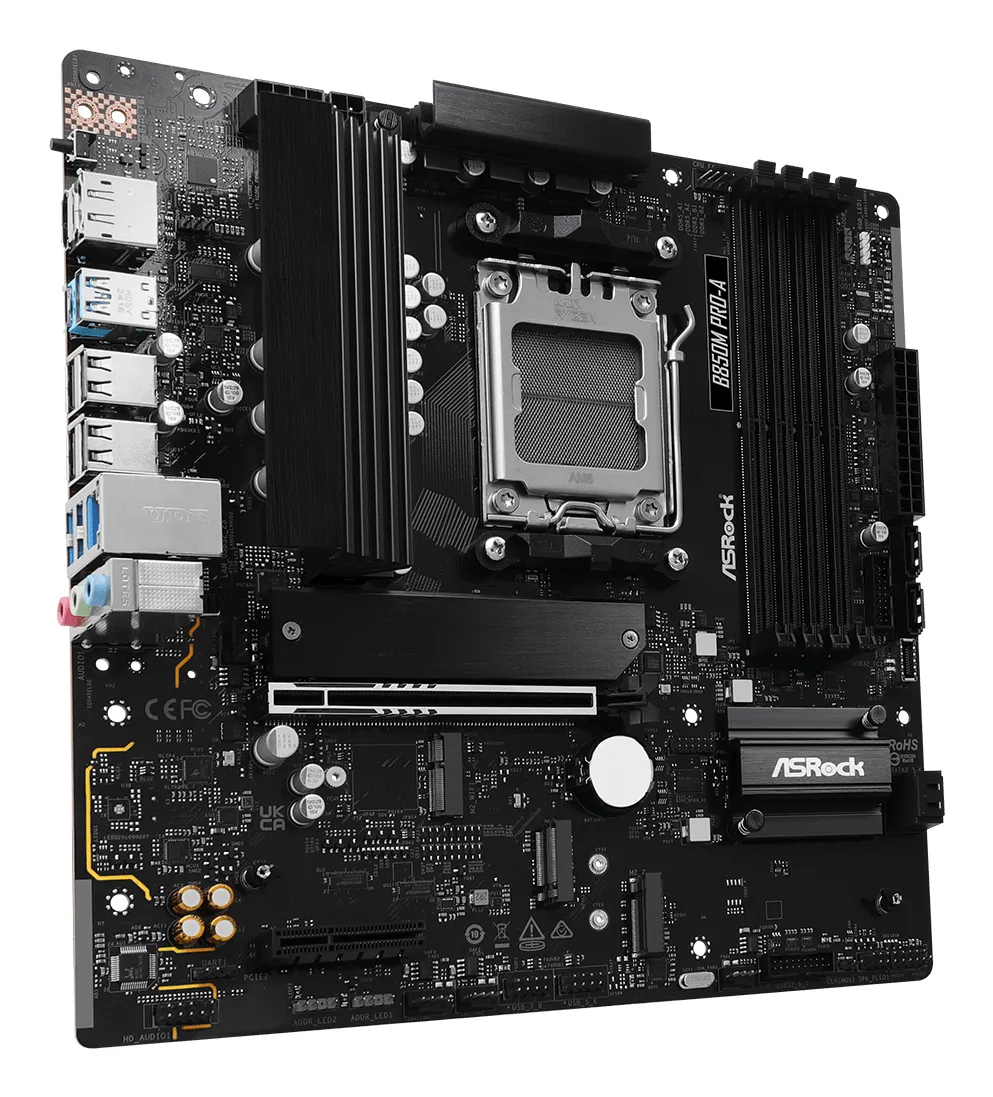
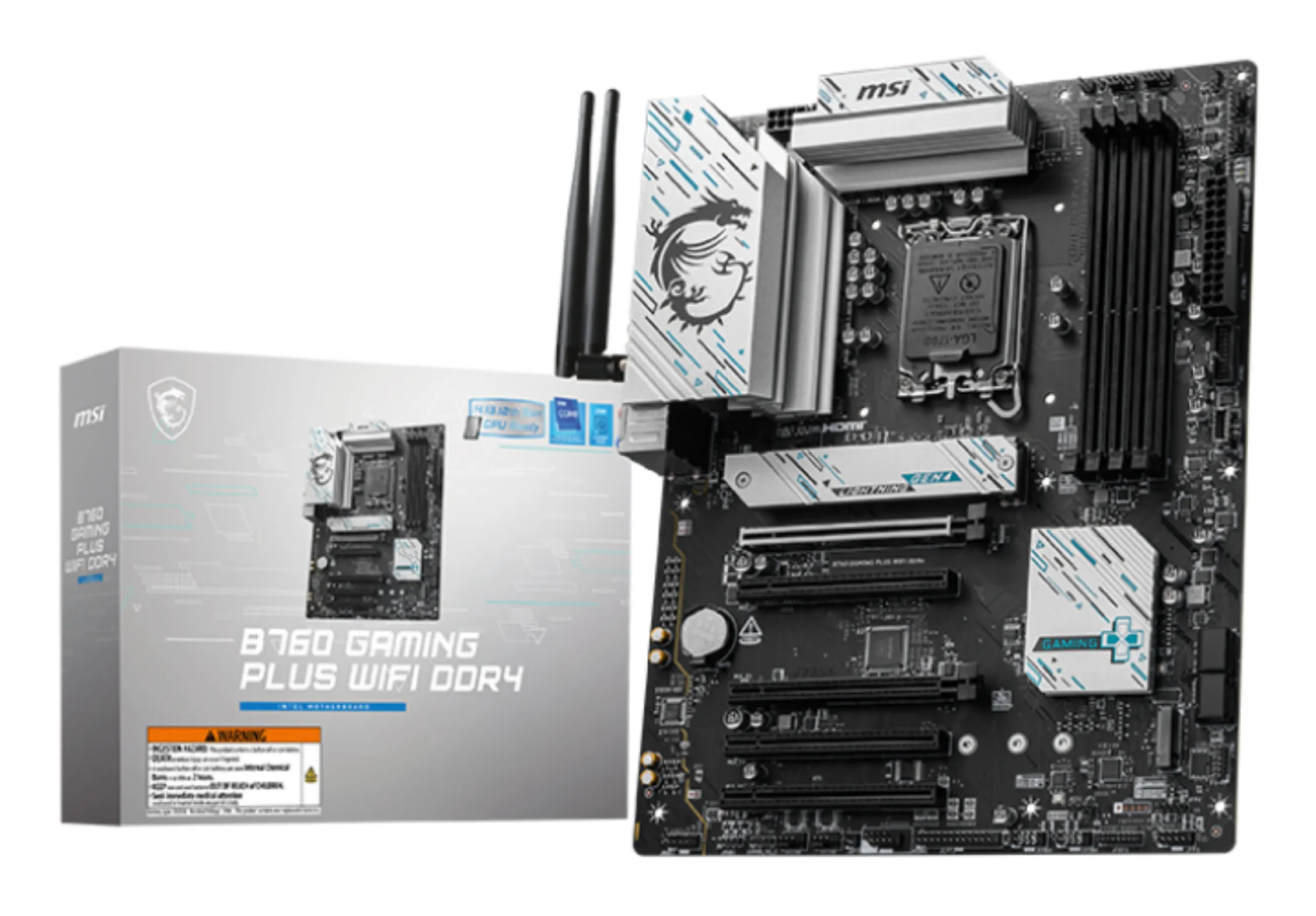
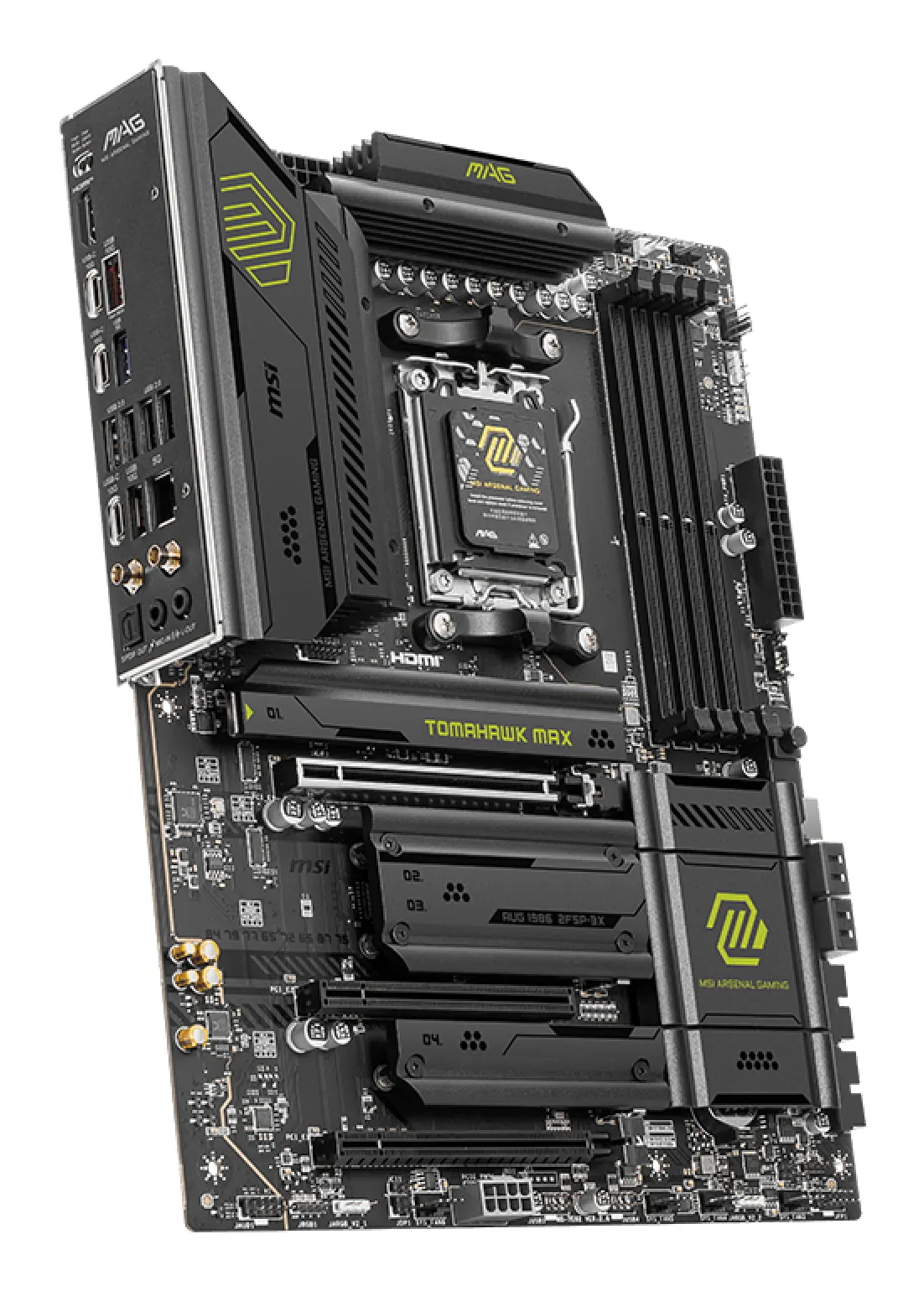
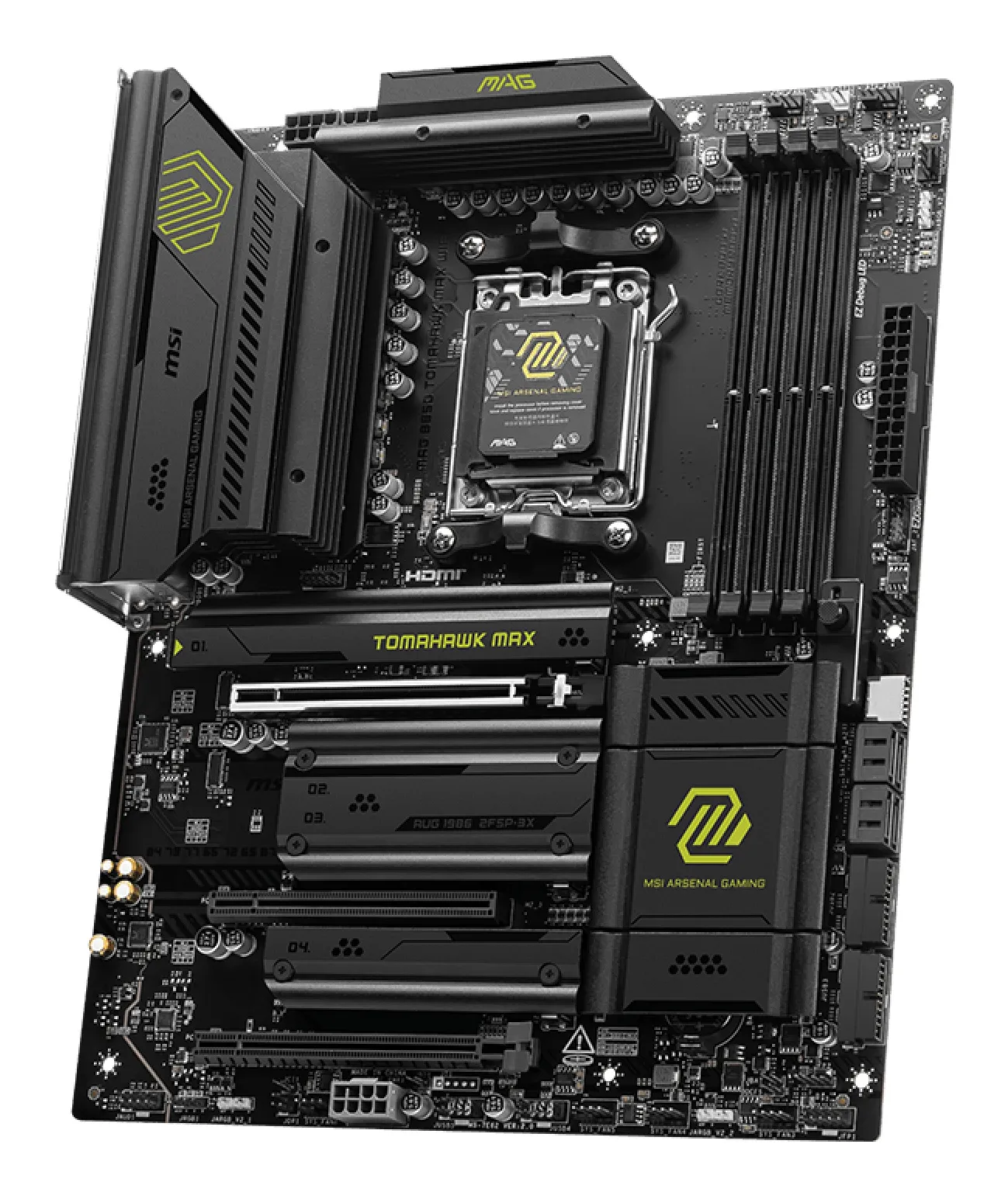
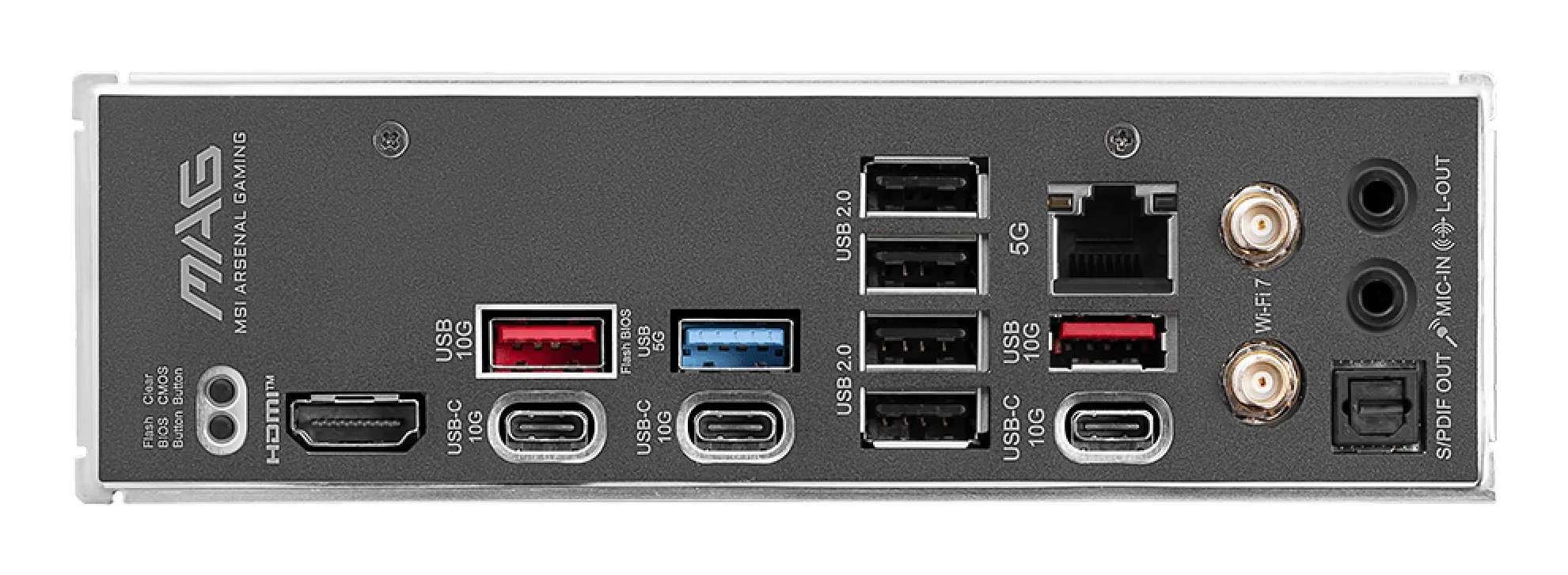
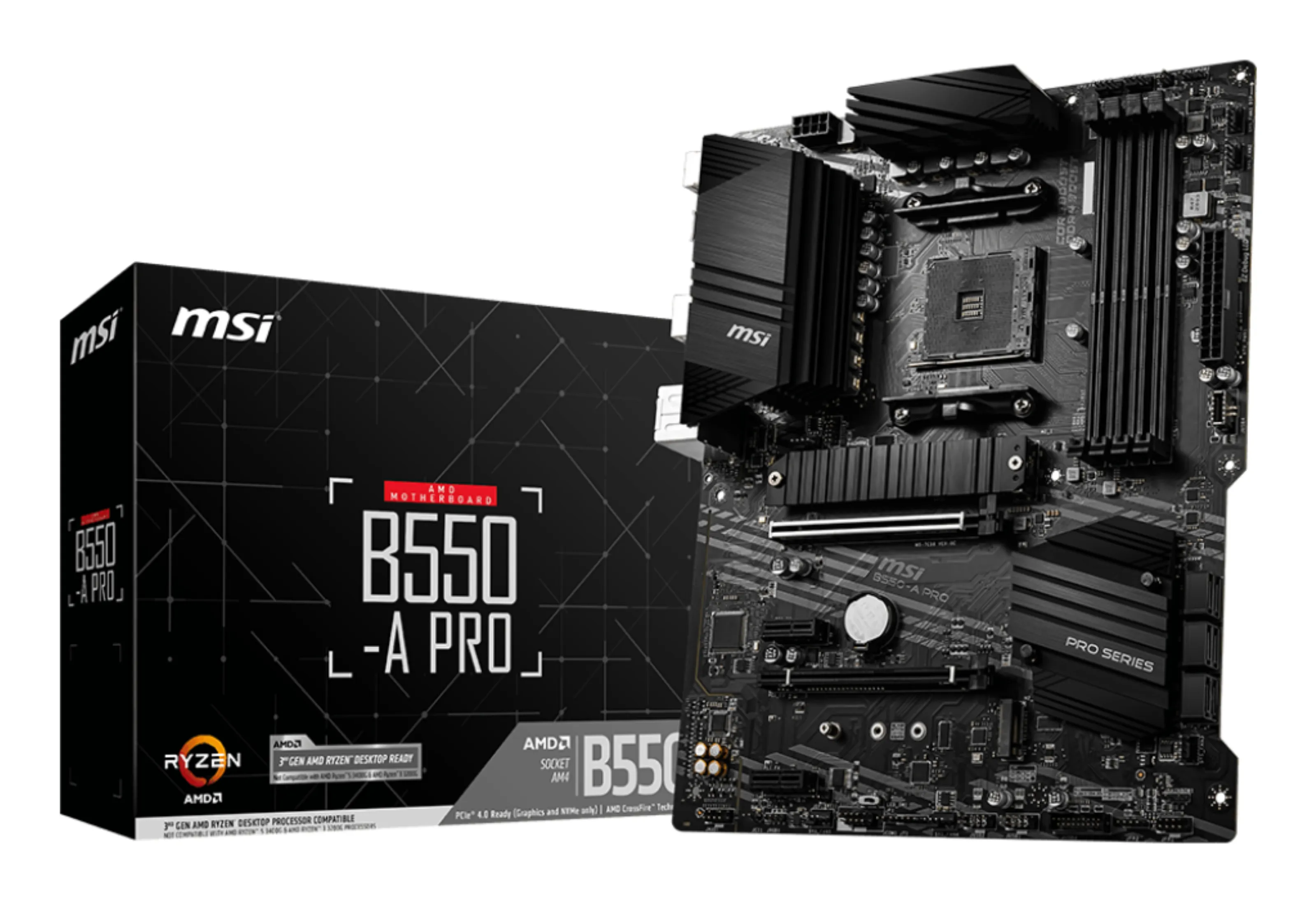
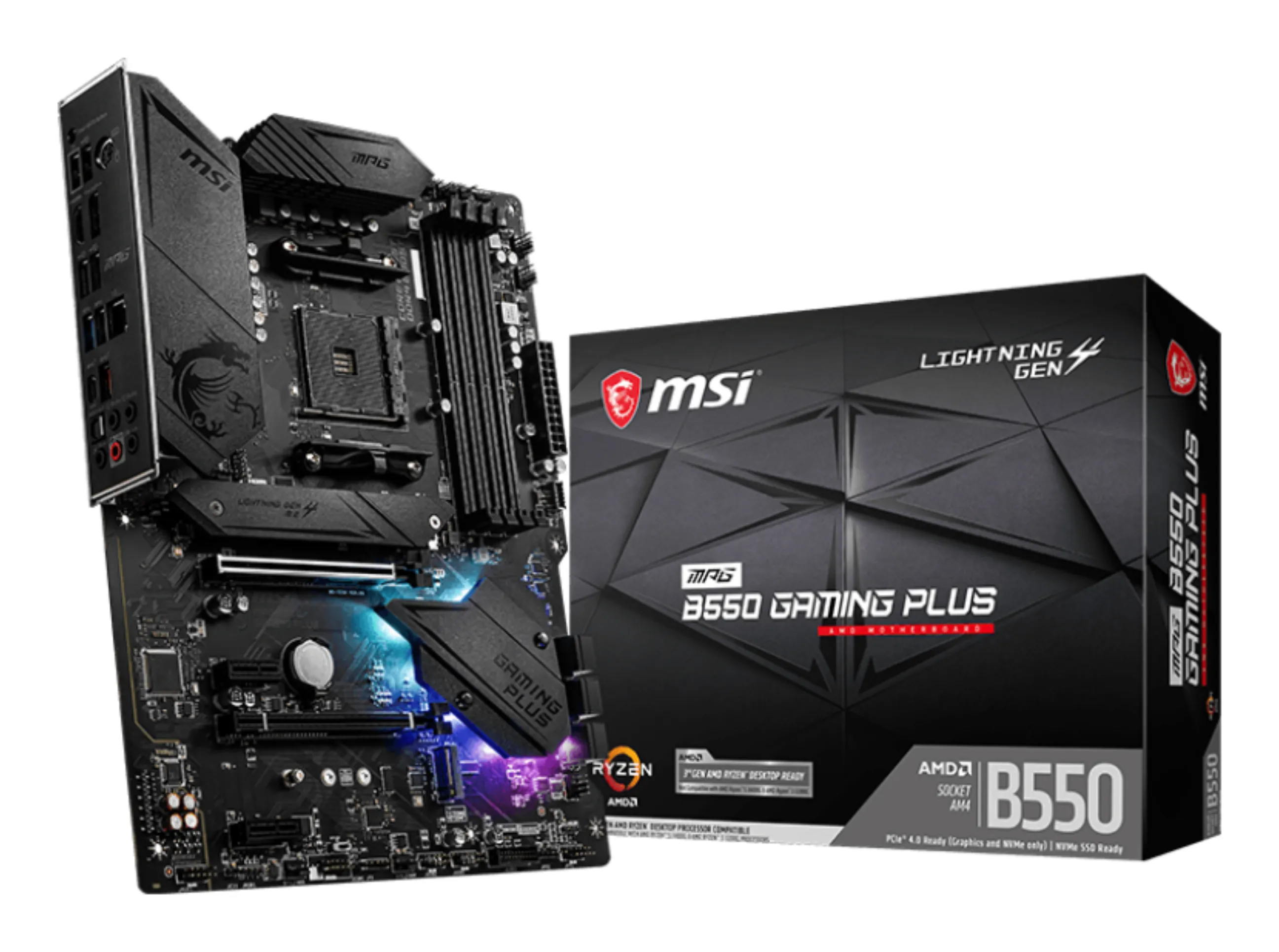
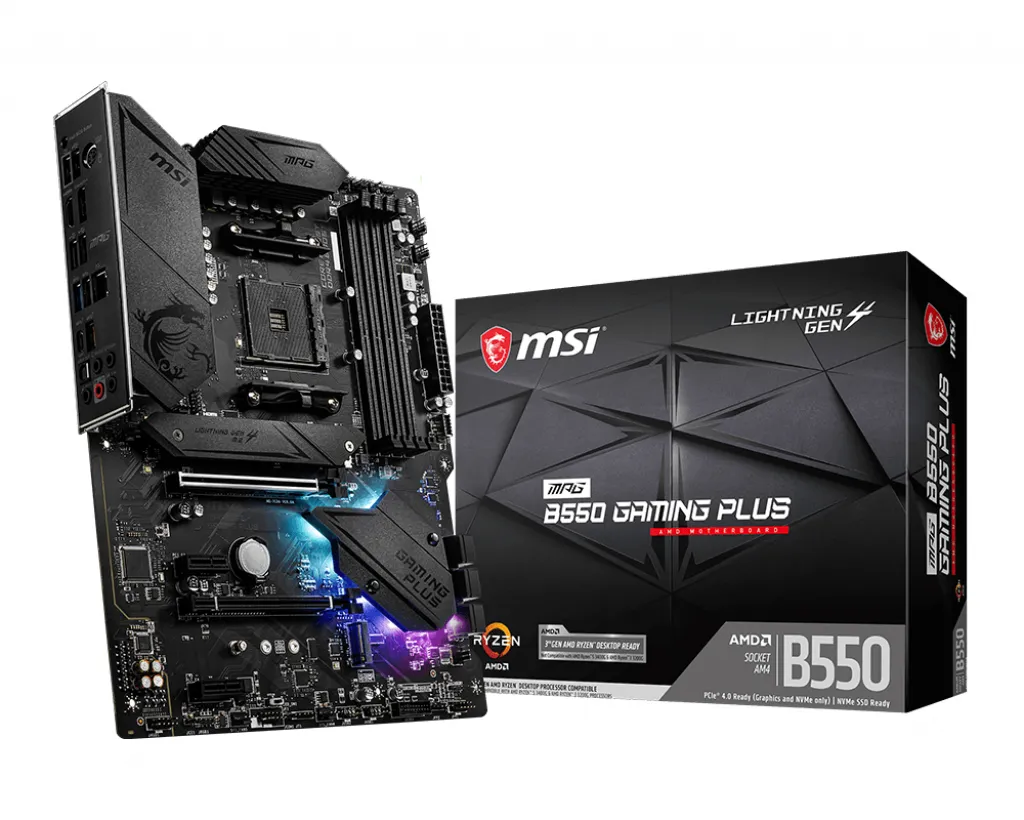
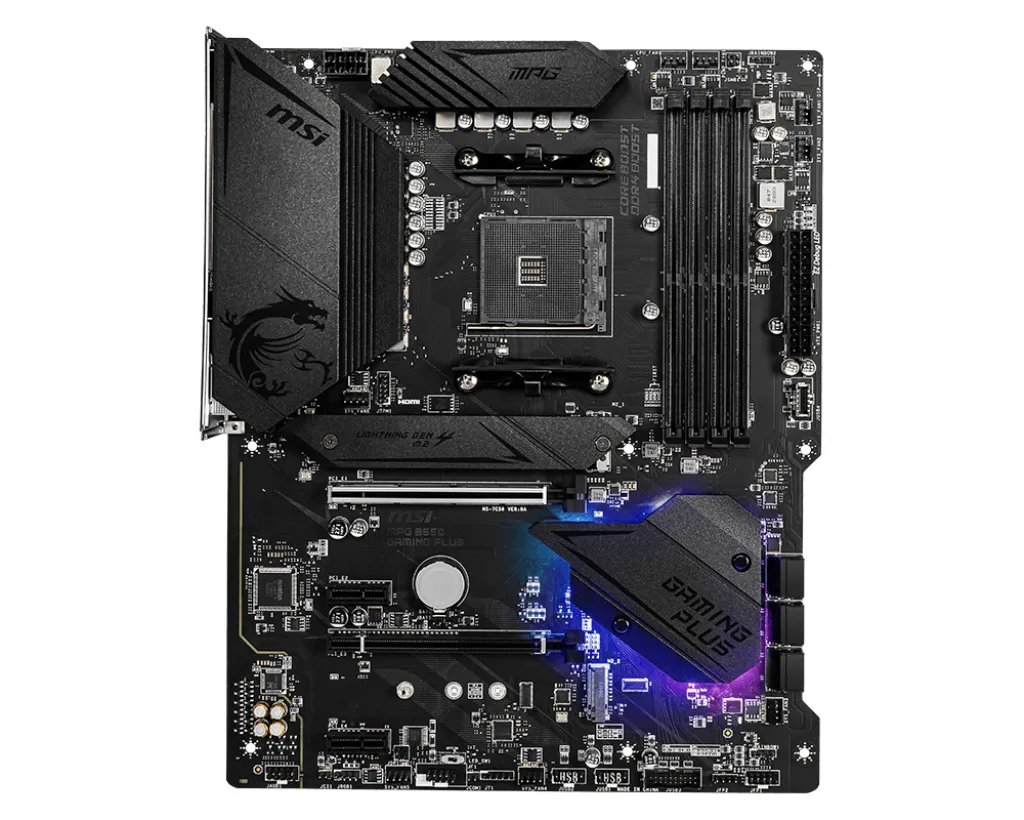
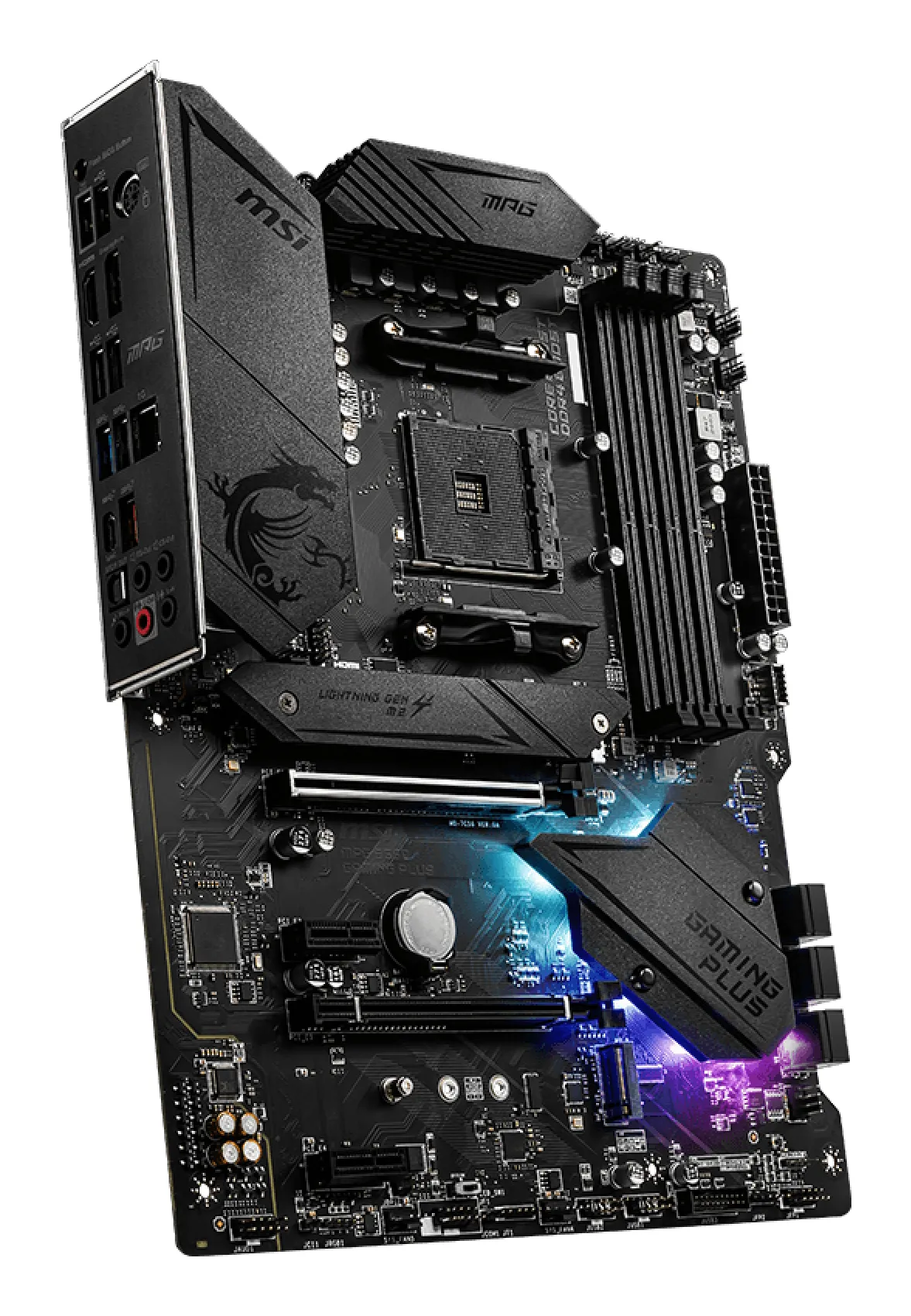
The motherboard is the primary circuit board of a computer, connecting all components and enabling data communication between them. Serving as the system's nerve center, it distributes power and manages bus traffic between the processor, memory, storage, and expansion cards. The choice of motherboard determines not only current performance but also the system's scalability and lifespan.
Key Technical Selection Criteria
When selecting a motherboard, three critical technical areas must be considered:
Socket and Chipset: The socket determines CPU compatibility. The chipset controls system features such as overclocking support, the number of available USB ports, and the speed of PCIe lanes.
Form Factor: The most common standards are ATX, Micro-ATX, and Mini-ITX. Beyond physical dimensions, the form factor dictates the number of expansion slots (such as RAM and PCIe slots) and determines the required case size.
Bus and Memory Compatibility: The motherboard defines the supported memory type (e.g., DDR4 or DDR5) and its maximum frequency. It also determines the PCIe generation, which limits the maximum bandwidth for graphics cards and high-speed NVMe storage.
Major Market Players and Standards
The motherboard market is dominated by established manufacturers such as ASUS, MSI, Gigabyte, and ASRock. These brands adhere to industry standards like PCIe (Peripheral Component Interconnect Express) for graphics cards and NVMe storage, ensuring cross-component compatibility provided that the supported generations (e.g., PCIe 4.0 or 5.0) match.
Frequently Asked Questions
How does the motherboard chipset affect performance?
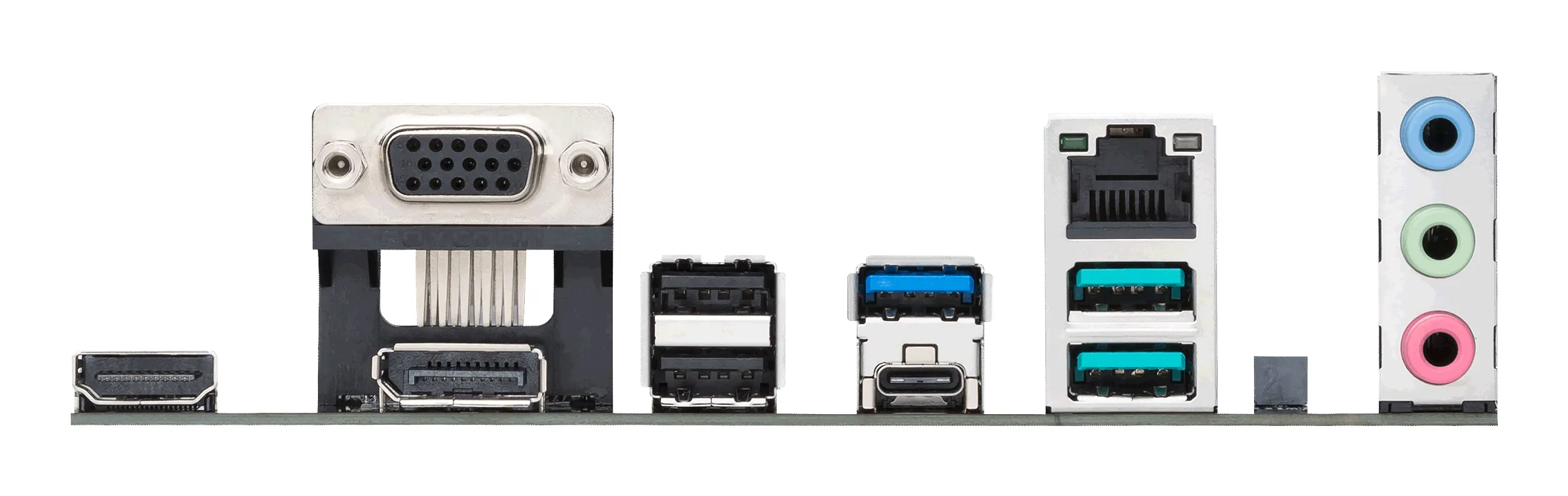
The chipset does not directly increase computational power, but it defines the data transfer rates between components. For example, a higher-end chipset may support faster memory frequencies or more high-speed M.2 storage slots.
Can an Intel processor be installed in an AMD motherboard?
No. Intel and AMD utilize proprietary, incompatible socket types (such as Intel LGA 1700 or AMD AM5). The processor and motherboard sockets must match exactly.
What is the difference between Wi-Fi and non-Wi-Fi models?
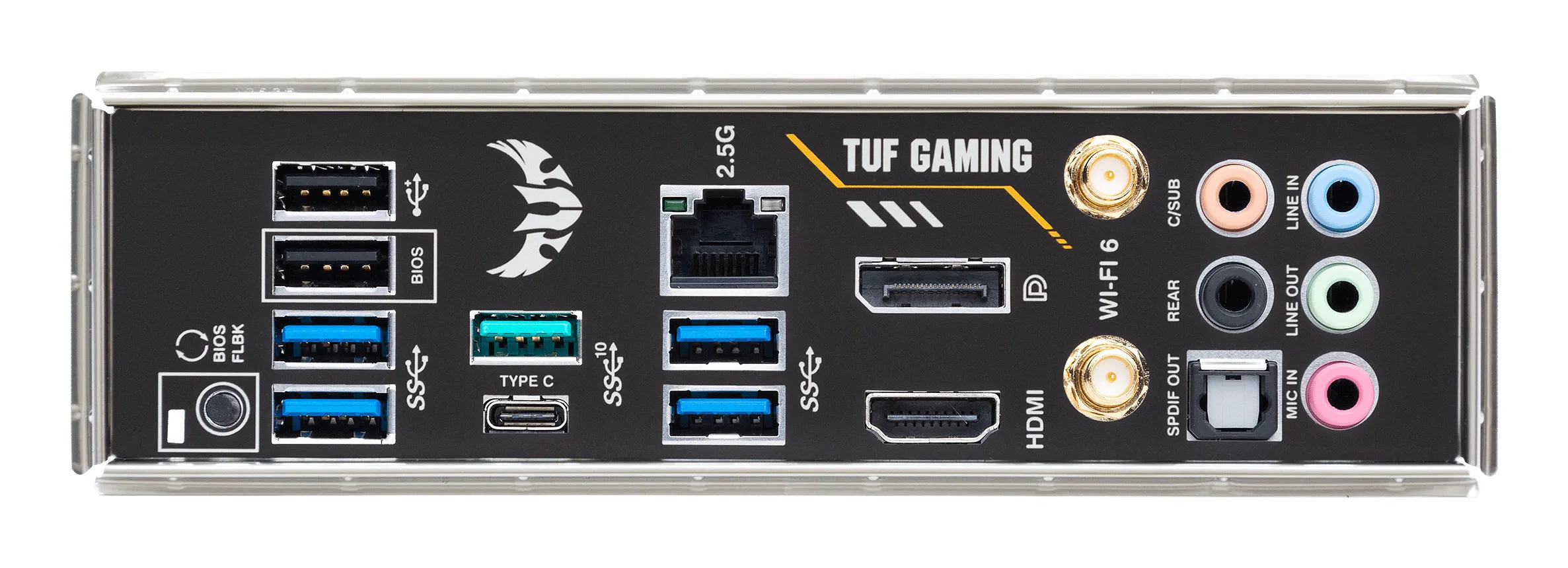
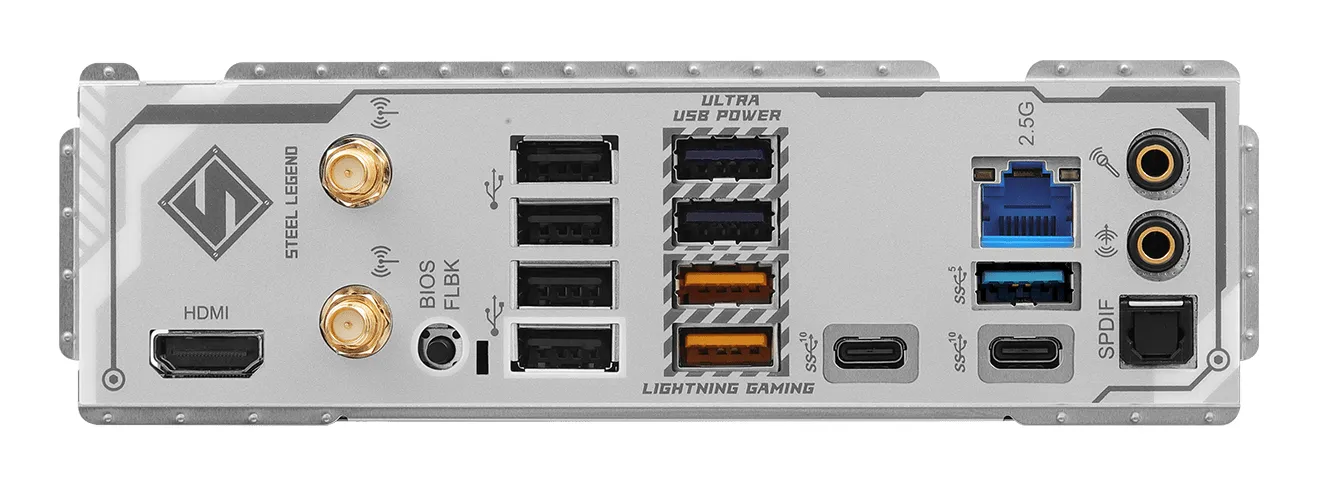
Wi-Fi models include an integrated wireless network card and Bluetooth support, whereas standard models rely primarily on wired Ethernet or require a separate expansion card for wireless connectivity.