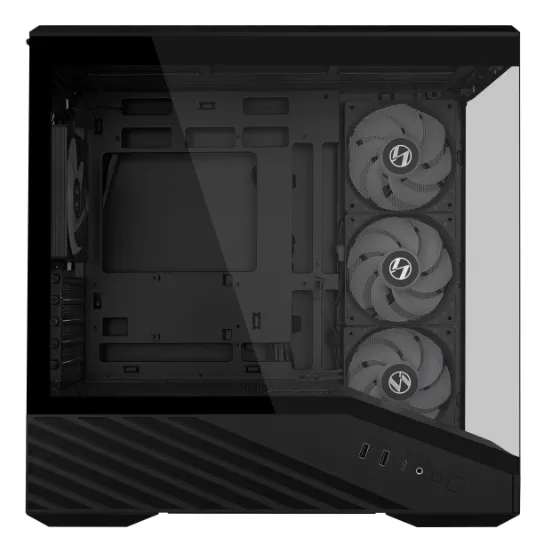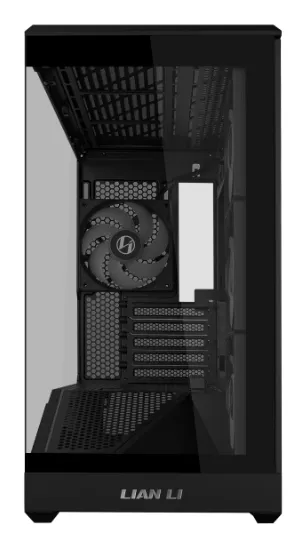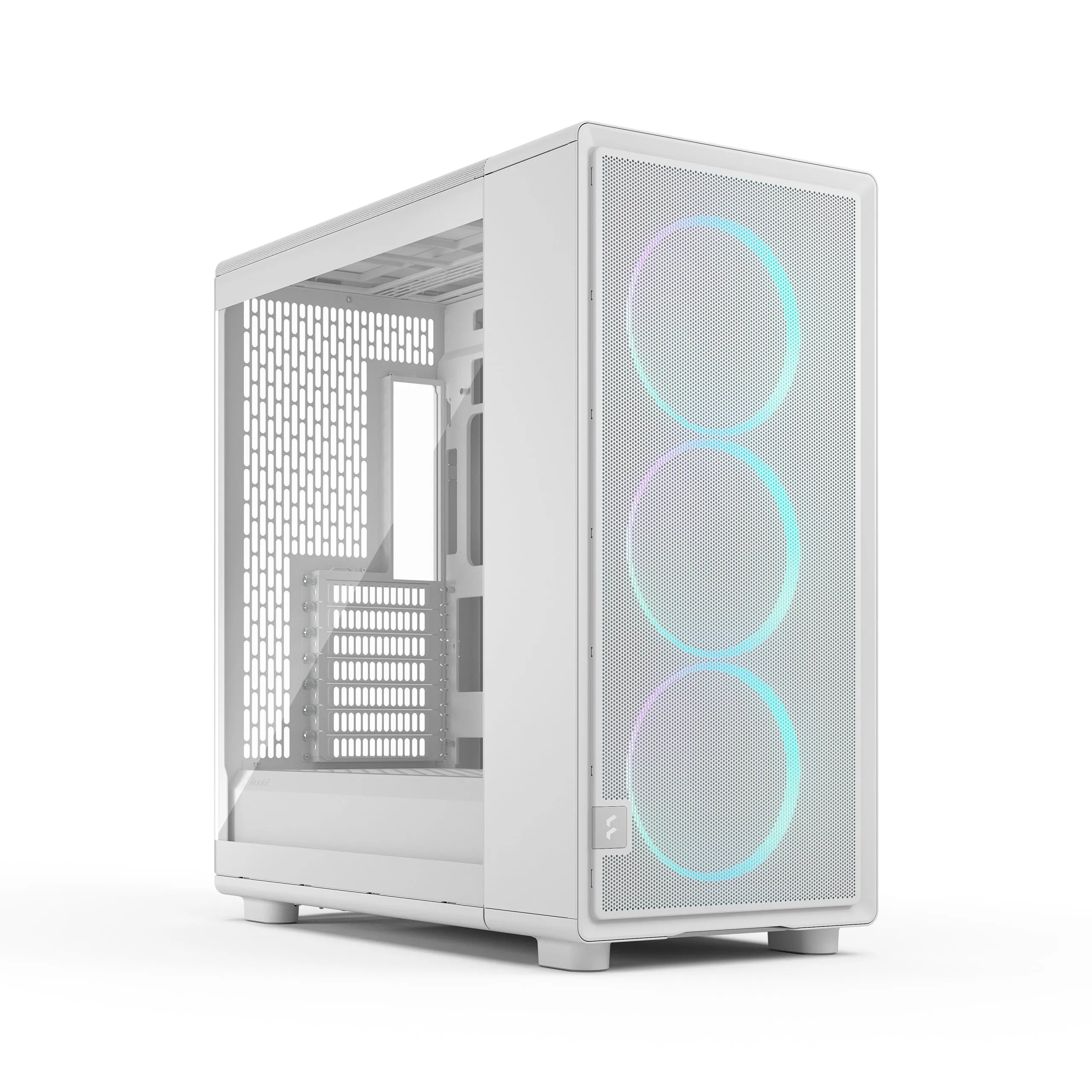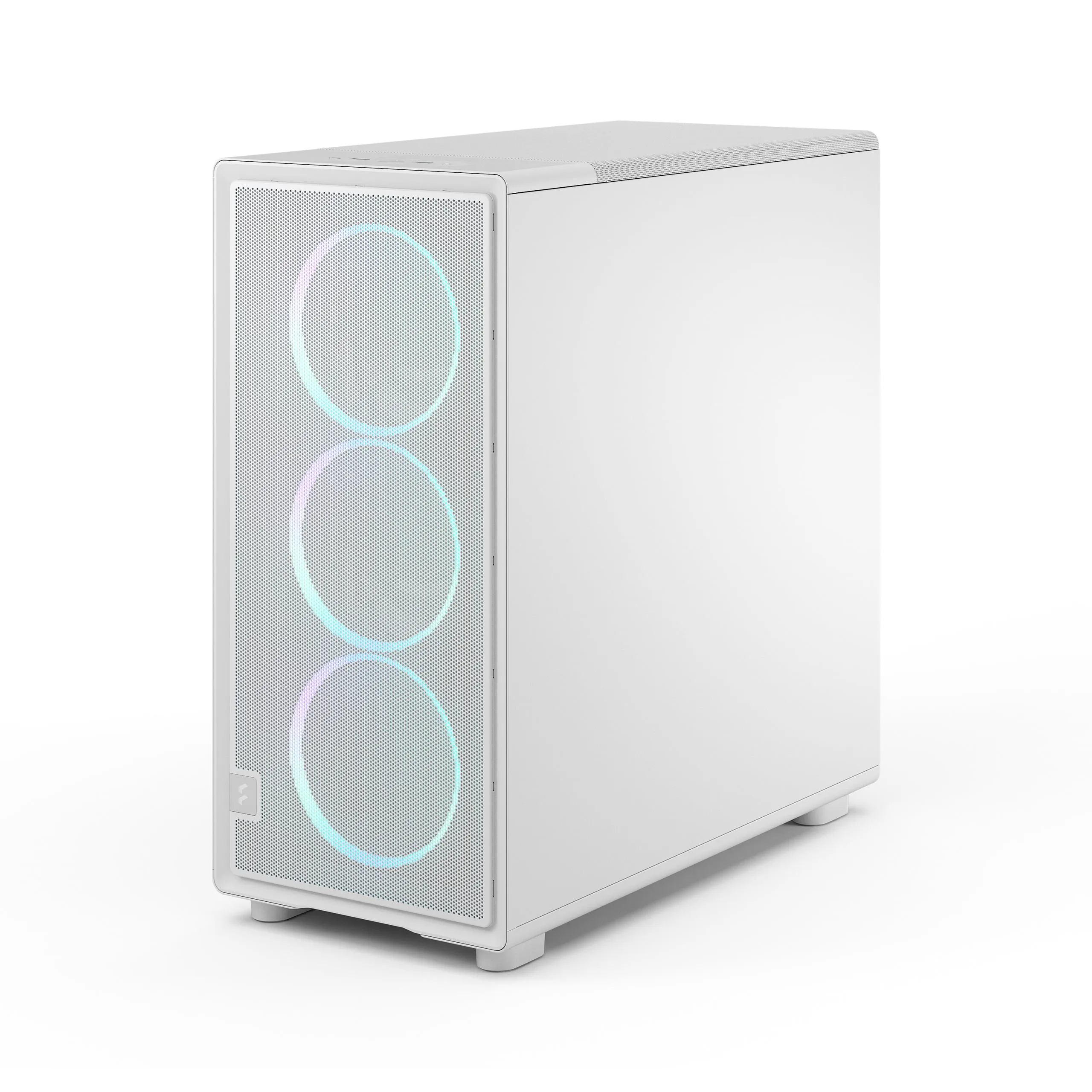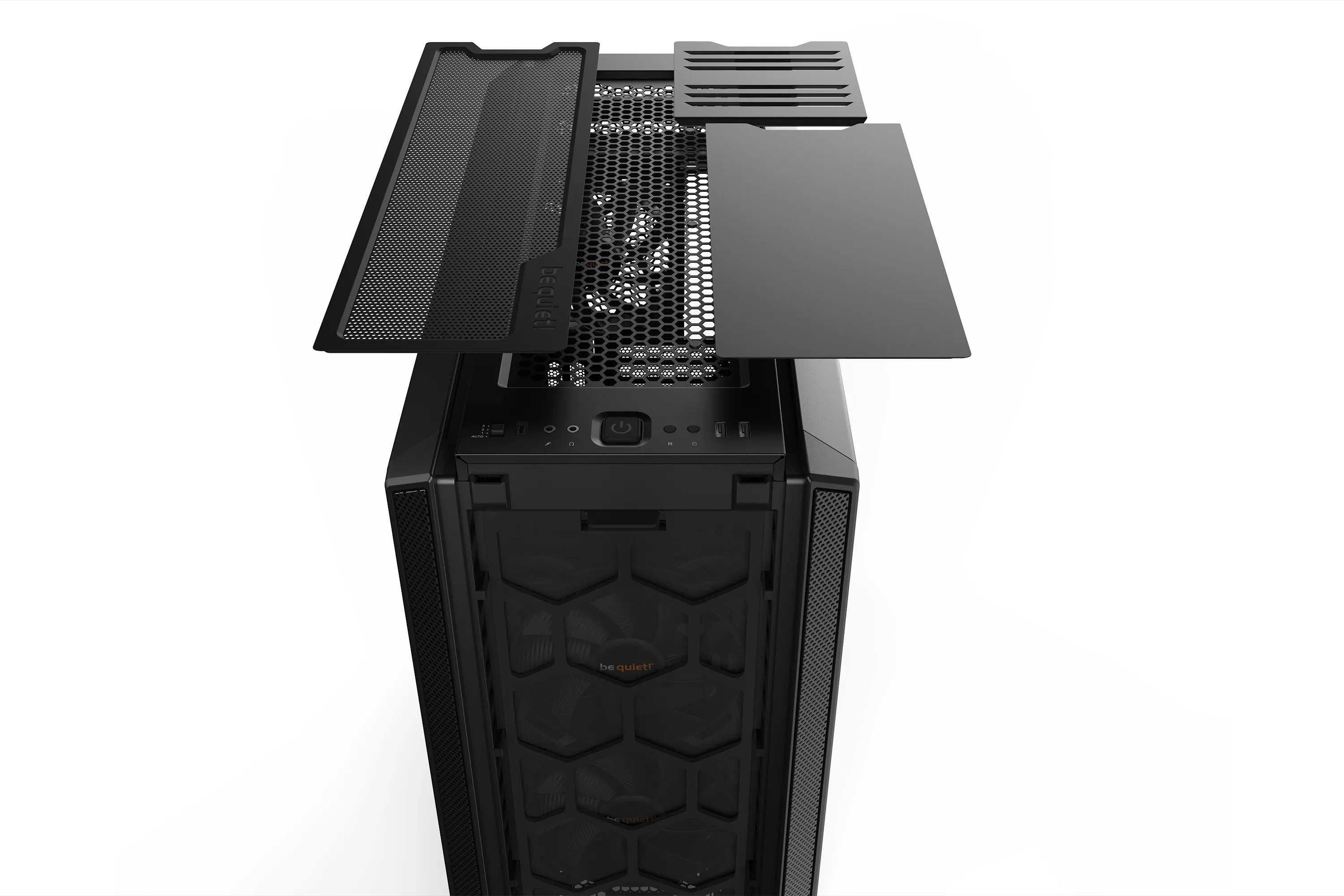

How to Choose the Best PC Case in 2026?
A PC case is more than just a "box" for your components; it determines your build's cooling efficiency, noise levels, and longevity. In 2026, increased component power consumption and new connection standards, such as hidden cabling (BTF), make the choice a strategic decision. Want to browse our full selection first? Click here.
Which are the most popular case manufacturers?
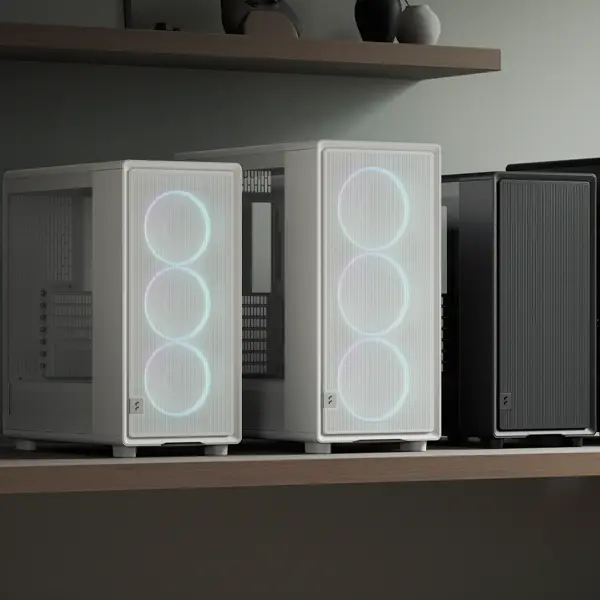
How to choose the right size?
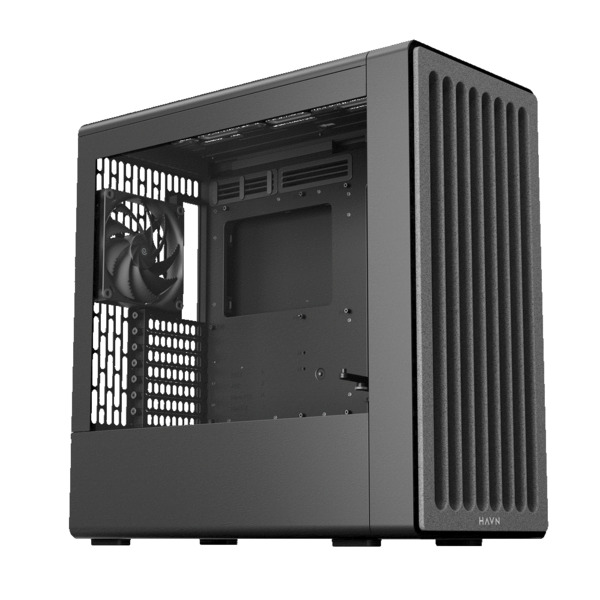
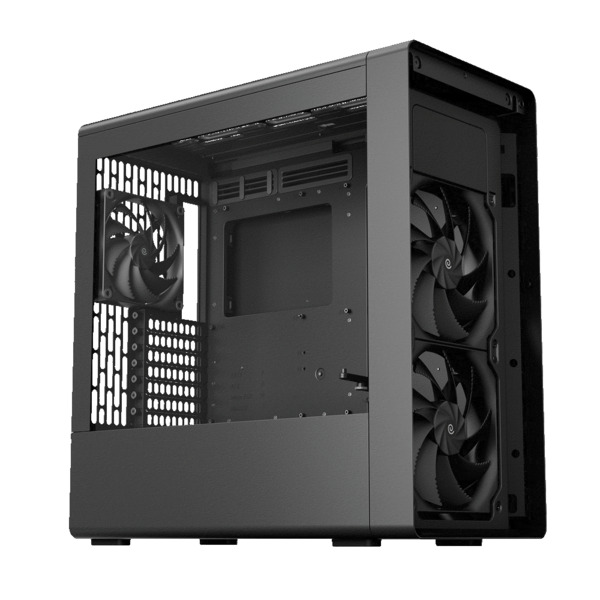
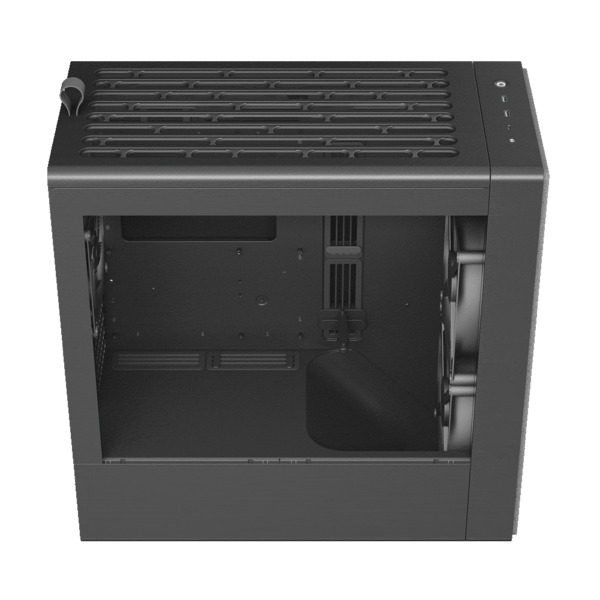
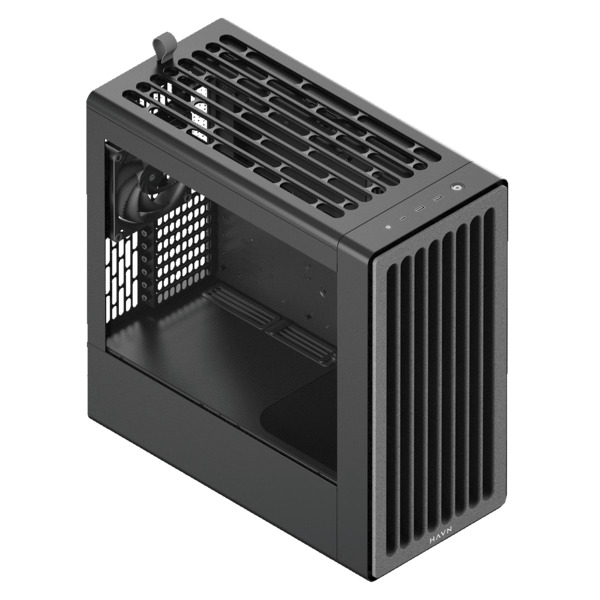
The case size (Form Factor) is directly linked to the motherboard and available space. The larger the case, the more flexible it is for future component upgrades.
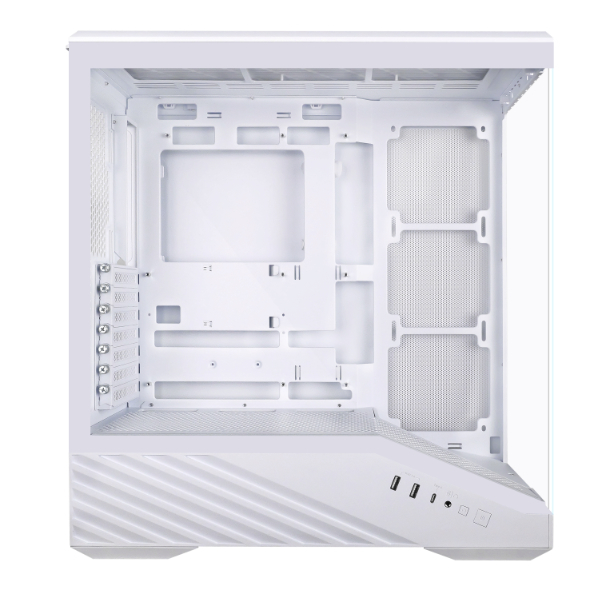
- Mid Tower (ATX): The golden middle. Fits 90% of users and offers space for large GPUs.
- Full Tower (E-ATX): When you need space for massive liquid cooling or multiple storage drives.
- SFF (Mini-ITX): A compact masterpiece. Requires dexterity and precisely chosen components.
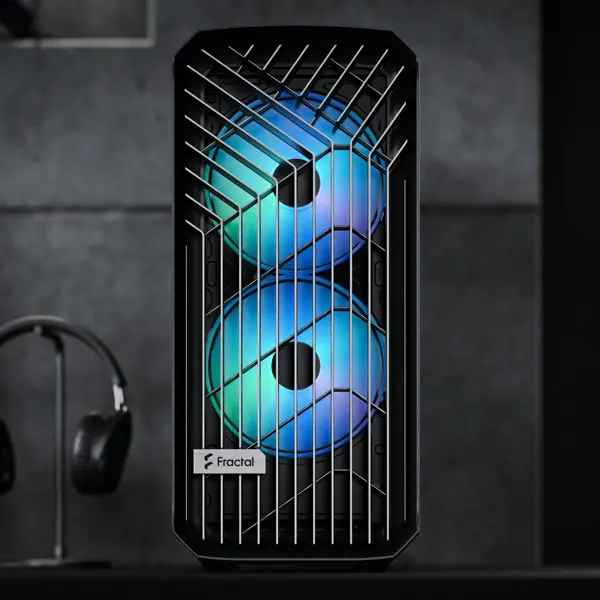
Why is airflow critical?
Modern components generate significant heat. Sufficient airflow prevents performance throttling and extends the lifespan of your hardware.
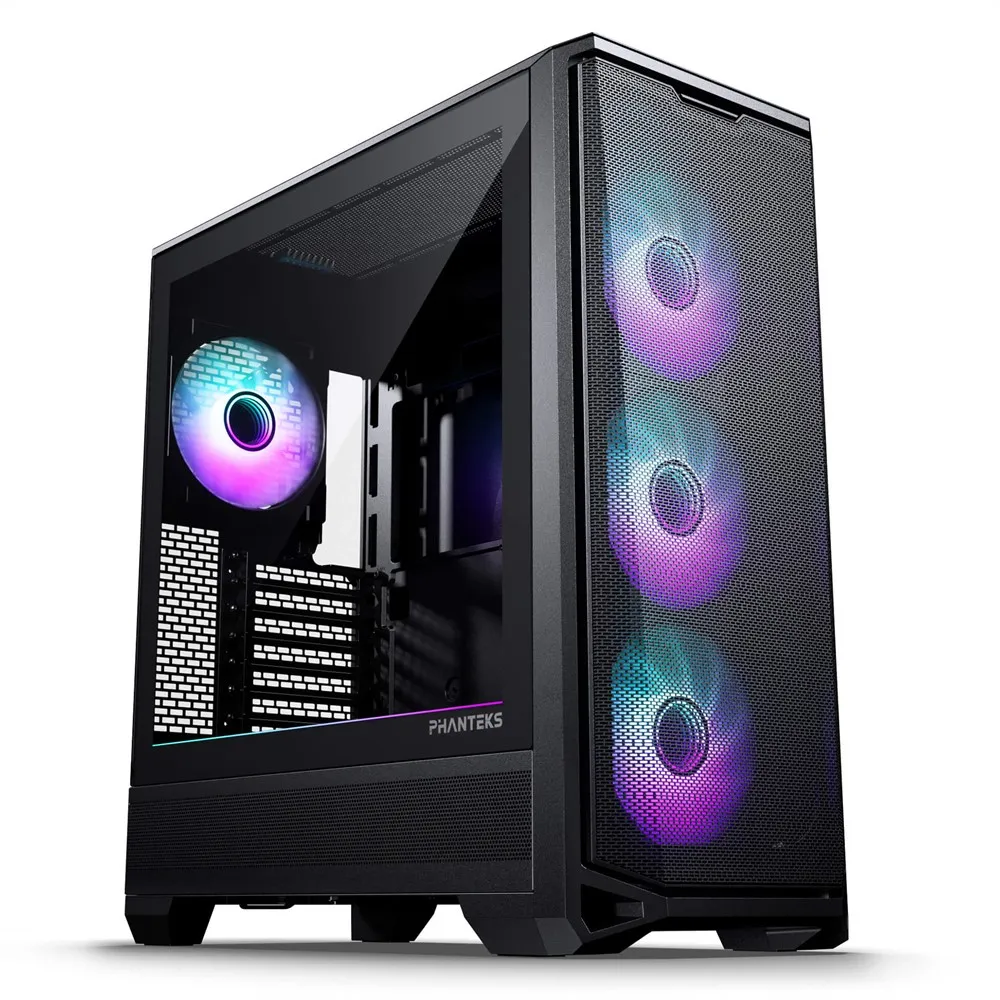
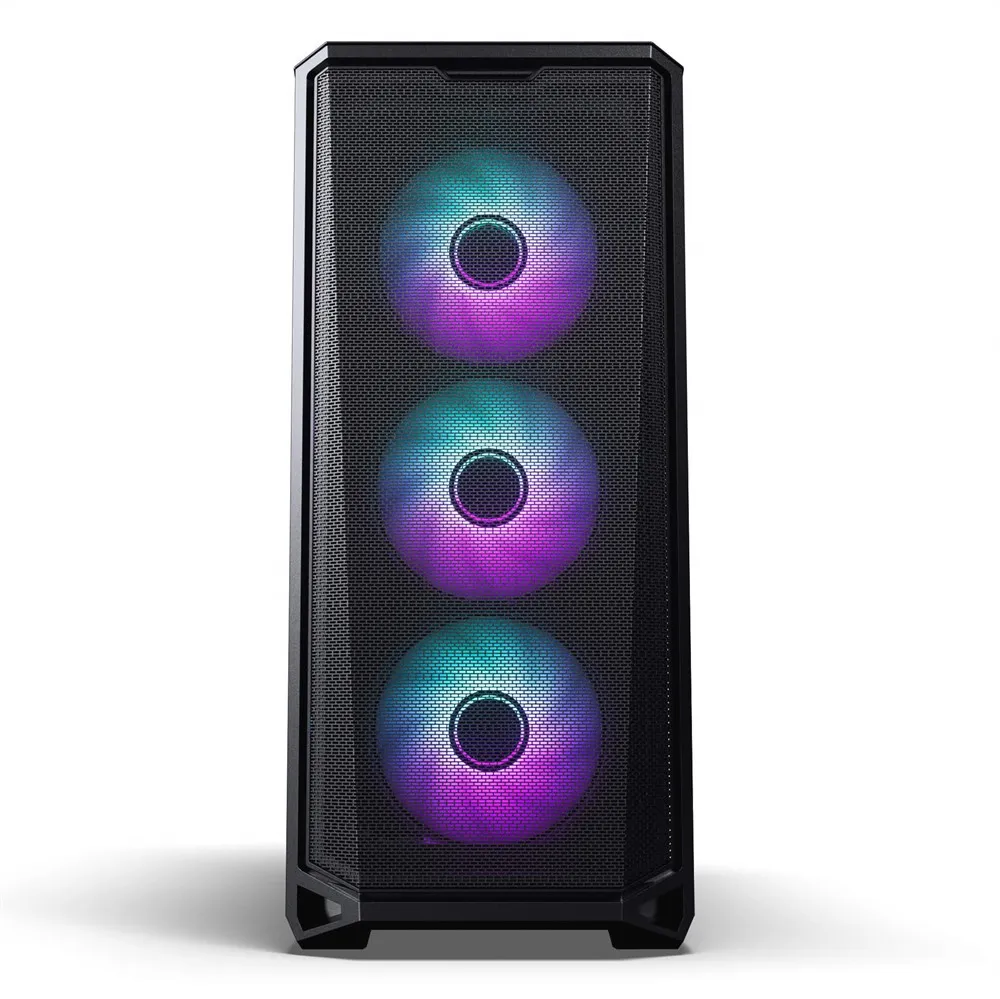
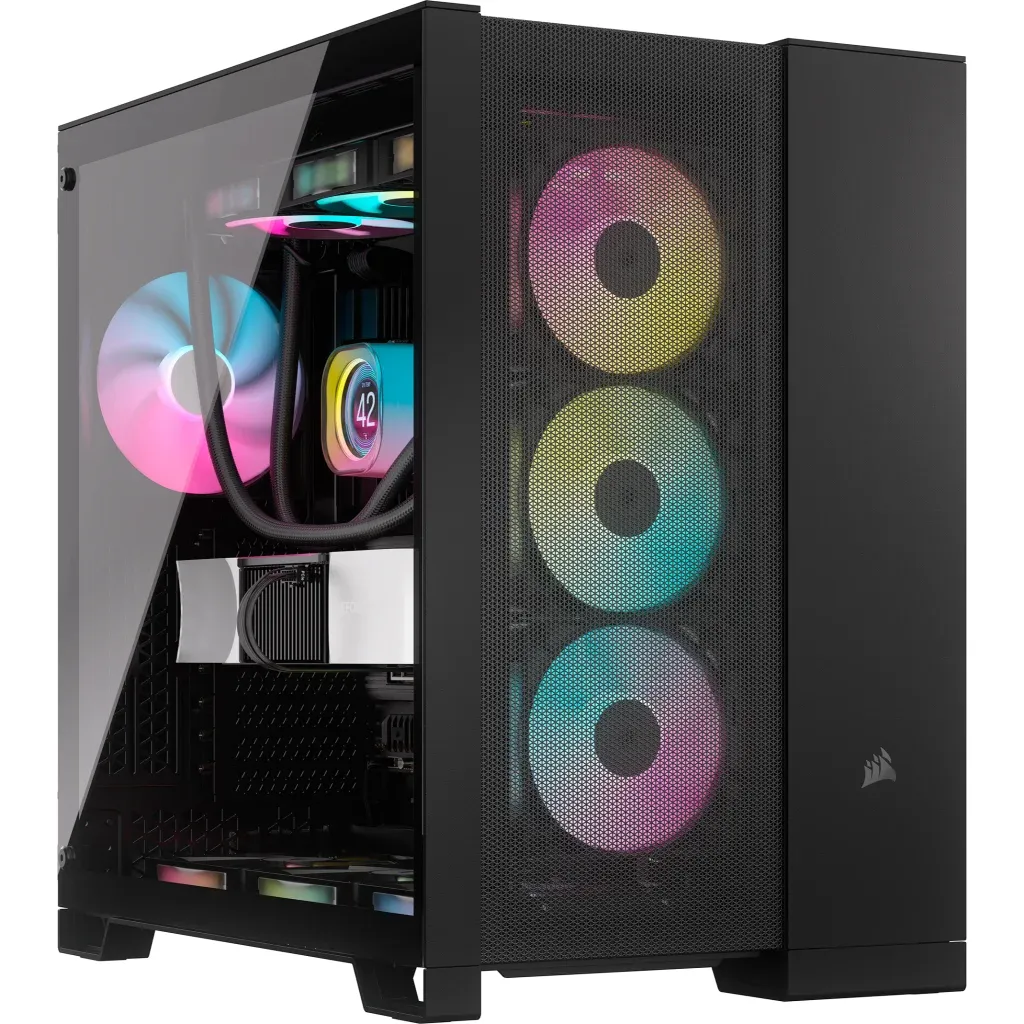
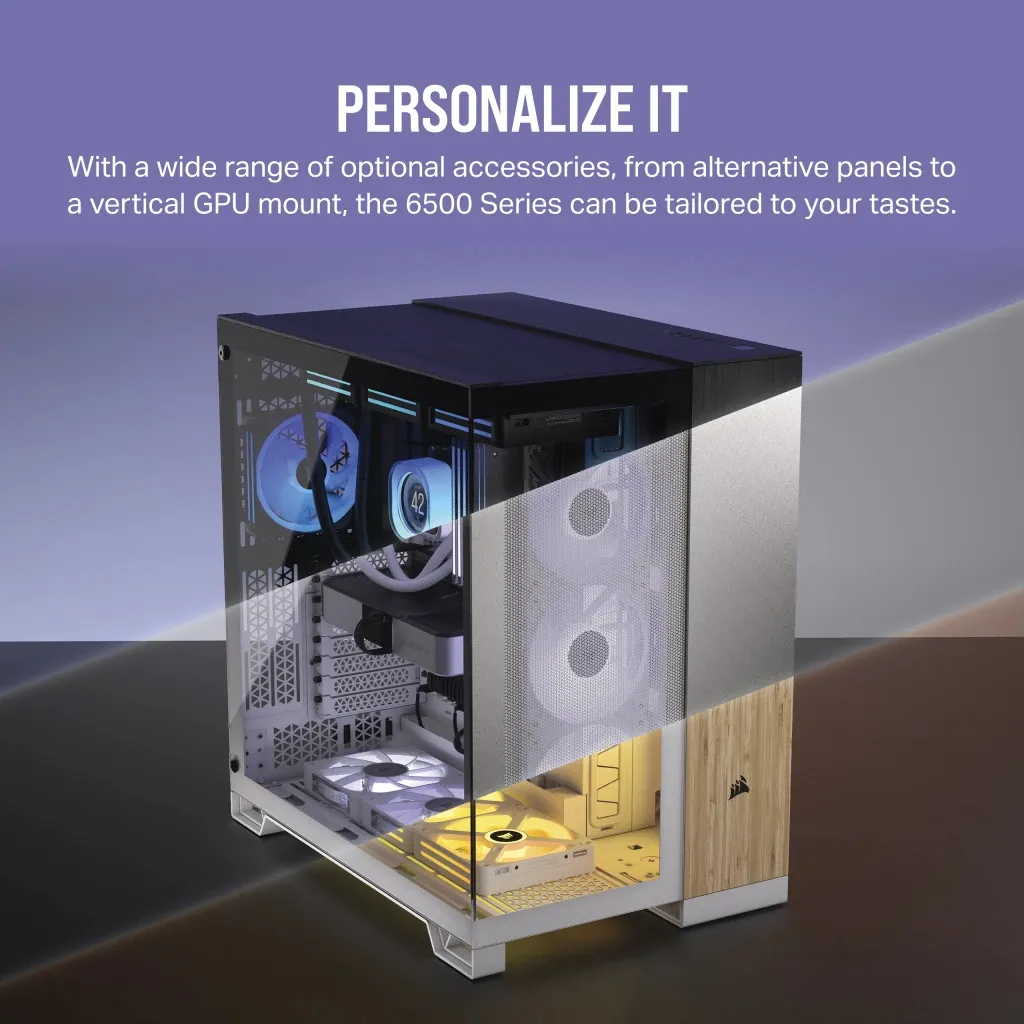
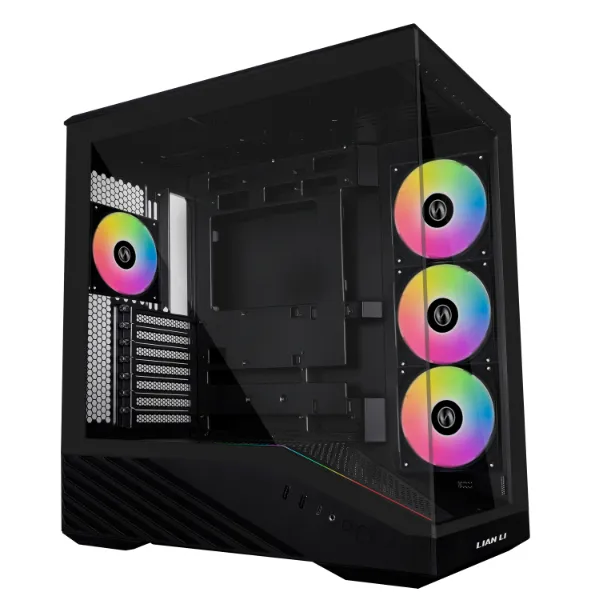
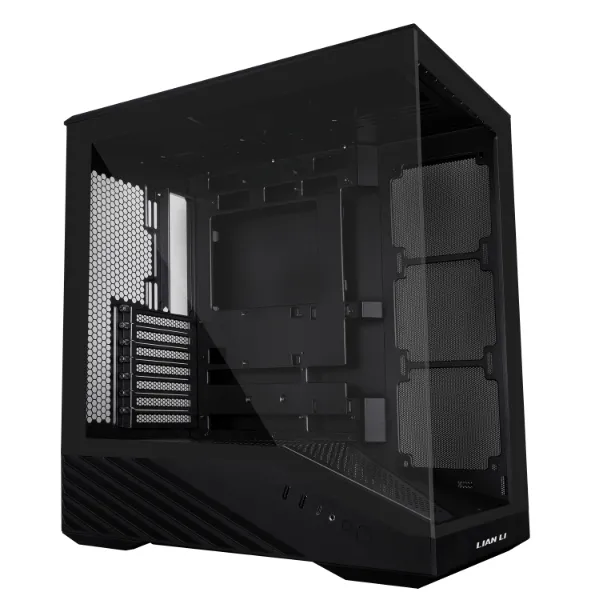
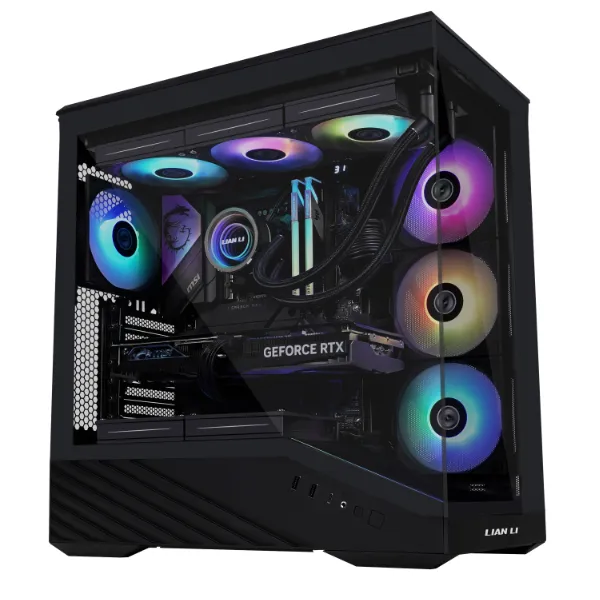
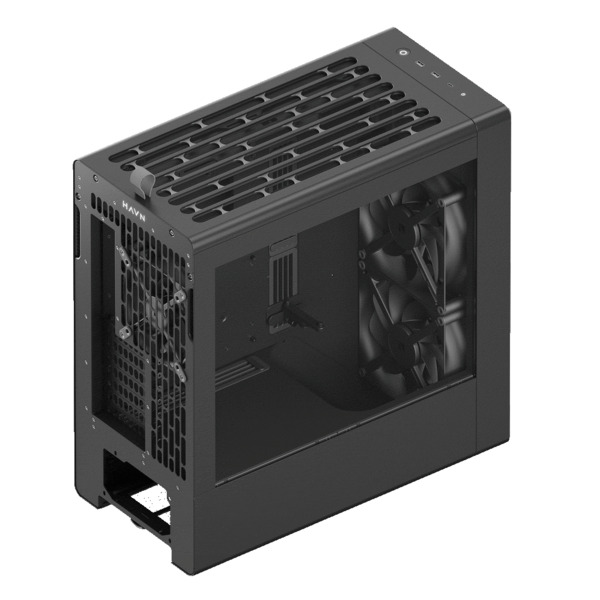
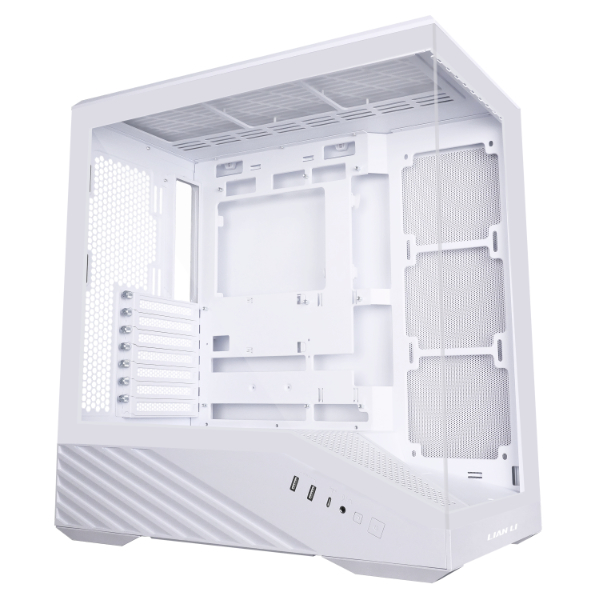
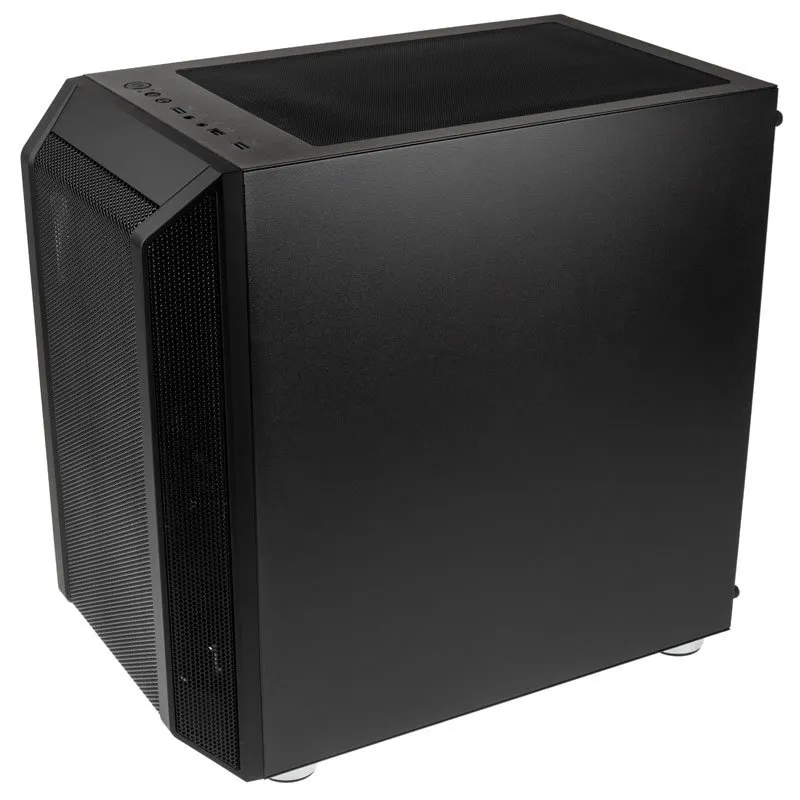
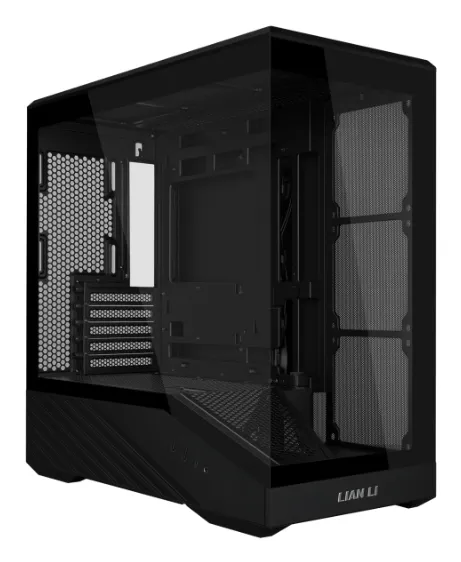
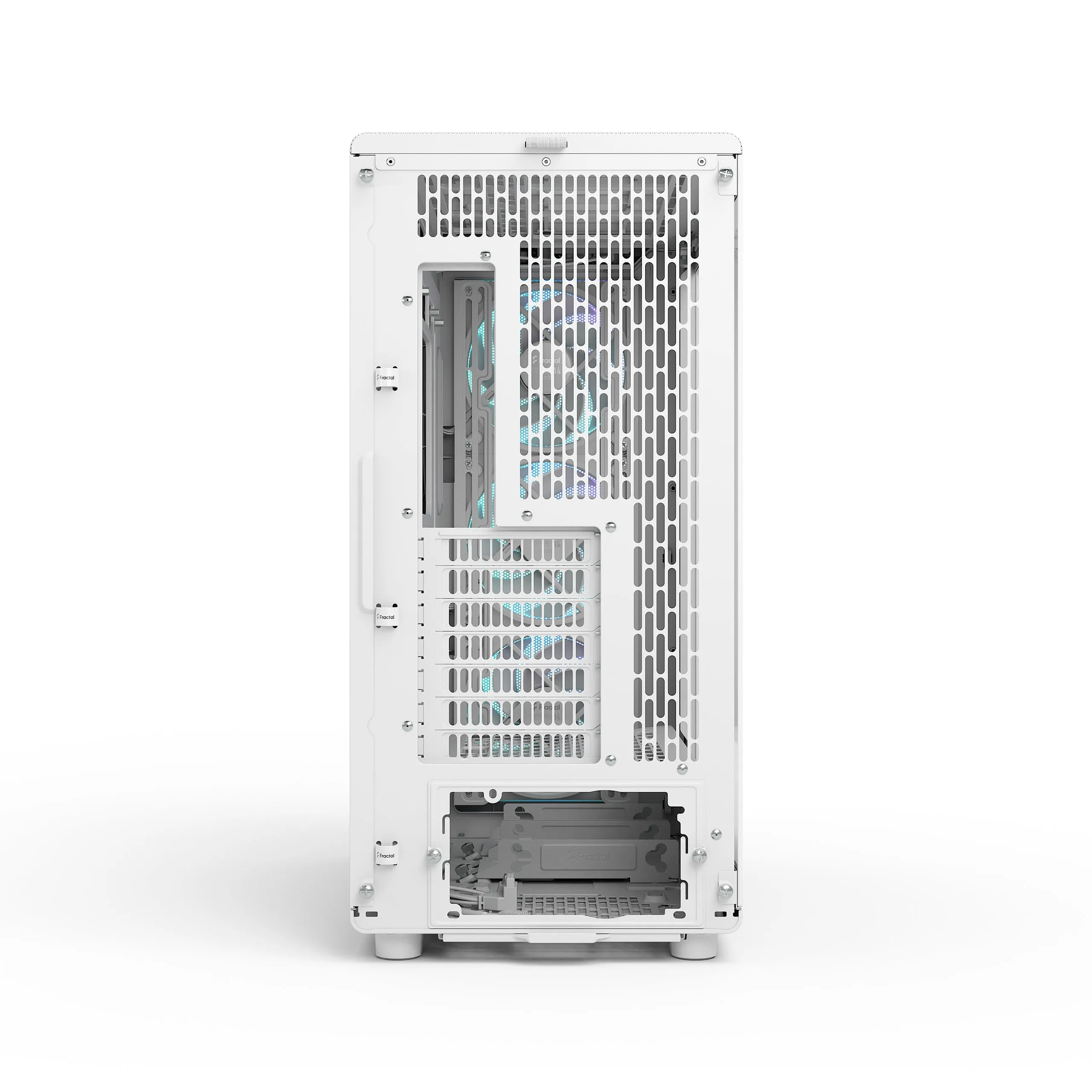
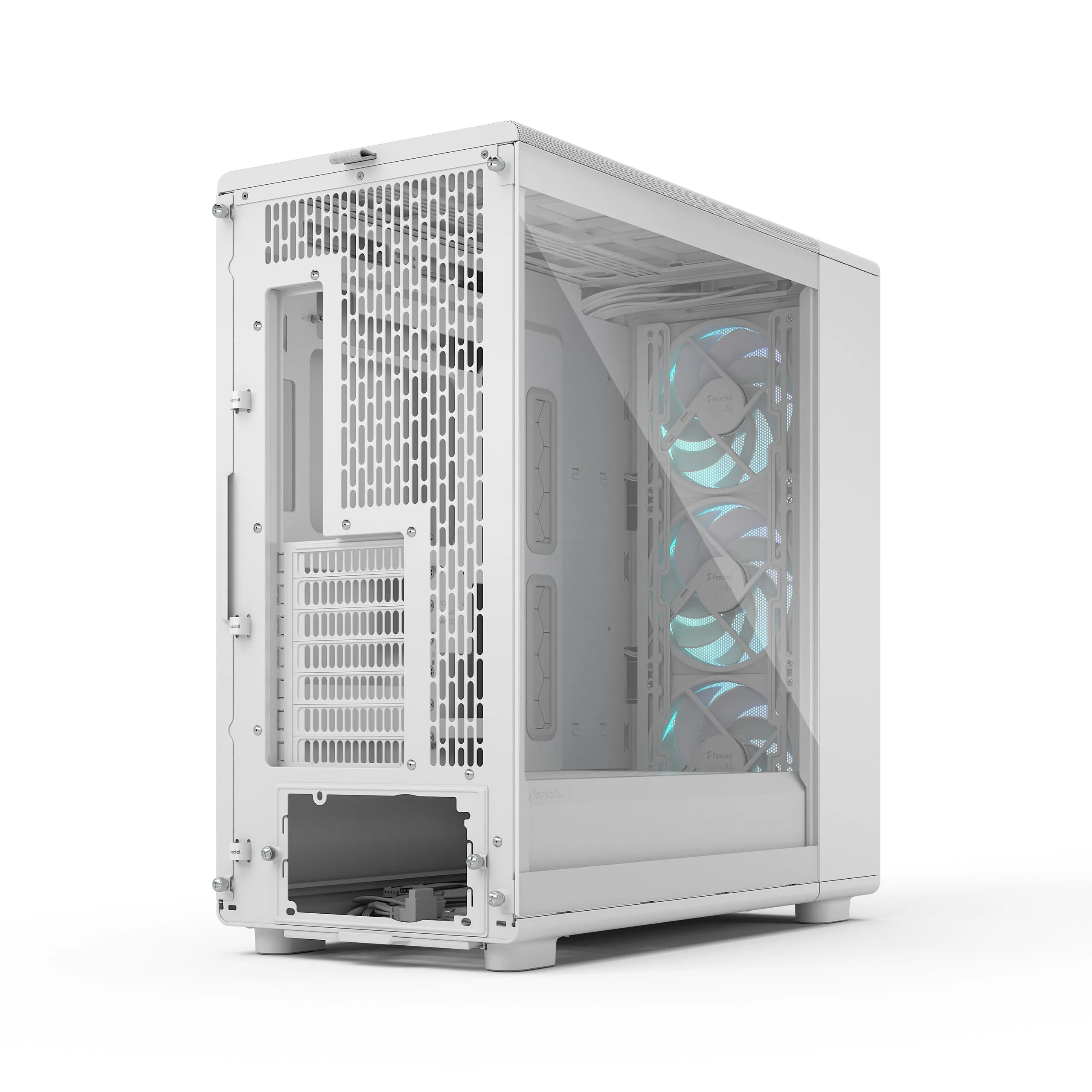
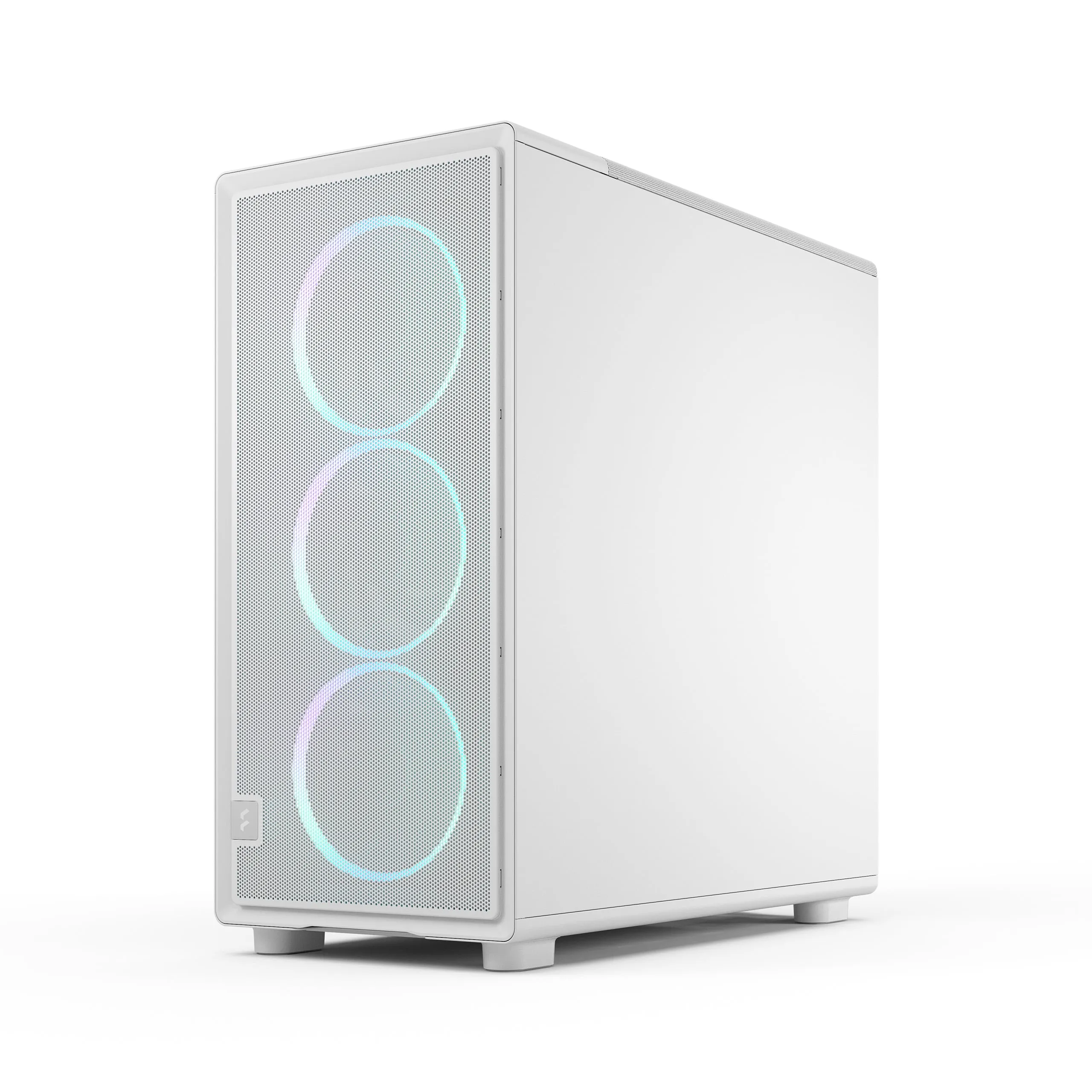
- Mesh vs. Glass: A mesh panel is superior for cooling performance compared to solid glass.
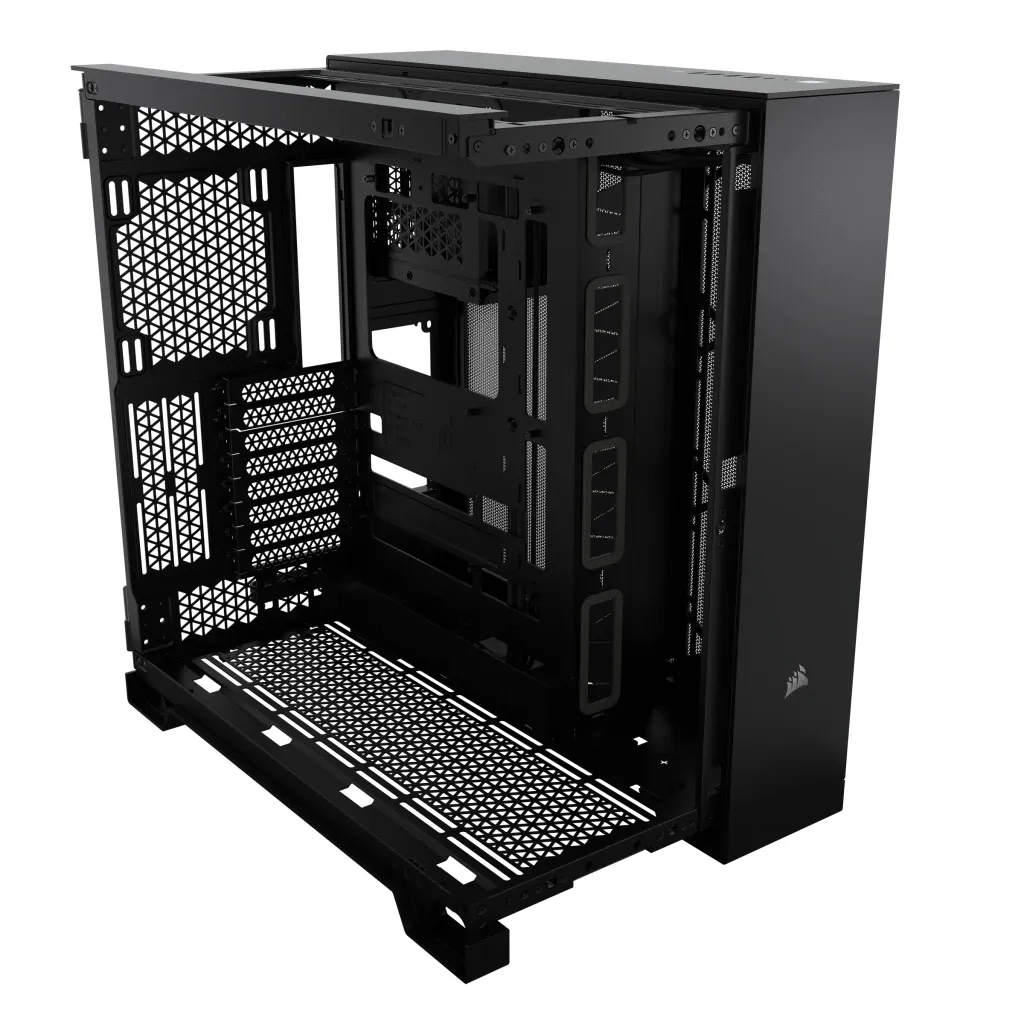
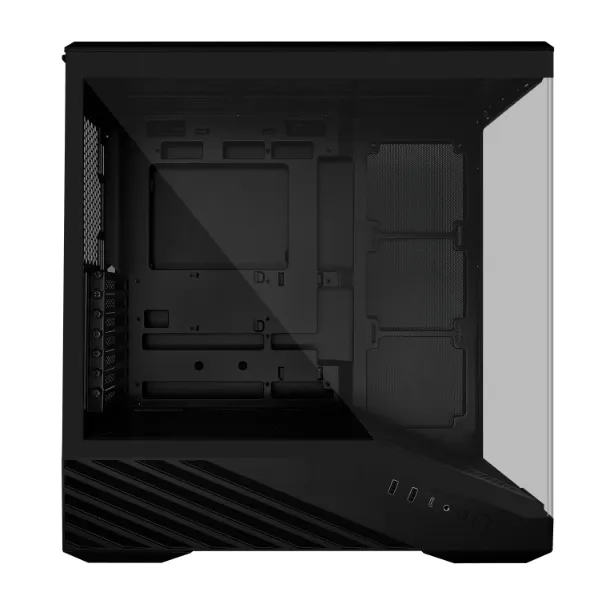
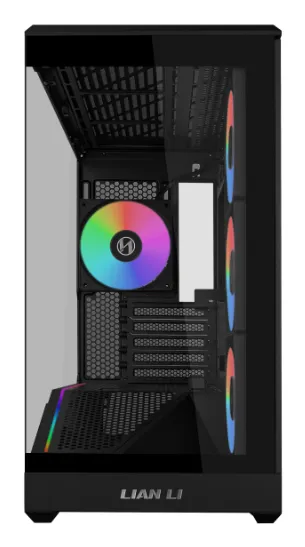
- Dual Chamber: Isolates the PSU heat into its own compartment, improving cooling in the motherboard area.
- Air Pressure: Positive pressure (more intake air) helps keep dust out of the case gaps.
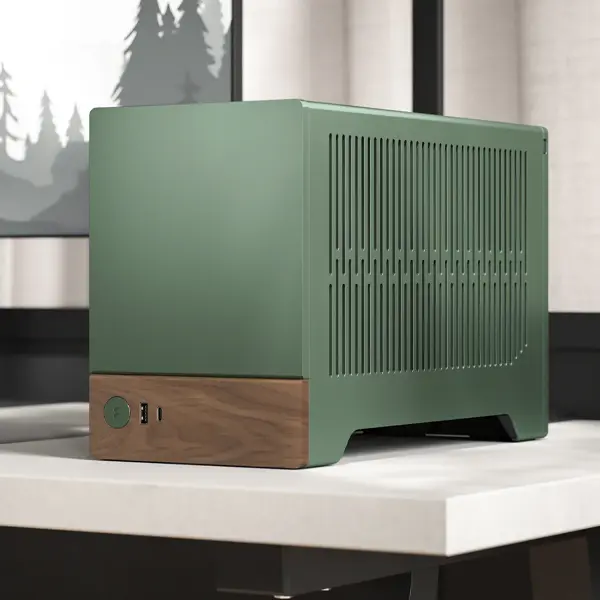
Does the material matter?
The material affects both durability and acoustics. In 2026, sustainable materials like wood and recycled metals are a growing trend.
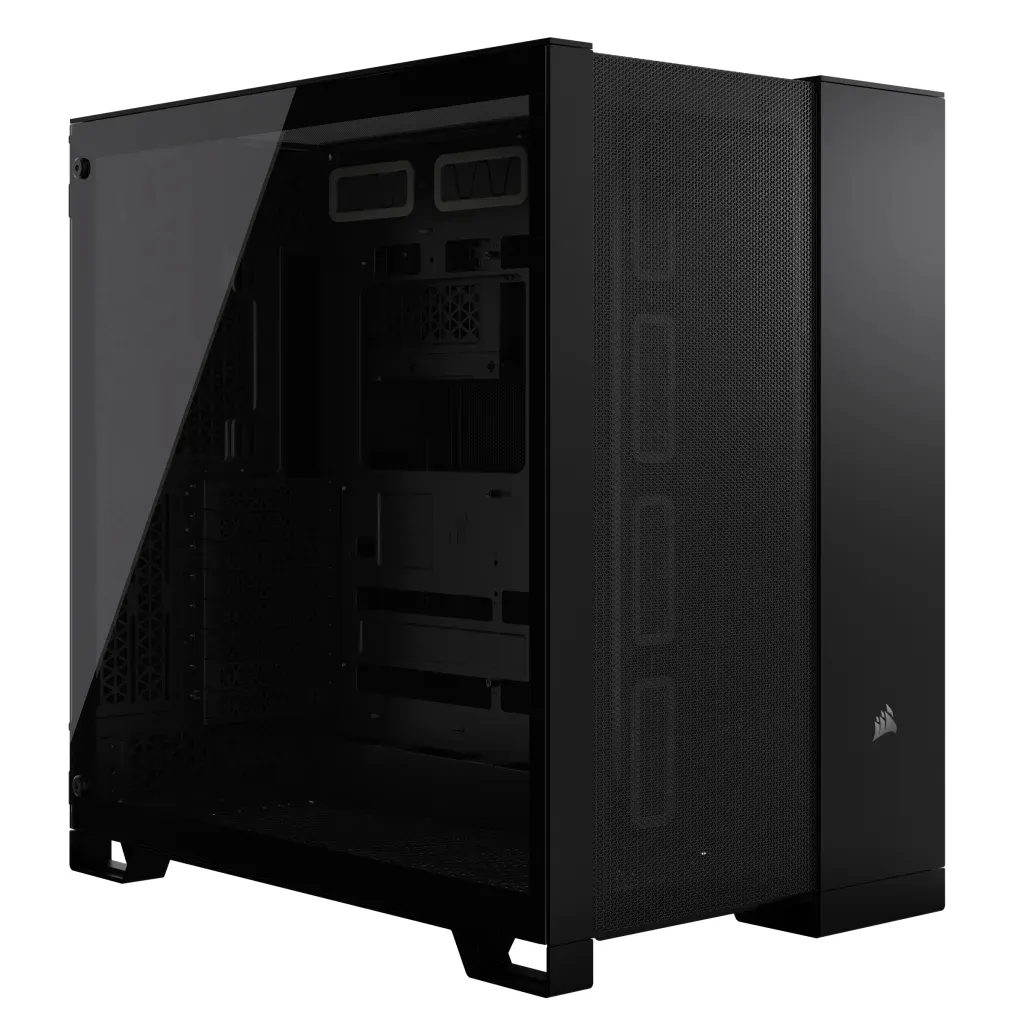
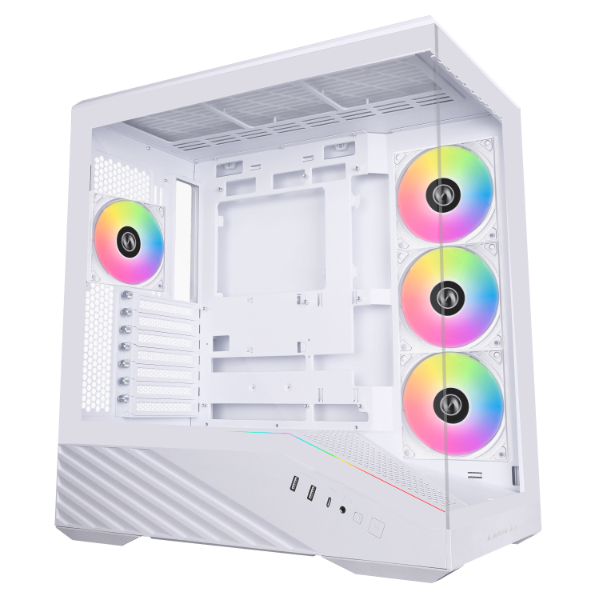
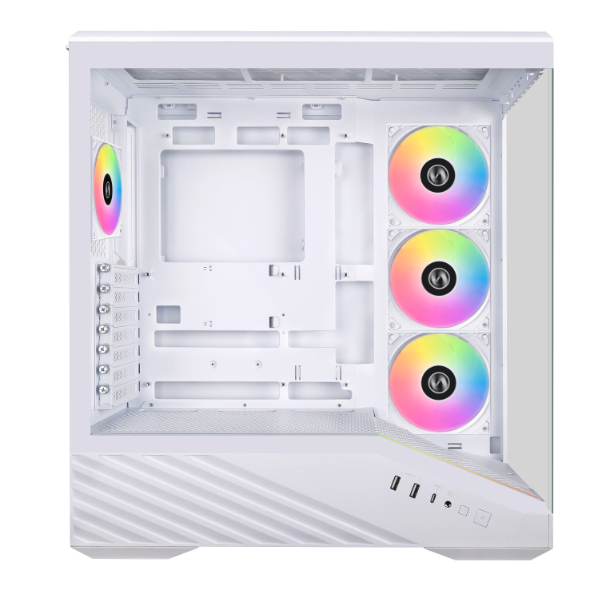
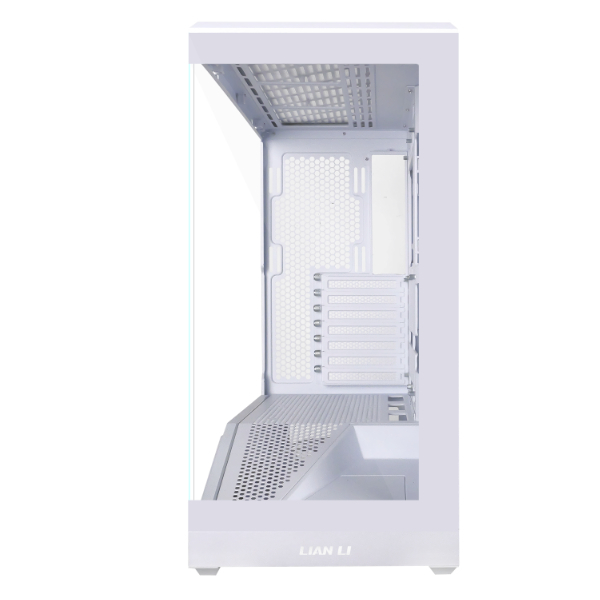
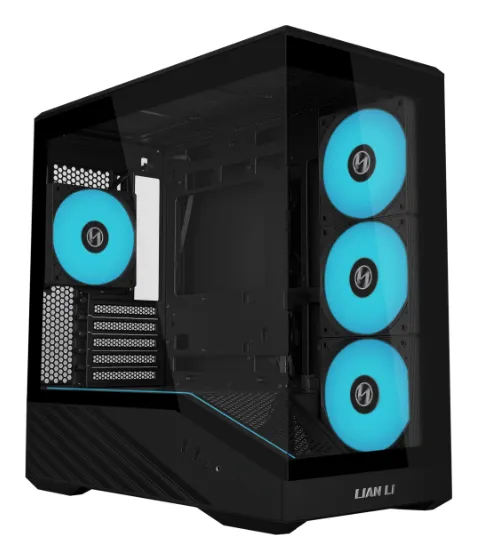
- Tempered Glass: A stylish way to showcase components. Note that glass does not dampen sound as well as metal.
- Steel vs. Aluminum: Steel is heavier but dampens resonance better. Aluminum is lightweight and offers a premium feel.
- Soundproofing: Silence lovers should look for cases with pre-applied bitumen or foam damping.
Which connections are necessary?
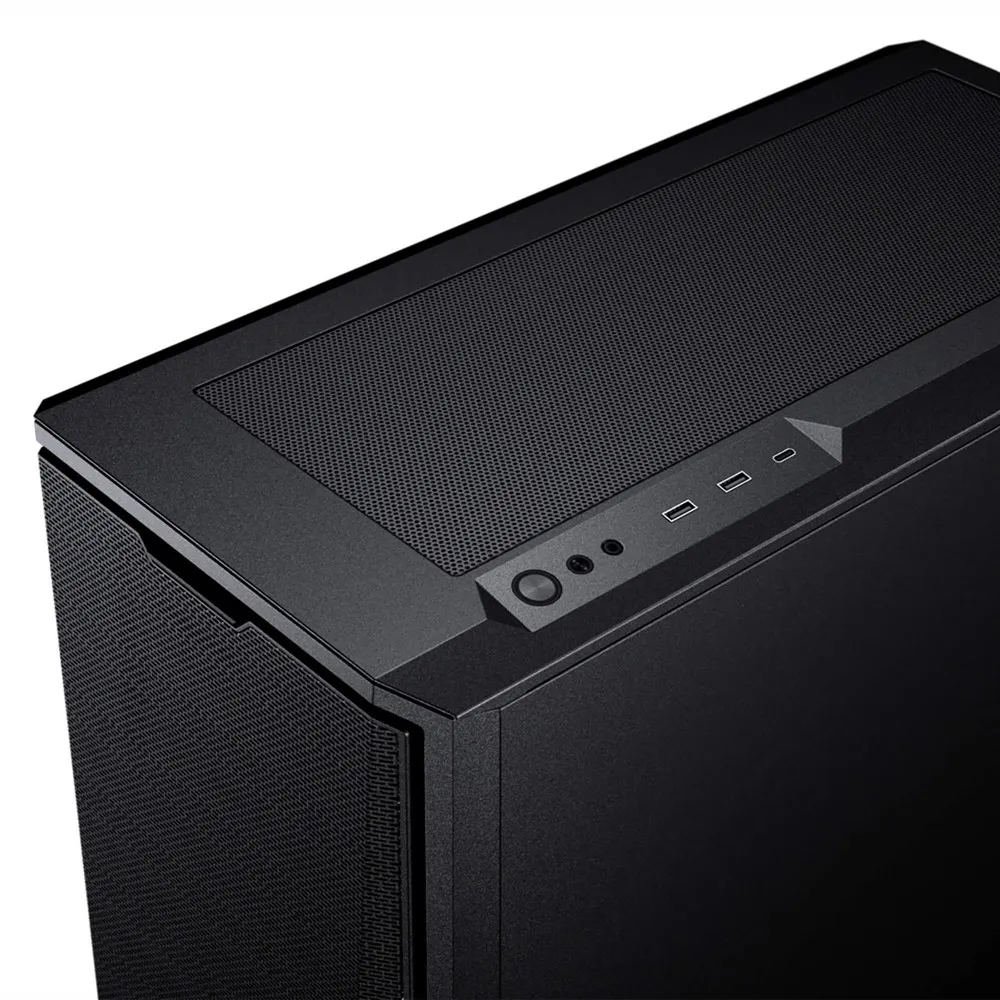
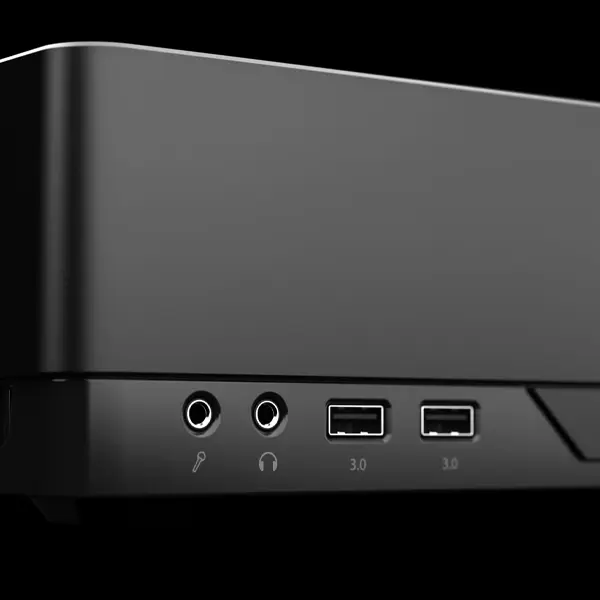
Front panel connections (I/O) define how easily you can connect peripherals. Don't compromise on modern standards.
- USB 3.0 (Type-A): Ensure there is at least one high-speed USB port for easy connection of controllers or wireless receivers without lag.
- USB-C 3.2 Gen 2: Essential for fast data transfer and charging modern mobile devices.
- Audio Combo: Check if the case has separate traditional ports or a single 3.5 mm combo jack.
Critical Compatibility Dimensions (Checklist)
| Component | What to check? | Why is it important? |
|---|---|---|
| Graphics Card (GPU) | Max length (mm) | New flagship cards can reach lengths of up to 340–360 mm. |
| CPU Cooler | Max height (mm) | Massive tower coolers require a wide case to fit properly. |
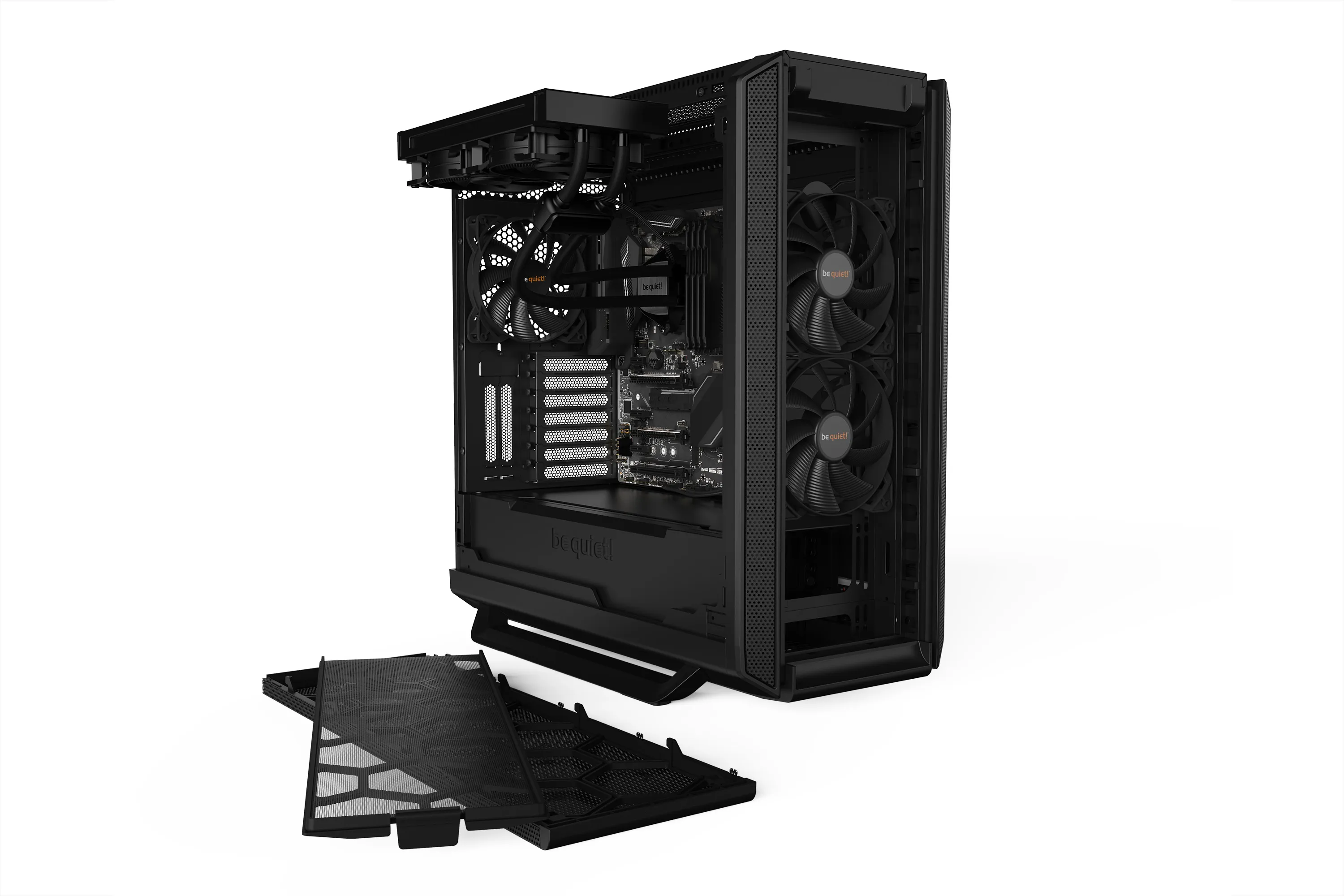
| Radiator (AIO) | Size and thickness | Check if a 360 mm radiator fits in the top without hitting the RAM. |
| Power Supply (PSU) | Max depth (mm) | Large ATX 3.0/3.1 power supplies need extra room for cable management. |
What is Back-connect (BTF / Project Zero)?
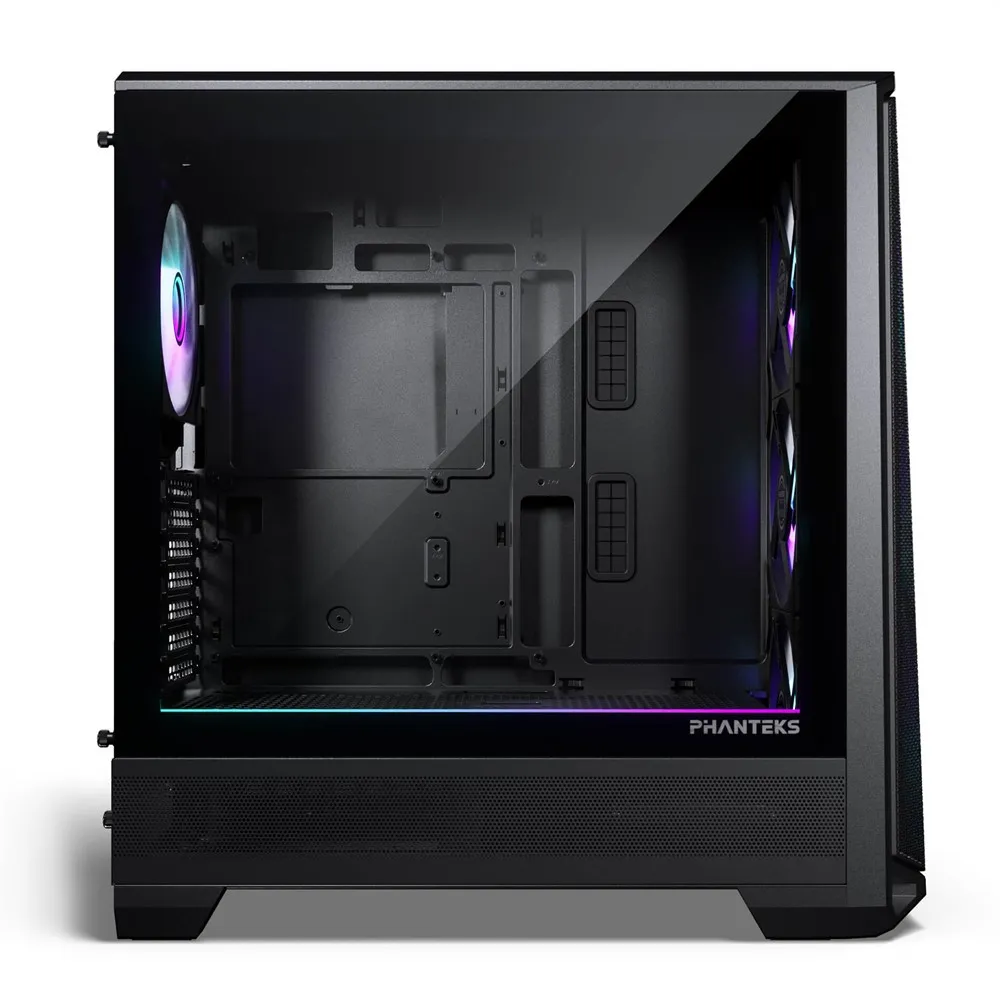
In 2026, motherboards with power connectors moved to the back are becoming standard. This requires specific cutouts in the motherboard tray. If you aim for a completely cable-free look, ensure your case supports "Back-connect" or "DIY-APE".
Frequently Asked Questions (FAQ)
Should I mount my graphics card vertically?
Vertical mounting looks stunning, but make sure the GPU isn't too close to the side glass. If restricted, fans can't pull air, leading to overheating. The best cases feature recessed mounts for this purpose.
Where is the best place to mount an AIO radiator?
Usually, the top of the case is best for exhausting heat. If mounting in the front, ensure the tube connection is higher than the pump (or tubes down) to prevent air bubbles.
What does "tool-less design" mean?
It means the case panels, drive bays, and PCI slots can be opened without a screwdriver, typically using buttons or thumbscrews.