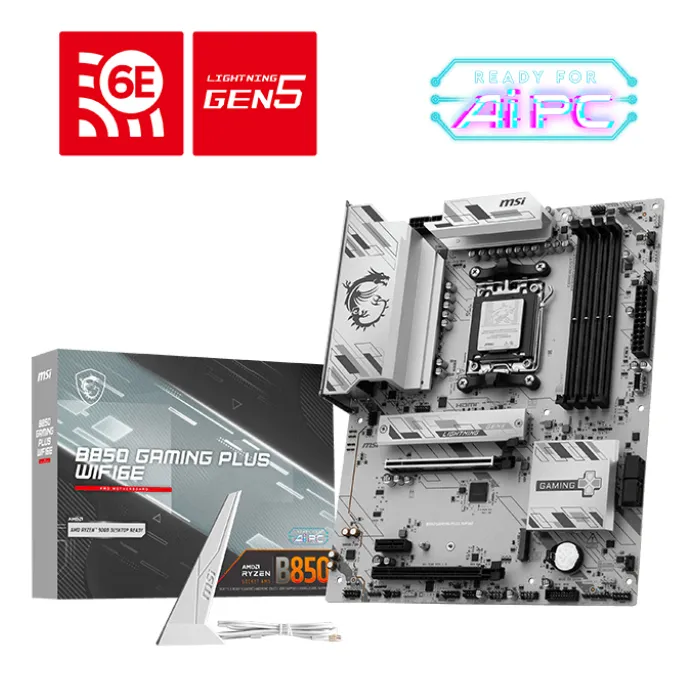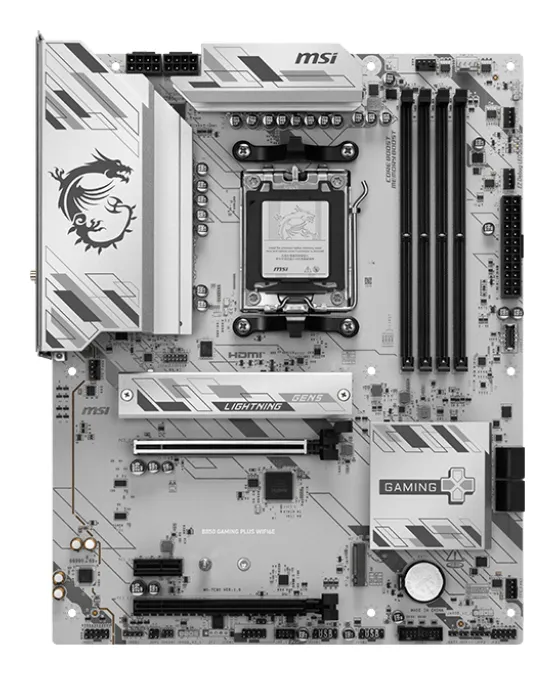

How to choose the right motherboard in 2026?
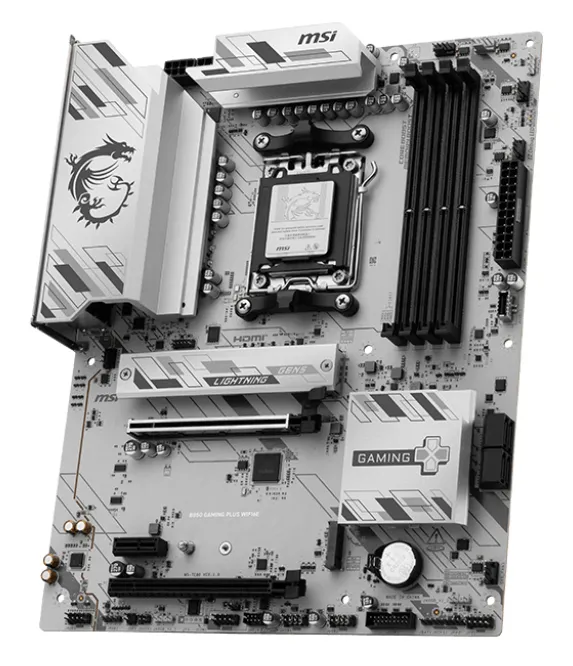
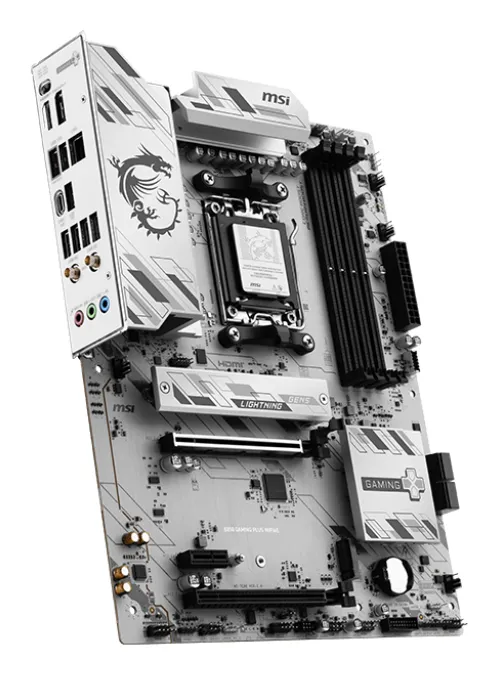
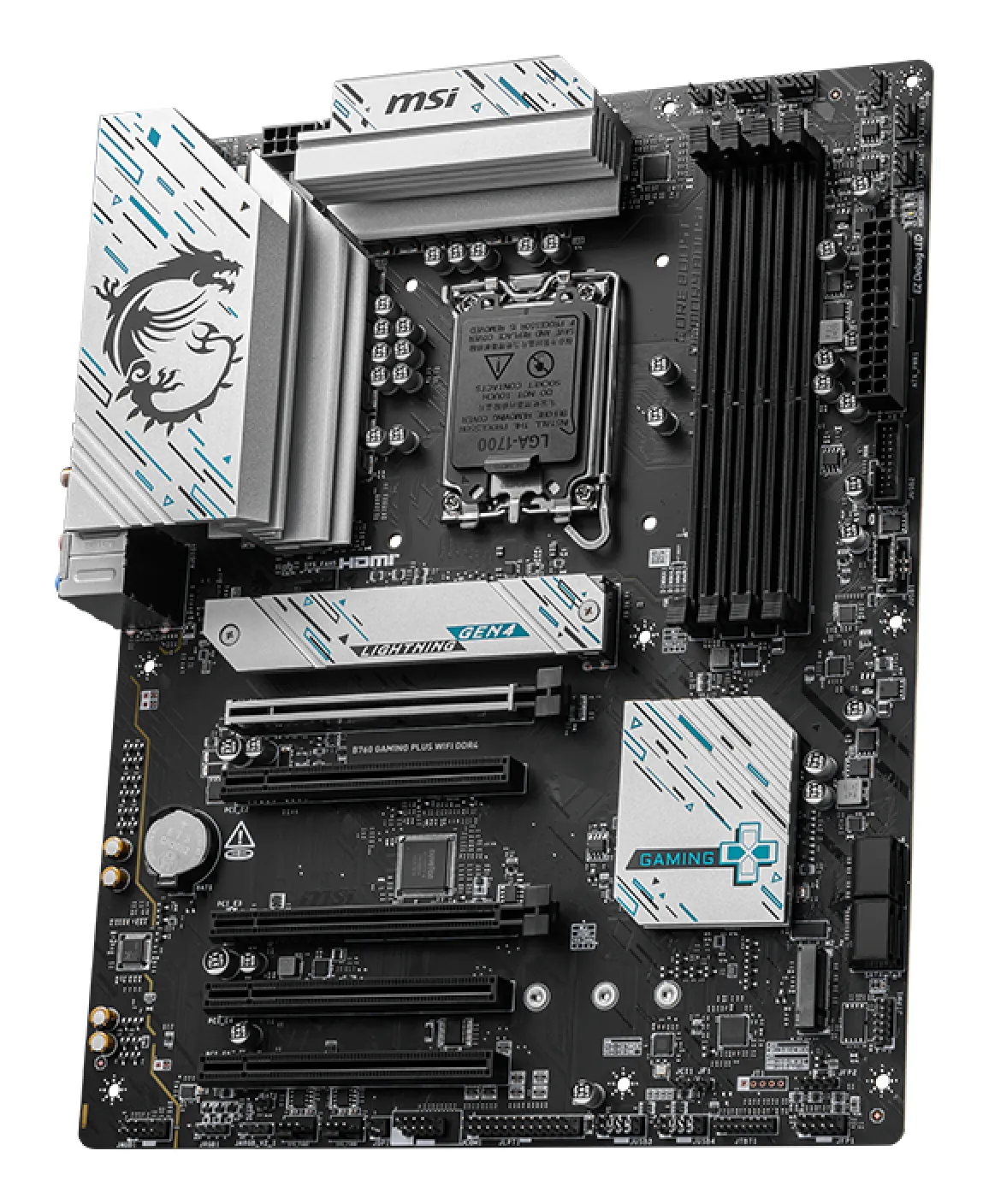
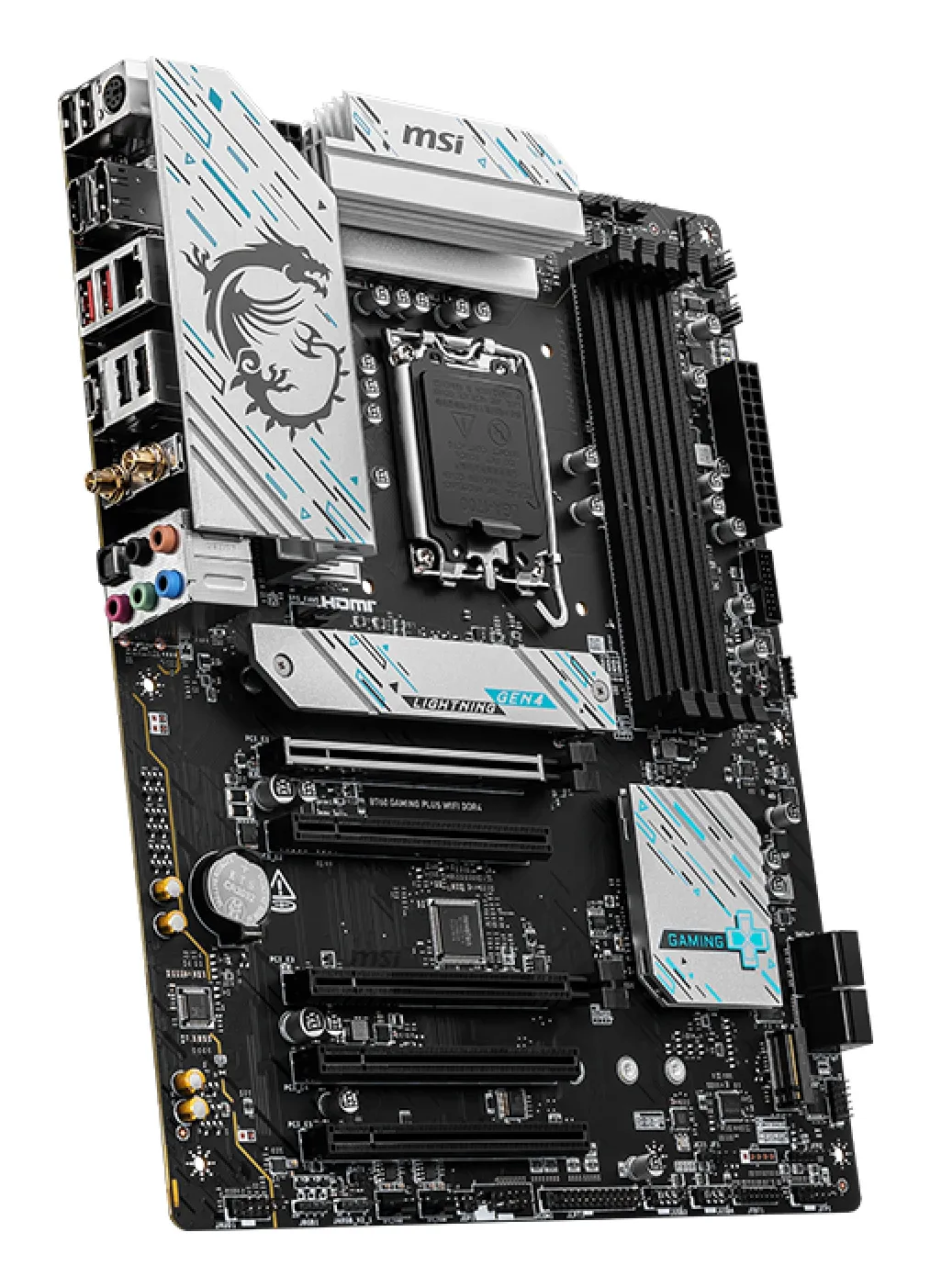
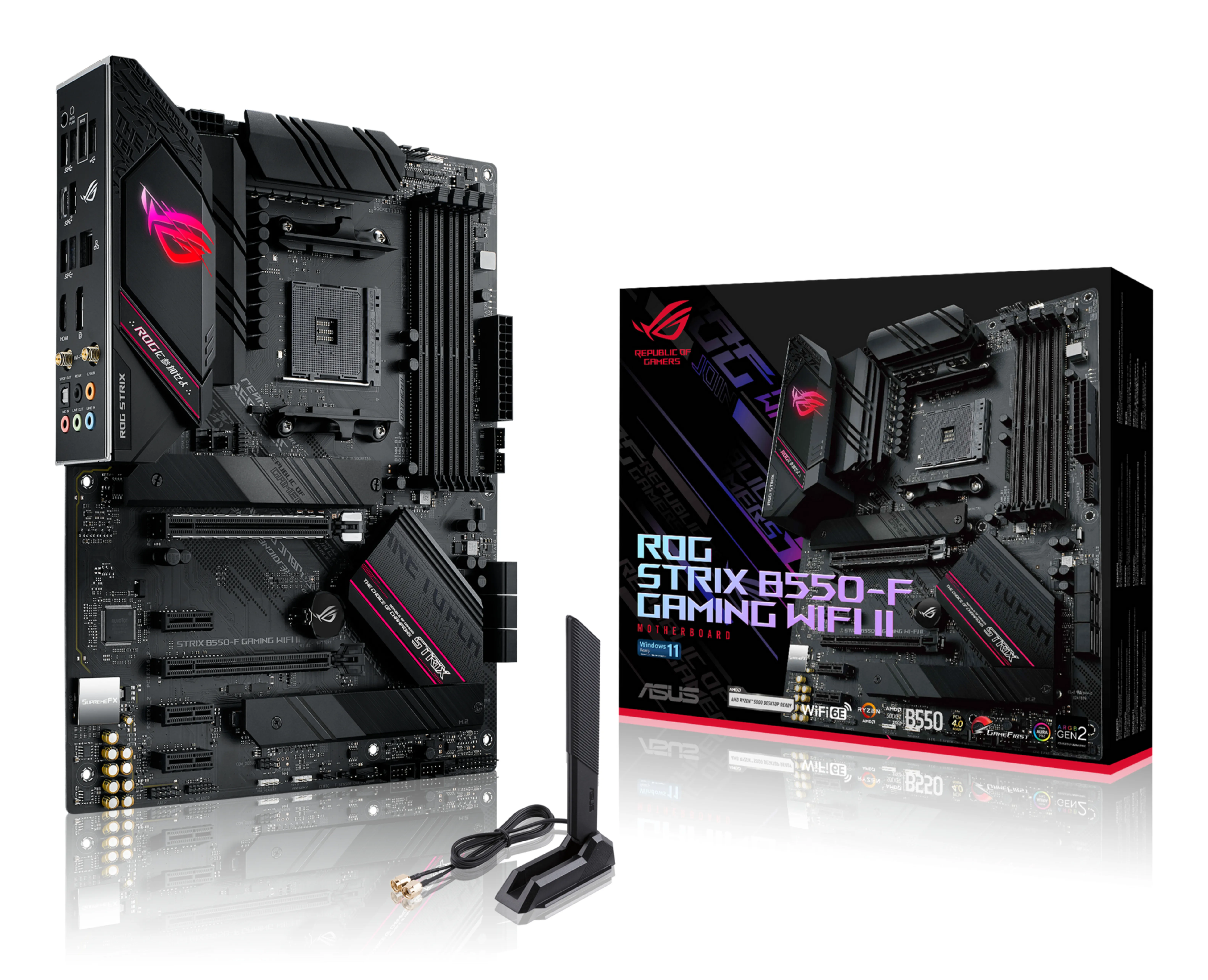
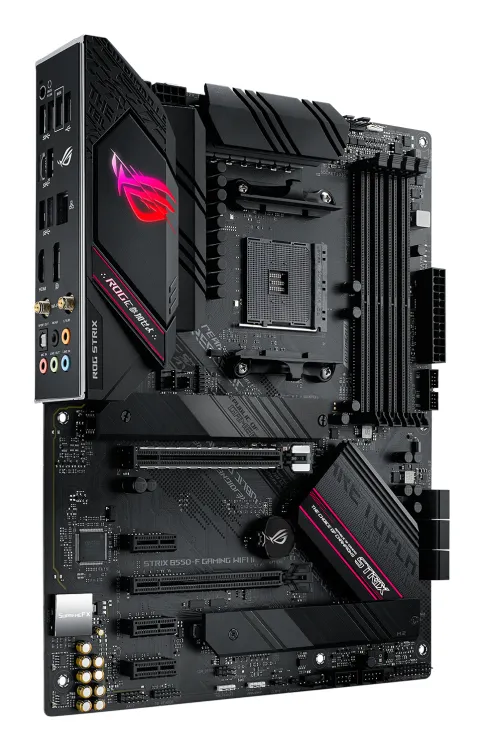
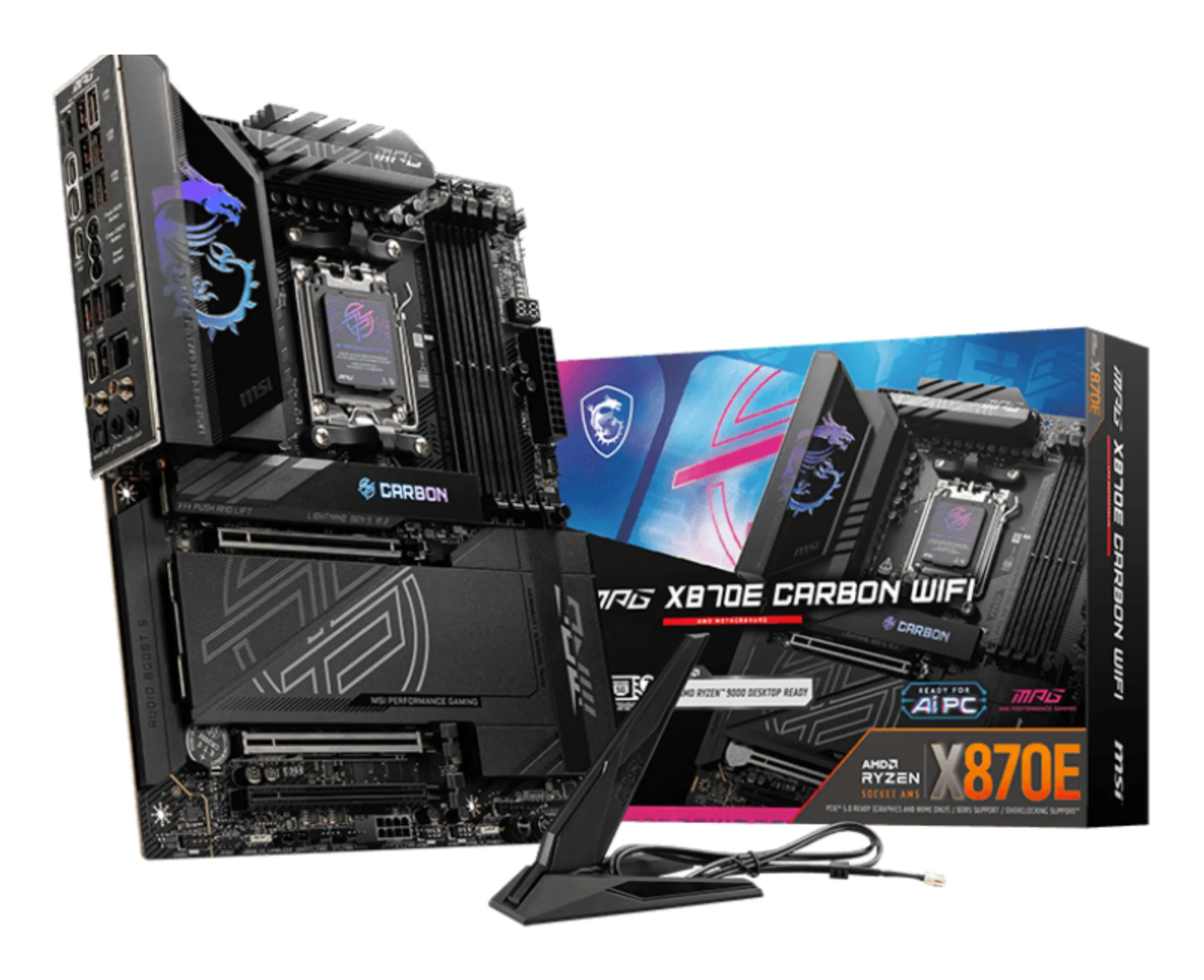
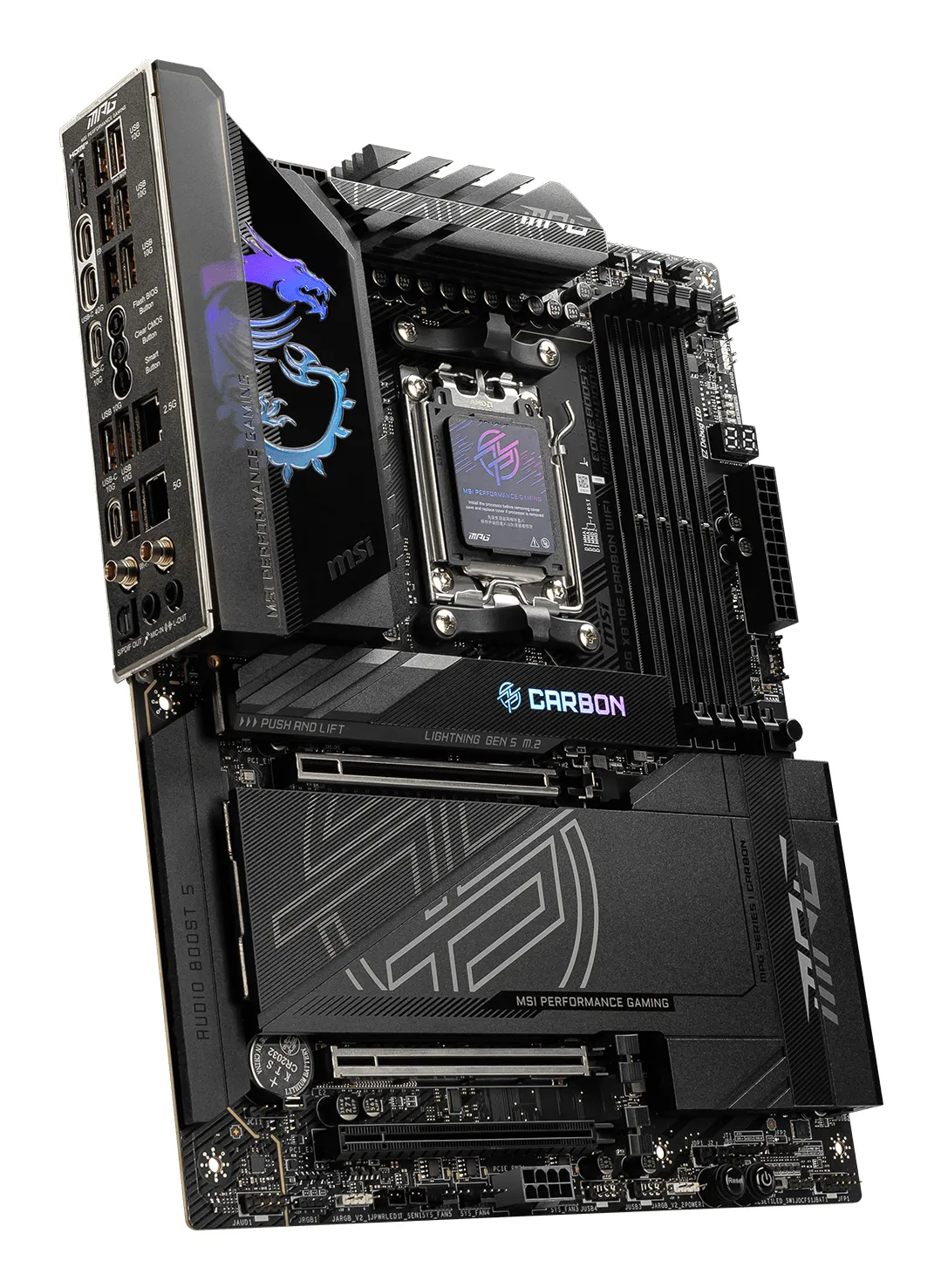
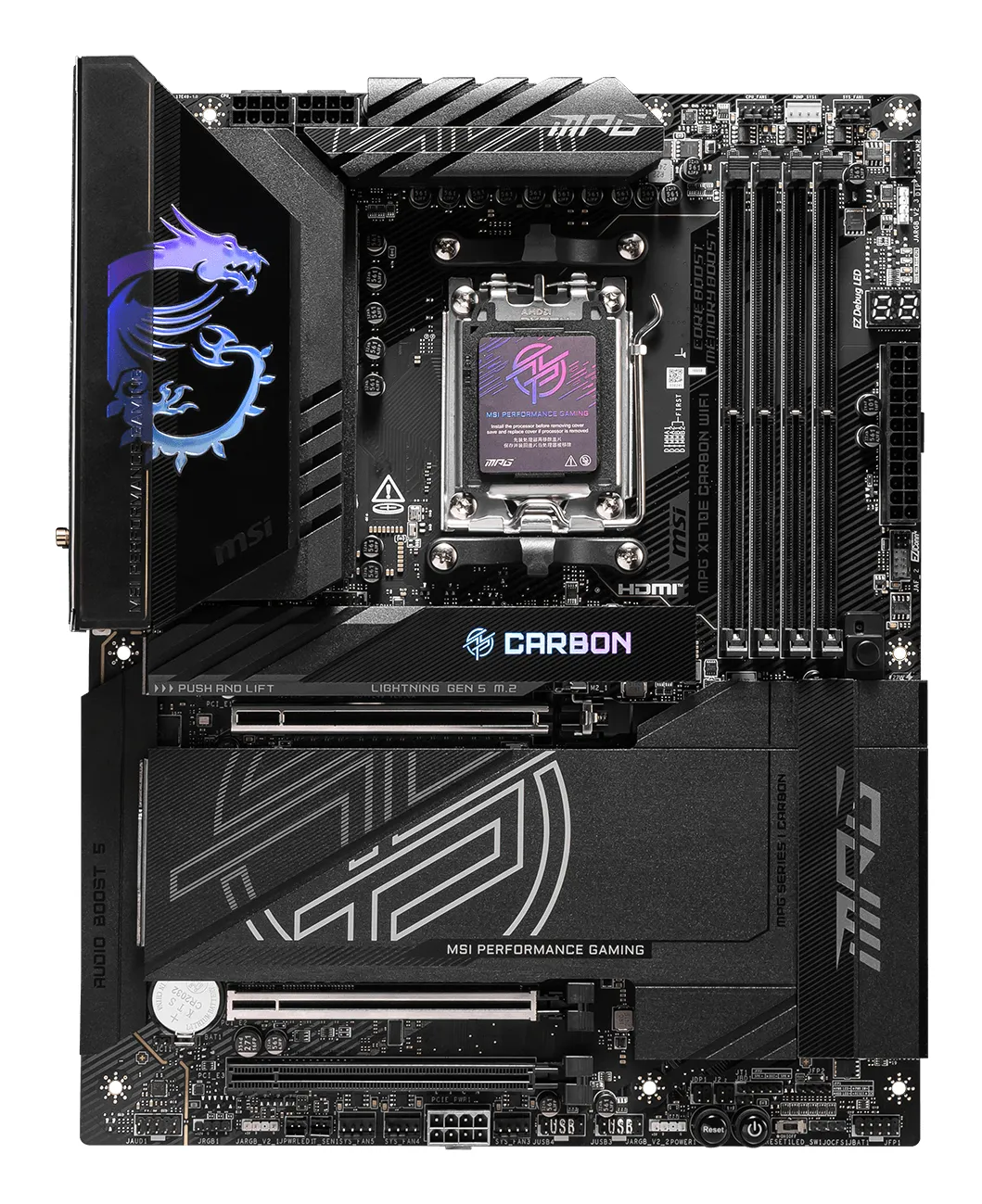
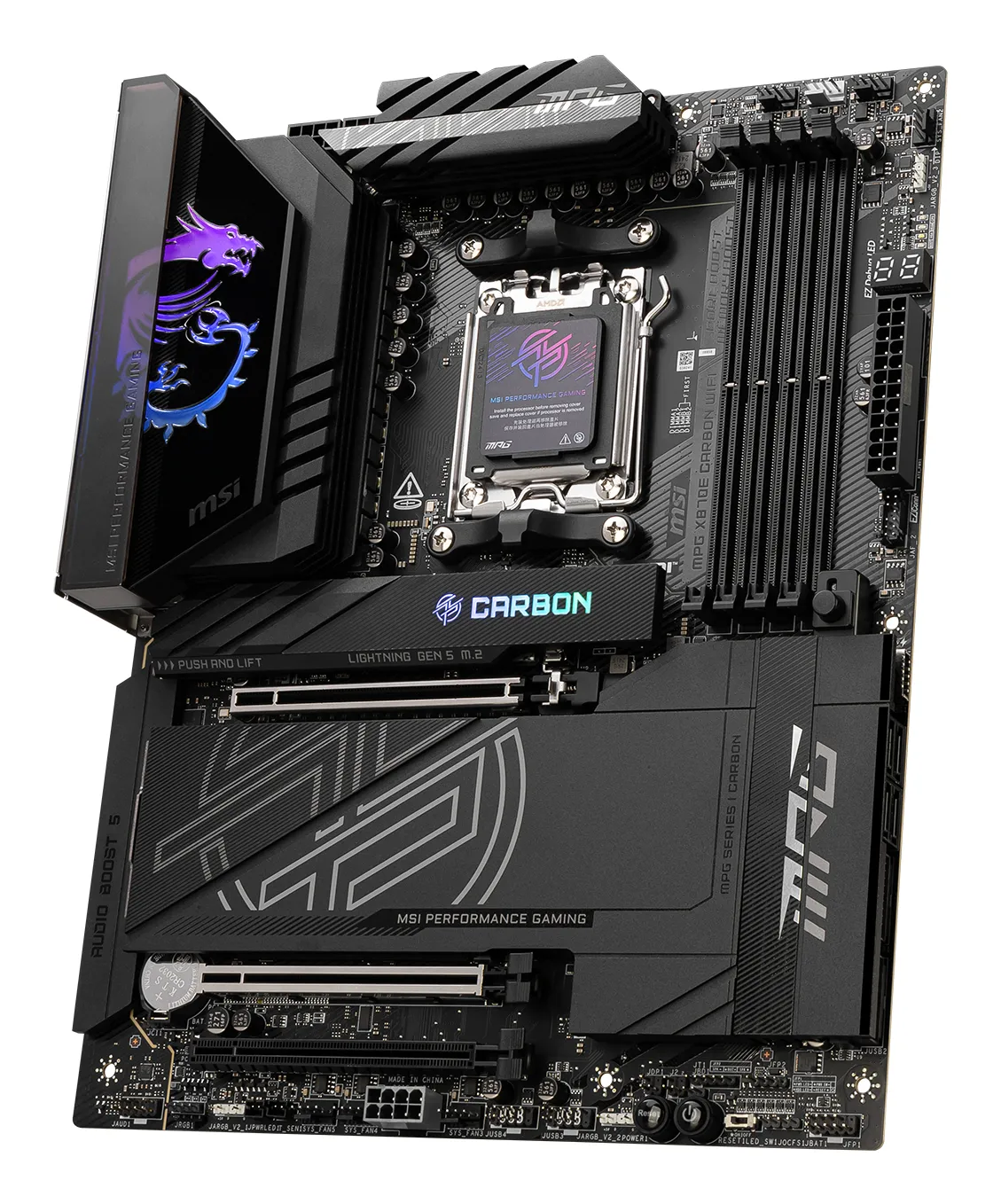
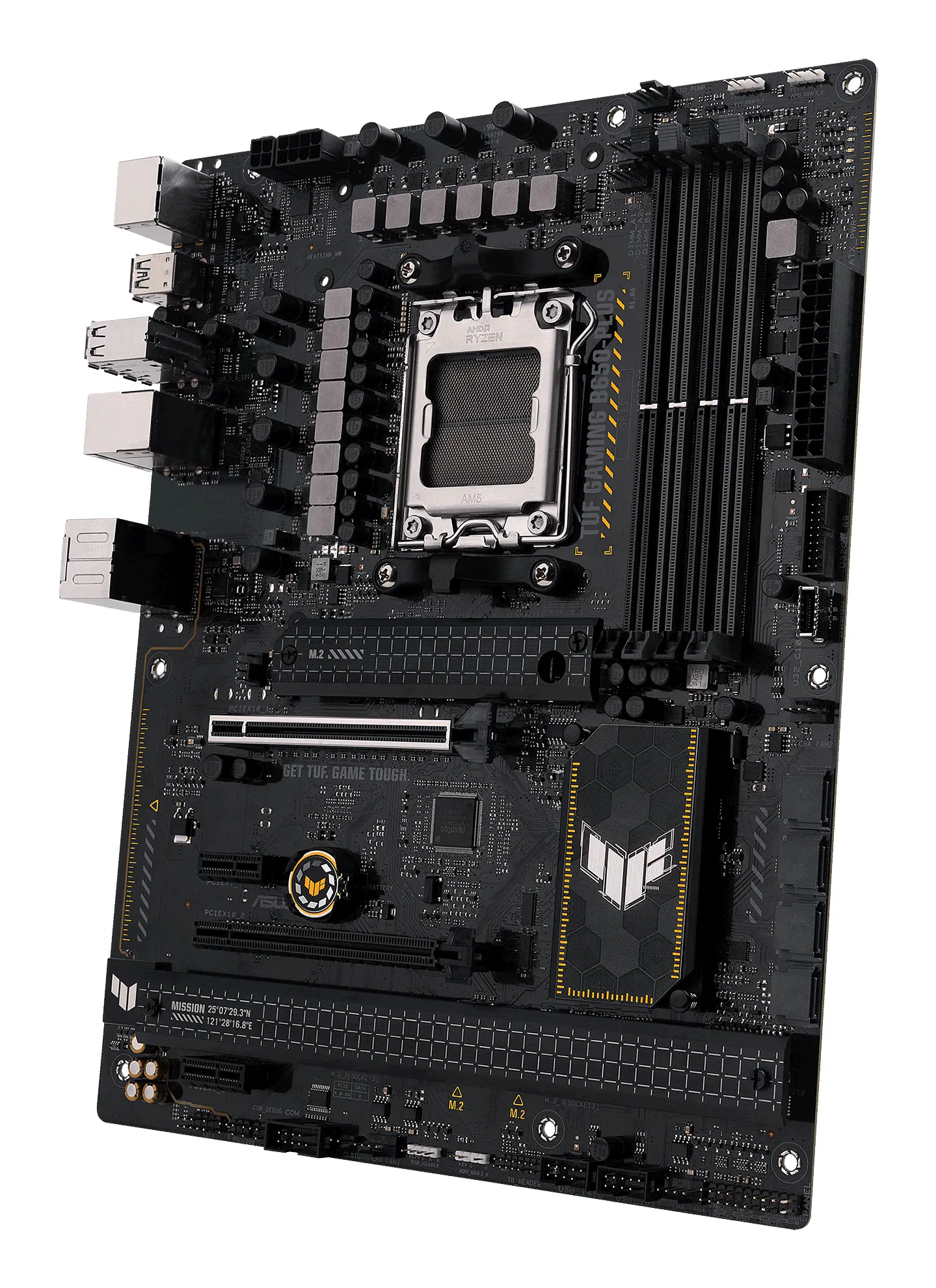
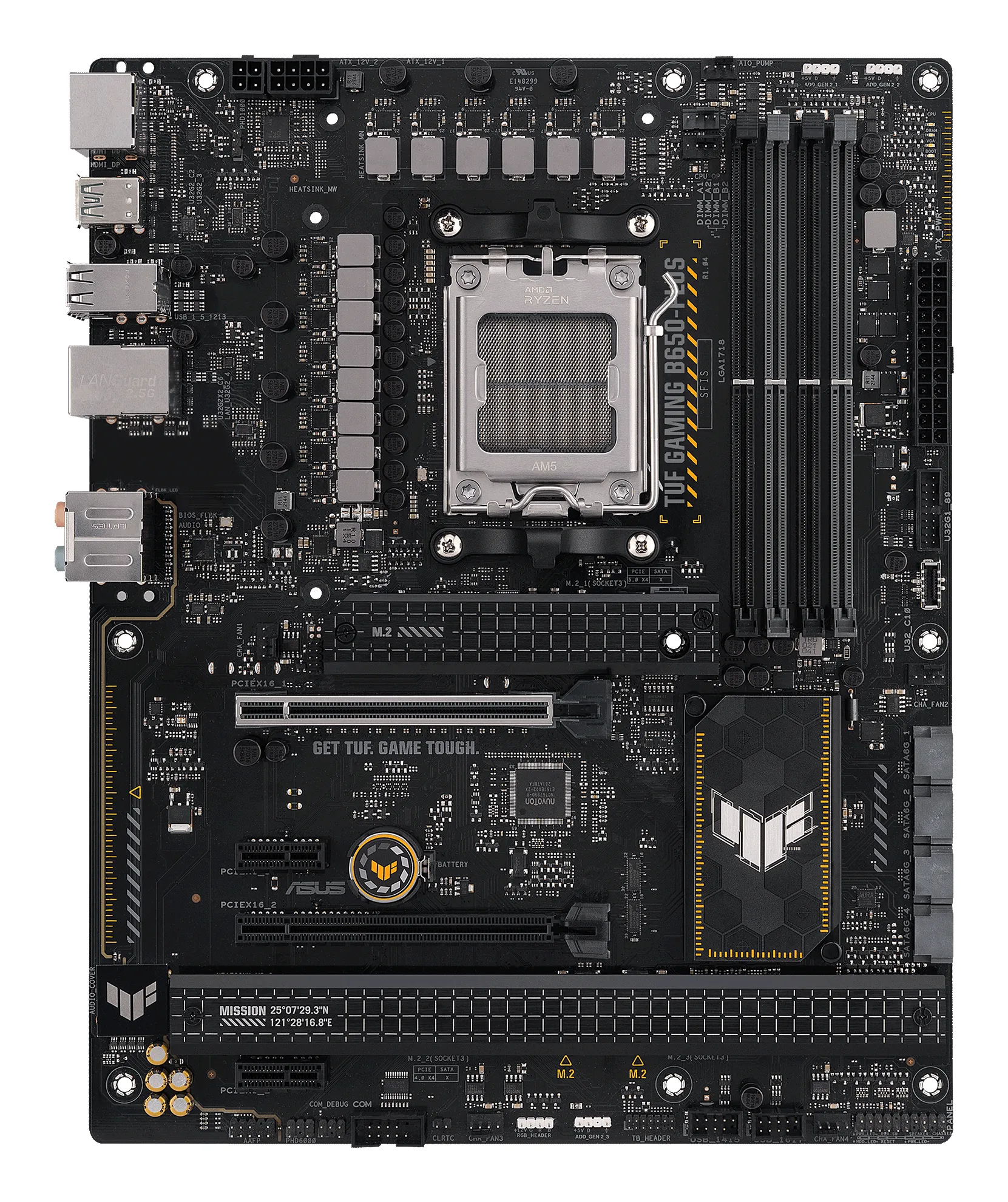
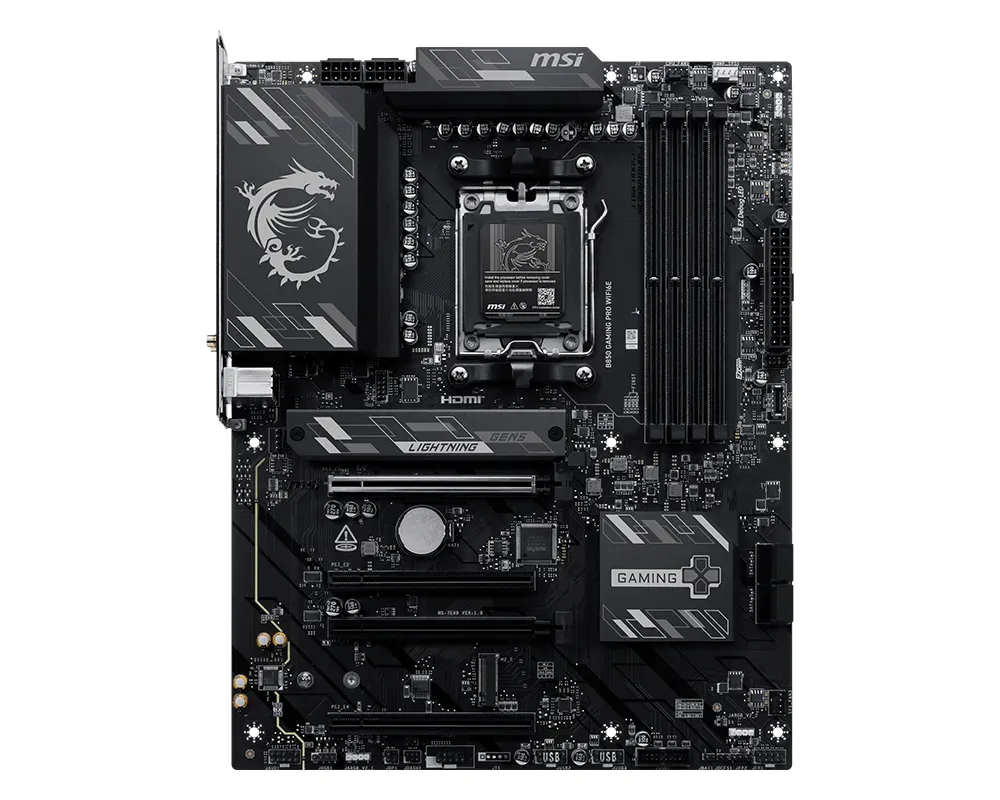
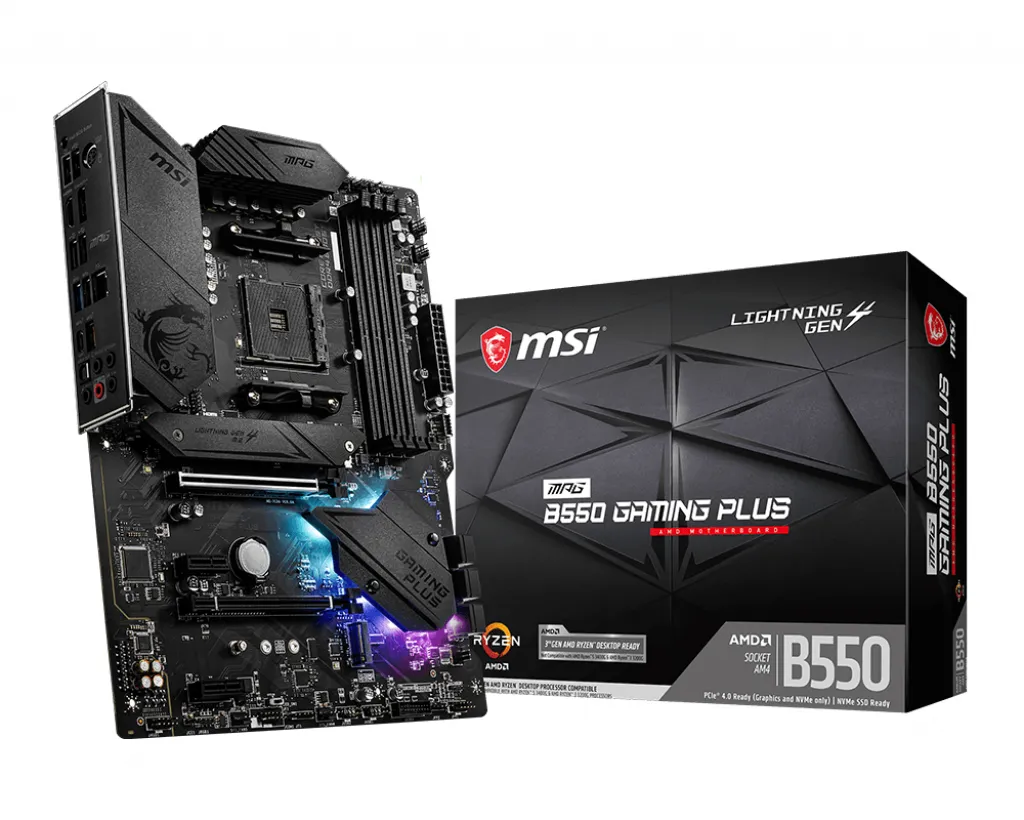
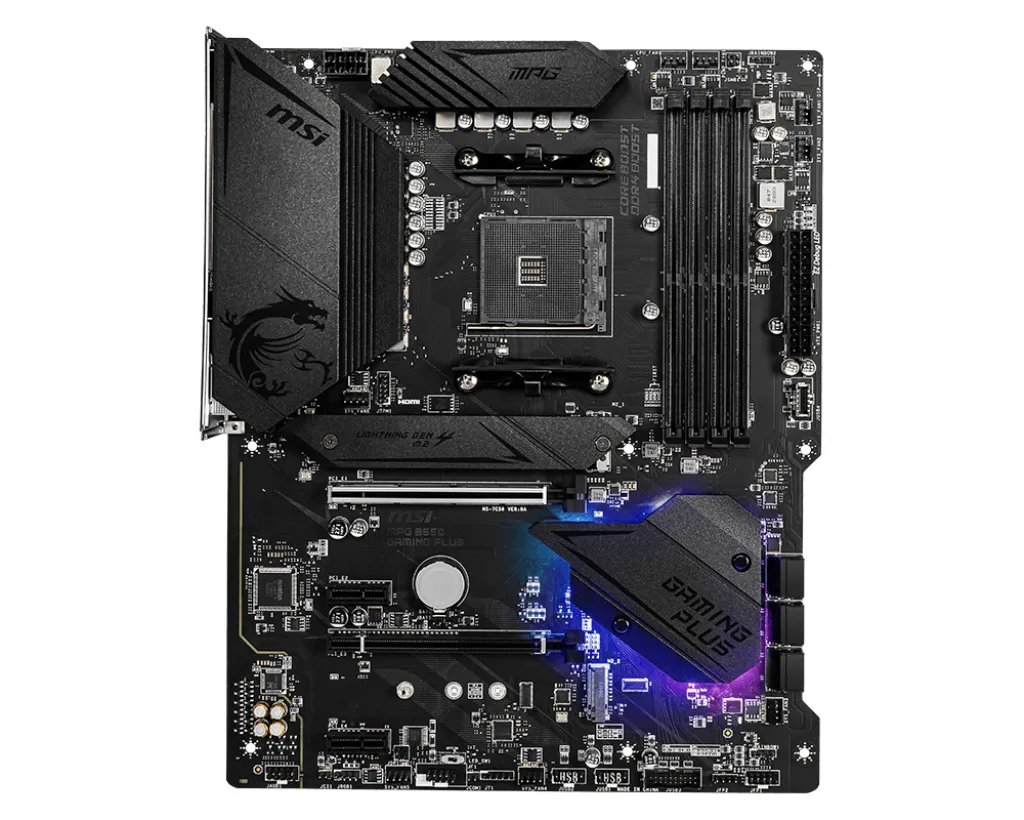
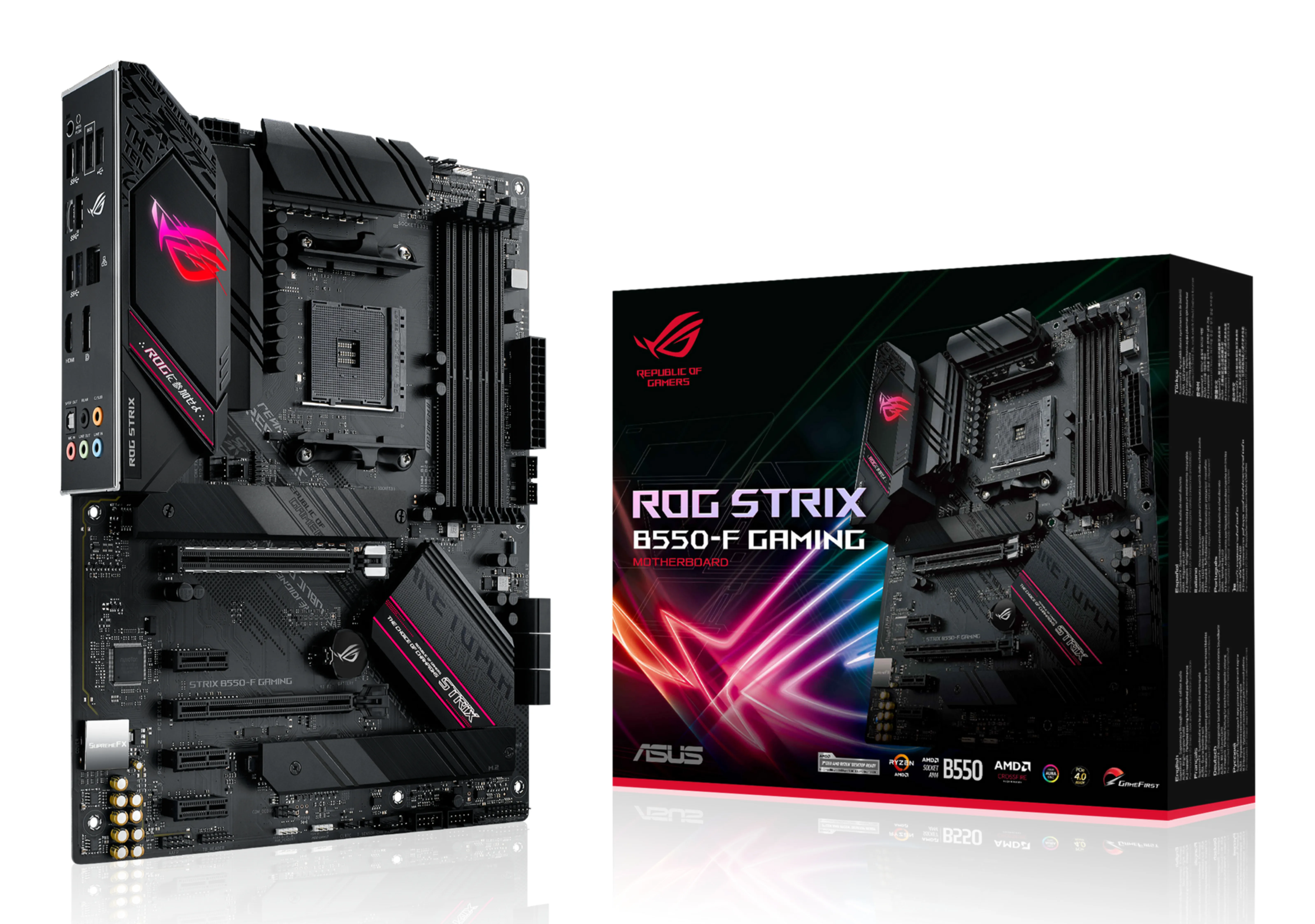
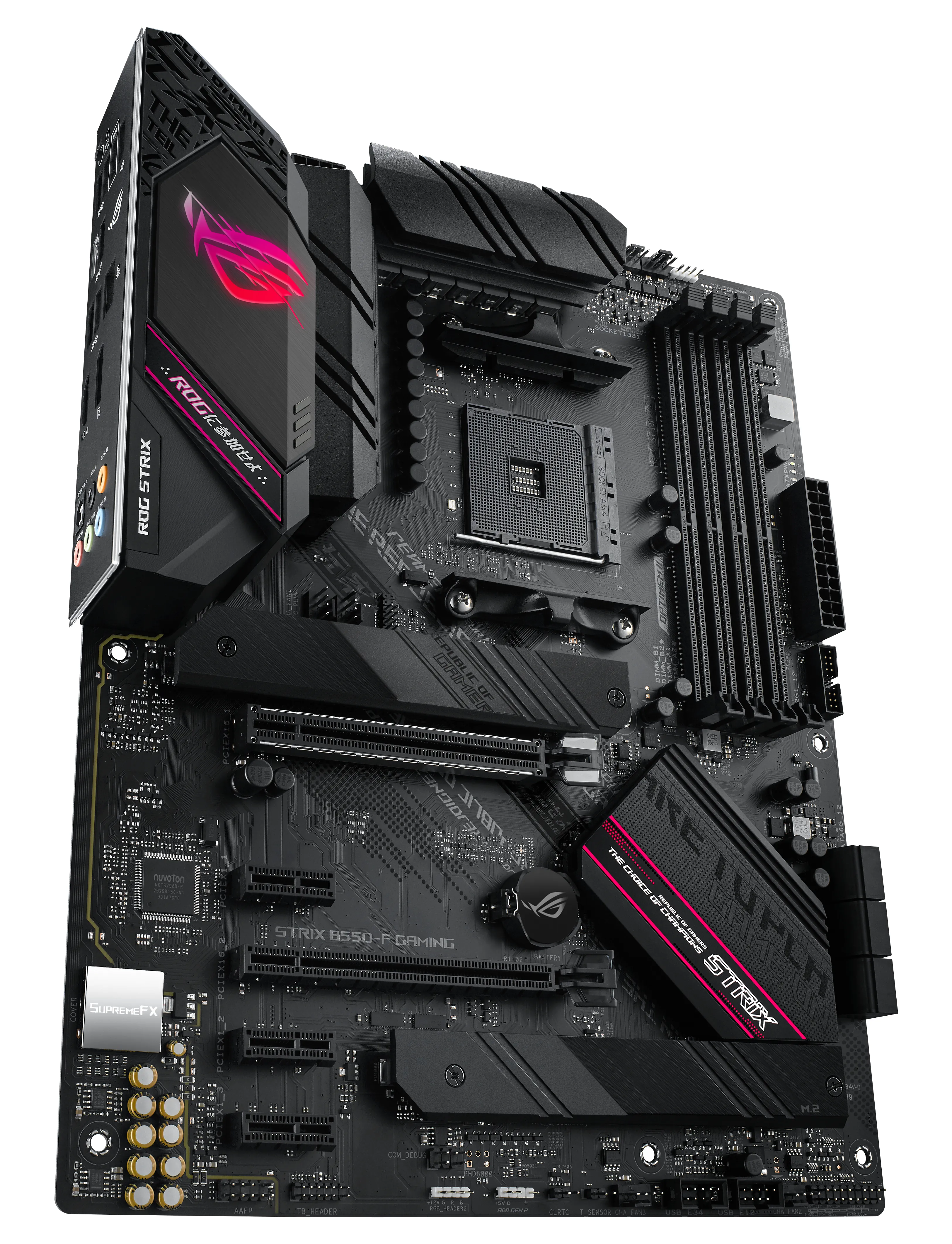
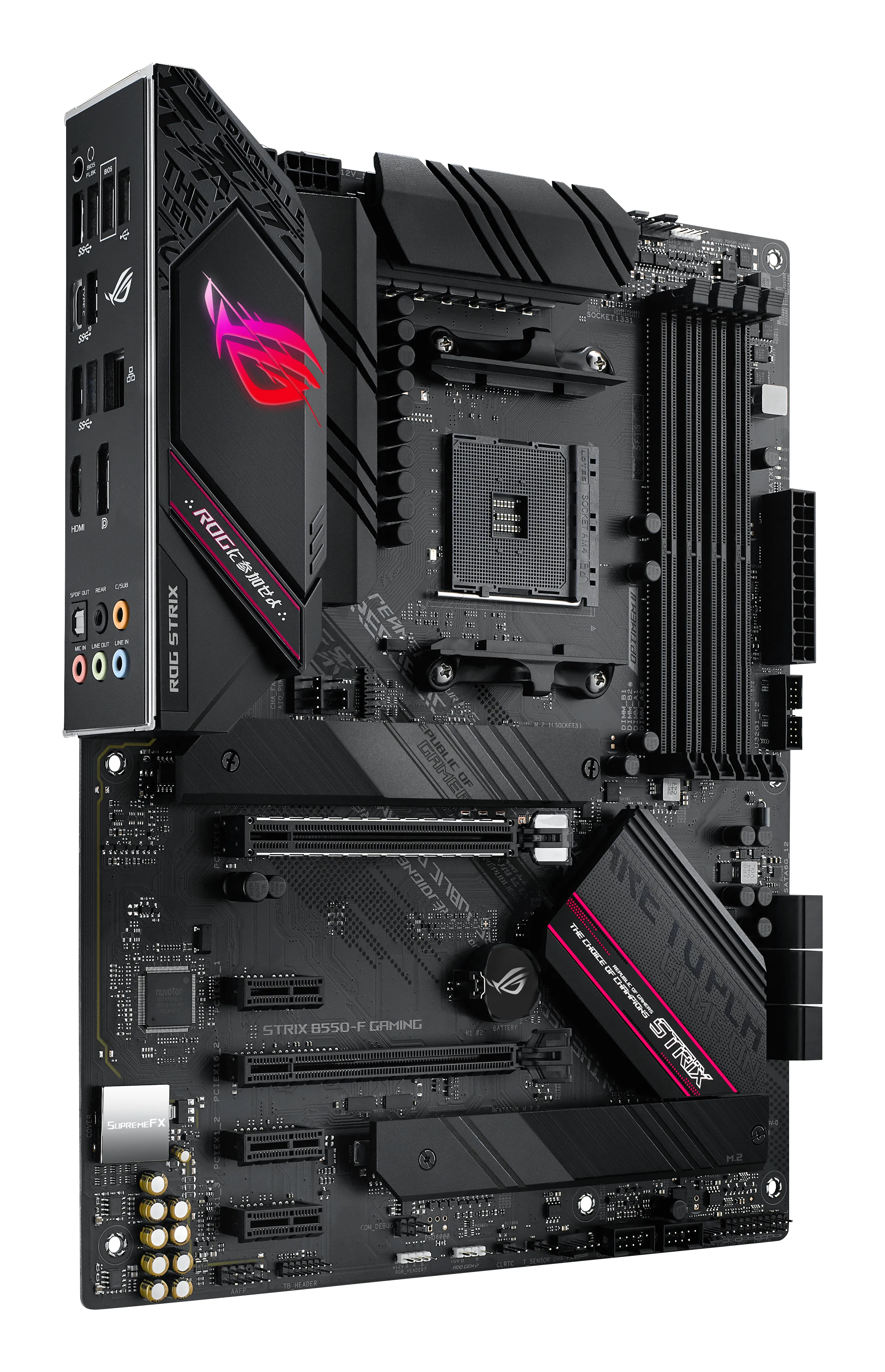
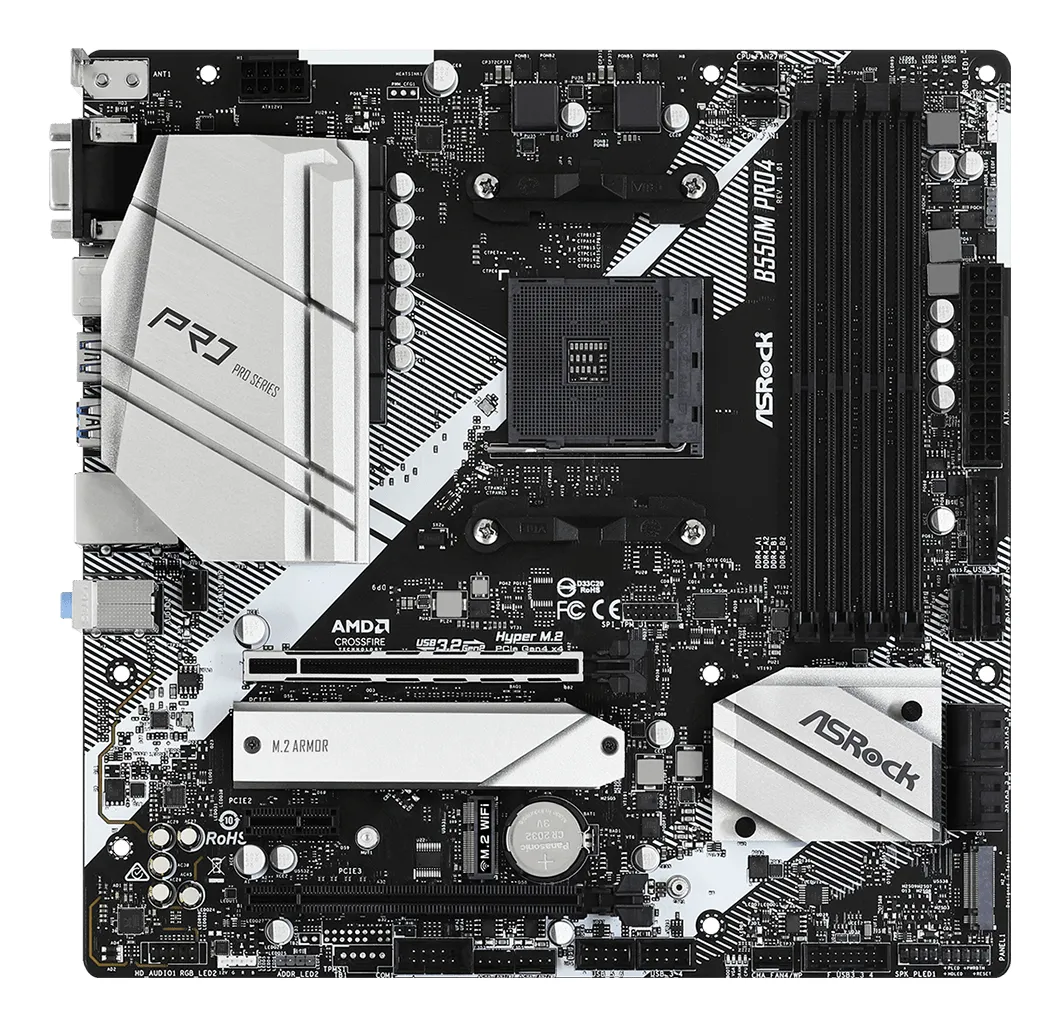
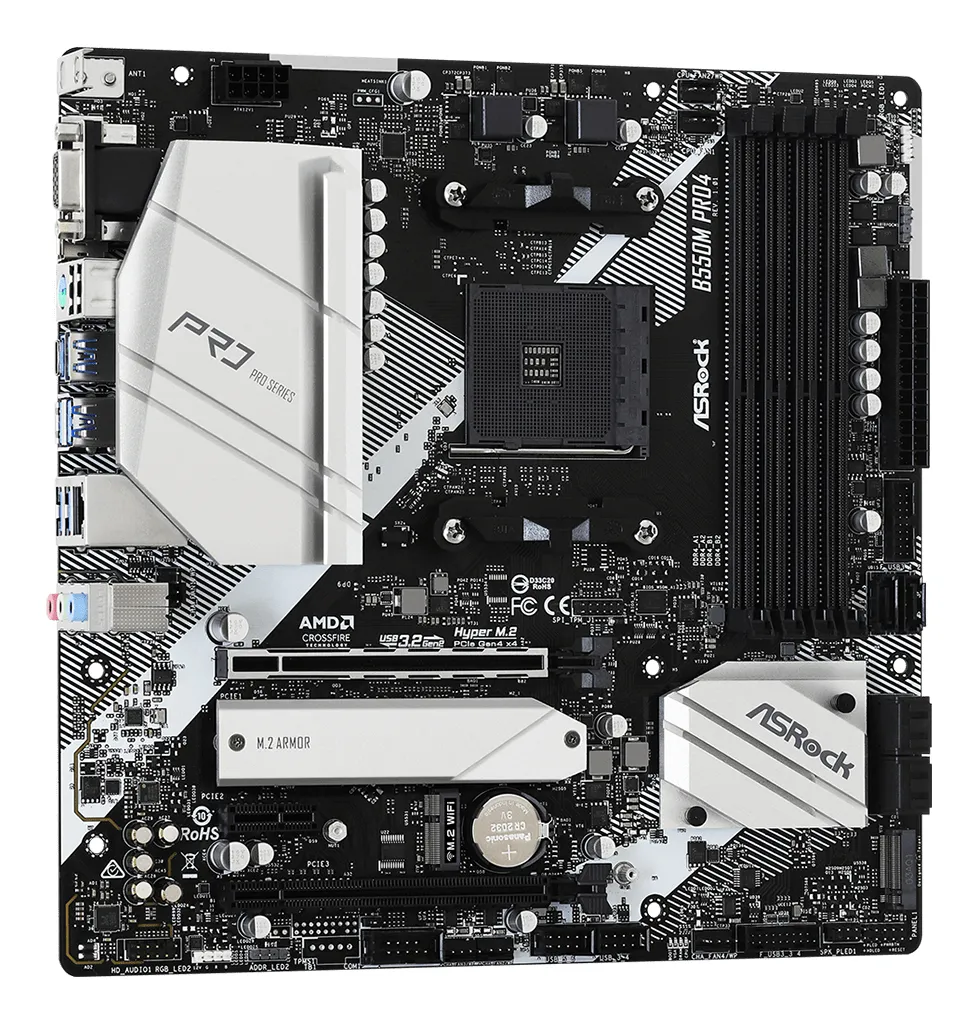
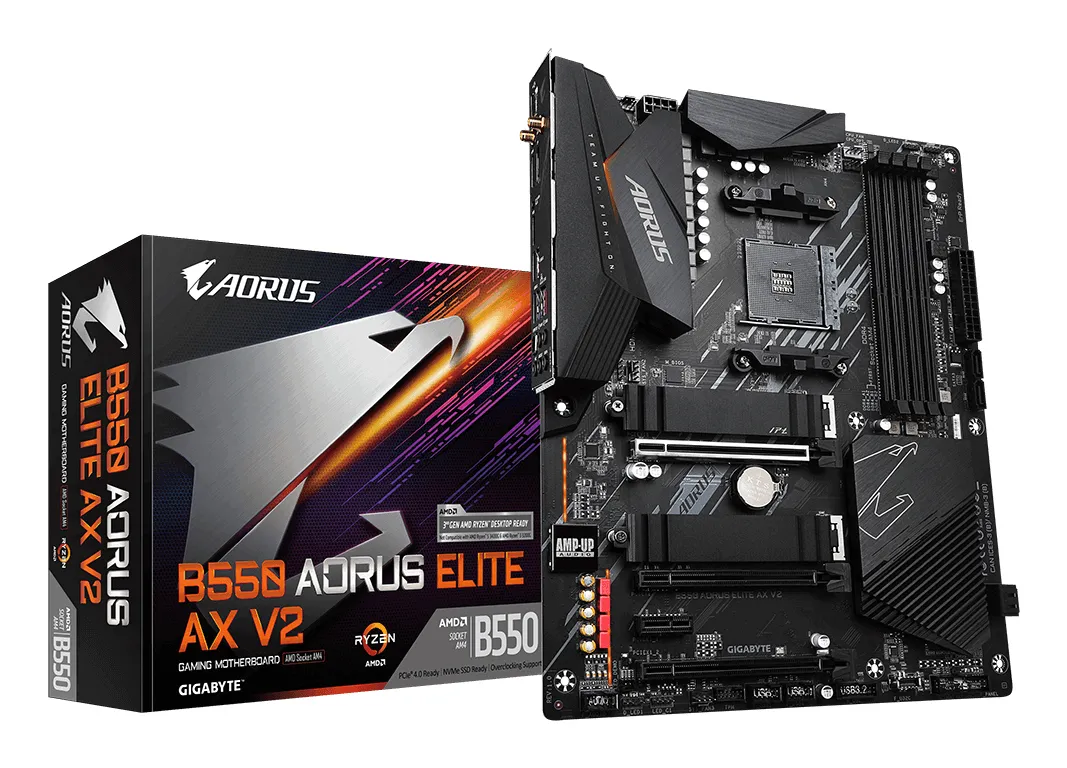
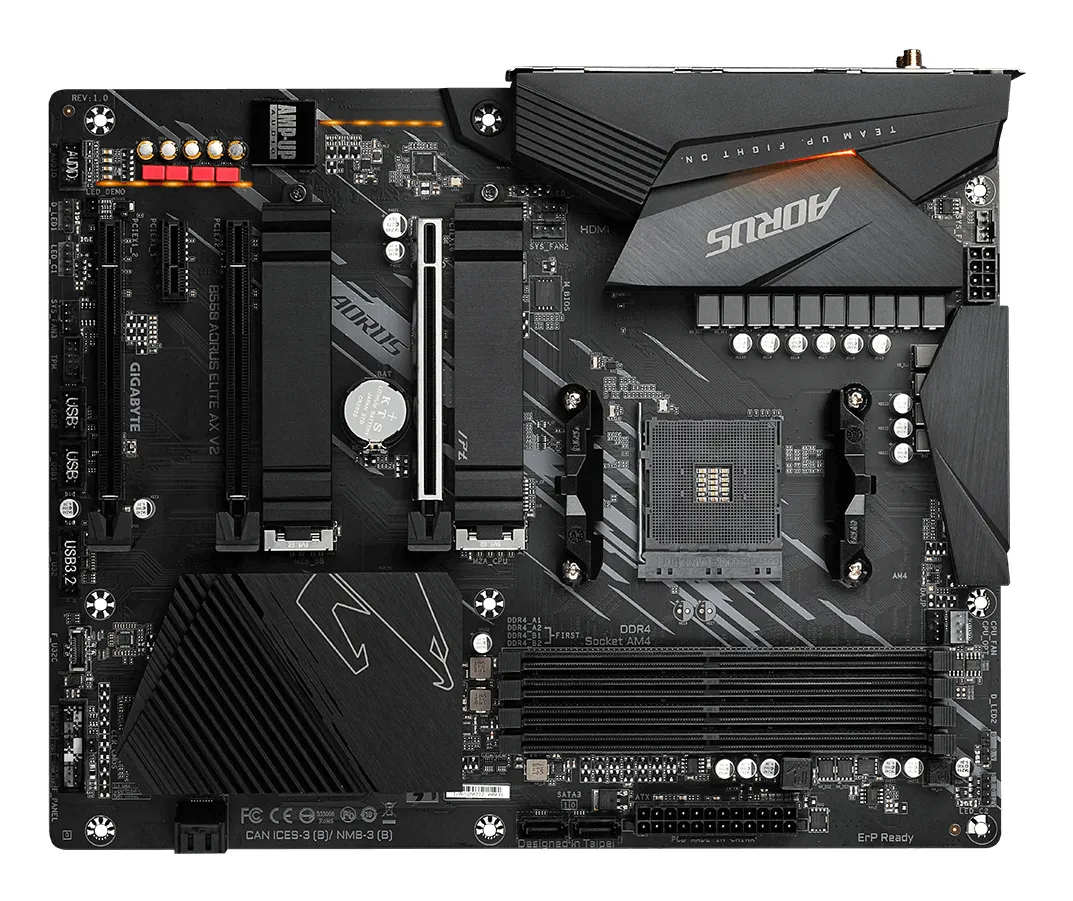
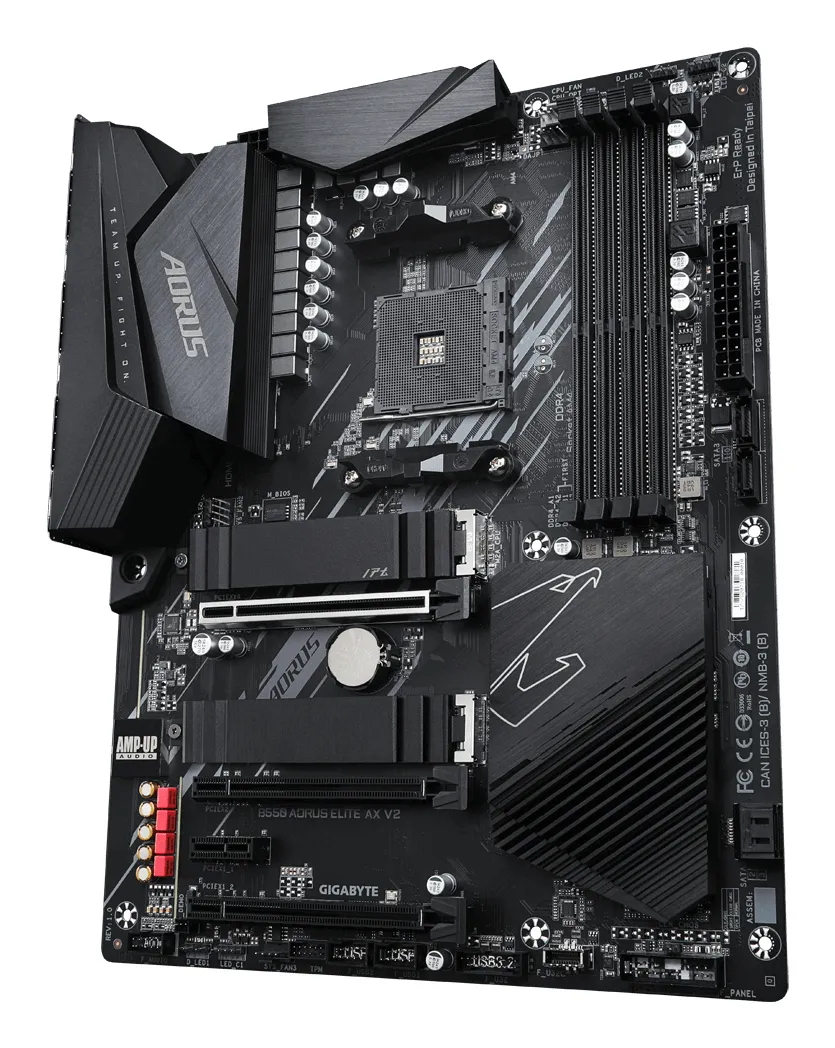
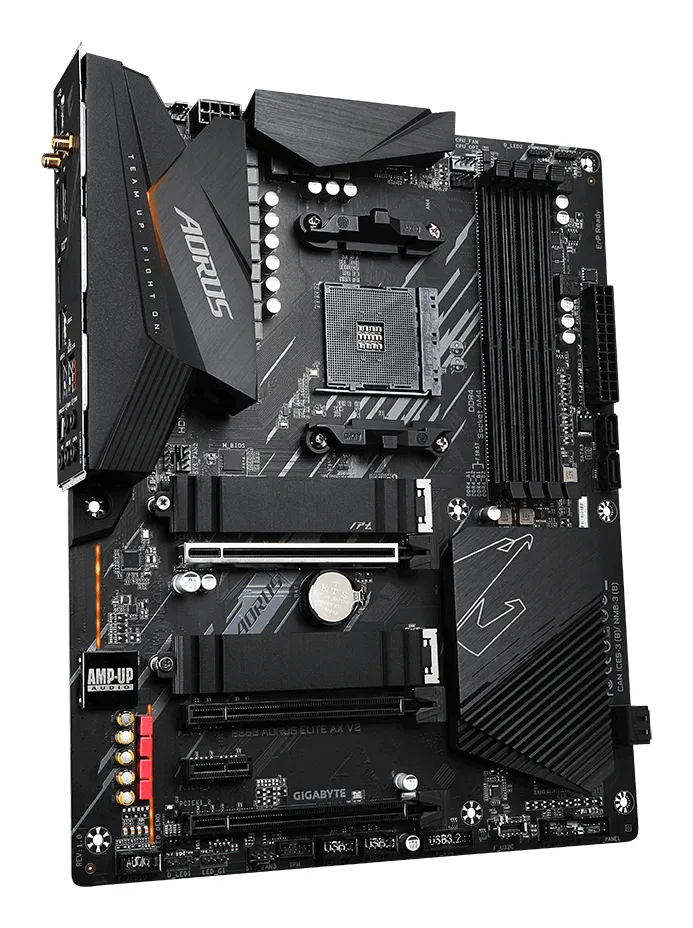
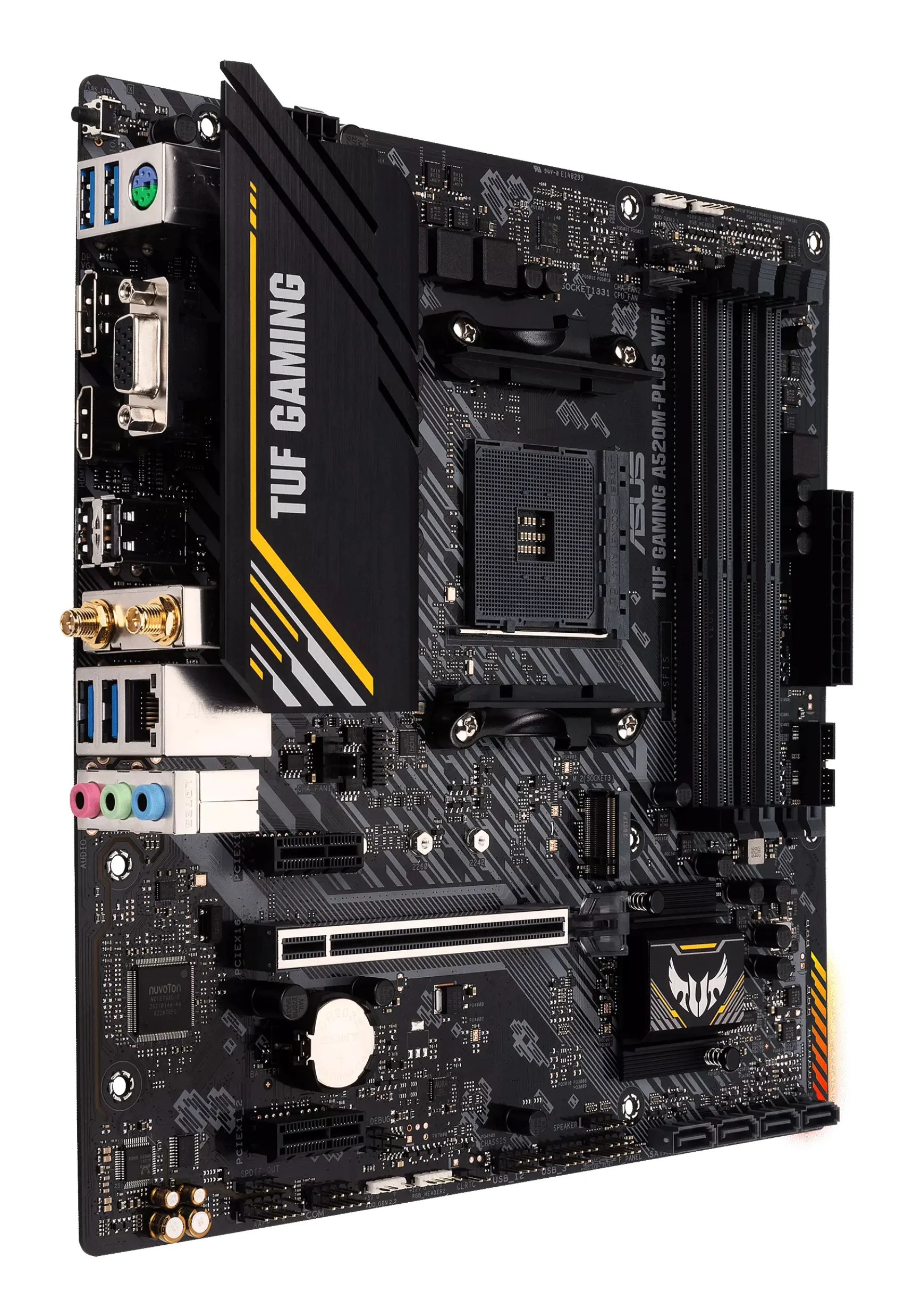
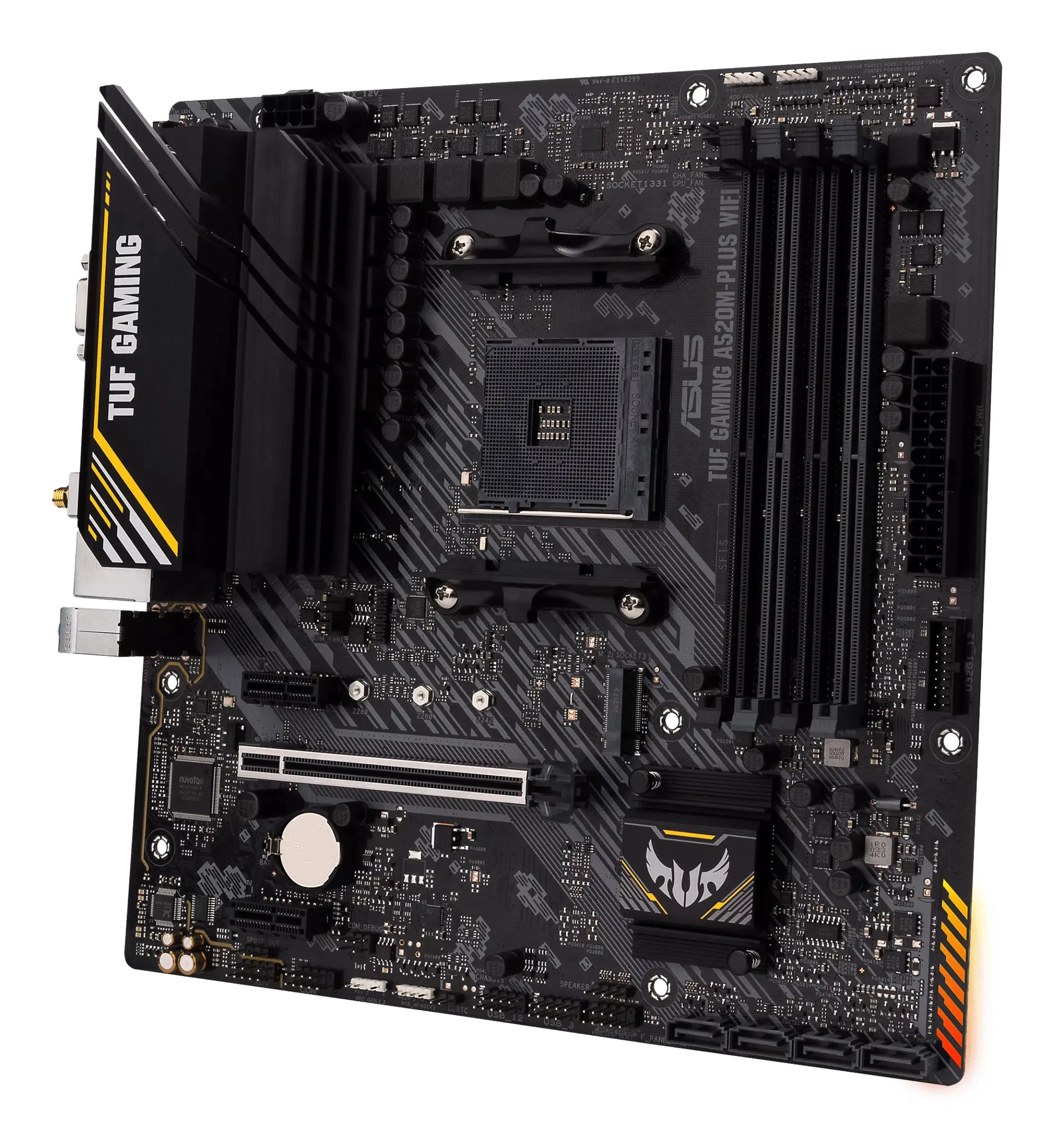
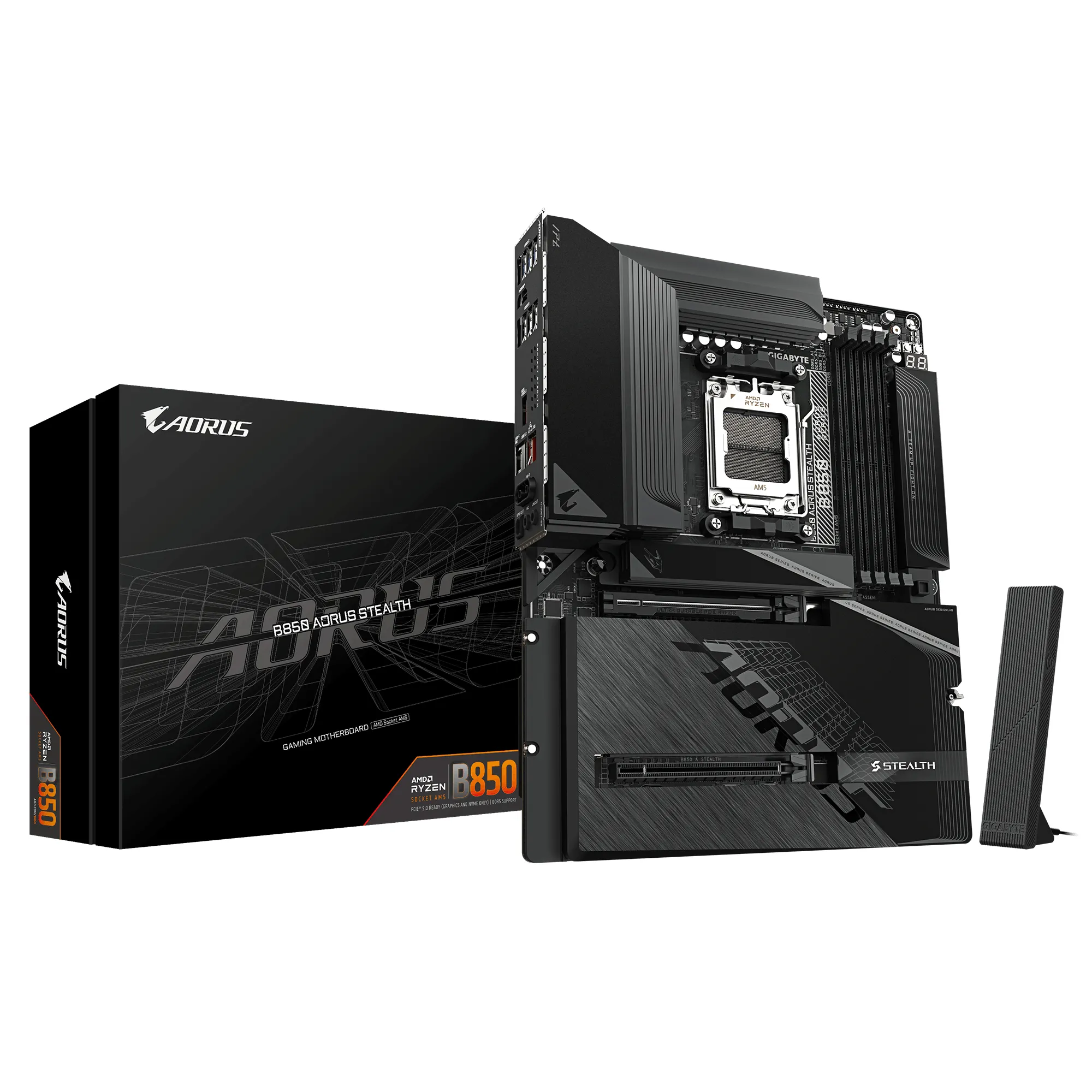
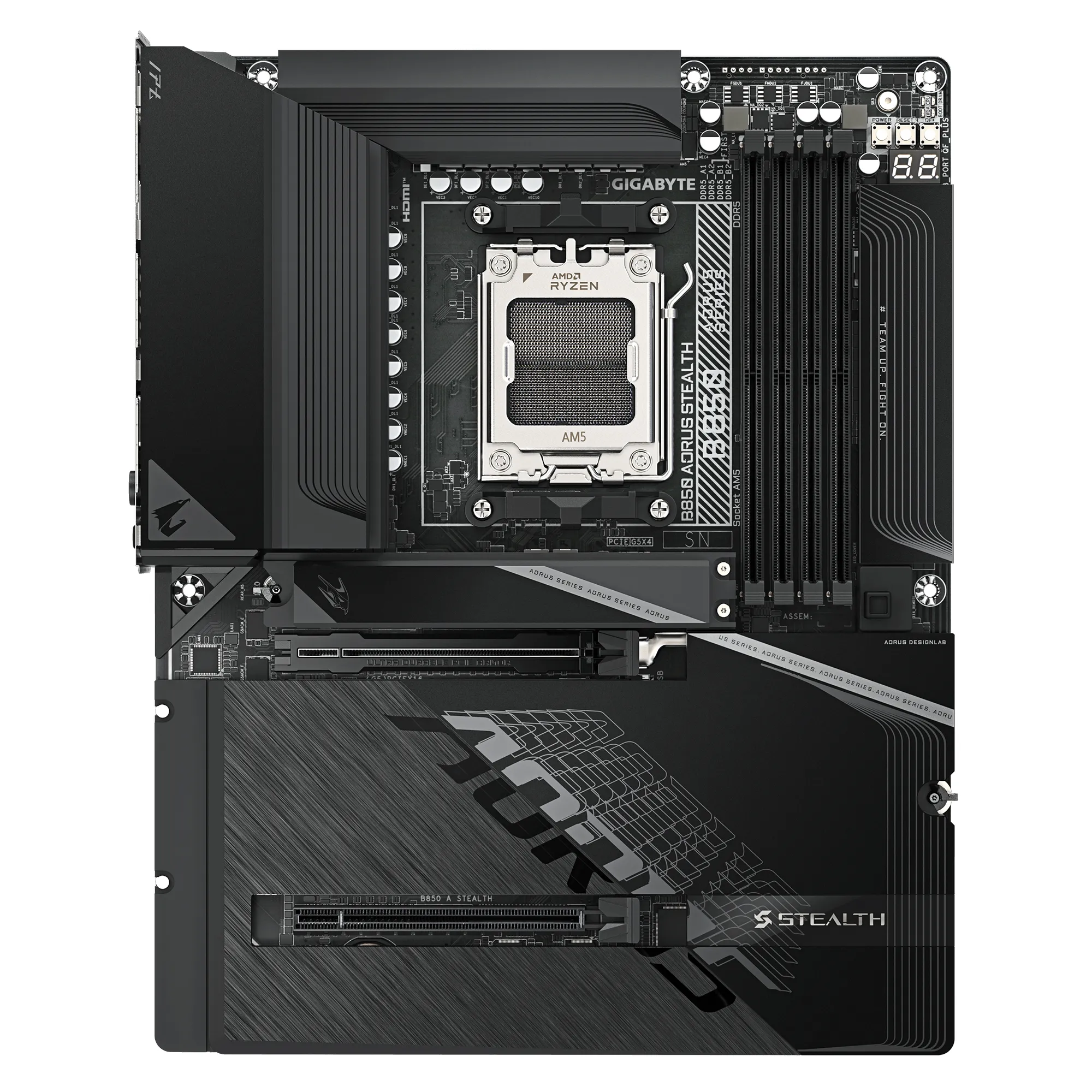
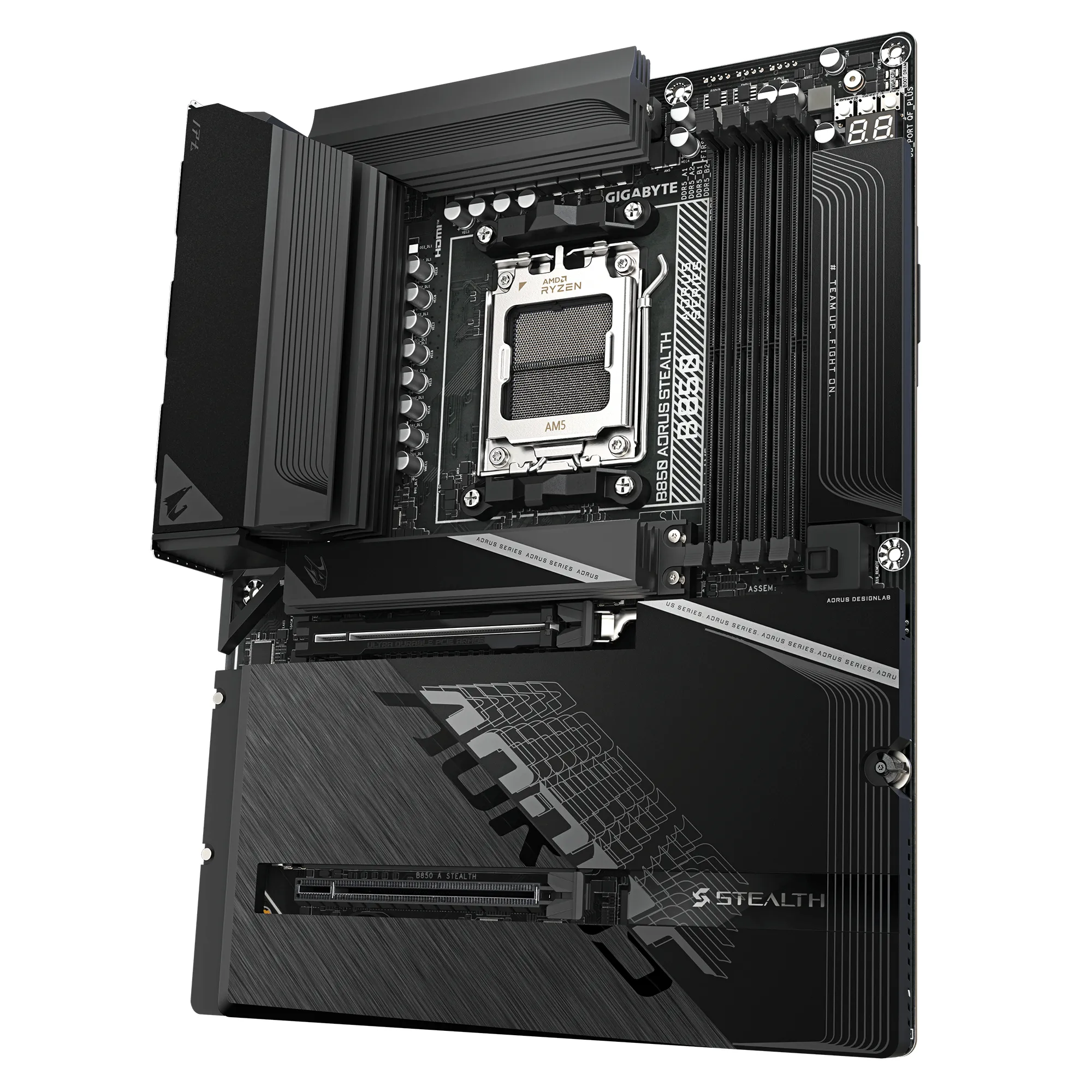
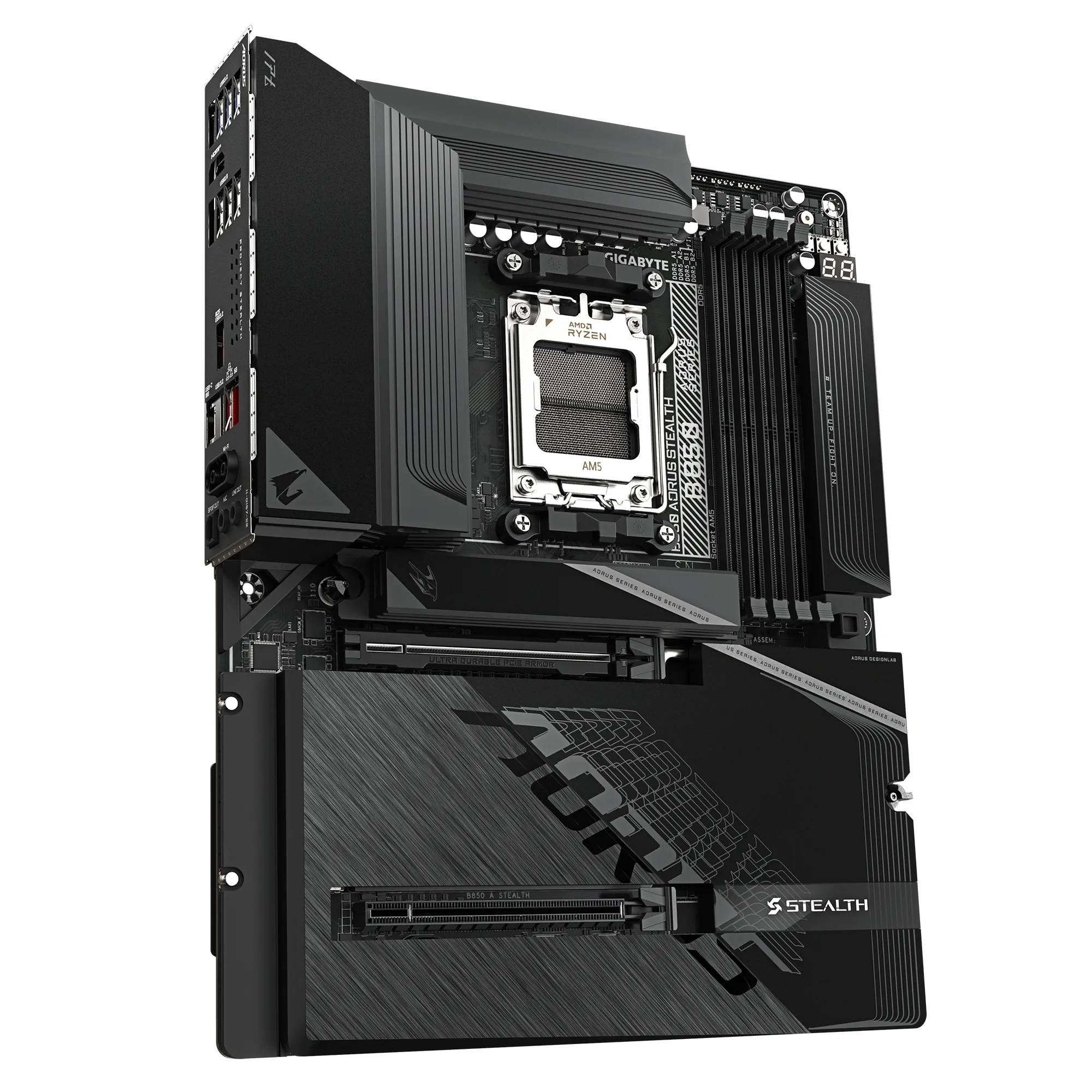
The motherboard is the backbone of your computer – it connects all the parts together and determines how powerful your PC truly becomes. While new standards like PCIe 6.0 and Back-connect solutions are emerging, familiar AM4 and DDR4 setups remain sensible choices for many builds.
Who makes the most popular motherboards?
How do I know if my CPU fits the motherboard?
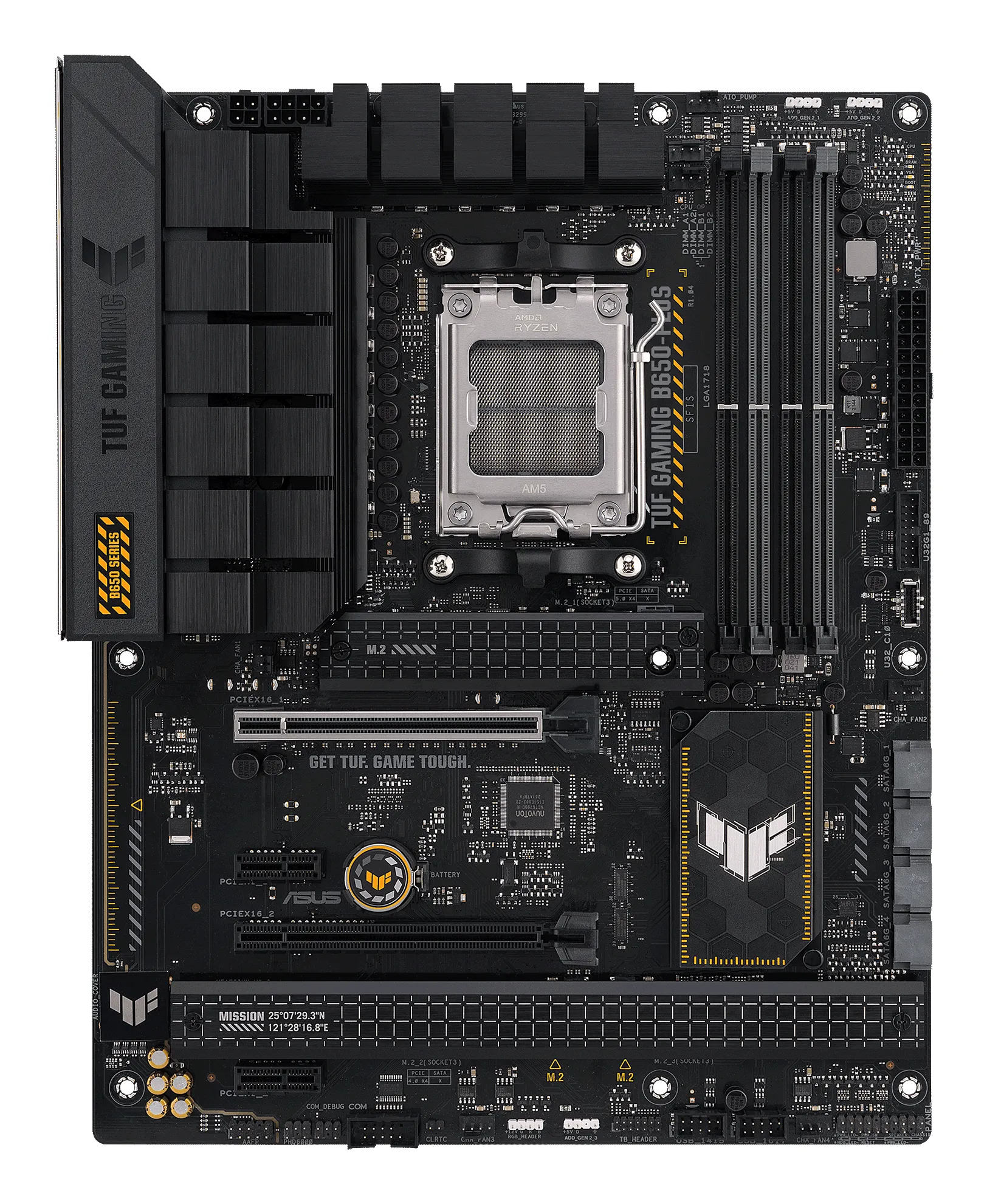
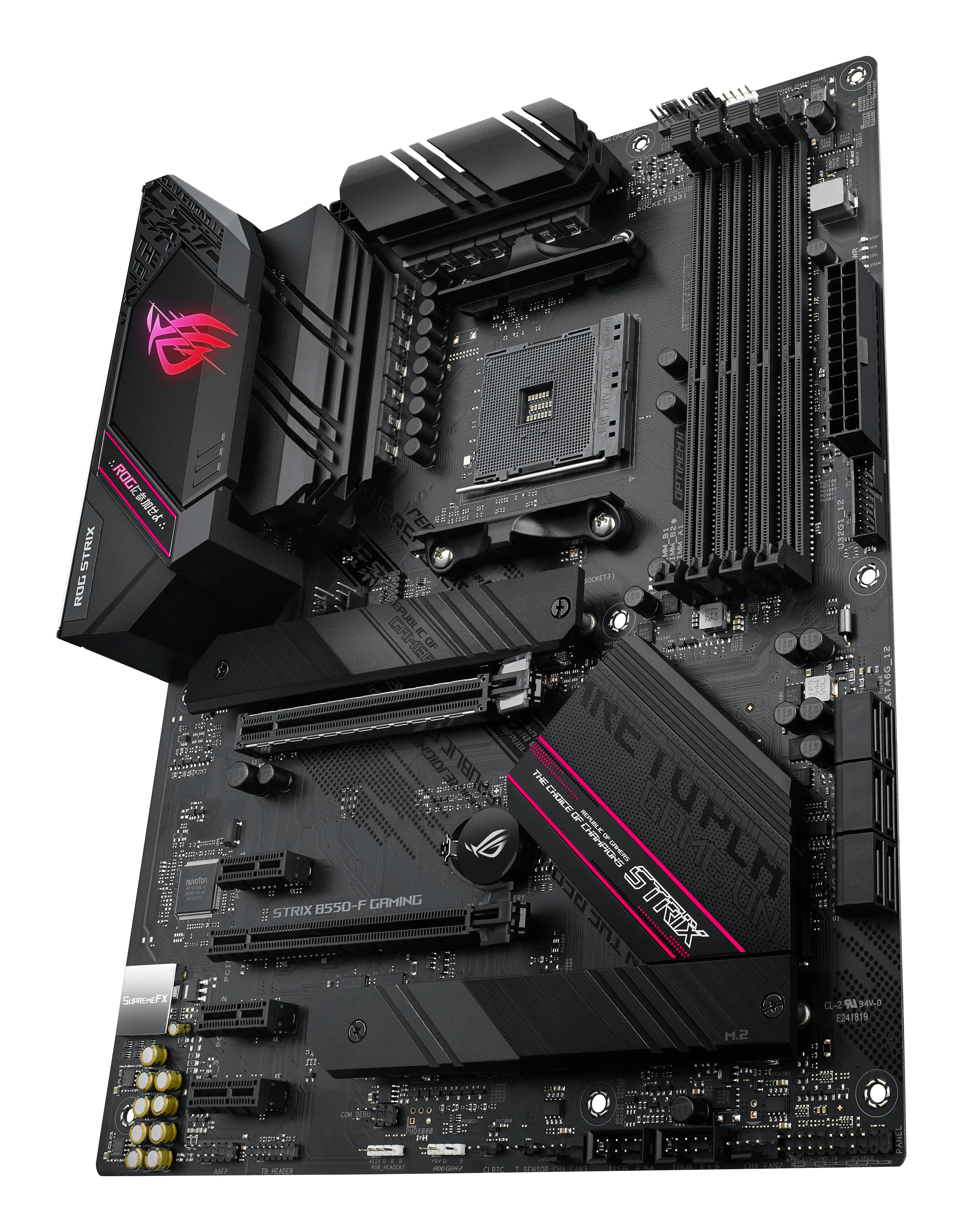
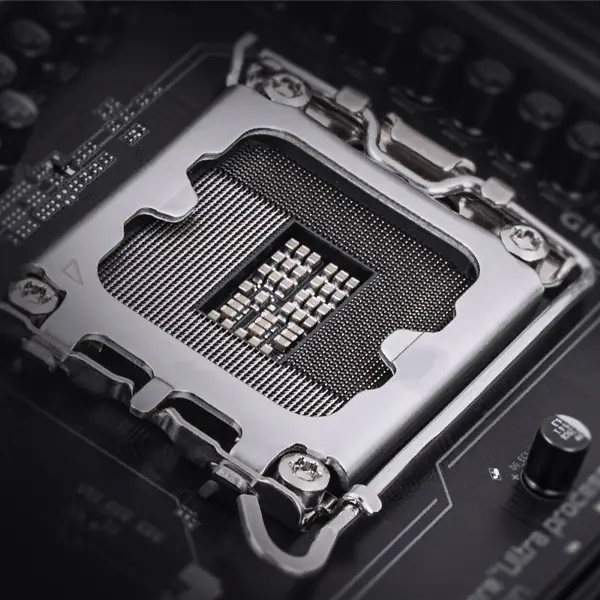
Not all processors fit into all motherboards. The most important thing is to check the CPU socket. In 2026, the situation is generally this:
- AMD AM5 / AM5+: A modern platform supporting the latest Ryzen processors; requires DDR5 memory.
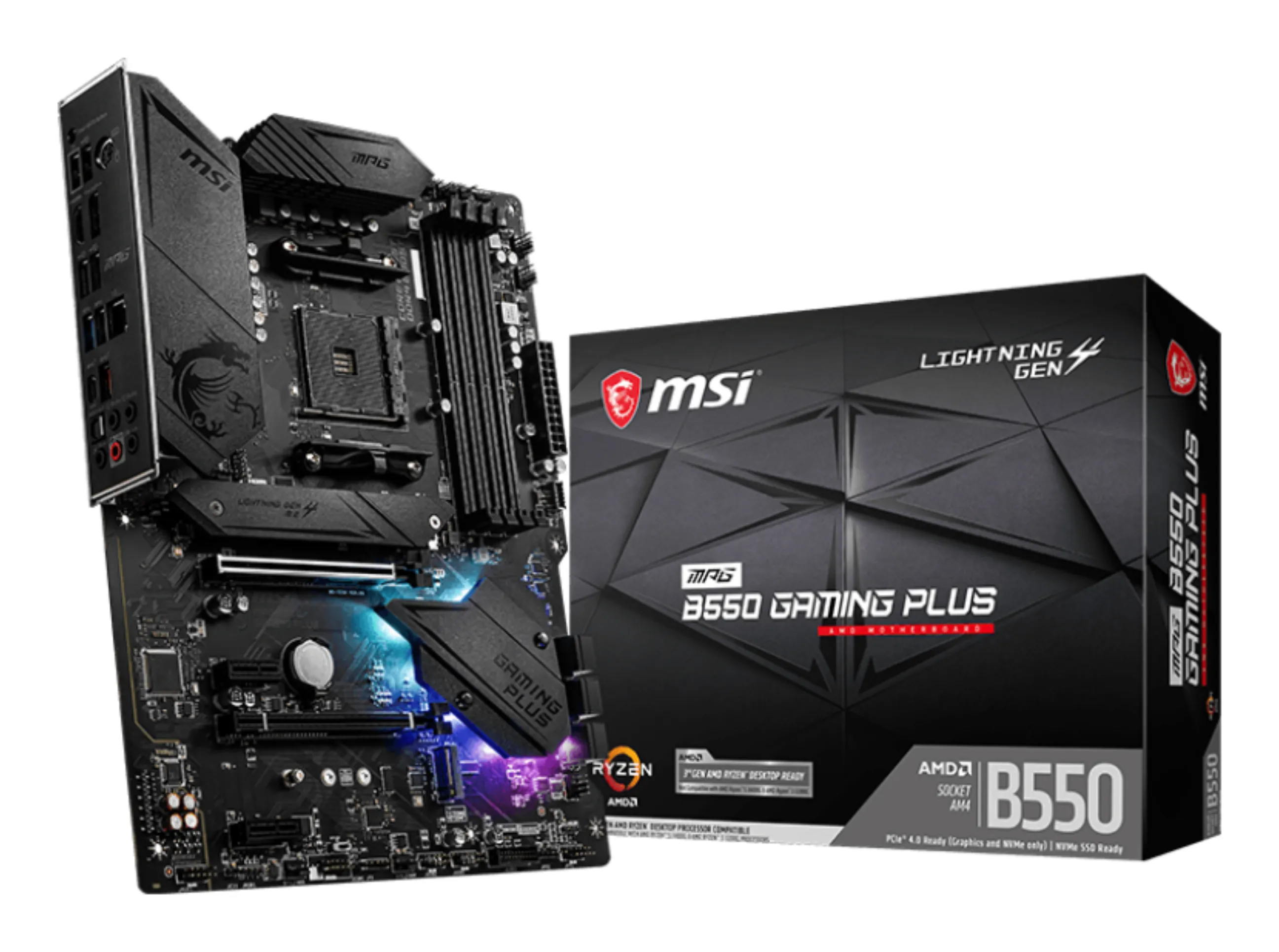
- AMD AM4: Still very popular for budget PCs. Uses more affordable DDR4 memory.
- Intel LGA 1851: Designed for the newest Core Ultra series and supports the fastest bus solutions.
What size motherboard should I buy?
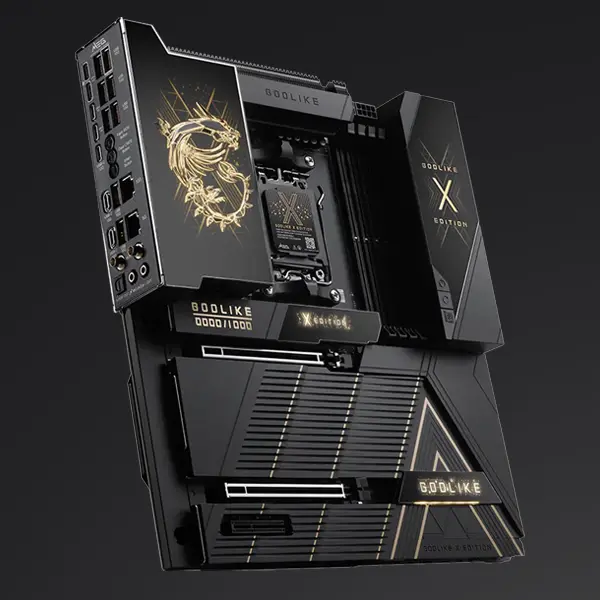
The size (Form Factor) affects how many expansion parts fit in your PC and what size case you need:
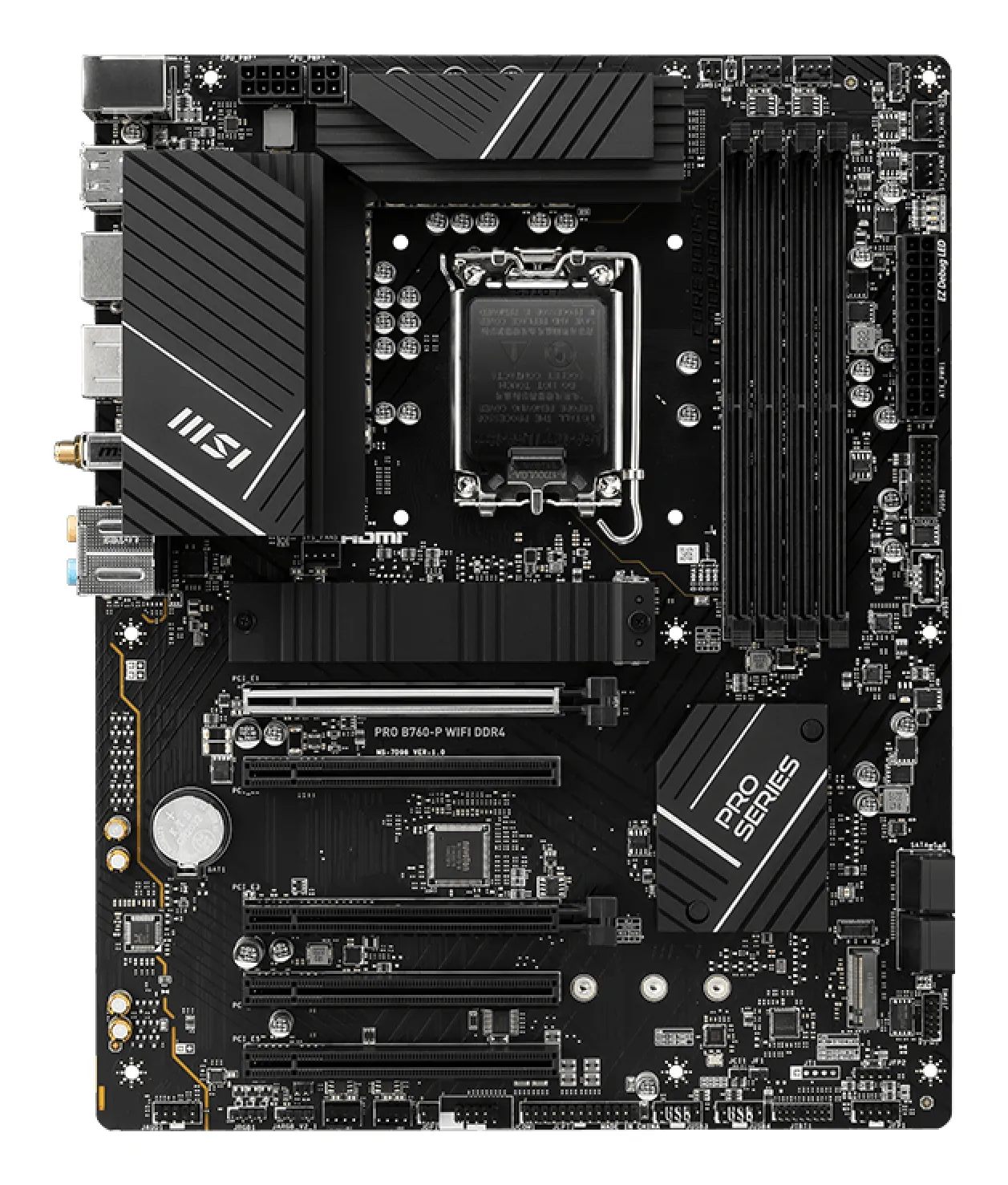
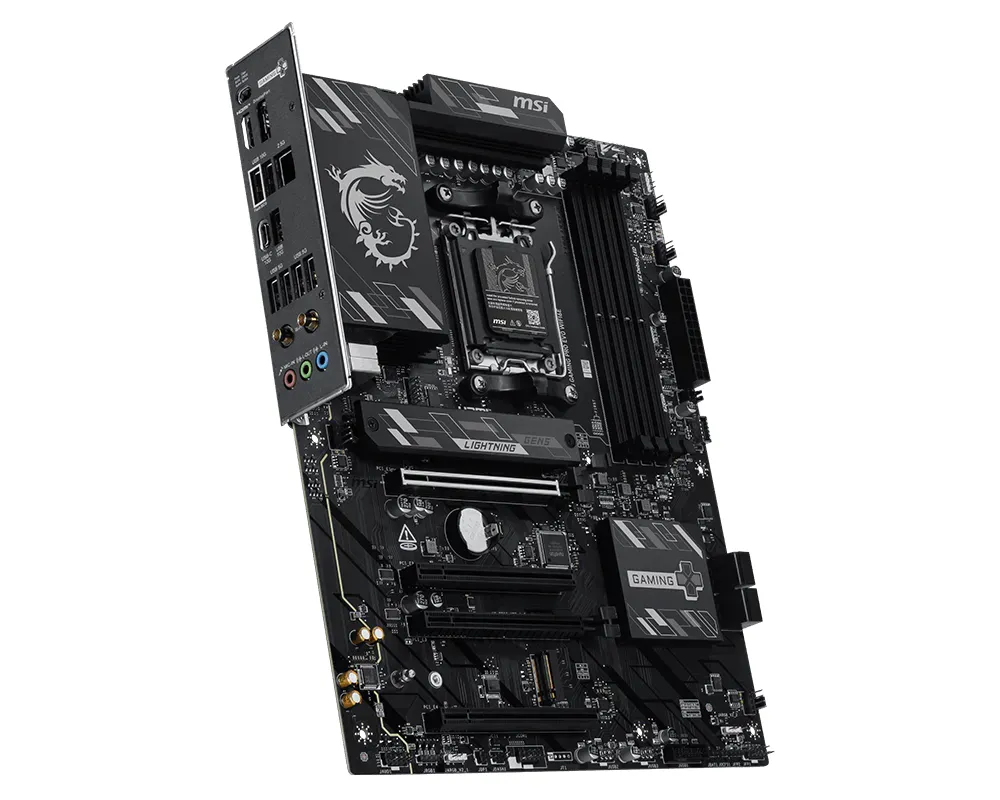
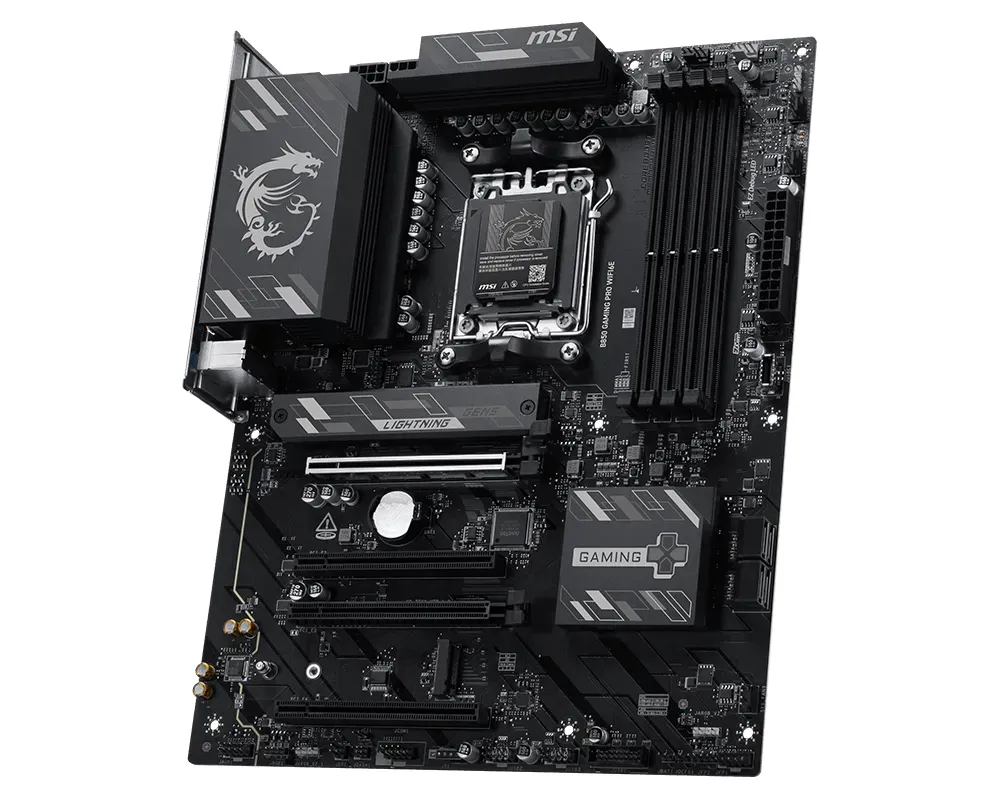
- ATX (Standard): The standard choice for most PCs. Plenty of room for components and multiple SSD slots.
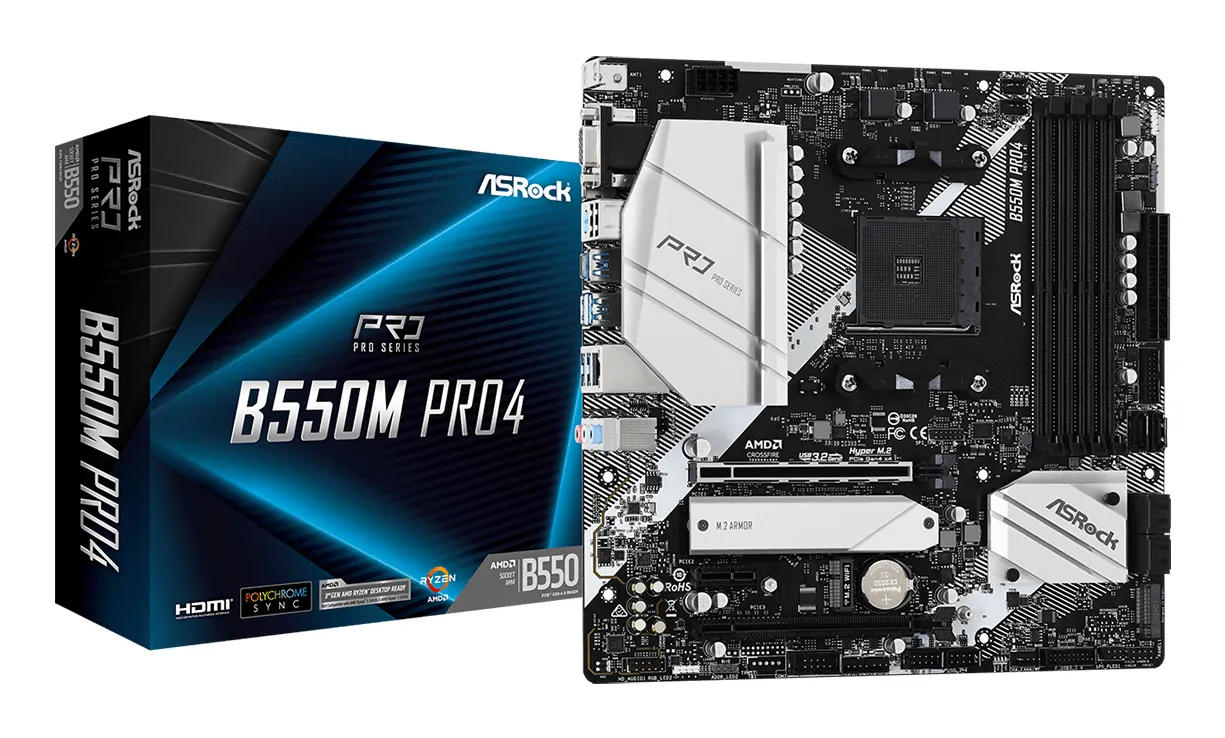
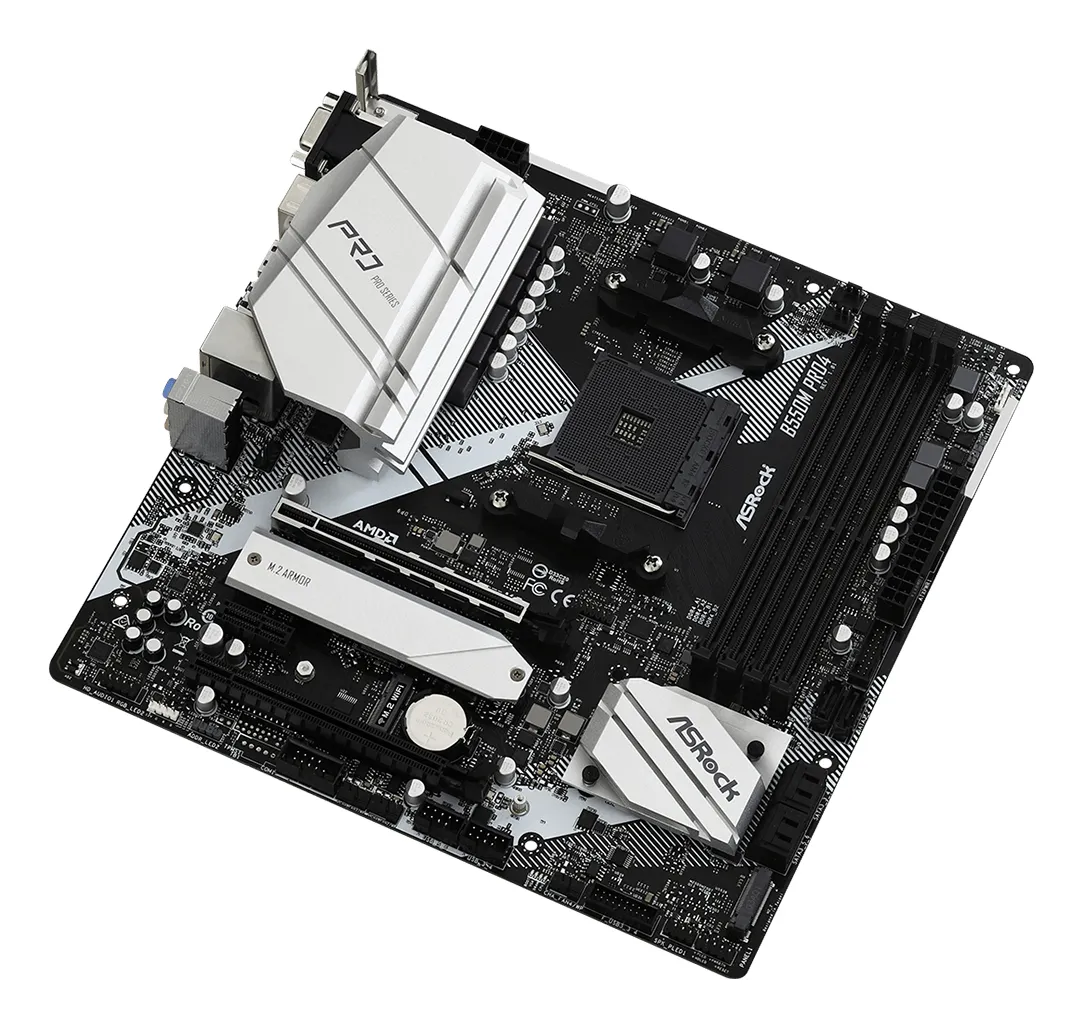
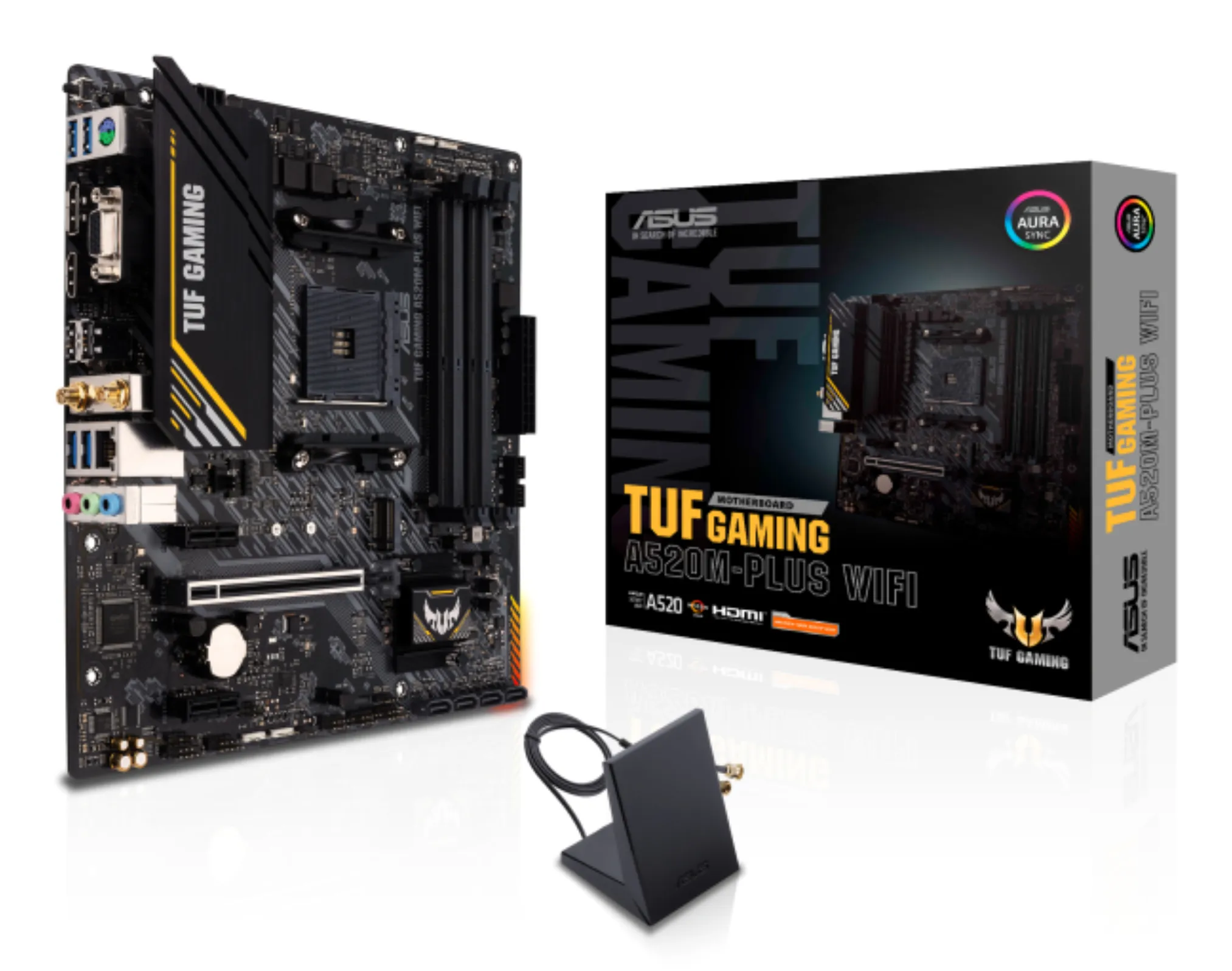
- Micro-ATX (mATX): Slightly smaller and often more affordable. An excellent choice for a standard gaming PC.
- Mini-ITX (ITX): Tiny. Designed for those who want to build a very compact powerhouse.
Find the right motherboard for your upgrade from our extensive selection.
Browse motherboards hereWhat technical details should I remember to check?
| Feature | What should I consider? |
|---|---|
| Chipset | B-series is good for general use. Z- or X-series is needed if you want to overclock or need the most connections. |
| Memory slots | Ensure the board supports DDR4 or DDR5 memory. These are not interchangeable. |
| Power Delivery (VRM) | If you plan to use the most powerful CPUs, the motherboard's power delivery must be robust to prevent overheating. |
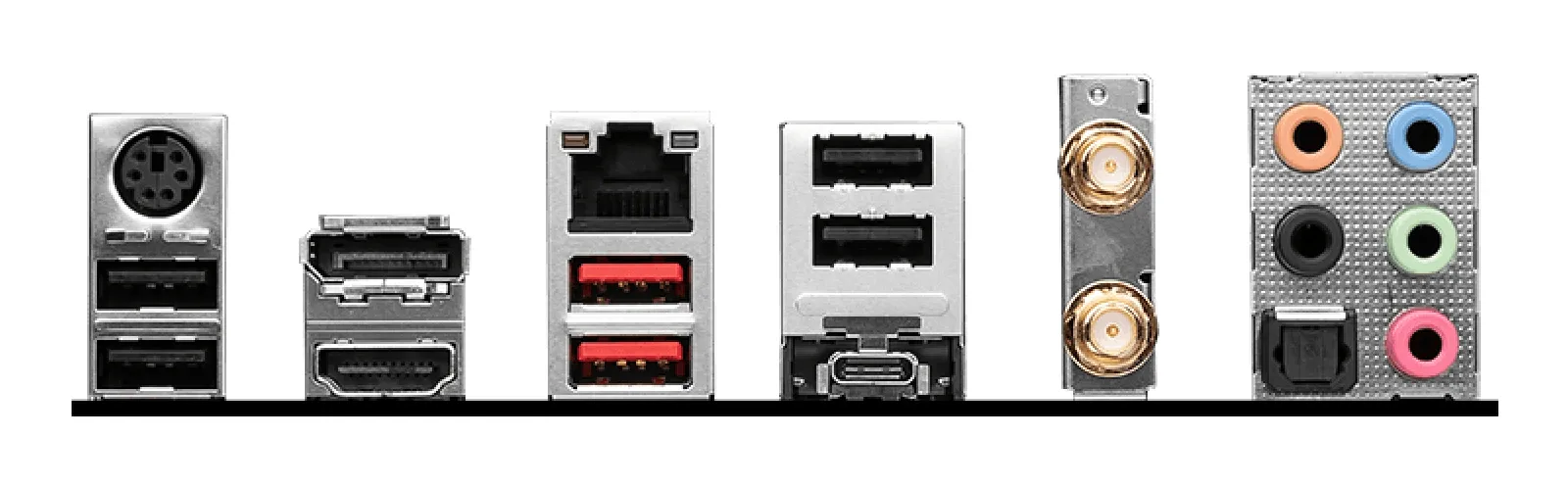
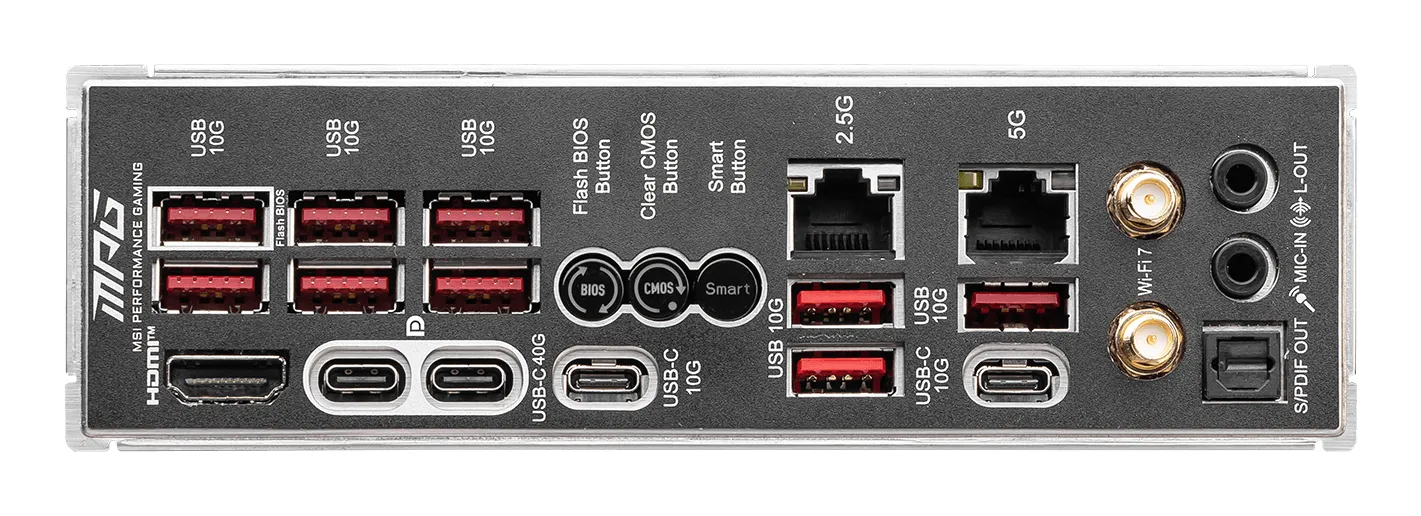
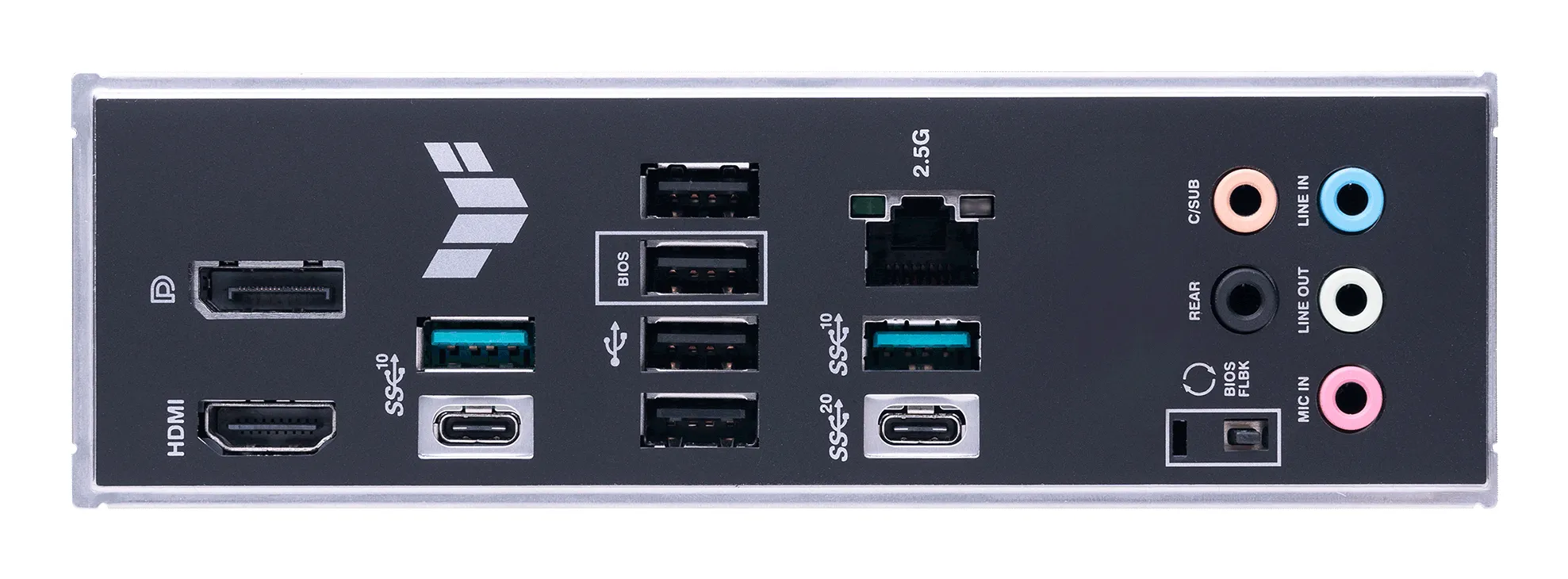
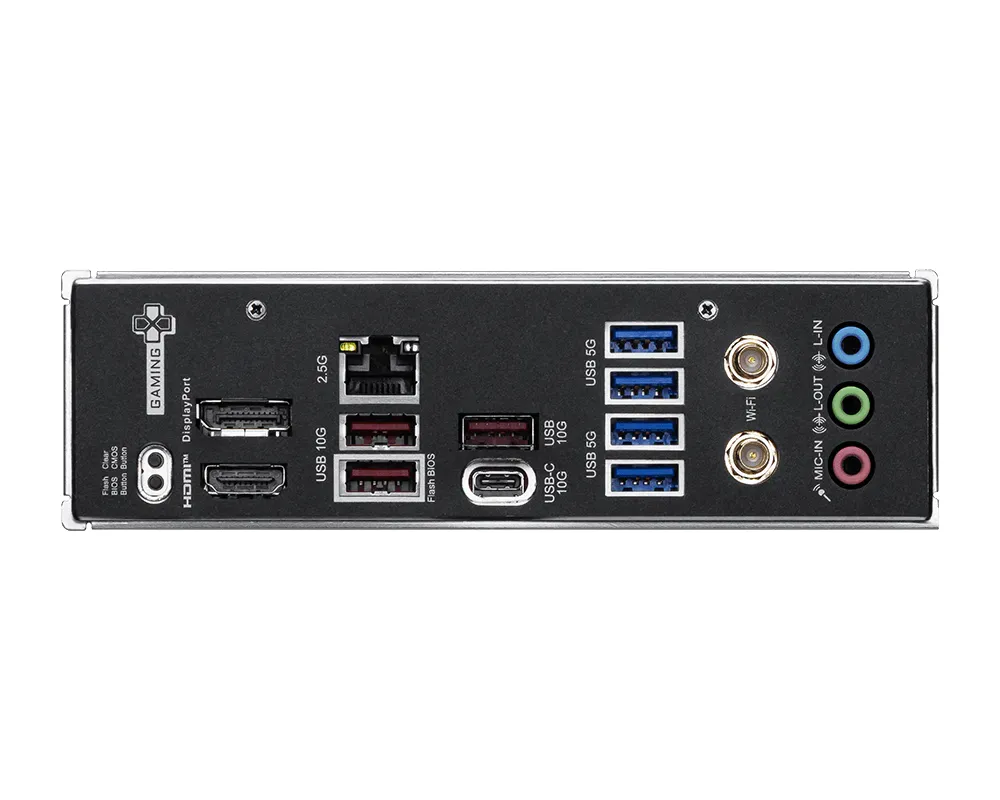
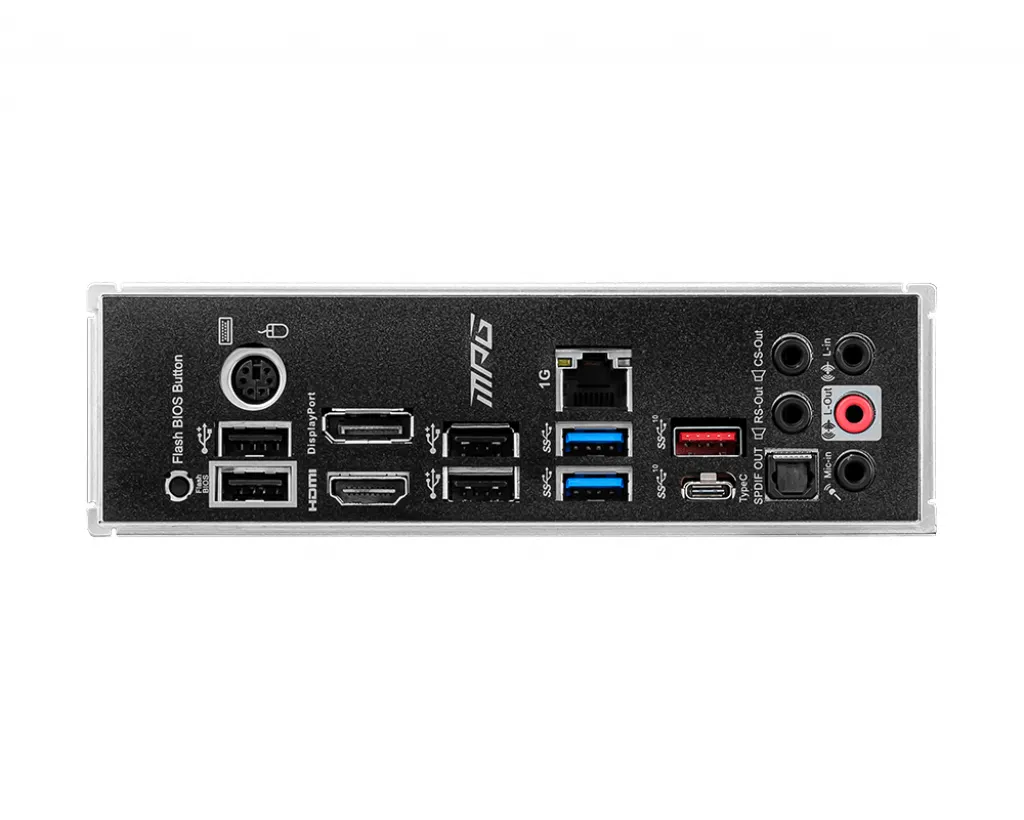
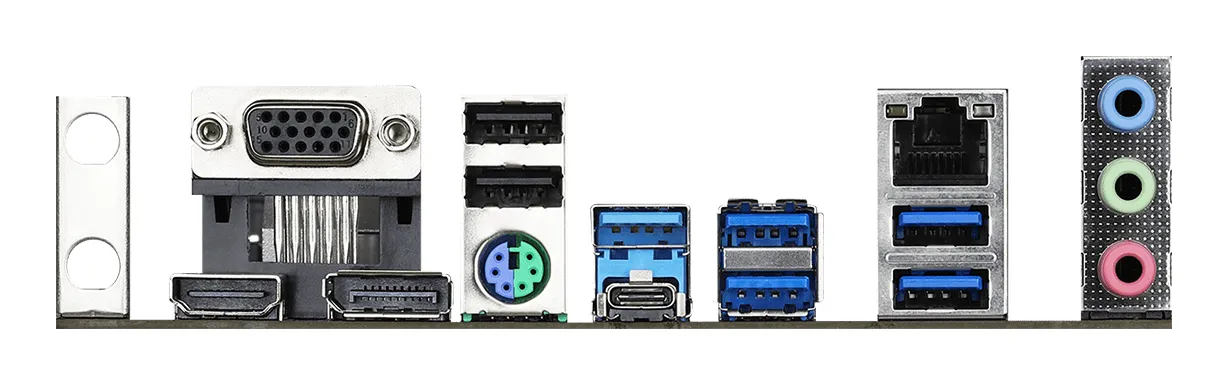
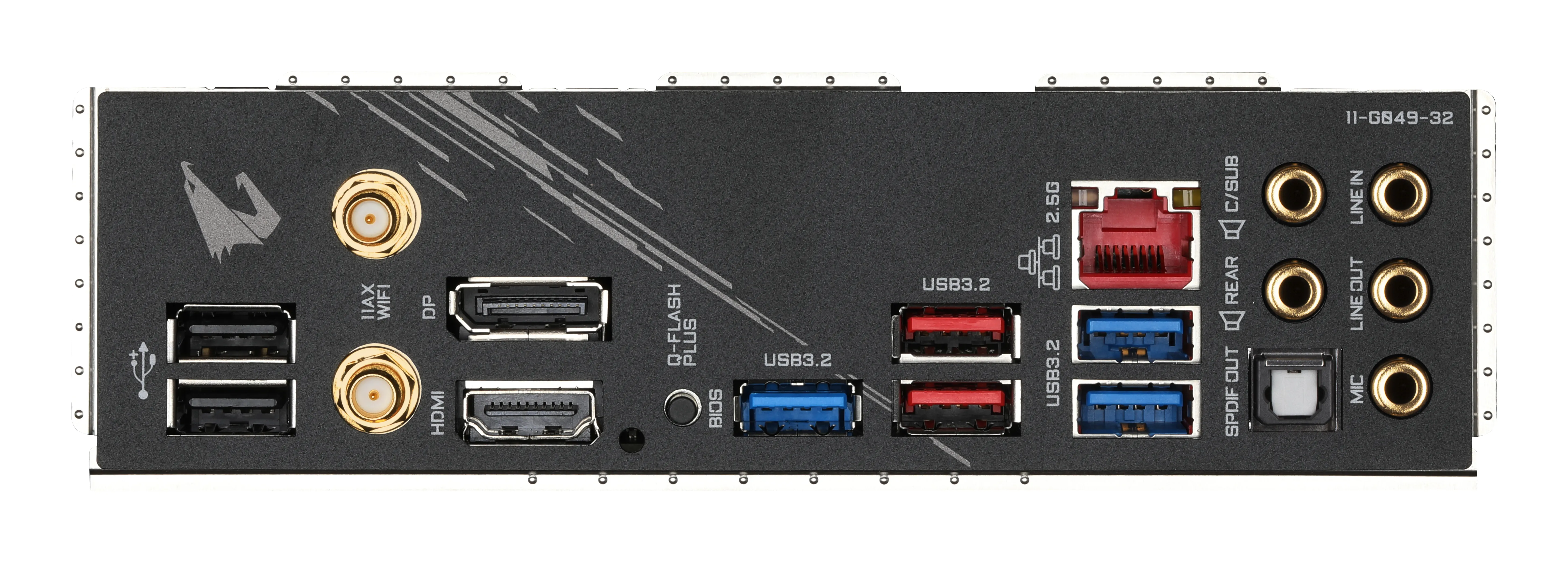
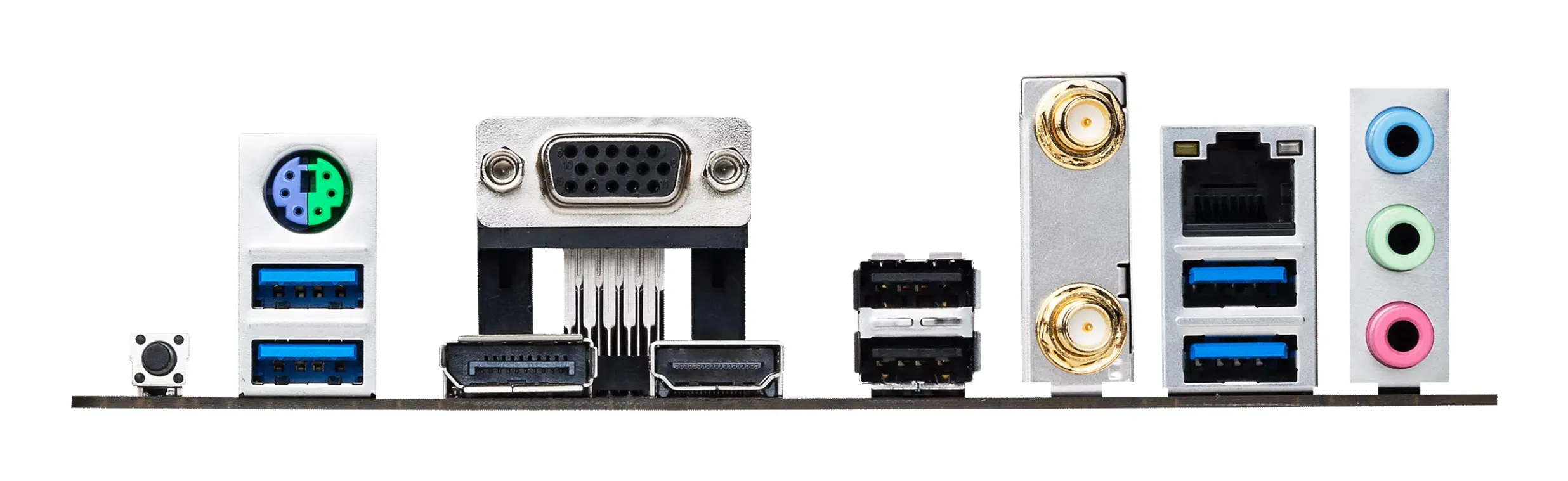
| Connectivity | Do you need built-in Wi-Fi 7 or fast USB4 ports for external devices? |
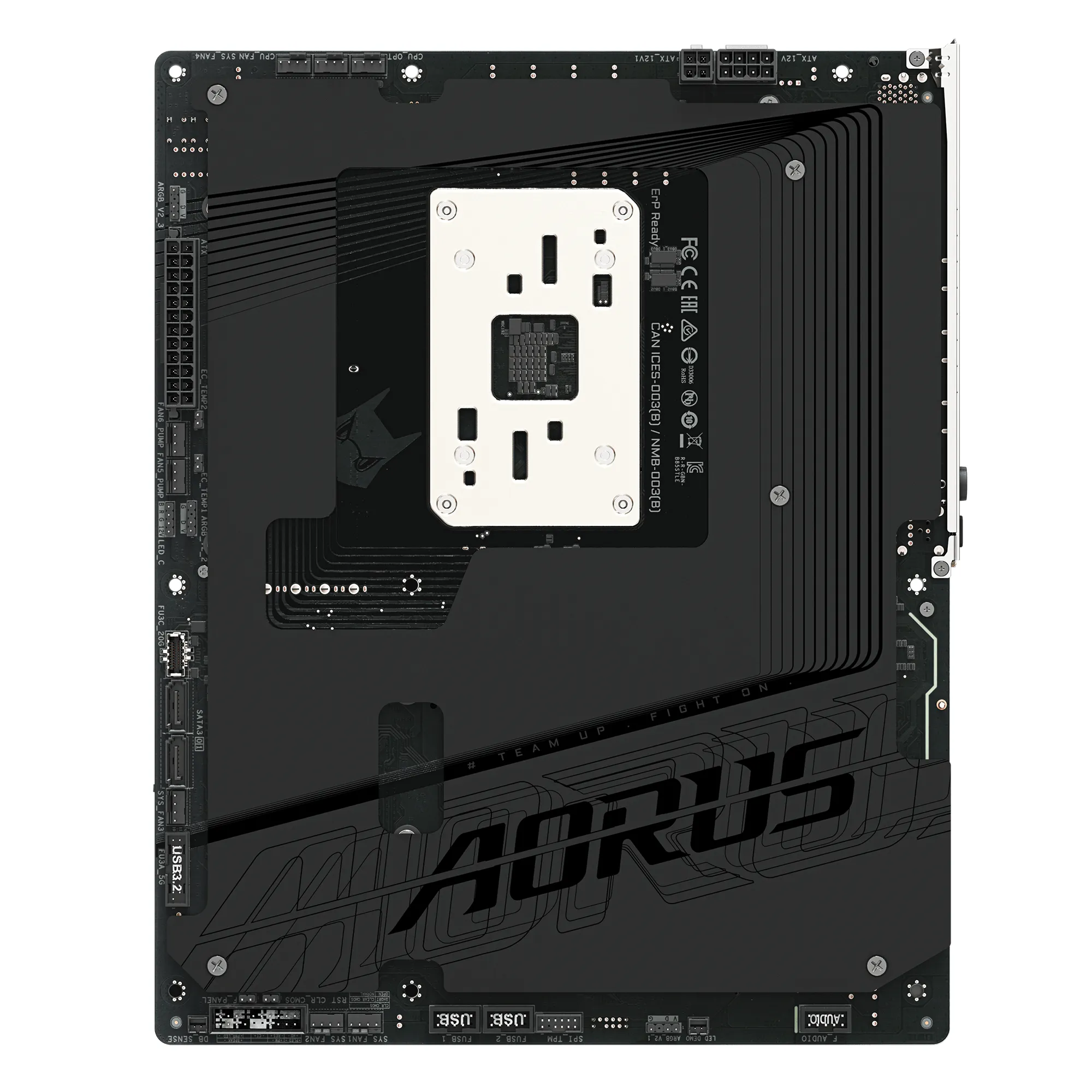
Why hide the cables (BTF)?
In 2026, the new Back-connect trend (like BTF or Project Zero) has revolutionized PC looks. In these boards, power cables connect to the rear, keeping the inside clutter-free. If this interests you, check out Multitronic's PC Case Guide to ensure your new motherboard fits your case.
Frequently Asked Questions
Does a more expensive motherboard give more gaming performance?
Not directly. A motherboard doesn't increase FPS by itself, but it ensures that expensive parts get enough power and operate stably without crashes.
Is it safe to update the BIOS myself?
It's quite easy nowadays. Most high-quality motherboards feature a "BIOS Flashback" button, allowing you to update safely via a USB stick.