
Most sold
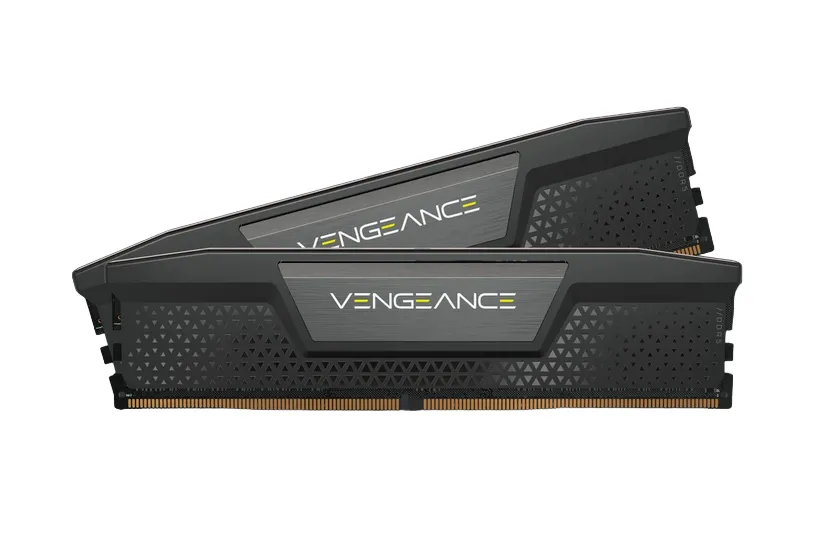

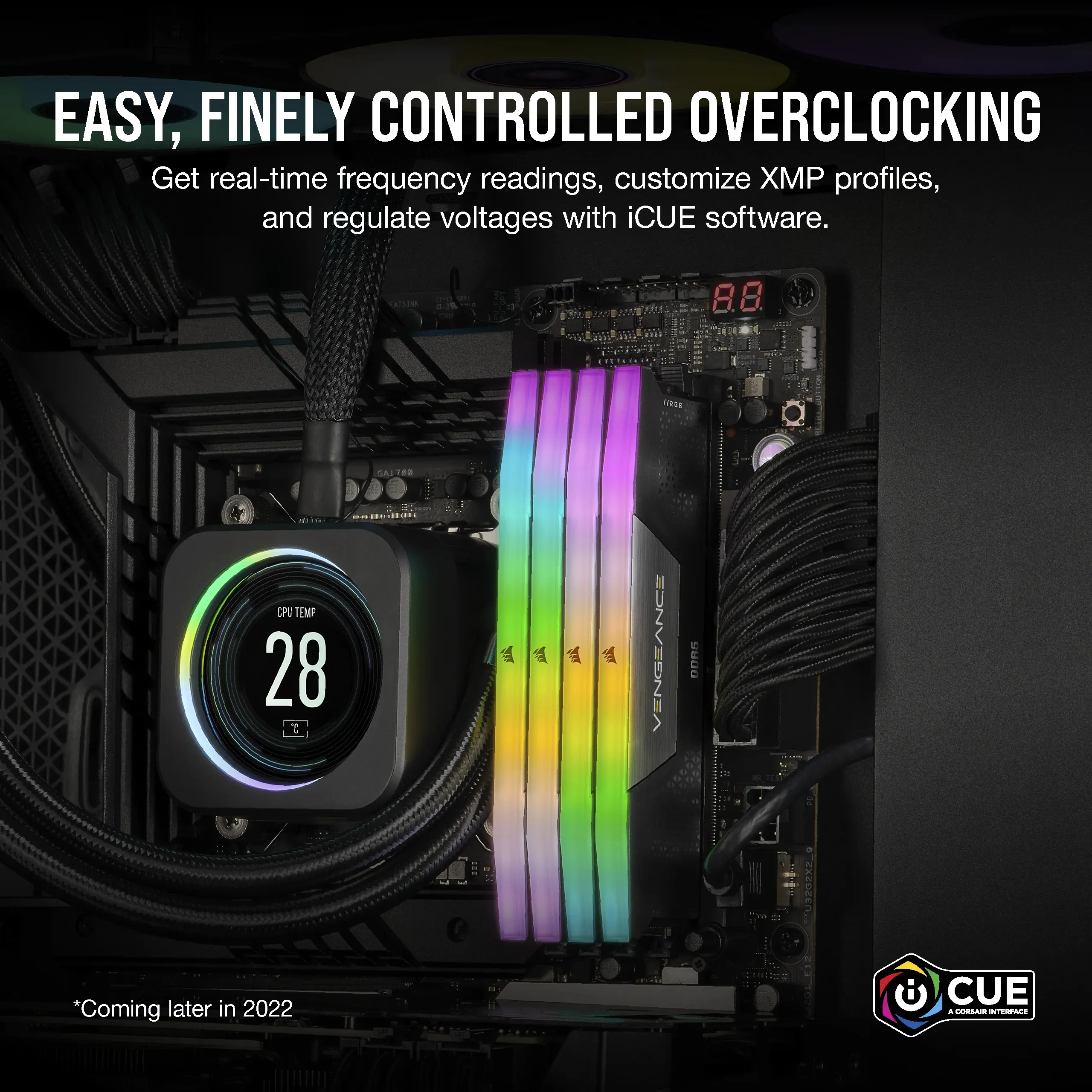

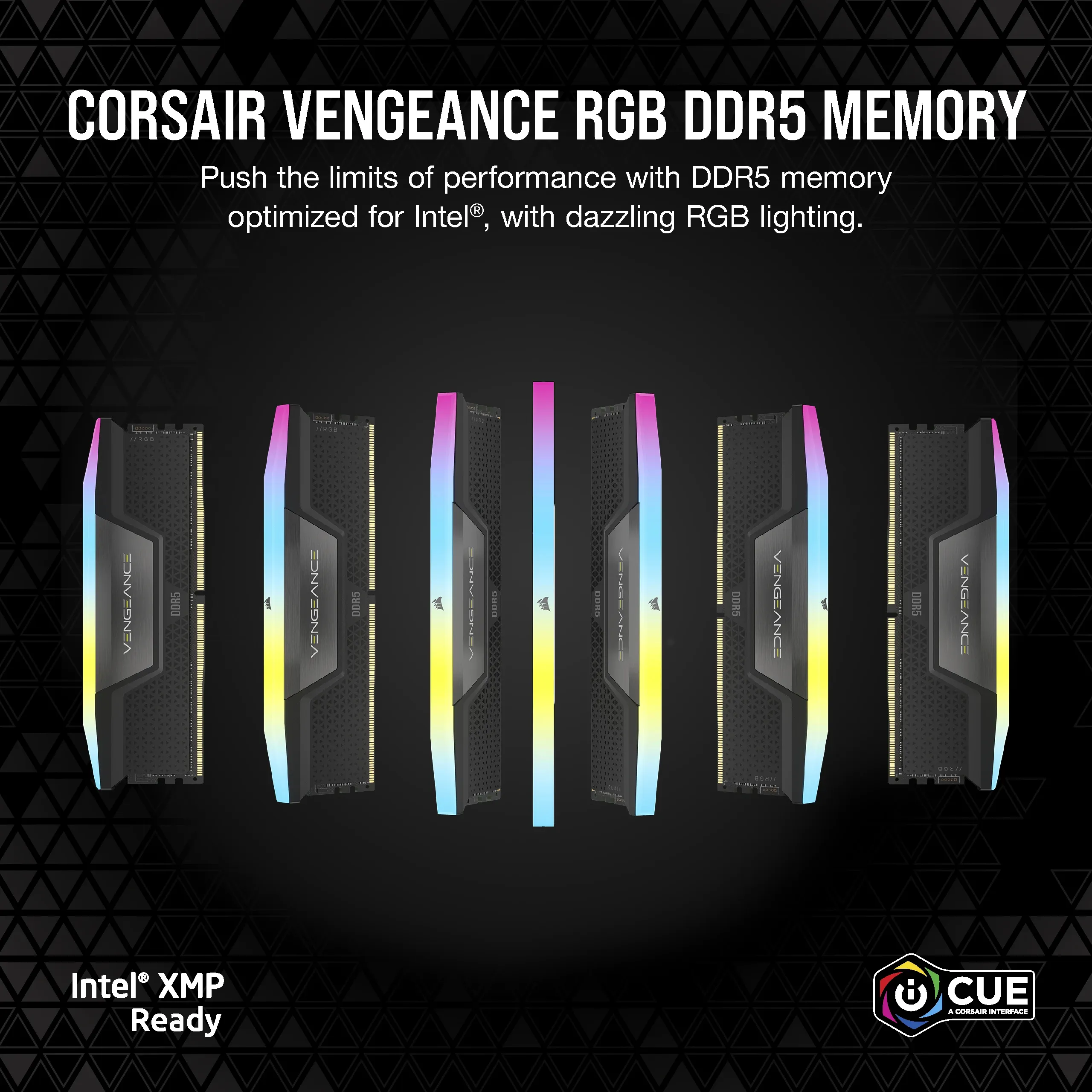
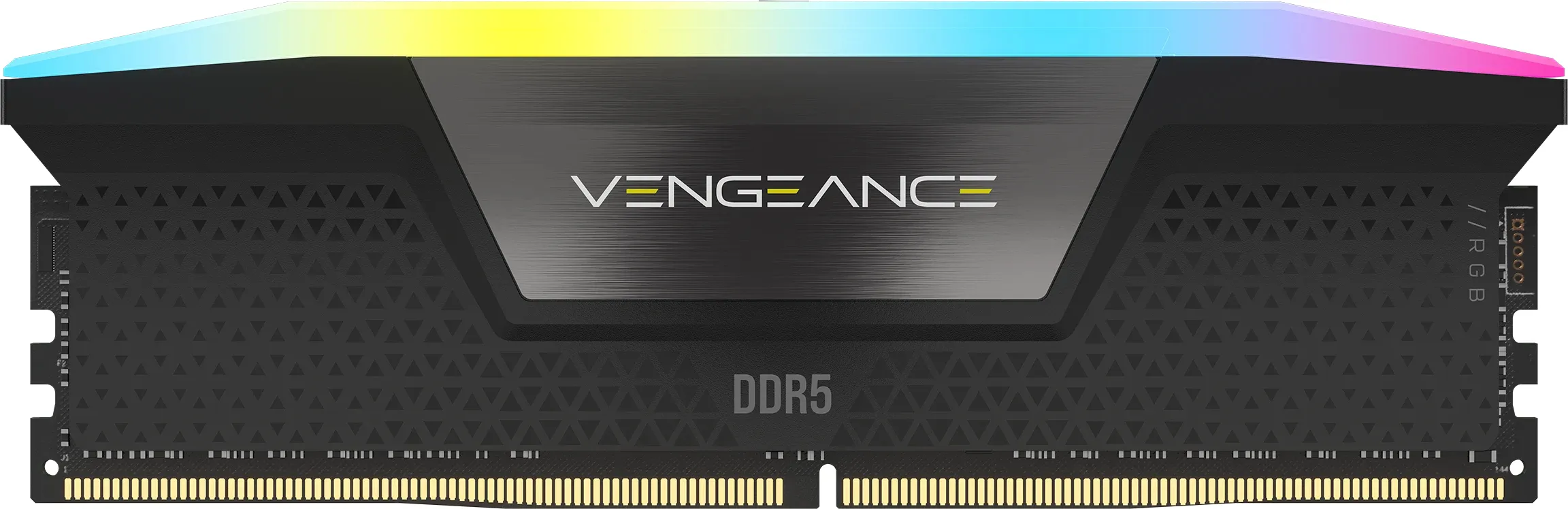
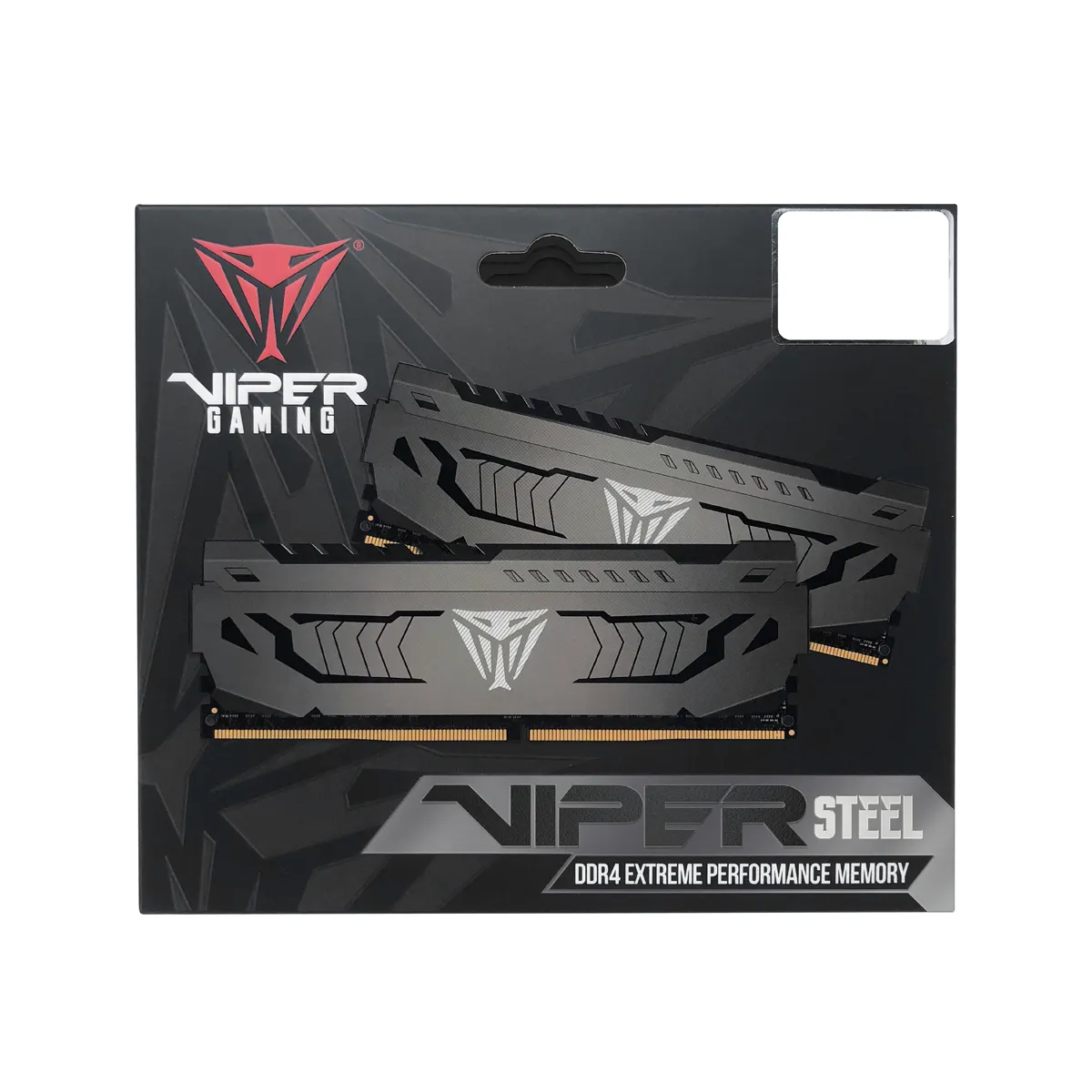
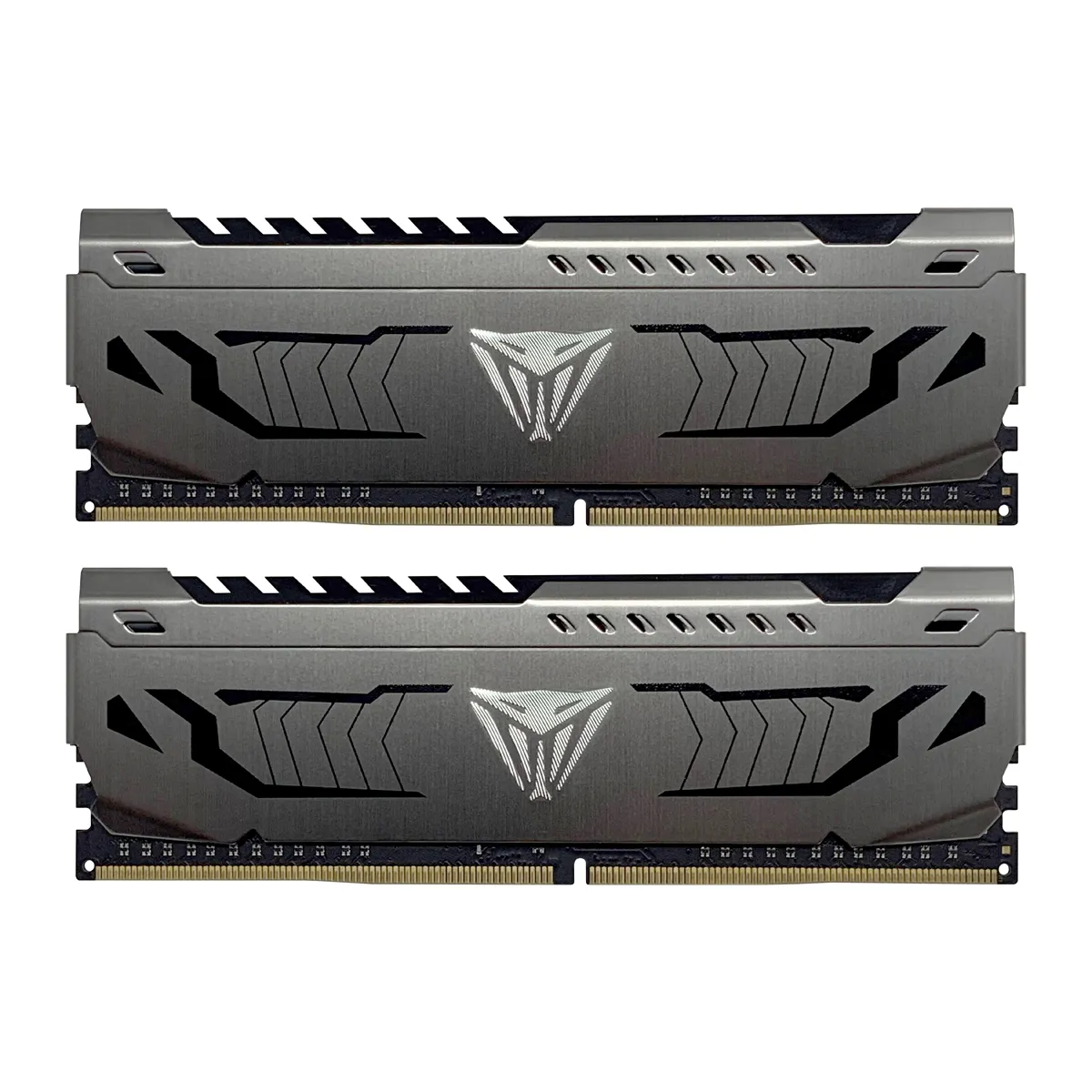
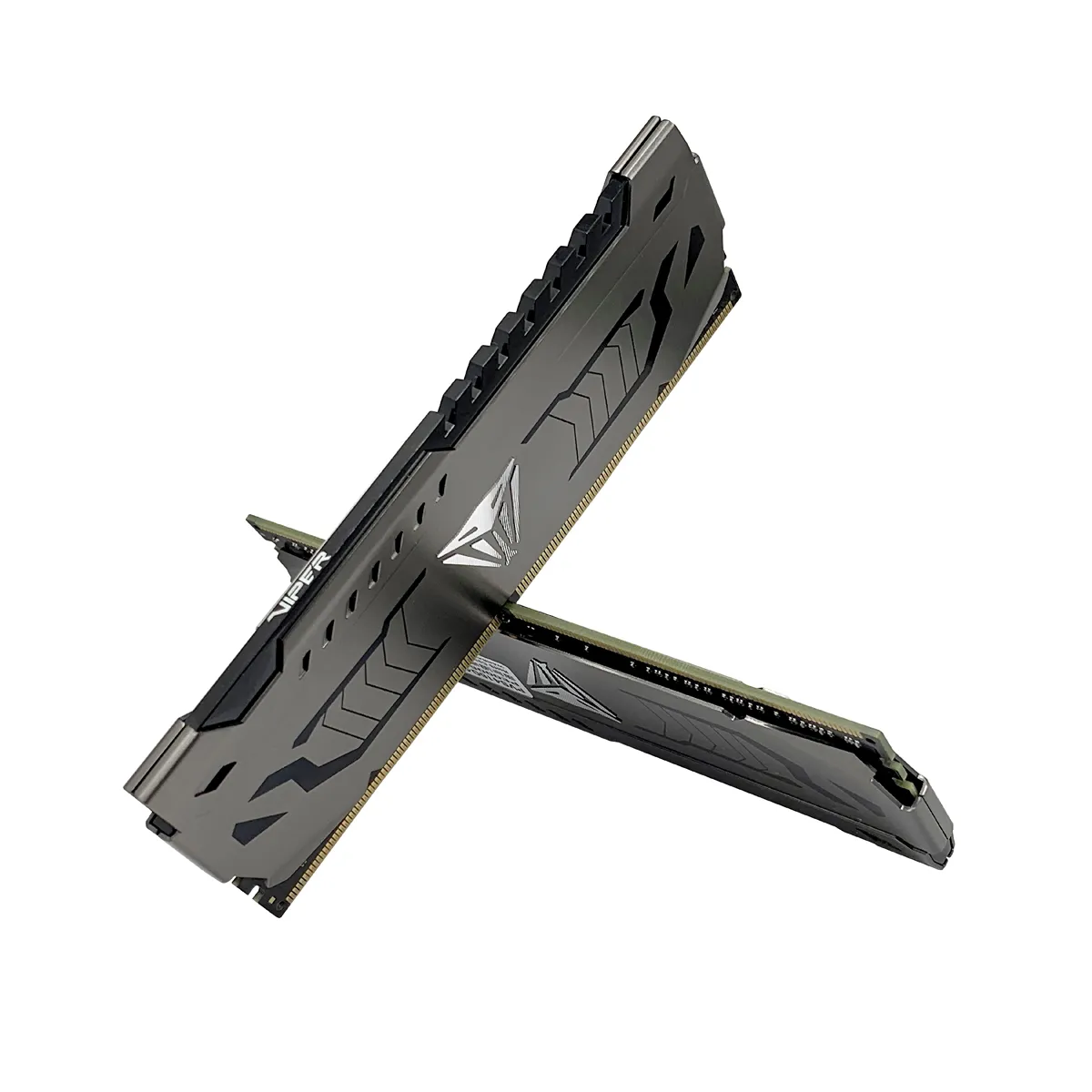
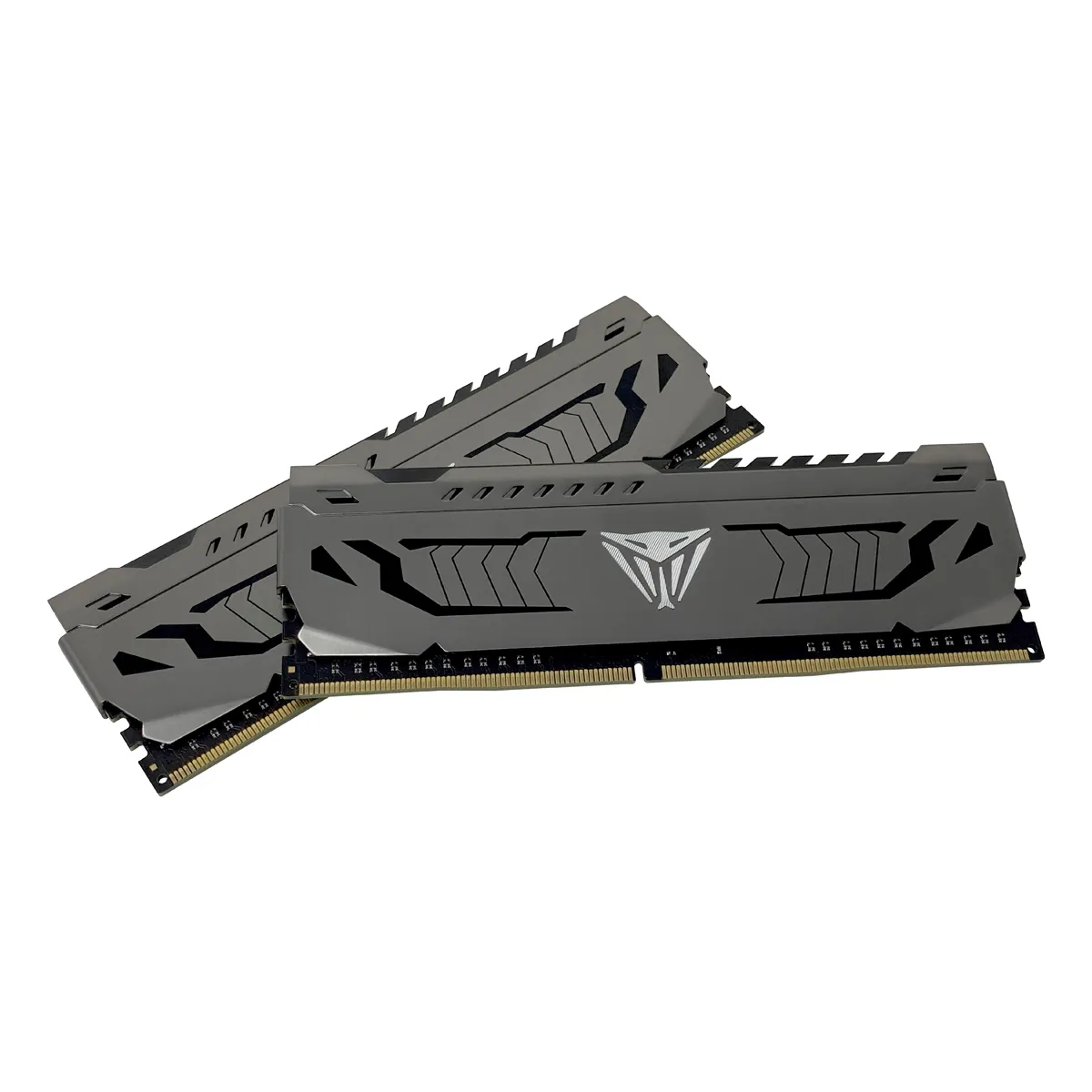
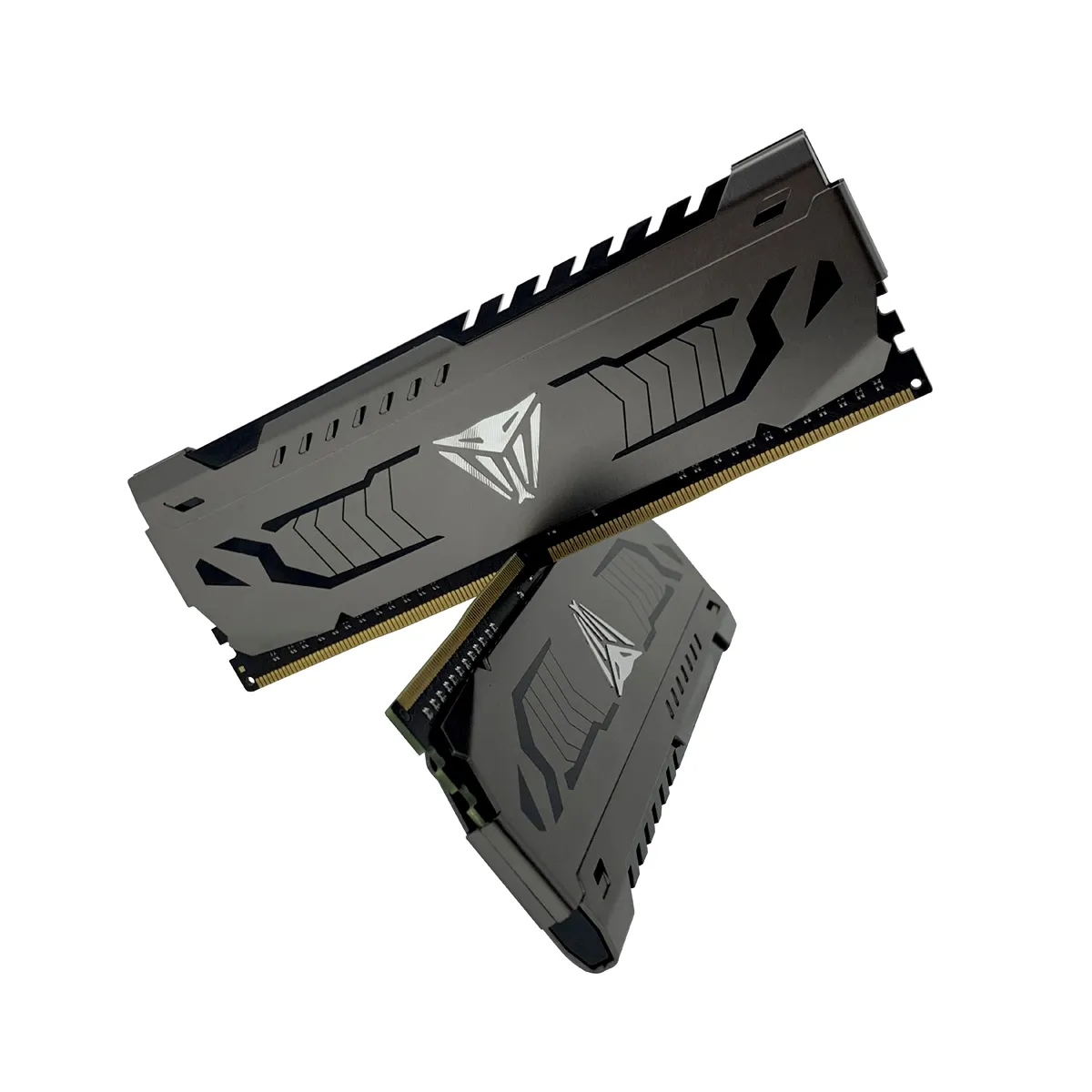
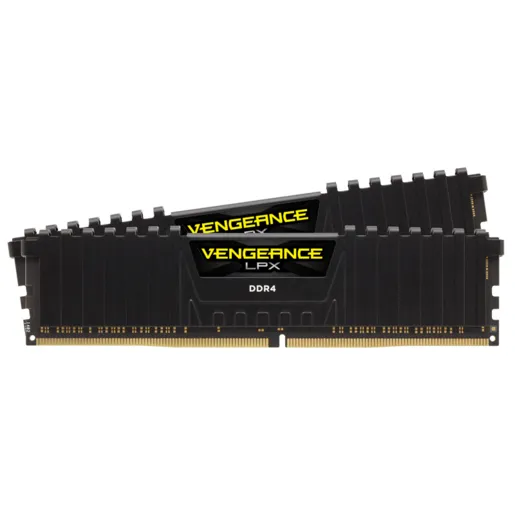
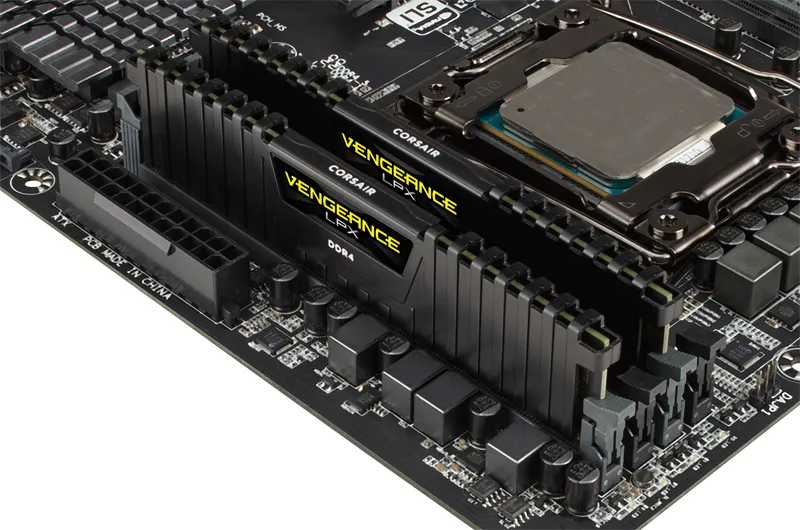
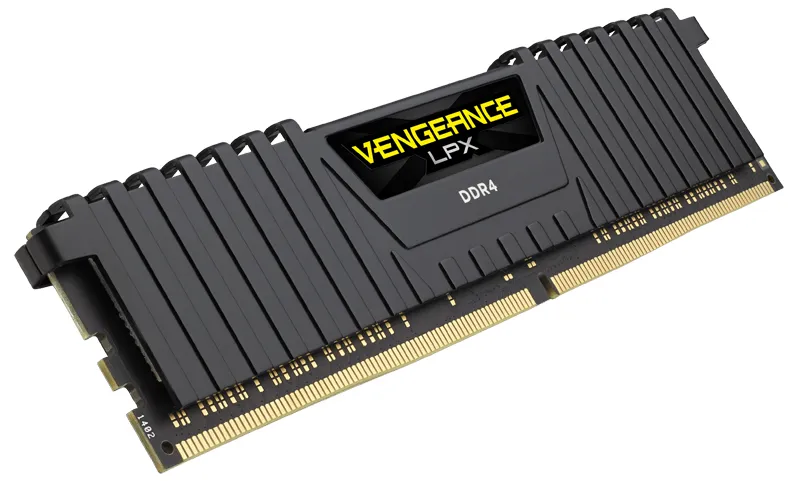
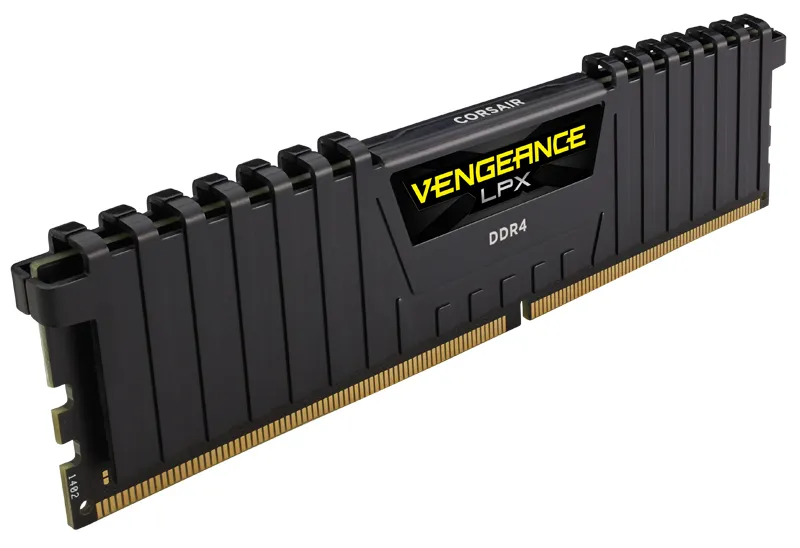
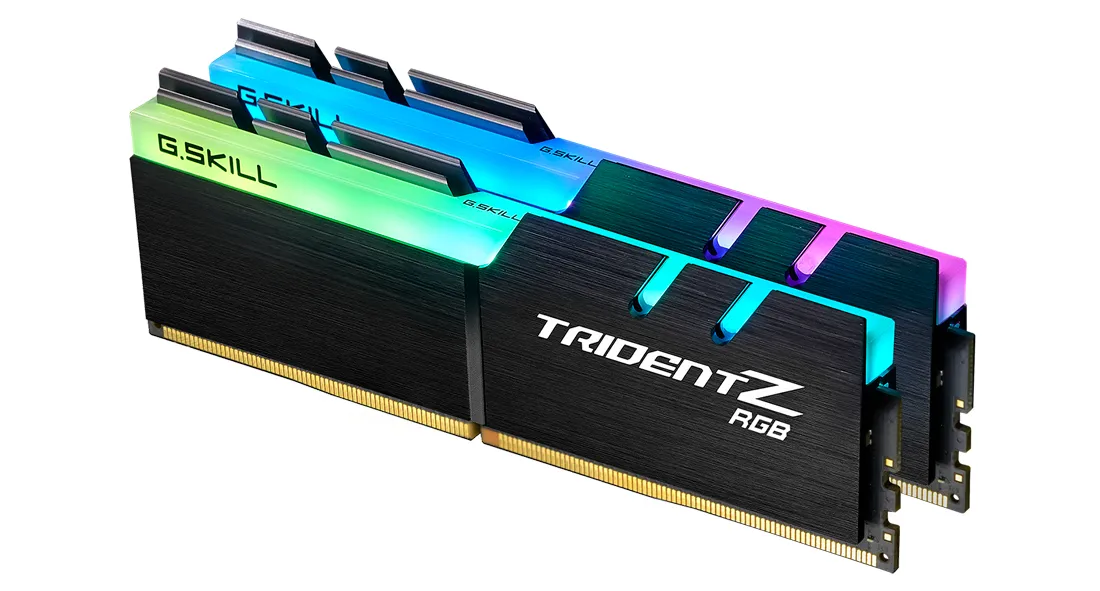
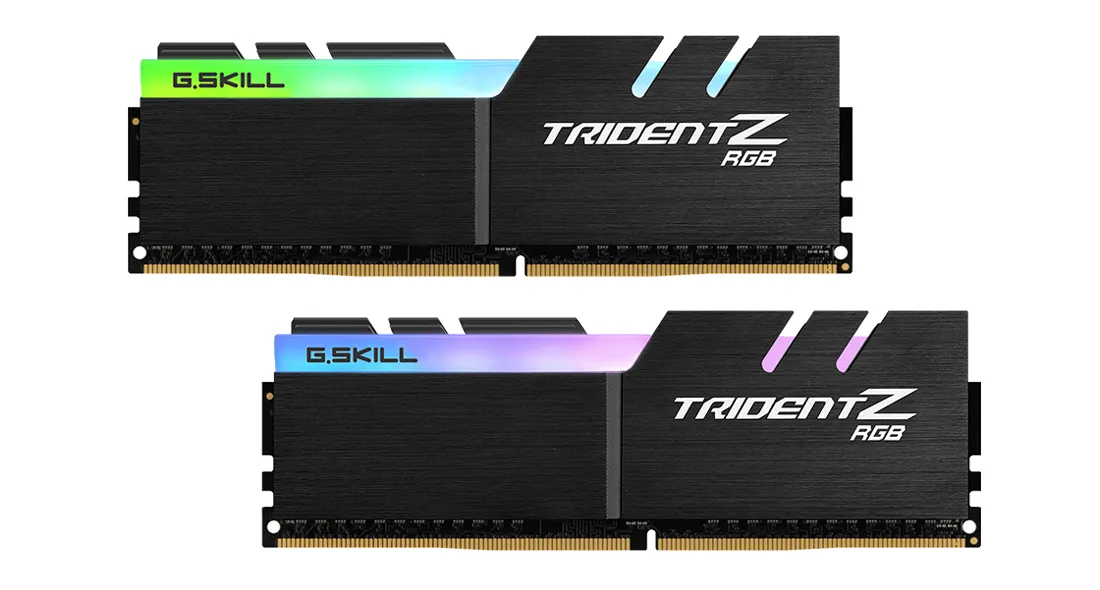
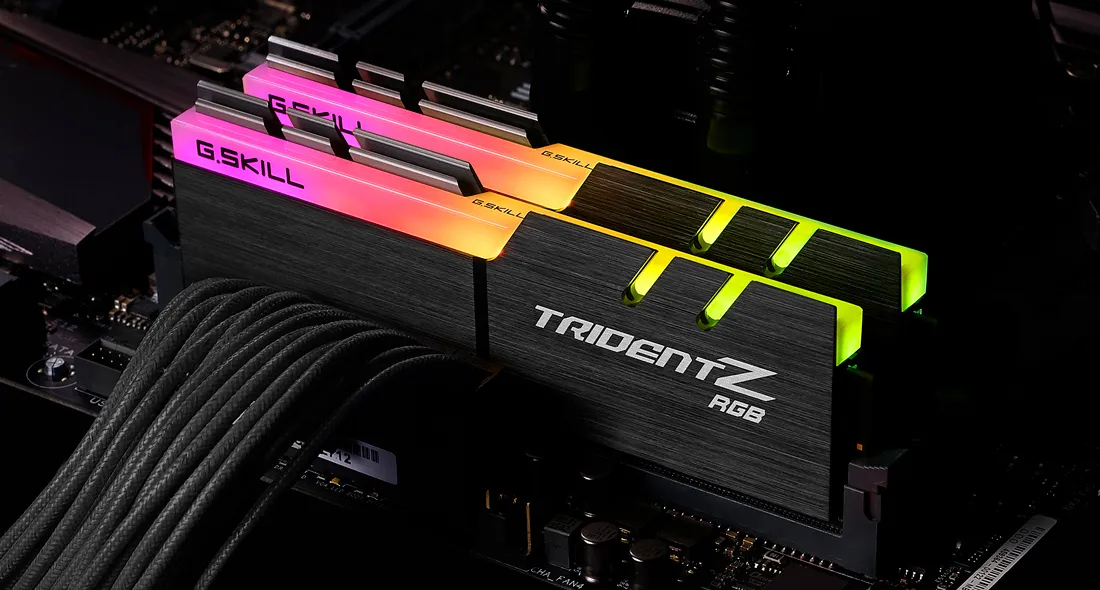

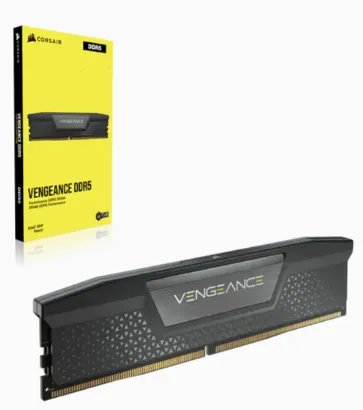
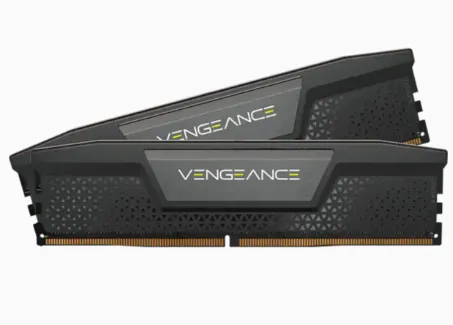
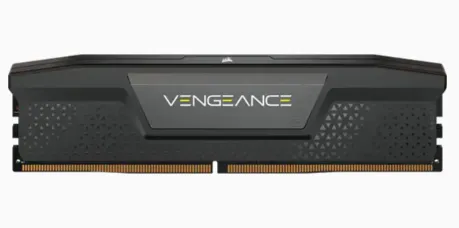
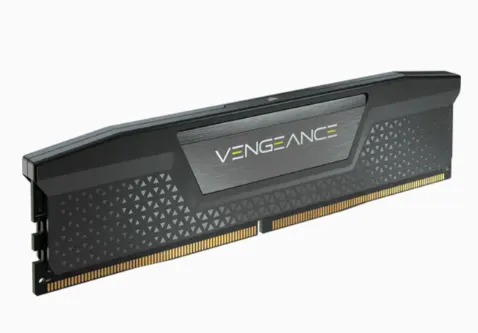


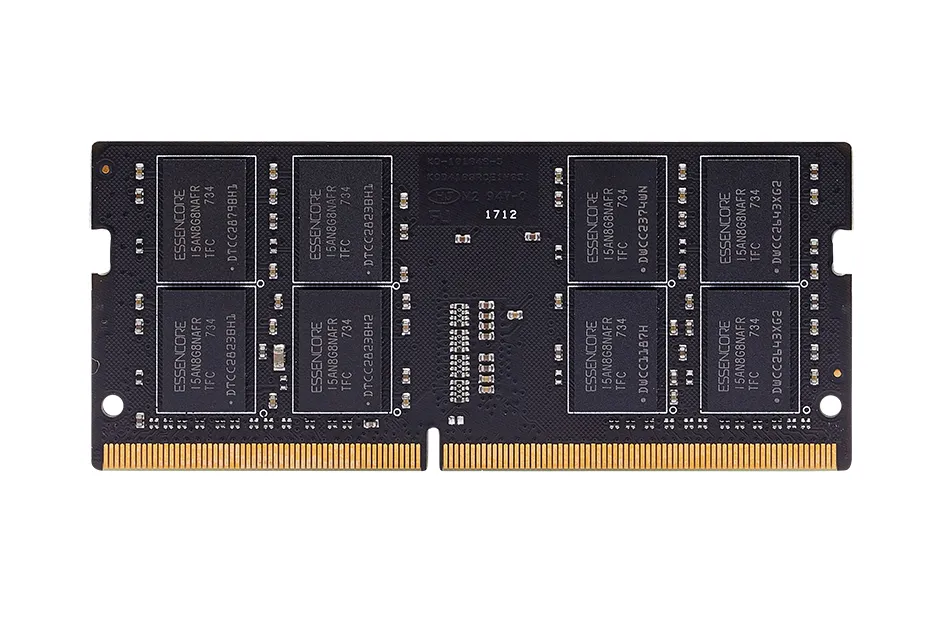
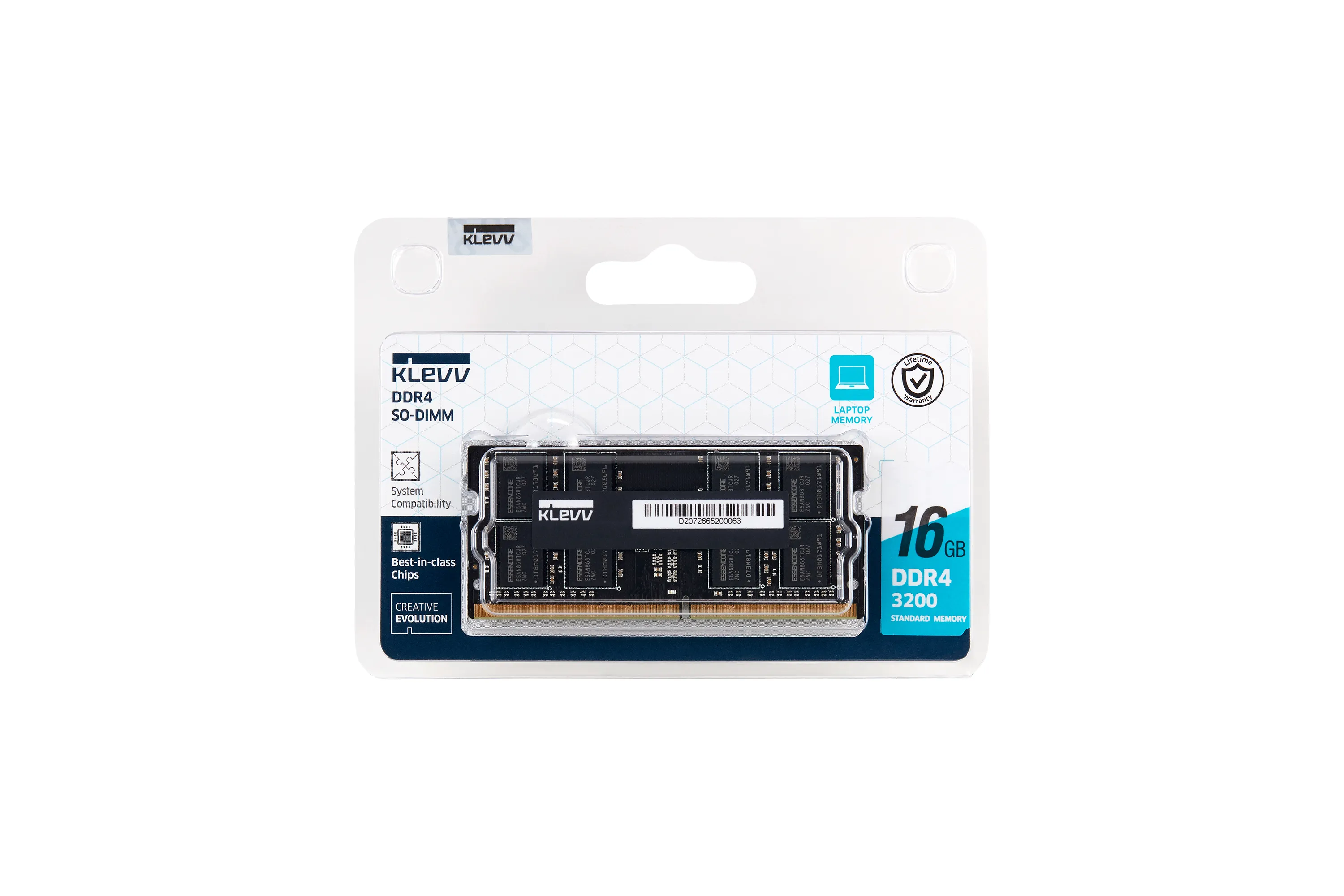
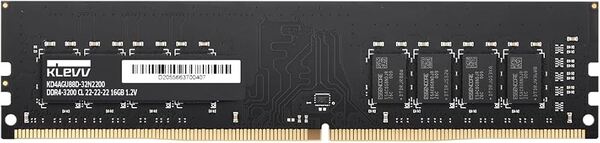
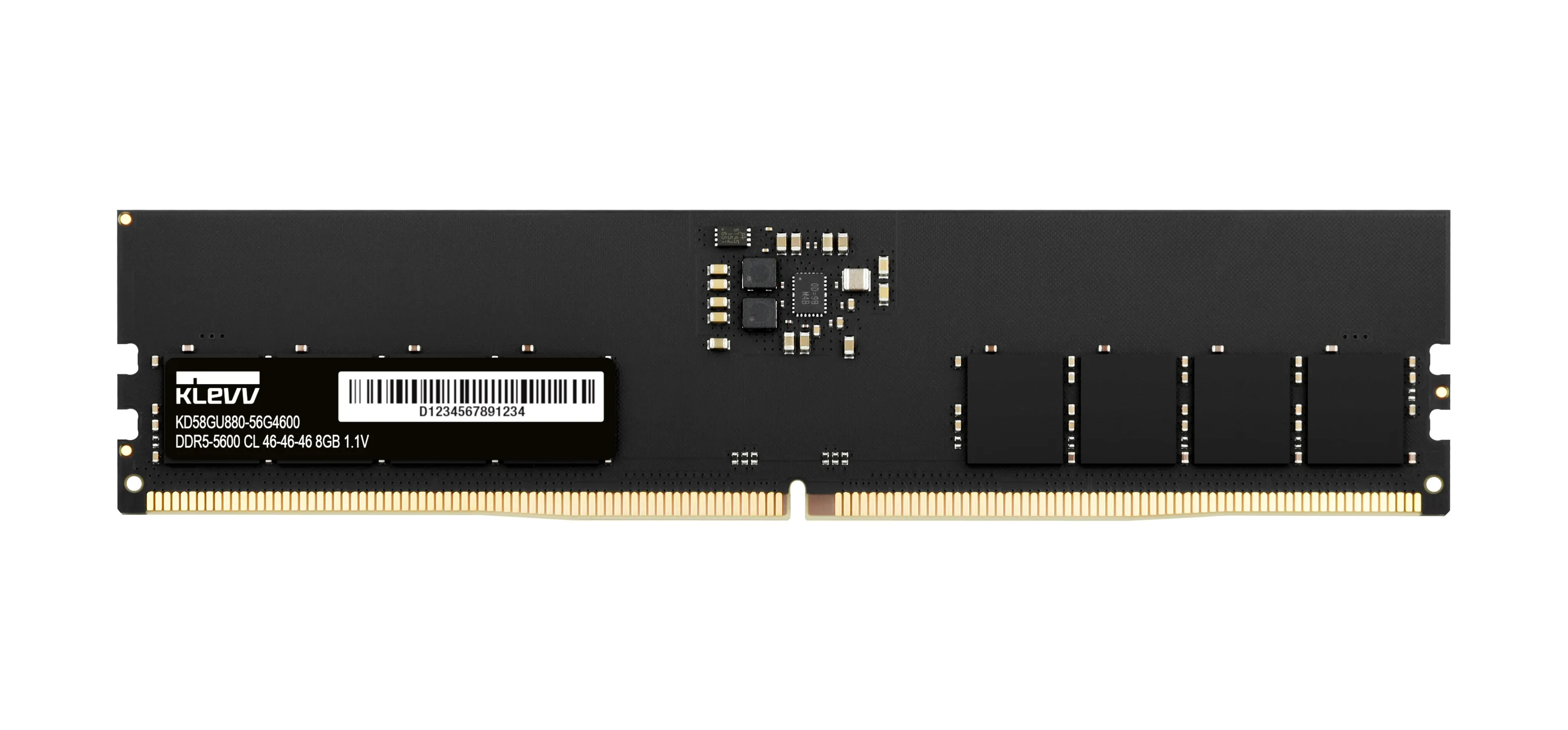


Memory
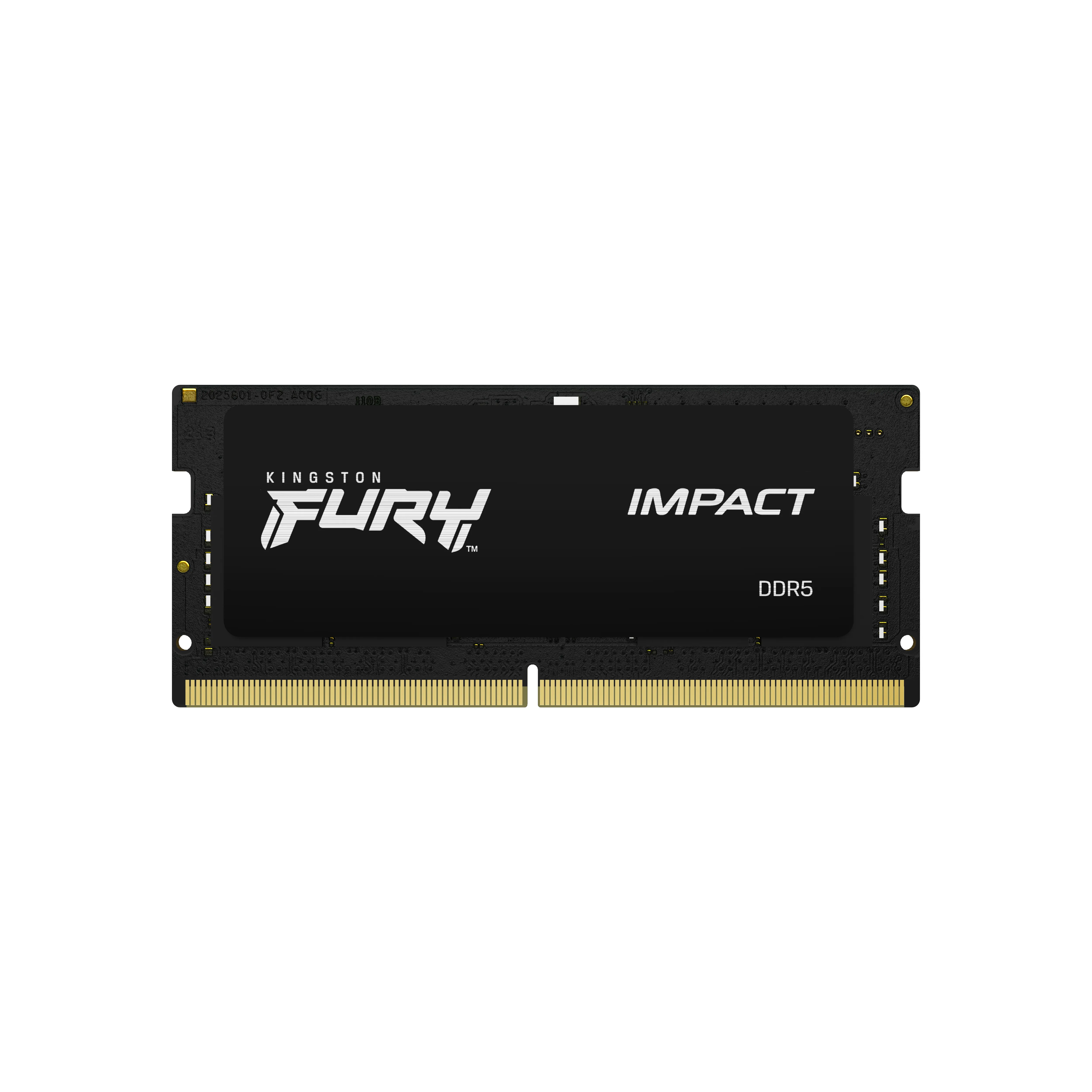
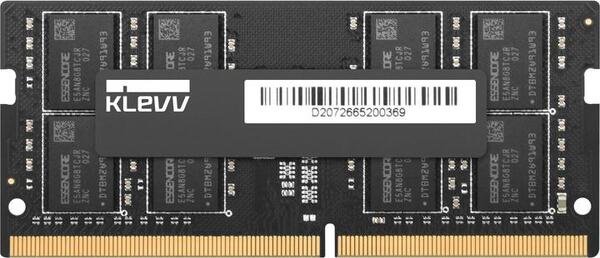
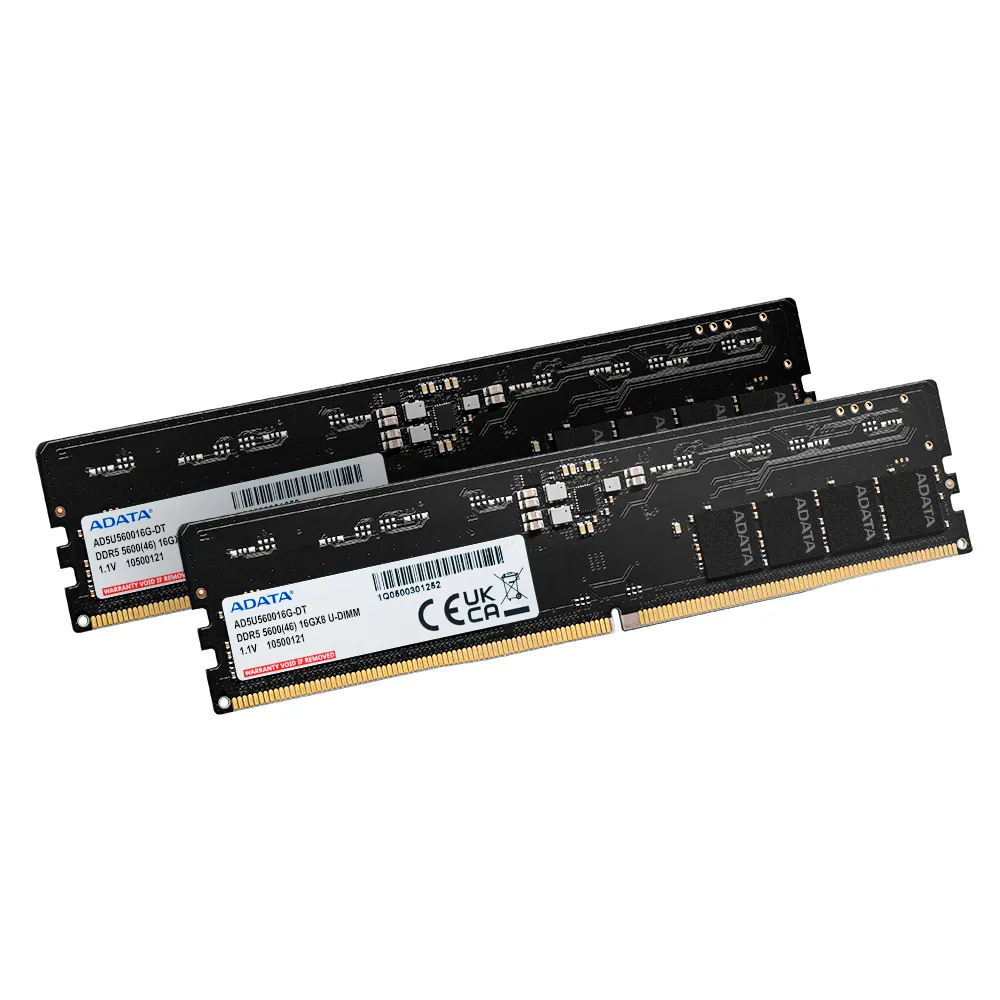
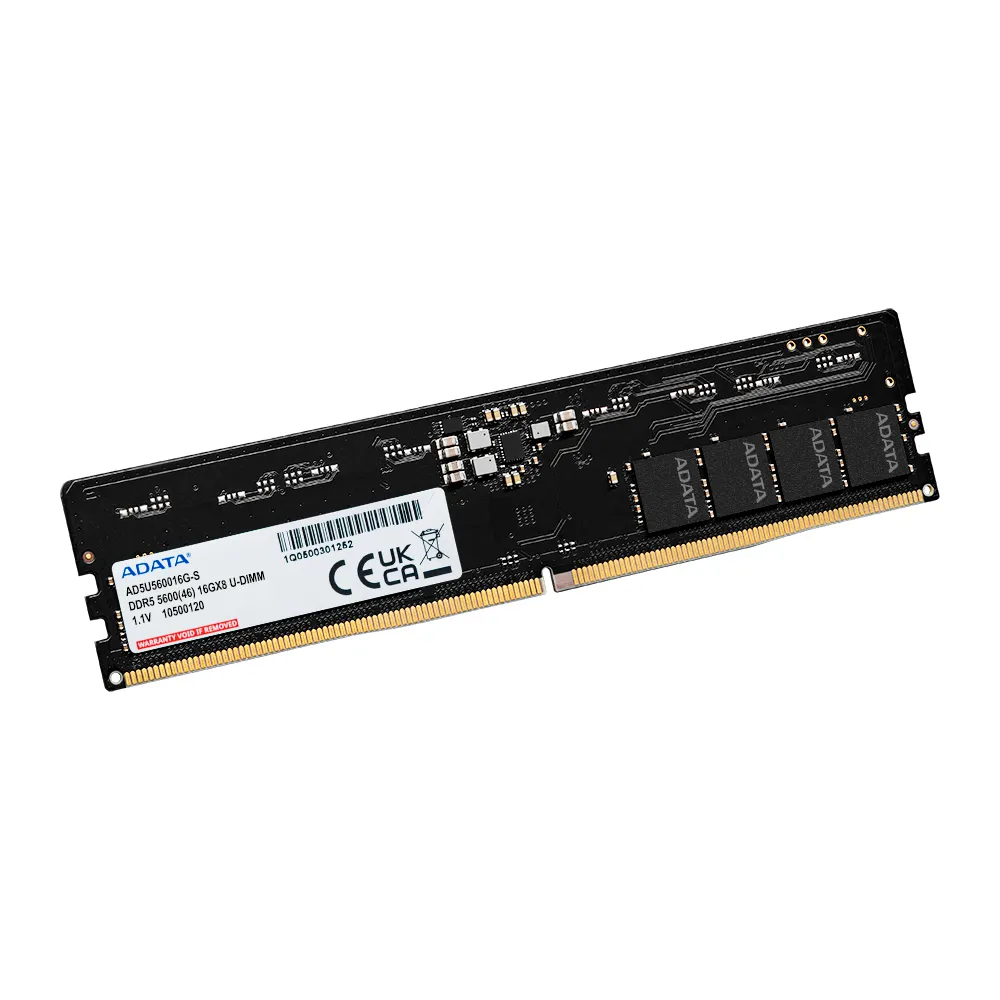
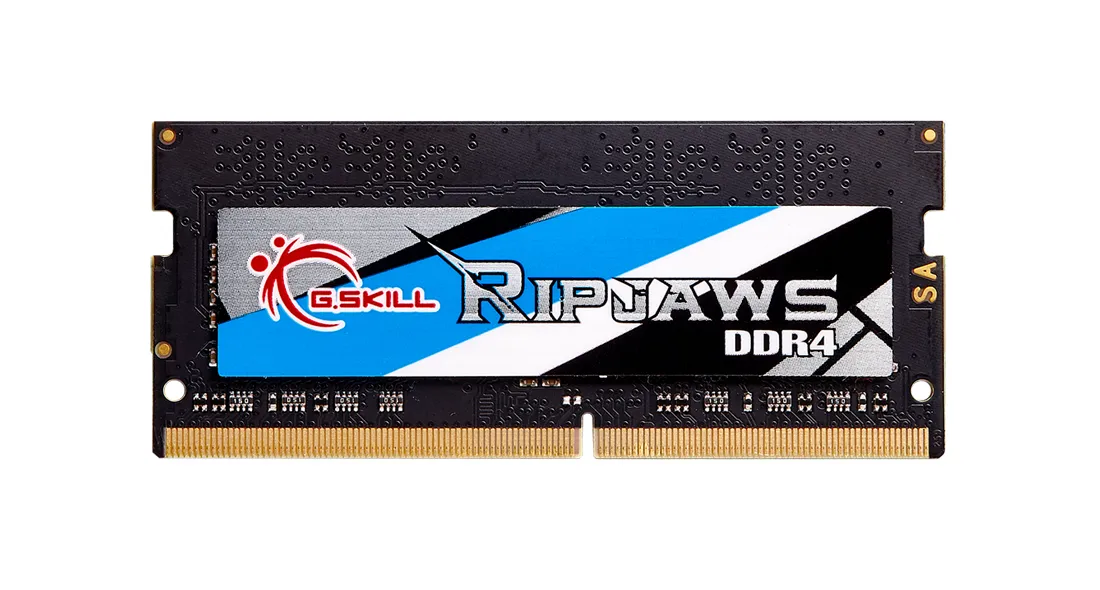
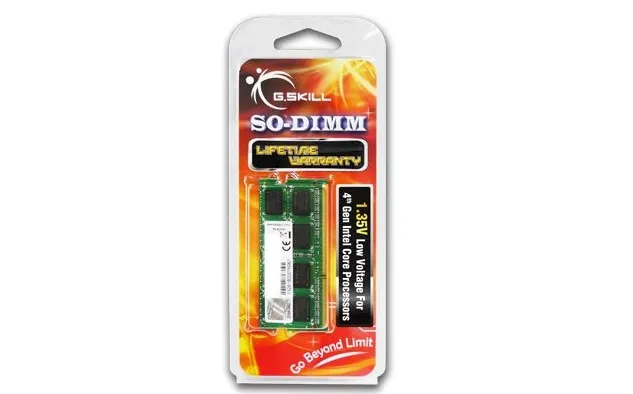
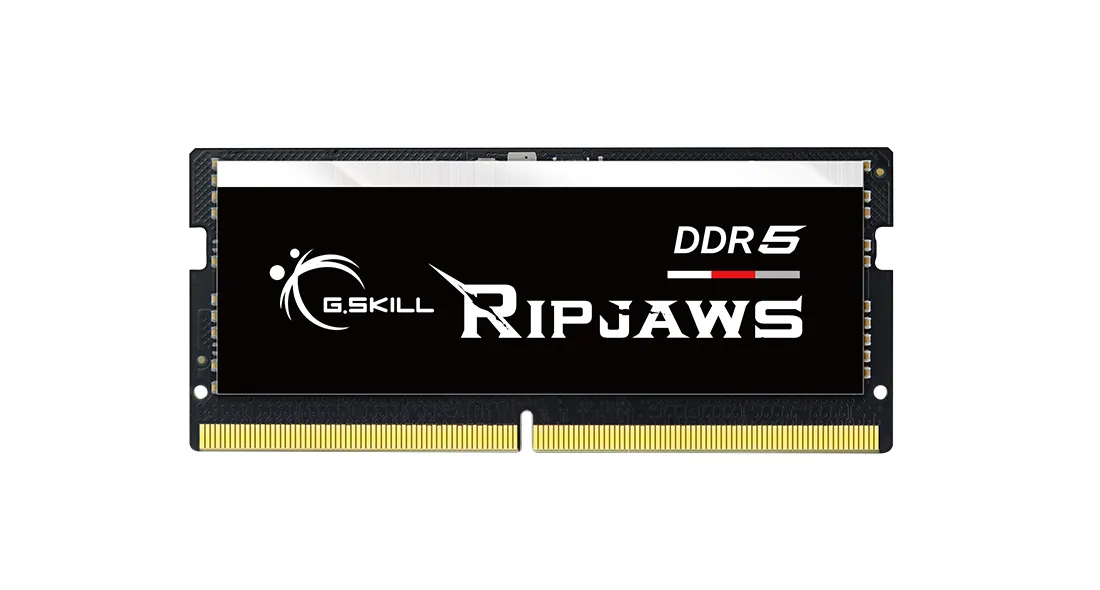
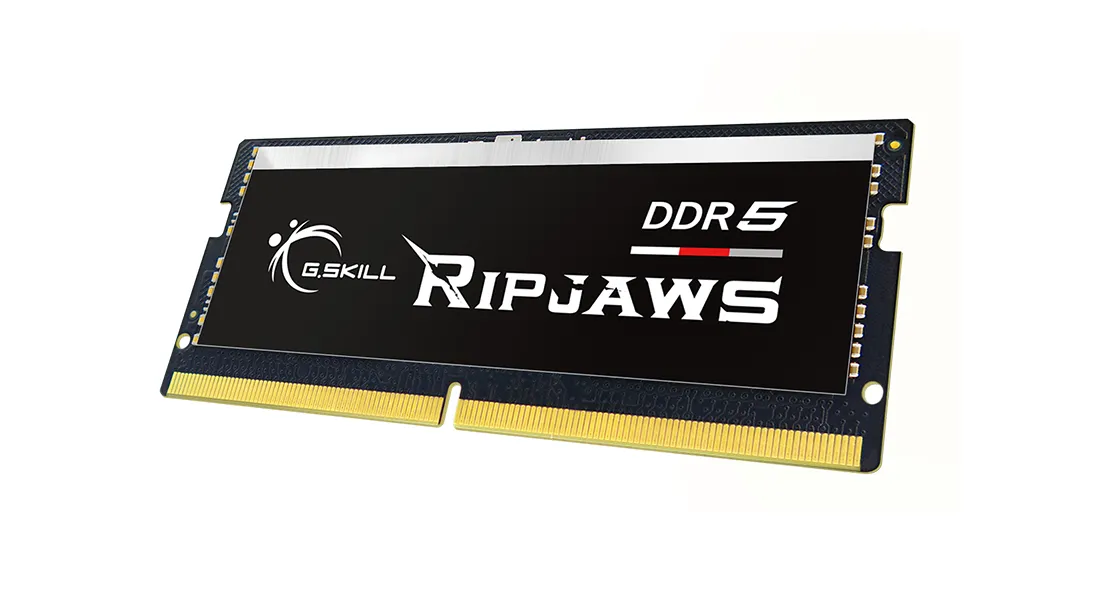
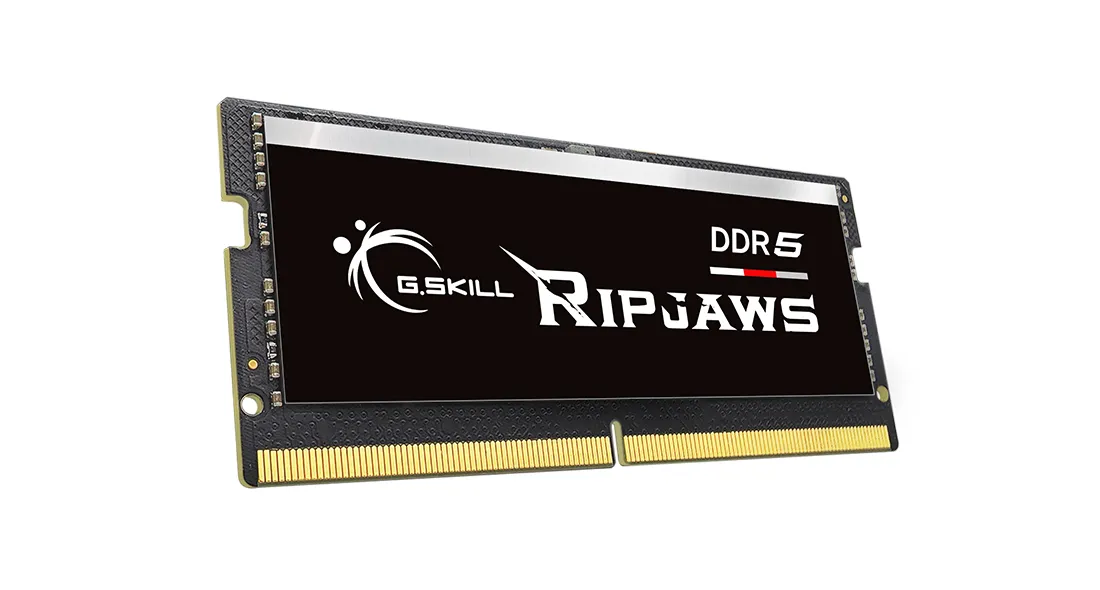
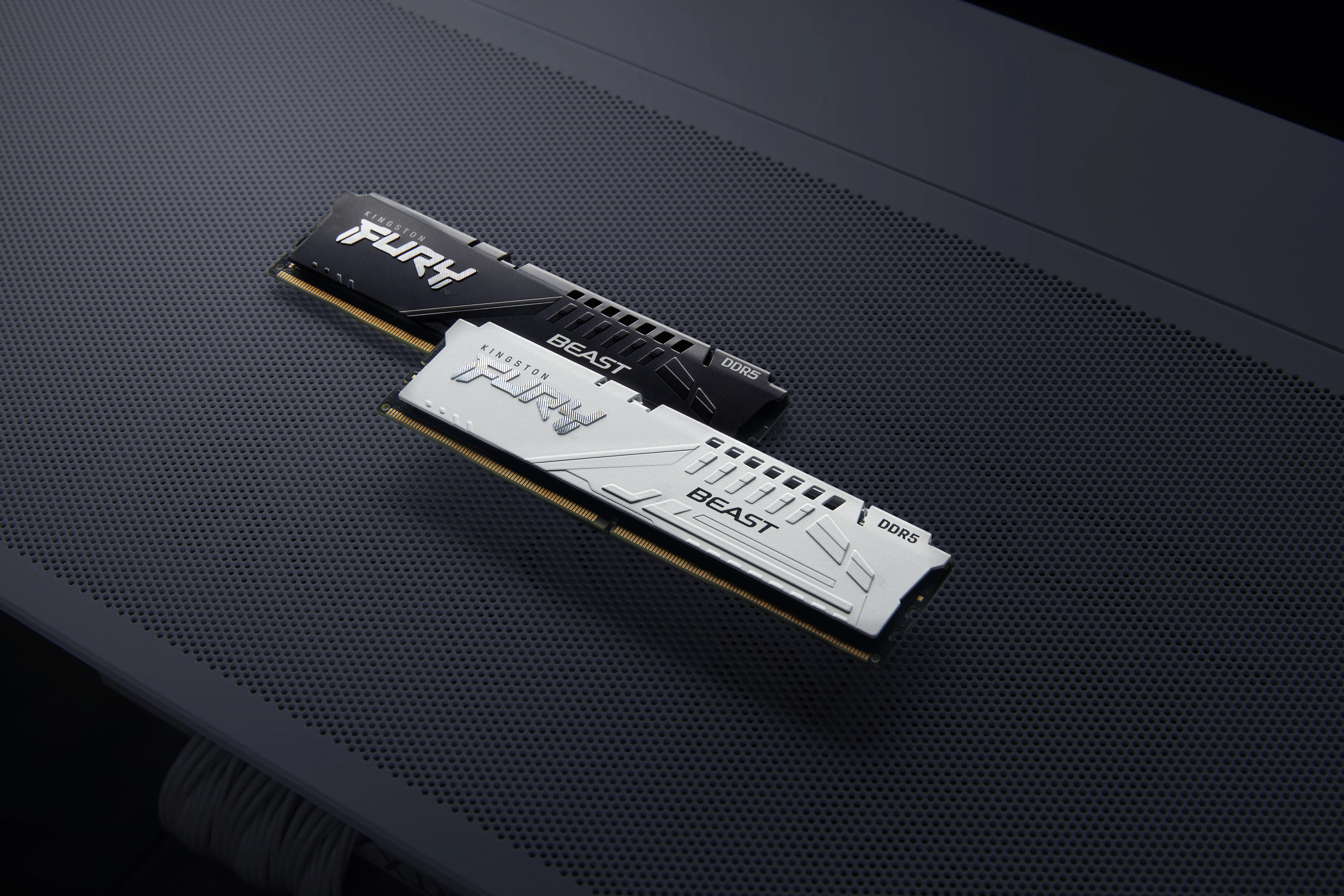
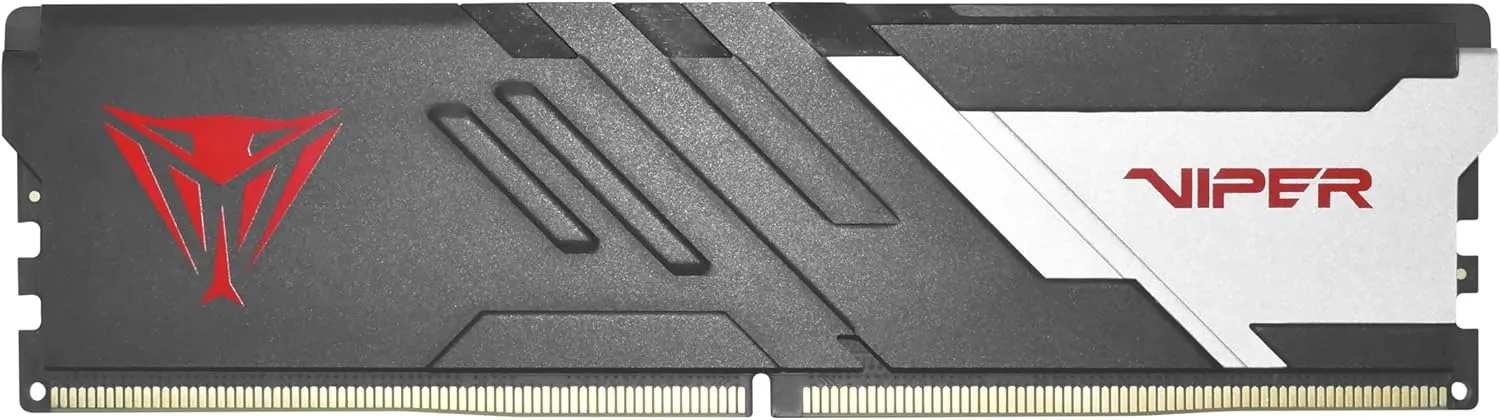
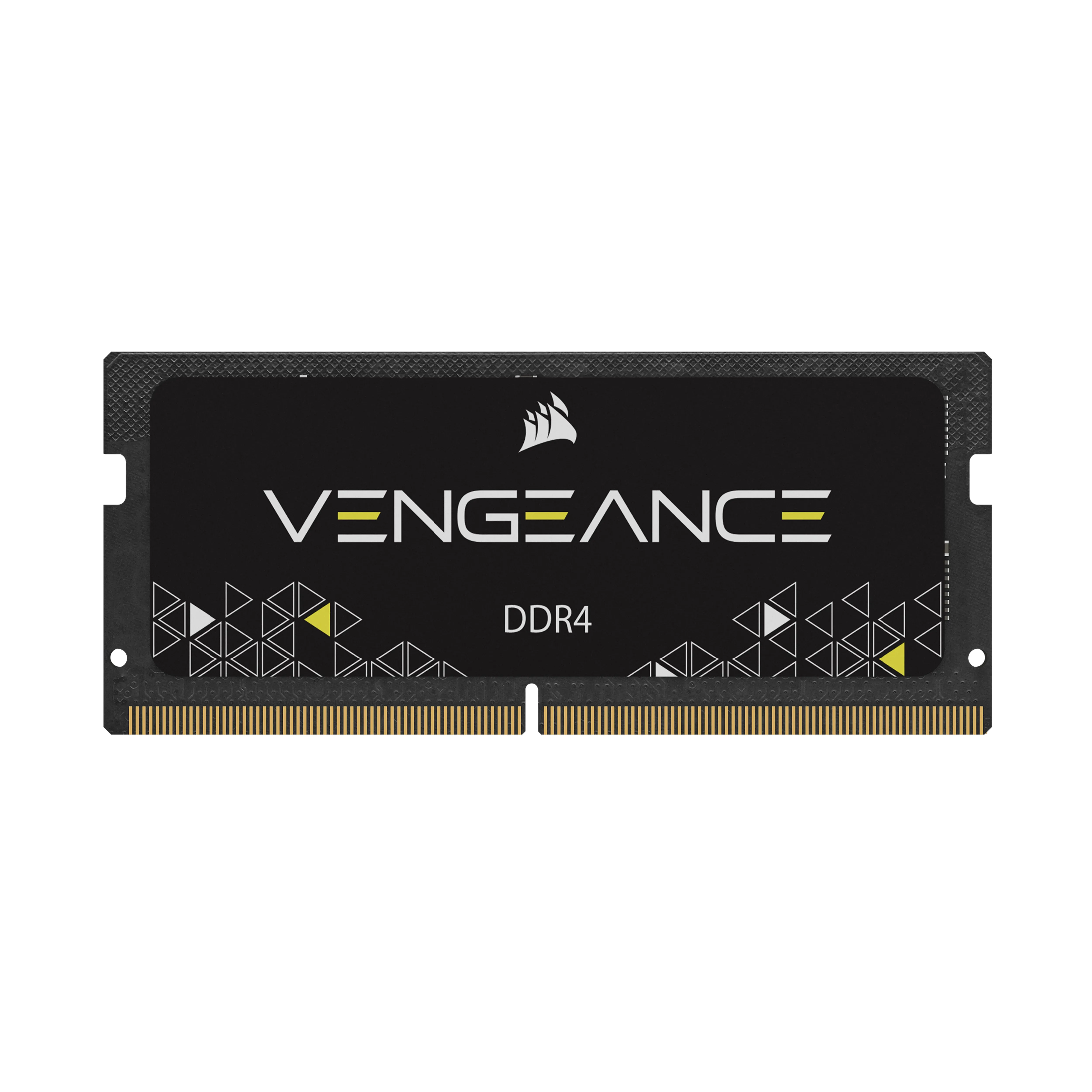
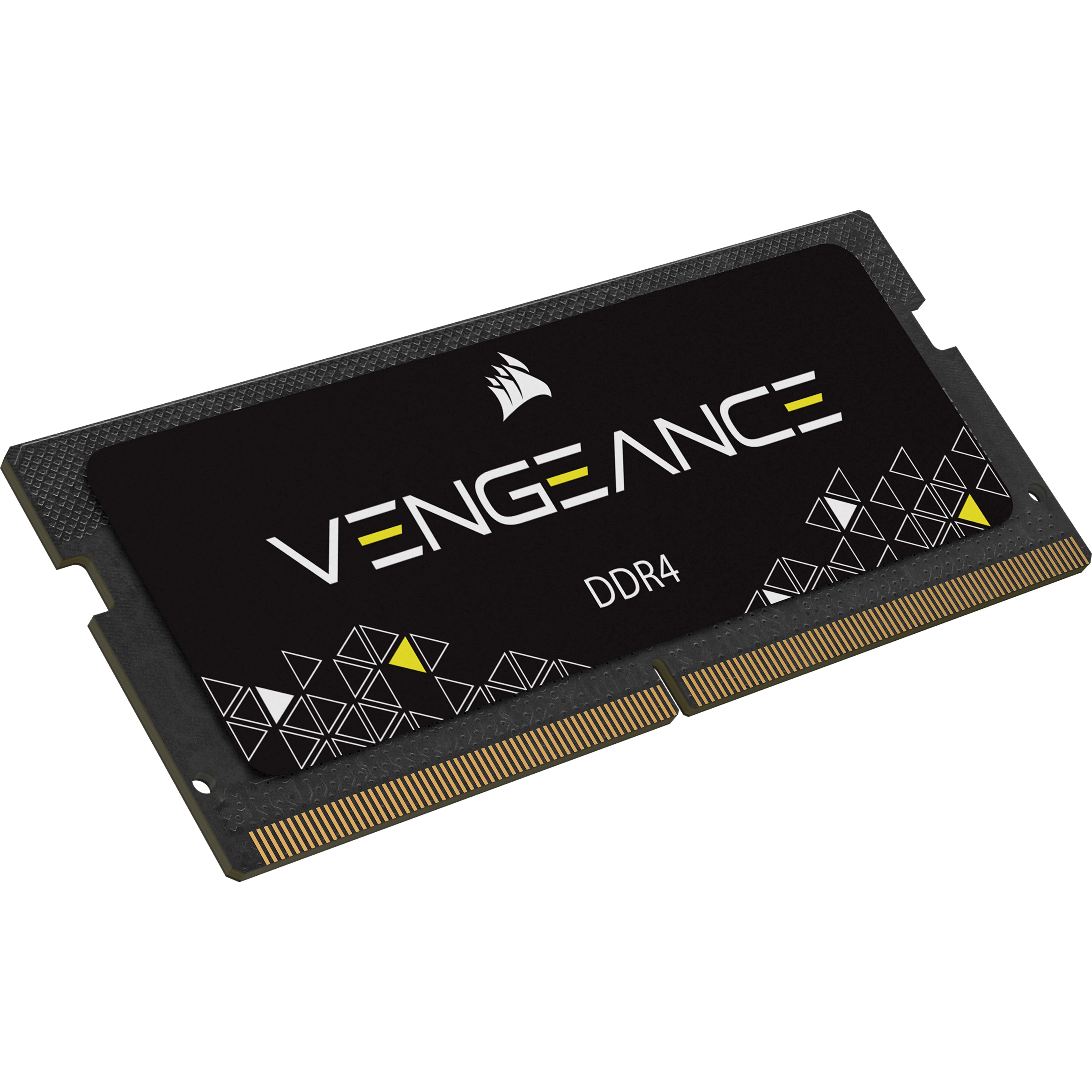
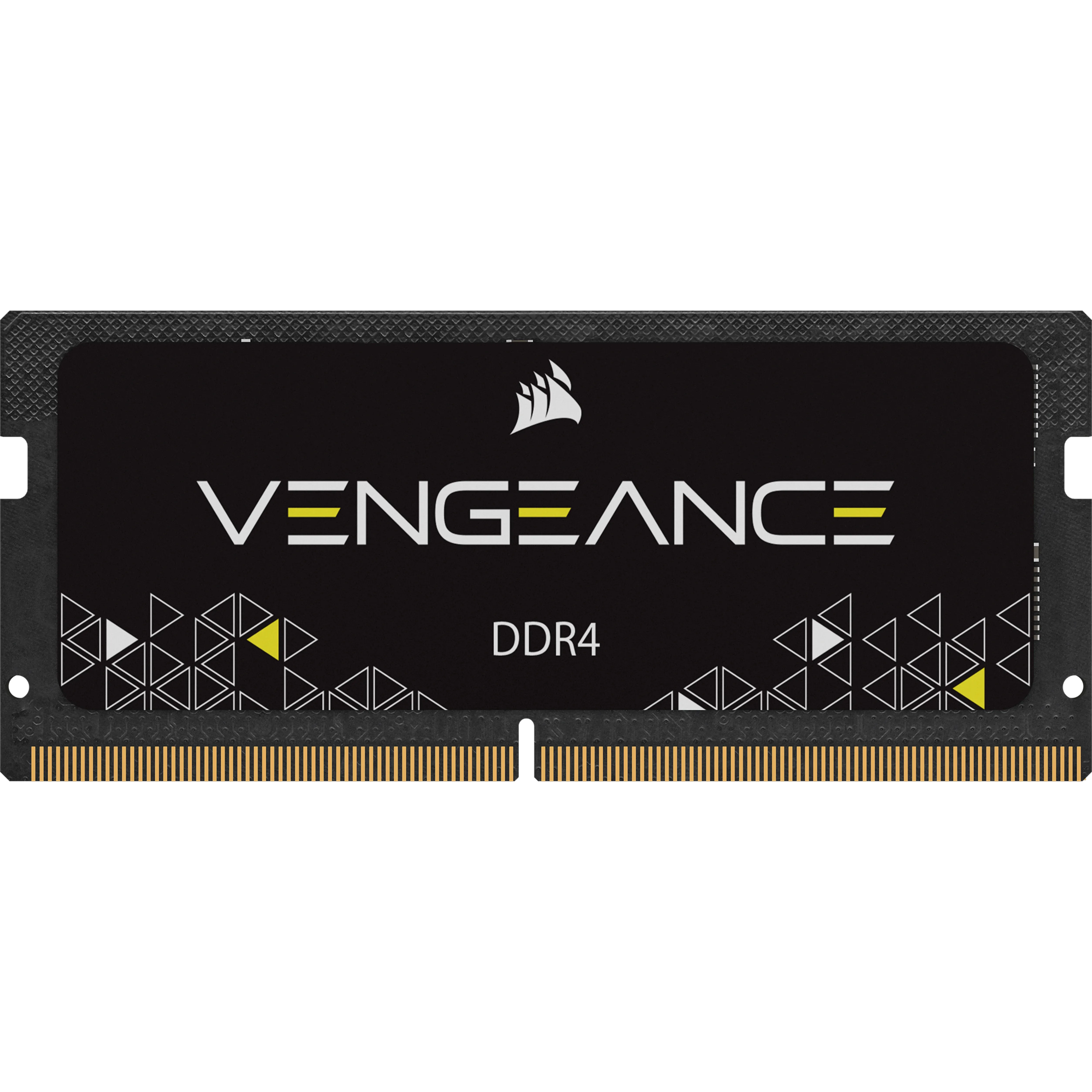
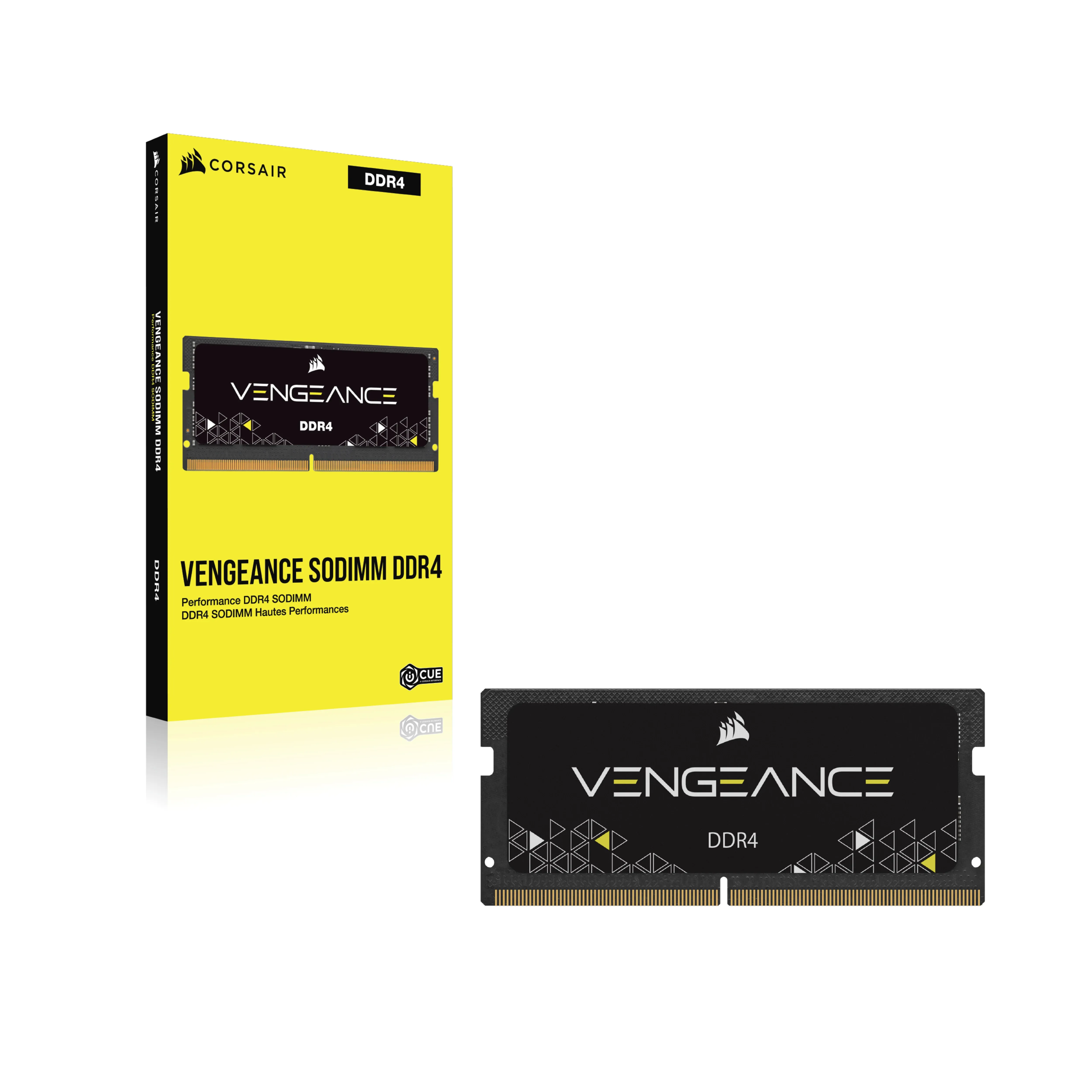
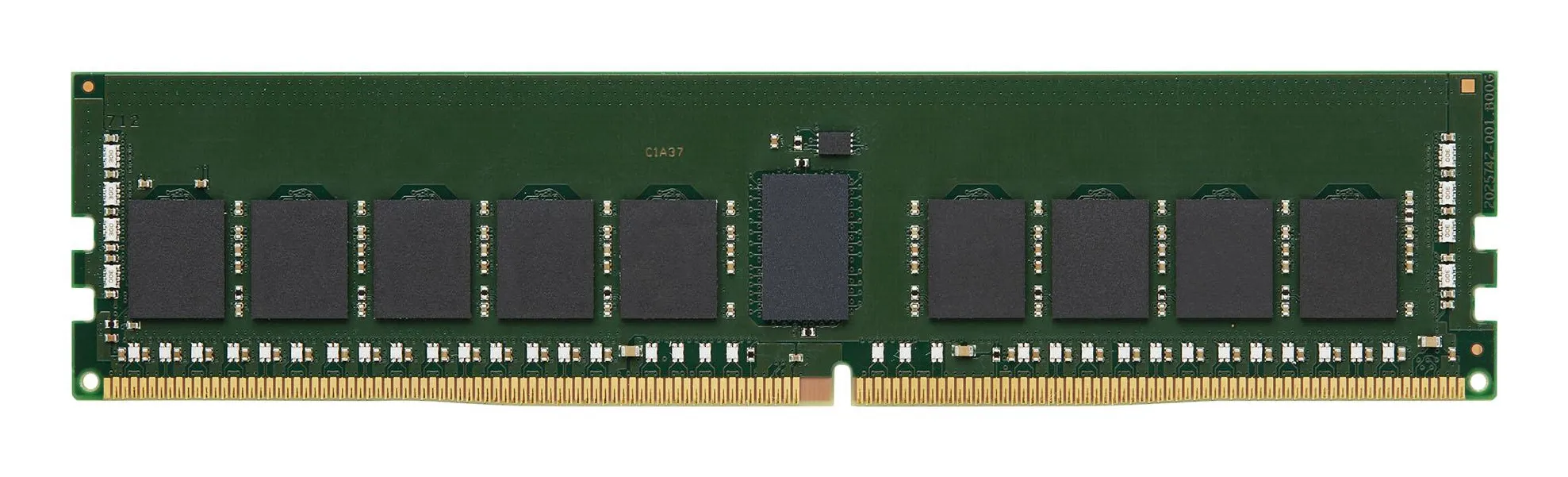
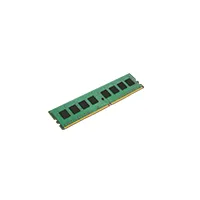
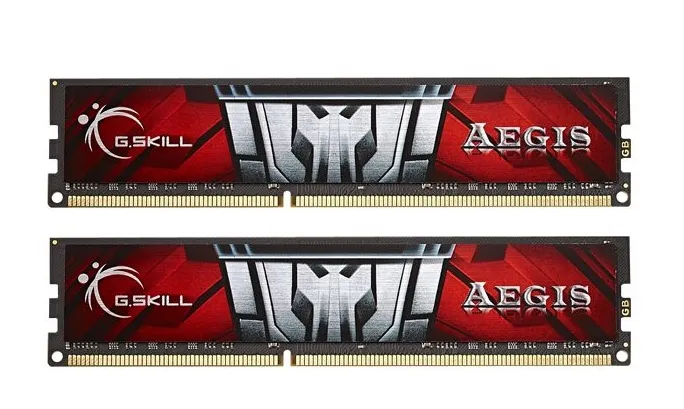
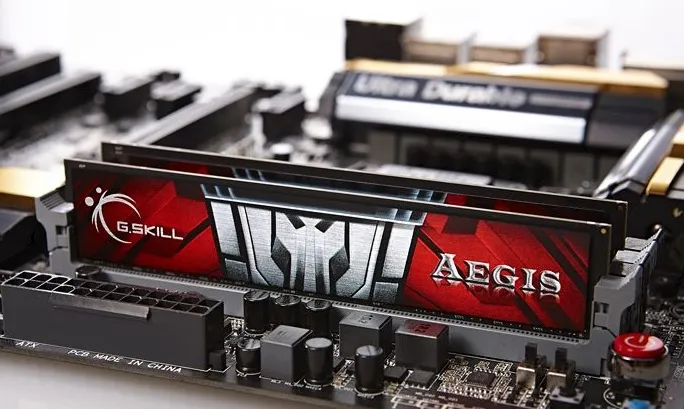
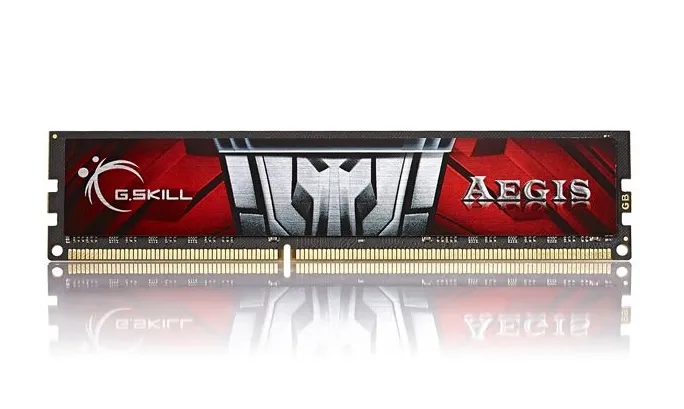
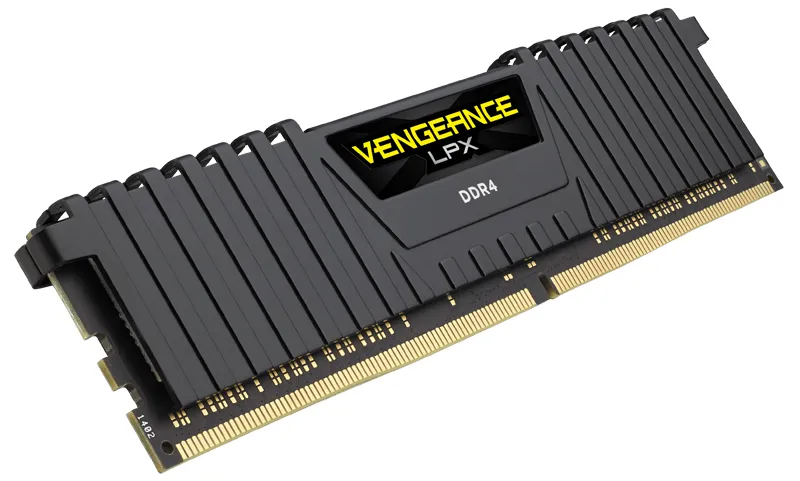
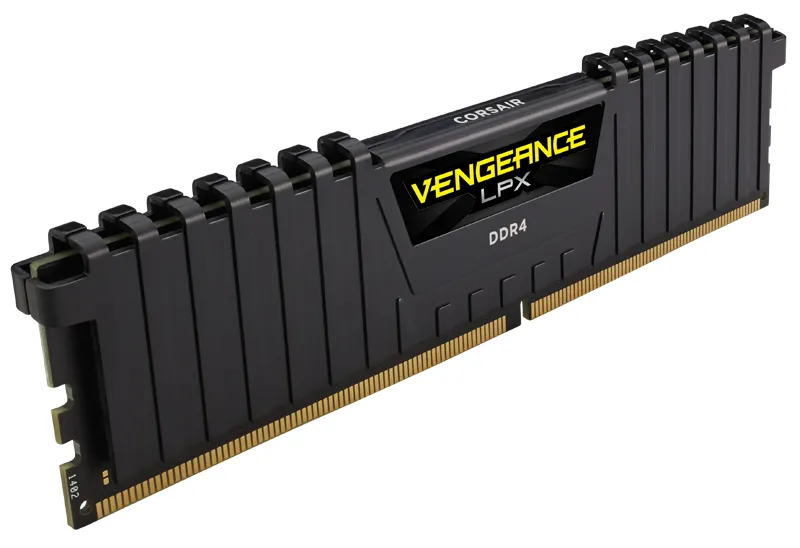
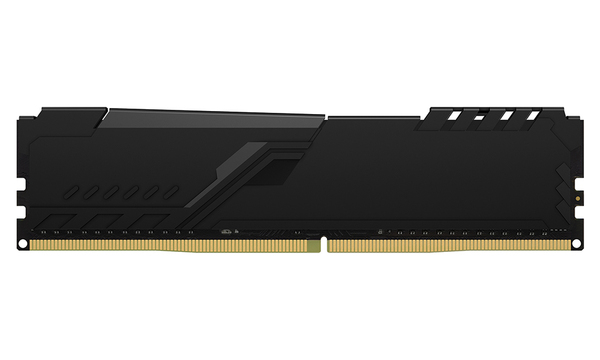
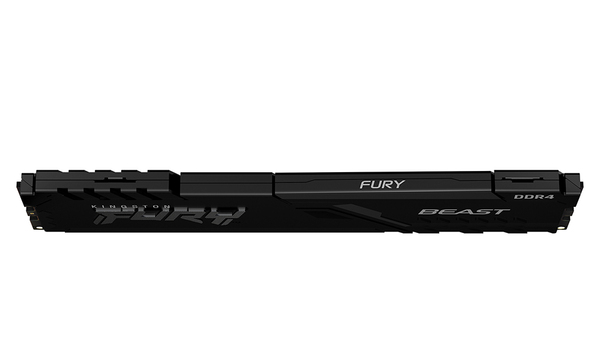
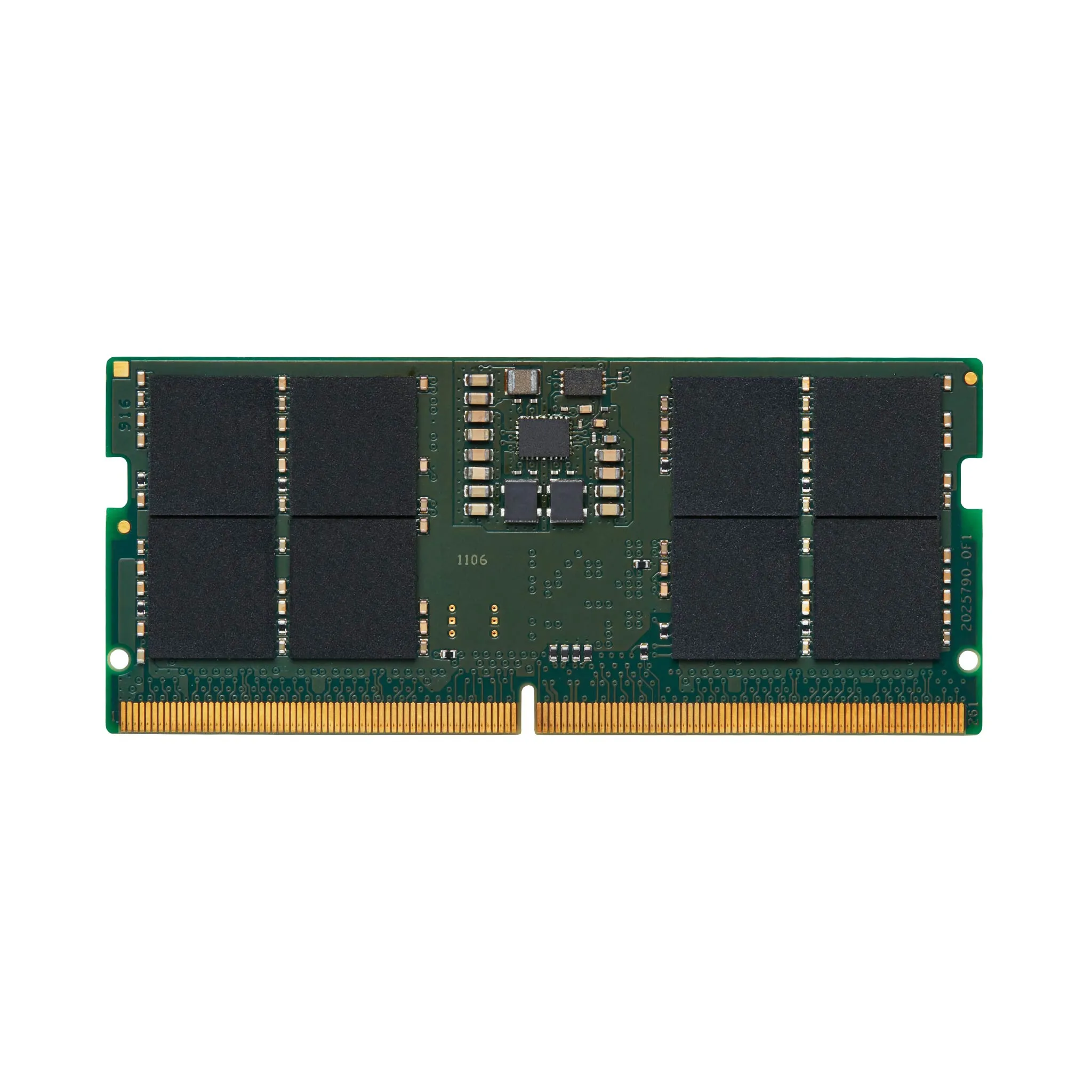
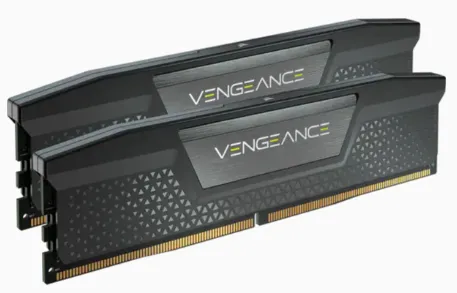
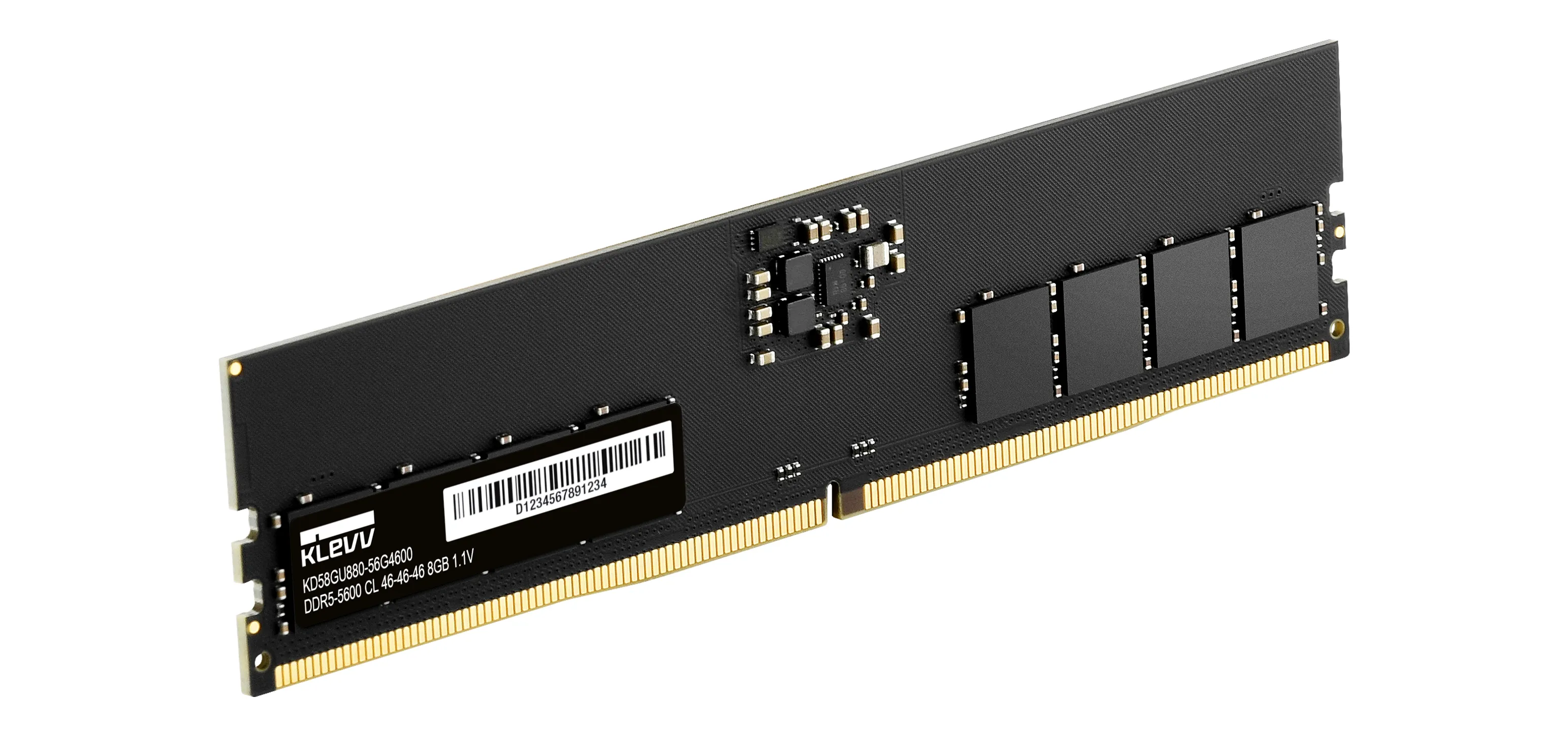
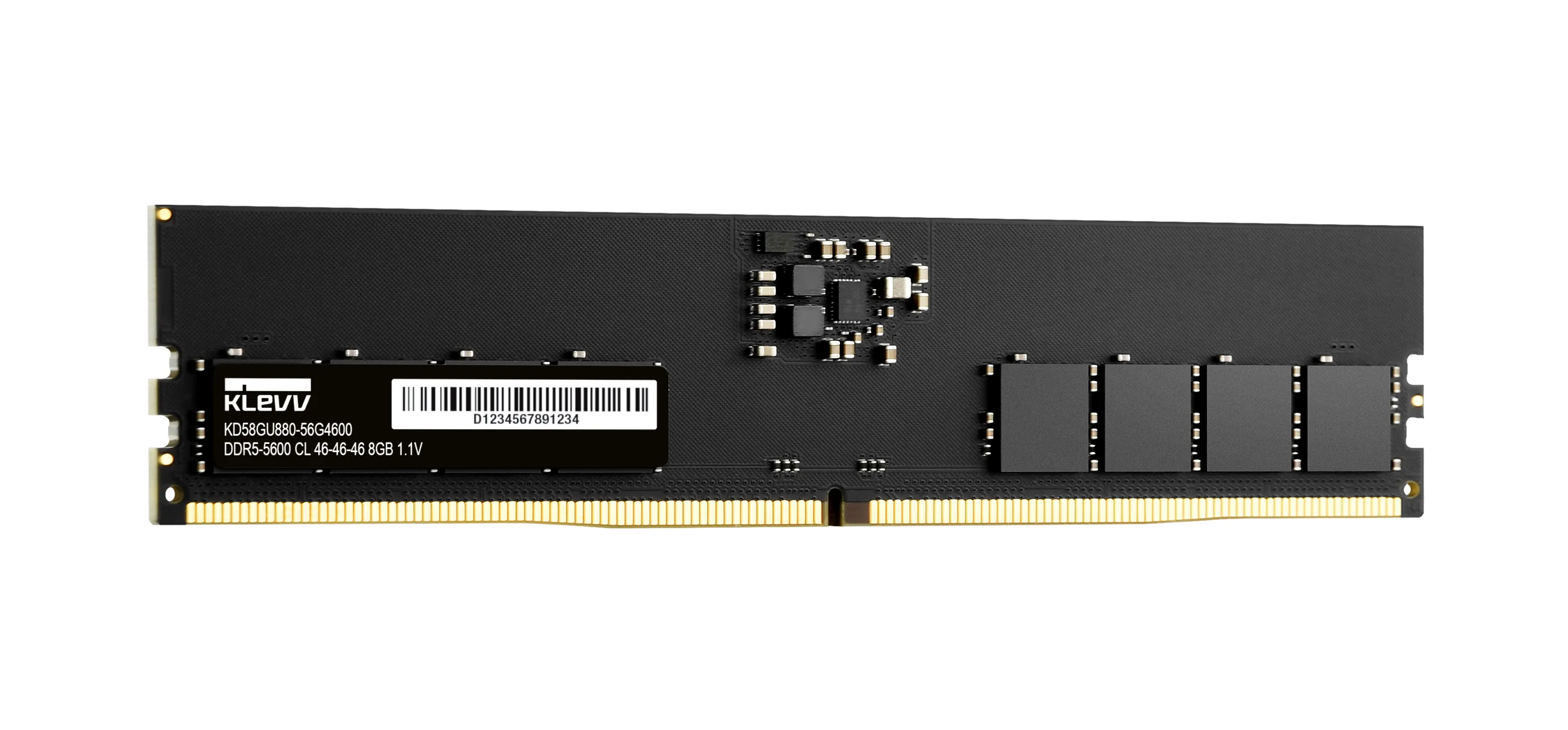
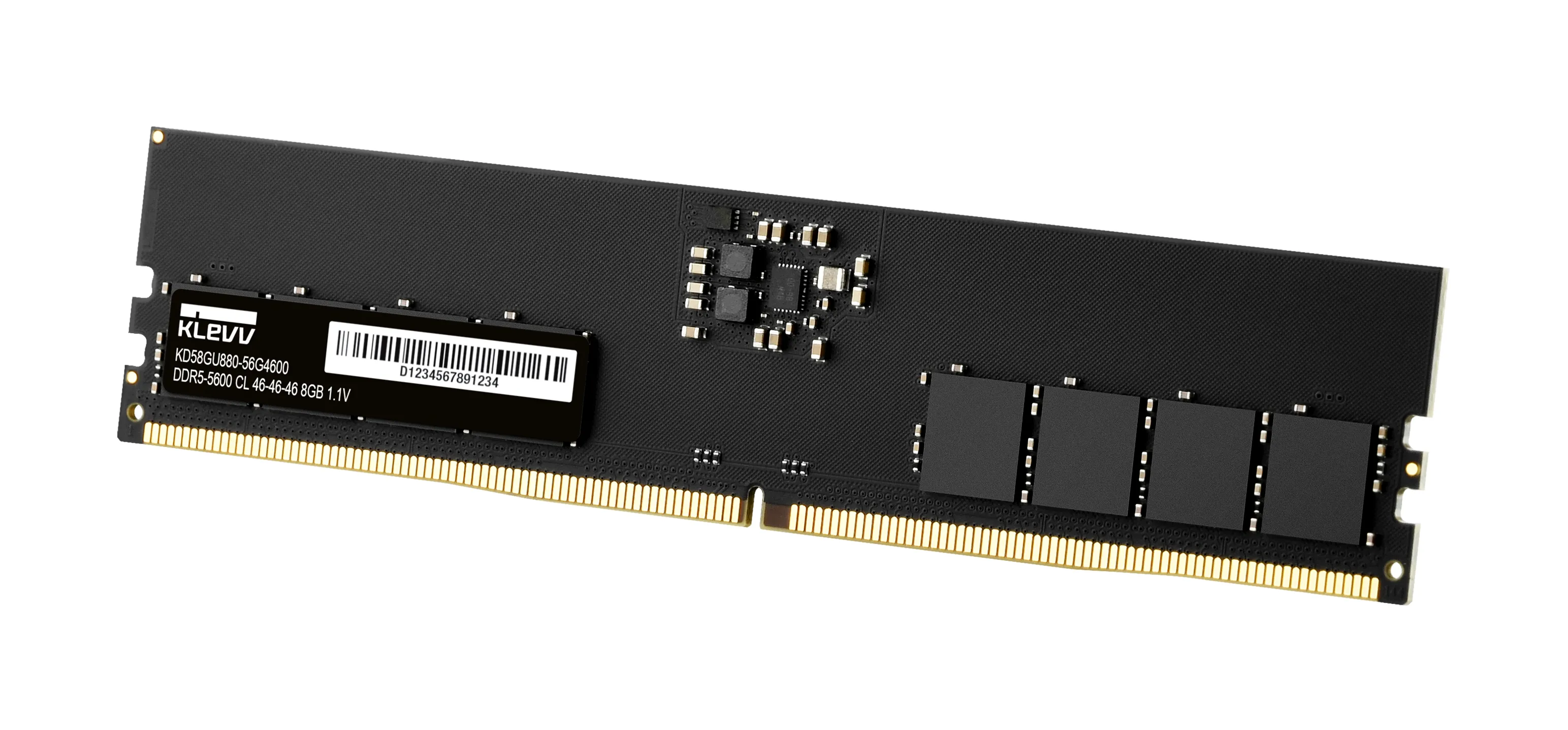
Random Access Memory (RAM) is a computer’s short-term memory, storing the data the processor needs immediately. Its speed and capacity are critical factors for overall system responsiveness, application loading times, and multitasking efficiency.
Choose the right RAM
When choosing RAM, three primary technical variables must be considered:
- Capacity (GB): The amount of memory determines how many applications or large files the computer can keep active simultaneously. In modern builds, 32 GB has emerged as the new standard, ensuring smooth performance for multitasking, gaming, and intensive productivity tasks. While 16 GB may still suffice for basic light usage, 64 GB or more is recommended for professional workloads such as video editing or running virtual machines.
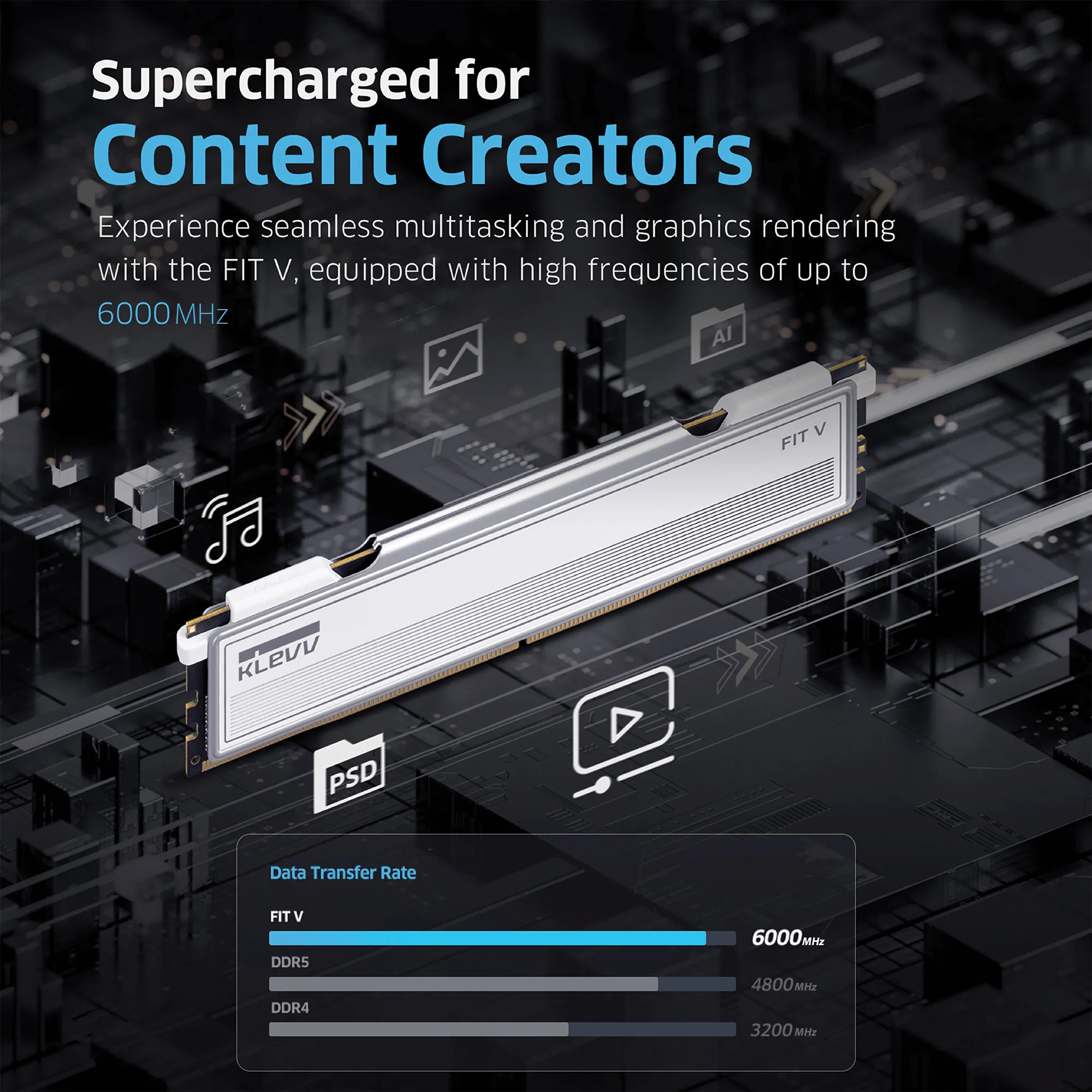
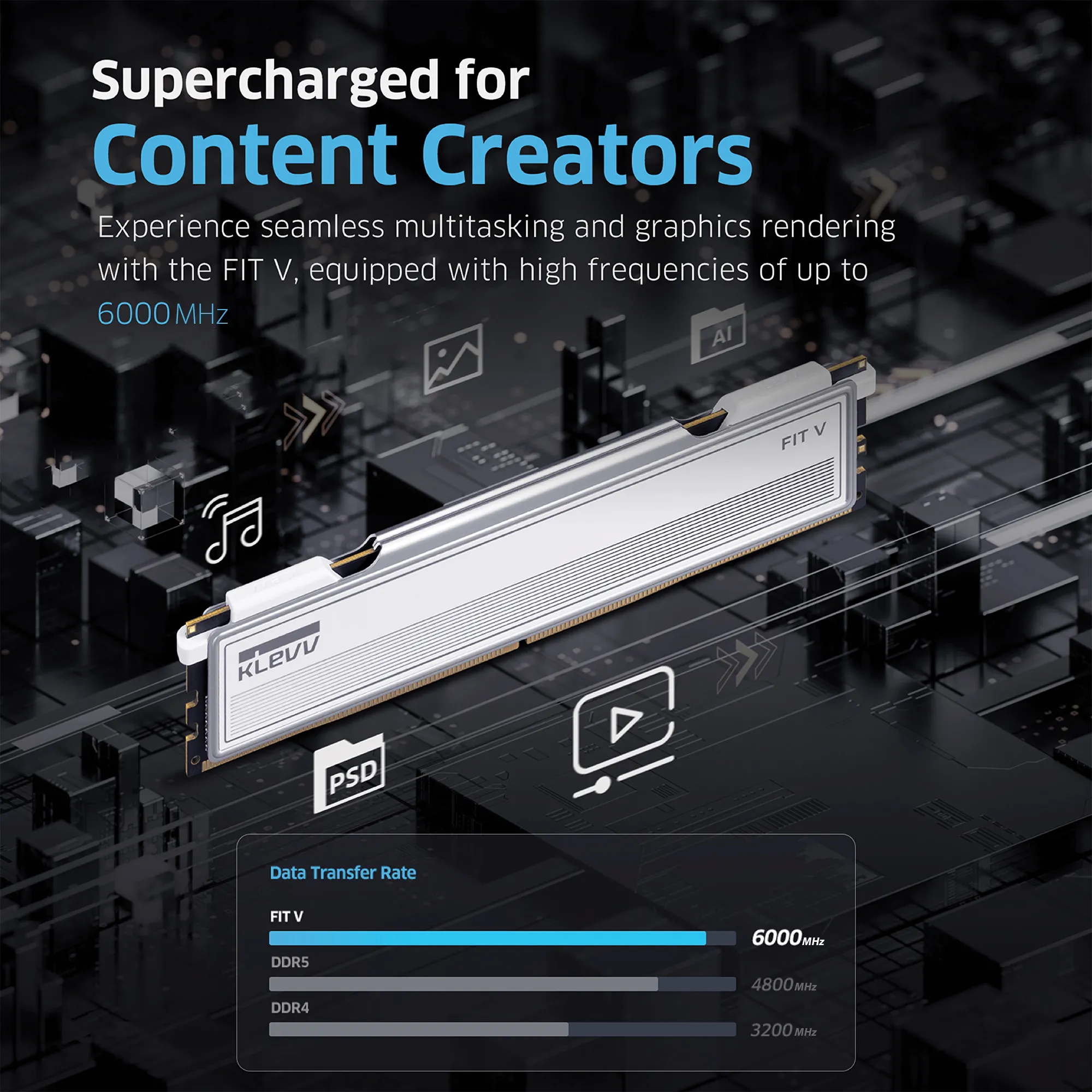
- Generation and Speed (MHz/MT/s): The DDR standard (e.g., DDR4 or DDR5) defines the memory architecture and compatibility with the motherboard. The clock speed or transfer rate indicates how fast data moves between the memory and the CPU.
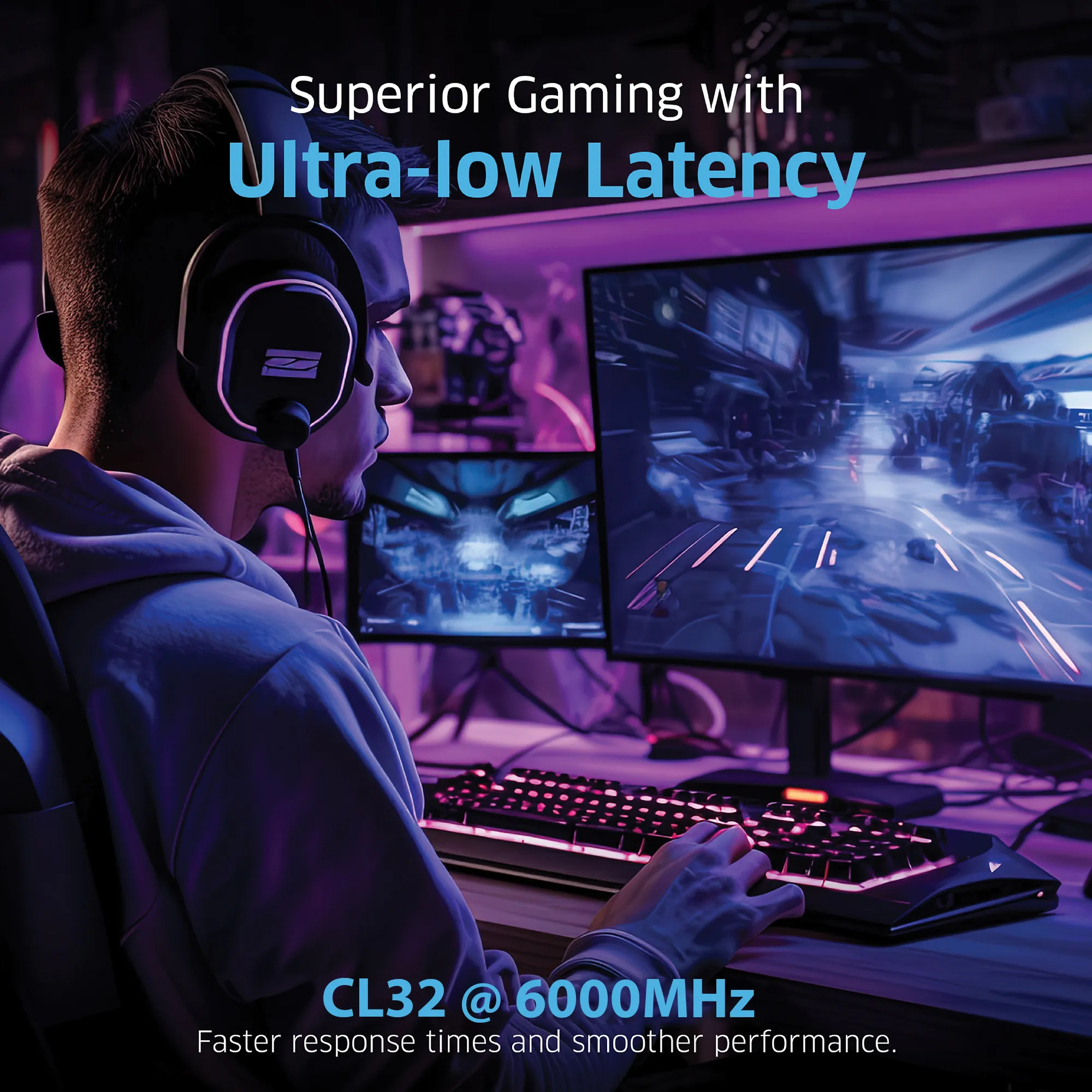
- Latency (CL - Cas Latency): Latency refers to the time delay between a command being issued and the data being available to the processor. A lower CL value relative to the clock speed results in faster response times.
Major Brands and Standards
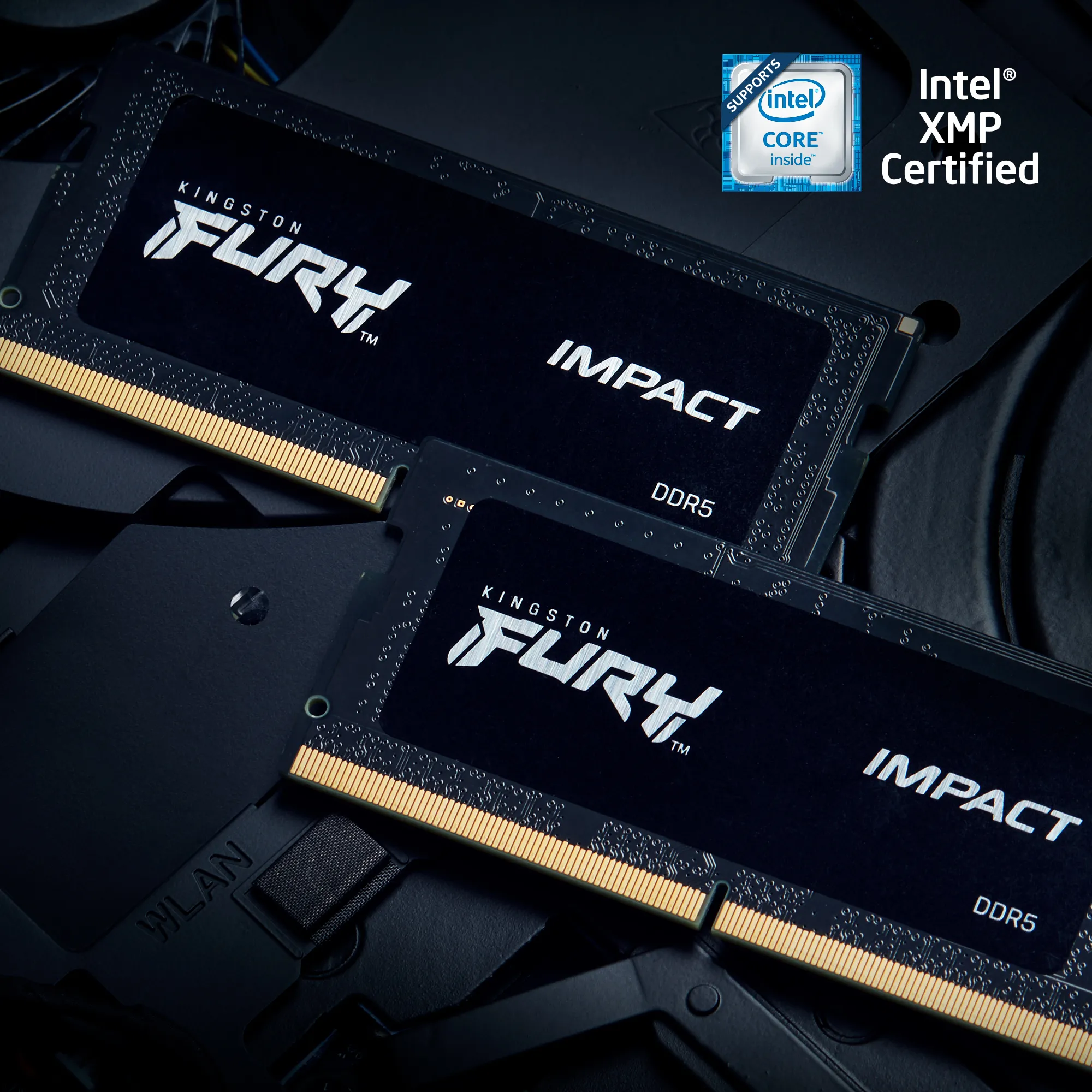
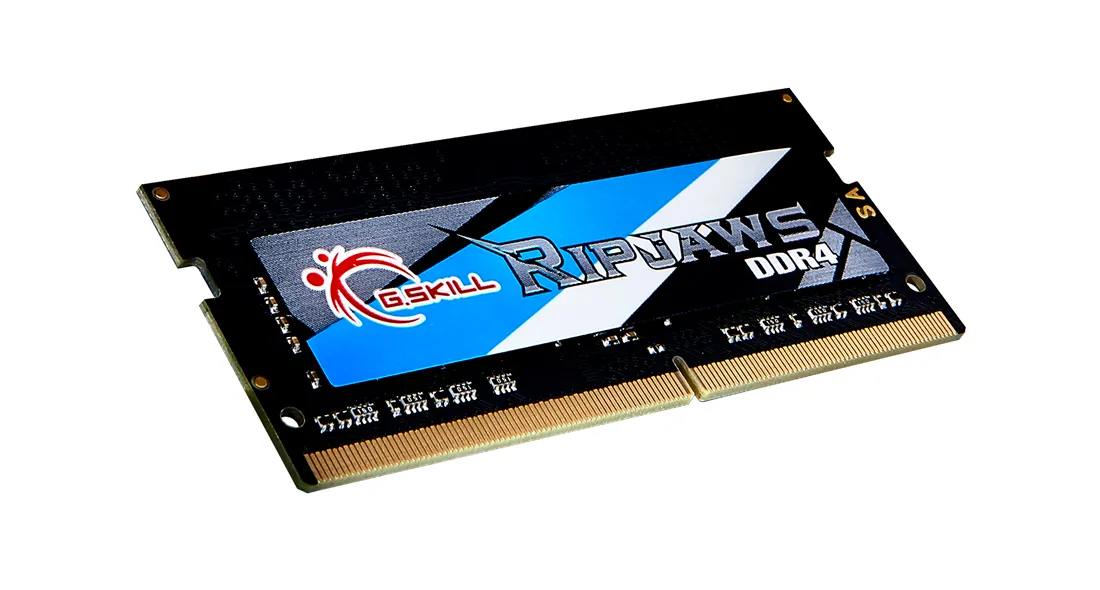
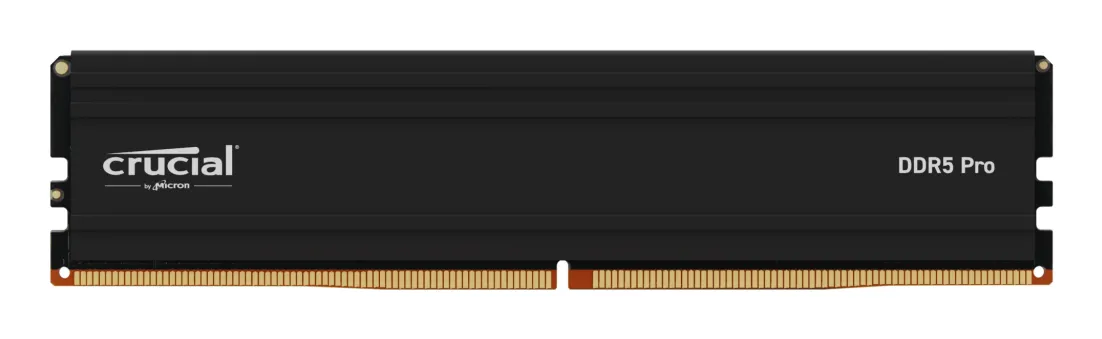
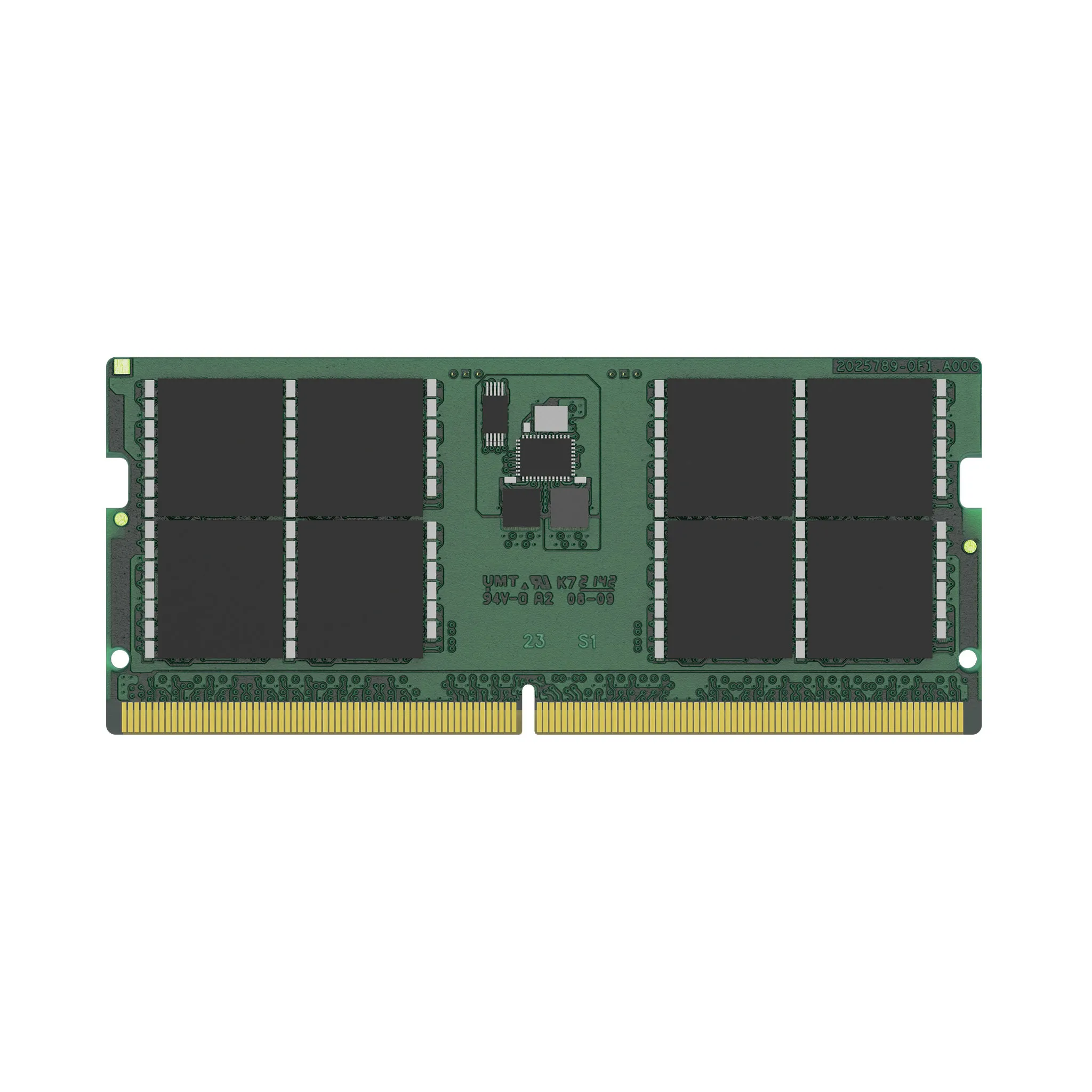
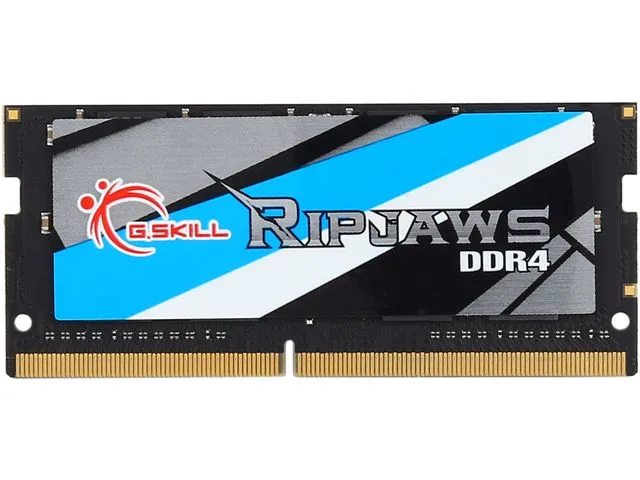
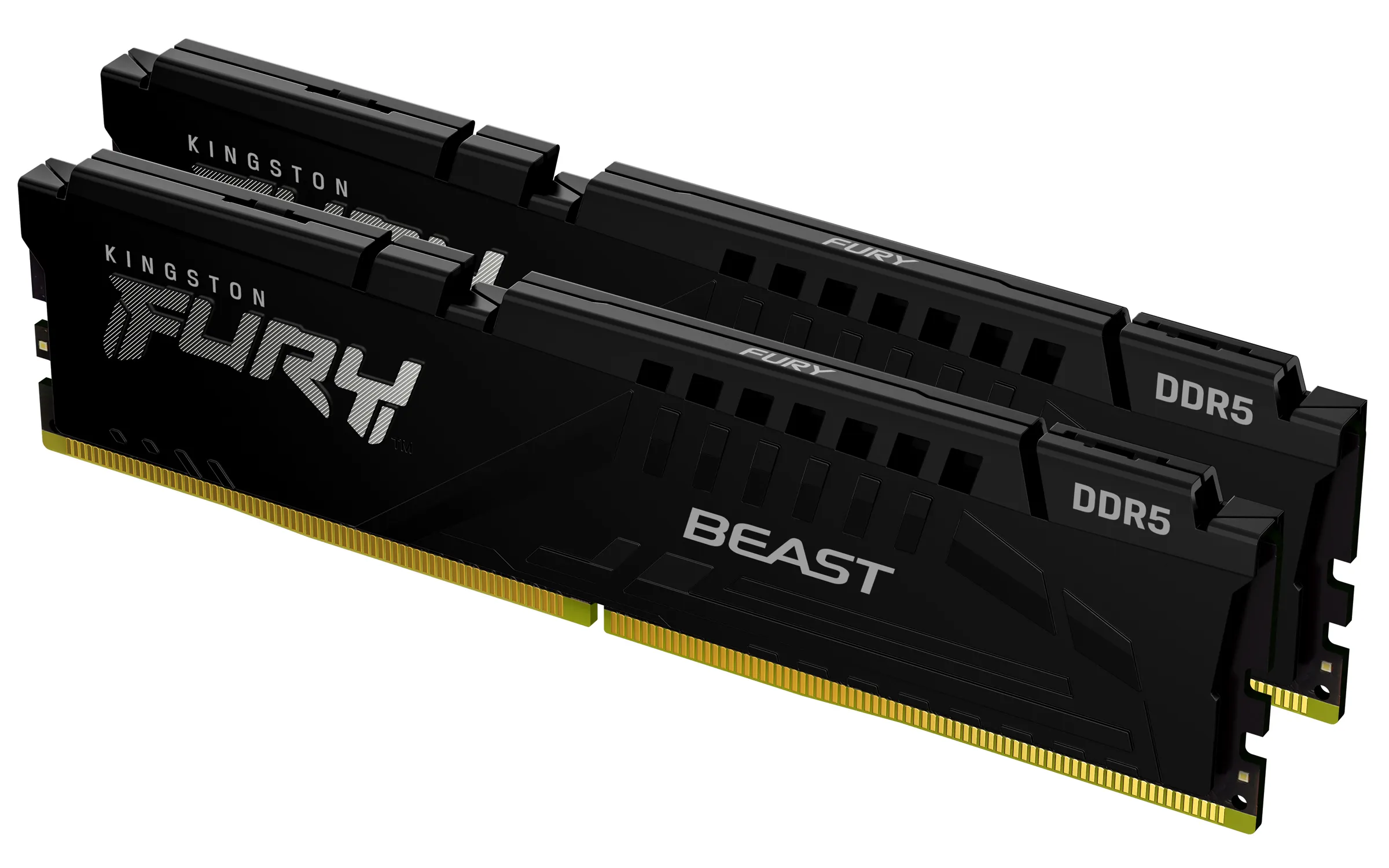
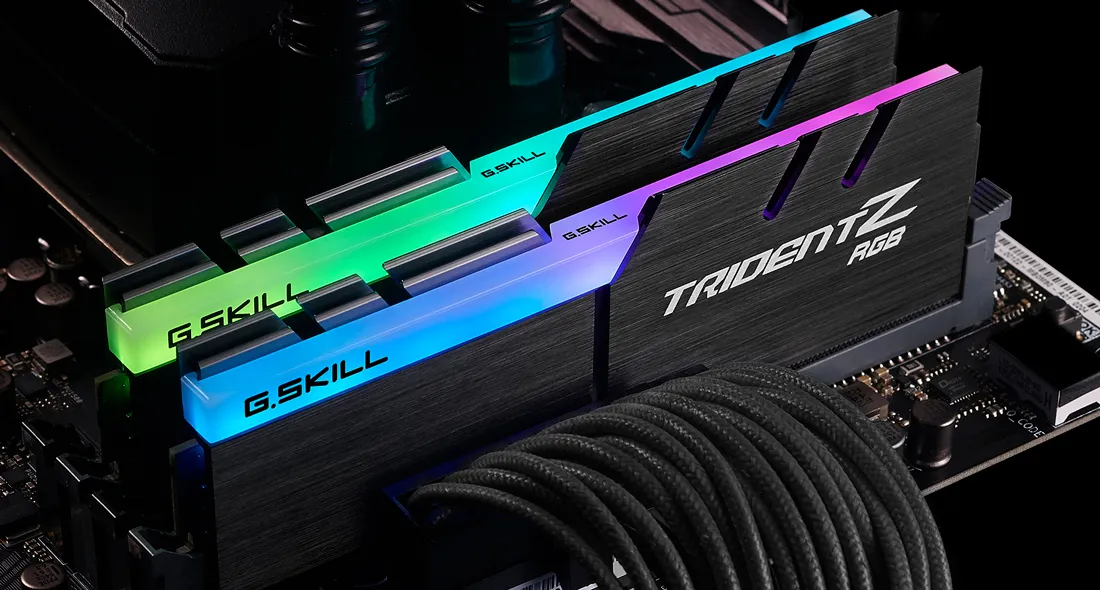
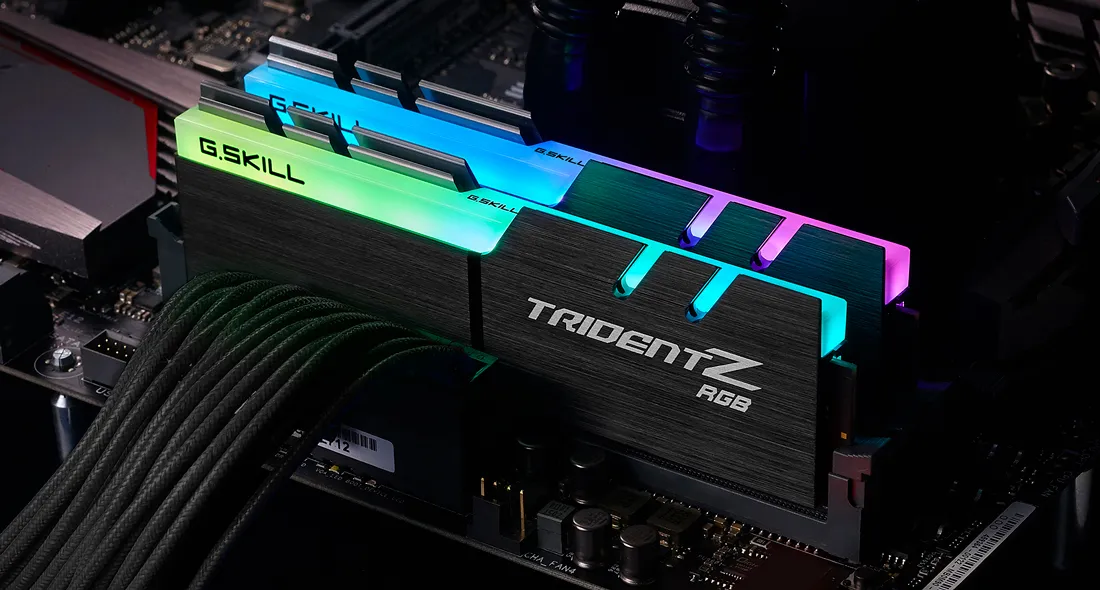
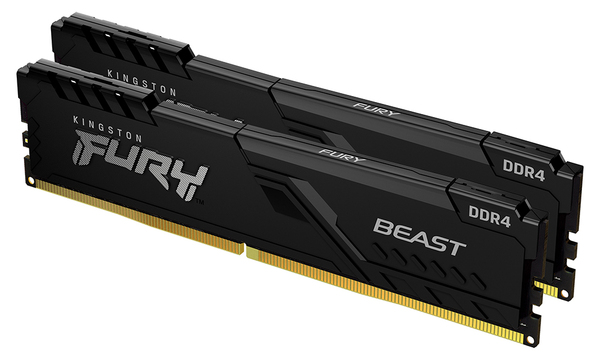
Significant module manufacturers in the market include Kingston, Corsair, G.Skill, and Crucial. These brands adhere to JEDEC standards for baseline compatibility, while also supporting extended profiles like Intel XMP or AMD EXPO for easy optimization of memory speeds on compatible motherboards.
Frequently Asked Questions
What is the difference between DDR4 and DDR5?
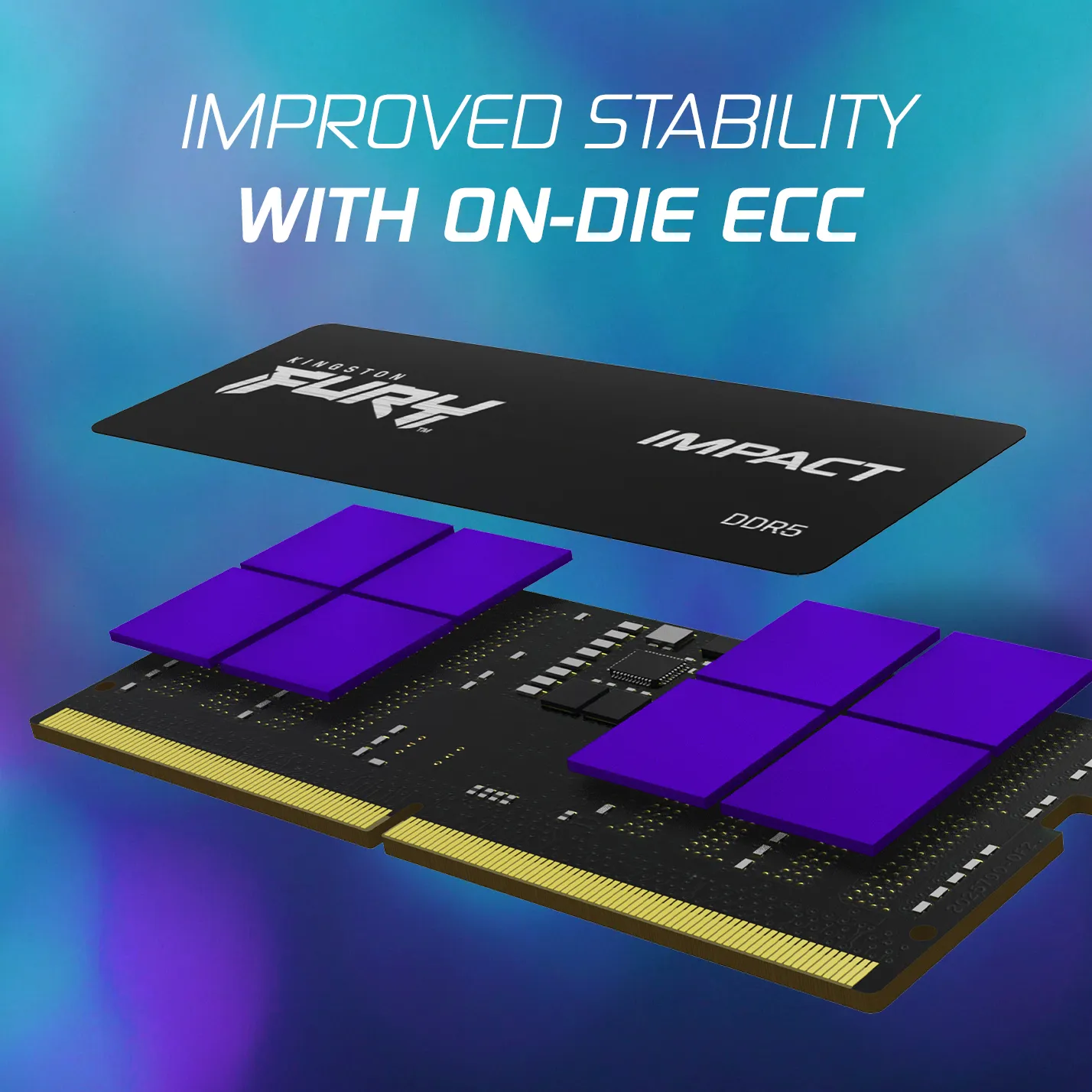
DDR5 is a newer standard providing higher bandwidth, larger module capacities, and integrated power management (PMIC). They are not physically or electrically compatible with each other.
What is the benefit of Dual Channel mode?

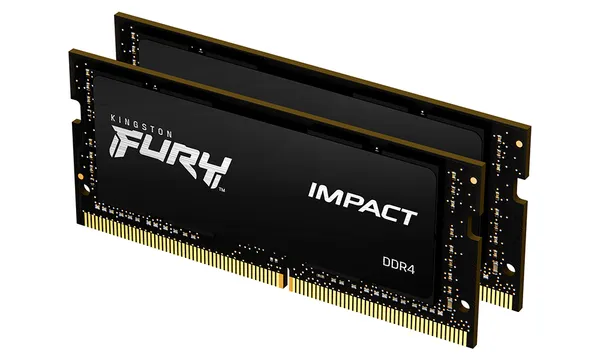
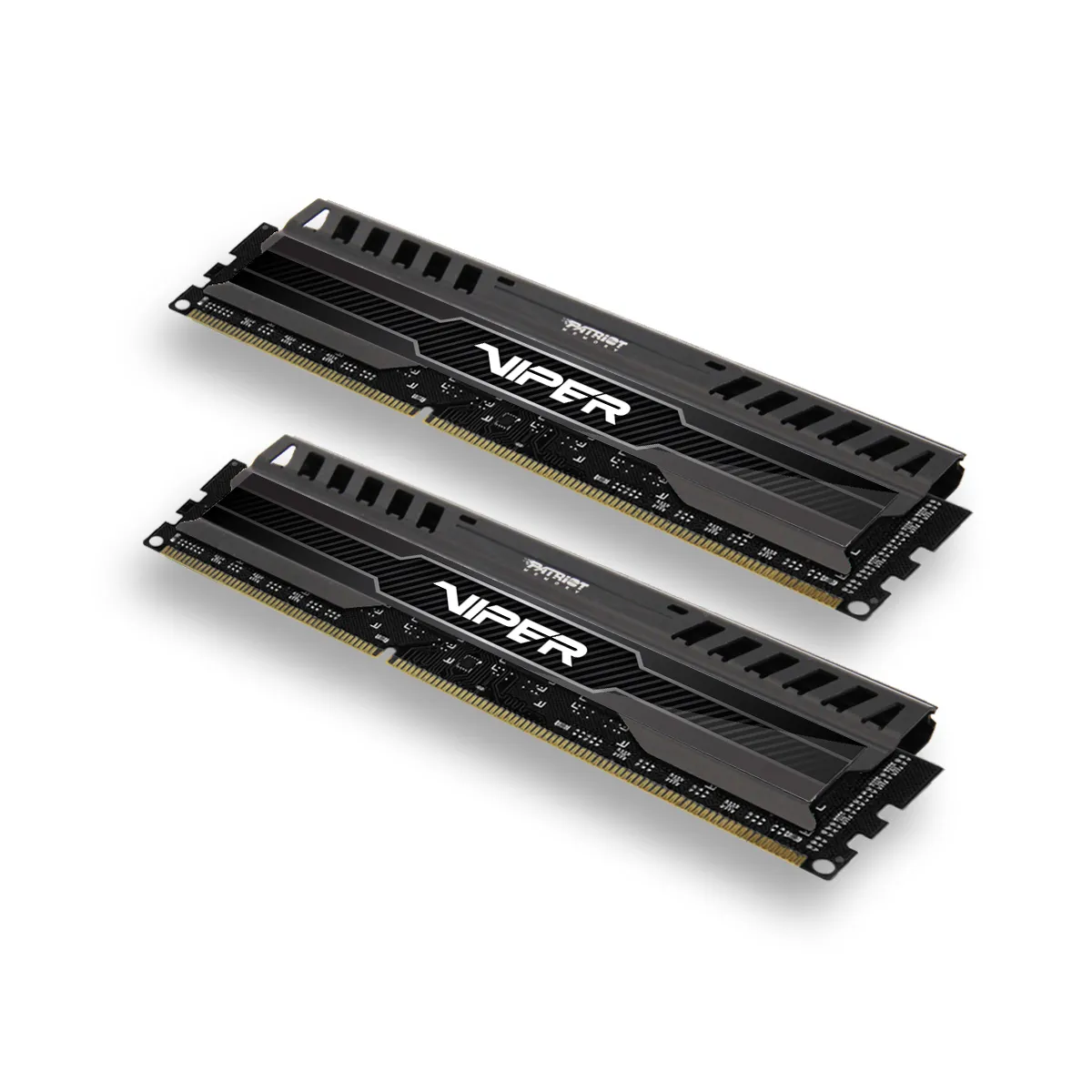
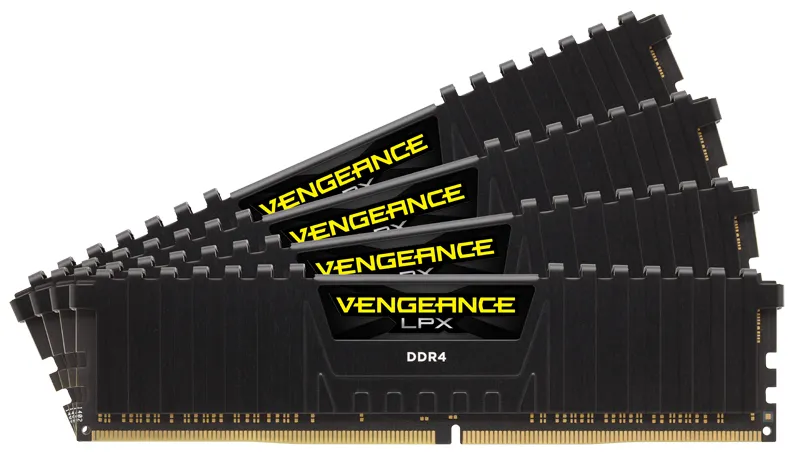
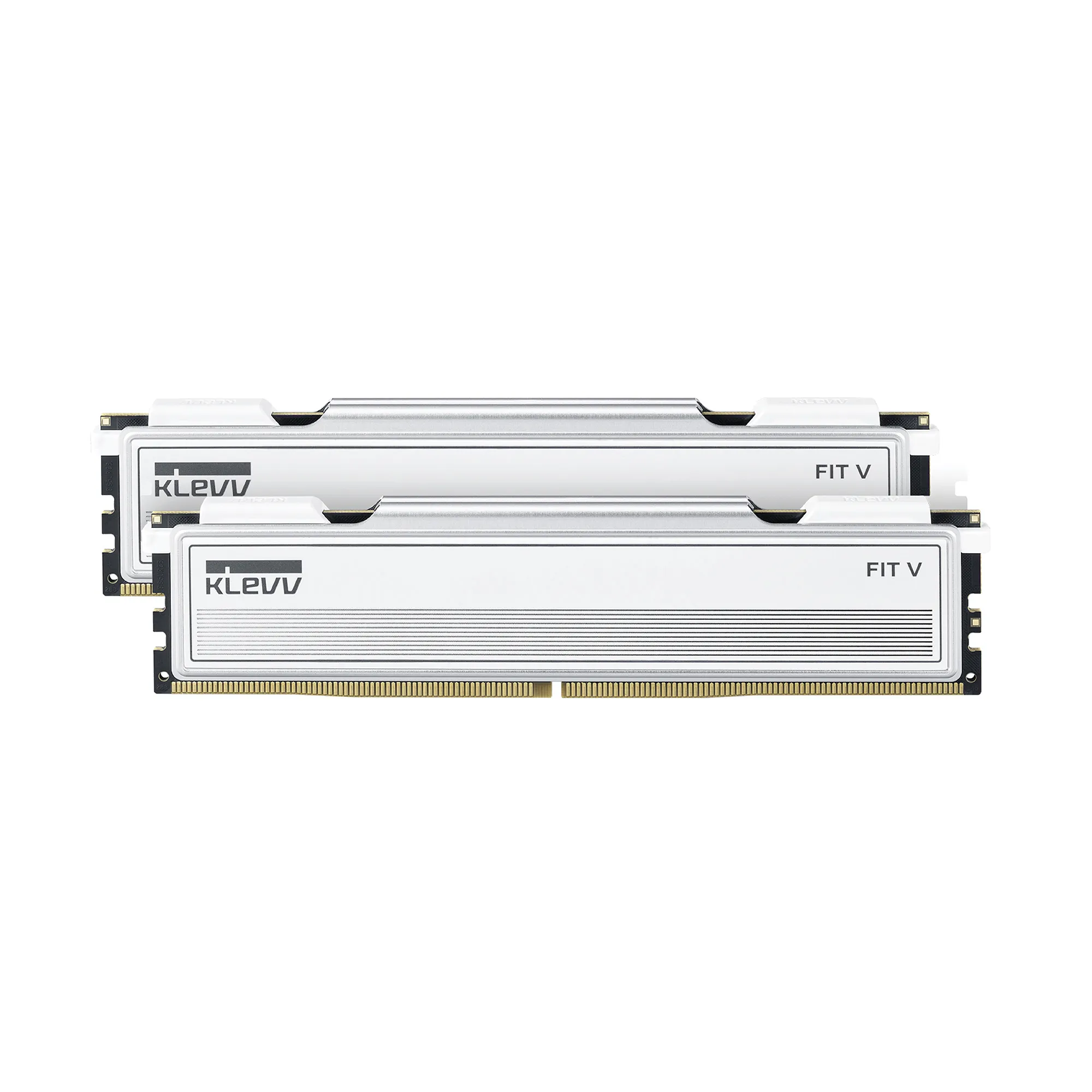
Using two identical memory modules allows the system to utilize two memory channels simultaneously, doubling the theoretical bandwidth and improving performance in CPU-intensive tasks.
Can you mix memory modules from different manufacturers?
While technically possible if the socket is the same, it is not recommended. The system will default to the speed of the slowest module, and mismatched timings can cause system instability.
How much RAM do I need in 2026?
Currently, 32 GB of RAM is recommended for most new builds. It provides ample capacity for modern operating systems, web browsers, and background processes, preventing system slowdowns caused by memory exhaustion.