

Vilka RAM-minnen ska man välja år 2026?
Denna guide hjälper dig att hitta rätt RAM-minne. År 2026 erbjuder minnesmarknaden alternativ som sträcker sig från nästa generations DDR5-hastigheter till beprövad DDR4-kostnadseffektivitet.
Vilka är de mest pålitliga tillverkarna?
Kingston: Exceptionellt bred kompatibilitet och branschens kanske mest kända pålitlighet. Kingston Fury-serien är ett säkert val.
Corsair: Serien Vengeance och Dominator är särskilt populära bland spelare.
G.Skill: Känd speciellt för höga hastigheter och låga latenser. En favorit bland entusiaster.
Crucial: Microns eget konsumentmärke som fokuserar på stabilitet och standardiserad funktionalitet.

Hur väljer man rätt kapacitet?
- 16 GB: Tillräckligt för grundläggande användning. DDR4 är ett mycket prisvärt val här.
- 32 GB: Rekommendation för spelare. DDR5 ger bäst prestanda och framtidssäkring.
- 64 GB+: För professionella användare och AI-relaterat arbete.
DDR4 erbjuder hög kapacitet prisvärt, medan DDR5 är nödvändigt i nya system.

Hastighet eller latens?
- DDR5 6000 MT/s CL30: Optimal prestanda för nya system.
- DDR4 3200/3600 MT/s: CL16-latens erbjuder snabb respons till en bråkdel av priset för DDR5.
- 7200+ MT/s: Endast för high-end DDR5-moderkort.
Hitta de rätt minnesmodulerna för din uppgradering i vårt breda sortiment.
Se alla RAM-minnenVarför spelar kanaler och moderkort roll?
Kom alltid ihåg att utnyttja Dual Channel-läge: två 16 GB-stickor är betydligt snabbare än en enskild 32 GB-sticka. Innan köp är det också kritiskt att kontrollera moderkortets stöd.
Varför har priserna på minnen stigit?
Under 2026 har efterfrågan på AI-servrar skiftat tillverkningskapacitet. DDR4 är ett utmärkt val: det är tekniskt enklare att tillverka och har skonats från de värsta prisstegringarna.
Hur gör man det slutgiltiga köpbeslutet?
- Välj DDR4 om du vill maximera kapaciteten prisvärt för en budgetbaserad konfiguration.
- Välj DDR5 när du bygger en ny high-end-maskin för senaste prestanda.
- Köp ett jämnt antal stickor: Använd 2 eller 4 stickor för att få full hastighet genom Dual Channel-teknik.
- Aktivera hastigheten: Kom ihåg att slå på XMP eller EXPO i BIOS efter installationen.
Bläddra bland DDR5 RAM
Visa alla
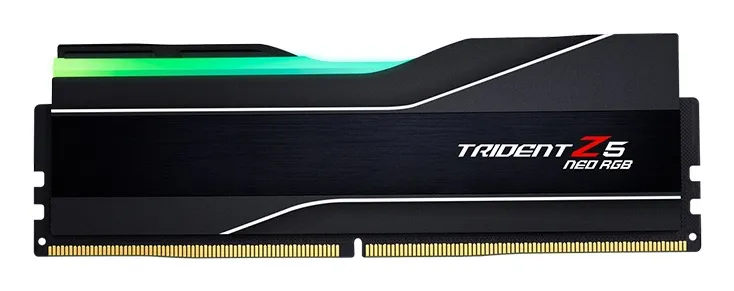
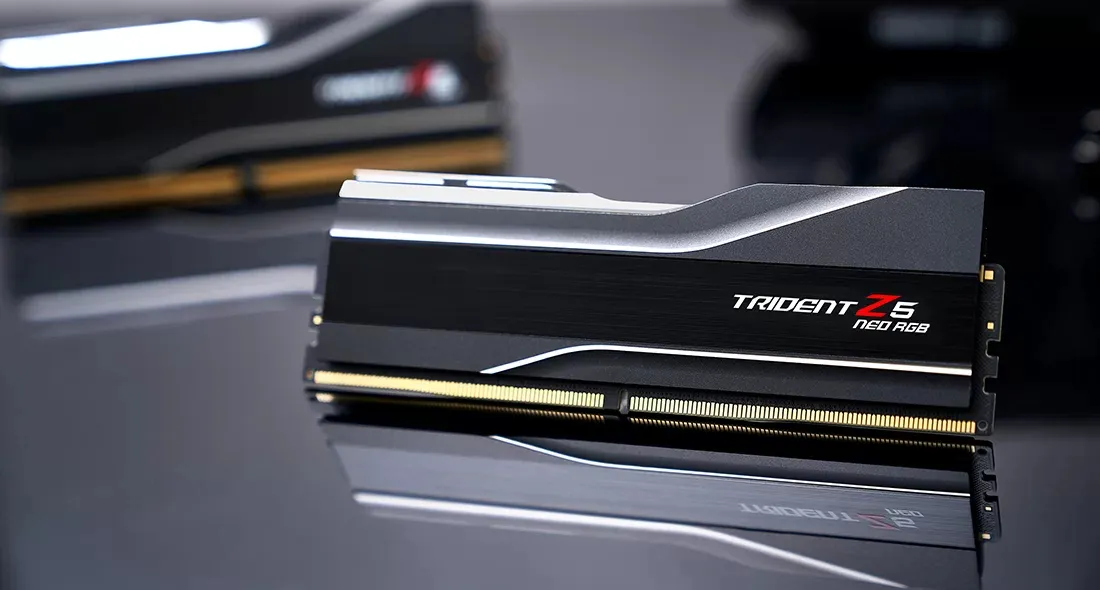
G.SKILL Trident Z5 Neo RGB 24 GB (1 x 24 GB) DDR5 6000 MHz, CL40 minne (EXPO)
Lägg i köpkorgen
379,00€ 399,90€
Beräknad leverans: 17.07 - 20.07
I lager
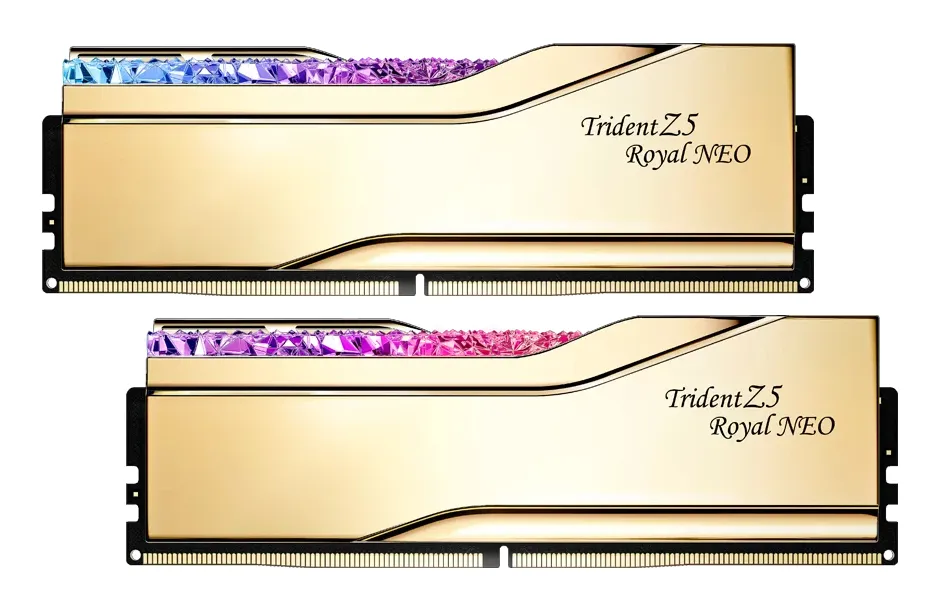
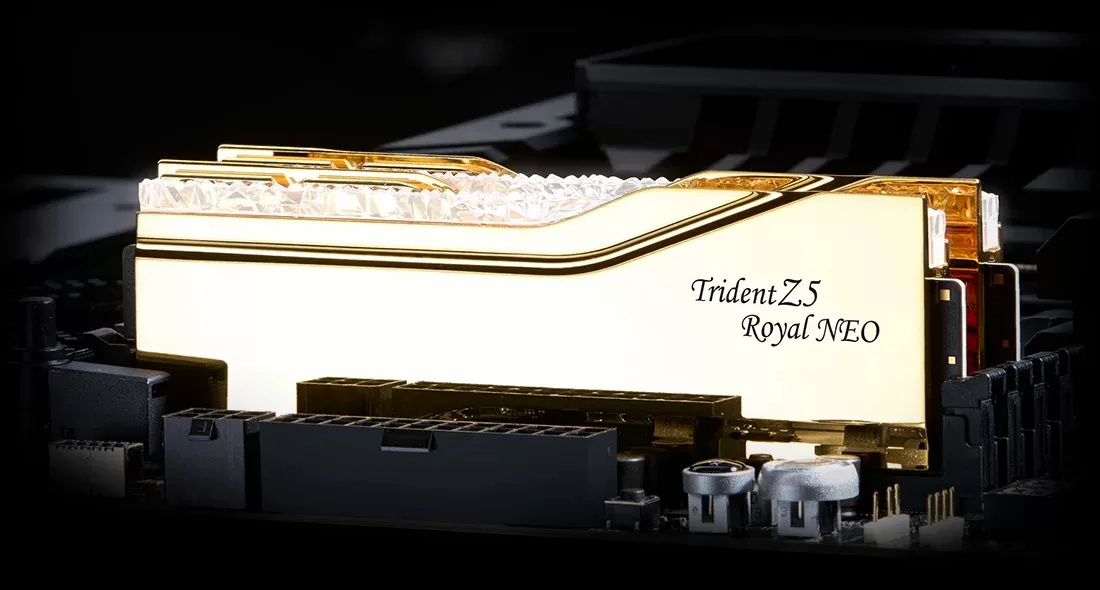
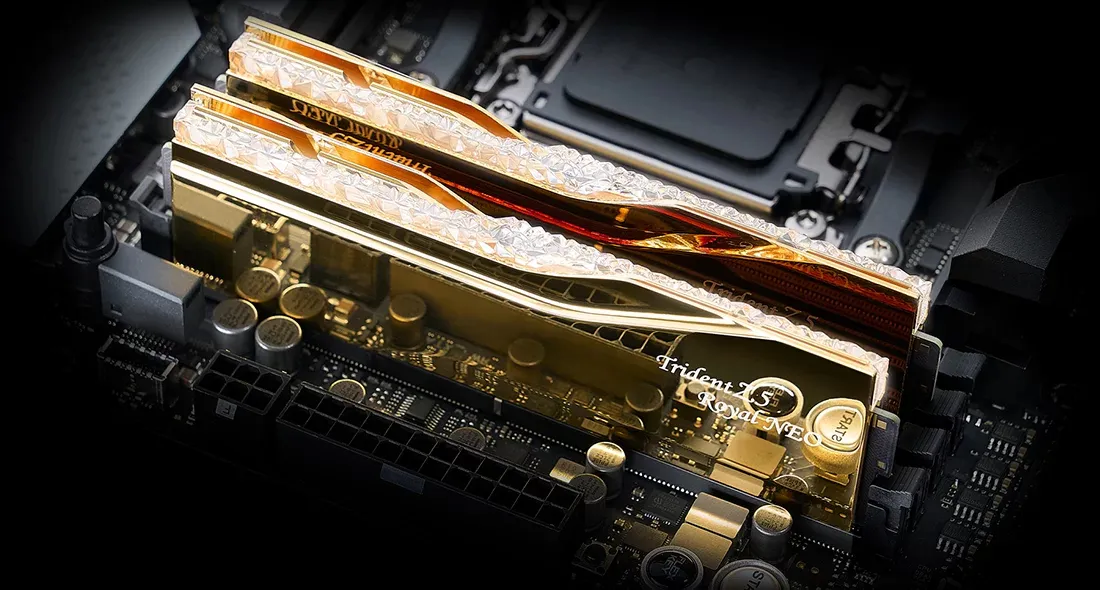
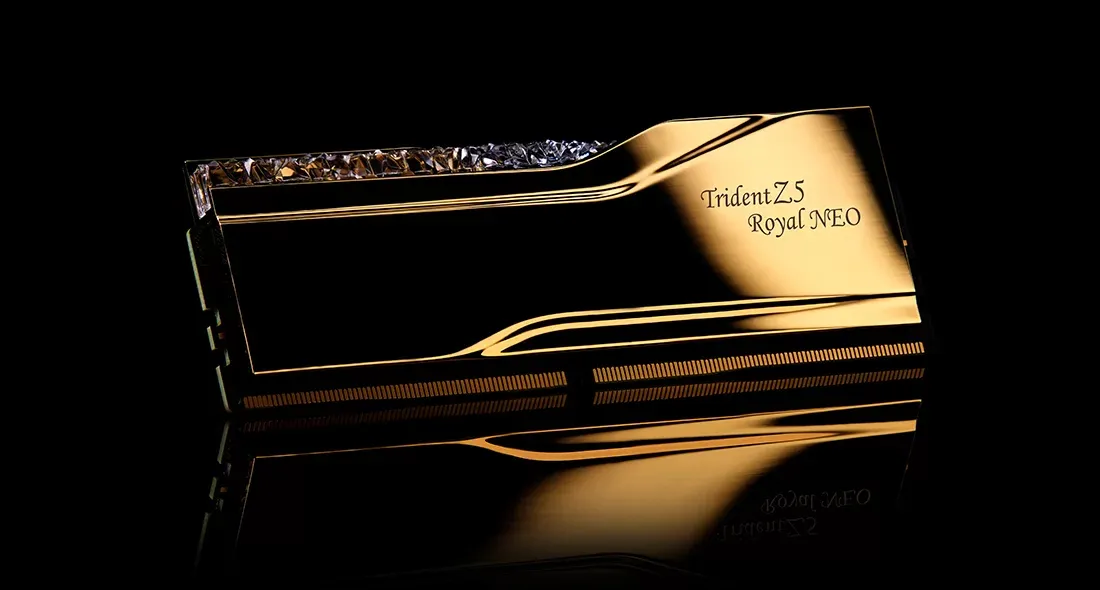
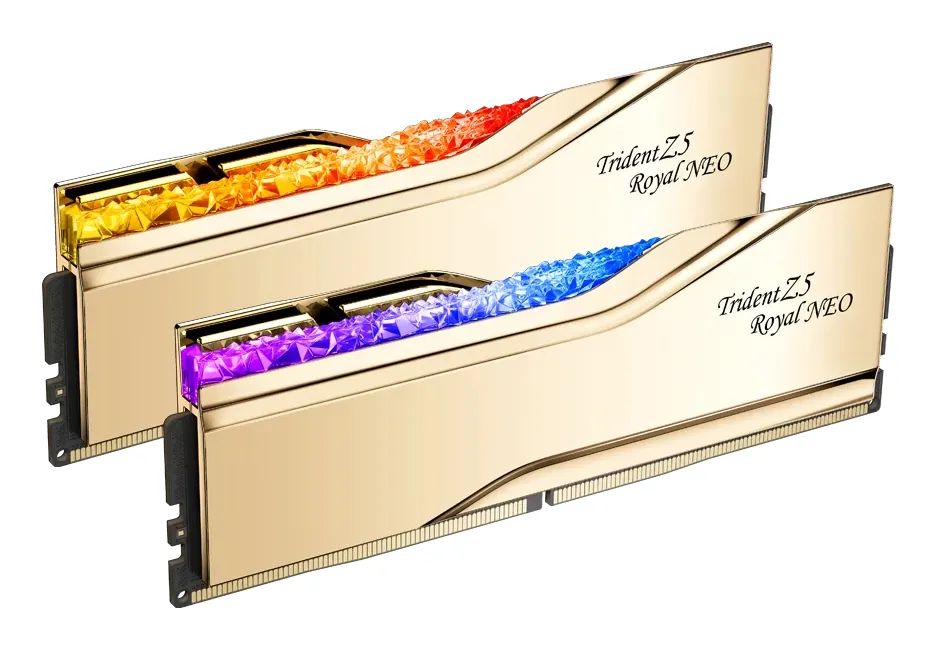
G.SKILL Trident Z5 Royal Neo RGB 32 GB (2 x 16 GB) DDR5 8000 MHz, CL38 minne, guld (EXPO)
Lägg i köpkorgen
1804,90€
Beräknad leverans: 21.07 - 22.07
Finns hos leverantören
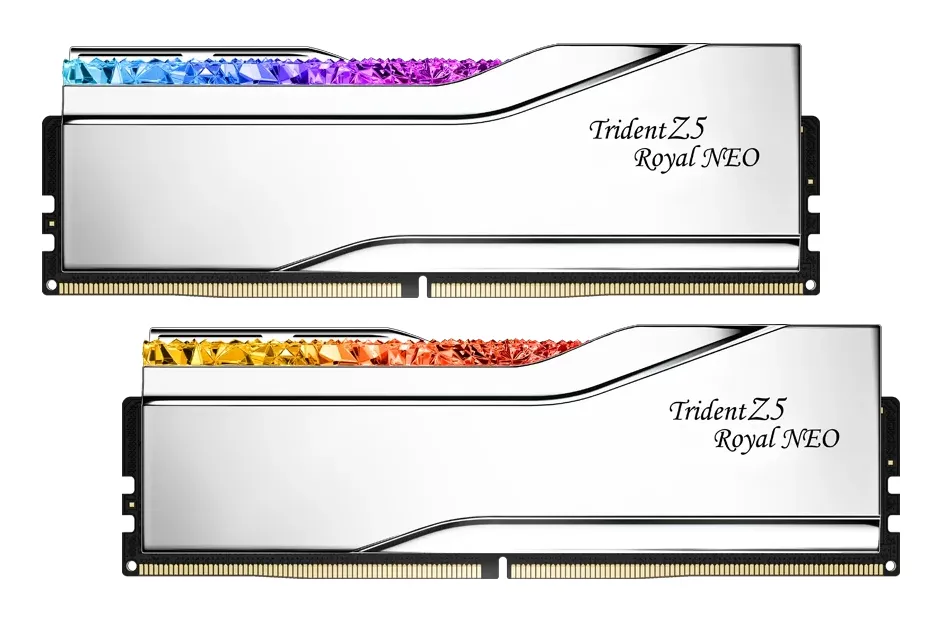
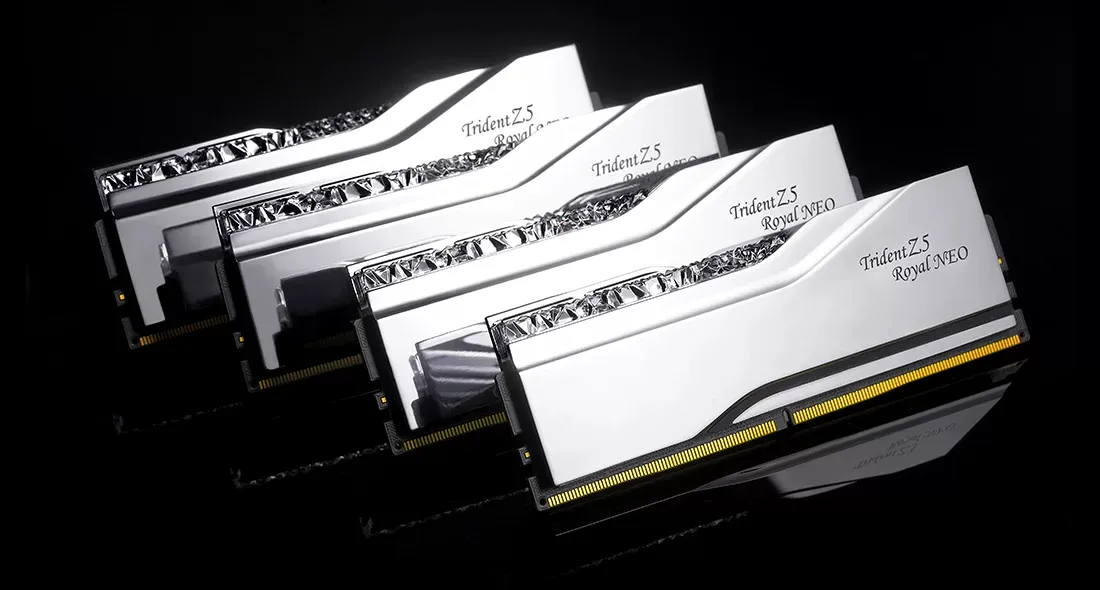
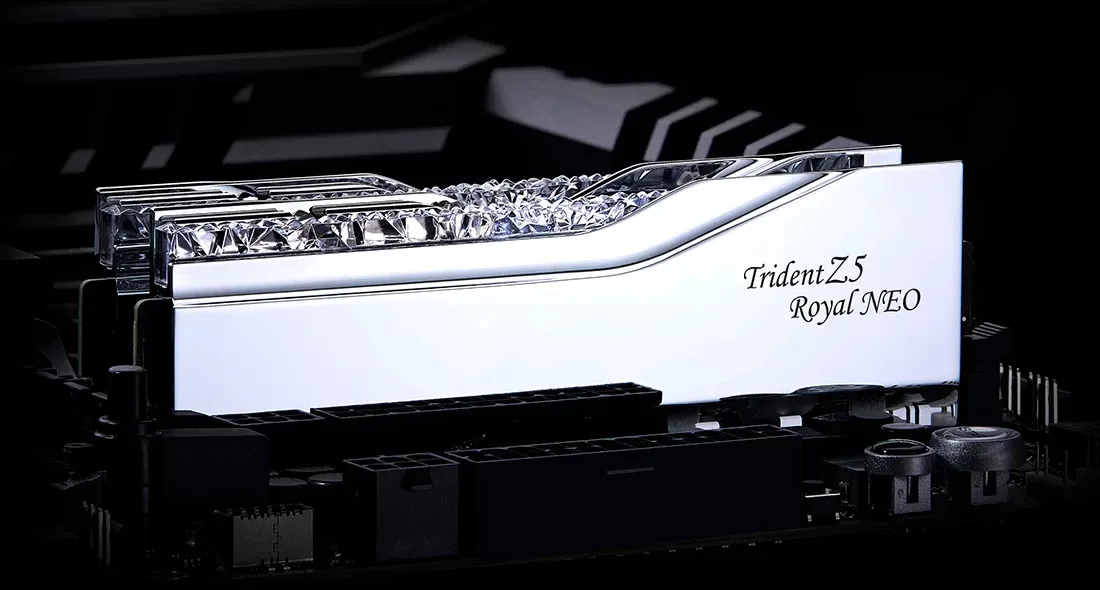
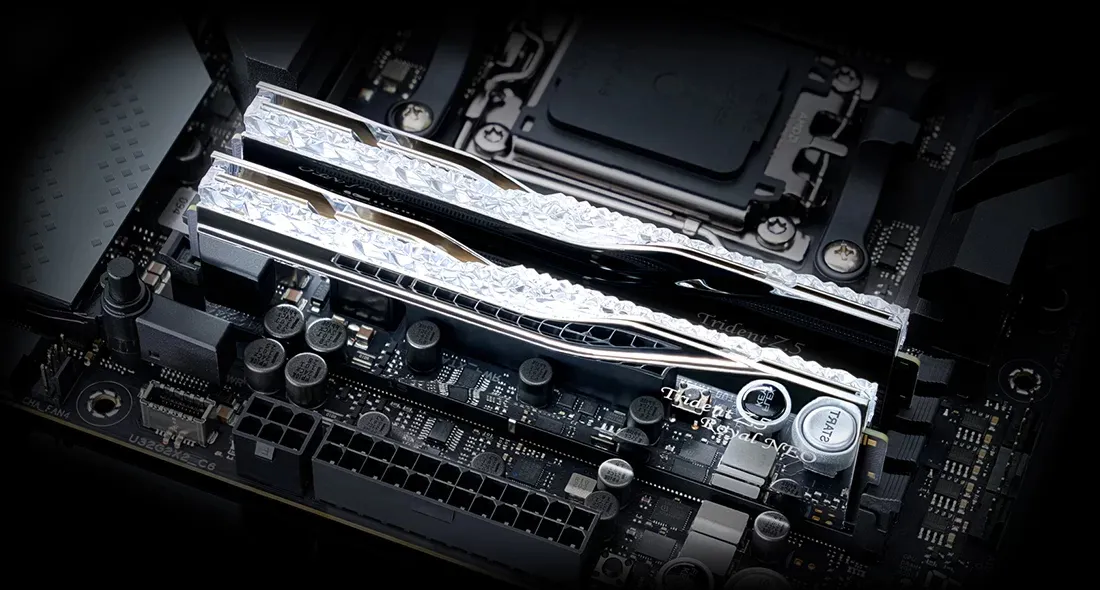
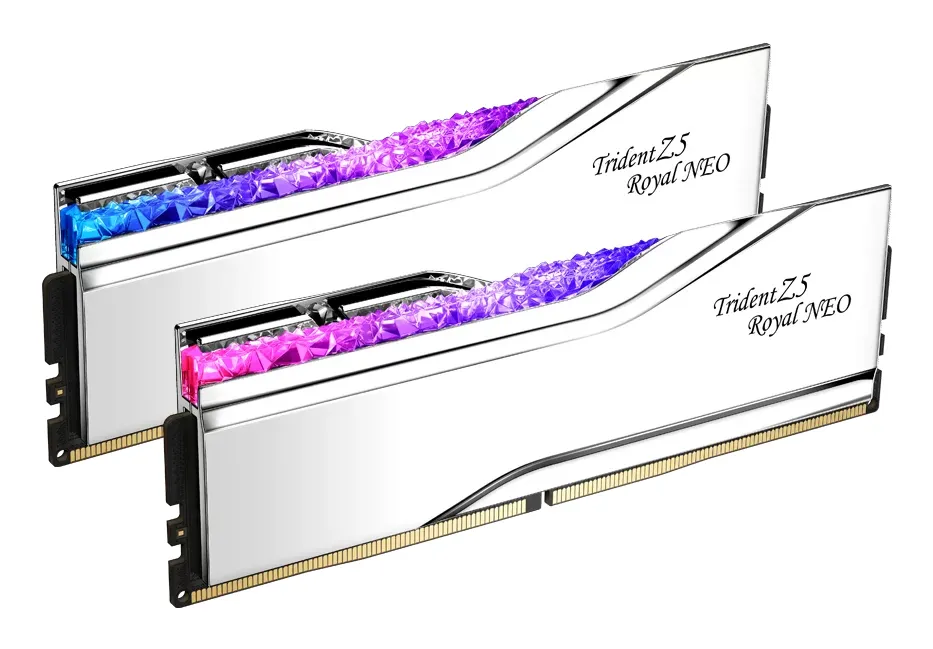
G.SKILL Trident Z5 Royal Neo RGB 64 GB (2 x 32 GB) DDR5 6000 MHz, CL26 minne, silver (EXPO)
Lägg i köpkorgen
2569,90€
Beräknad leverans: 24.07 - 27.07
Finns hos leverantören
G.SKILL Trident Z5 Royal Neo RGB 32 GB (2 x 16 GB) DDR5 6000 MHz, CL28 minne, guld (EXPO)
Lägg i köpkorgen
4225,90€
Beräknad leverans: 21.07 - 22.07
Finns hos leverantören
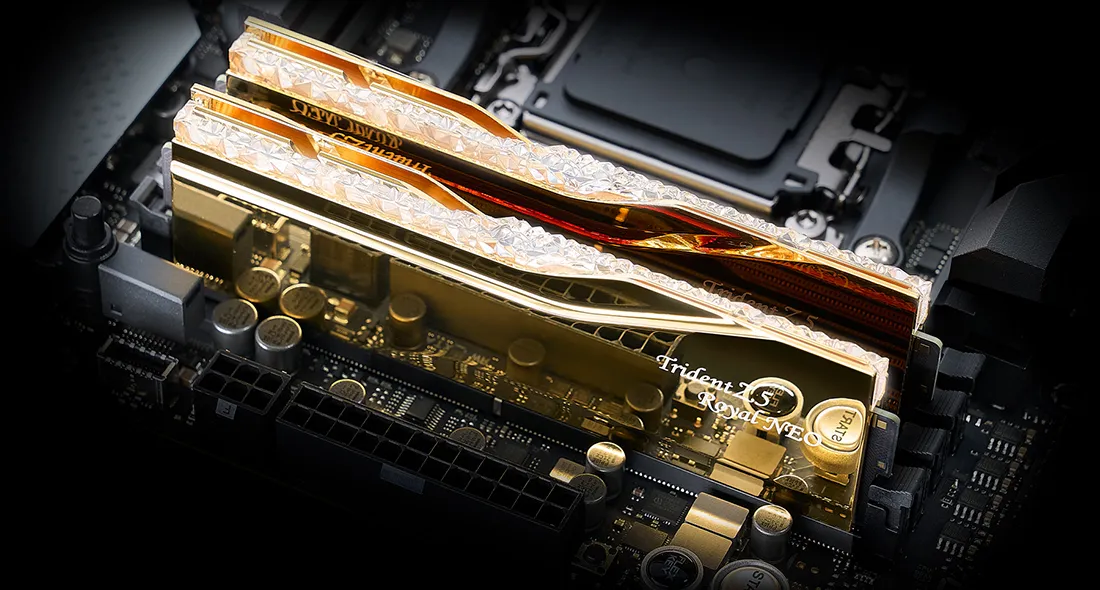
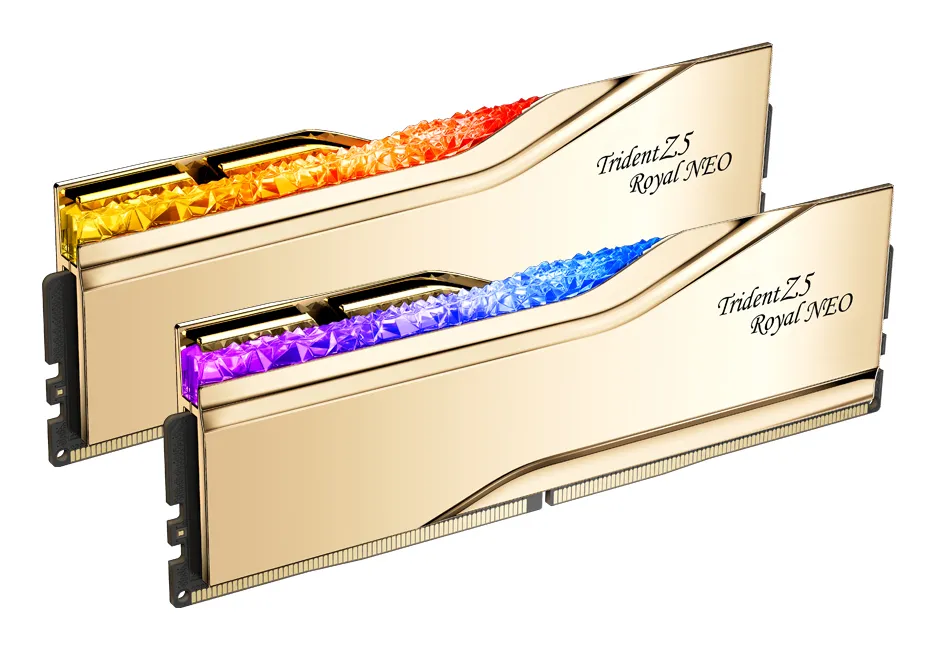
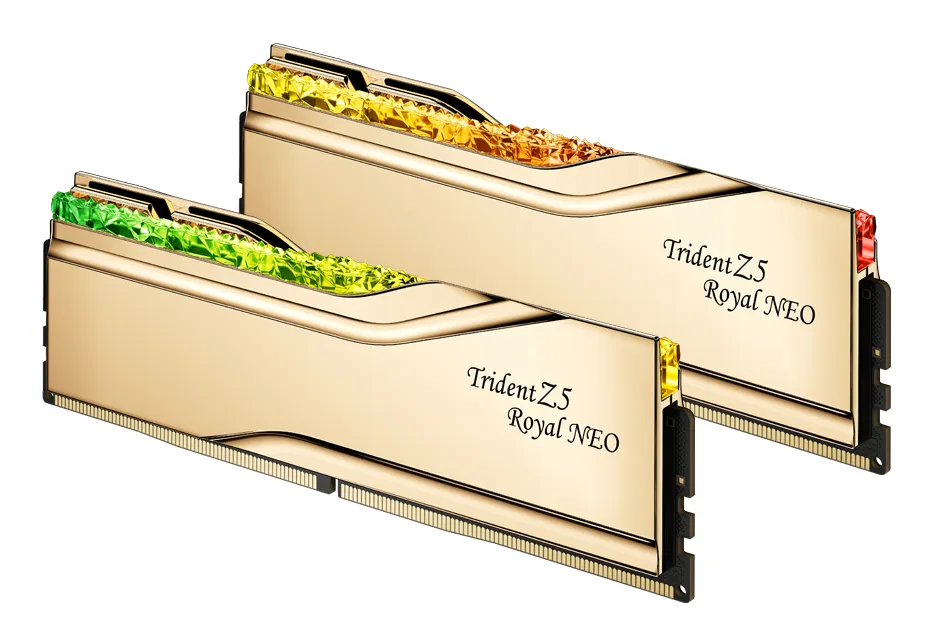
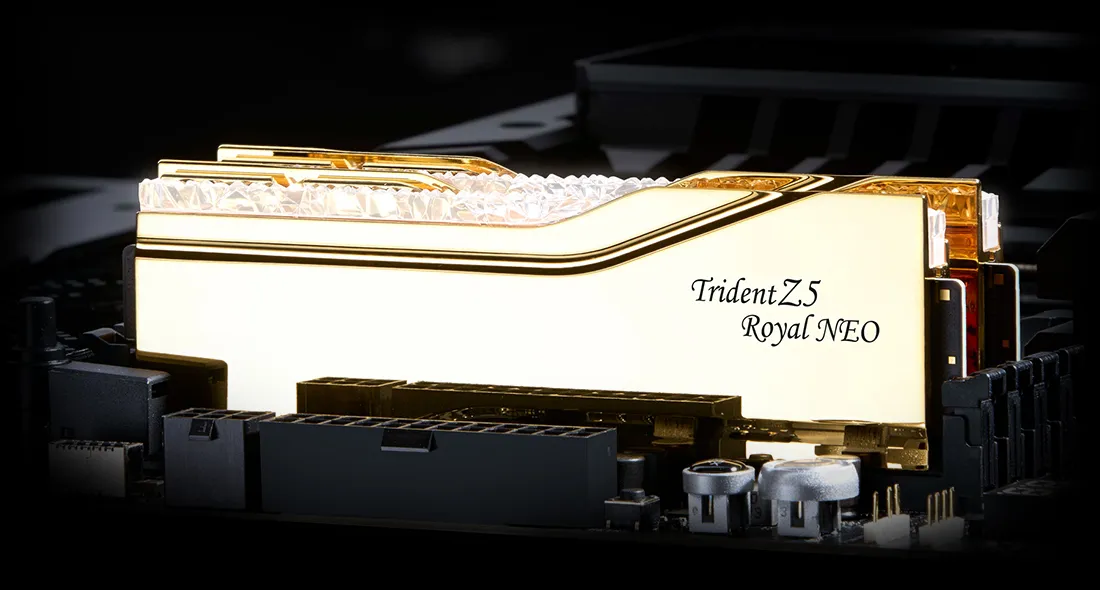
G.SKILL Trident Z5 Royal Neo RGB 32 GB (2 x 16 GB) DDR5 6400 MHz, CL30 minne, guld (EXPO)
Lägg i köpkorgen
2122,90€
Beräknad leverans: 21.07 - 22.07
Finns hos leverantören
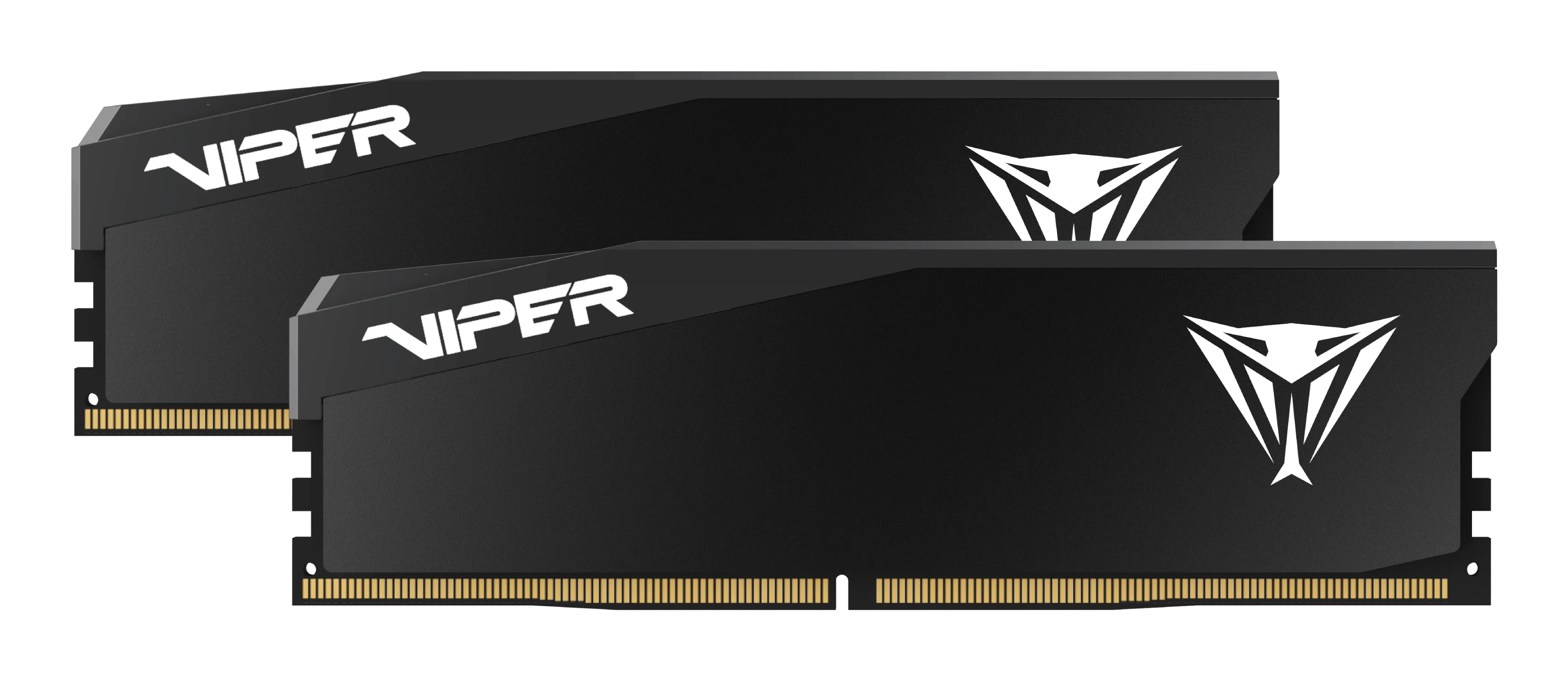
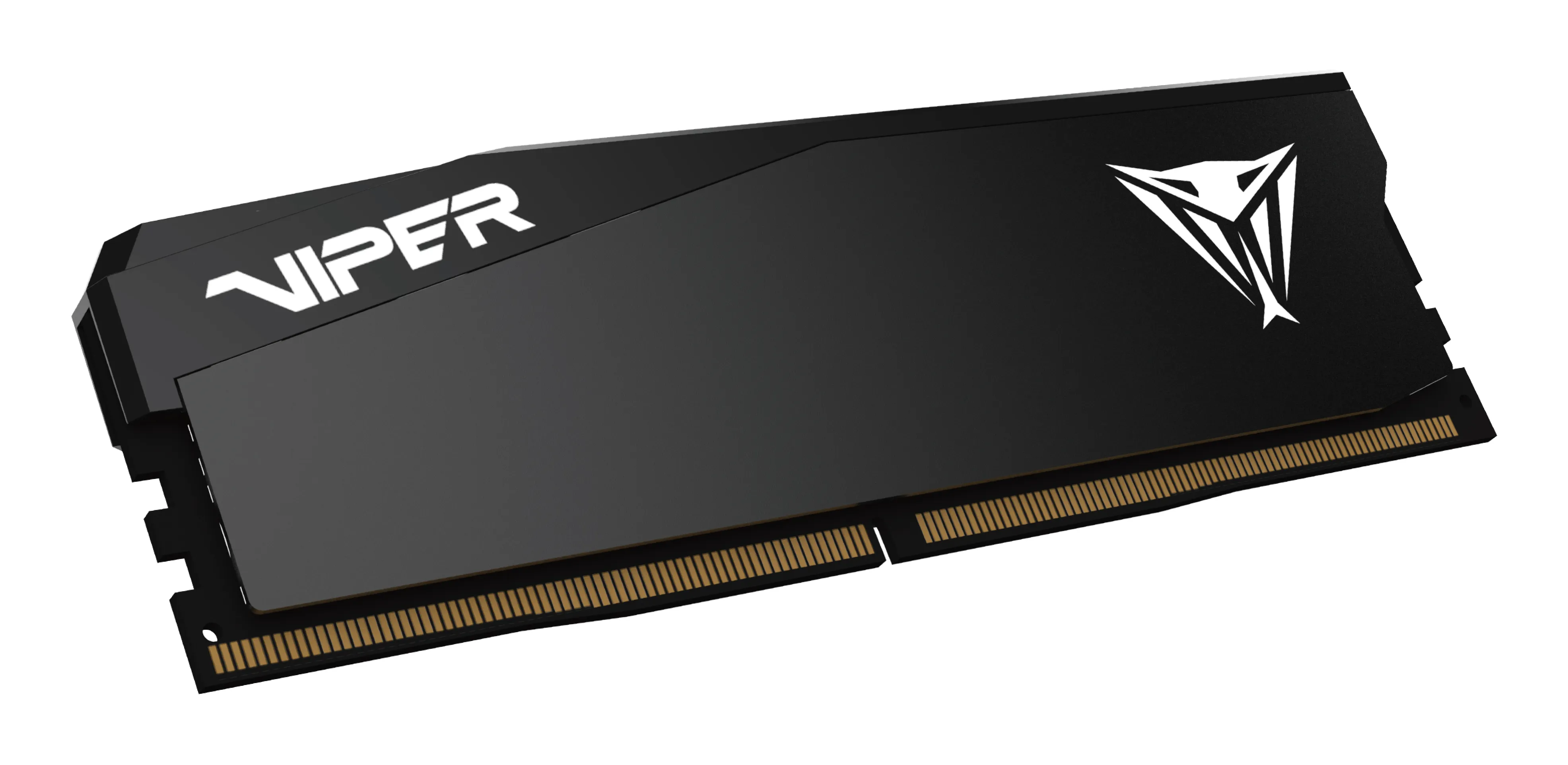
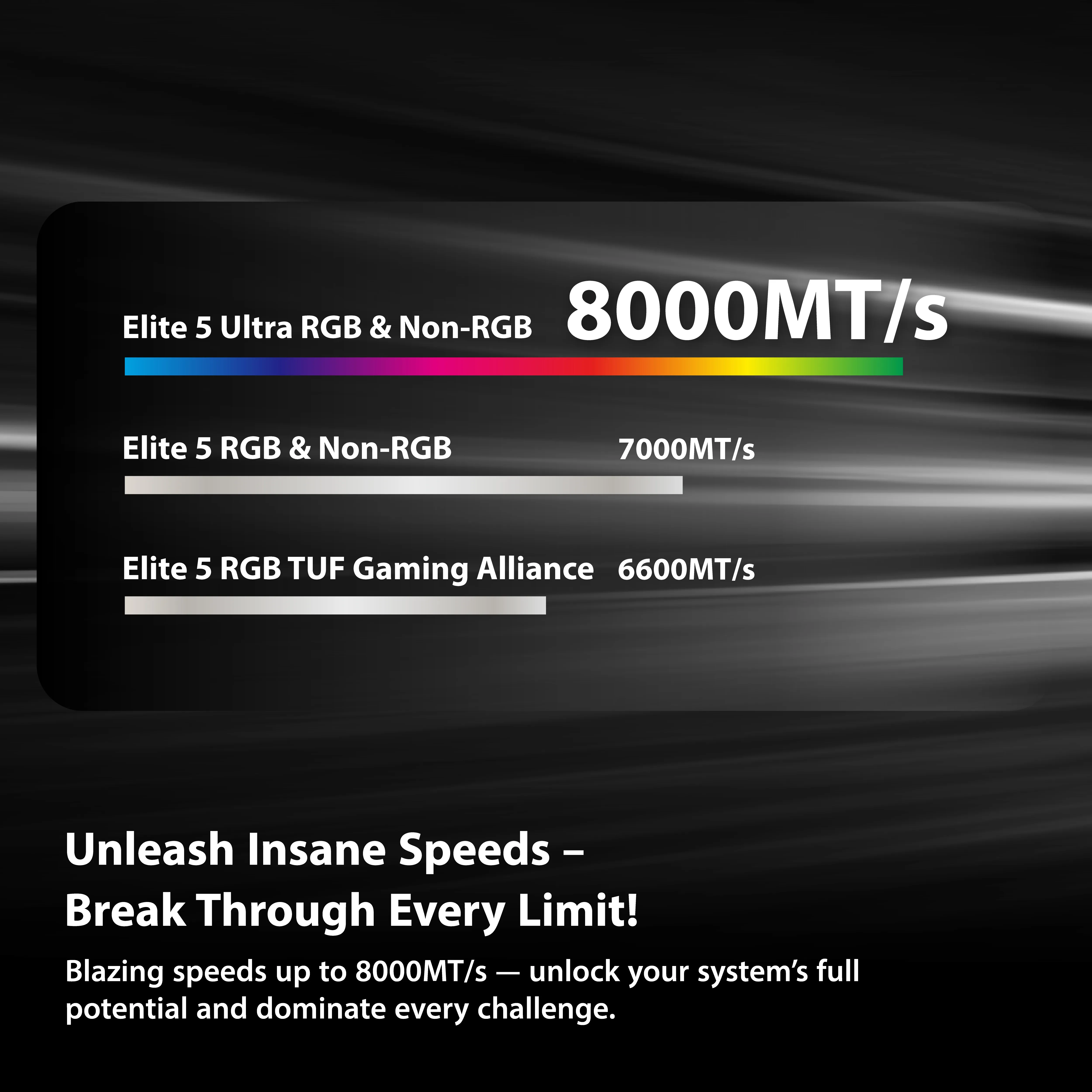
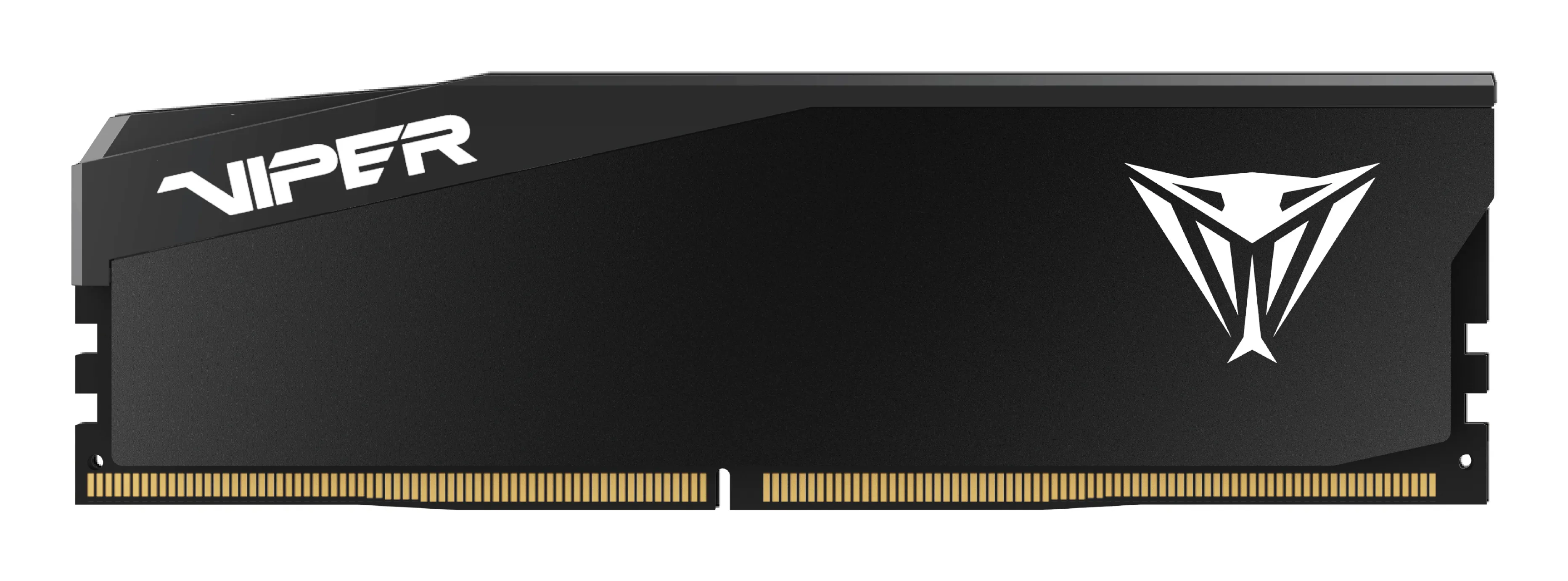
Patriot Viper Elite 5 32 GB (2 x 16 GB) DDR5 6000 MHz, CL28 minne, svart (XMP/EXPO)
Lägg i köpkorgen

589,90€
Beräknad leverans: 17.07 - 20.07
I lager
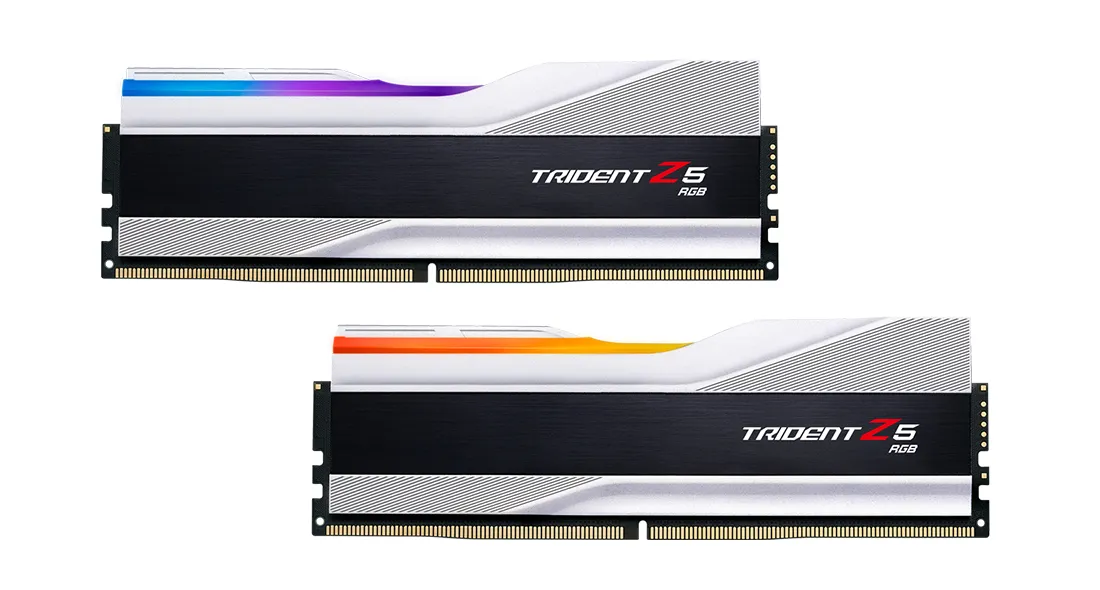
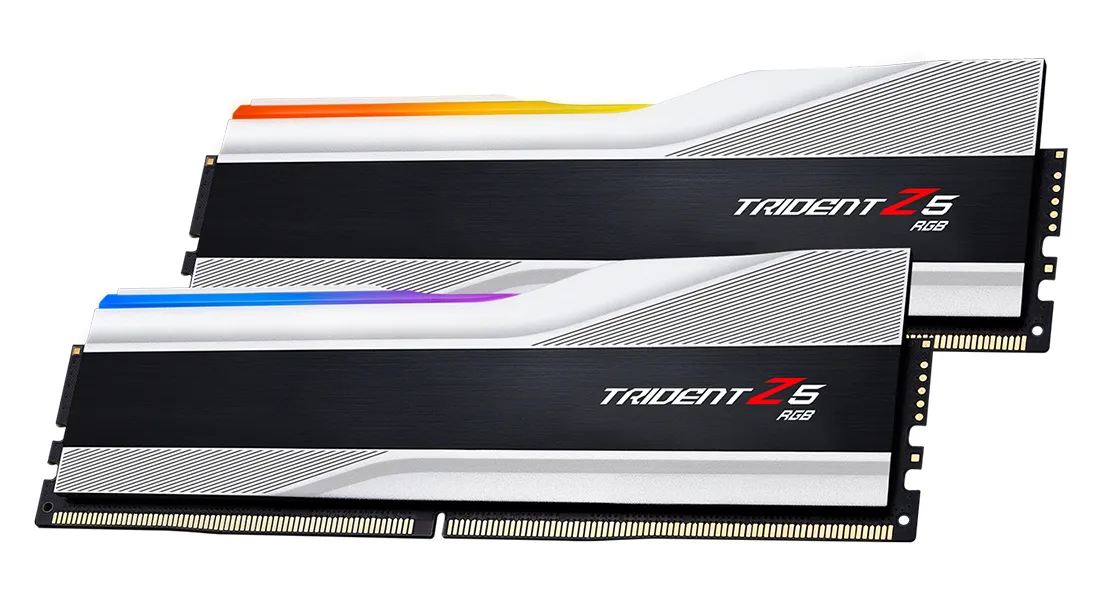
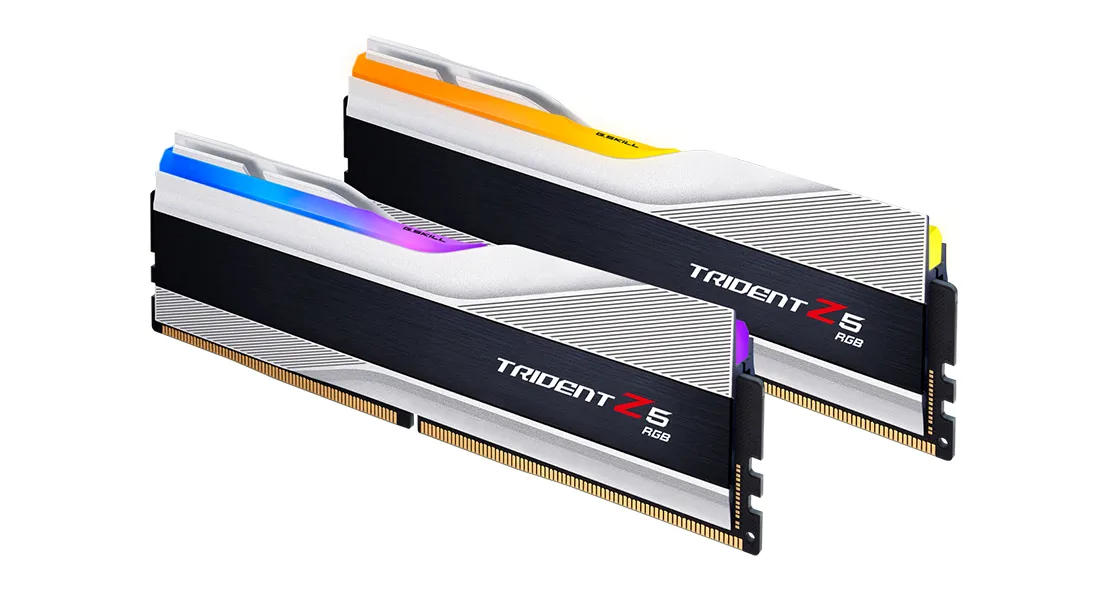
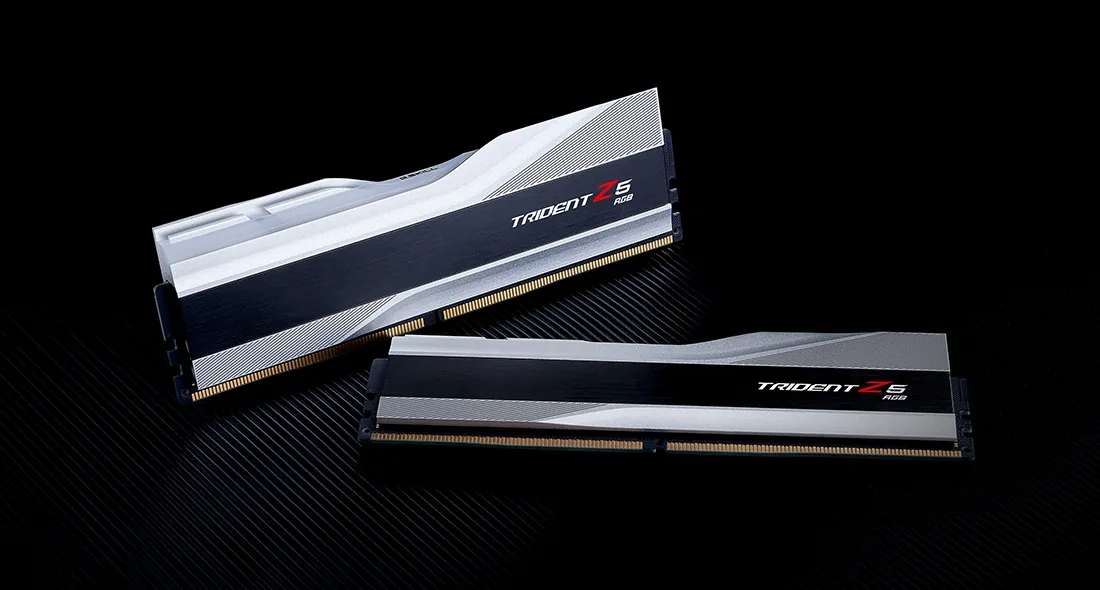
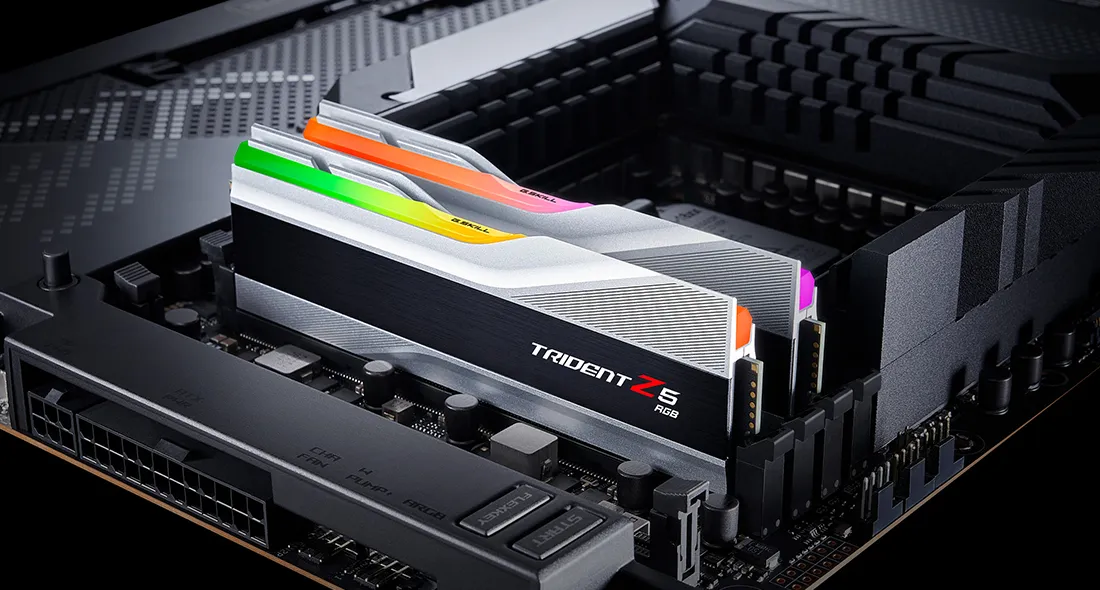
G.SKILL Trident Z5 RGB 32 GB (2 x 16 GB) DDR5 6000 MHz, CL36 minne, silver (XMP)
Lägg i köpkorgen
546,90€
Beräknad leverans: 17.07 - 20.07
I lager
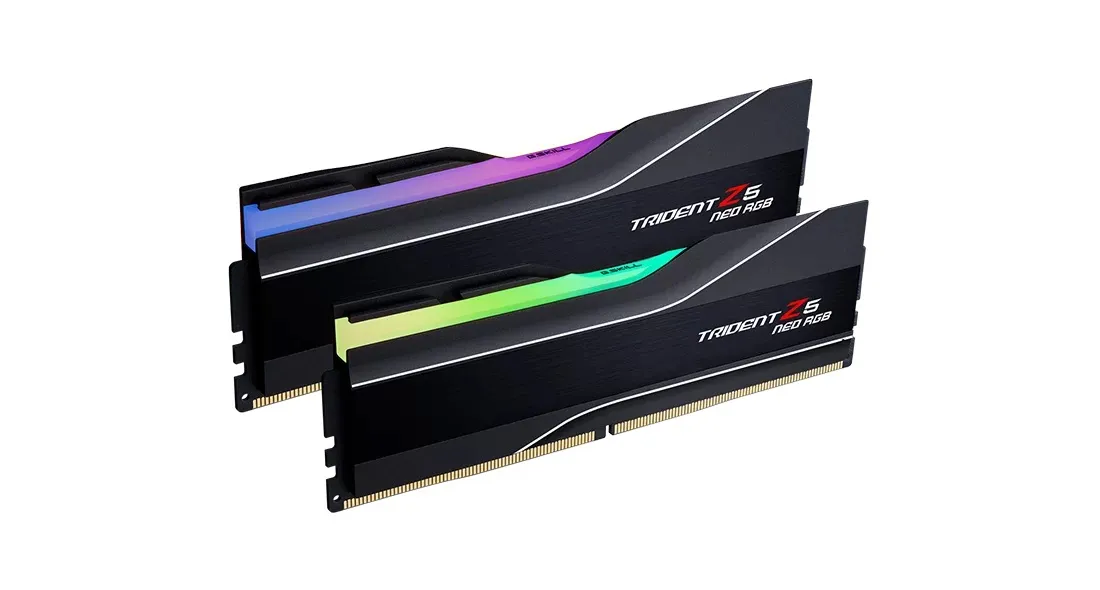
G.SKILL Trident Z5 NEO RGB 64 GB (2 x 32 GB) DDR5 6000 MHz, CL30 minne (EXPO)
Lägg i köpkorgen
1494,90€
Beräknad leverans: 21.07 - 22.07
Finns hos leverantören
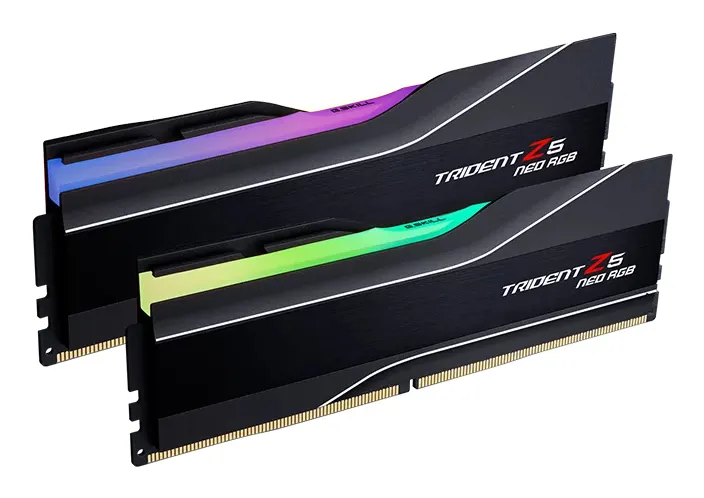
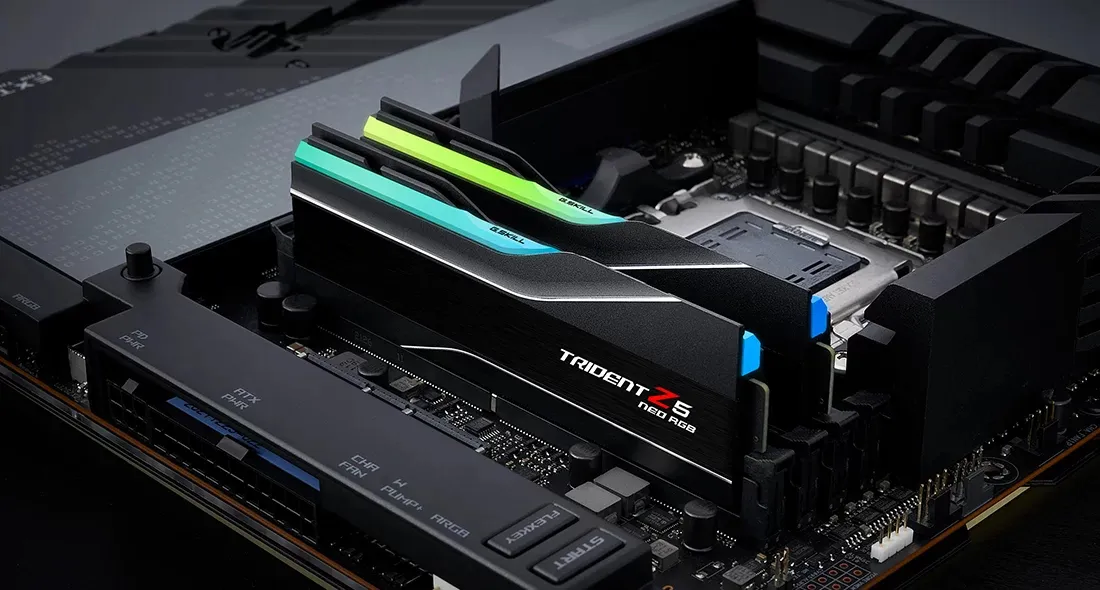
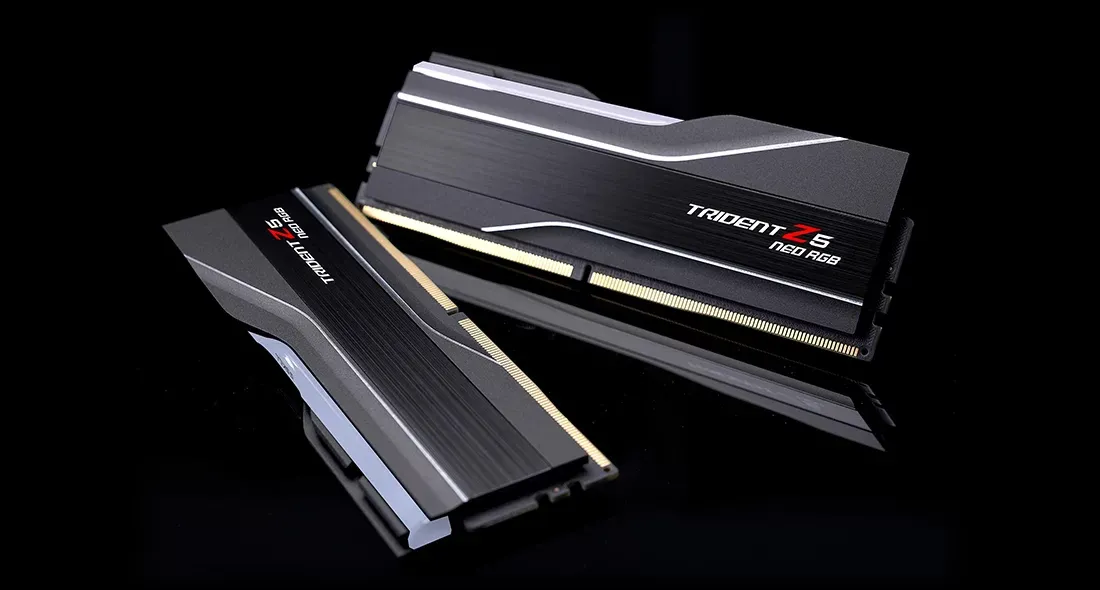
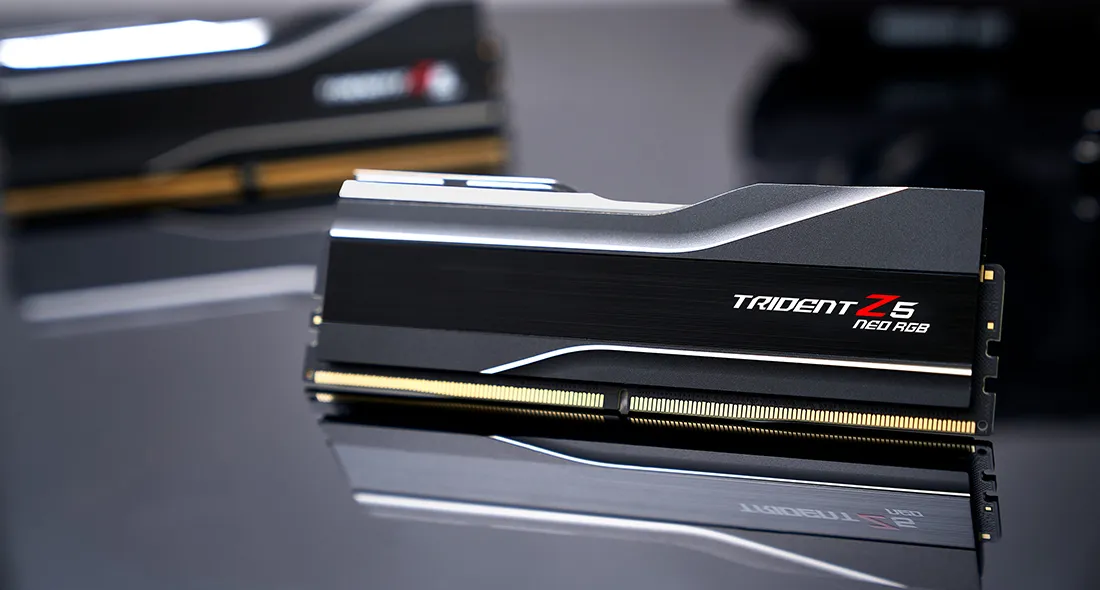
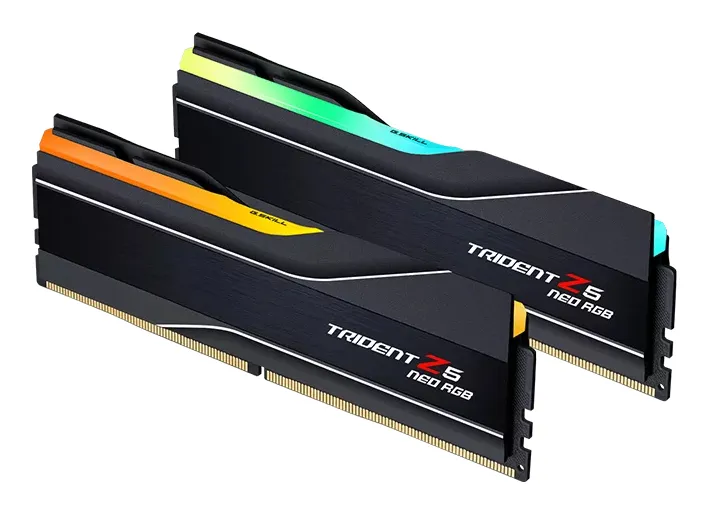
G.SKILL Trident Z5 Neo RGB 32 GB (2 x 16 GB) DDR5 6400 MHz, CL32 minne (EXPO)
Lägg i köpkorgen
636,90€
Beräknad leverans: 21.07 - 22.07
Finns hos leverantören
Patriot Viper Elite 5 Ultra RGB 32 GB (2 x 16 GB) DDR5 6400 MHz, CL32 minne (XMP/EXPO)
Lägg i köpkorgen

611,90€
Beräknad leverans: 24.07 - 27.07
Finns hos leverantören
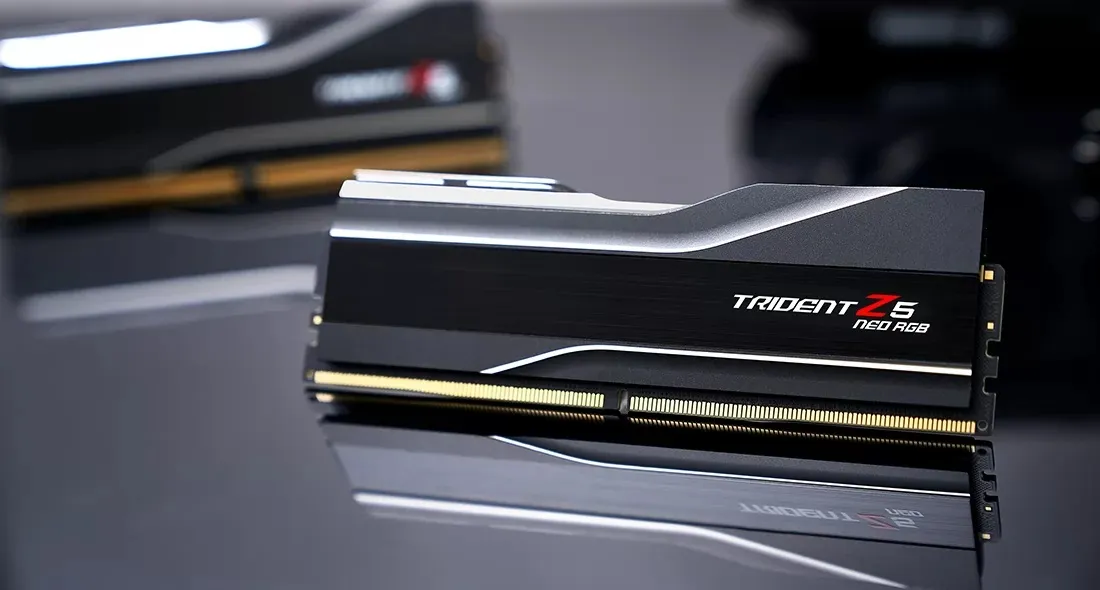
G.SKILL Trident Z5 Neo RGB 32 GB (2 x 16 GB) DDR5 6000 MHz, CL32 minne (EXPO)
Lägg i köpkorgen

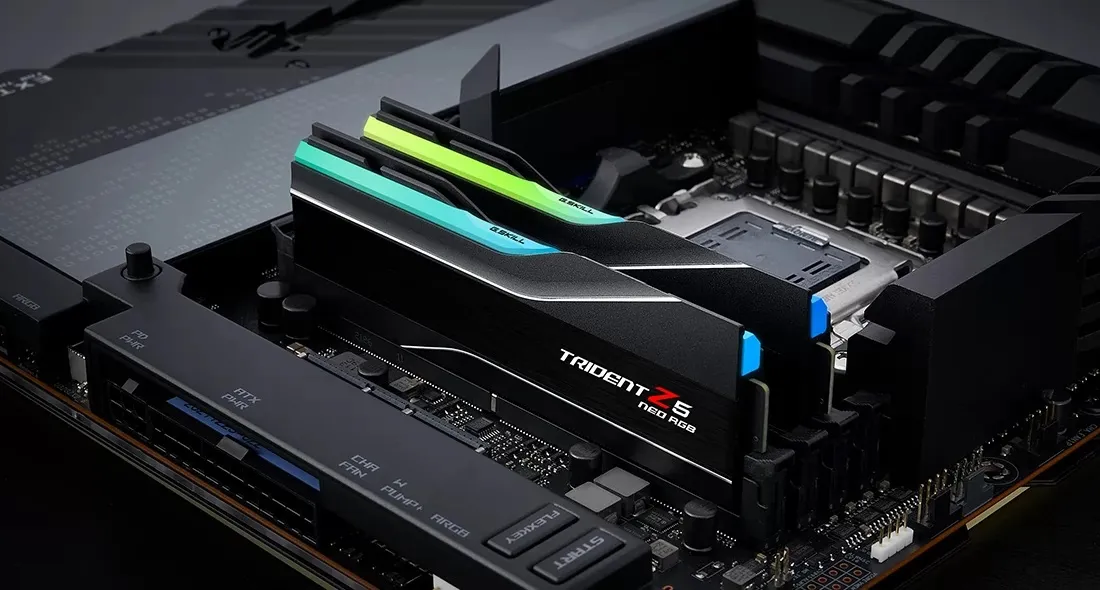


566,90€
Andra tillgängliga versioner
Beräknad leverans: 21.07 - 22.07
Finns hos leverantören
G.SKILL Trident Z5 NEO RGB 64 GB (2 x 32 GB) DDR5 6000 MHz, CL30 minne (EXPO)
Lägg i köpkorgen
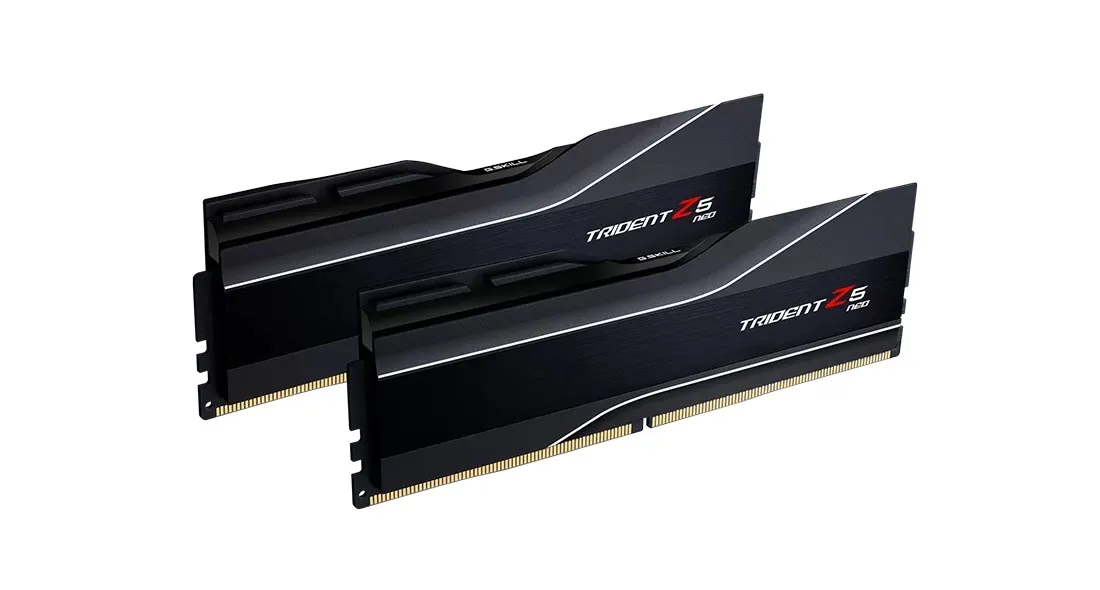
1229,90€
Beräknad leverans: 24.07 - 27.07
Finns hos leverantören
G.SKILL Trident Z5 Neo RGB 64 GB (2 x 32 GB) DDR5 6000 MHz, CL32 minne (EXPO)
Lägg i köpkorgen
1371,90€
Beräknad leverans: 21.07 - 22.07
Finns hos leverantören
G.SKILL Trident Z5 Neo RGB 32 GB (2 x 16 GB) DDR5 6000 MHz, CL28 minne, silver (EXPO)
Lägg i köpkorgen
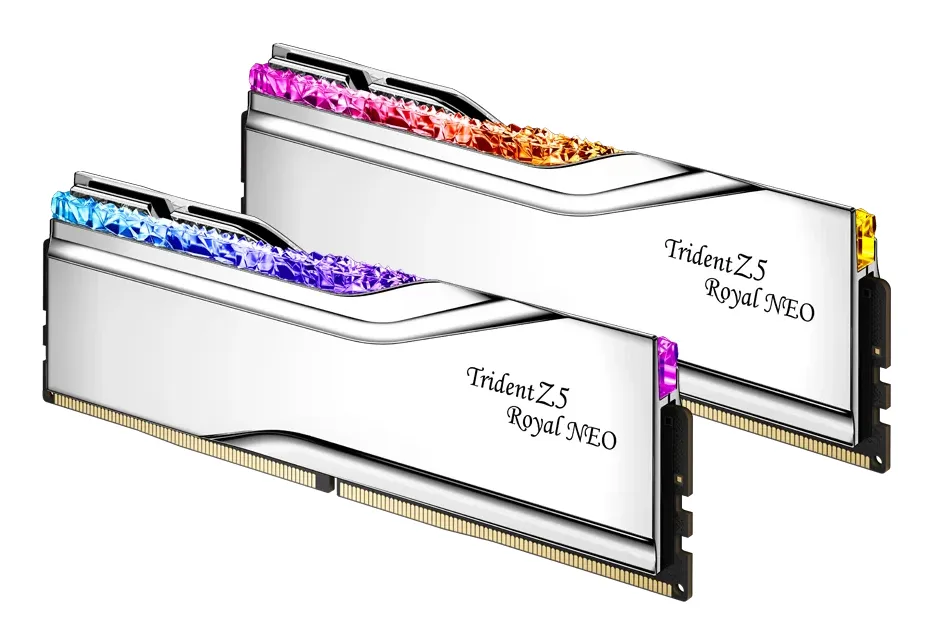
734,90€
Beräknad leverans: 21.07 - 22.07
Finns hos leverantören
G.SKILL Trident Z5 Neo RGB 32 GB (2 x 16 GB) DDR5 6400 MHz, CL30 minne (EXPO)
Lägg i köpkorgen
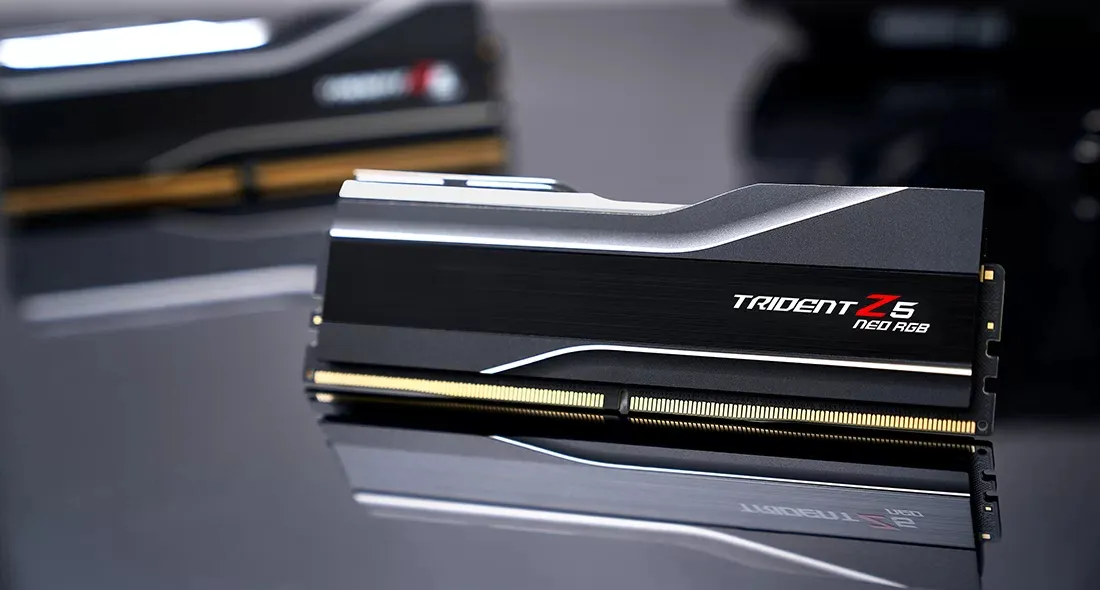
754,90€
Beräknad leverans: 24.07 - 27.07
Finns hos leverantören
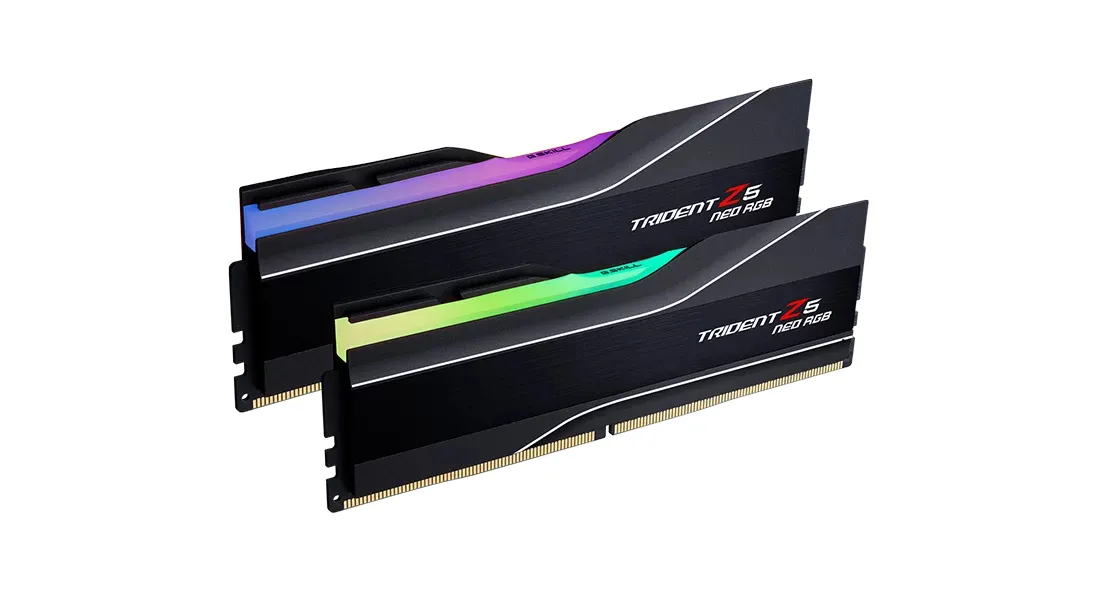
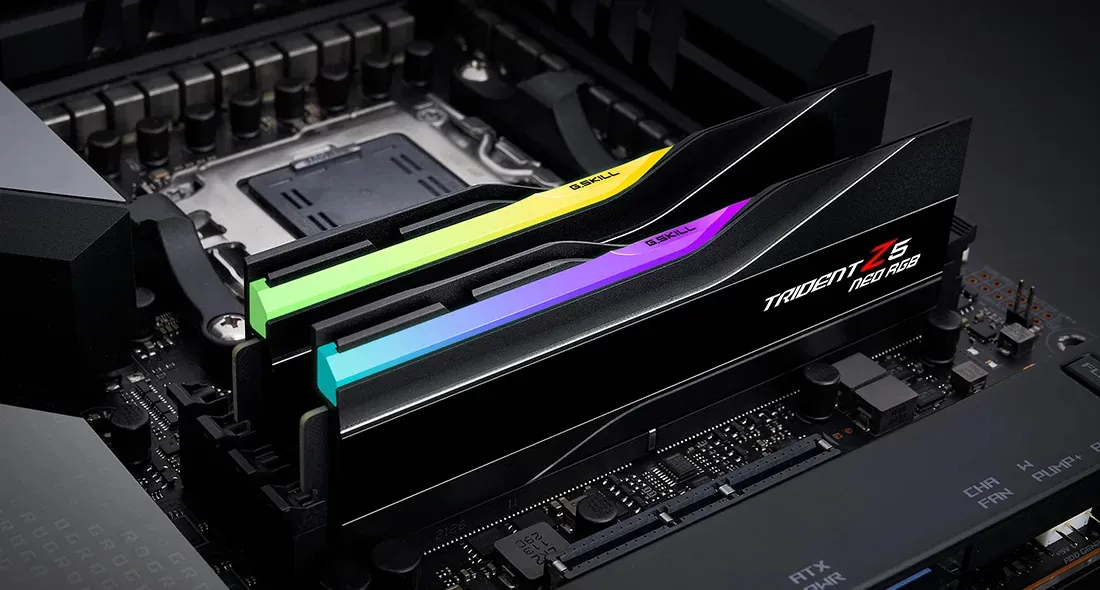
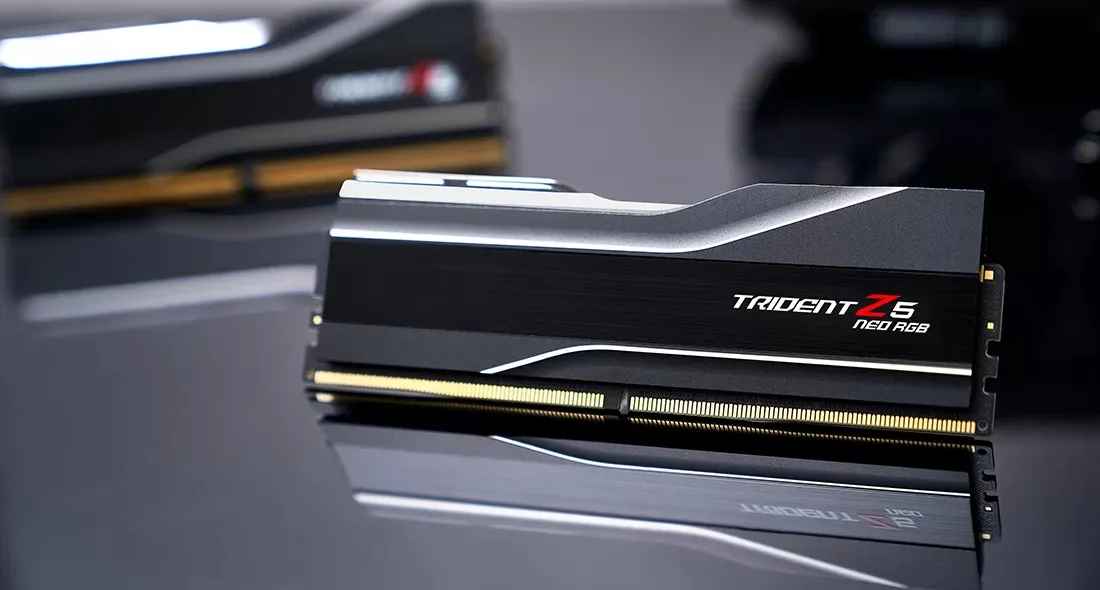
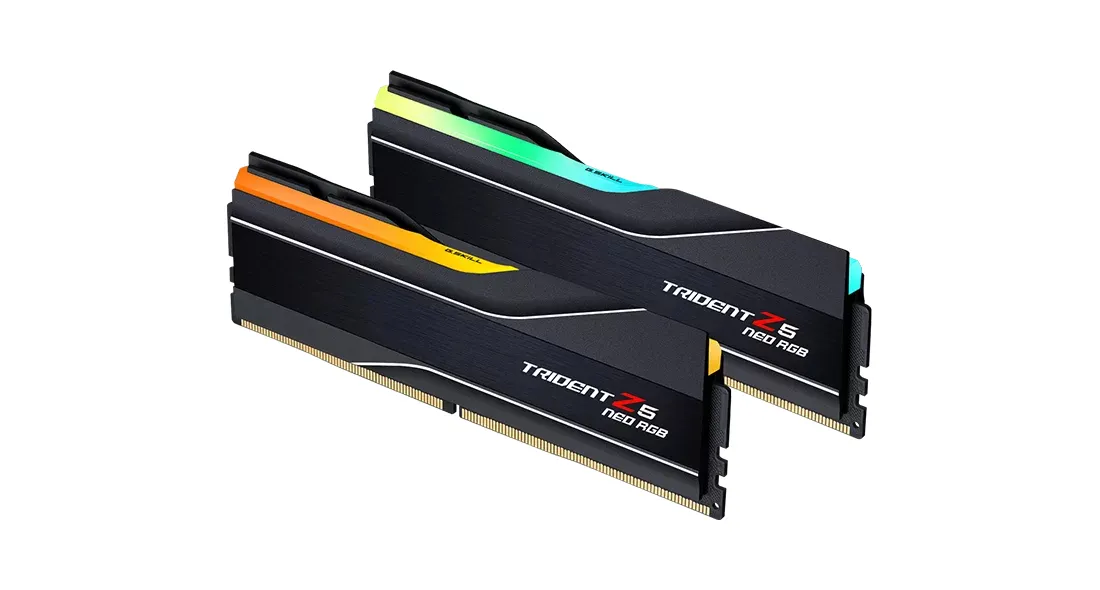
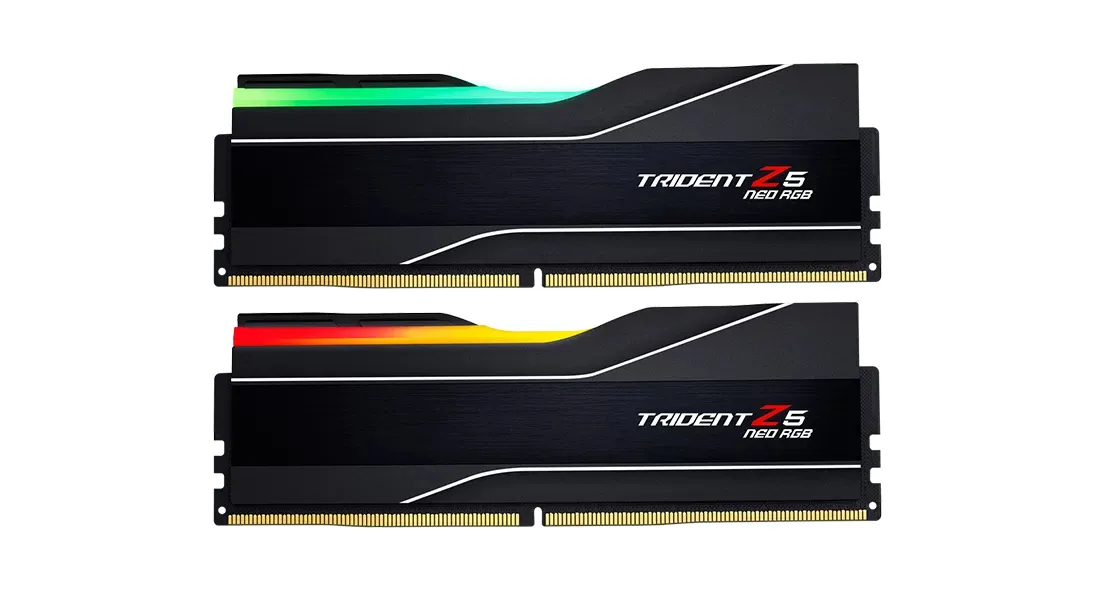
G.SKILL Trident Z5 NEO RGB 48 GB (2 x 24 GB) DDR5 6000 MHz, CL40 minne (EXPO)
Lägg i köpkorgen
842,90€
Beräknad leverans: 21.07 - 22.07
Finns hos leverantören
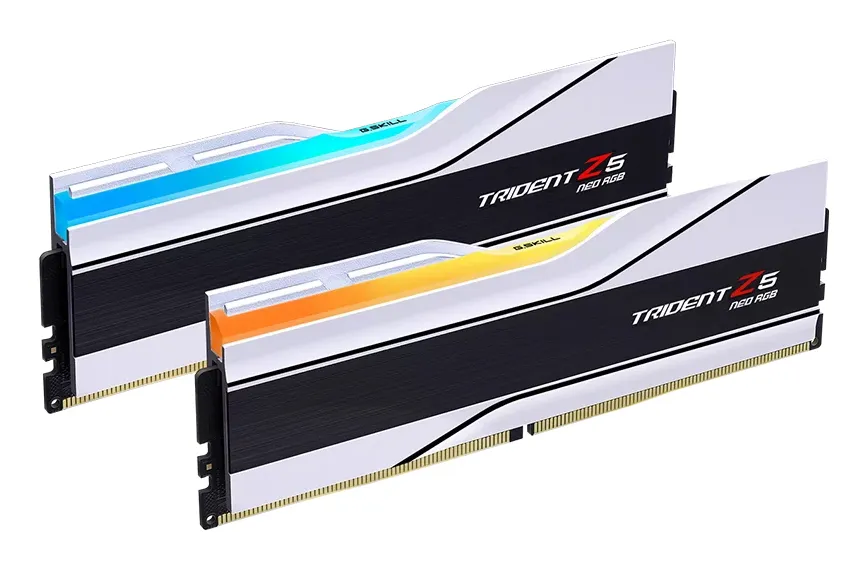
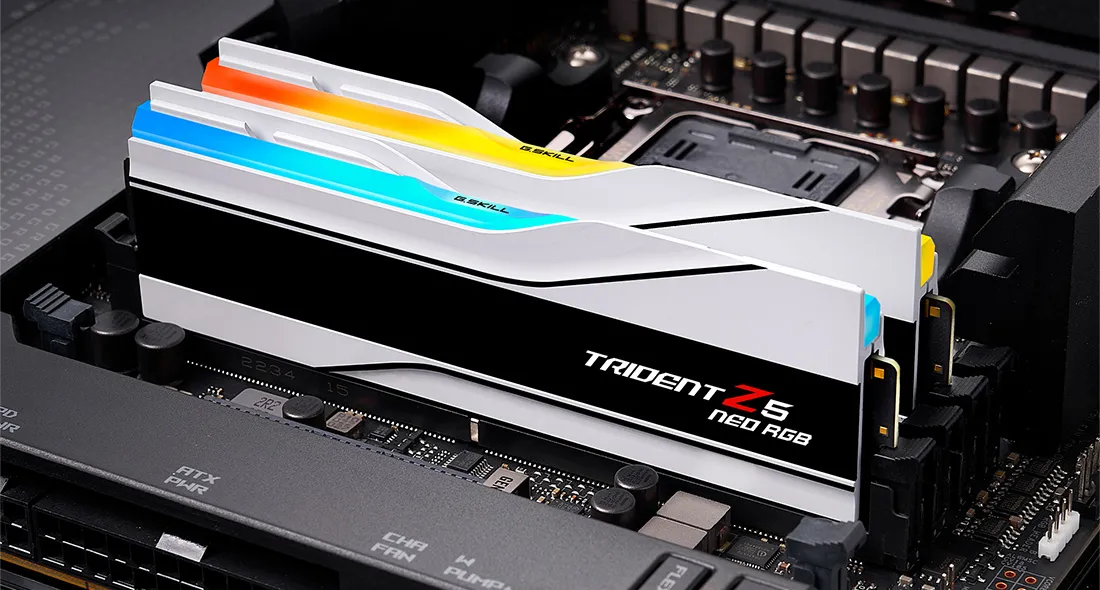
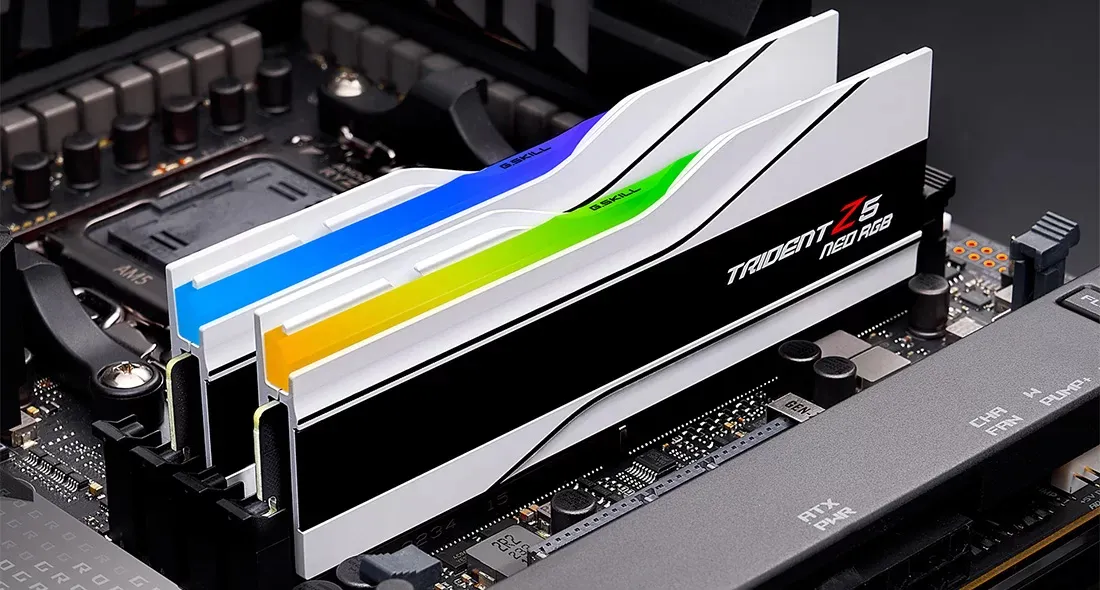
G.SKILL Trident Z5 Neo RGB 32 GB (2 x 16 GB) DDR5 8000 MHz, CL38 minne, vit (EXPO)
Lägg i köpkorgen
1438,90€
Beräknad leverans: 21.07 - 22.07
Finns hos leverantören
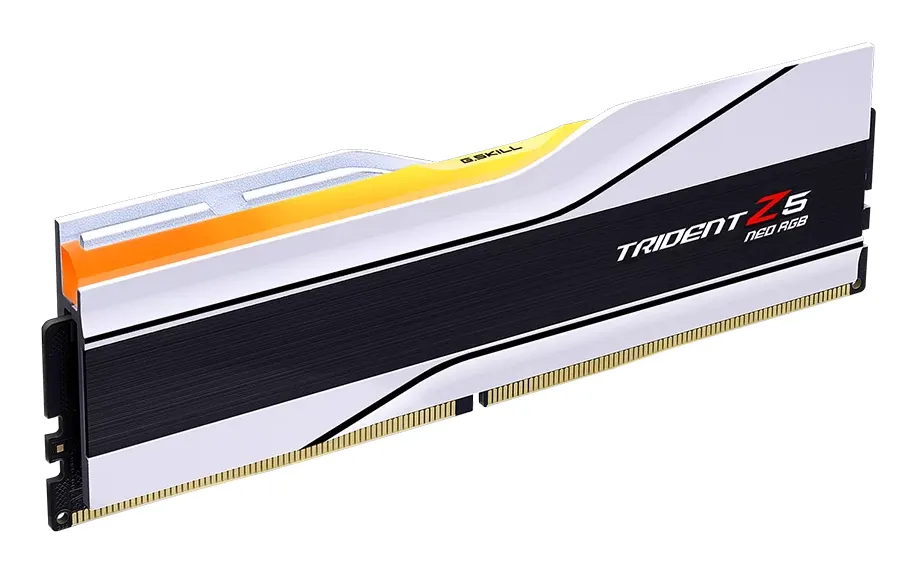
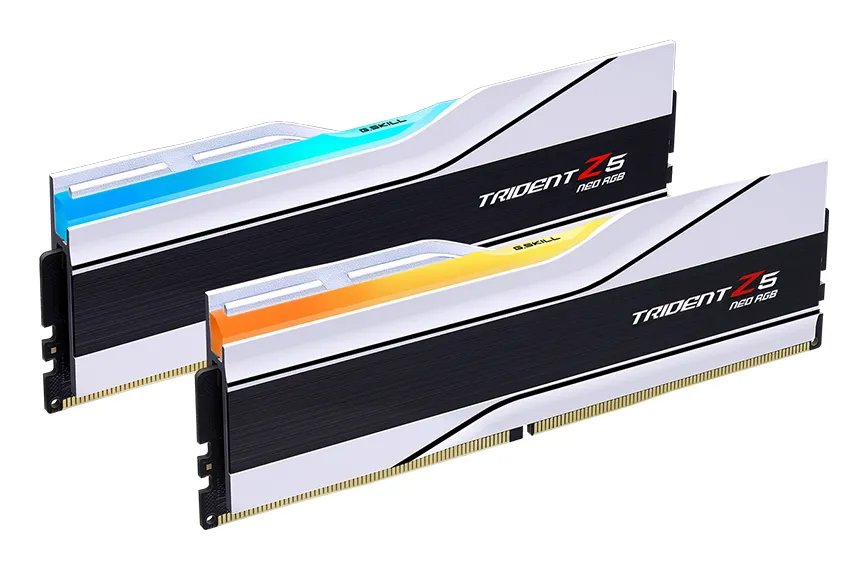
G.SKILL Trident Z5 Neo RGB 64 GB (2 x 32 GB) DDR5 6000 MHz, CL36 minne (EXPO)
Lägg i köpkorgen
1152,90€
Beräknad leverans: 21.07 - 22.07
Finns hos leverantören
G.SKILL Trident Z5 Neo RGB 32 GB (2 x 16 GB) DDR5 6400 MHz, CL30 minne, silver (EXPO)
Lägg i köpkorgen
1338,90€
Beräknad leverans: 21.07 - 22.07
Finns hos leverantören
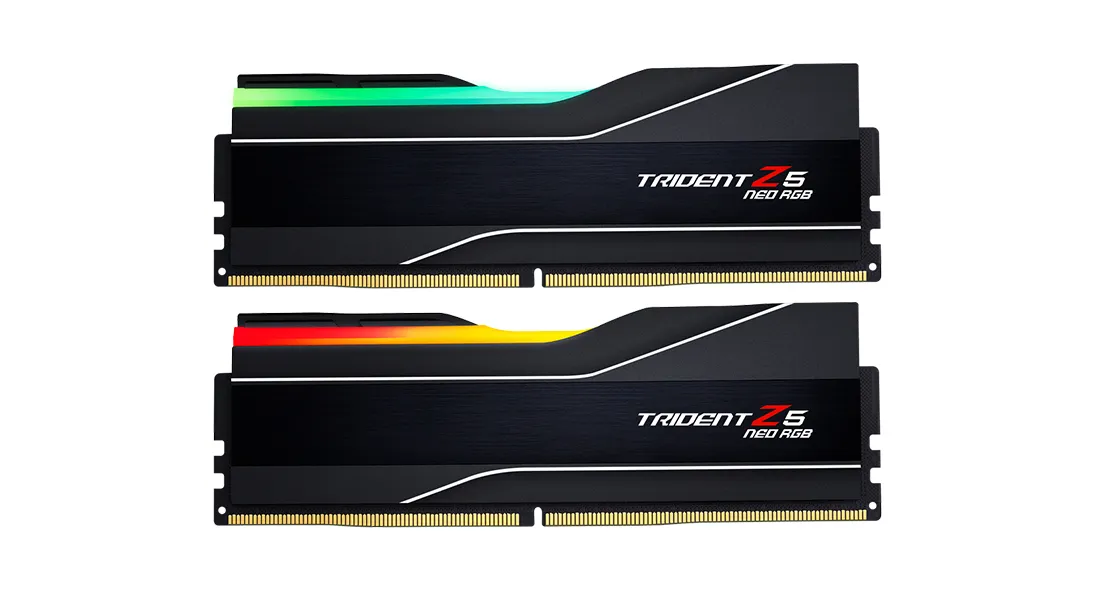
G.SKILL Trident Z5 Neo RGB 32 GB (2 x 16 GB) DDR5 6000 MHz, CL30 minne (EXPO)
Lägg i köpkorgen



639,90€
Andra tillgängliga versioner
Beräknad leverans: 24.07 - 27.07
Finns hos leverantören
Bläddra bland DDR4 RAM
Visa alla
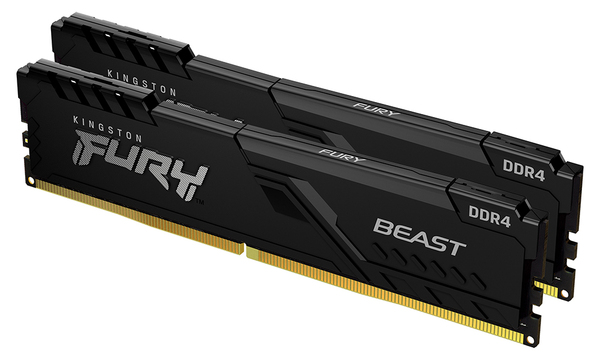
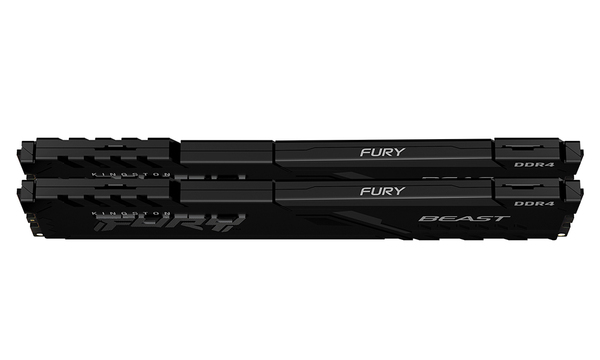
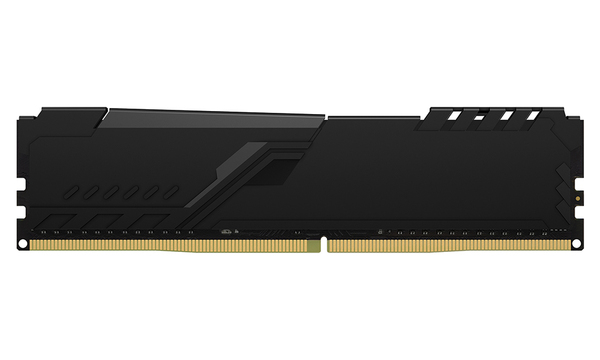
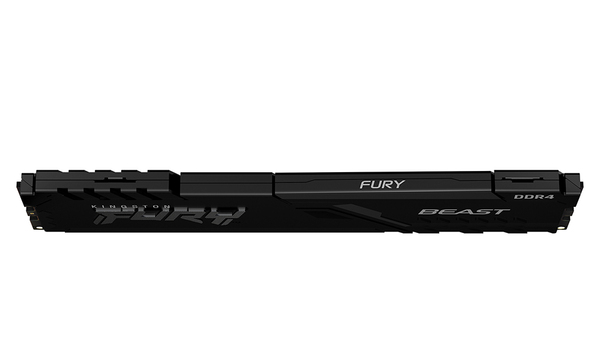
Kingston FURY Beast 16 GB (2 x 8 GB) DDR4 3200 MHz, CL16 minne (XMP)
Lägg i köpkorgen

174,90€
Andra tillgängliga versioner
Beräknad leverans: 17.07 - 20.07
I lager
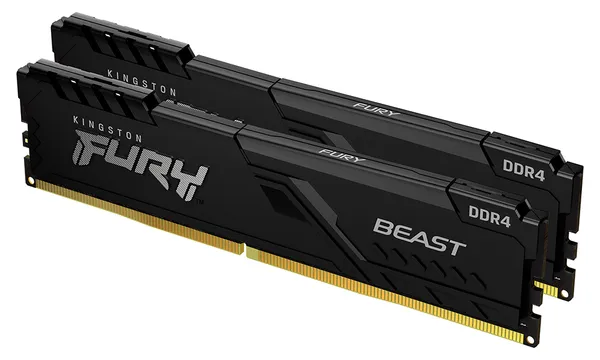
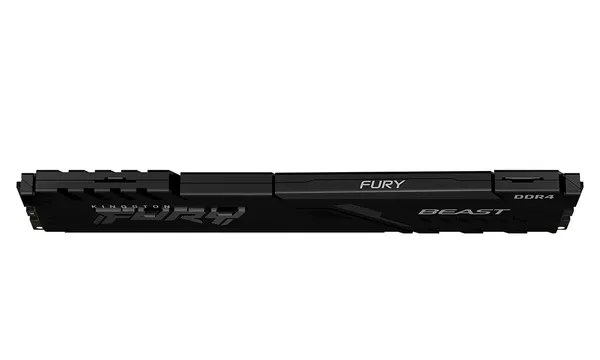
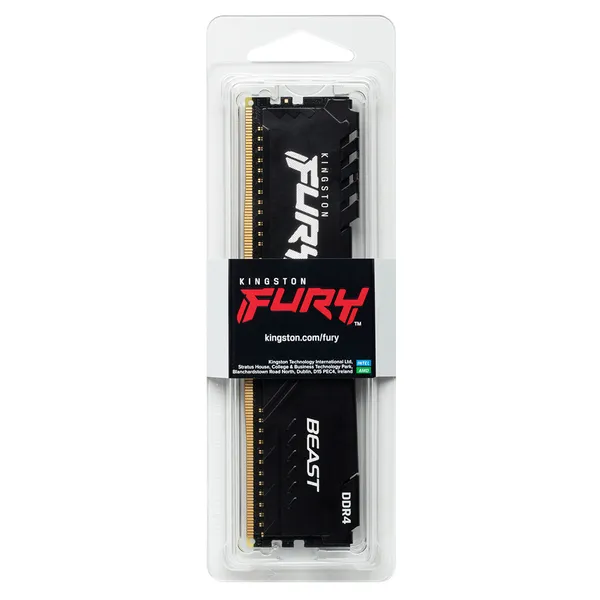
Kingston FURY Beast 32 GB (2 x 16 GB) DDR4 3200 MHz, CL16 minne (XMP)
Lägg i köpkorgen
319,90€
Andra tillgängliga versioner
Beräknad leverans: 24.07 - 27.07
Finns hos leverantören
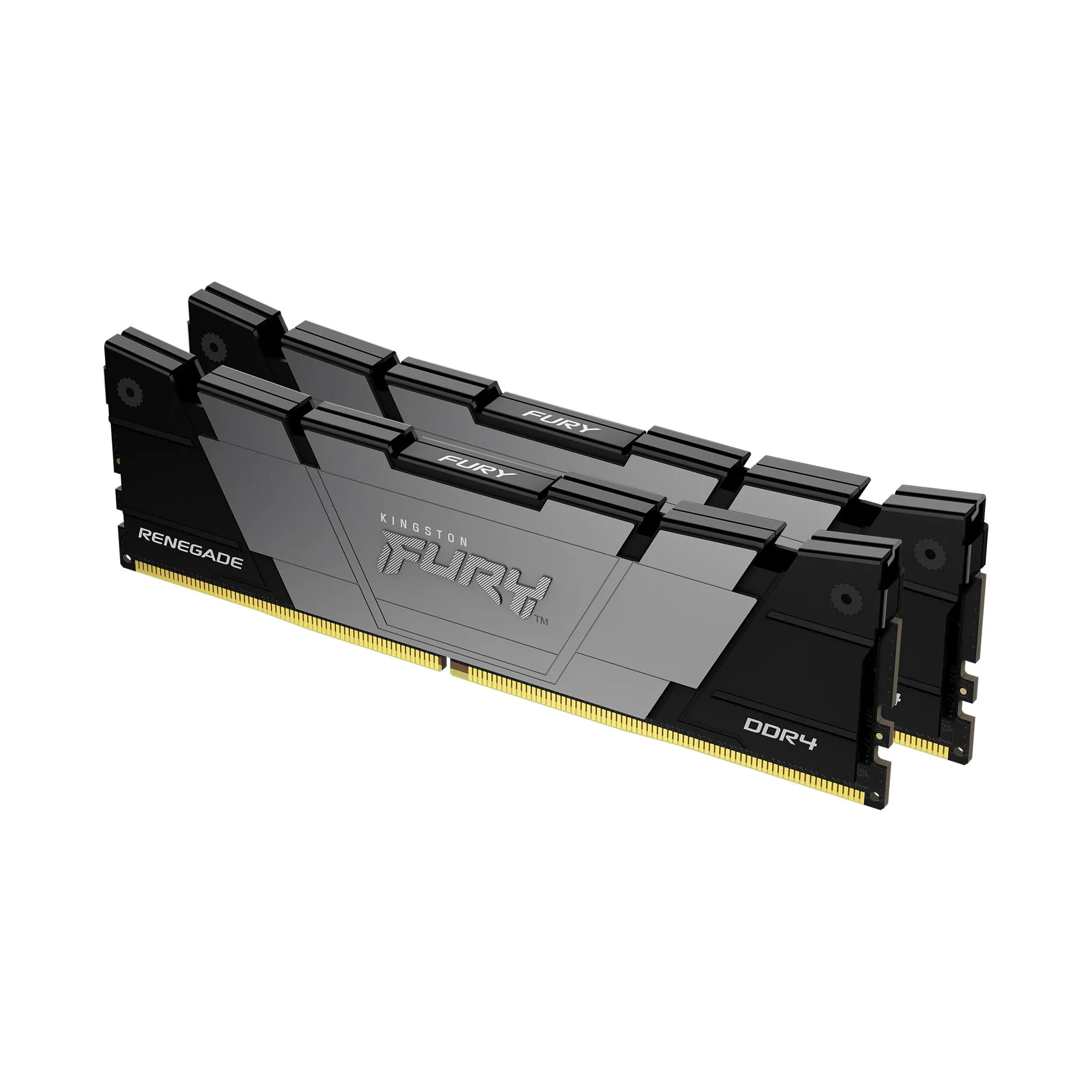
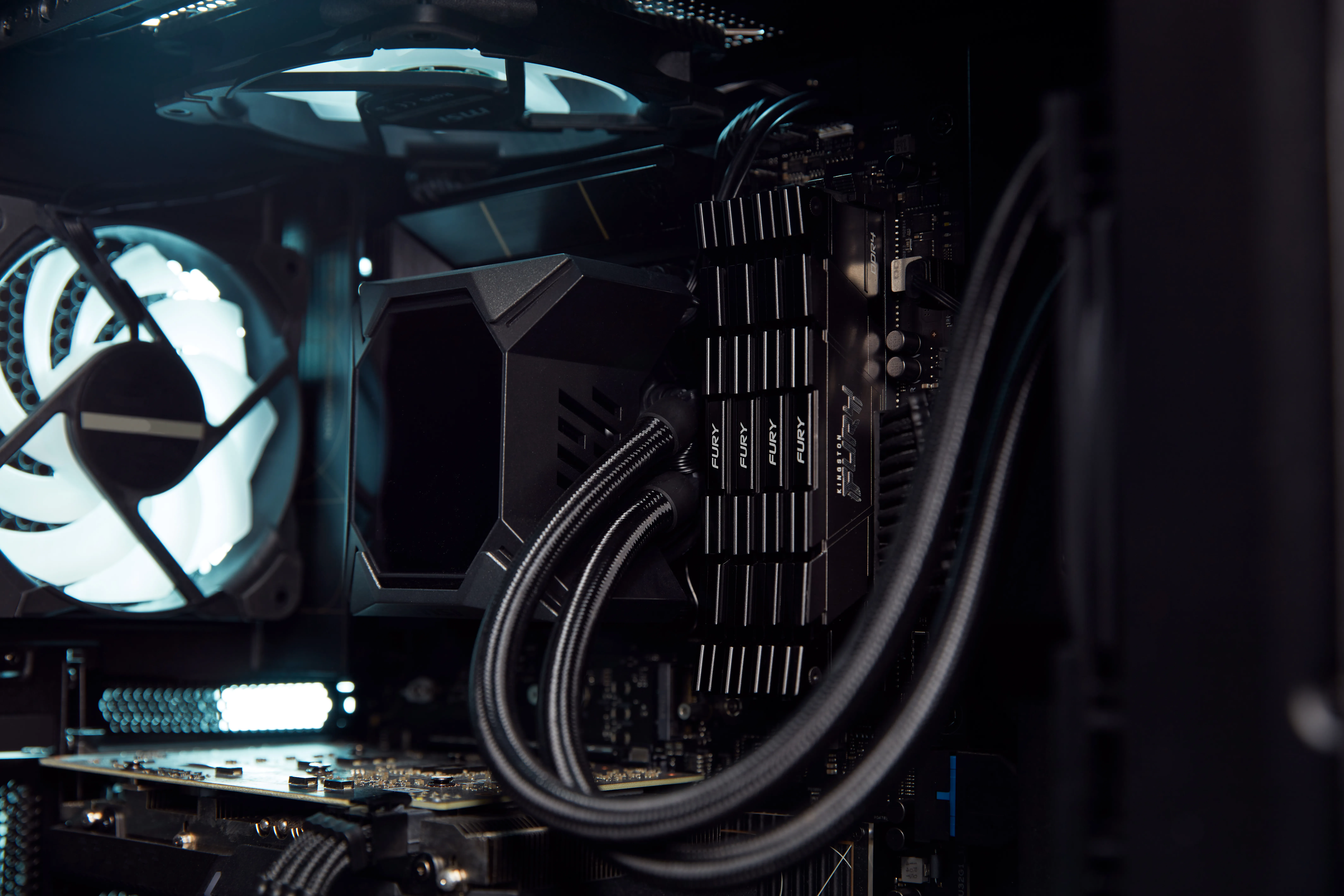
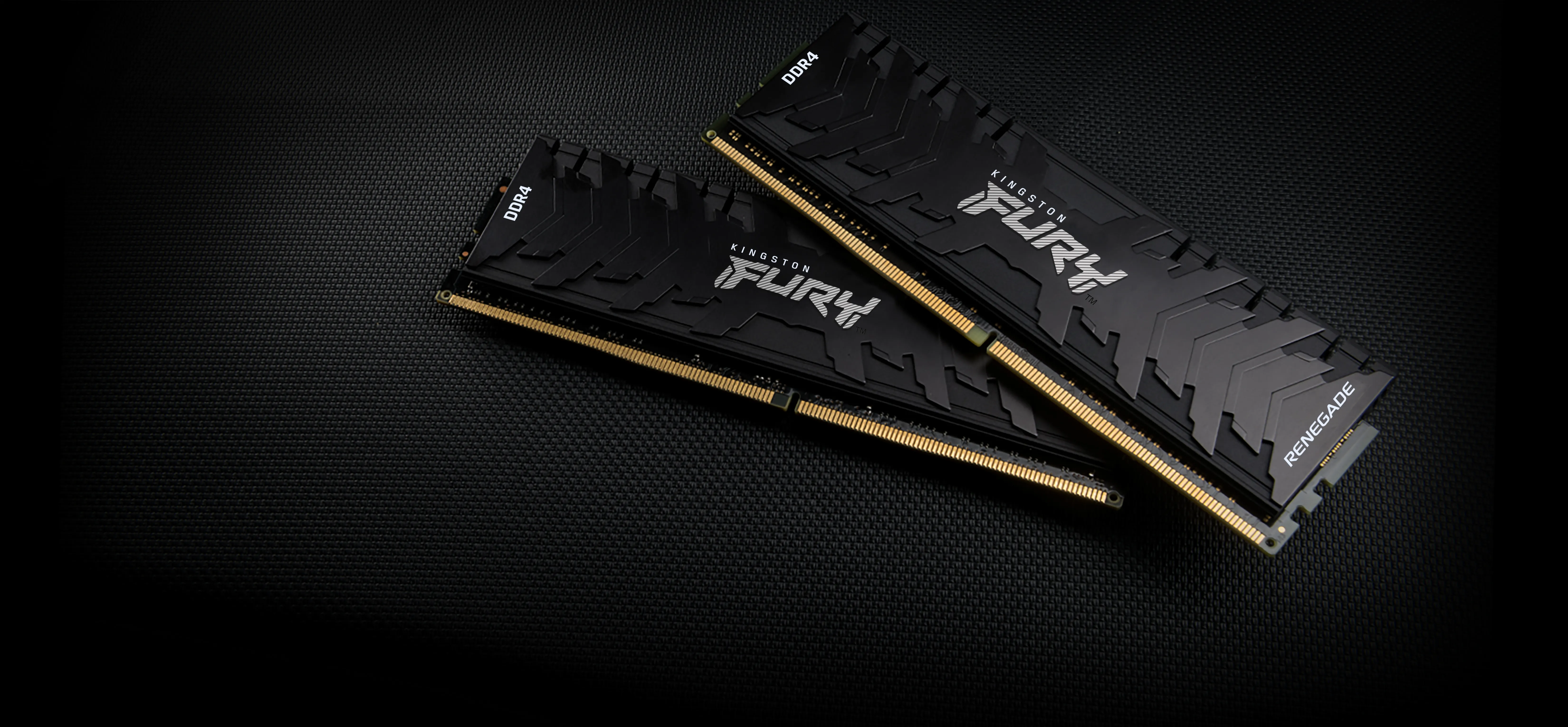
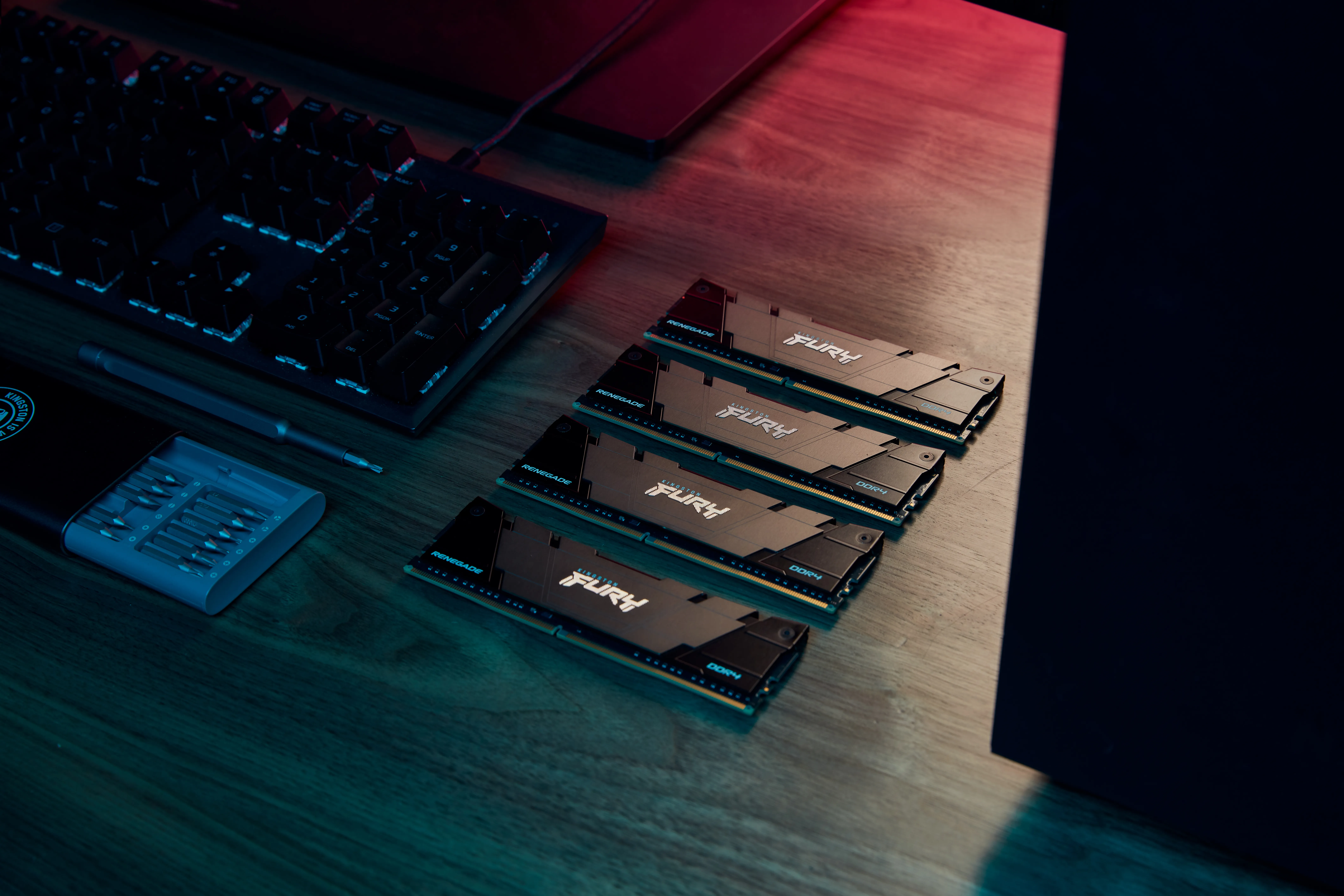
Kingston FURY Renegade 16 GB (2 x 8 GB) DDR4 3600 MHz, CL16 minne (XMP)
Lägg i köpkorgen
169,00€ 179,00€
Andra tillgängliga versioner
Beräknad leverans: 17.07 - 20.07
I lager
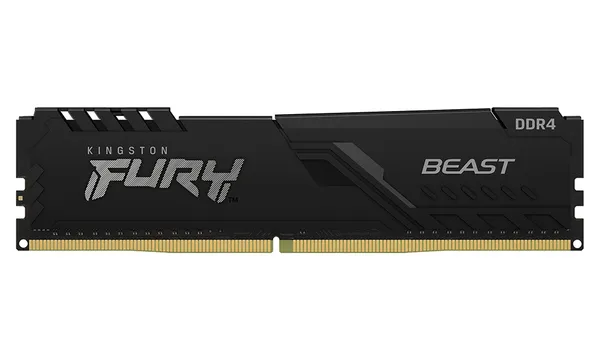
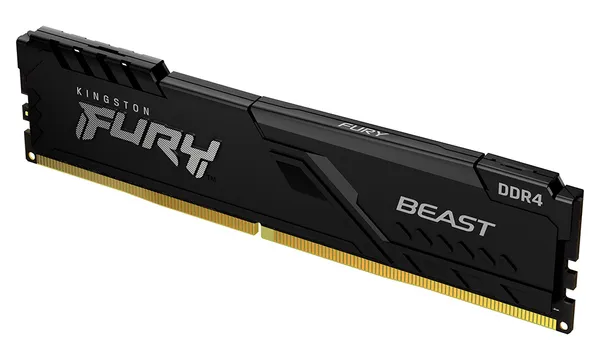
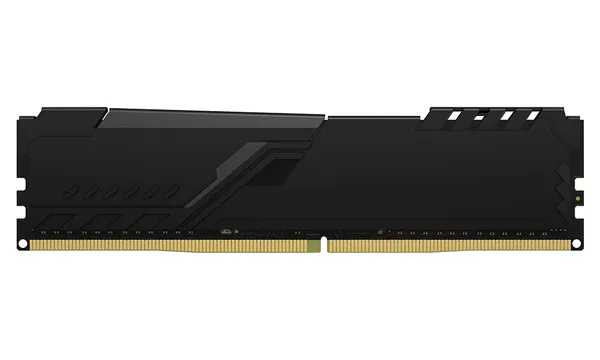
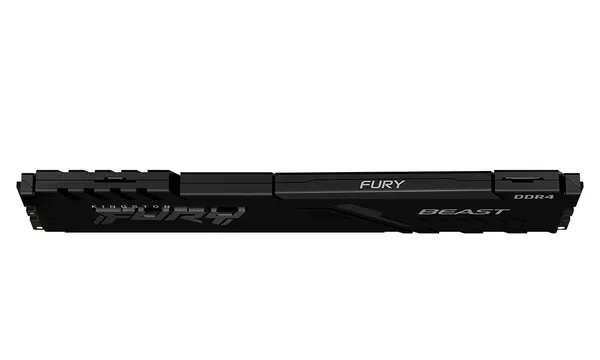
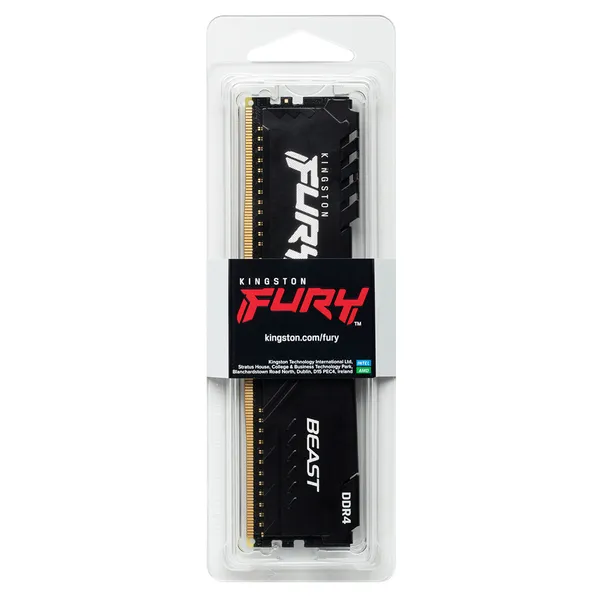
Kingston FURY Beast 8 GB (1 x 8 GB) DDR4 3200 MHz, CL16 minne (XMP)
Lägg i köpkorgen
124,90€
Andra tillgängliga versioner
Beräknad leverans: 24.07 - 27.07
Finns hos leverantören
G.SKILL Ripjaws V 32 GB (2 x 16 GB) DDR4 3200 MHz, CL16 minne (XMP)
Lägg i köpkorgen


249,90€
Beräknad leverans: 17.07 - 20.07
I lager
Kingston FURY Beast 32 GB (1 x 32 GB) DDR4 3600 MHz, CL18 minne (XMP)
Lägg i köpkorgen


316,90€
Andra tillgängliga versioner
Beräknad leverans: 21.07 - 22.07
Finns hos leverantören
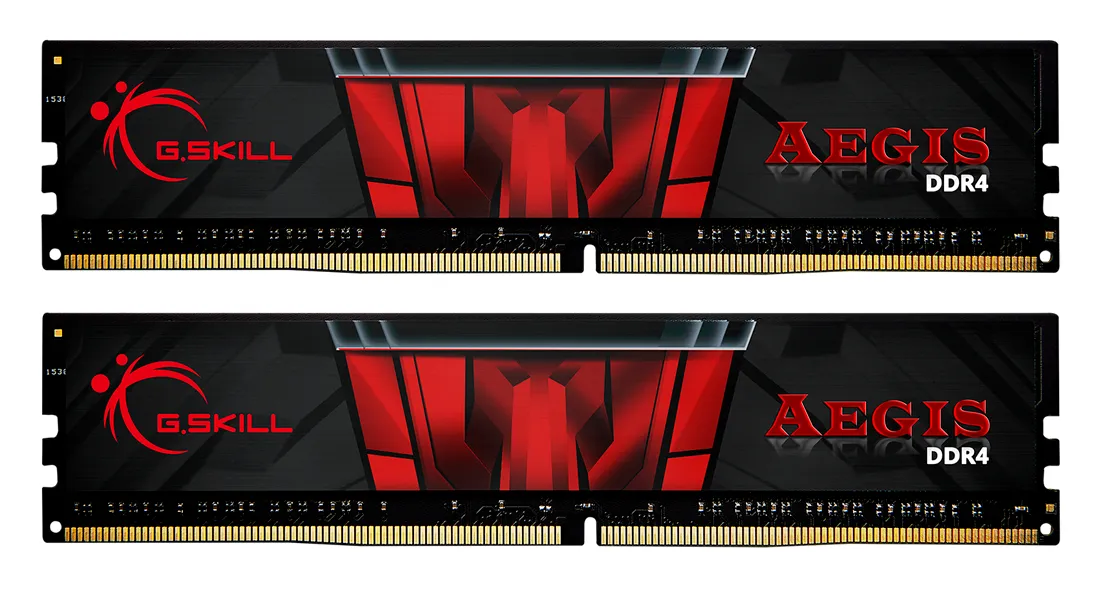
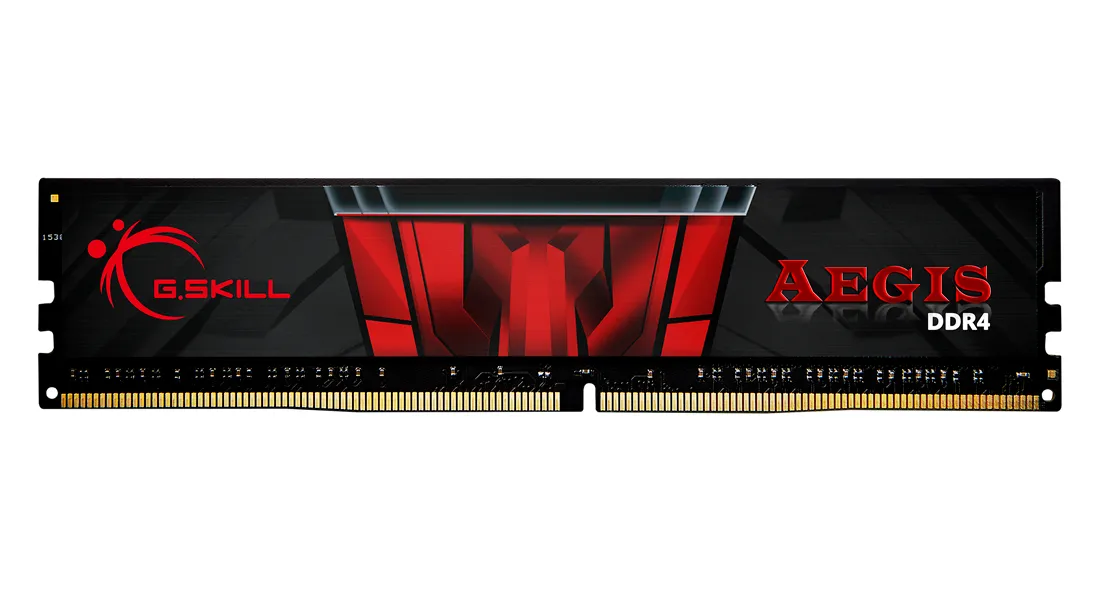
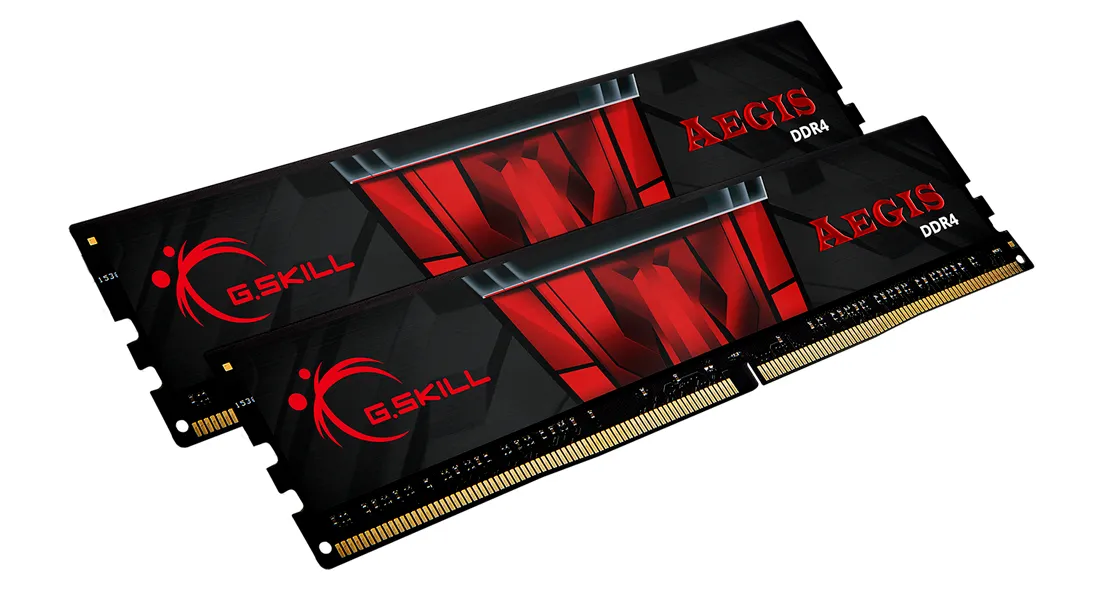
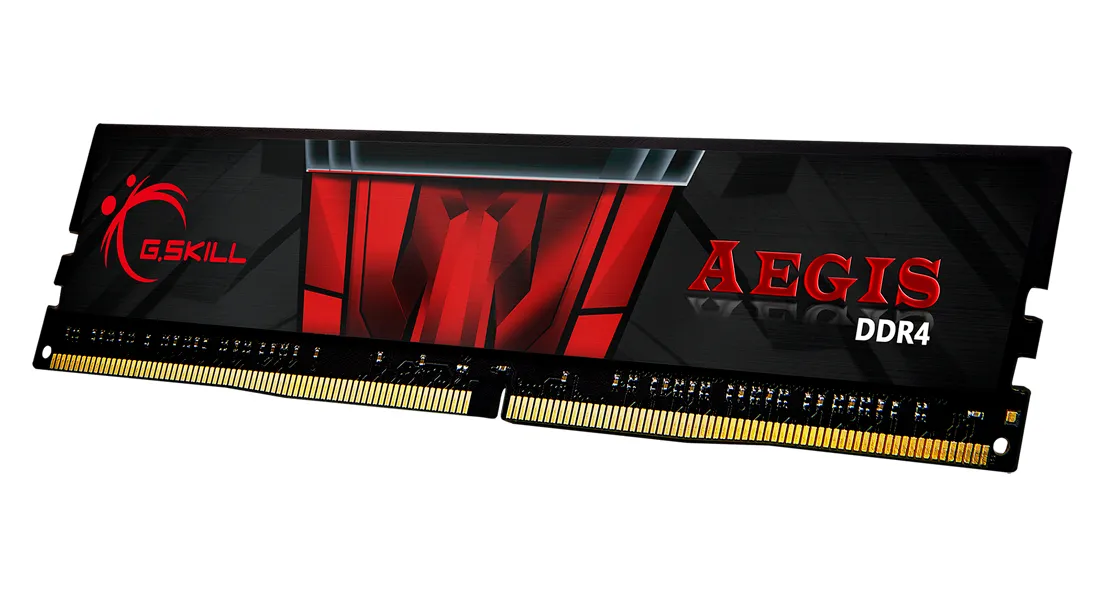
G.SKILL Aegis 16 GB (2 x 8 GB) DDR4 3200 MHz, CL16 minne (XMP)
Lägg i köpkorgen
129,90€
Beräknad leverans: 24.07 - 27.07
Finns hos leverantören
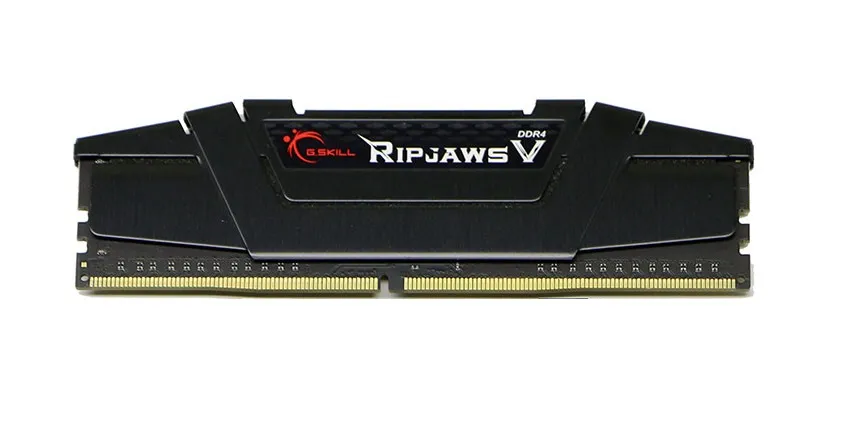
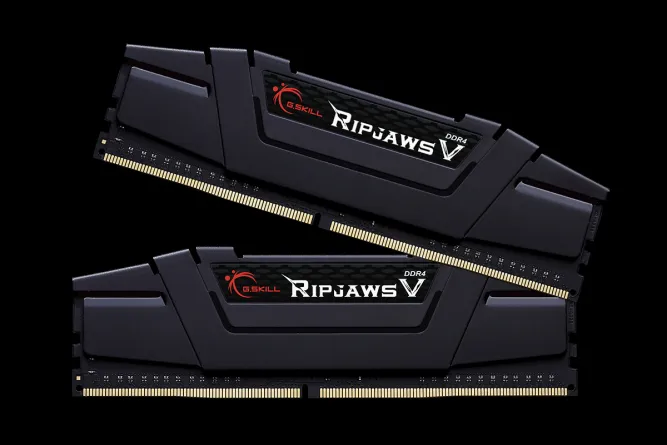
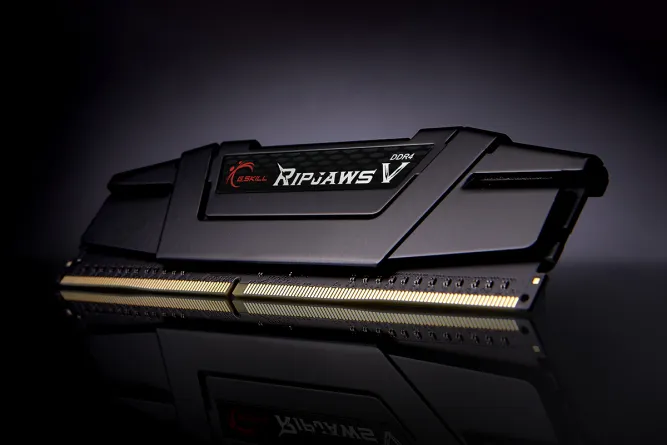
G.SKILL Ripjaws V 16 GB (2 x 8 GB) DDR4 3200 MHz, CL16 minne (XMP)
Lägg i köpkorgen
146,90€
Beräknad leverans: 24.07 - 27.07
Finns hos leverantören
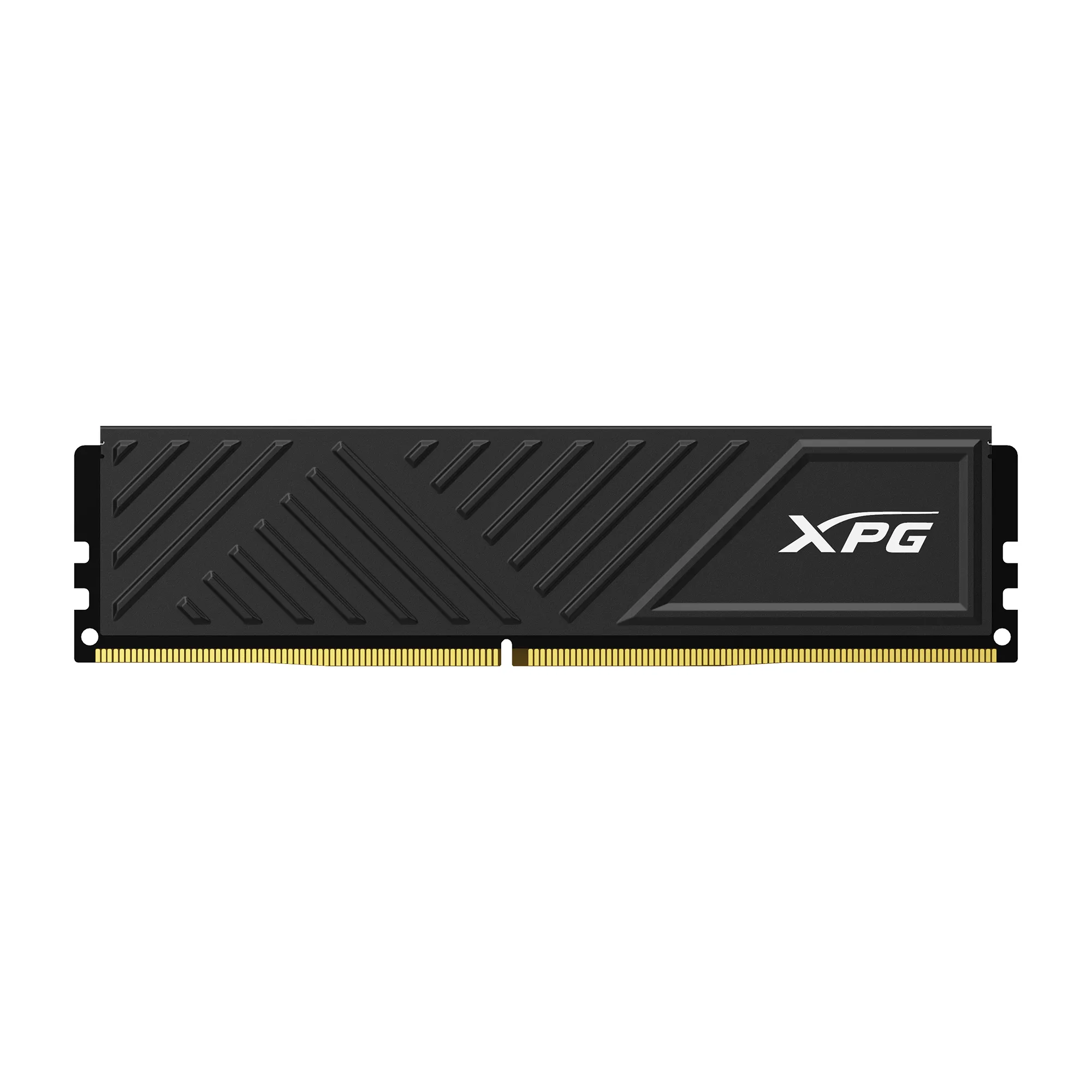
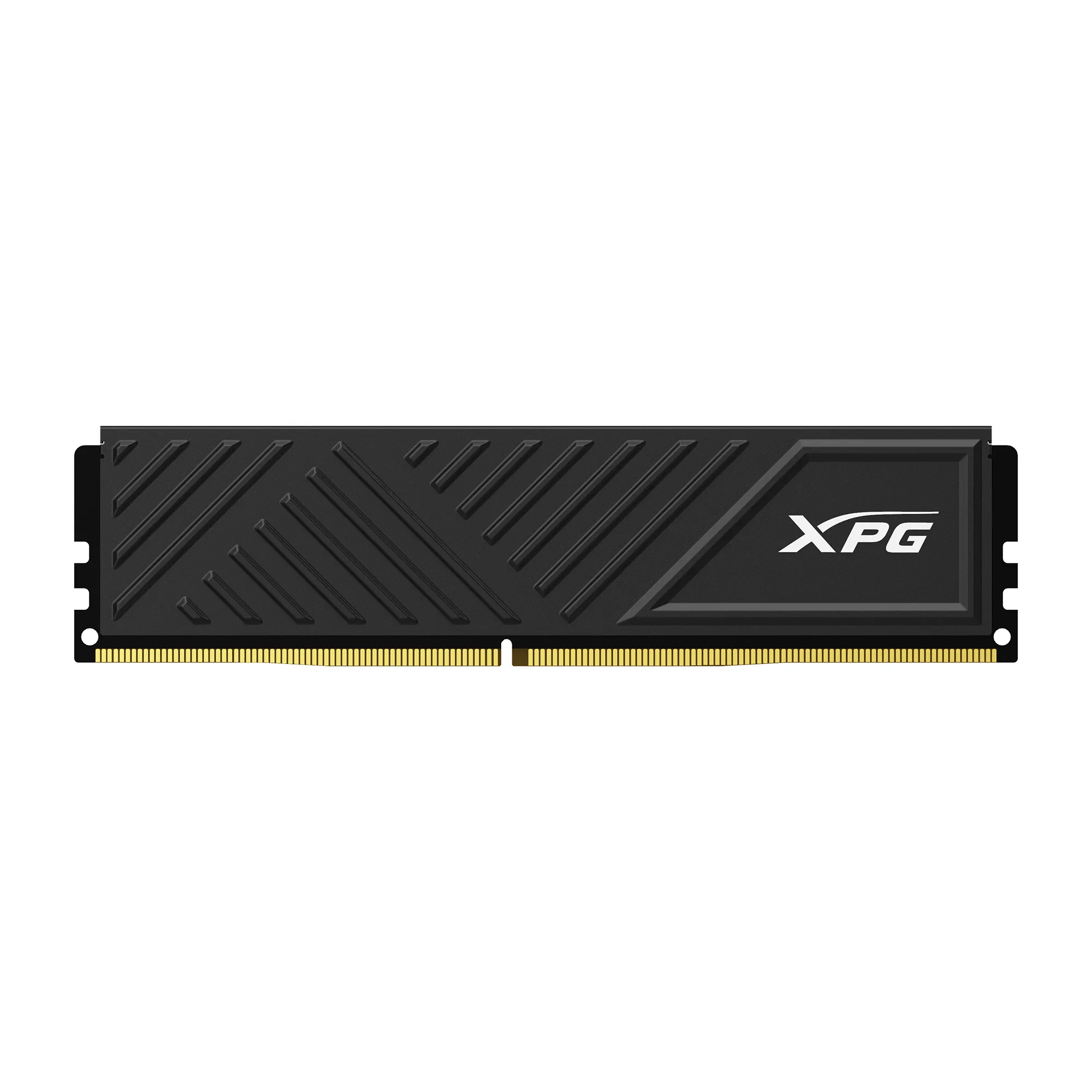
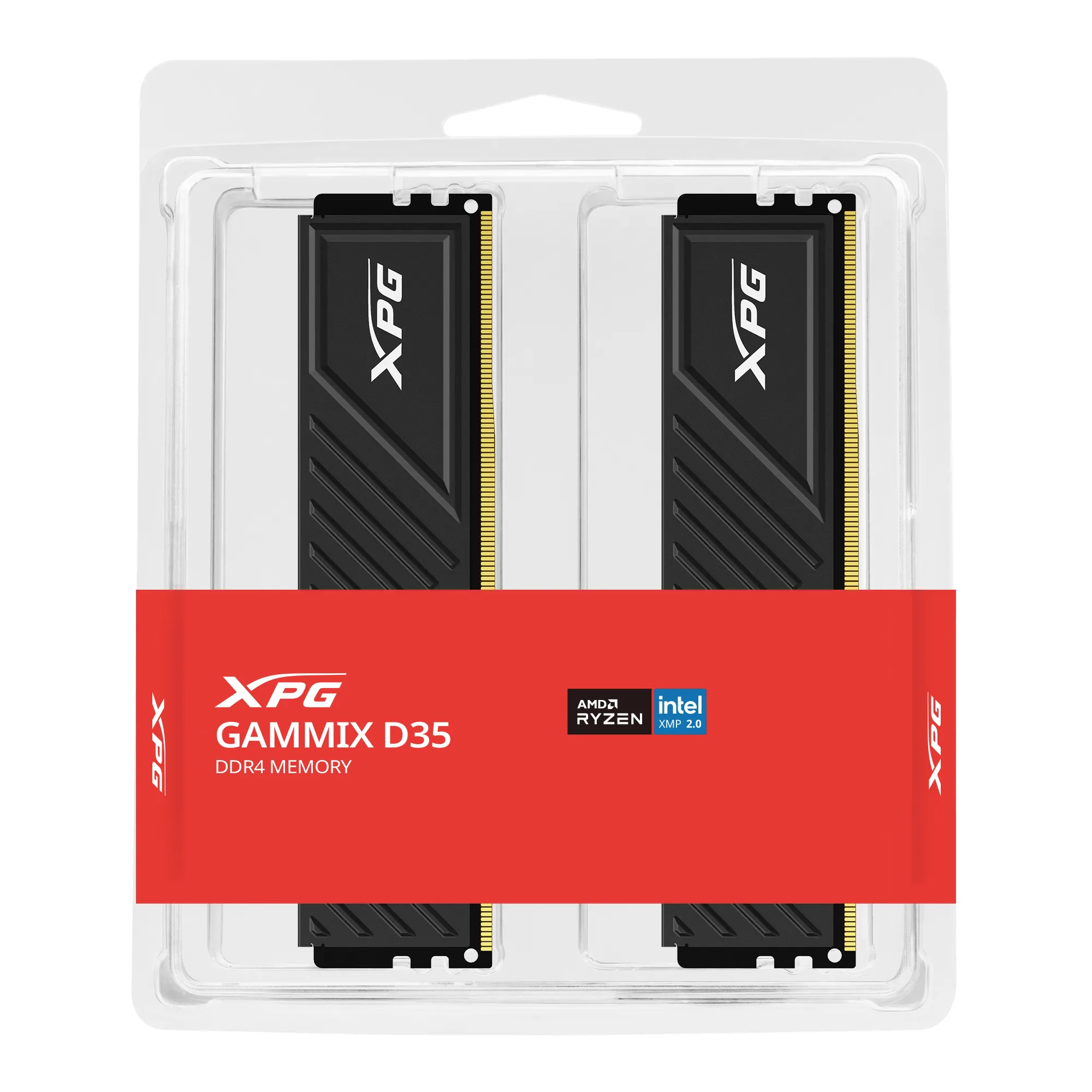
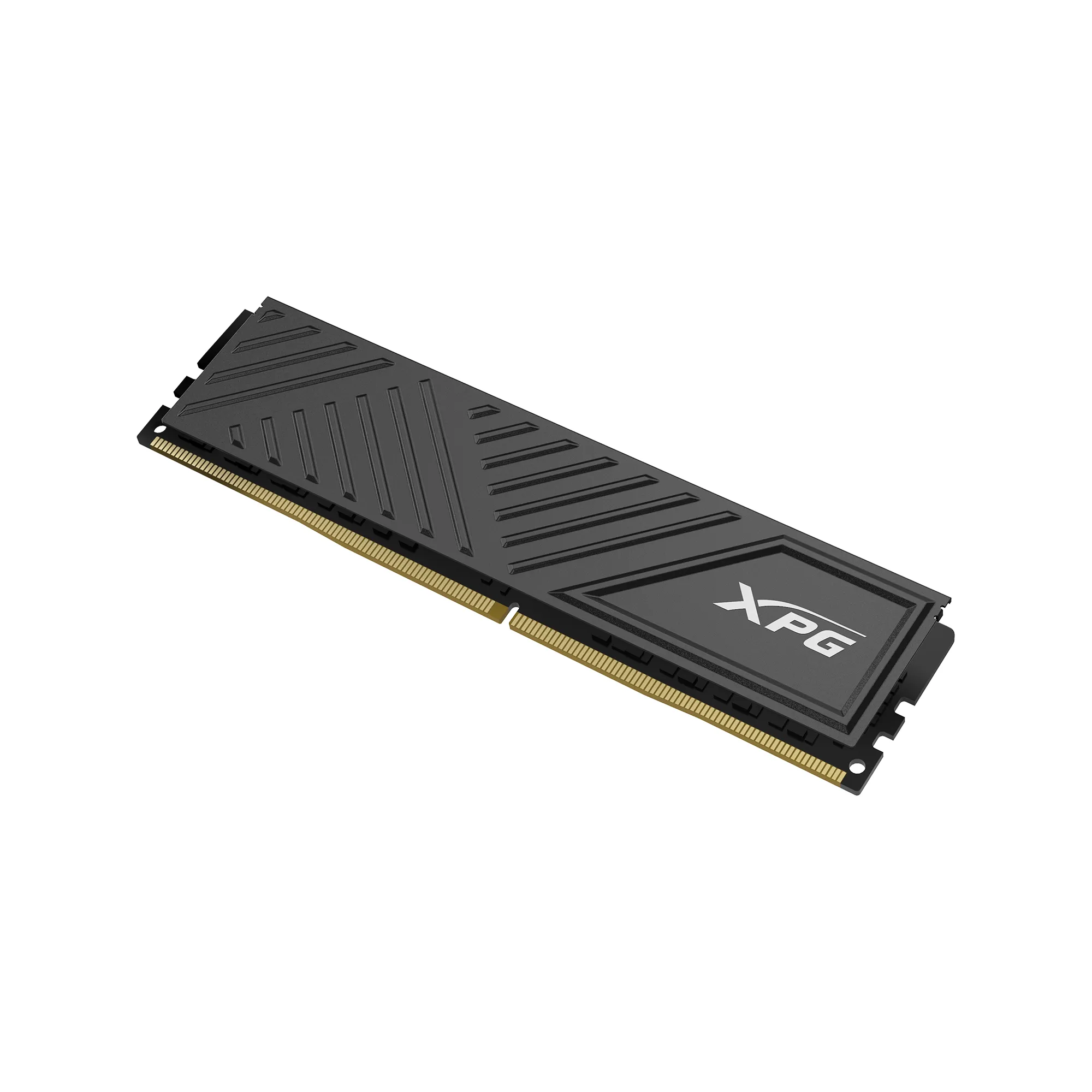
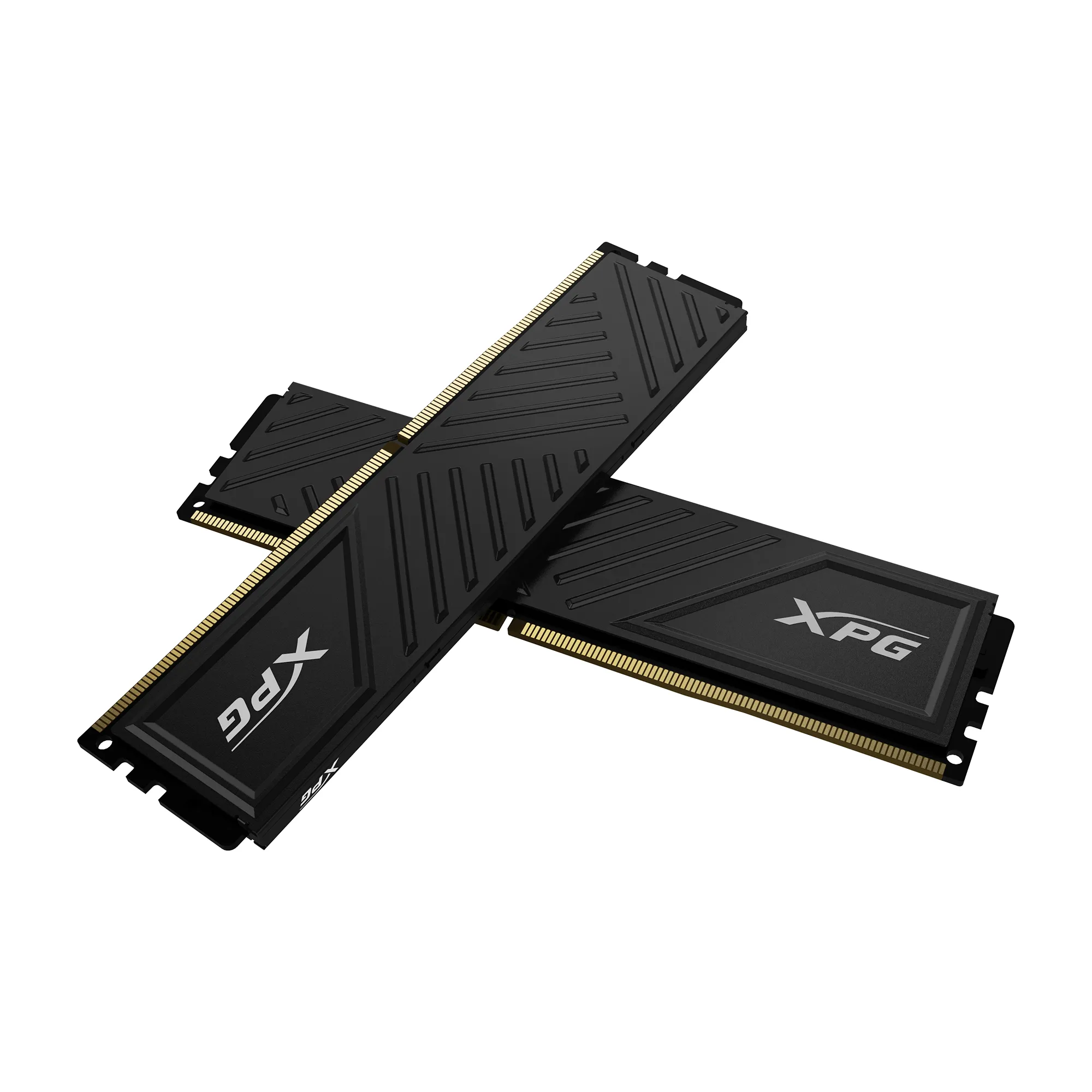
ADATA XPG GAMMIX D35 32 GB (2 x 16 GB) DDR4 3200 MHz, CL16 minne (XMP)
Lägg i köpkorgen
372,90€
Beräknad leverans: 24.07 - 27.07
Finns hos leverantören
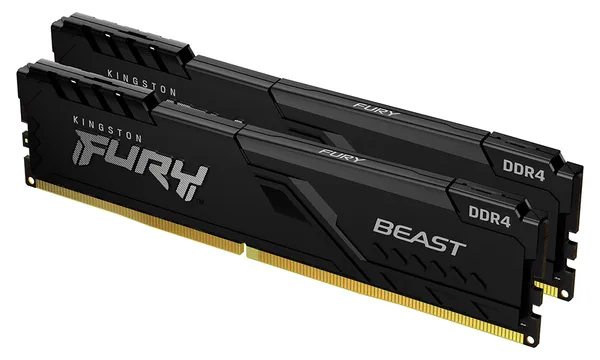
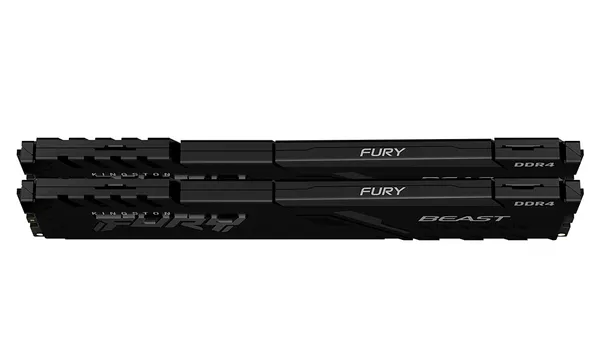
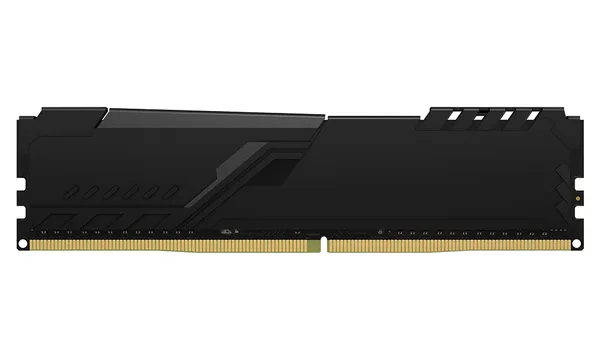
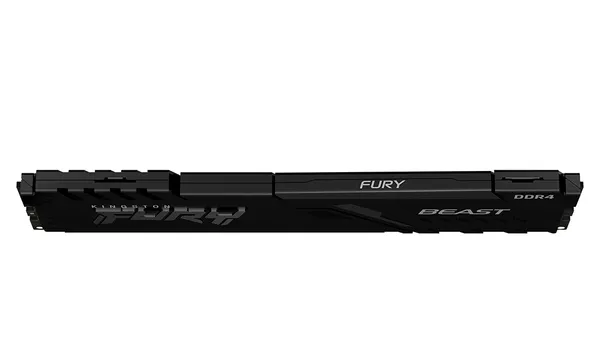
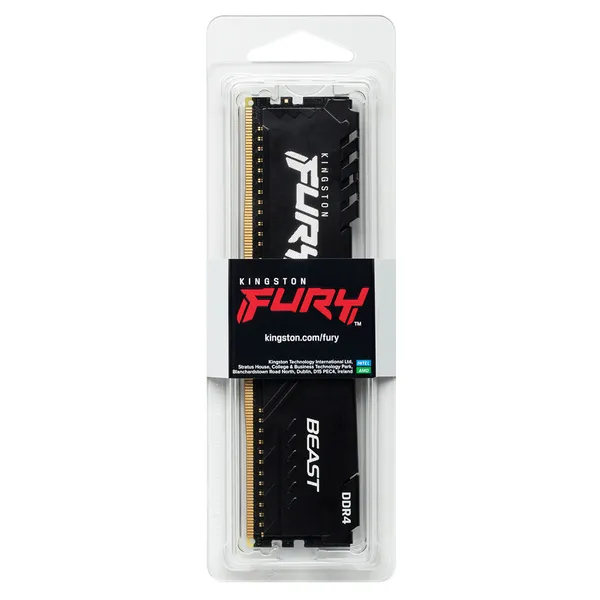
Kingston FURY Beast 32 GB (2 x 16 GB) DDR4 3600 MHz, CL18 minne (XMP)
Lägg i köpkorgen
338,90€
Andra tillgängliga versioner
Beräknad leverans: 21.07 - 22.07
Finns hos leverantören
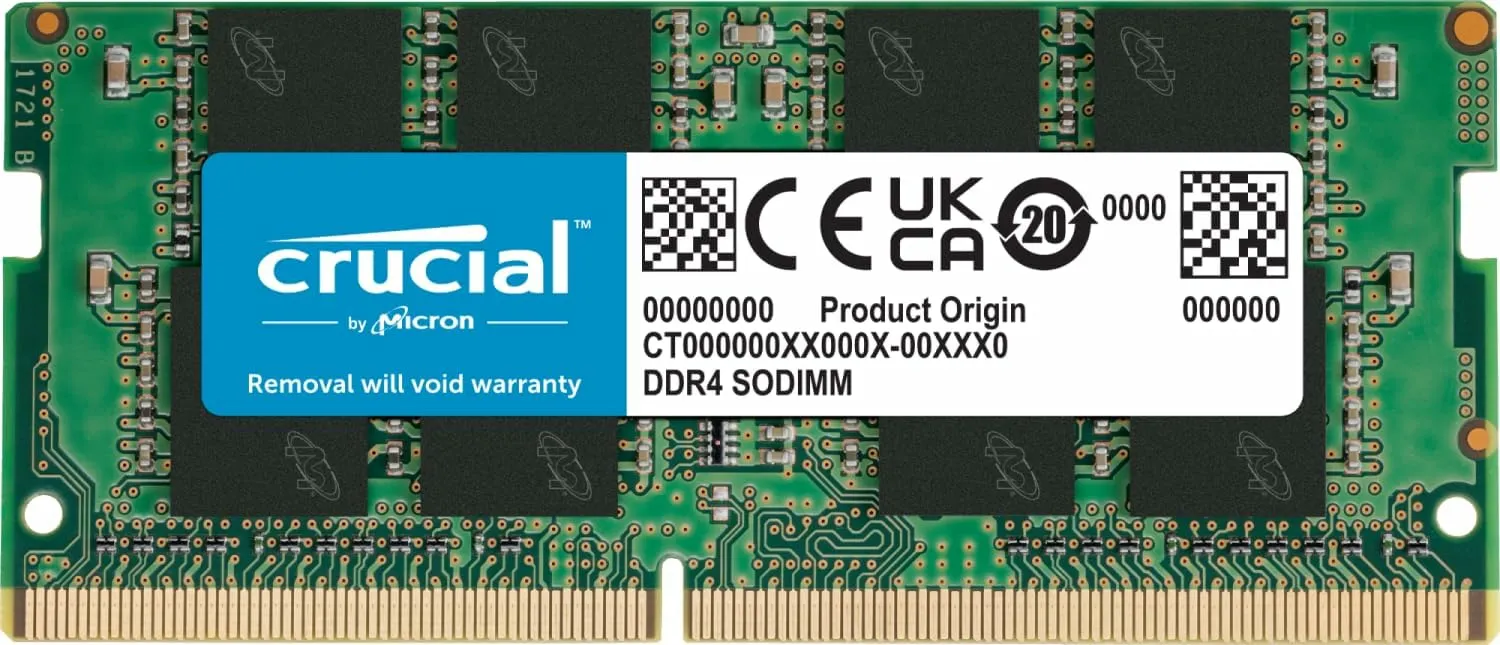
Crucial SO-DIMM 8 GB (1 x 8 GB) DDR4 3200 MHz, CL22 minne
Lägg i köpkorgen
72,90€
Beräknad leverans: 21.07 - 22.07
Finns hos leverantören
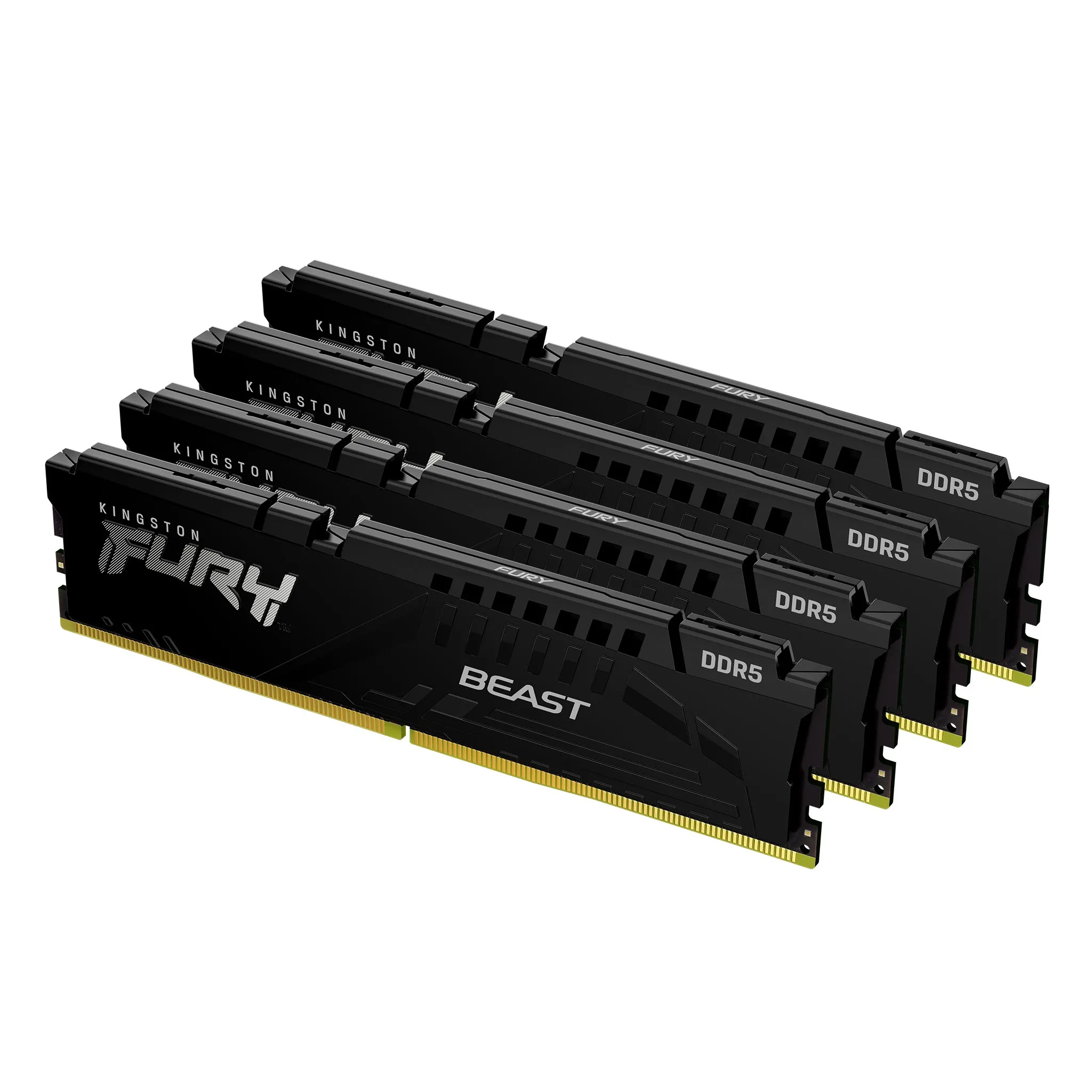
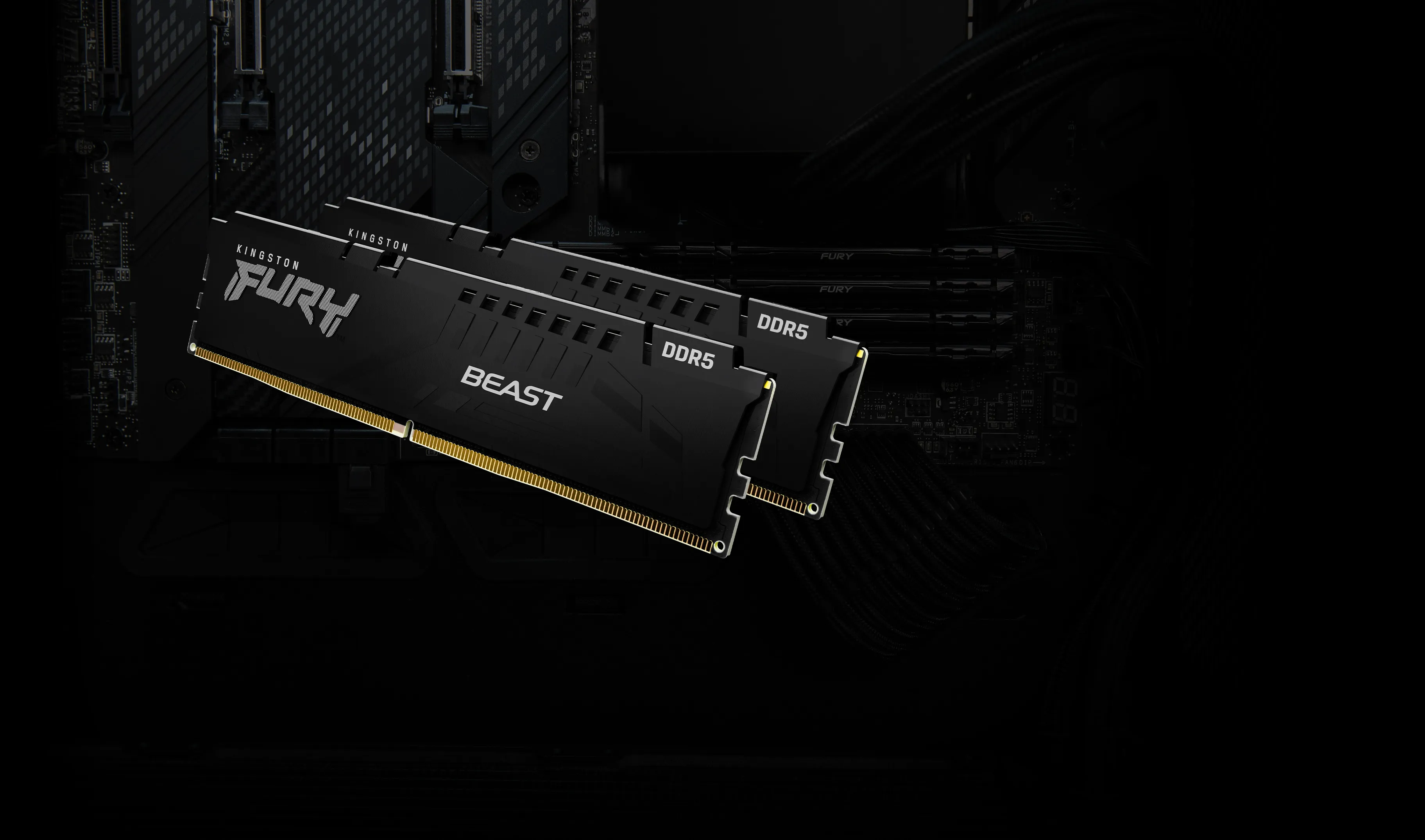
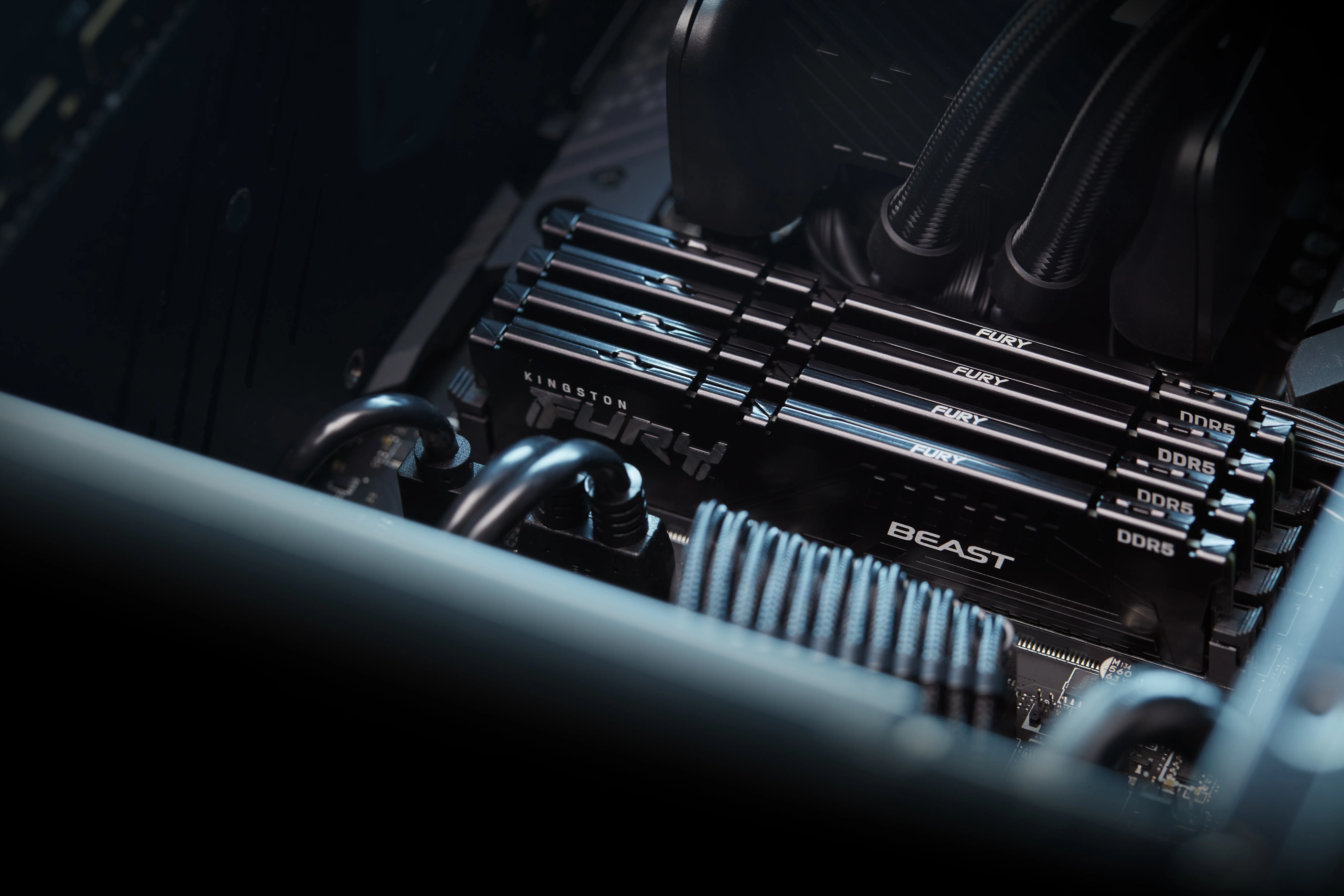
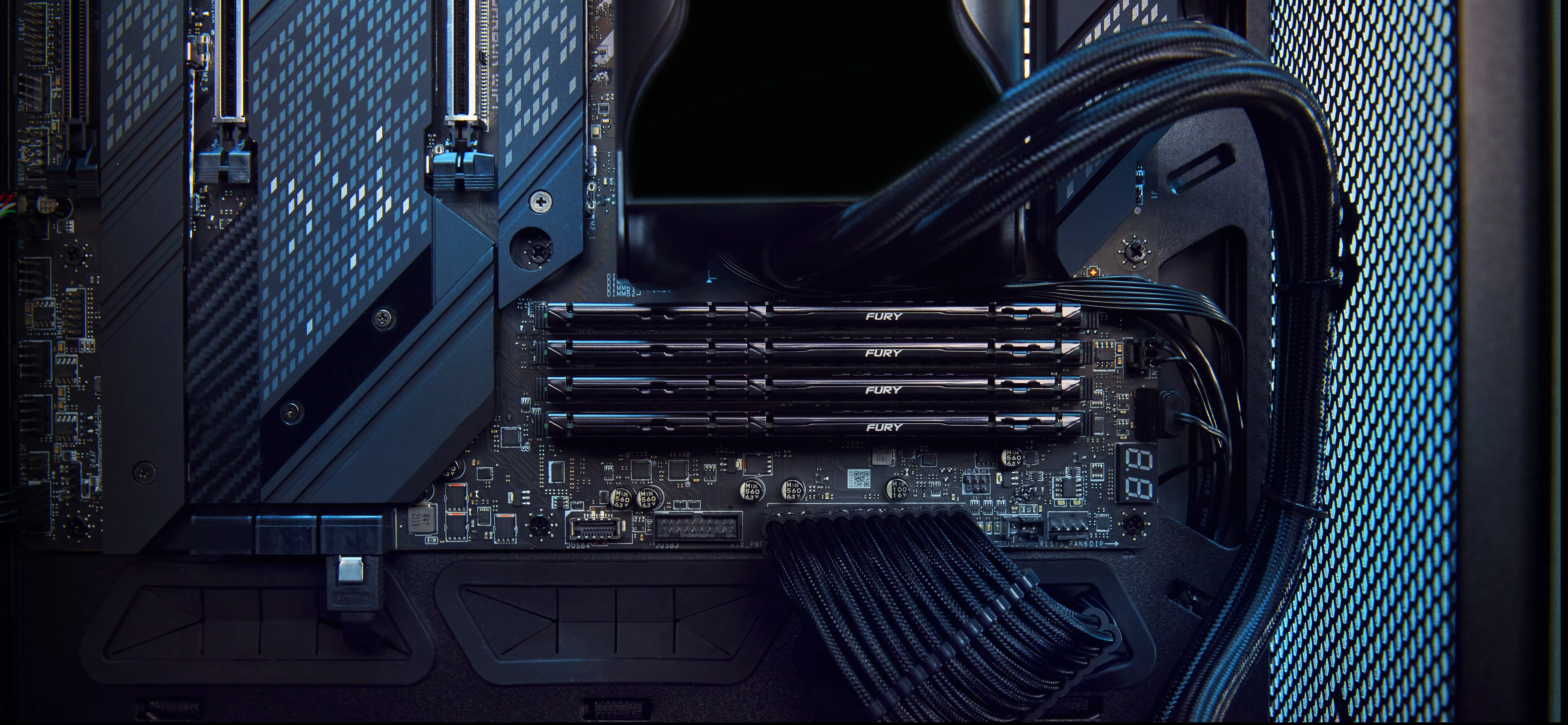
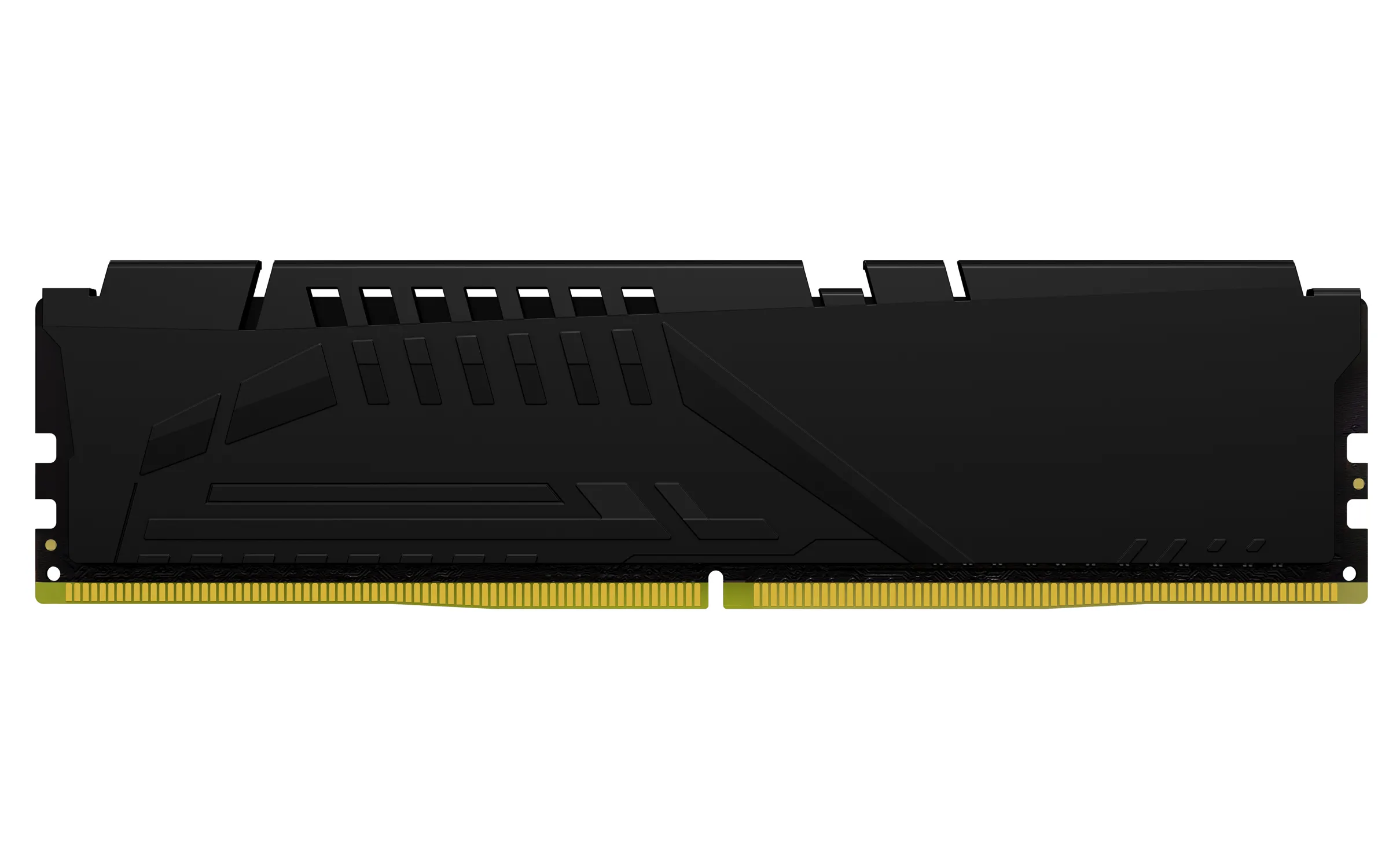
Kingston FURY Beast 128 GB (4 x 32 GB) DDR5 5600 MHz, CL40 minne (XMP)
Lägg i köpkorgen
2520,90€
Beräknad leverans: 24.07 - 27.07
Finns hos leverantören
Kingston FURY Impact 8 GB (1 x 8 GB) DDR4 3200 MHz, CL20 minne (XMP)
Lägg i köpkorgen


112,90€
Andra tillgängliga versioner
Beräknad leverans: 21.07 - 22.07
Finns hos leverantören
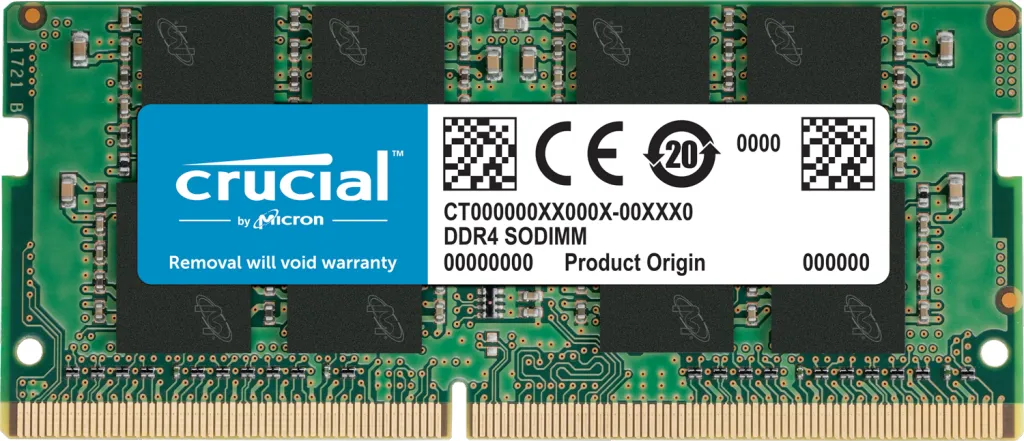
Crucial 8 GB (1 x 8 GB) DDR4 3200 MHz, CL22 minne (XMP)
Lägg i köpkorgen
77,90€
Beräknad leverans: 21.07 - 22.07
Finns hos leverantören
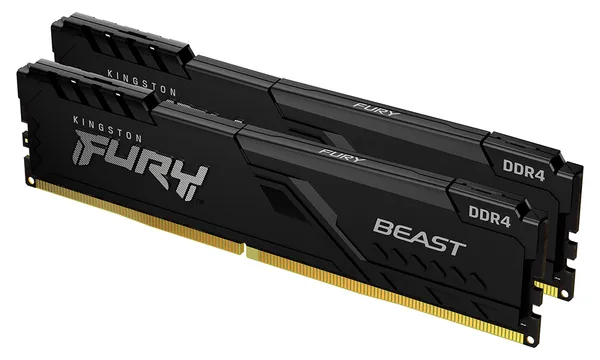
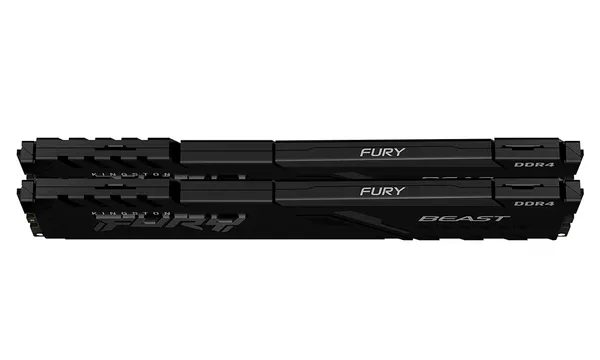
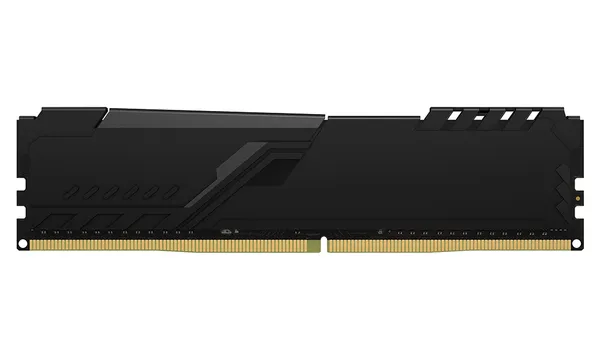
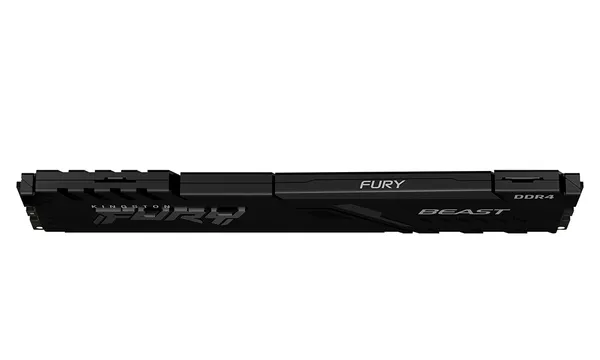
Kingston FURY Beast 64 GB (2 x 32 GB) DDR4 3200 MHz, CL16 minne (XMP)
Lägg i köpkorgen
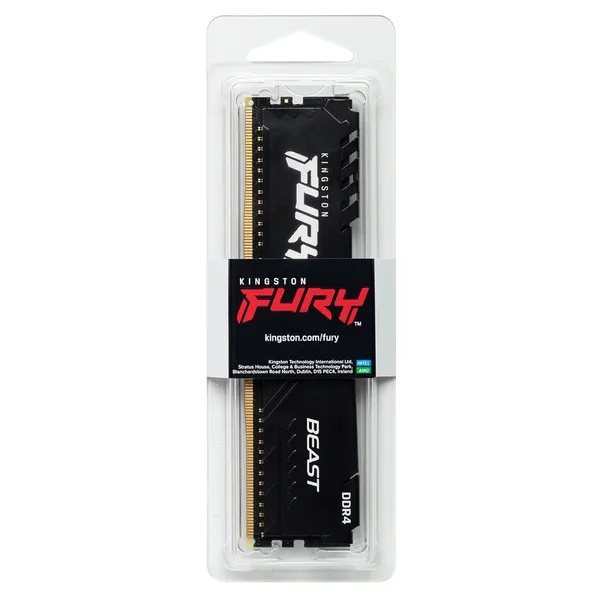
610,90€
Andra tillgängliga versioner
Beräknad leverans: 21.07 - 22.07
Finns hos leverantören
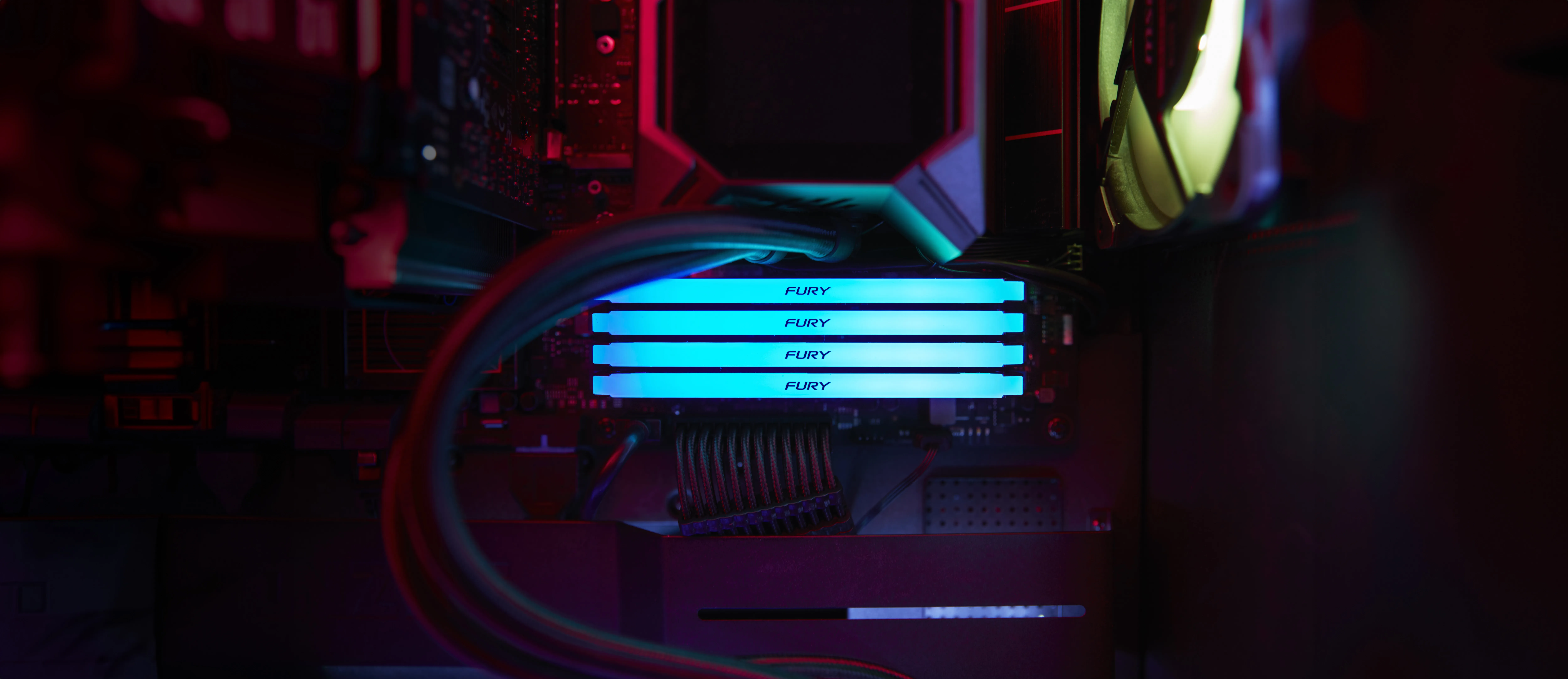
Kingston FURY Beast RGB 8 GB (1 x 8 GB) DDR4 3600 MHz, CL17 minne (XMP)
Lägg i köpkorgen

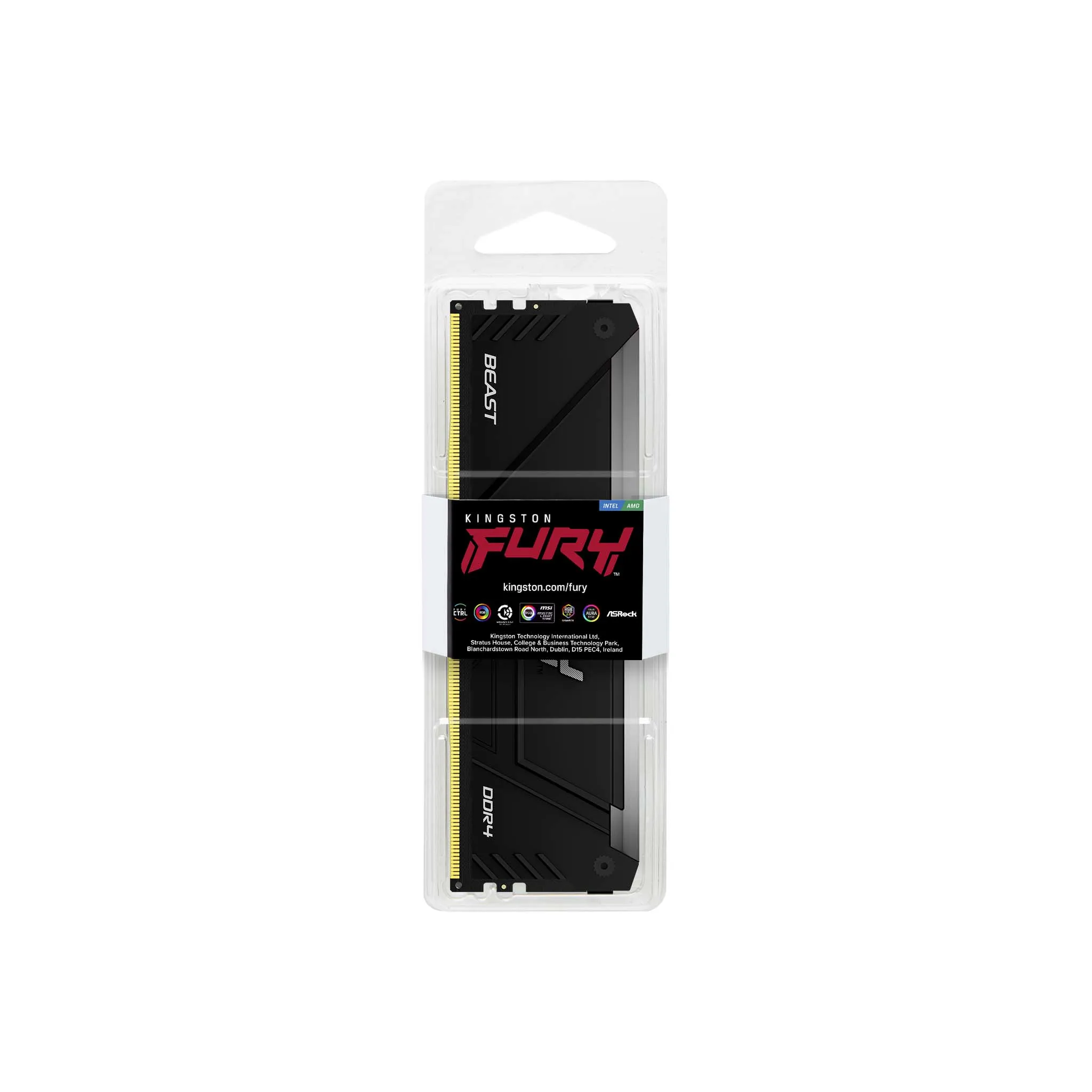
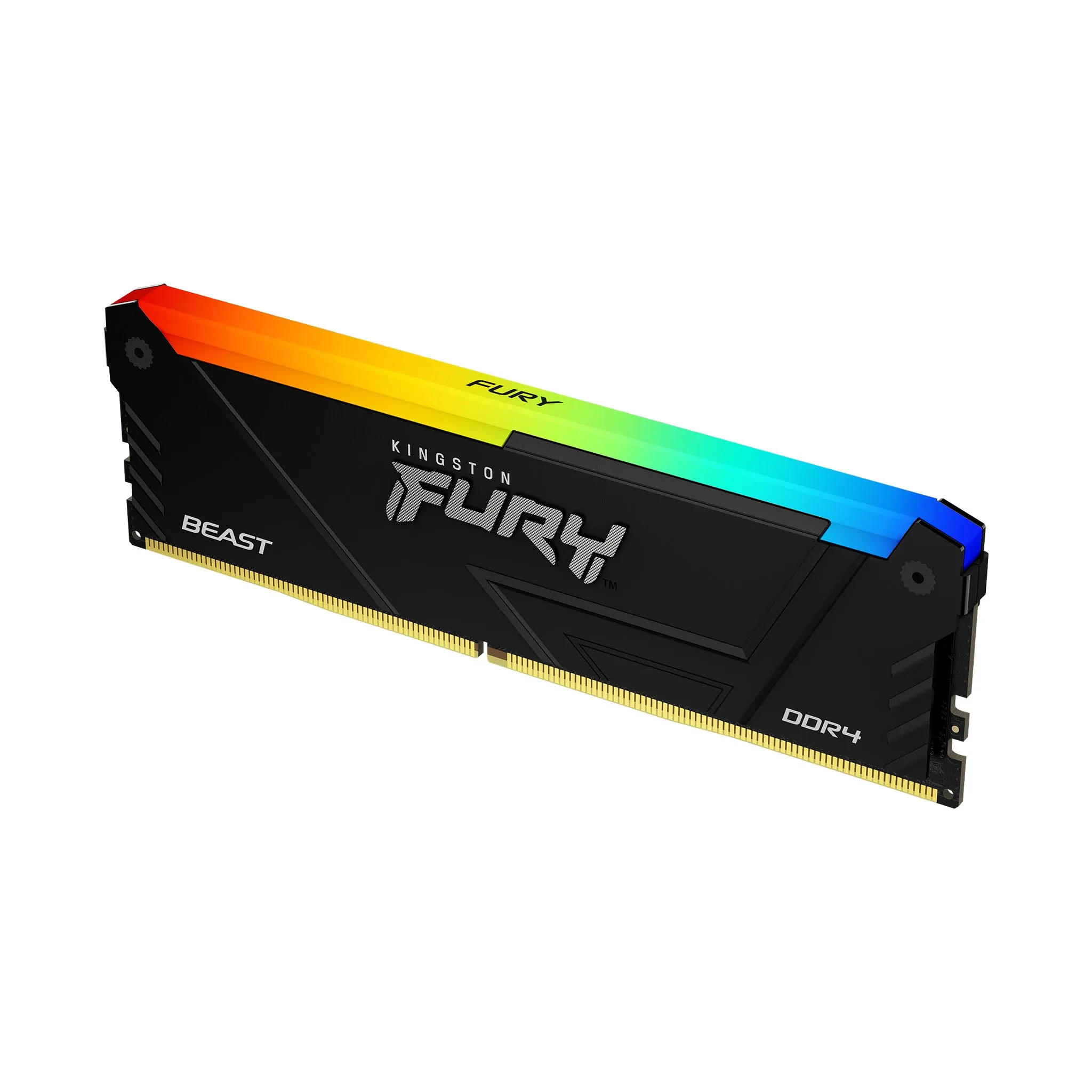
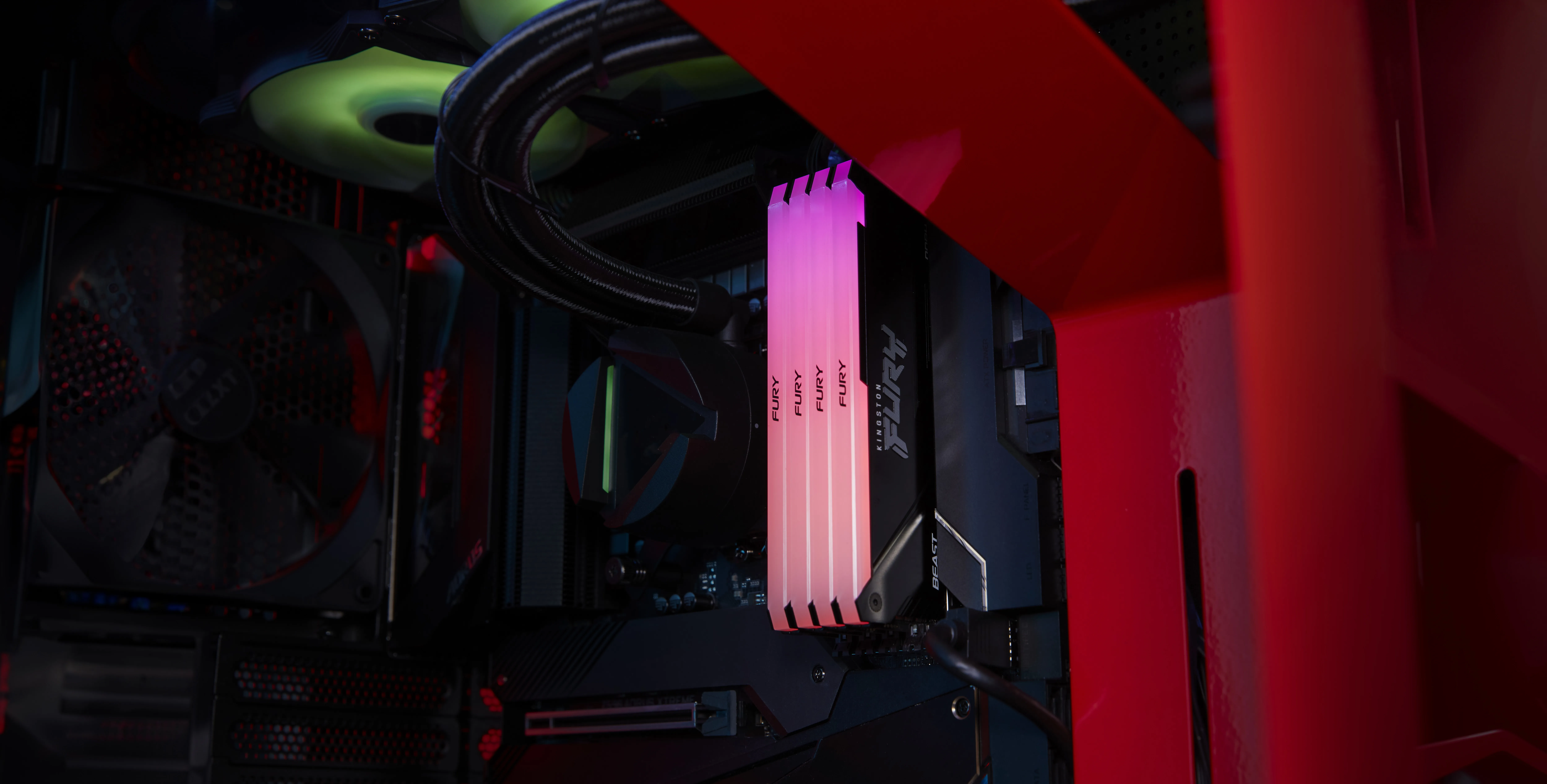
143,90€
Andra tillgängliga versioner
Beräknad leverans: 21.07 - 22.07
Finns hos leverantören
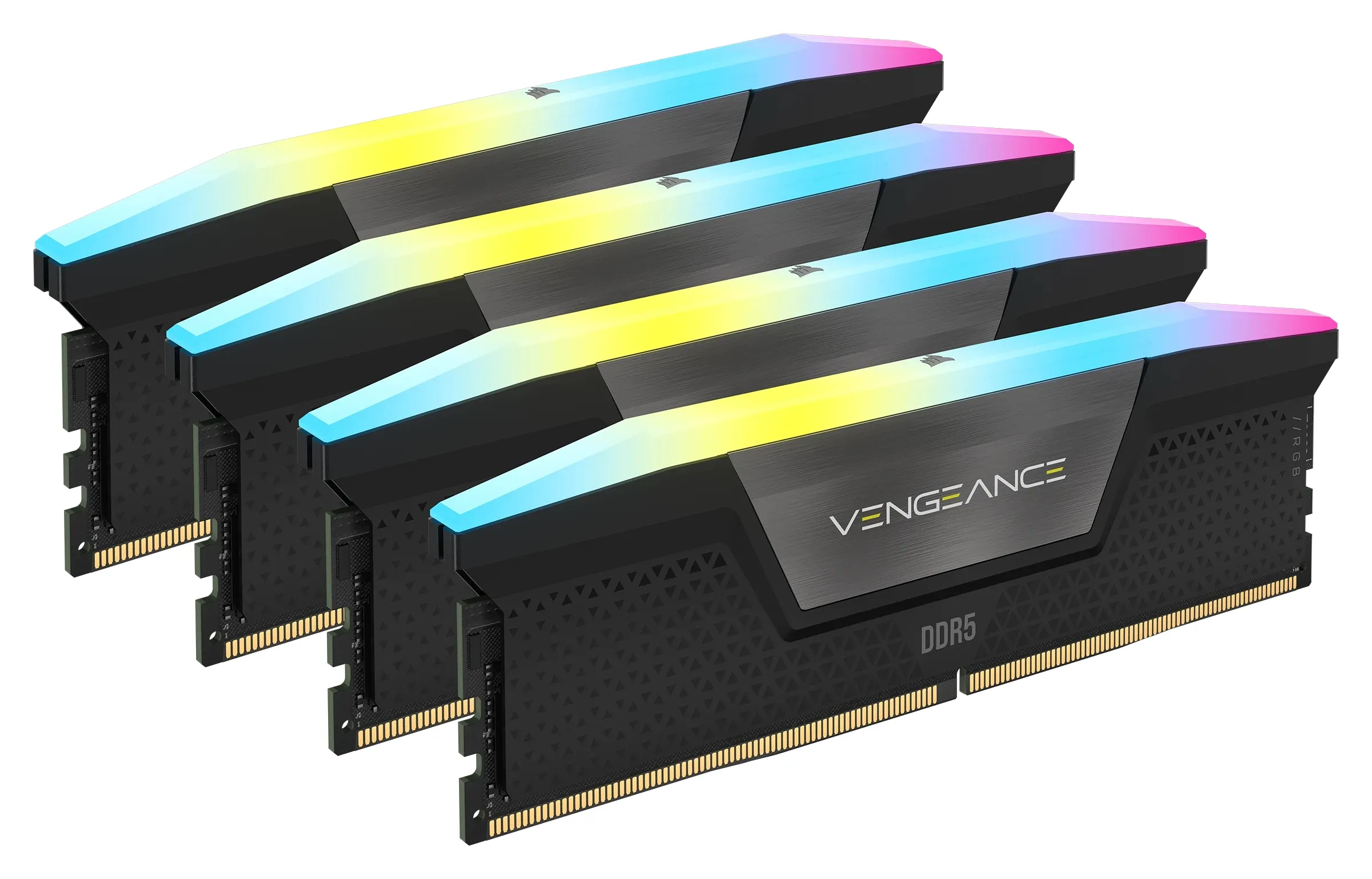
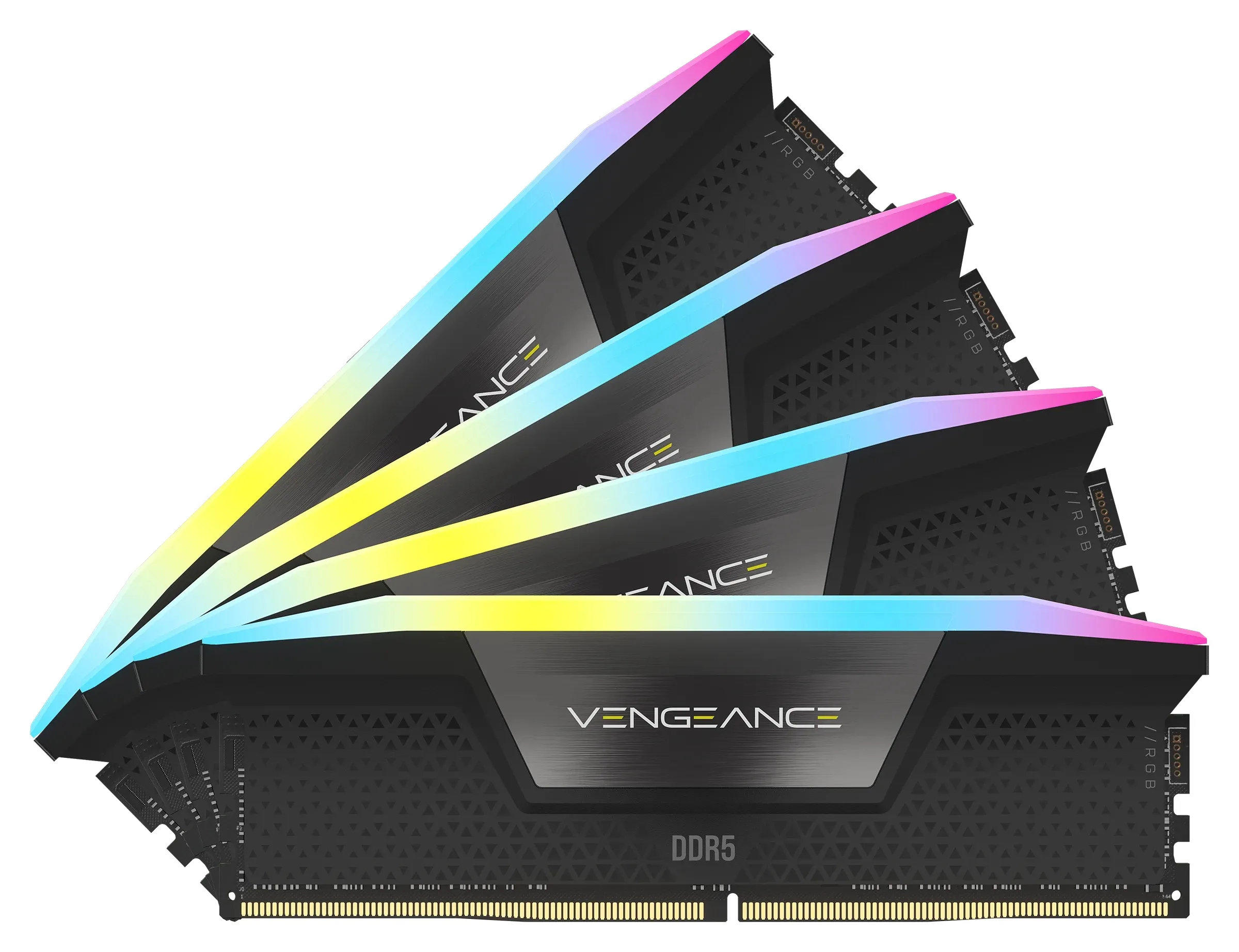
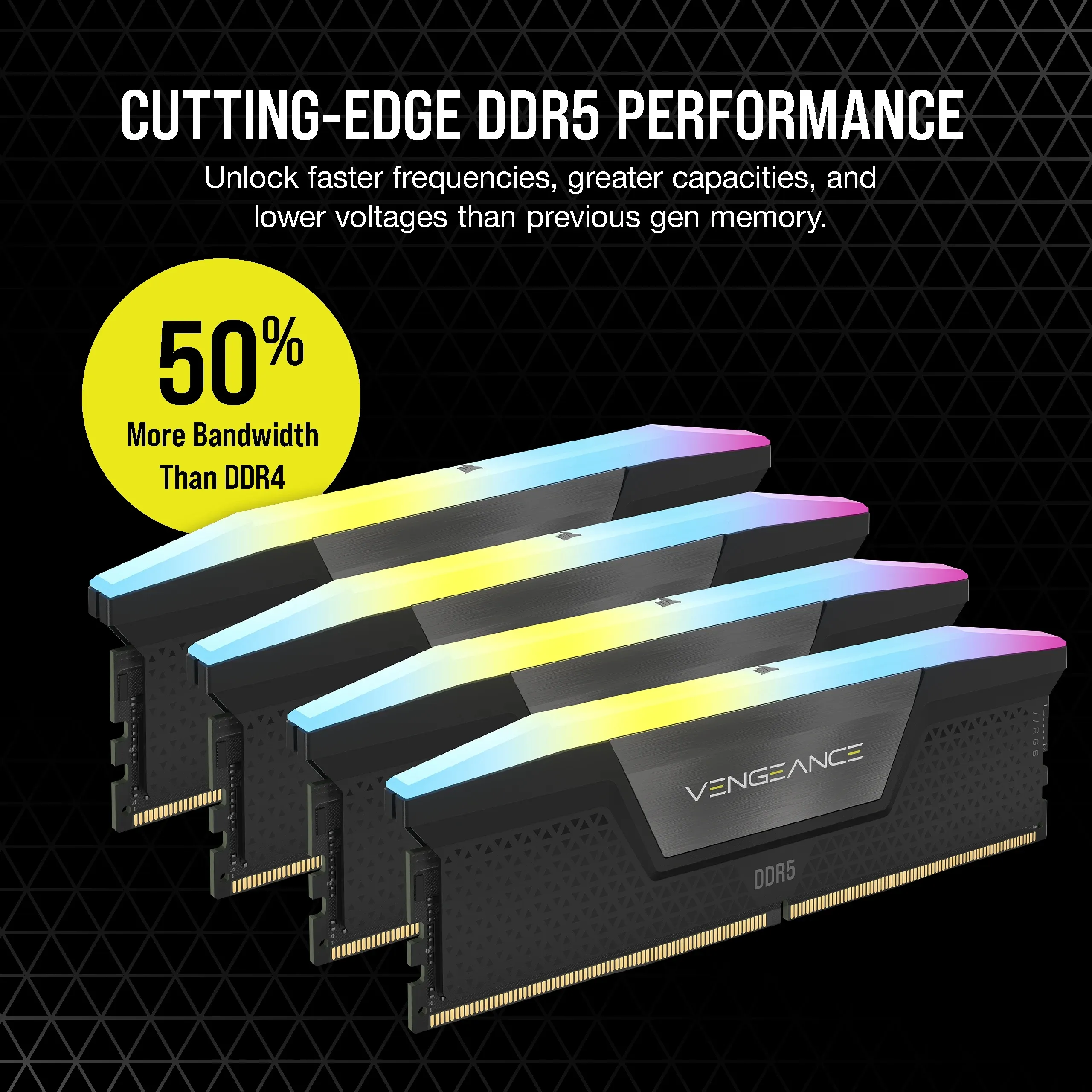
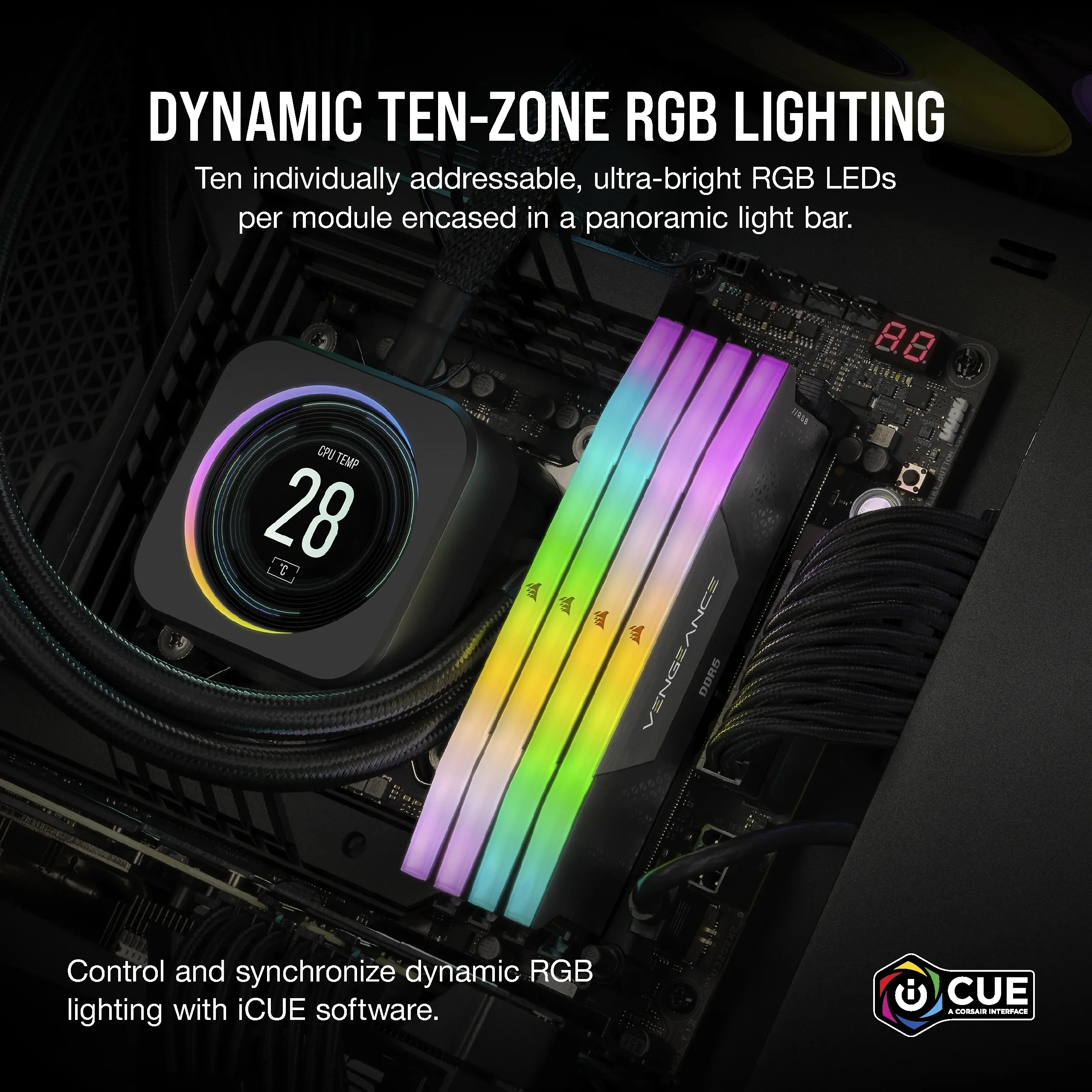
Corsair Vengeance RGB 128 GB (4 x 32 GB) DDR5 5600 MHz, CL40 minne (XMP/EXPO)
Lägg i köpkorgen

2545,90€
Beräknad leverans: 21.07 - 22.07
Finns hos leverantören
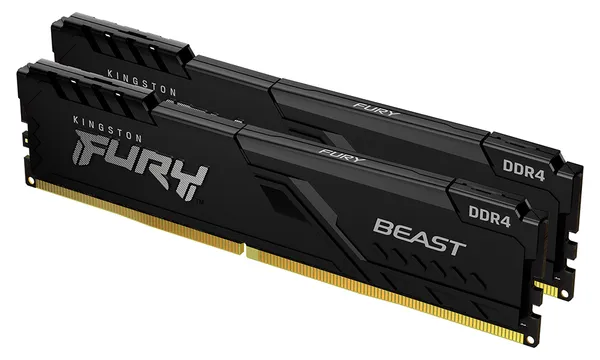
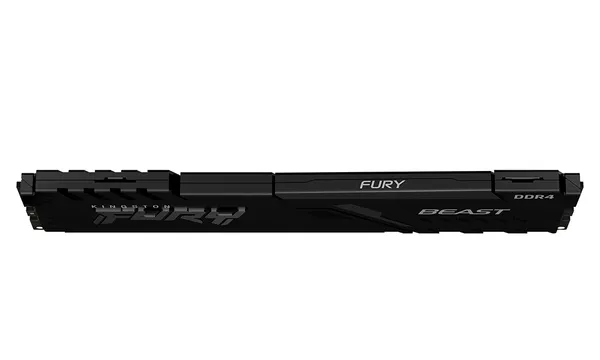
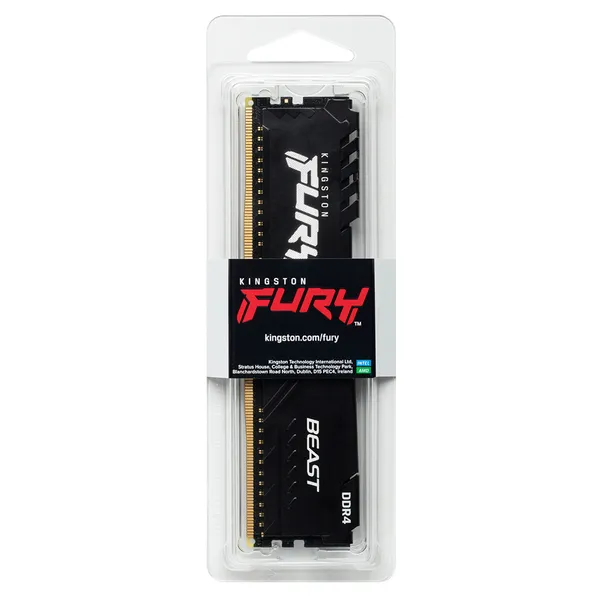
Kingston FURY Beast 64 GB (2 x 32 GB) DDR4 3600 MHz, CL18 minne (XMP, EXPO)
Lägg i köpkorgen
639,00€ 664,90€
Andra tillgängliga versioner
Beräknad leverans: 17.07 - 20.07
I lager
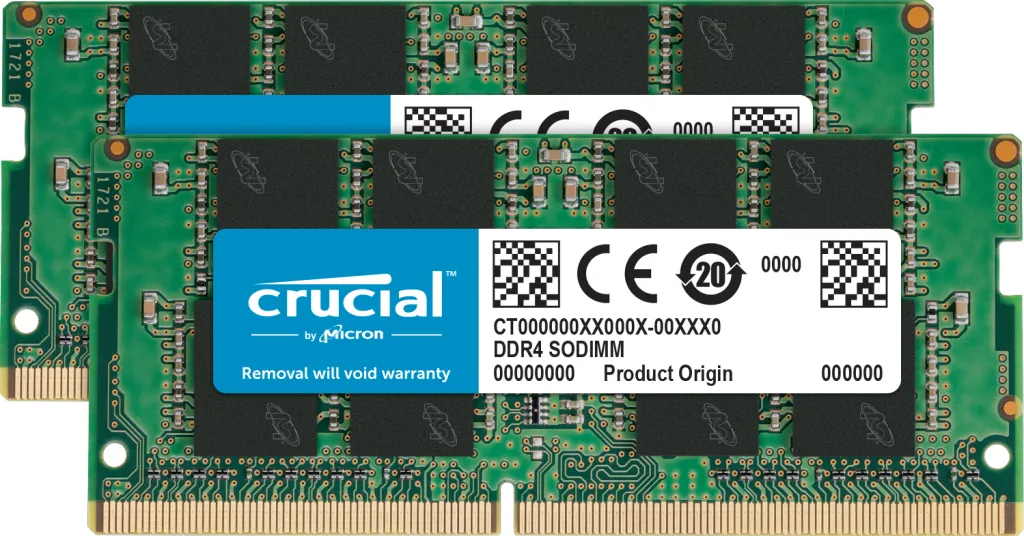
Crucial 32 GB (2 x 16 GB) DDR4 3200 MHz, CL22 minne
Lägg i köpkorgen
338,90€
Beräknad leverans: 21.07 - 22.07
Finns hos leverantören
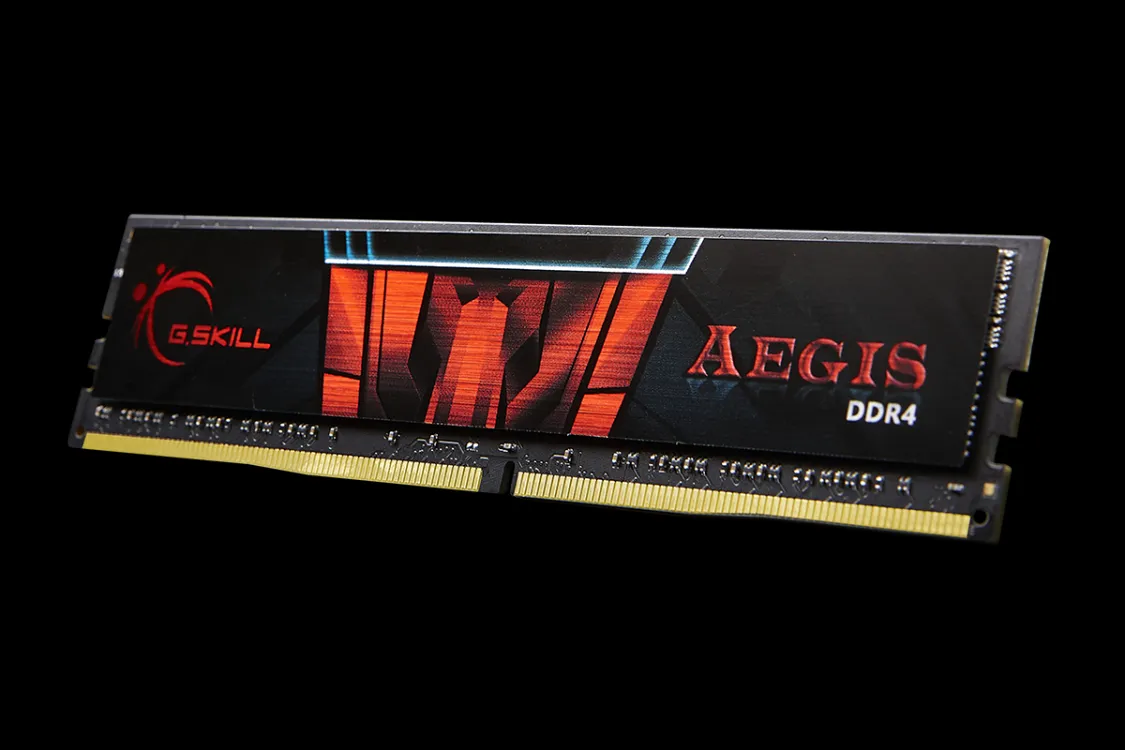
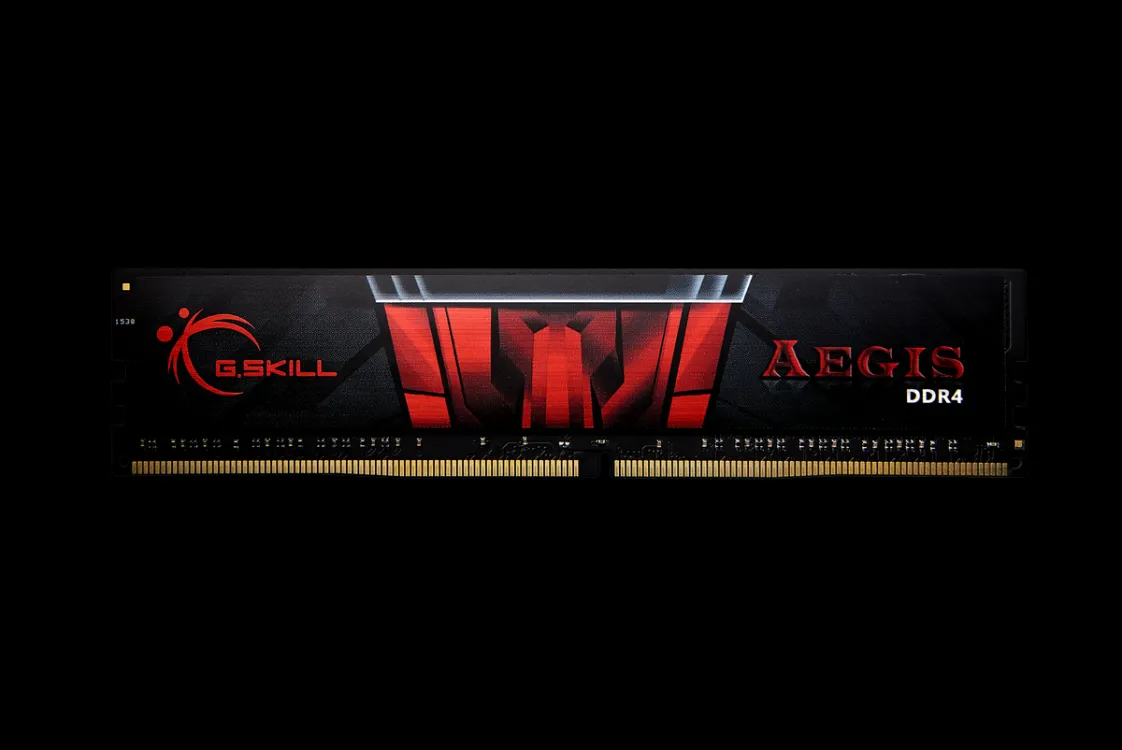
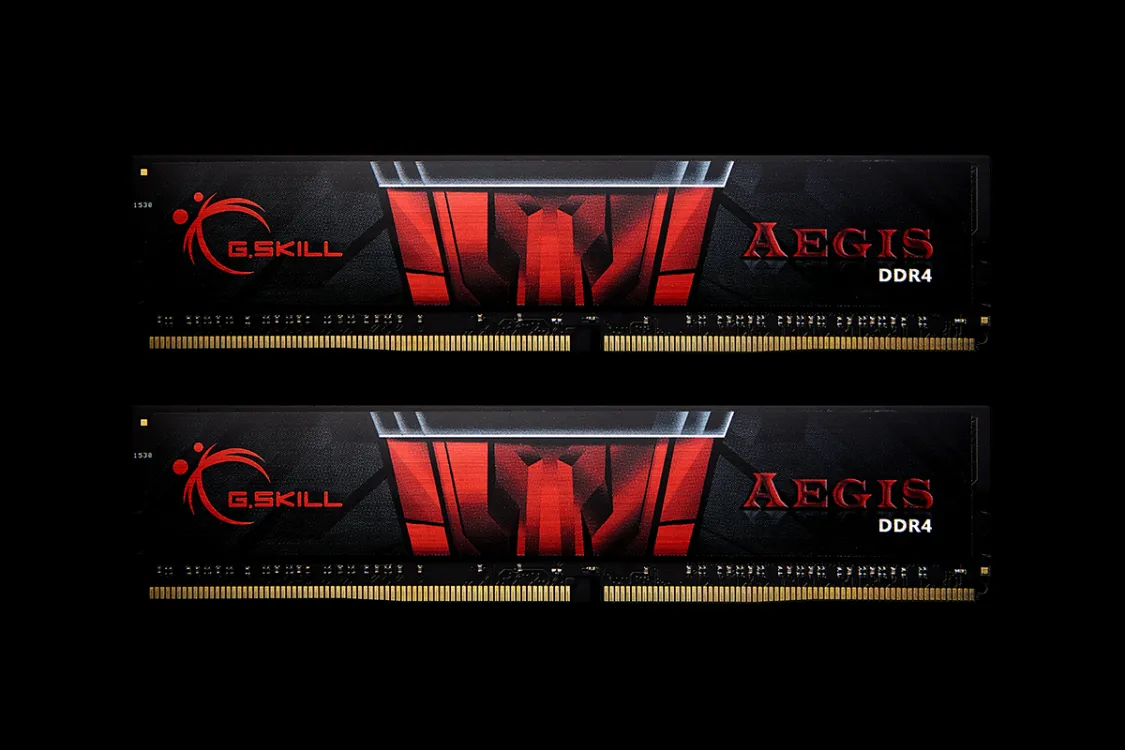
G.SKILL Aegis 16 GB (2 x 8 GB) DDR4 3000 MHz, CL16 minne (XMP)
Lägg i köpkorgen
129,90€
Beräknad leverans: 21.07 - 22.07
Finns hos leverantören
Bästsäljare
G.SKILL Ripjaws V 32 GB (2 x 16 GB) DDR4 3200 MHz, CL16 minne (XMP)
Lägg i köpkorgen
249,90€
Beräknad leverans: 17.07 - 20.07
I lager
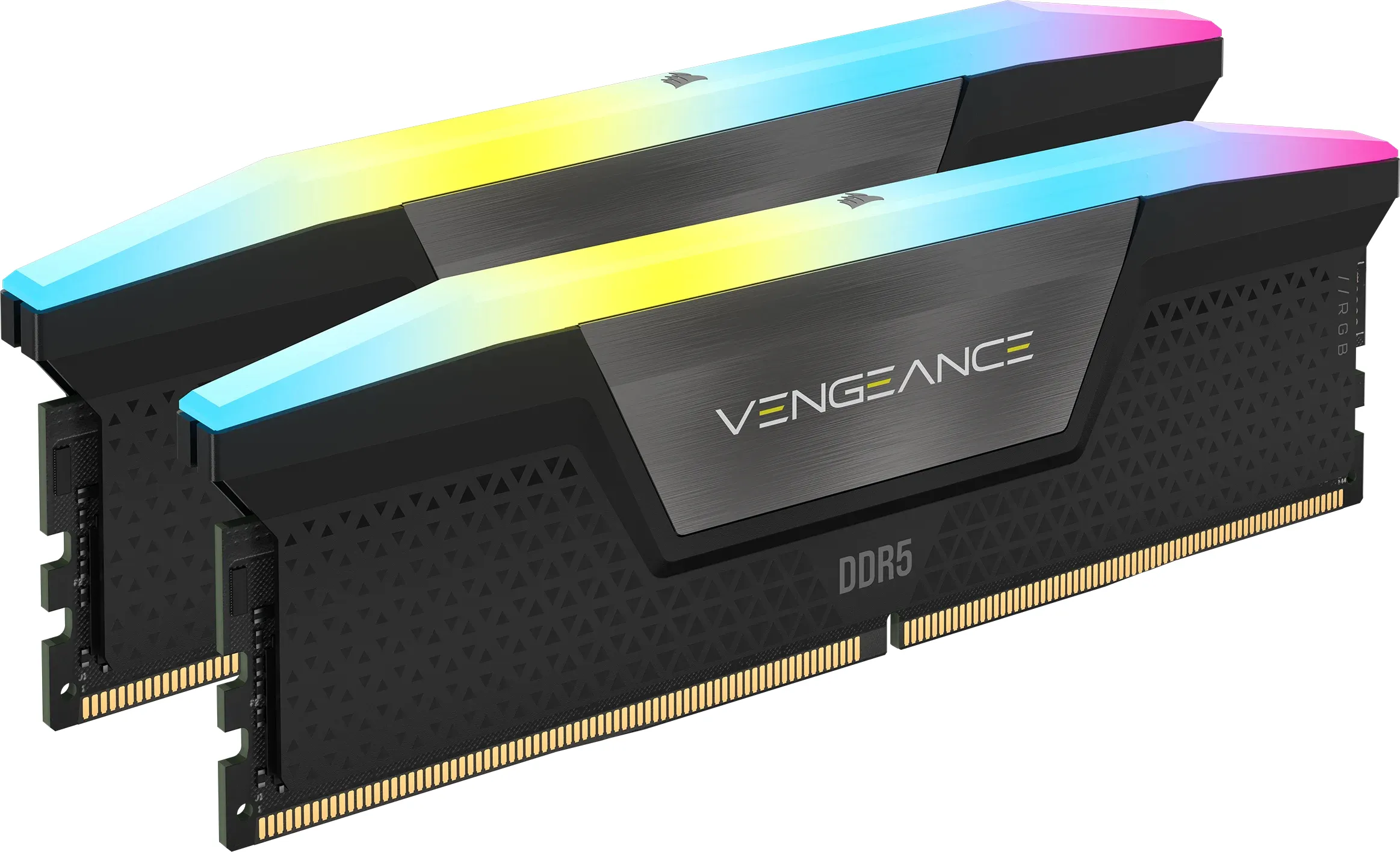
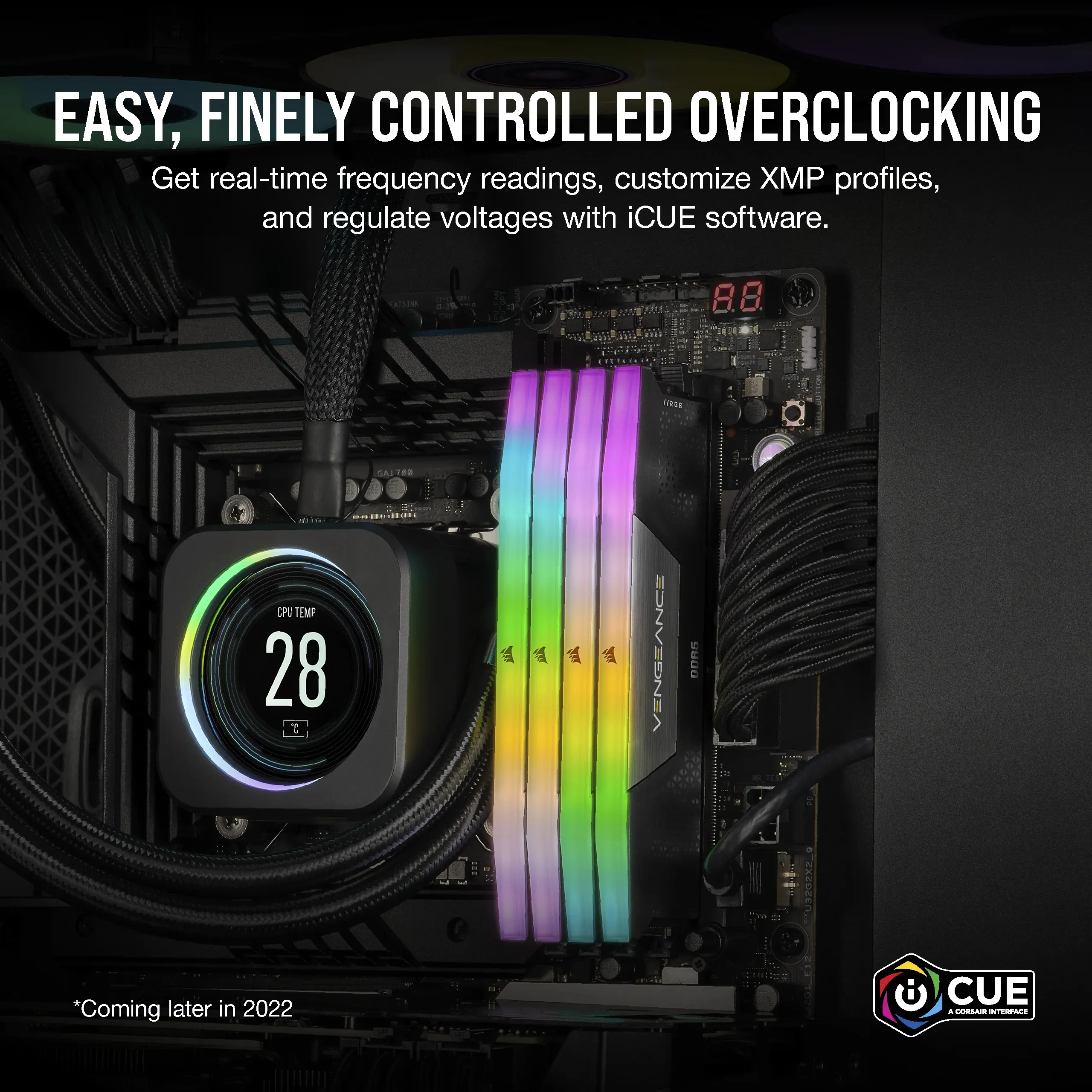
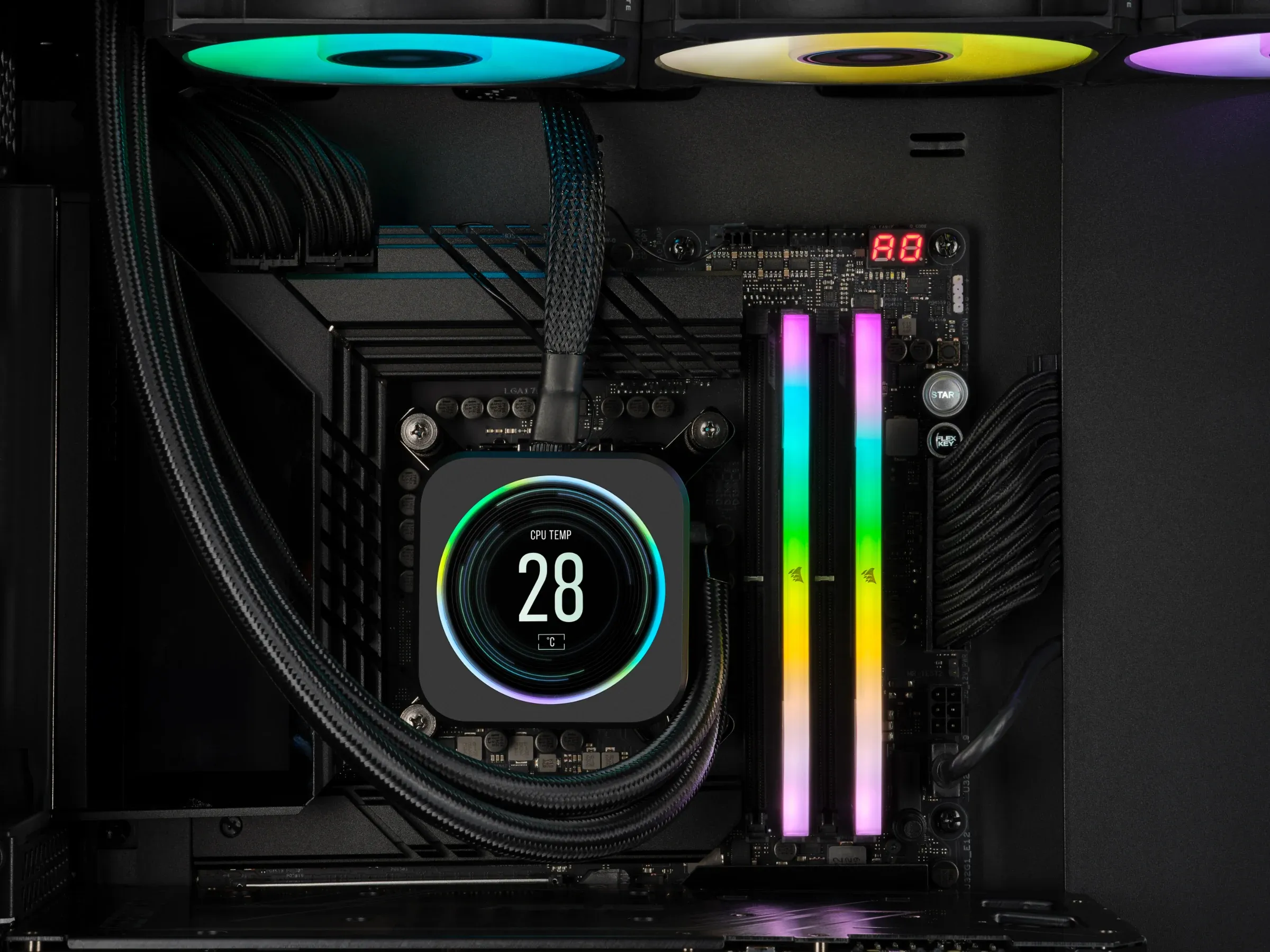
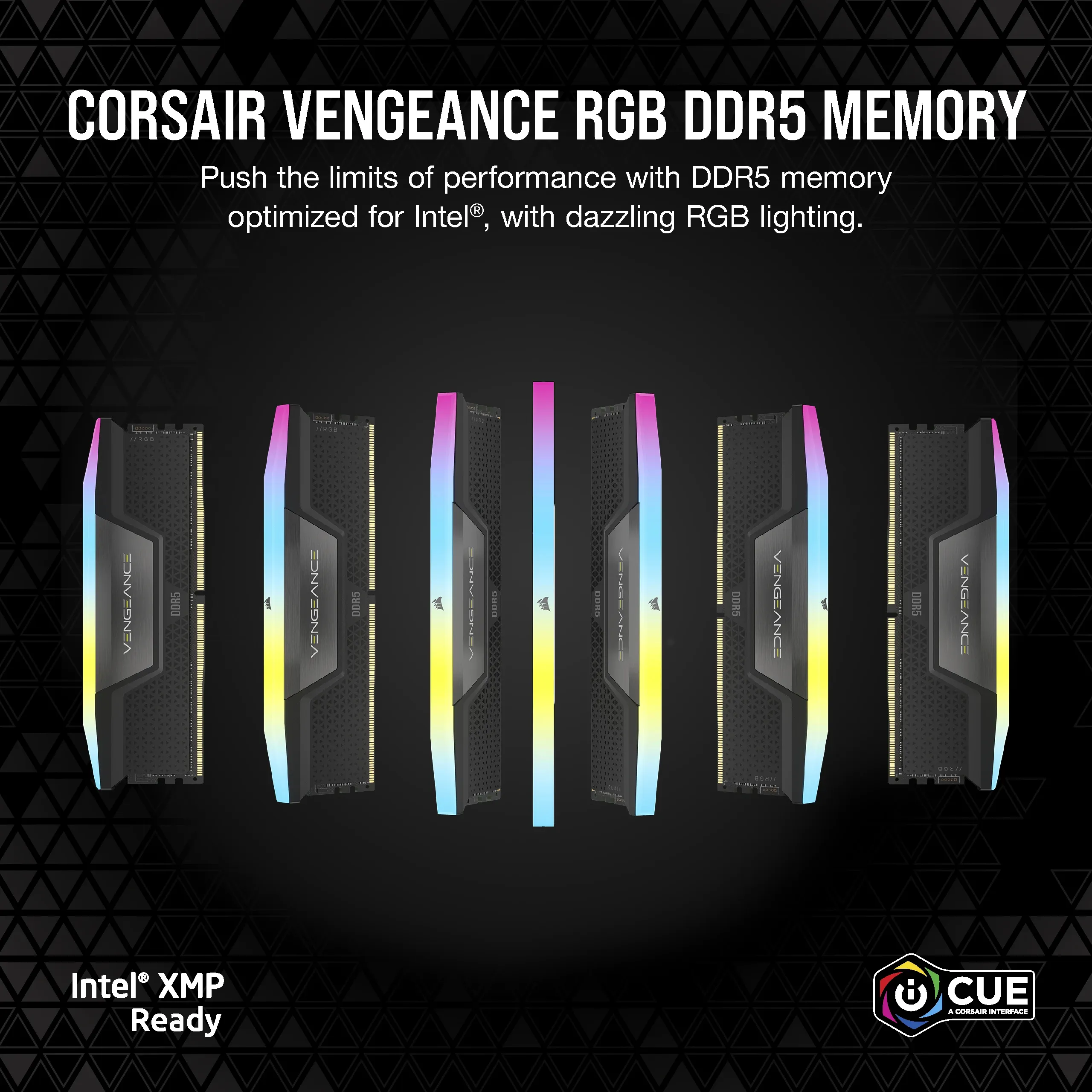
Corsair Vengeance RGB 32 GB (2 x 16 GB) DDR5 6000 MHz, CL38 minne (XMP)
Lägg i köpkorgen

459,90€ 468,90€
Beräknad leverans: 17.07 - 20.07
Finns hos leverantören
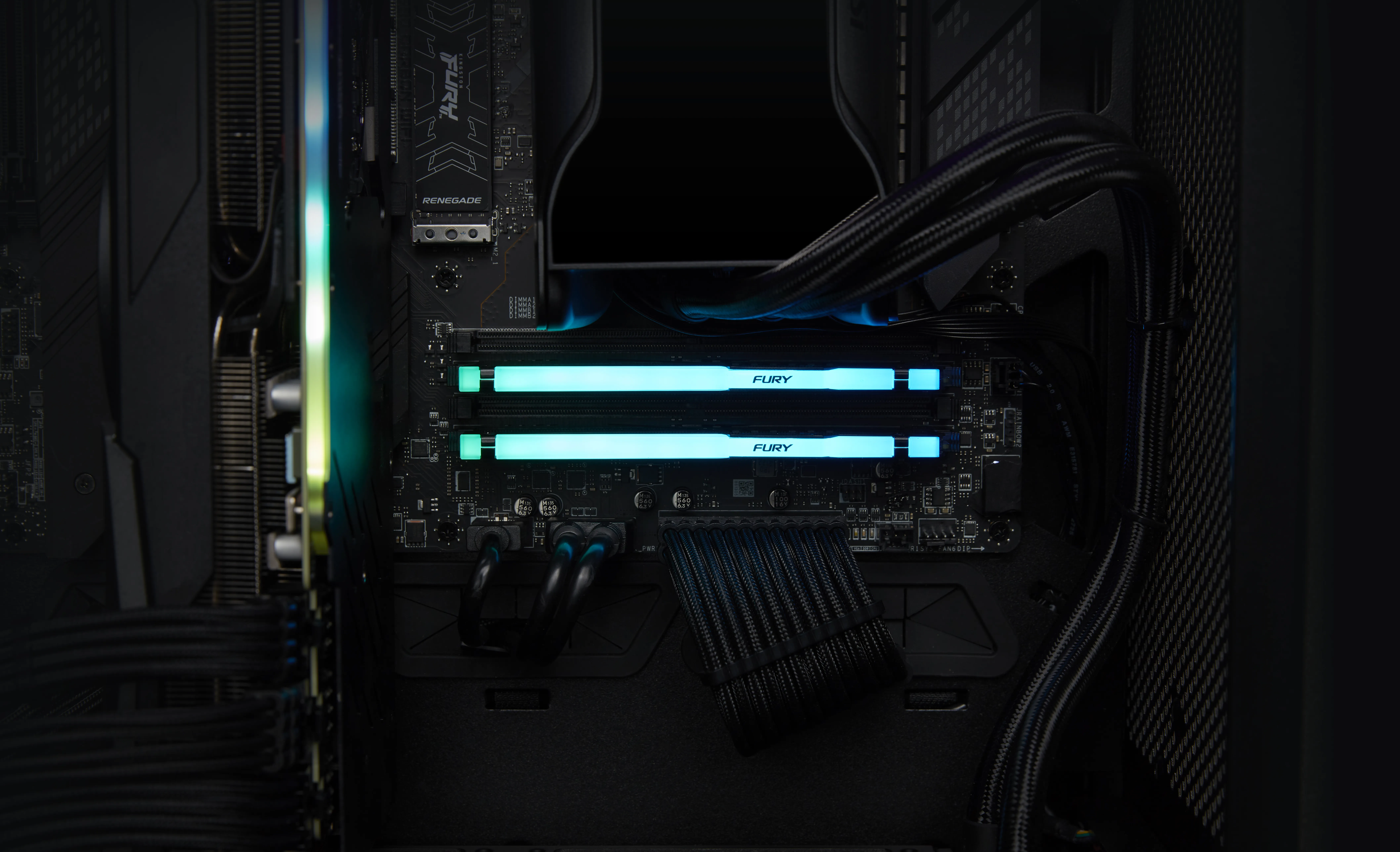
Kingston FURY Beast RGB 16 GB (2 x 8 GB) DDR5 6000 MHz, CL30 minne (EXPO & XMP)
Lägg i köpkorgen


319,90€
Beräknad leverans: 21.07 - 22.07
Finns hos leverantören
Kingston FURY Renegade 16 GB (2 x 8 GB) DDR4 3600 MHz, CL16 minne (XMP)
Lägg i köpkorgen
169,00€ 179,00€
Andra tillgängliga versioner
Beräknad leverans: 17.07 - 20.07
I lager
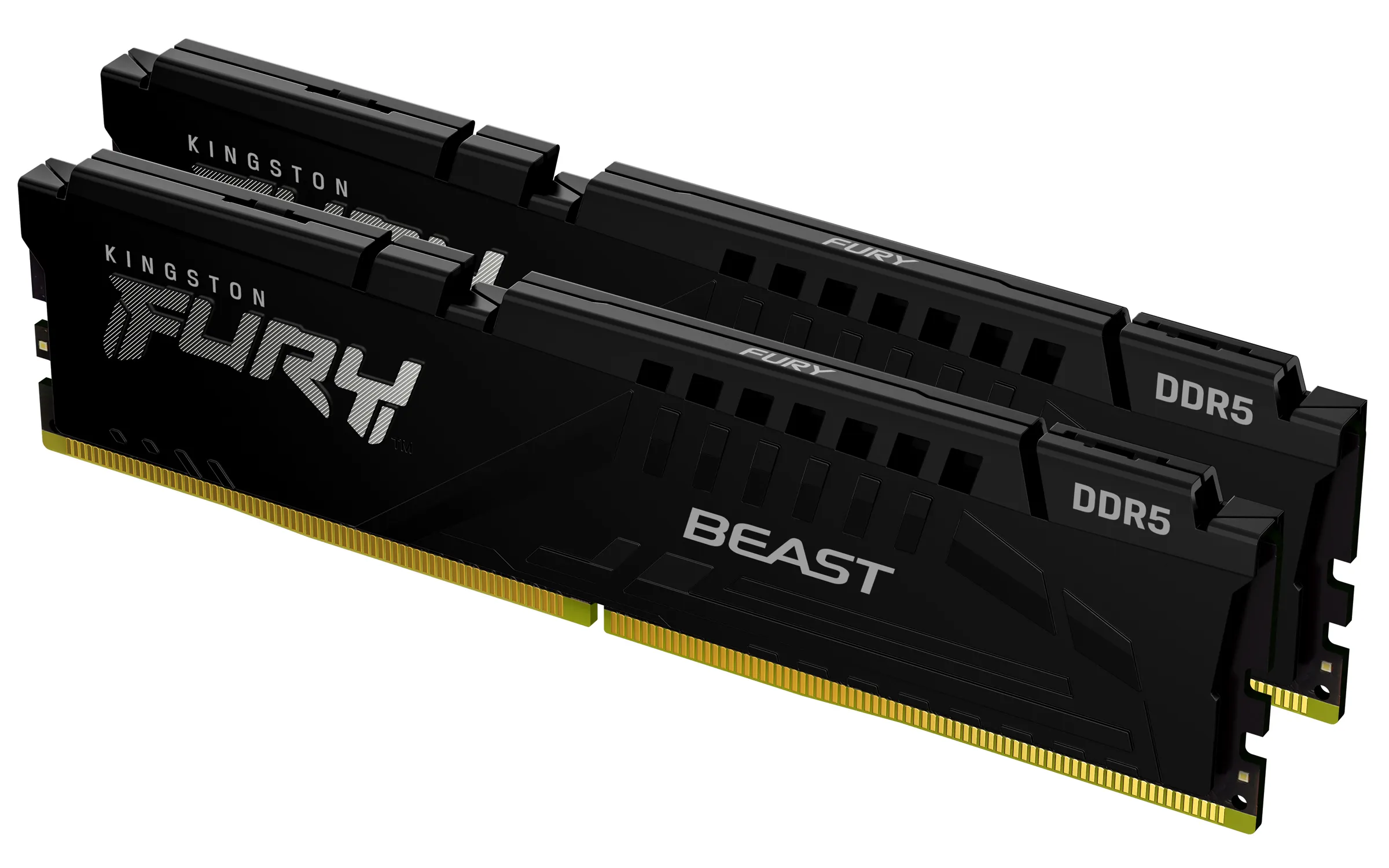
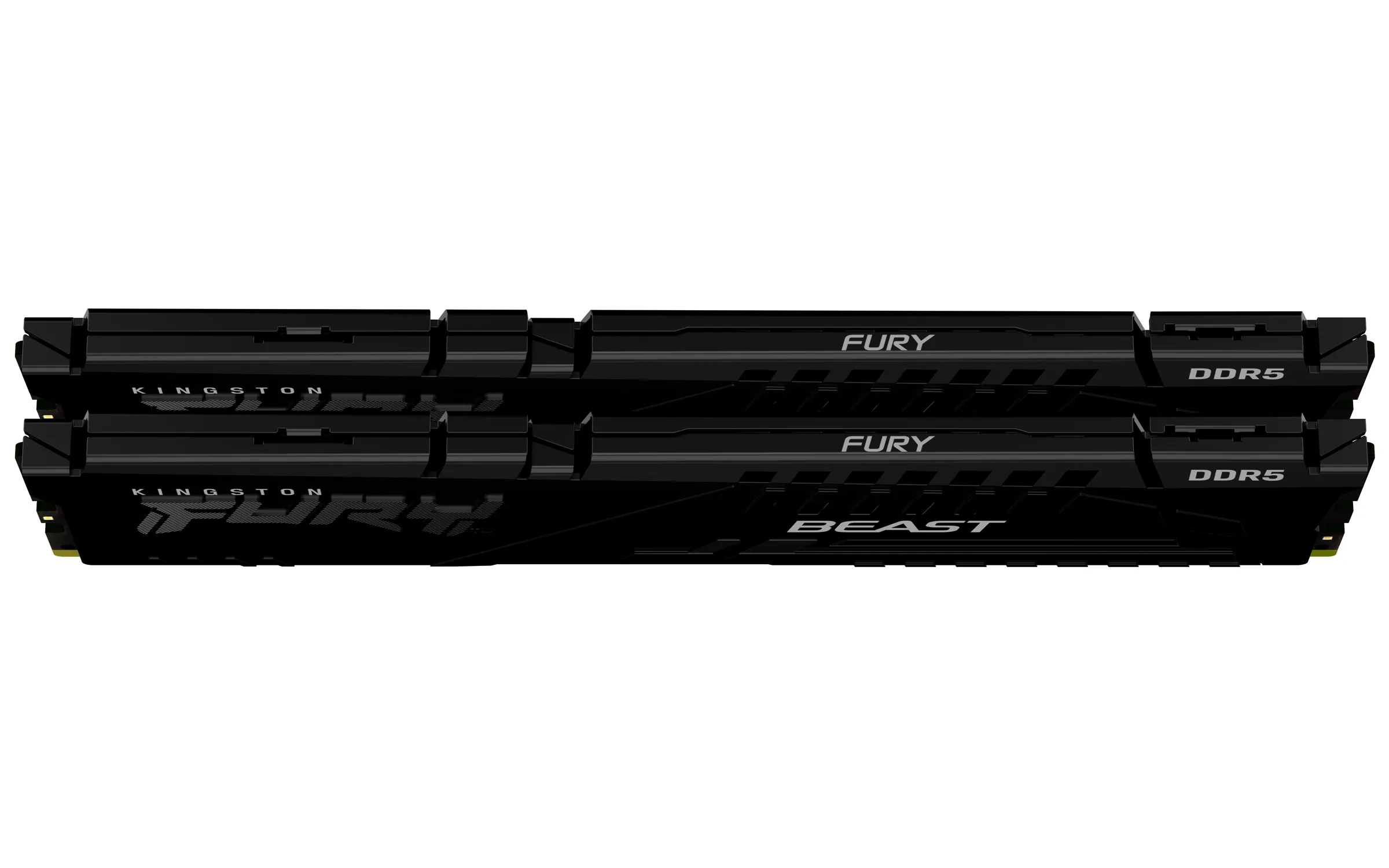
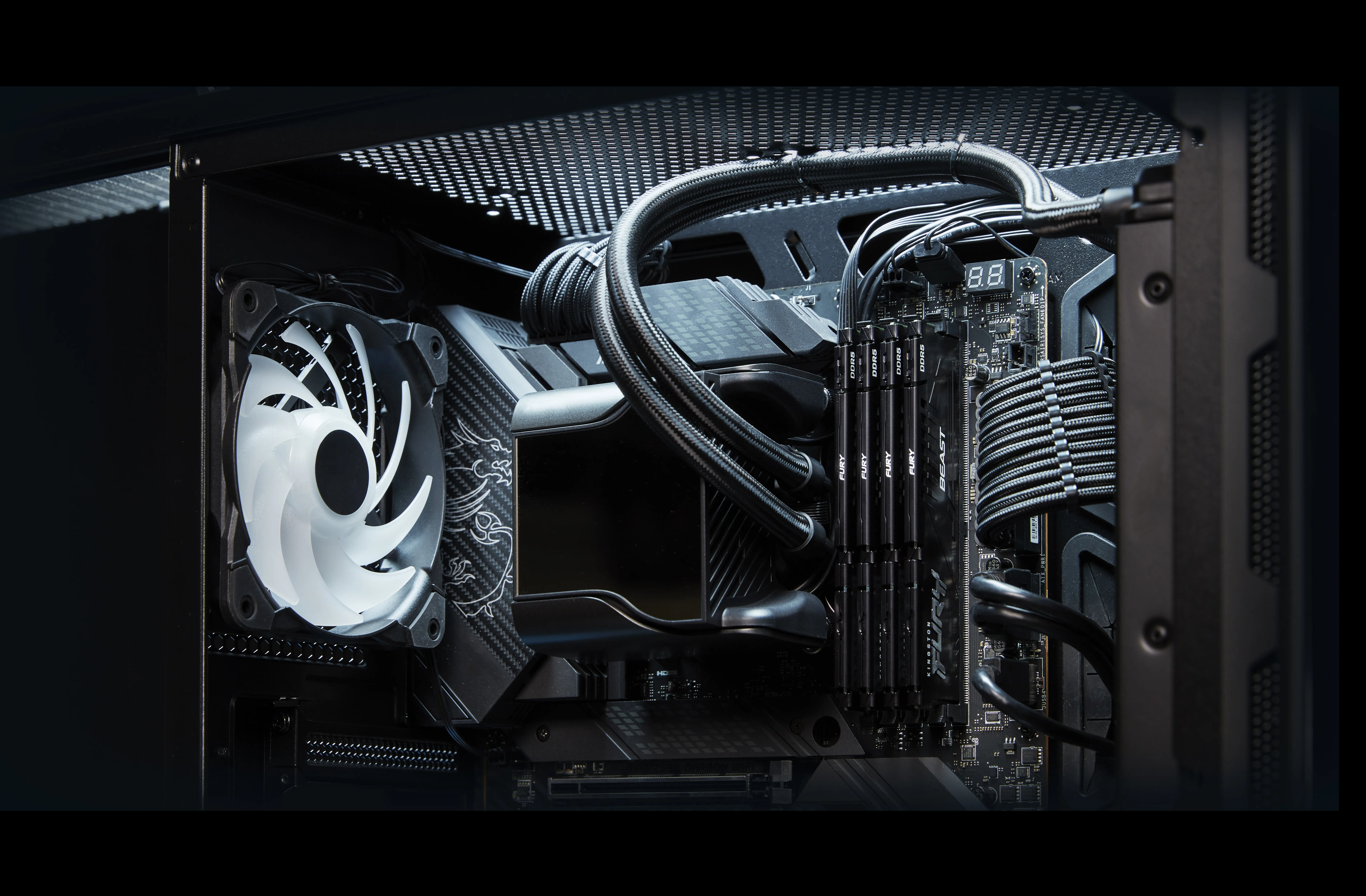
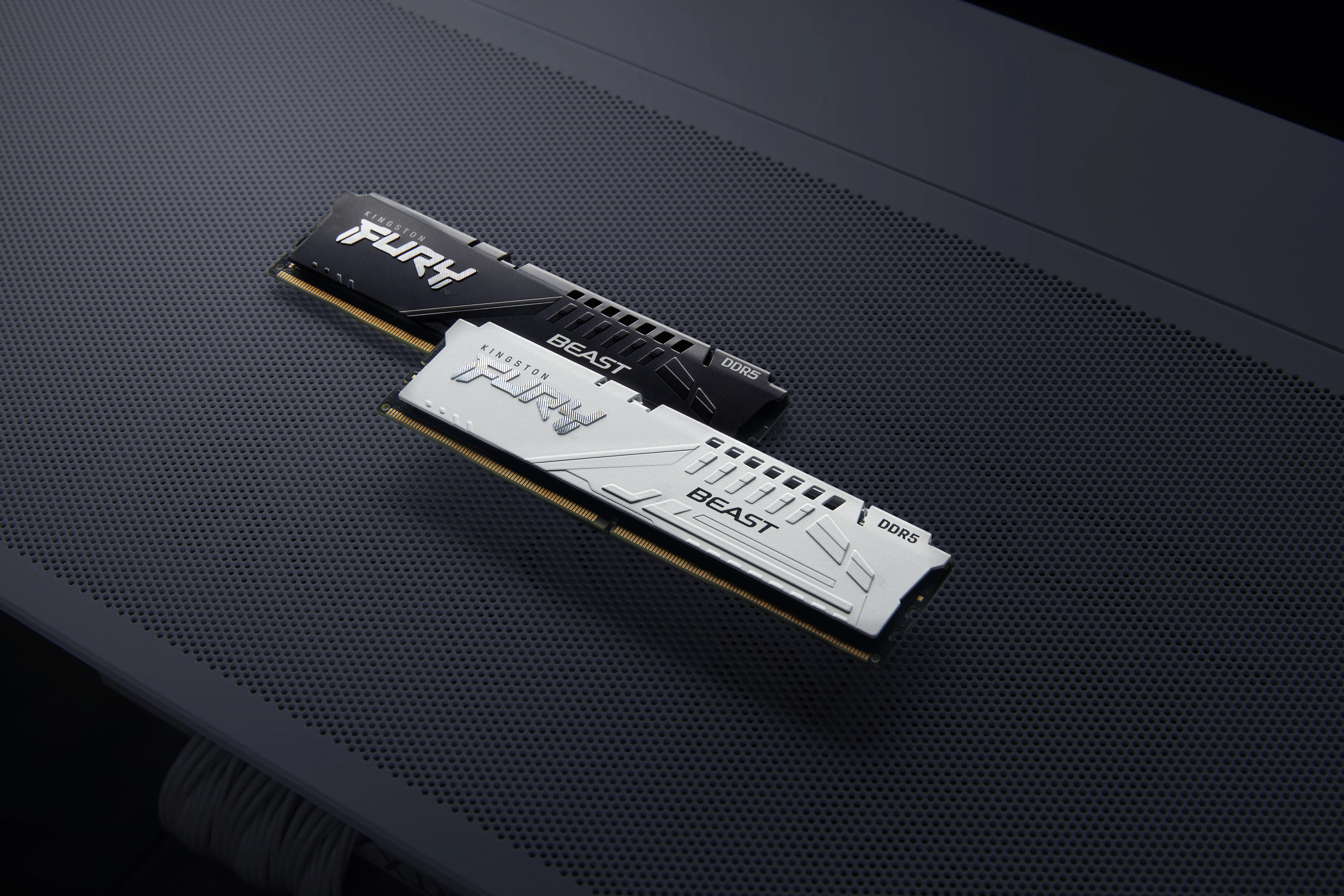
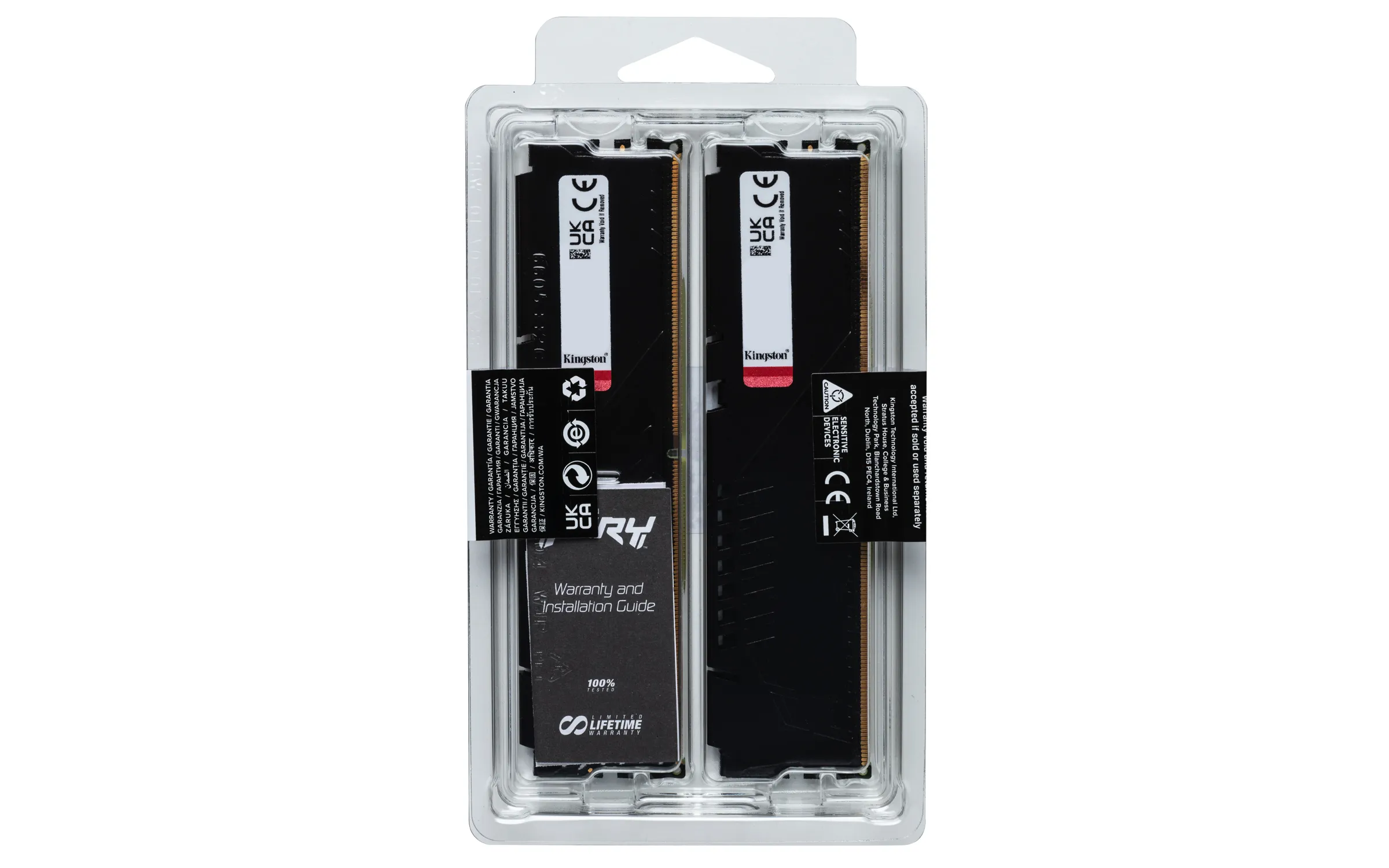
Kingston FURY Beast 32 GB (2 x 16 GB) DDR5 5600 MHz, CL36 minne (XMP/EXPO)
Lägg i köpkorgen
489,90€
Beräknad leverans: 21.07 - 22.07
Finns hos leverantören
G.SKILL Aegis 16 GB (2 x 8 GB) DDR4 3200 MHz, CL16 minne (XMP)
Lägg i köpkorgen
129,90€
Beräknad leverans: 24.07 - 27.07
Finns hos leverantören
Crucial 8 GB (1 x 8 GB) DDR4 3200 MHz, CL22 minne (XMP)
Lägg i köpkorgen
77,90€
Beräknad leverans: 21.07 - 22.07
Finns hos leverantören
Kingston FURY Beast 16 GB (2 x 8 GB) DDR5 6000 MHz, CL36 minne (EXPO)
Lägg i köpkorgen
299,90€
Beräknad leverans: 17.07 - 20.07
Finns hos leverantören
ADATA XPG GAMMIX D35 32 GB (2 x 16 GB) DDR4 3200 MHz, CL16 minne (XMP)
Lägg i köpkorgen
372,90€
Beräknad leverans: 24.07 - 27.07
Finns hos leverantören
Kingston FURY Beast 32 GB (2 x 16 GB) DDR5 6000 MHz, CL30 minne (EXPO/XMP)
Lägg i köpkorgen
519,90€
Beräknad leverans: 21.07 - 22.07
Finns hos leverantören
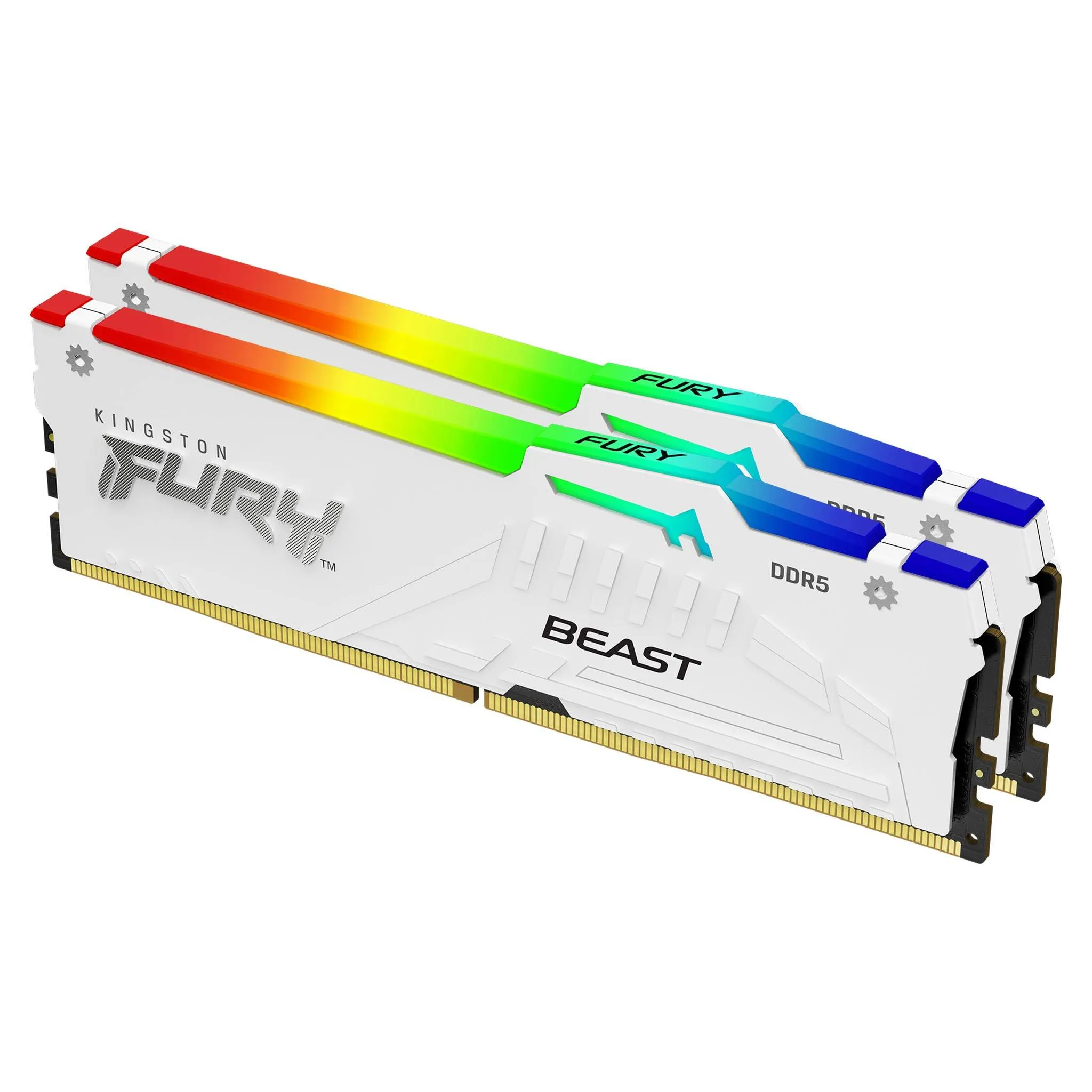
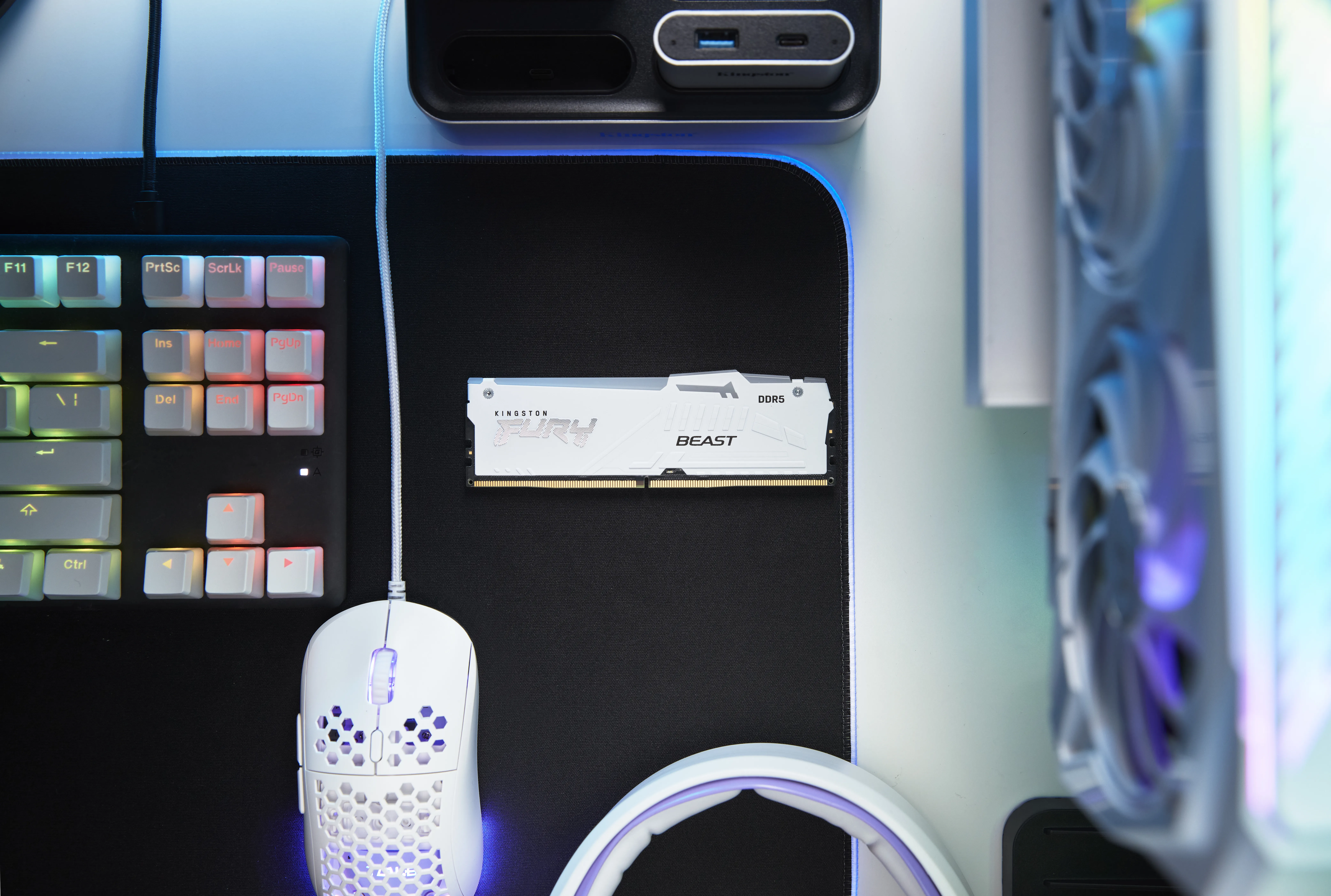
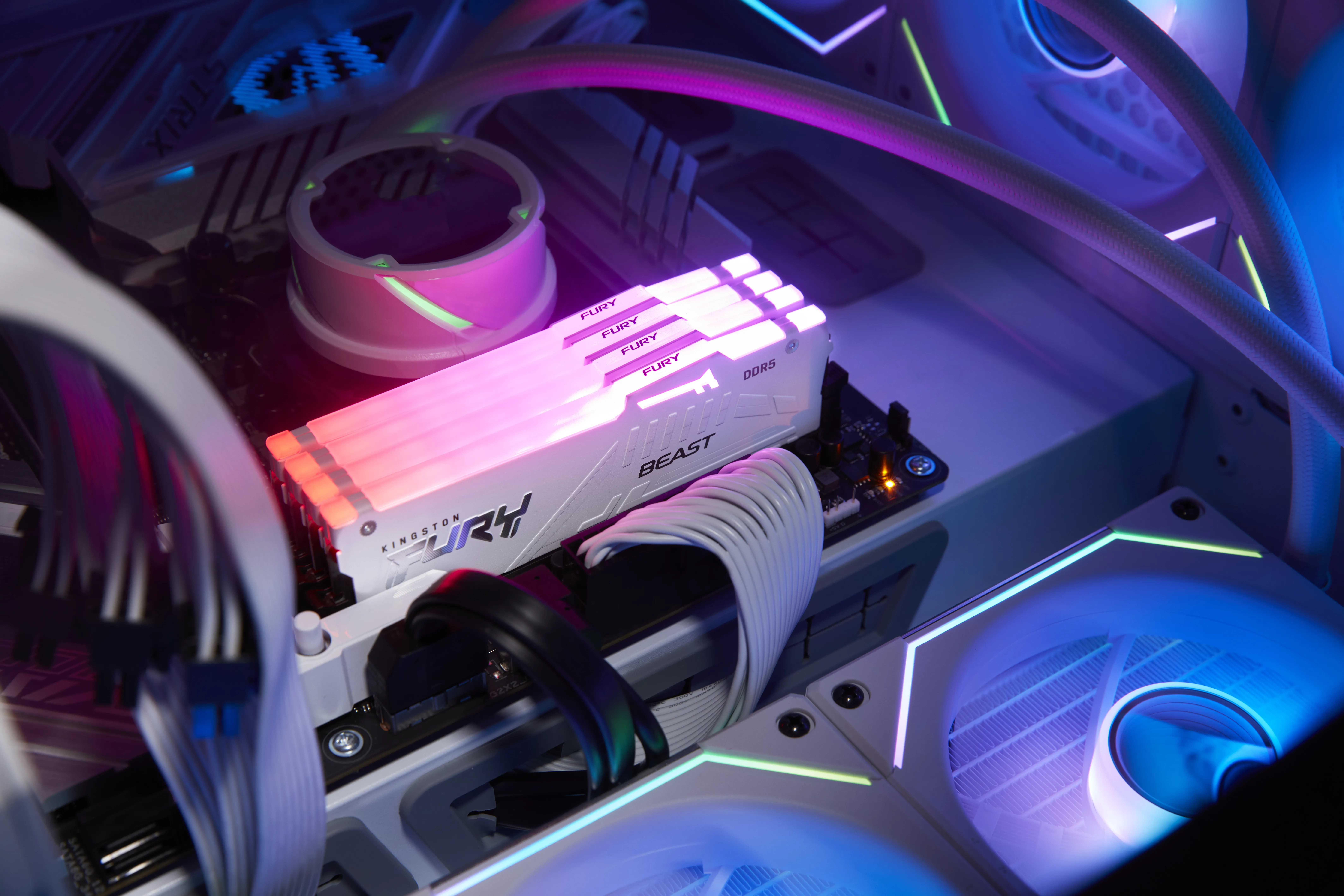
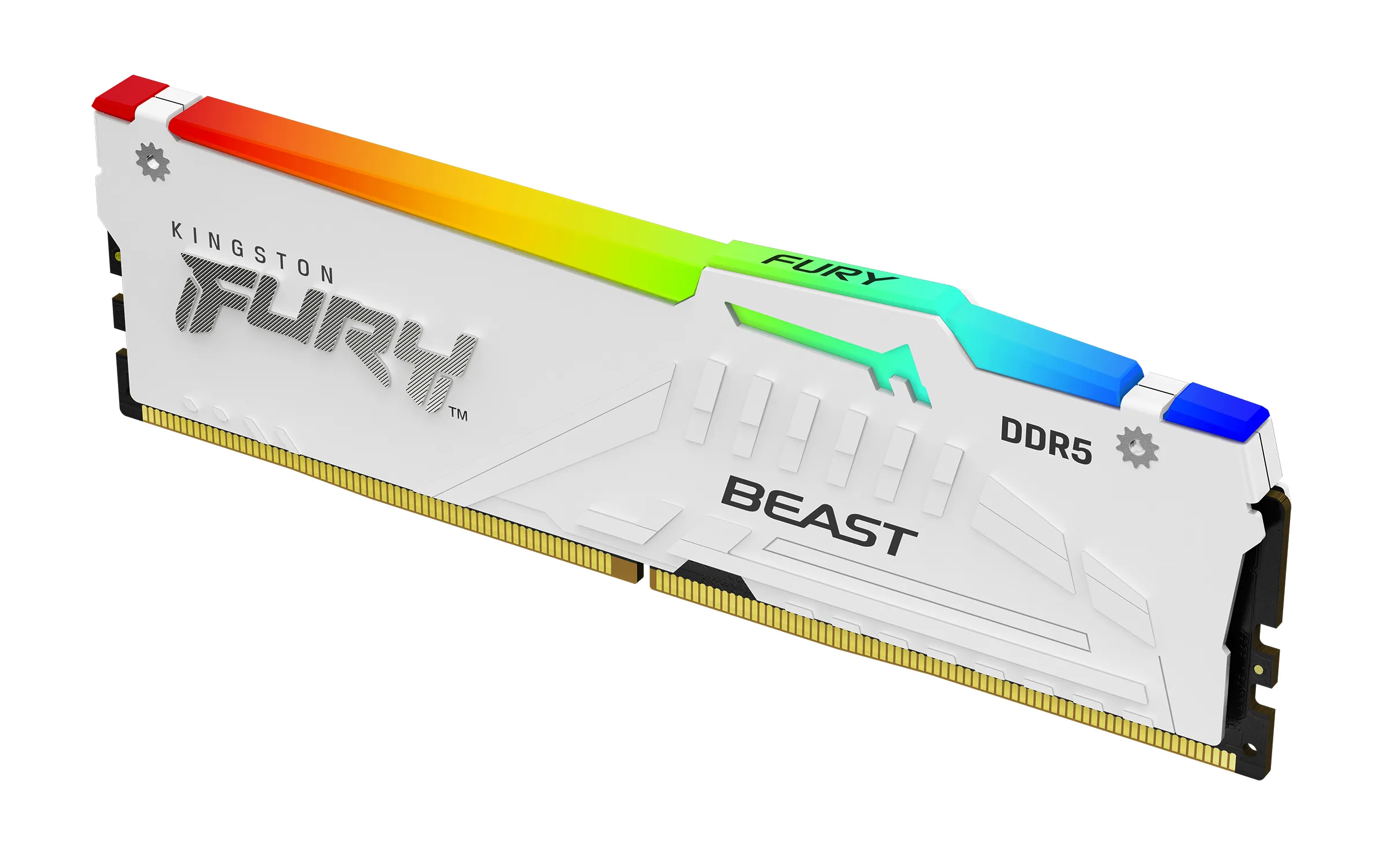
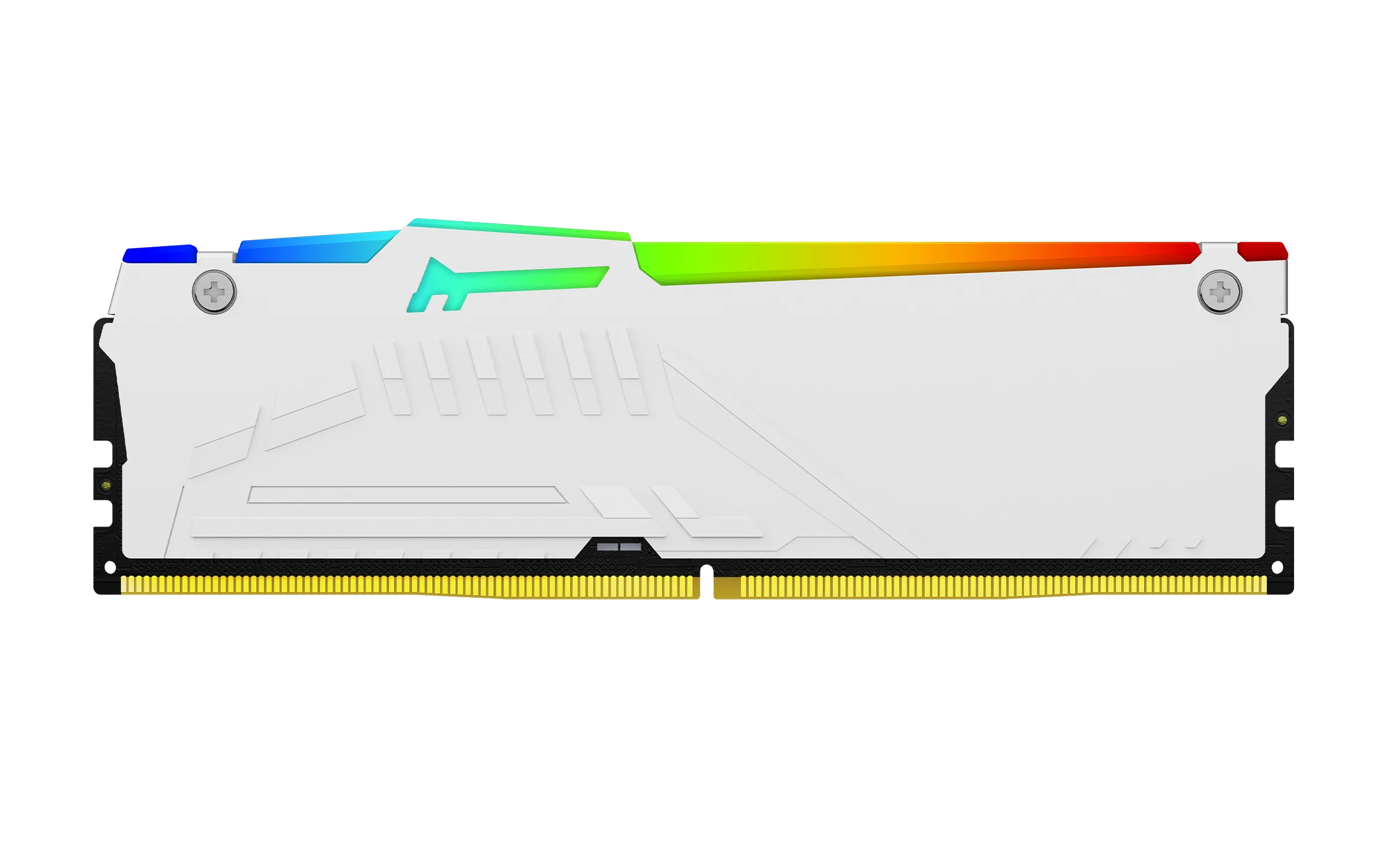
Kingston FURY Beast RGB 32 GB (2 x 16 GB) DDR5 6000 MHz, CL30 minne, vit (EXPO)
Lägg i köpkorgen
555,90€
Beräknad leverans: 17.07 - 20.07
Finns hos leverantören
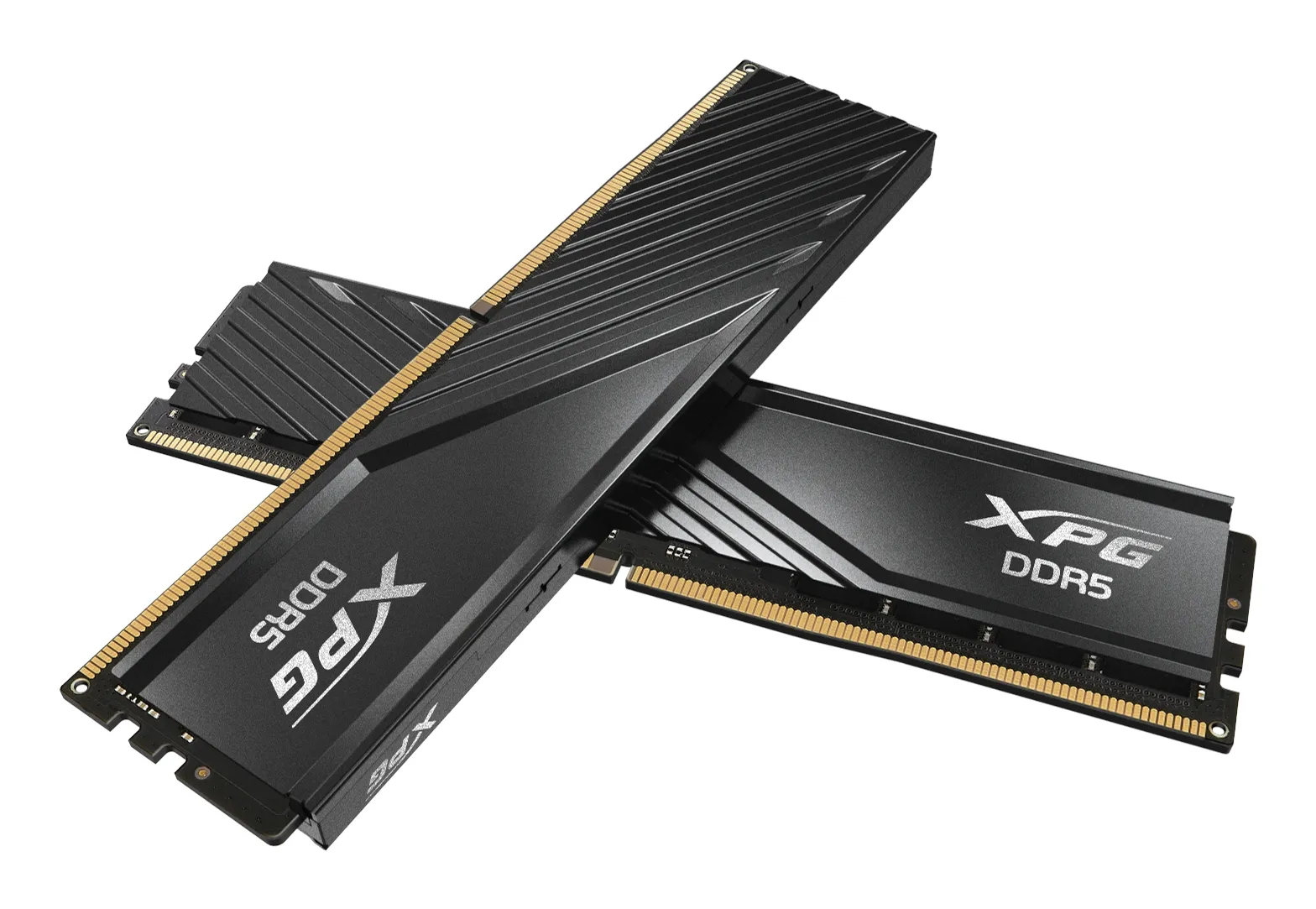
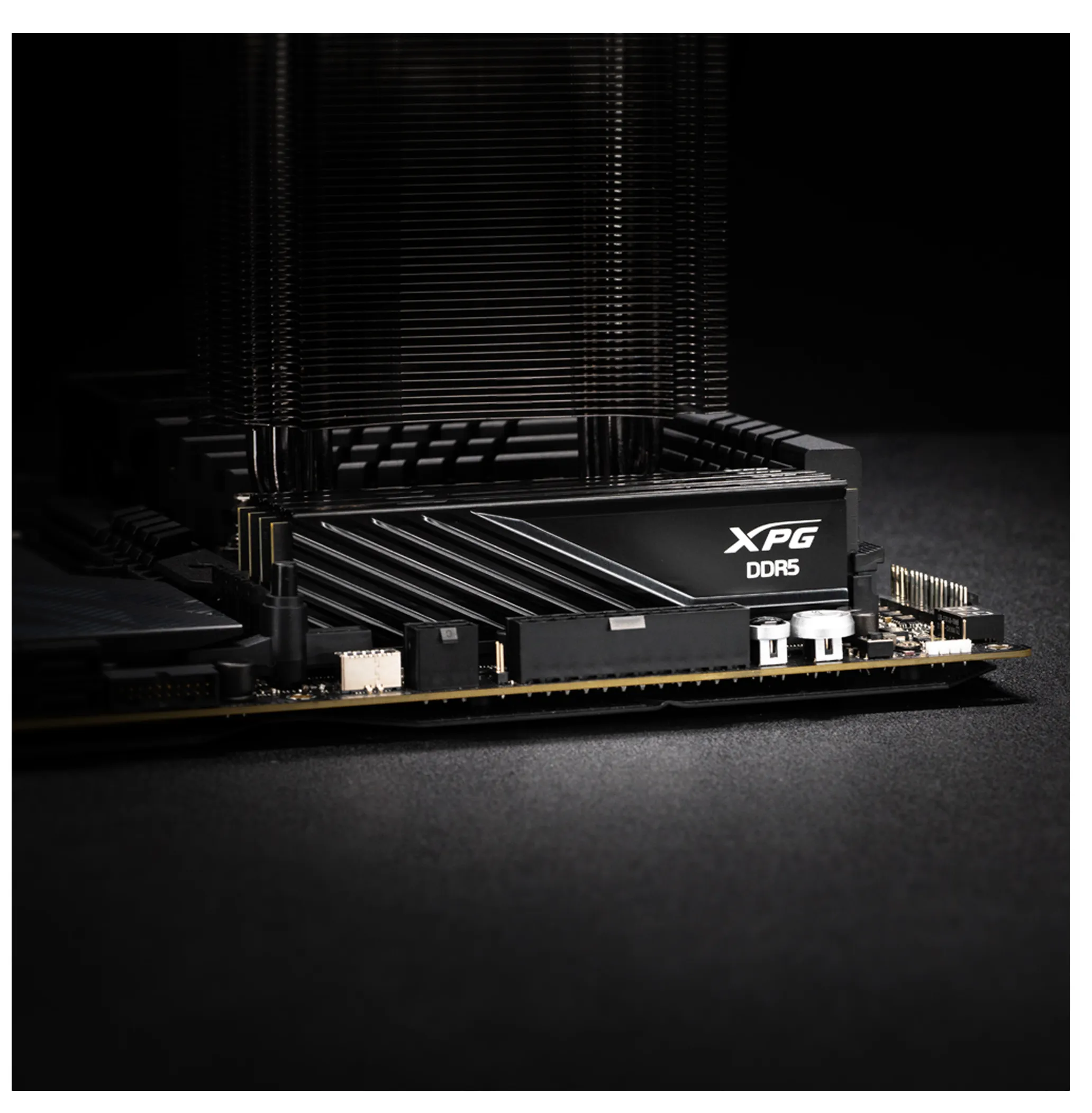
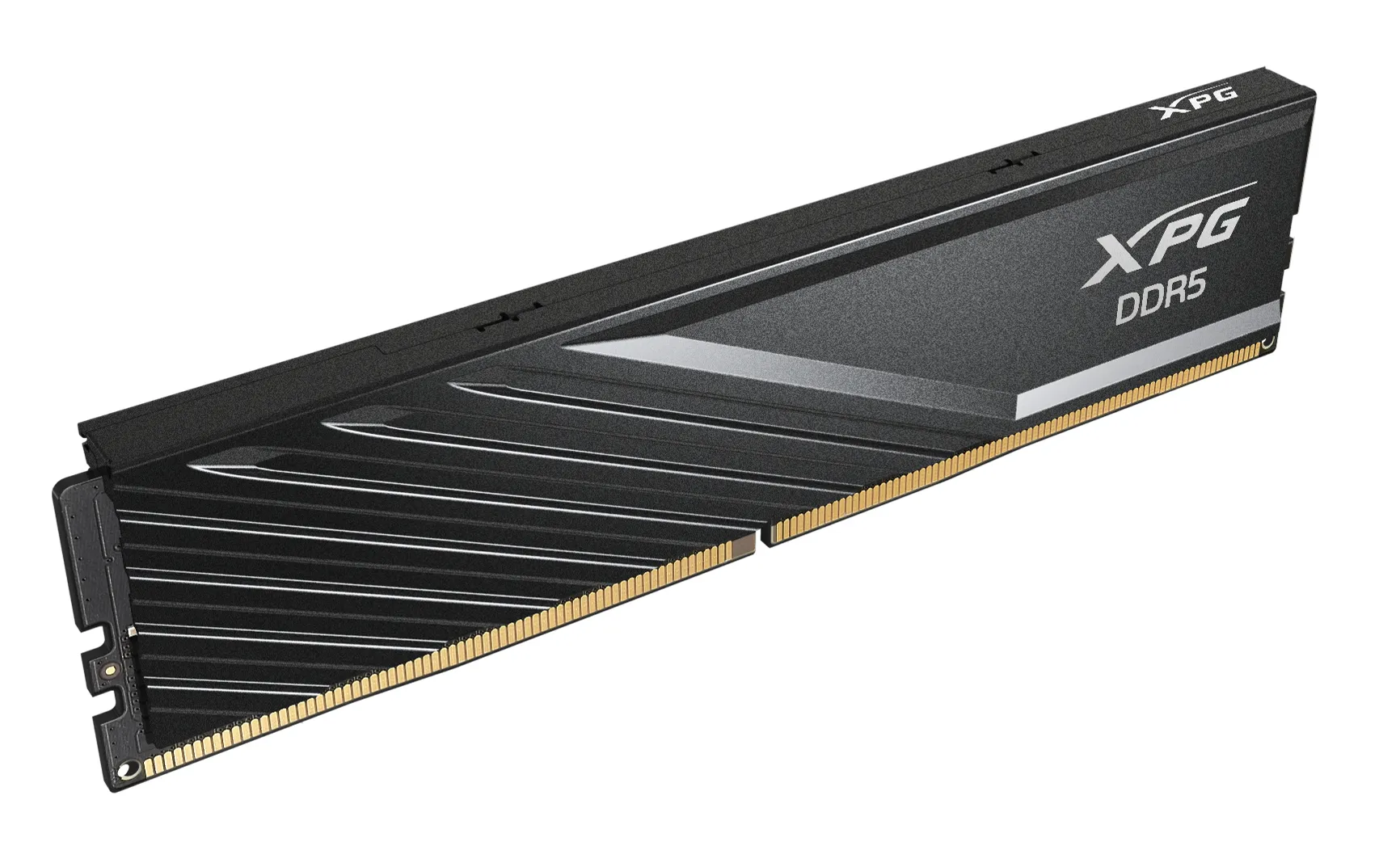
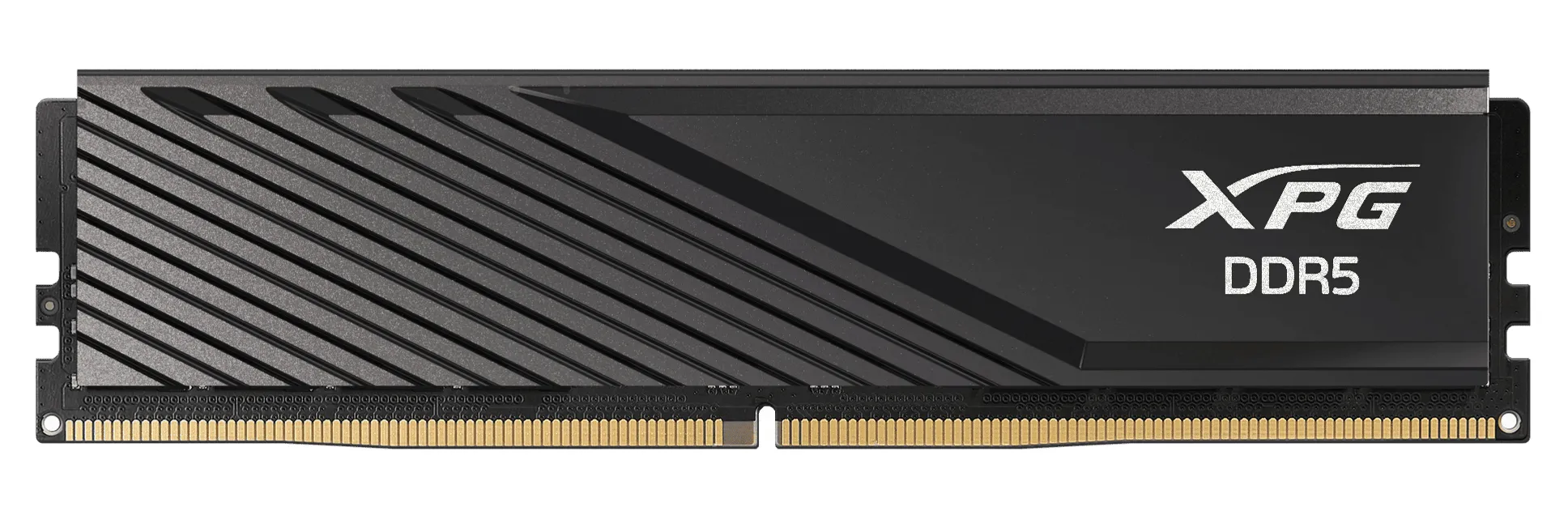
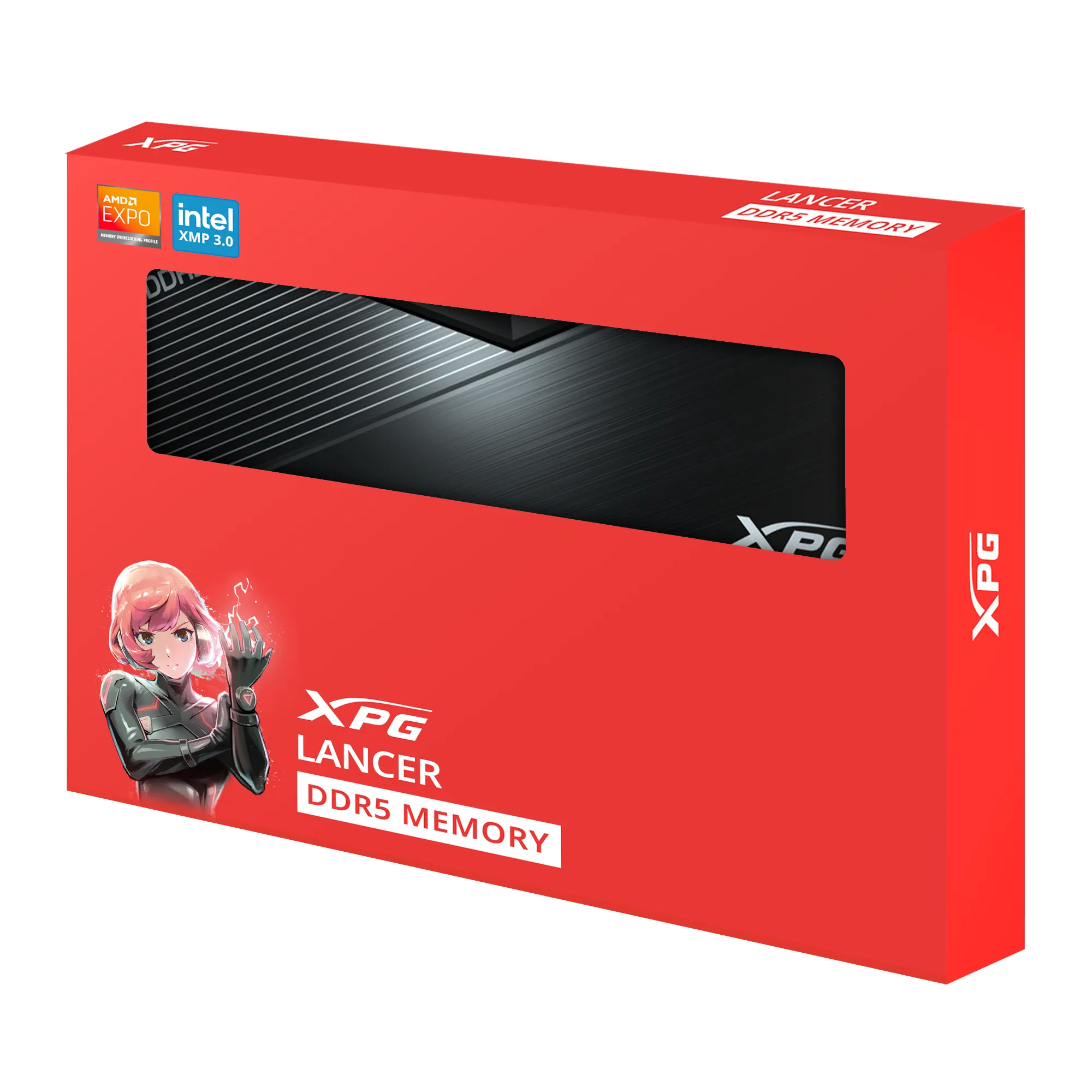
ADATA XPG Lancer Blade 32 GB (2 x 16 GB) DDR5 6000 MHz, CL48 minne (XMP/EXPO)
Lägg i köpkorgen
422,90€
Beräknad leverans: 21.07 - 22.07
Finns hos leverantören
Kingston FURY Beast 128 GB (2 x 64 GB) DDR5 5600 MHz, CL36 minne (EXPO)
Lägg i köpkorgen
2081,90€
Beräknad leverans: 21.07 - 22.07
Finns hos leverantören
G.SKILL Trident Z5 Neo RGB 24 GB (1 x 24 GB) DDR5 6000 MHz, CL40 minne (EXPO)
Lägg i köpkorgen
379,00€ 399,90€
Beräknad leverans: 17.07 - 20.07
I lager
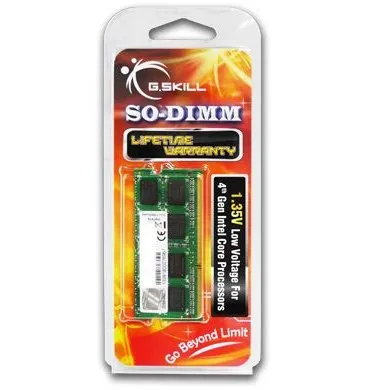
G.SKILL 4 GB (1 x 4 GB) DDR3 1600 MHz, CL11 minne
Lägg i köpkorgen
30,90€
Beräknad leverans: 21.07 - 22.07
Finns hos leverantören
G.SKILL Aegis 8 GB (1 x 8 GB) DDR4 3200 MHz, CL16 minne (XMP)
Lägg i köpkorgen
67,90€
Beräknad leverans: 21.07 - 22.07
Finns hos leverantören
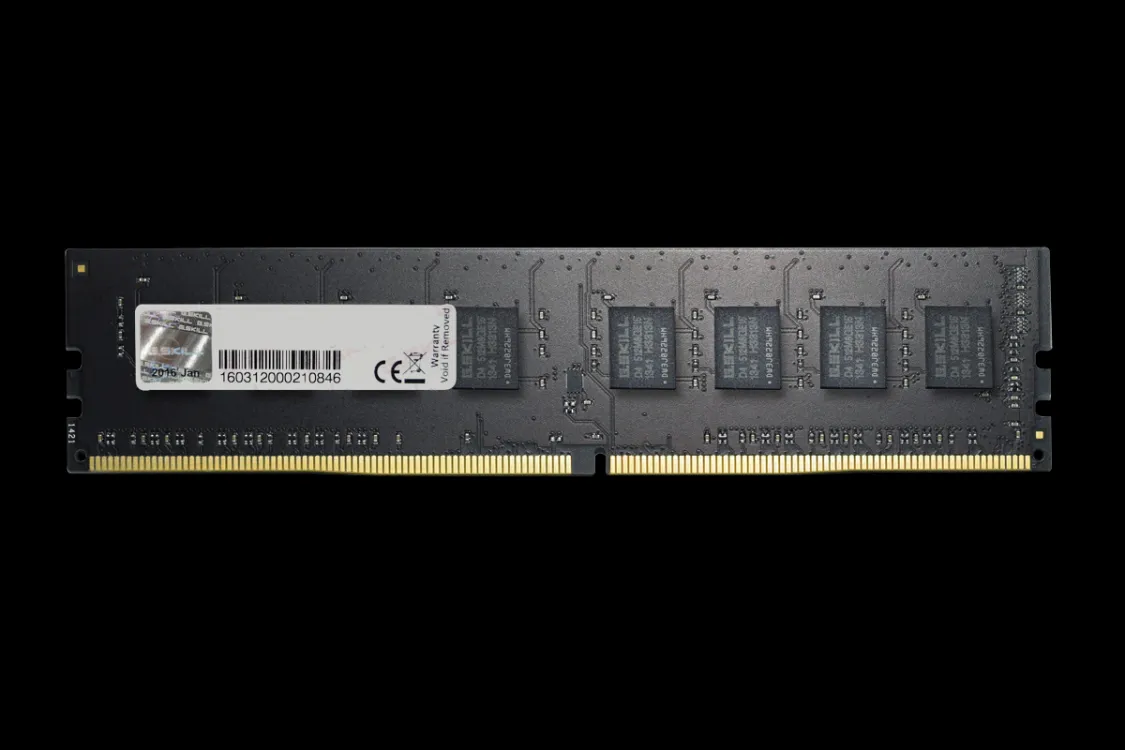
G.SKILL Value 8 GB (1 x 8 GB) DDR4 2666 MHz, CL19 minne (XMP)
Lägg i köpkorgen
117,90€
Beräknad leverans: 21.07 - 22.07
Finns hos leverantören
Crucial SO-DIMM 8 GB (1 x 8 GB) DDR4 3200 MHz, CL22 minne
Lägg i köpkorgen
72,90€
Beräknad leverans: 21.07 - 22.07
Finns hos leverantören
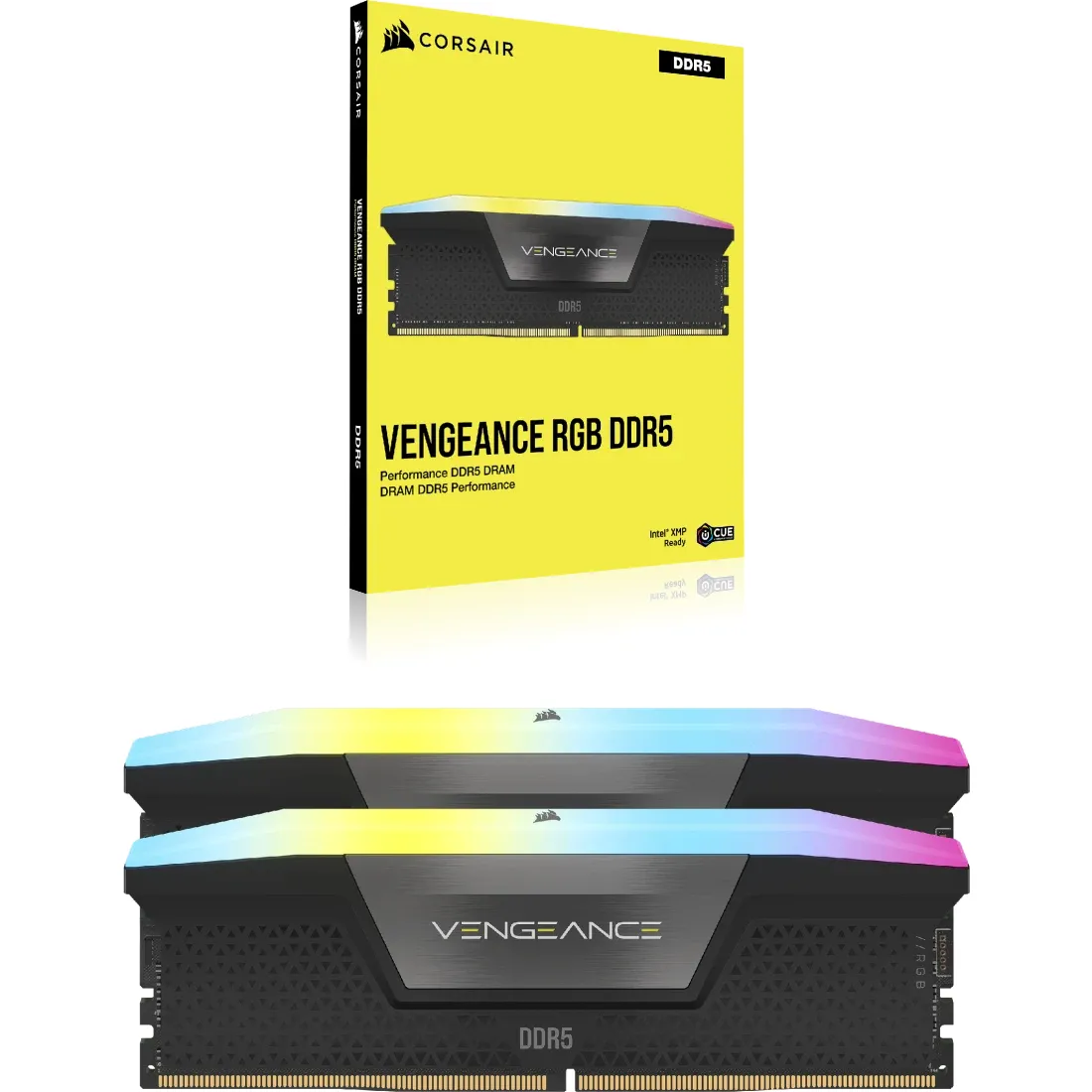
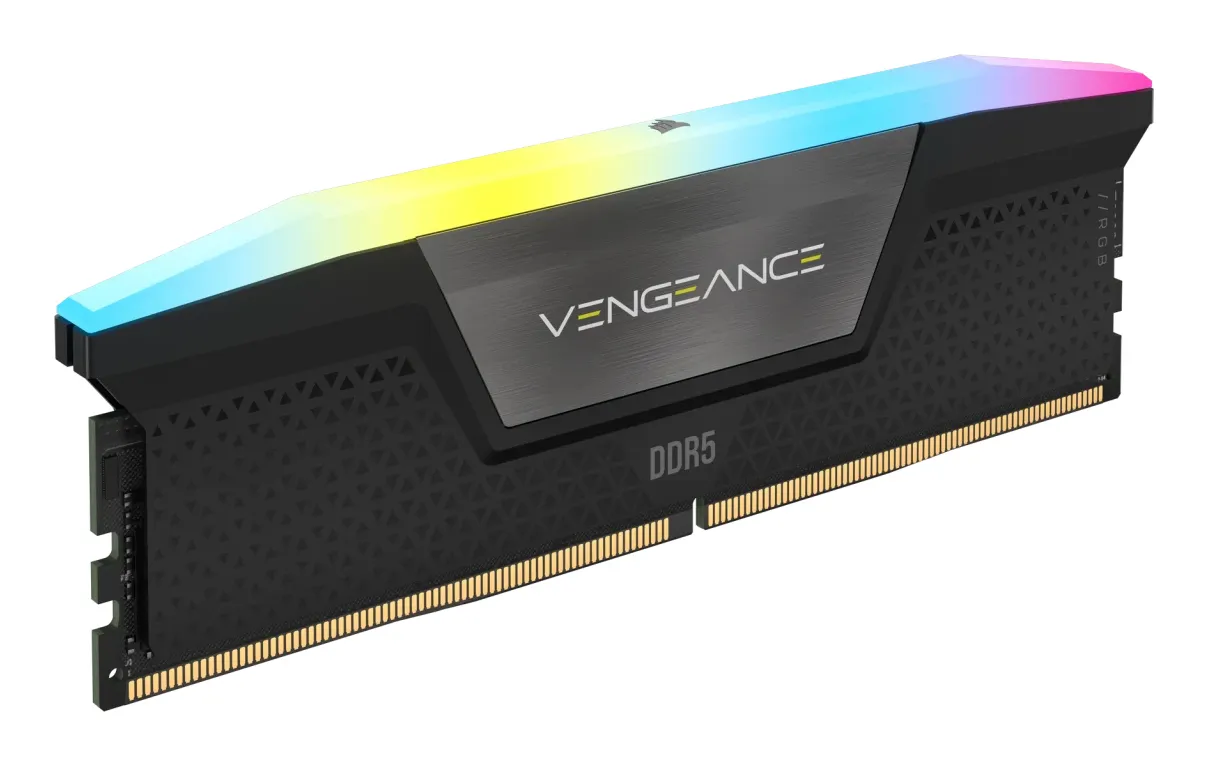
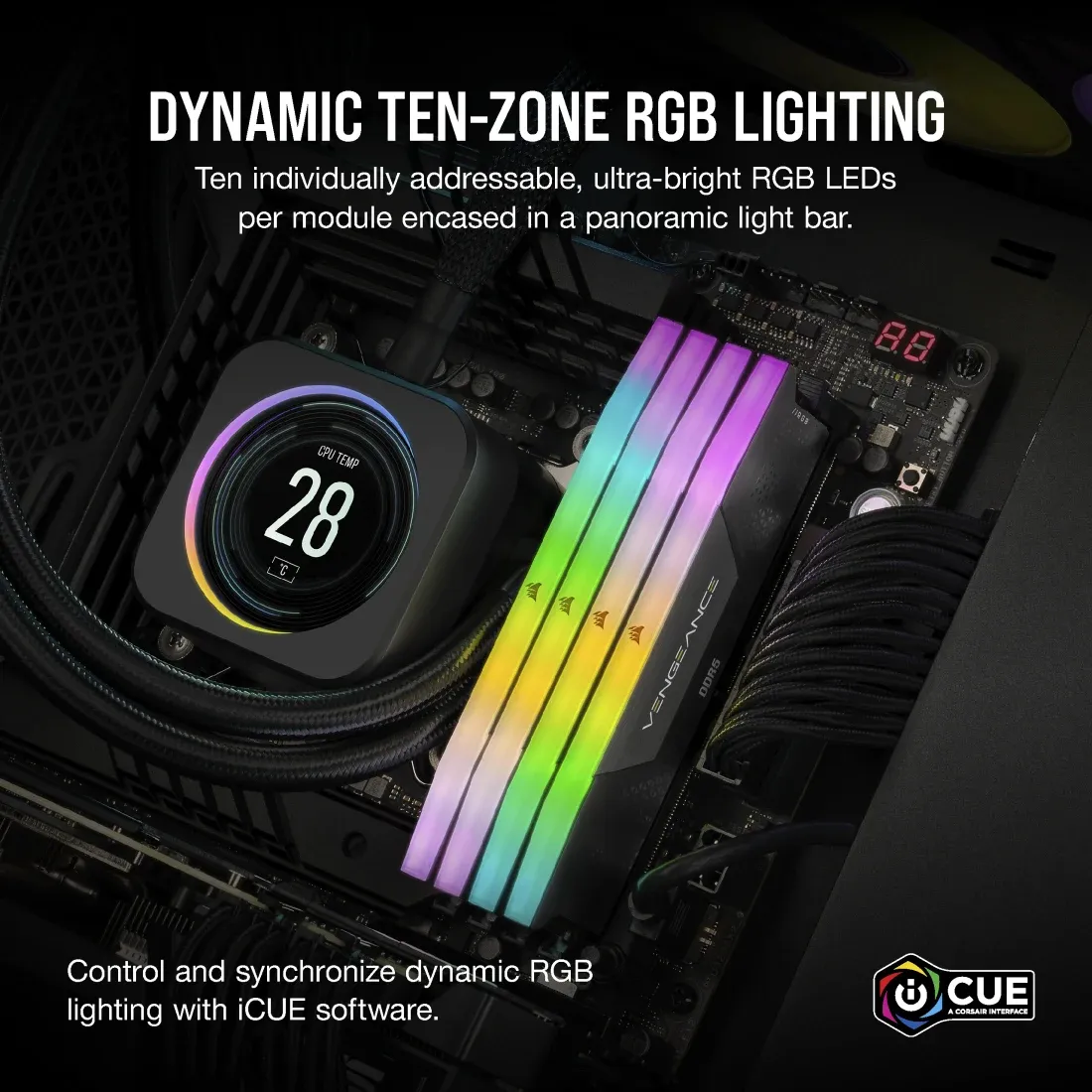
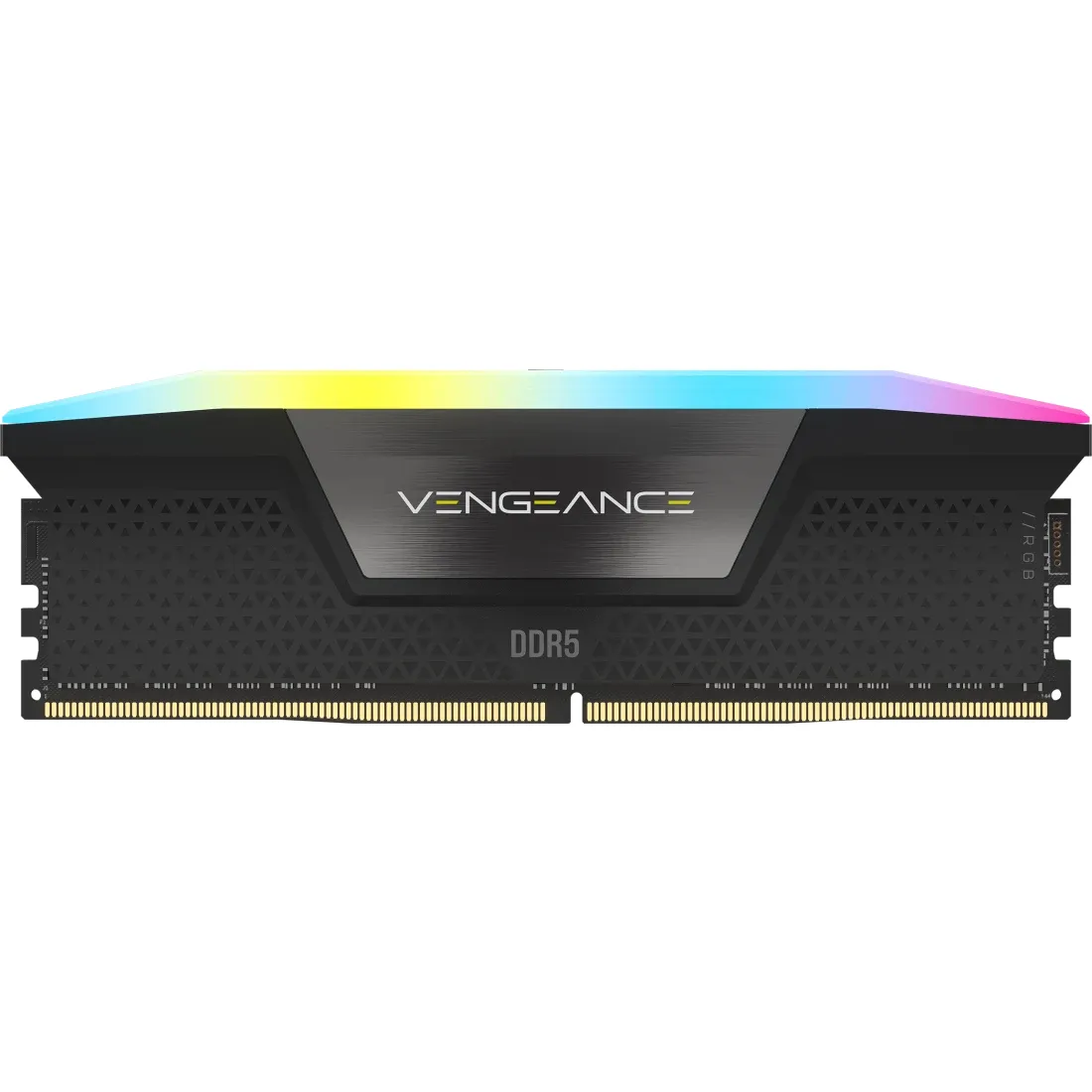
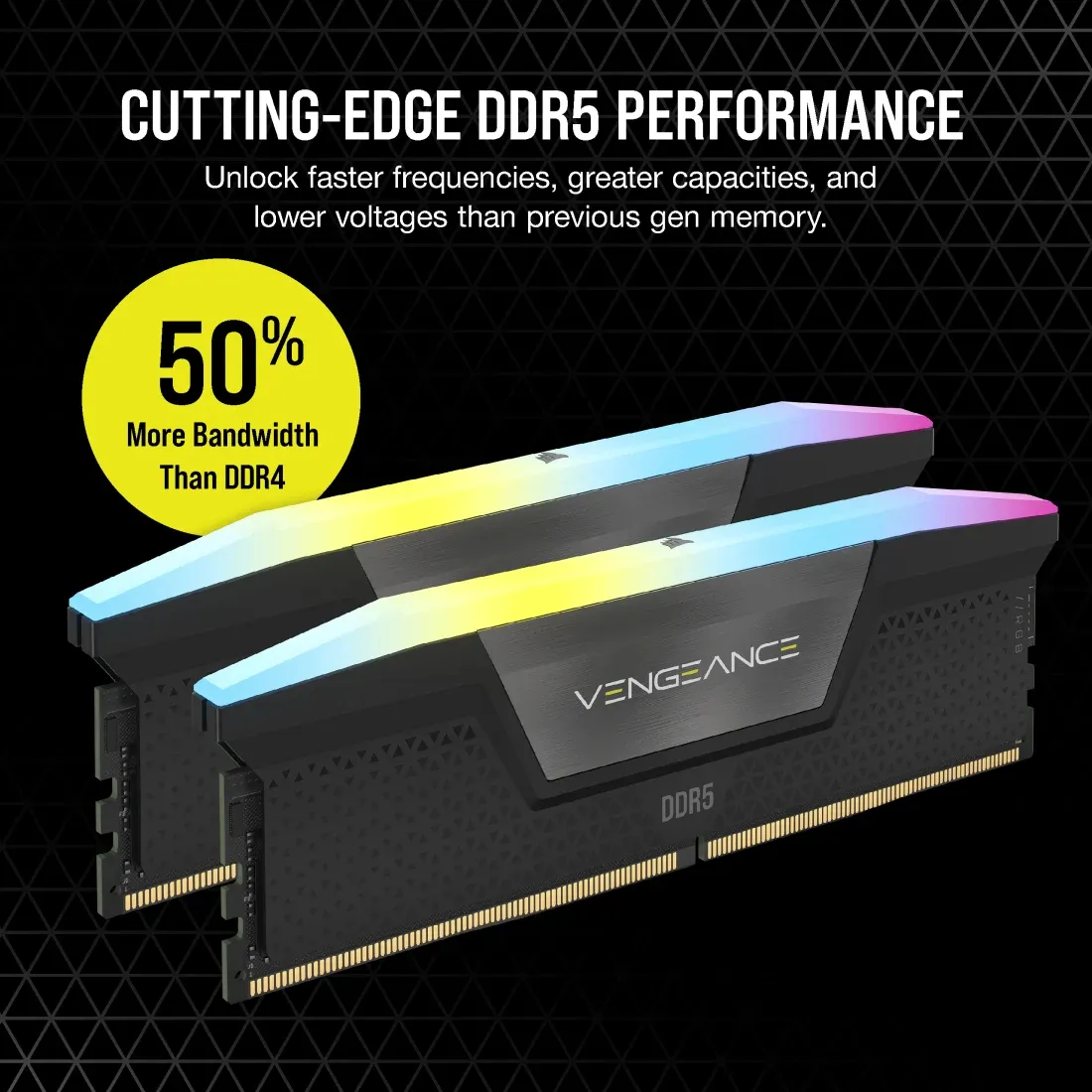
Corsair VENGEANCE RGB 8 GB (1 x 8 GB) DDR5 5200 MHz, CL40 minne (XMP)
Lägg i köpkorgen
125,90€
Beräknad leverans: 21.07
Finns hos leverantören
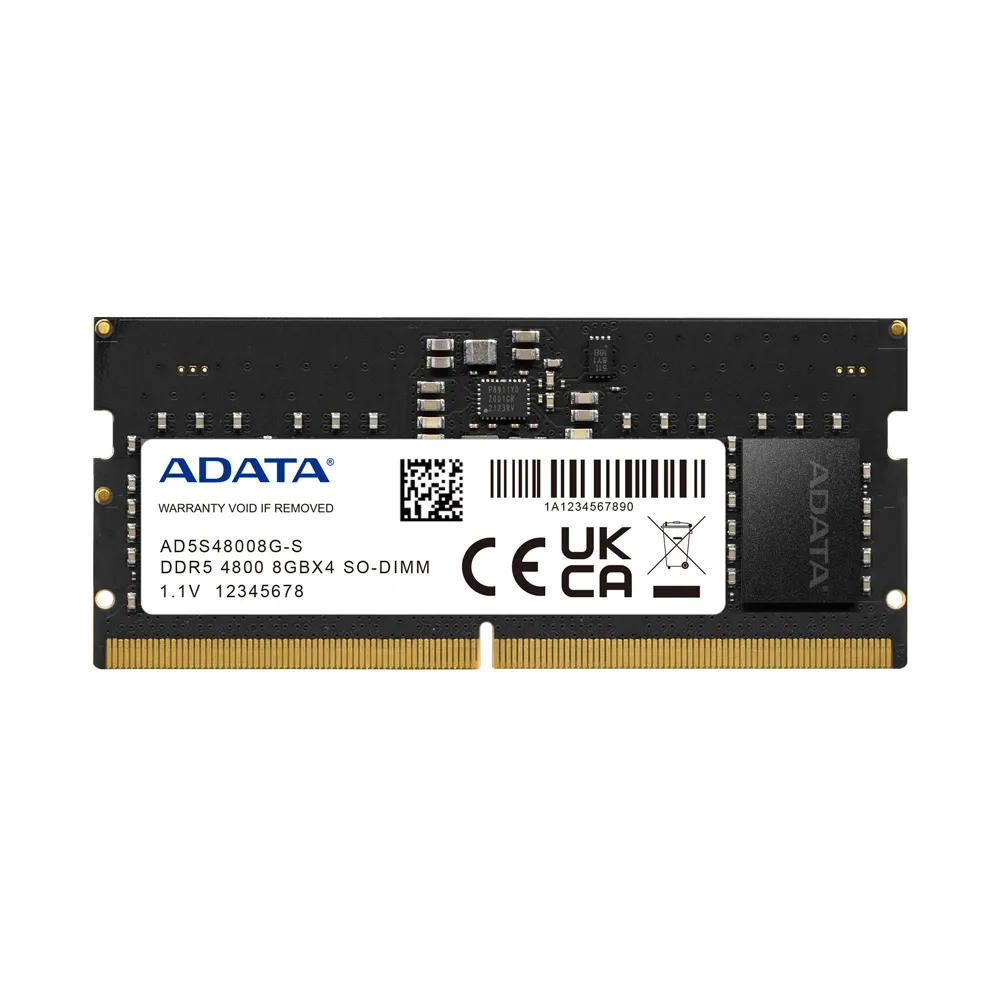
ADATA DDR5 8GB SO-DIMM 4800MHz single tray
Lägg i köpkorgen
160,90€
Beräknad leverans: 21.07 - 22.07
Finns hos leverantören